A:AnswerI presume from your question that you have *both* your internet connection and cable TV with Frontier as a package deal. You would need to check your contract with Frontier and check to be sure that they offer an Internet-only plan. If they do, you cancel your combo package and subscribe to an internet-only service. They may not like it, but they have to keep your Wi-Fi on if you are paying for it. I would also check the speed of your Wi-Fi to be sure that it will handle streaming.
I would note that if you are getting local broadcasts through the cable and they are important to you, then you need to check with Roku as to what local broadcasts are carried by Roku TV -- it may not be all of them. (For instance, Roku carries PBS channels, but PBS will only send you the ones to whom you have donated -- that's not Roku's fault at all.)
Other than a short but very sharp learning curve (due to my preconceptions of rational ordering of content) I have been quite pleased with my Roku.
A:AnswerI think these two Products as well as the associated cables might work for you. It requires a couple of adapters:
Insignia™ - Optical/Coaxial Digital-to-Analog Converter - Black
Model:NS-HZ313 SKU:4226000
Insignia™ - HDMI Audio Extractor - Black
Insignia™ - 12' 4K Ultra HD HDMI Cable - Black
Insignia™ - 6' Toslink Optical Audio Cable - Black
Insignia™ - 6' Audio Cable - Black
So my theory here is you take the HDMI signal, split out the audio then take an optical cable and convert it to RCA.
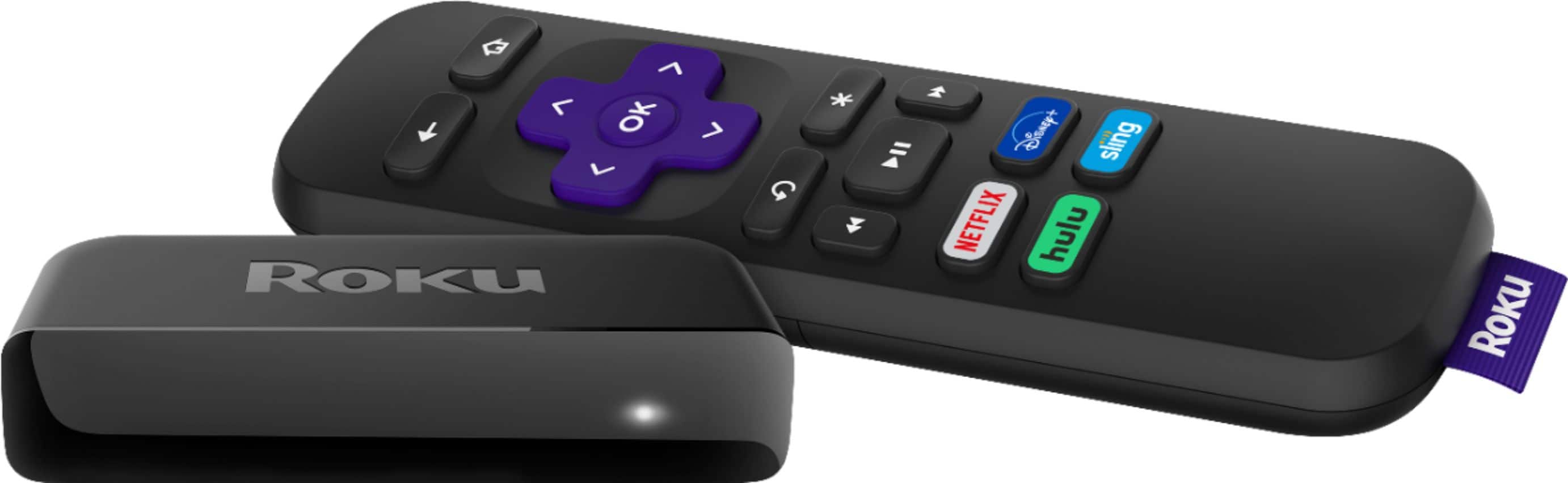
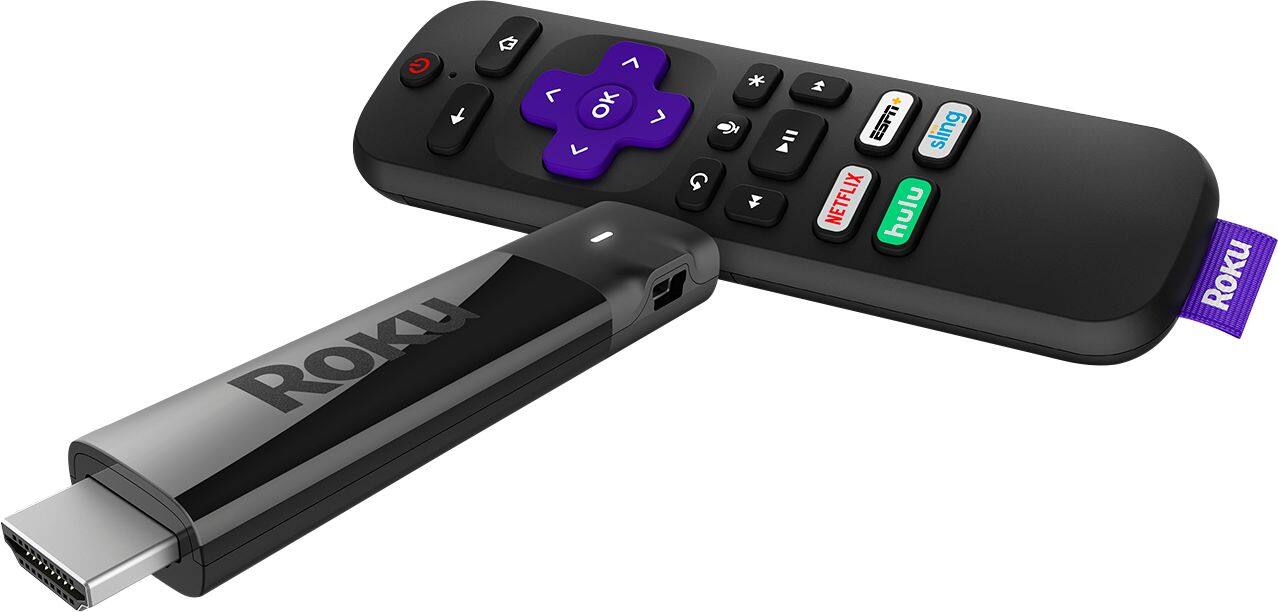
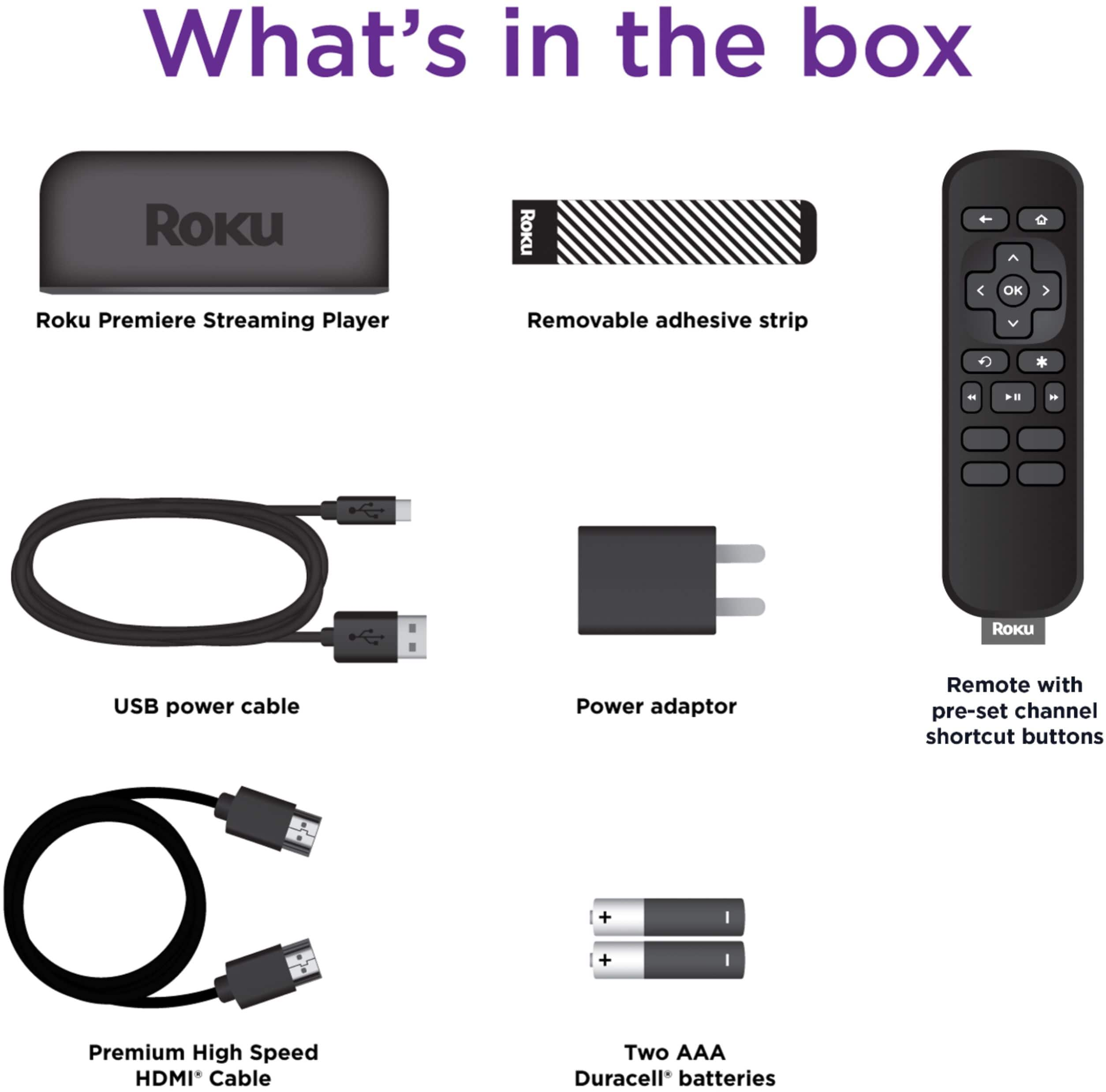
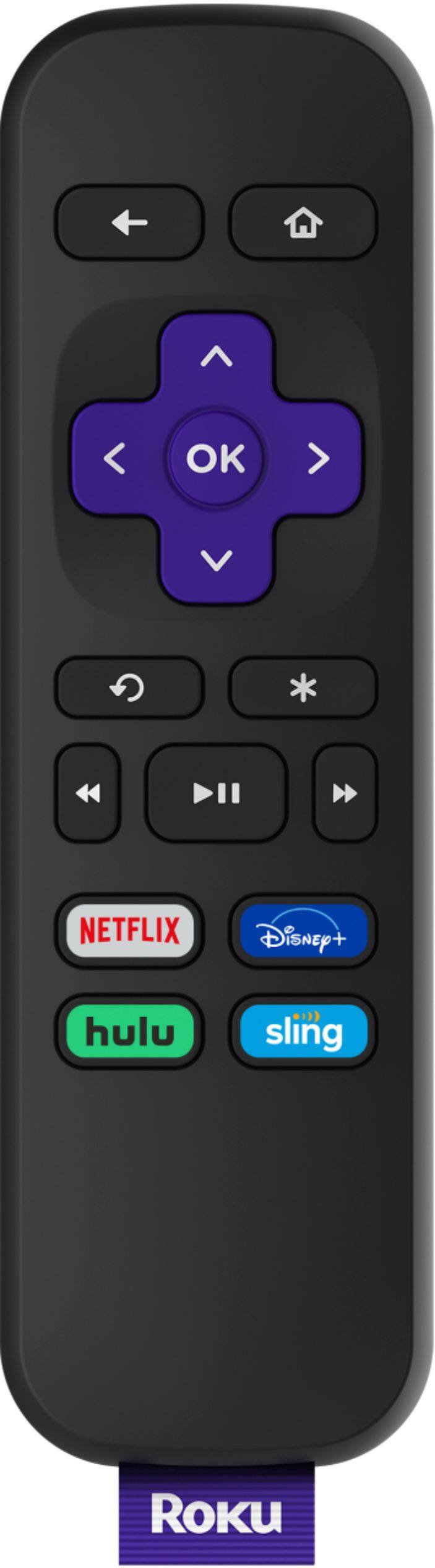
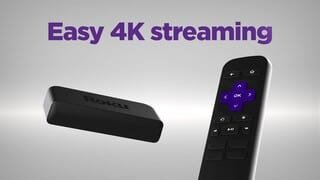
A:Answernot sure i fully understand the question, but if you order the Premiere, that will be the player and remote (though the remote with it won't be a voice one)
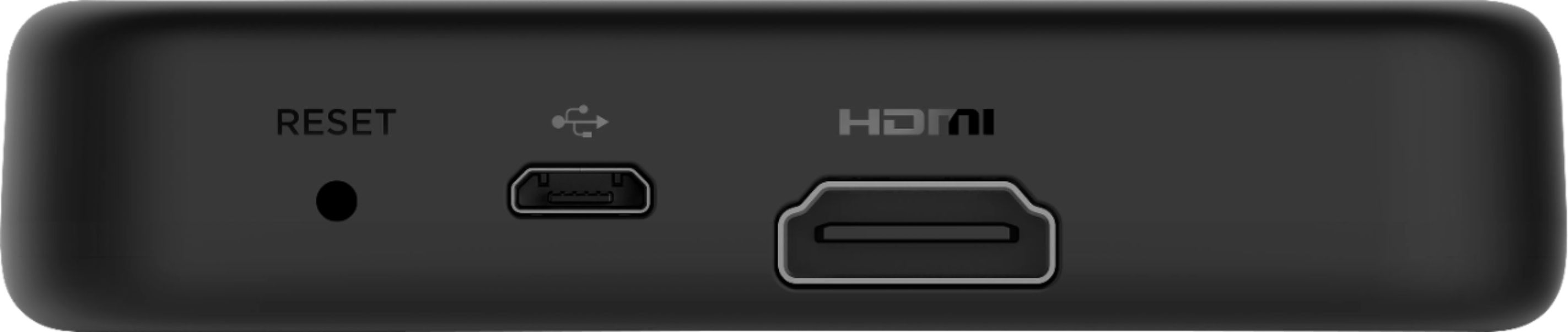
A:AnswerThe Roku Premiere does NOT record, function as a DVR or have a USB port to be able to play movies.
Only Roku TVs will allow DVR functionality (pause and rewind) and that requires a 16 gb USB stick.
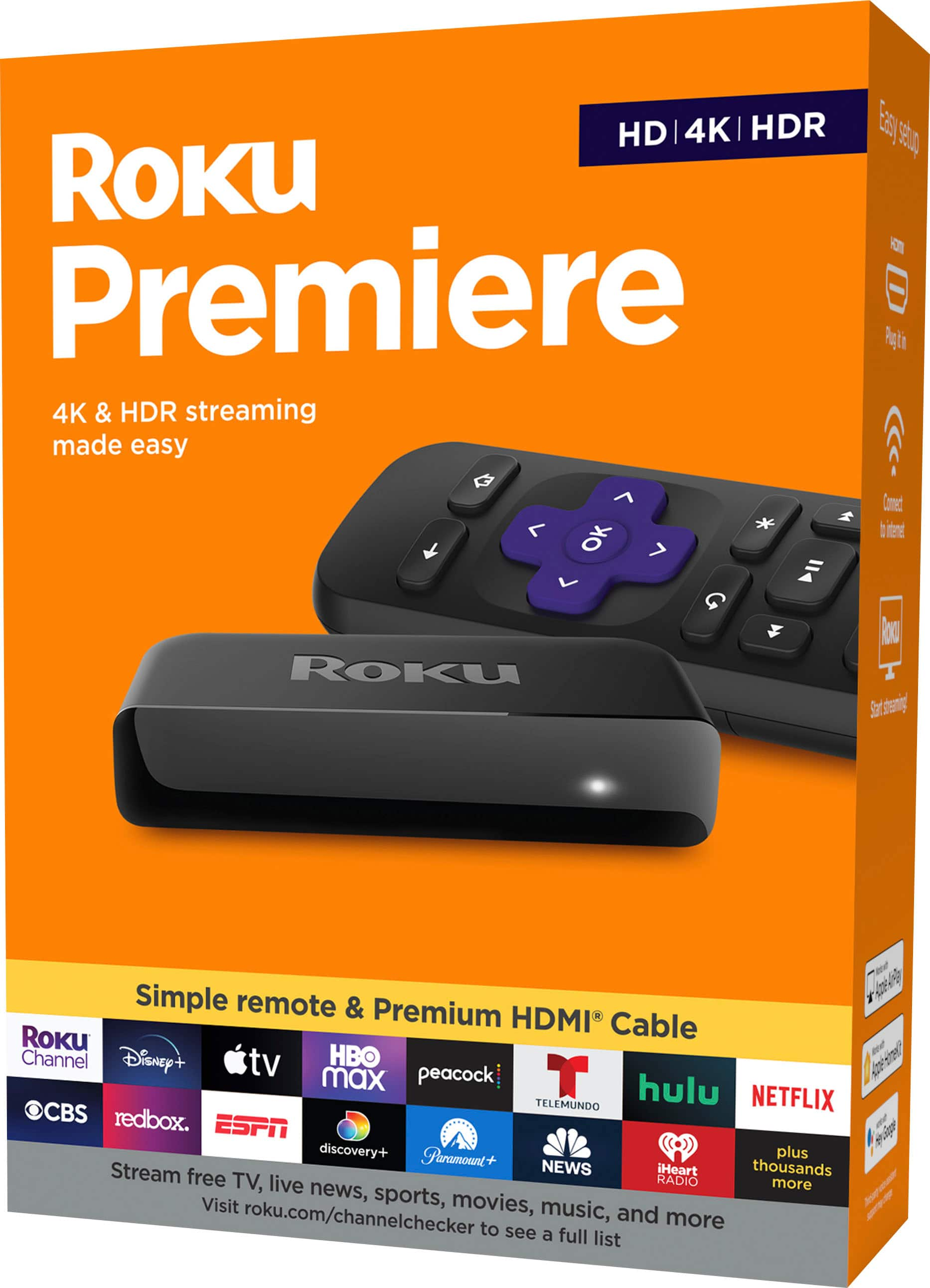
The Roku Premiere is designed to make your ordinary TV a smart TV.
If you want to watch YouTube, Disney+, Netflix, Amazon Prime or other streaming services, full screen, on your TV instead of your phone or laptop, a Roku is a simple way to do this.
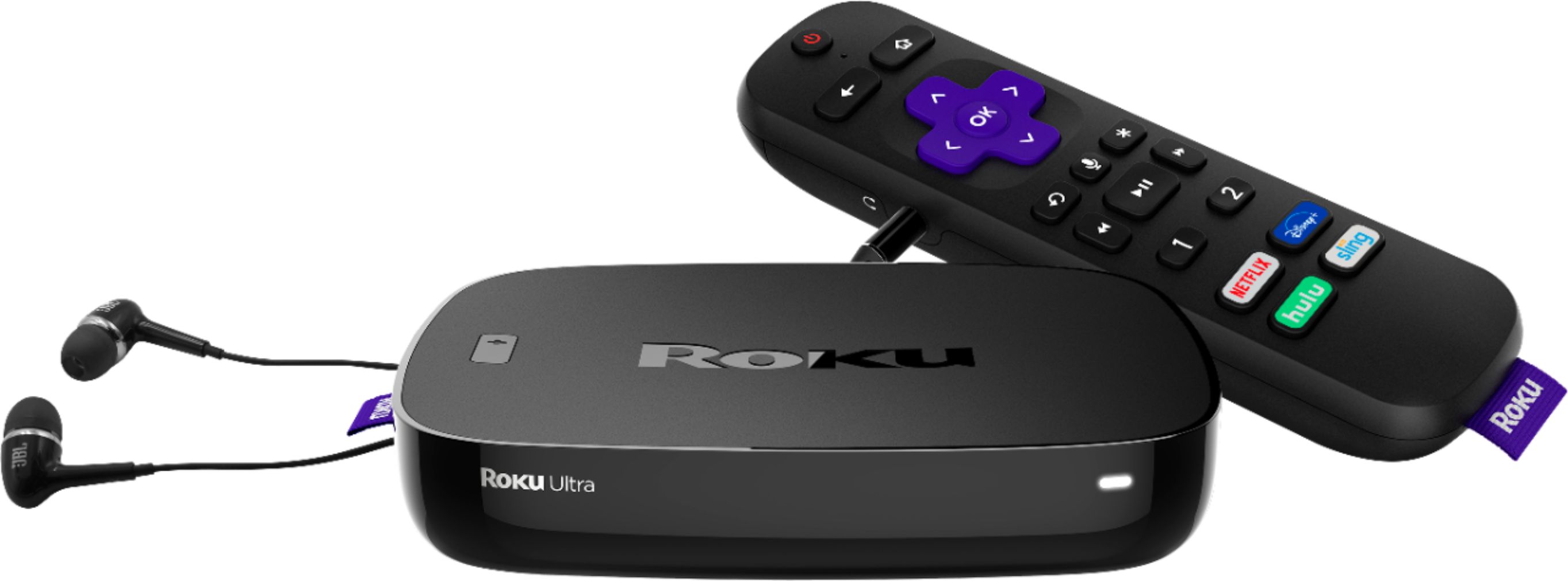
I have 2 Roku's, an Ultra and a Premiere. The Ultra has an ethernet port, usb port (for viewing photos or watching movies) and the remote has a headphone jack for personal listening. The Premiere only connects via wifi. There is a personal listening option, but only through the Roku phone app. The app turns your phone into a Roku remote and works with either unit.
It should be noted that even though you signup for a Roku account, only your channel selections are saved. None of your streaming account information (usernames/passwords) transfer from one unit to the next.
I bought the Ultra unit because I couldn't justify throwing out a functioning HD TV, even with 4K smart TVs being less than $500. I bought the Premiere because my Samsung Smart TV didn't have Disney+.
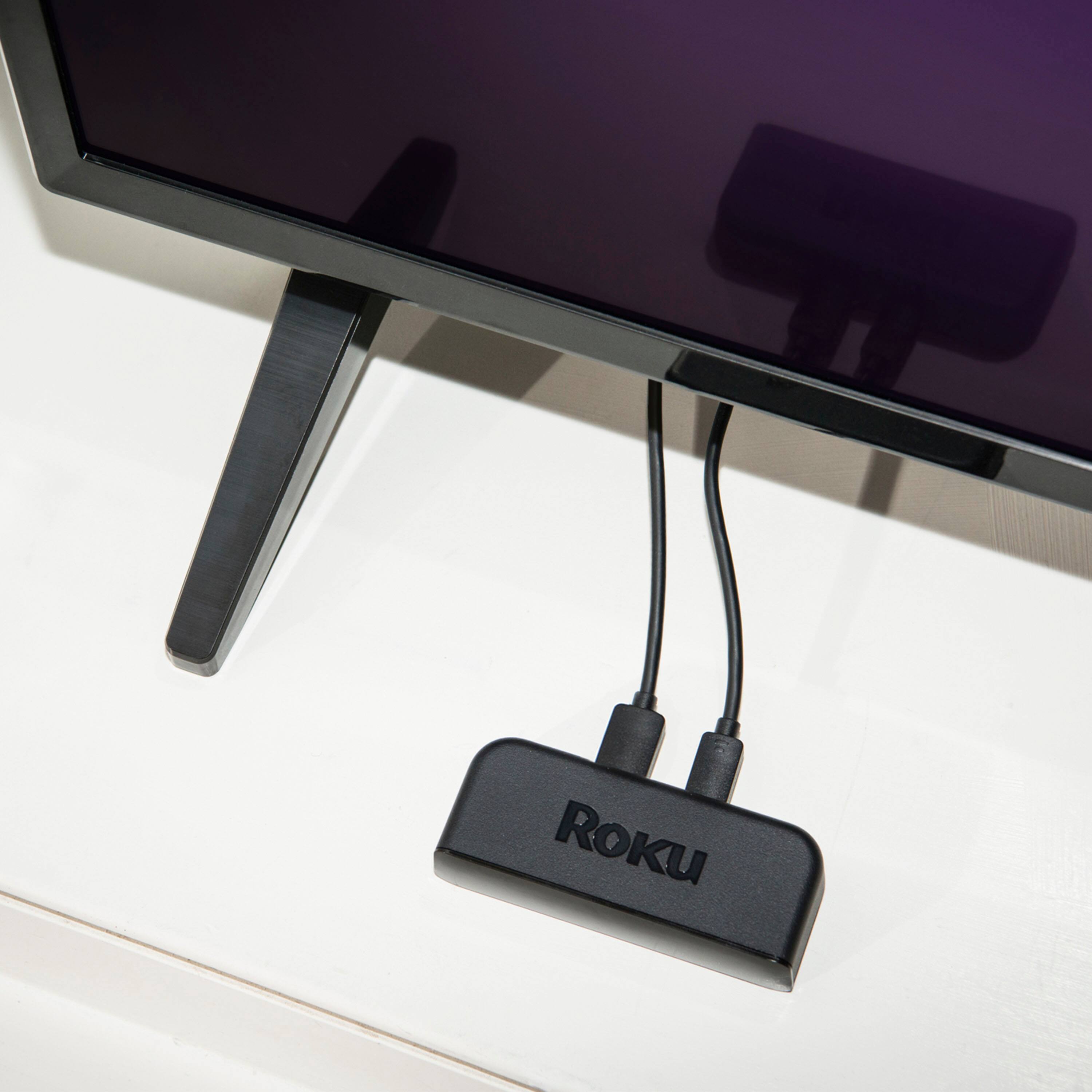
The Roku's provided an easy upgrade. The Premiere has the advantage of being easily ported from one TV to another, thanks to the USB mini power adapter, that can run off a TV's USB port.
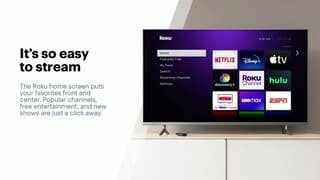
A:AnswerYes you can. It will be listed as a separate input by your smart tv. You just choose that input, press the Home button on the (Roku) remote and you are off and running.