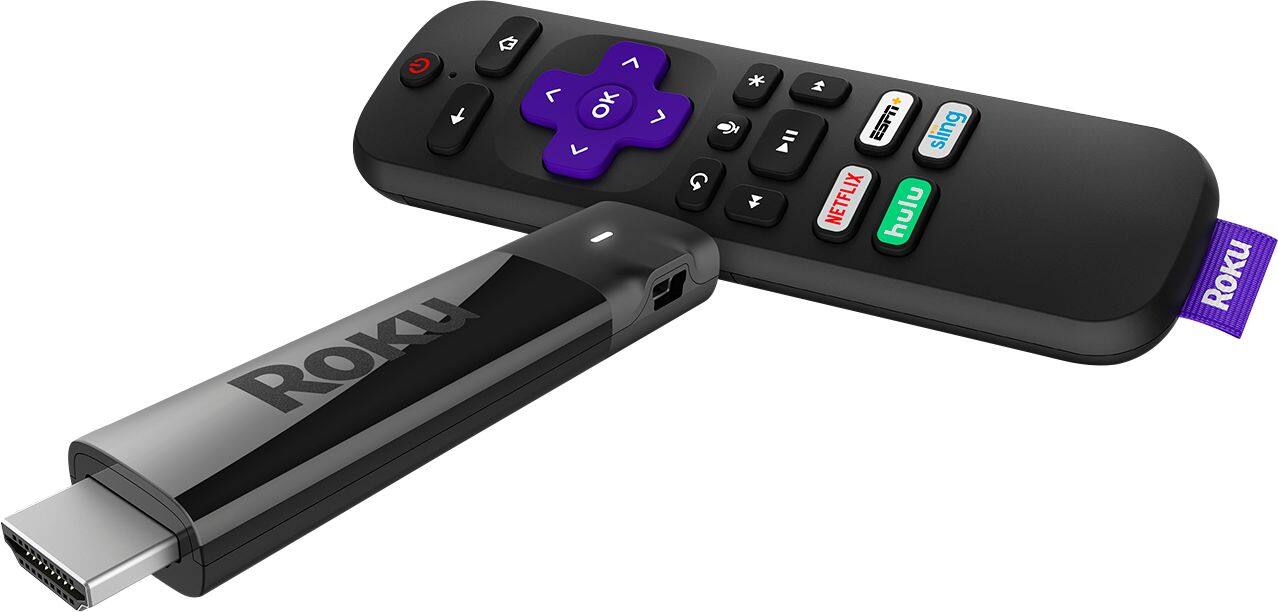
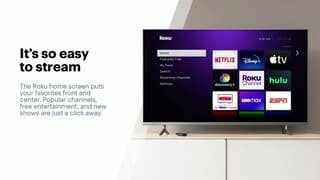
A:AnswerYes, I use YouTube TV with this. It is, however, a subscription service that you need to sign up for (you can start with 2 weeks free) at $69.99 per month. You can add in a number of channels, some free, some subscription, such as; the CW, Amazon Prime Video, Netflix, Apple TV, Peacock, Vudu, ESPN, sling, Roku channel, hulu, Disney+, HBOMax, pluto tv, discovery+ and more
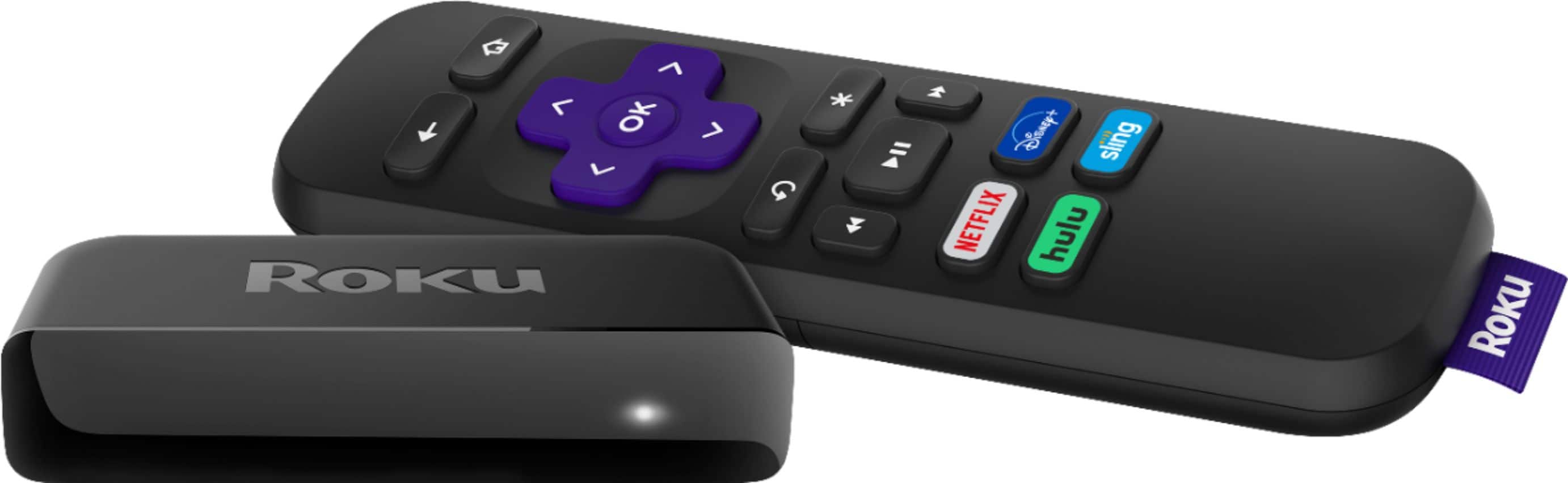
A:AnswerHi Marie! Each Roku player offers something to fit every individual's needs. If you are looking to update your Roku Player, check out this easy comparison to help find the best Roku player from our most current lineup to suit your streaming needs: https://www.roku.com/products/compare
A:AnswerHi Ale! Disney+ is supported and is available to download in the Roku Channel Store. You'll be happy to know, downloading channels is super easy as well! For more on how to download apps on your Roku player, check out https://support.roku.com/article/208756388
A:AnswerA multi-port HDMI switch maybe necessary. Additionally, wifi router with greater bandwidth may also be necessary. Each streaming device added requires additional bandwidth.
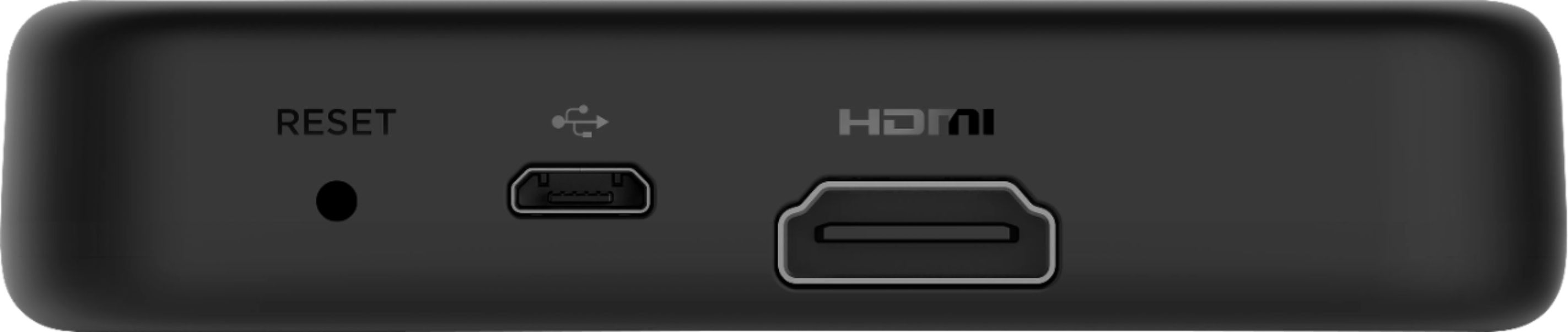
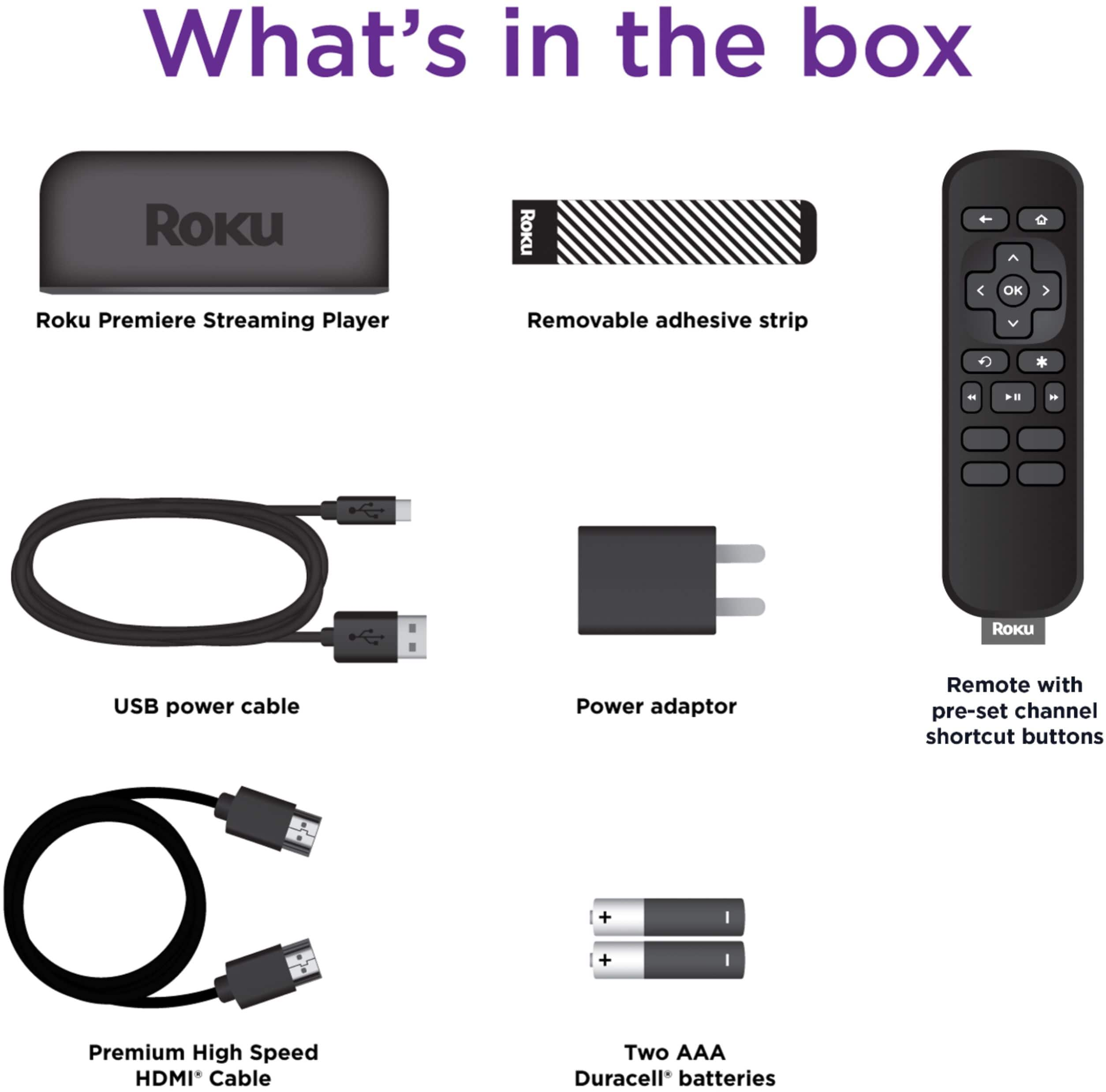
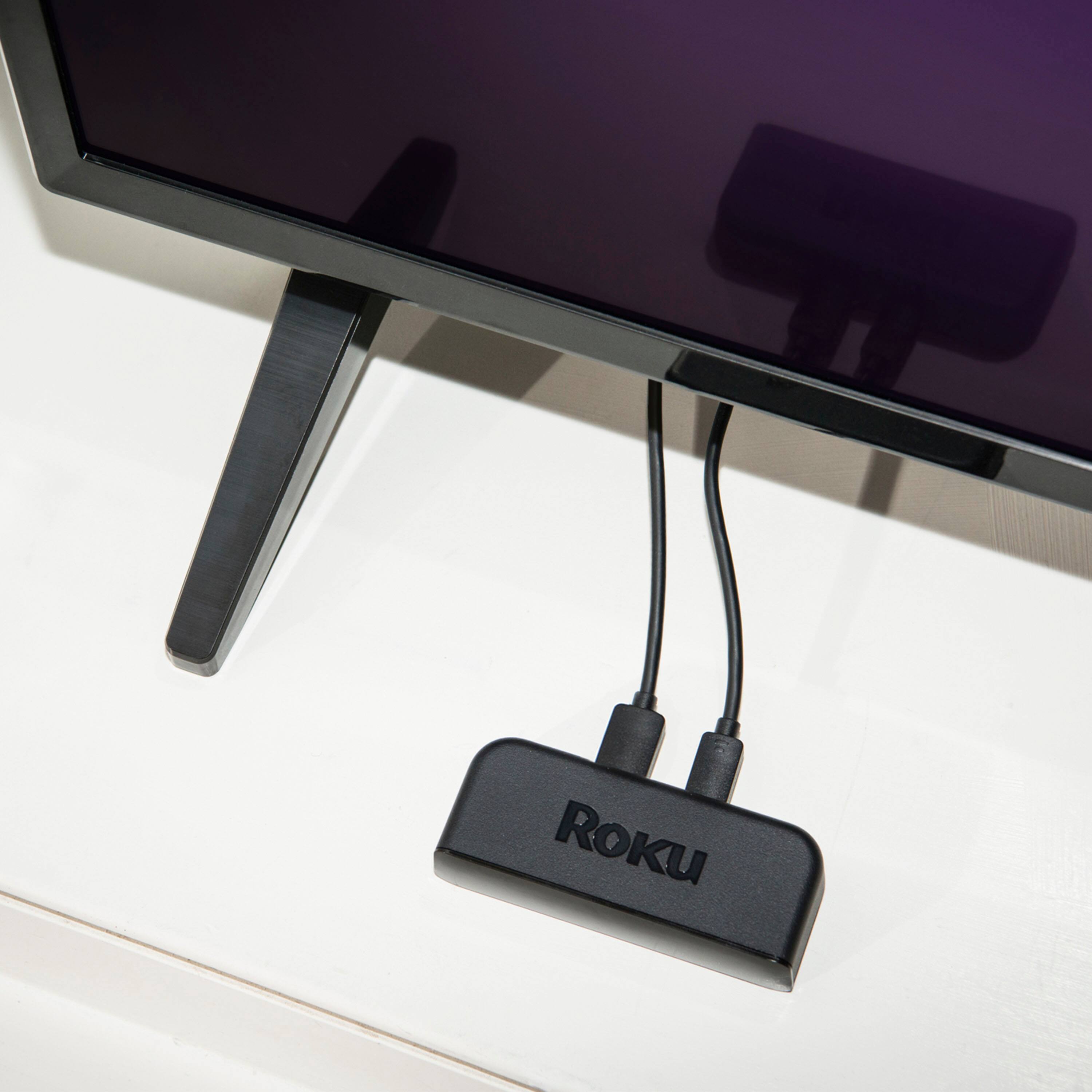
A:AnswerYes. You will need WiFi, of course. Roku & DTV operate independently of each other so you will need (in addition to WiFi) a spare HDMI Port on your TV. If your TV has a USB port you can probably use that to power the Roku; otherwise, you will need a plug close by. Hope that helps.
A:AnswerYou were not told the complete story. There are HDMI Splitters you can purchase through various online sources (Ebay, Amazon, NewEgg, etc.) that will allow you to have more than one HDMI device talk through a single HDMI port on your TV. There are also HDMI extension cables you can buy as well. Unfortunately, Best Buy does not sell splitters, otherwise I would have attached the link below.
I would recommend you do the following:
1) Purchase an HDMI splitter with a long enough cable to put the "head" in an easy to access location.
2) Clean the area around the TV's HDMI port very good to remove all oils & dust.
3) Plug the HDMI Splitter cable to the TV's port, then secure it with GOOD tape so it won't wiggle loose.
If the TV's HDMI connection still doesn't work, then you may have to give in and have a professional service/repair company replace the HDMI port on the TV (but it's usually cheaper to buy a new TV).