A:AnswerRoku serves as the gateway to your streaming services.
It processes the data from your services,like Netflix, Amazon Prime, Hulu, etc.
A minimum of around 4 mps should work for most HD, but the more the better so you don't experience buffering, or dropouts.
If your cable service can provide more than 20 megabits per second, Roku can process 4K successfully, as long as it is a steady stream and you have a good quality modem/router.
Spectrum services my area (NE Ohio) very well, showing over 100 mps consistently .
Essentially, your Roku devise doesn't care what you stream. It's all about your broadband provider, your router and modem.
Hope this helps!
A:AnswerAhdrema, yes the BlockTV Channel is available in the Roku Channel Store https://channelstore.roku.com/details/8a8de0a449179bde3b7b09c721f68689/blocktv
A:AnswerI think your TV should have Roku built in allowing you to download other streaming apps to watch your favorite shows. You will be walked through the set up when you unbox your tv. No need for the express.
A:AnswerHello! Yes, you can get local channels on Roku. Channels like NewsON and Haystack News are must-haves if you want to watch live and local news. As for regional sports networks, your best bet is to try to a Live TV service like fuboTV, Hulu with Live TV, or Sling TV. For a monthly subscription fee, these channels offer access to various local sports channels throughout the country. There are a number of channels on the Roku platform that will bring radio streams right to your living room, like iHeartRadio, TuneIn, and Radio.com. Each of these channels deliver local radio stations, popular podcasts, news, sports talk, and more.
A:AnswerI bought this model
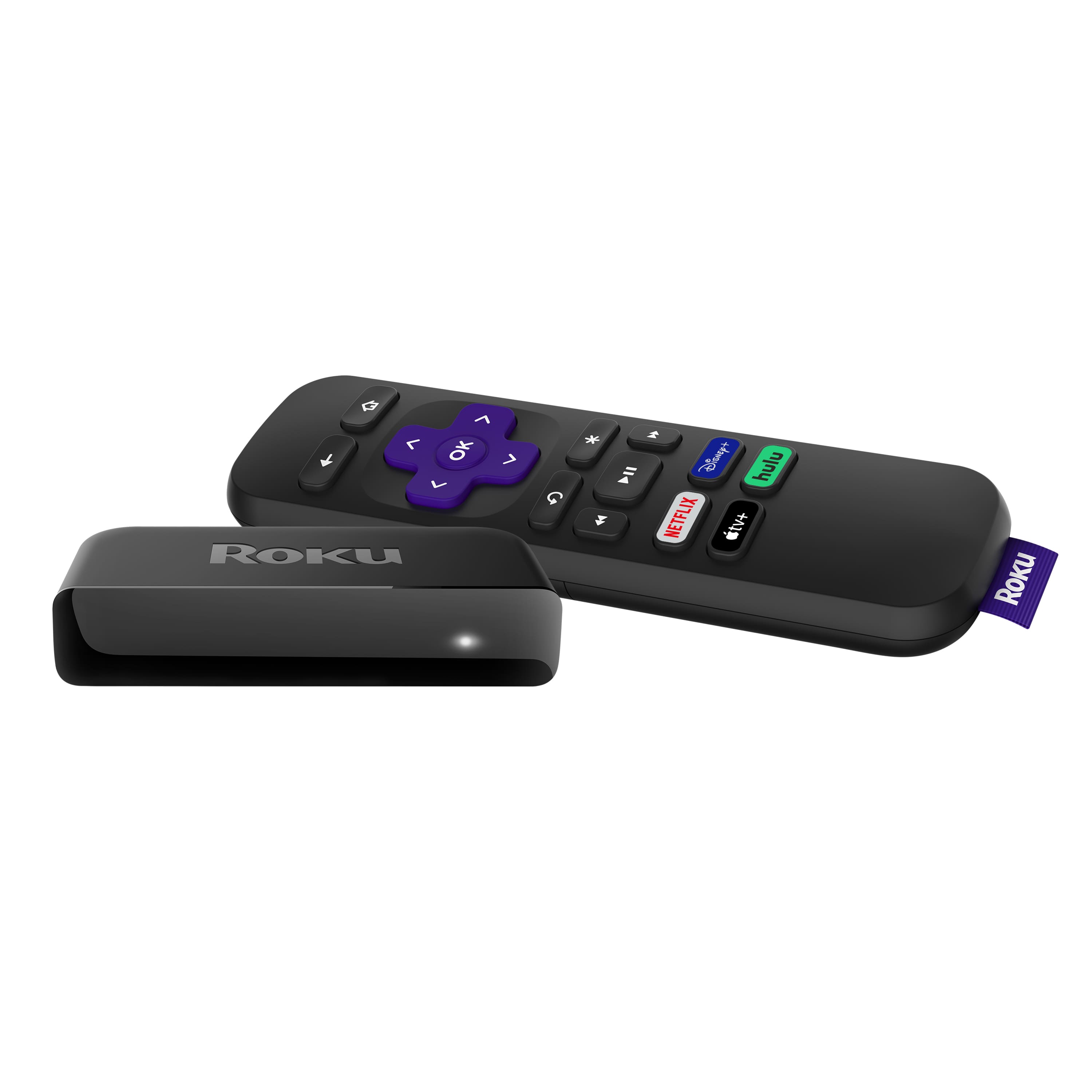
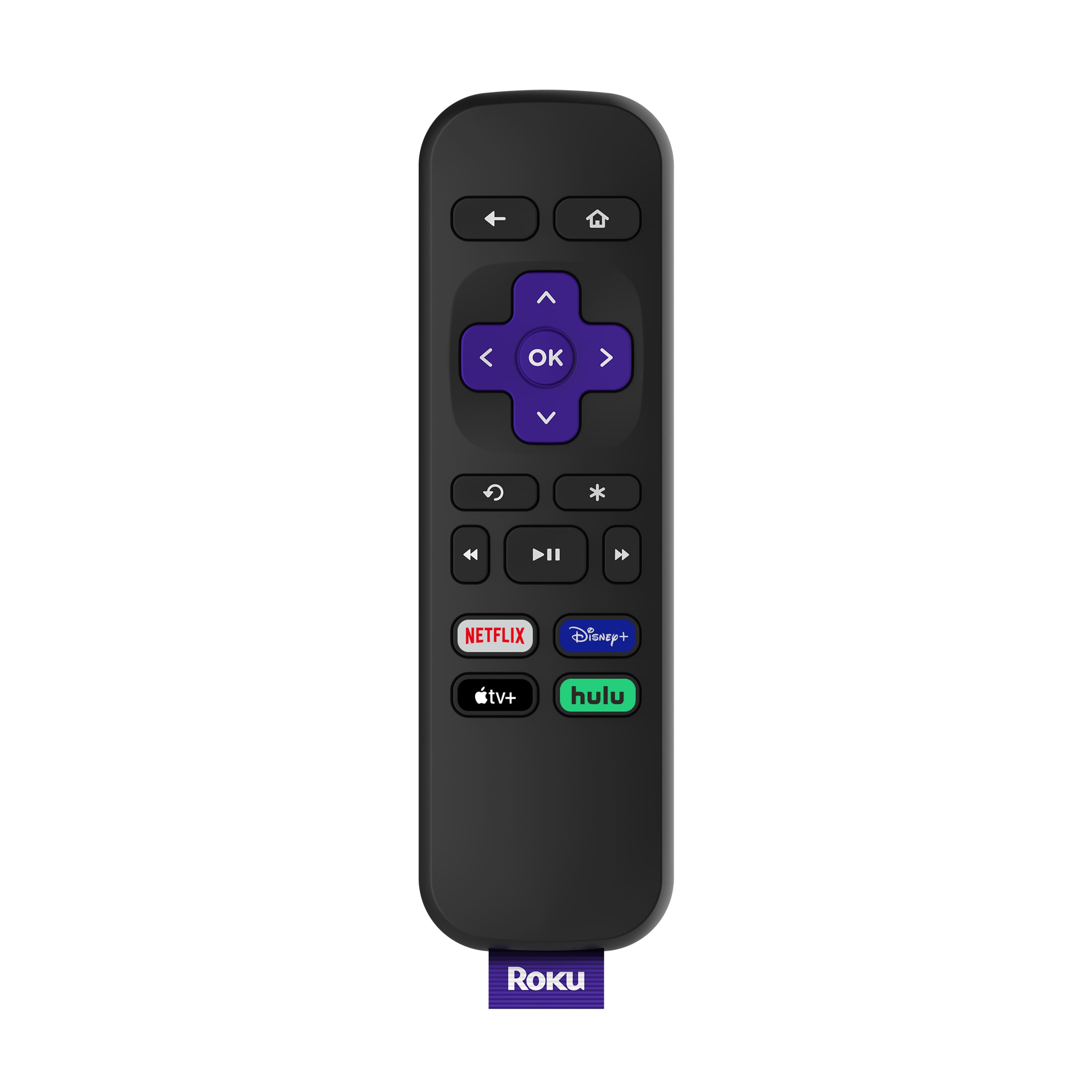
(ROKU Express). It includes the Disney+ button and others. Product descriptions offers the names of channel buttons included.
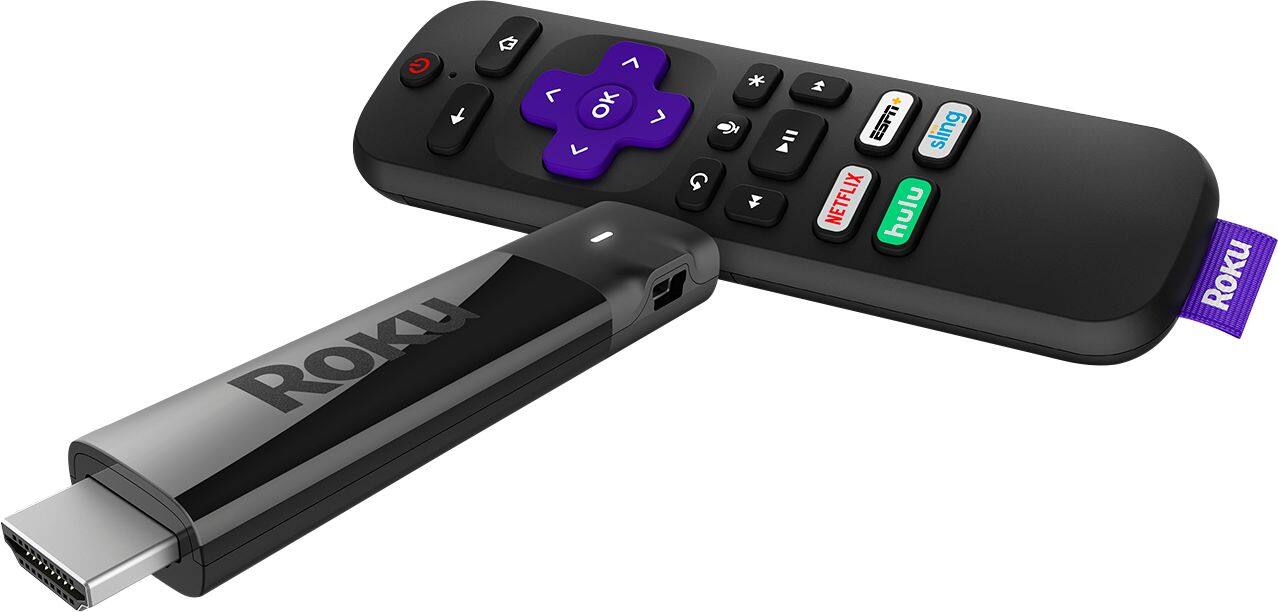
A:AnswerZaldy, if you are asking about 5Mhz a dual band home network system no, you would need to look at the Streaming Stick+ for a dual ban connection. https://www.roku.com/products/streaming-stick-plus
A:AnswerThis Roku model didn't come with a remote with the headphone jack, but when I use the Roku app on my tablet, I was able to use my headphones to hear the media on the Roku, except for the Games.
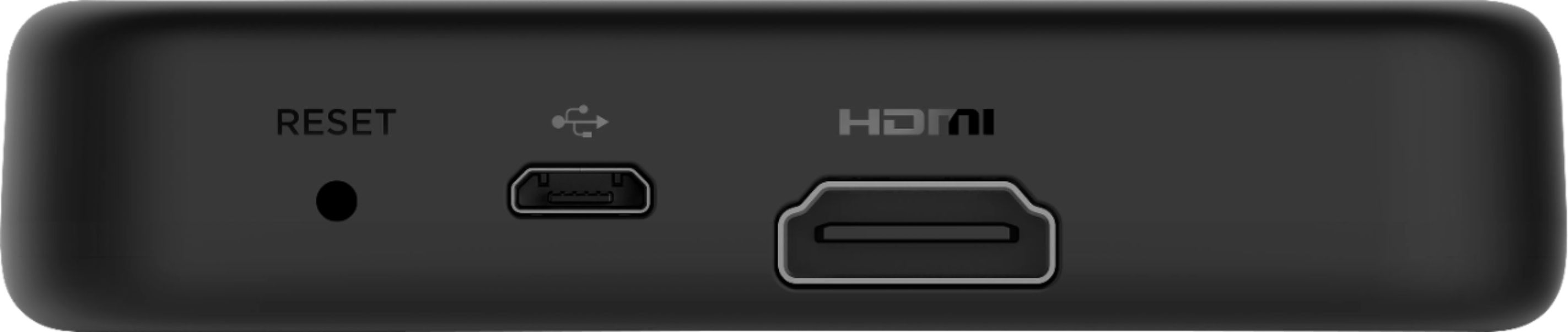
A:AnswerWondering, yes Roku will work with your Spectrum internet. Any Roku device will connect to your TV through an HDMI port. Then you will connect to your internet service through the prompts on the TV. That is about all there is to it, Roku offers over 10,000 channels and most of them are free without a monthly service free. This link will give you more information on how to cut the cord. https://www.roku.com/how-it-works/stream-and-save/how-to-cut-the-cord