A:AnswerI doubt that you will find any player that has that app preloaded on it. That is a specific app and is available and free for the Roku. I have the app and use it to watch regular full Spectrum at our Florida home. I couldn't get it to work though back here in Michigan after returning due to being out of the service are.
You can easily download and use the app. From the Home menu, go to streaming channels, then Search Channels and you find it with just clicking SP and the choice comes up. Click on it and it downloads and installs. Then you have it on your listed apps. You will need to log in with your Spectrum ID and password.
A:AnswerYes, any type of wireless signal can be used by the Roku to stream services. You just connect to the hotspot just like you do with any home wireless. Your hotspot has a domain name and password which you input on the Roku.
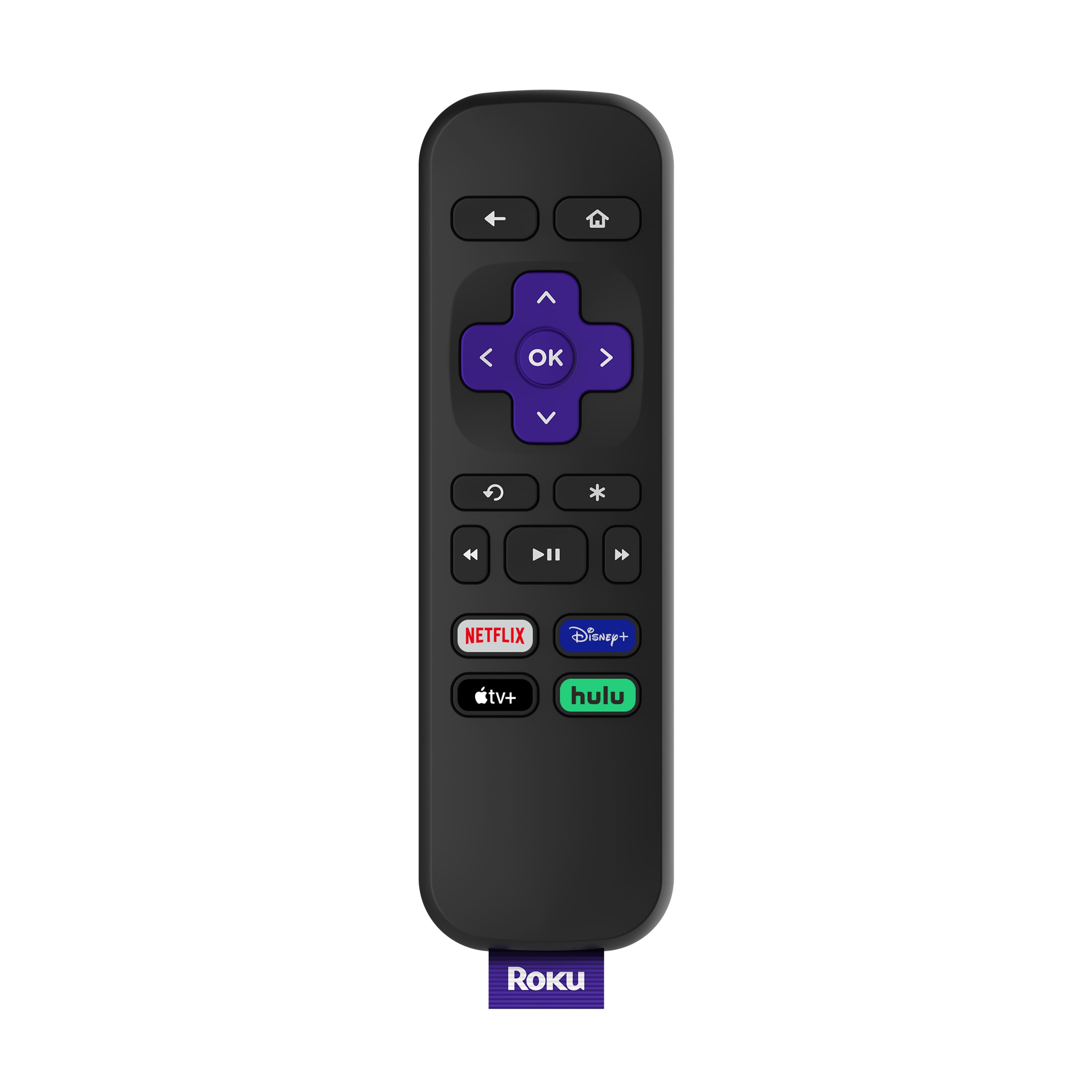
A:AnswerNo, all volume is controlled through your tv or sound system. This device only provides the streaming content like what would come in on an antenna or cable wire..
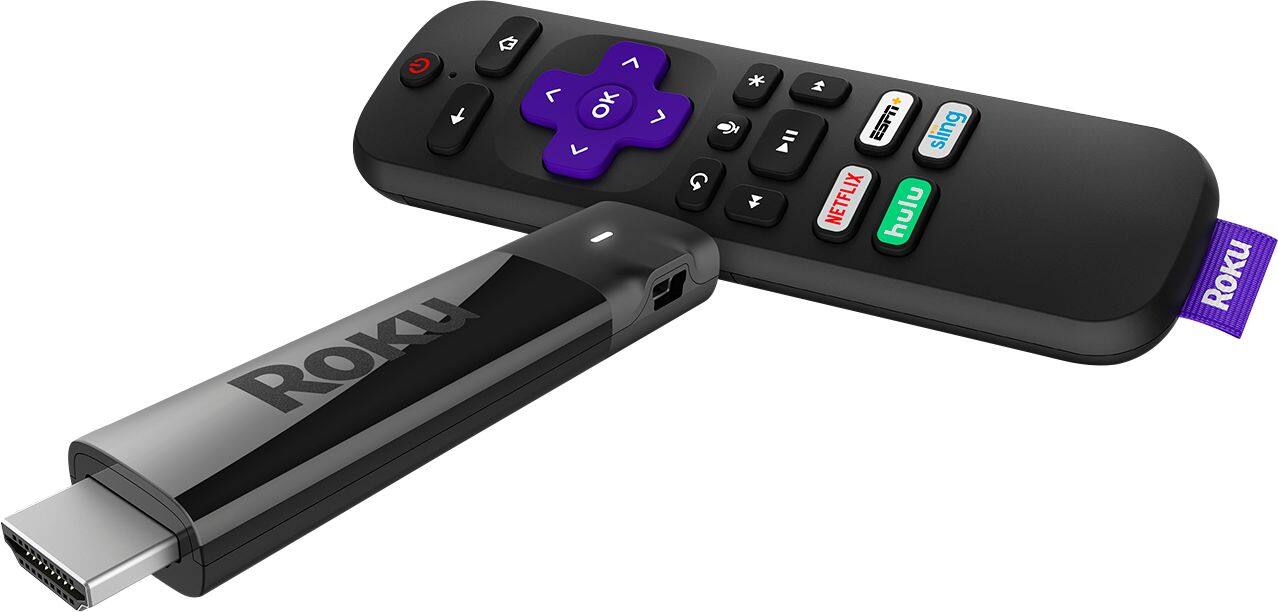
A:AnswerYes you can. I have a Roku stick and it works fine. You will need your Xfi it info to be able to use it. No addition AL charge. I'm using it and getting rid of the additional boxes need for the extra tvs
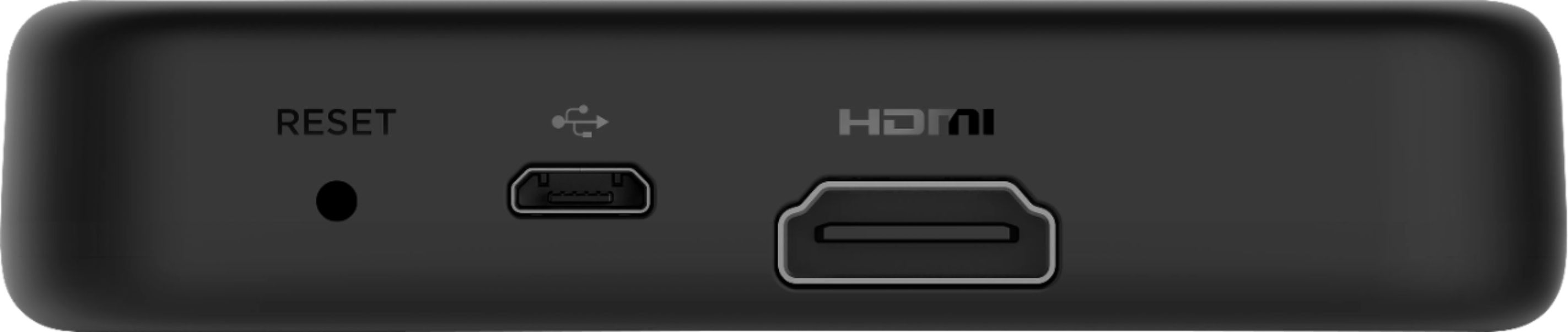
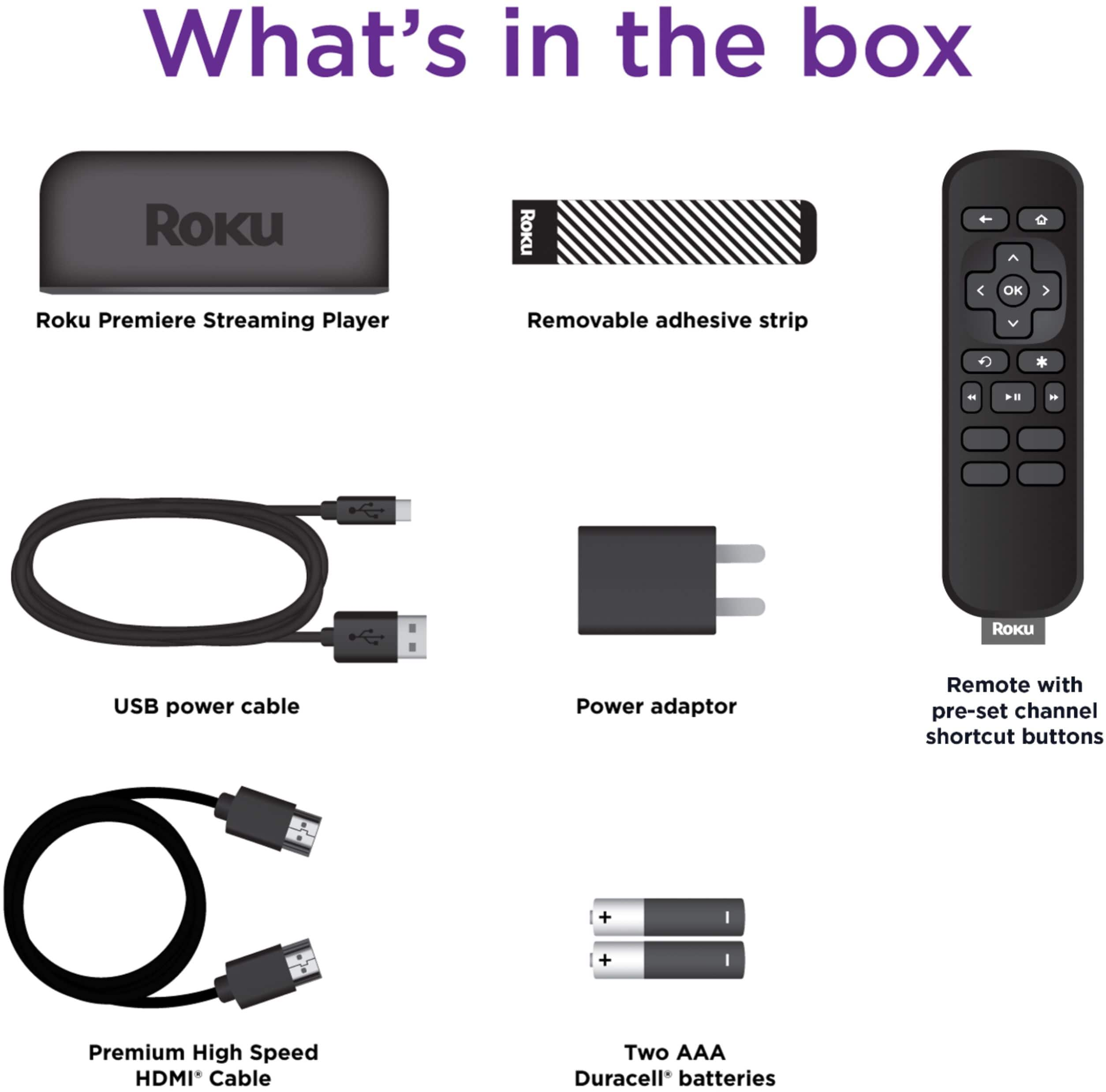
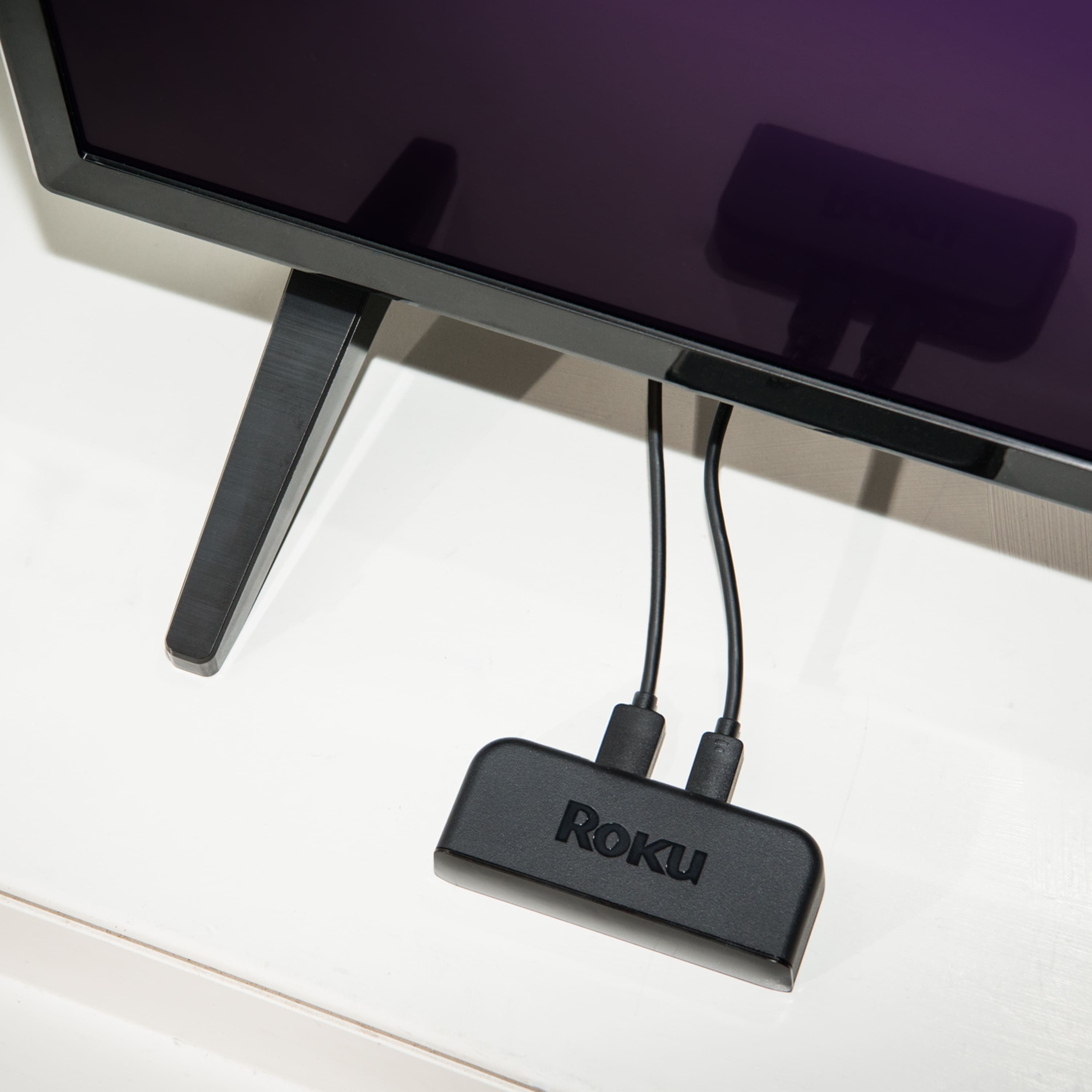
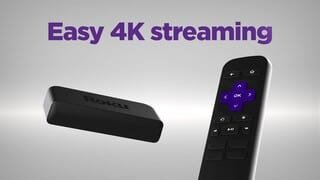
A:AnswerIt comes with a 3ft HDMI cable. Depending on the setup you have you might need a slightly longer HDMI cable for it to reach around your tv. The device is usb powered and comes with a 6ft micro usb cable for that as well. Keep note of where your outlet is in relation to where you would like to have the roku and measure accordingly. Also keep in mind that some but not all tvs have a USB port on the back or side, but not all of these output enough power to power a roku or other streaming stick.
A:AnswerNot 100% sure, but I would think it does support 5G networks. 2.4 broadcasts further than 5G and maybe it’s just not getting enough signal from 5G. Only guessing as I don’t know the network topology of your home.
A:AnswerWhen used on your home network, it would essentially replace the need for cable box rentals on any TV you have the Roku. You sign into the Xfinity Stream app and watch all your TV through there. Then, you no longer need the box. My Comcast/Xfinity package includes one DVR in the price. I swapped out my cable modem w/voice and added one 4K Roku, three Express Rokus and one 32" Sharp w/ Roku TV. So, my bill is only for the services I have now. No rental fees. Otherwise, I would be paying about $55/month for renting their equipment. Everything I purchased (including the modem) will be paid for in about 18 months.
A:AnswerHi Gonzales222 ! All current Roku streaming players support the Spectrum TV channel. All you need to get started streaming is a Roku device ,a TV with an HDMI connection and Internet service. Please note that Spectrum TV is a subscription-based channel and will require an account to use the service. To help you find the Roku that is best for you, take a look at the Roku streaming player comparison guide linked here: https://www.roku.com/products/compare