A:AnswerIn order for the Roku to work correctly, you will need to have high speed internet. Roku provides a streaming experience that allows you to stream movies through Hulu, Prime, Apple TV, Netflix and many others. Without a high speed internet, the Roku will not work correctly and will buffer.
A:AnswerHello Roku Team, thank you for the reply but you did not really answer my question.
Mentioning pass through receiver is irrelevant because you won't get surround sound with the receiver off (by the way pass through means video passes through the TV even with the receiver OFF, right?) My question was very specific.
I just simply want to know if anyone has tried it plugged directly to a receiver and get surround sound - by the way, the receiver has to be ON, okay?
A:Answerswcowboy, YouTube (the free version) is still part of the Roku Channel store. If it isn't part of your home screen, you might need to add it through "Streaming Channels" https://channelstore.roku.com/details/837/youtube
A:AnswerI am not a Cox customer, but you should call or chat with them. I did some searching and did not see that they have a Roku app. However, if you do get rid of the cable boxes and find all the channel specific apps you like on Roku, you would still need to keep your cable subscription active or those channel apps won’t work.
The other option is the pay and subscribe individually to the channels that you like, but that could add up.
A:AnswerI have gone to Youtubetv which is an app. You get all your local channels as well as everything else. I also dropped Cox. Has to be a smart tv or will need Roku to have app
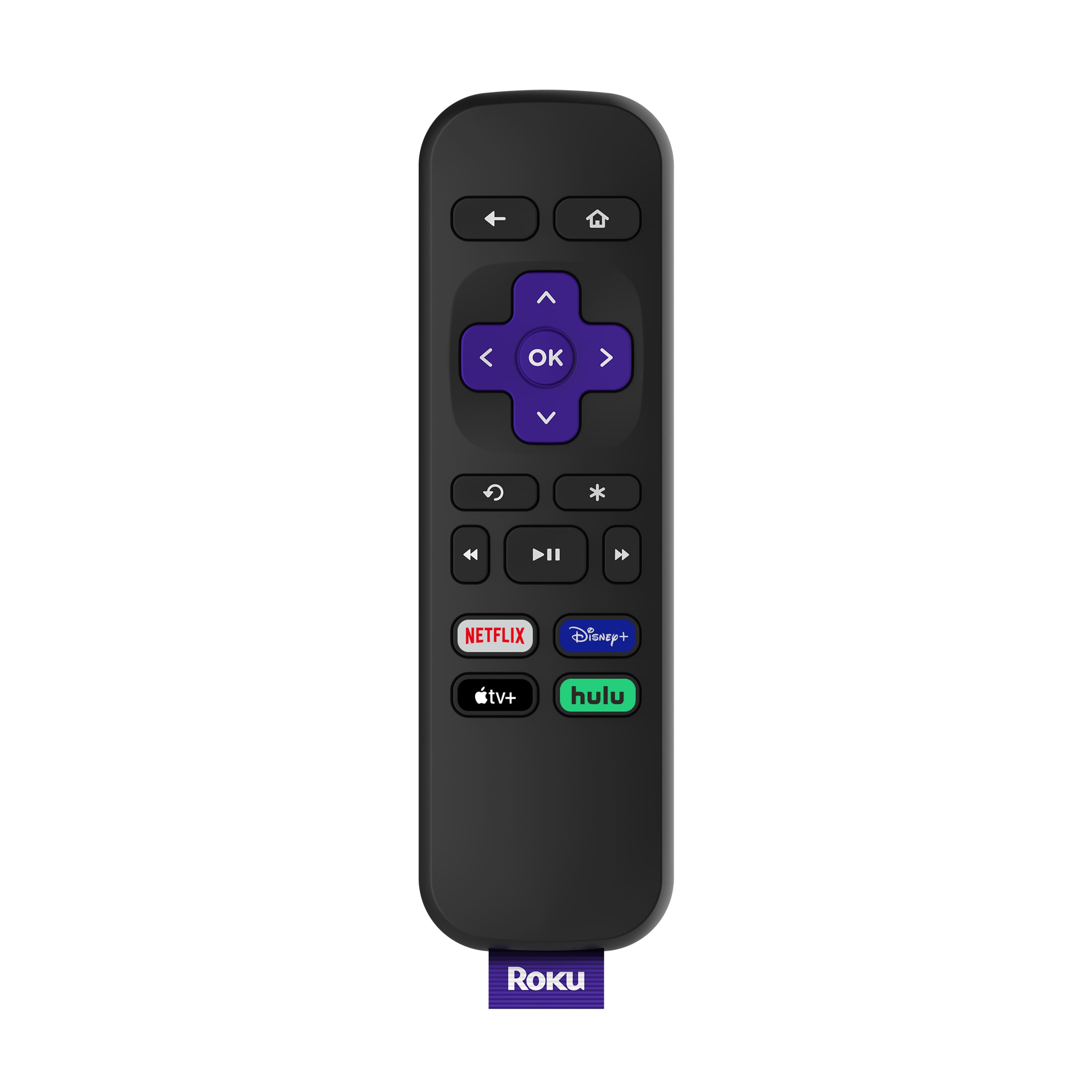
A:AnswerIt changes channels but doesn't control volume. You would need to control the volume with the TV remote, or sound system remote or knob depending on your setup. The premier Roku remote will not turn your TV on/off either. I recommend the stick for $10 more you get tv power and volume control.
A:AnswerThis device will not record. For recording tv you would need something like a silicon dust ota dvr or the tivo bolt ota that are designed to record ota "over the air" broadcasts. This refers to free over the air programming you can receive with an hd antennae and digital tuner. The latter is on most modern tv's. Typically you pay a rate for the service through tivo or silicon dust dvr devices. Services for those are usually to get programming information such as a listing of future broadcasts so you can set season passes and let the unit record on it's own. Some of those units have multiple tuners on them and are capable of recording one channel while viewing another. This roku will not receive cable channels either. You may be able to access on demand apps for channels with your login information from your cable company though. There are also many free channels you can get through roku like Sony's "Crackle" which will let you watch movies for free but with advertisements in them.
In short, this is only to stream content from sites like Netflix, Hulu, Crackle. You wouldn't need to record from those sites anyway since that content is on demand and starts when you initiate it unlike conventional tv programming that starts at a specific time. This unit will also require an internet connection and a wireless or wired access to that connection.
A:AnswerYes, all current Roku Roku devices support Hotel & Dorm connect. When you are away from home, Hotel & Dorm Connect allows you to stream your favorite movies and TV shows using the internet connection at a hotel or college dorm. Connecting to a public network often requires signing in through a web browser, but with Hotel & Dorm Connect, you can authenticate the connection for your Roku® streaming device from your computer or smartphone.
A:AnswerIF your data plan/phone network offers the ability to be a "hot spot" it will work. Just remember 4G is NOT broadband WiFi. There might be some buffering going on.
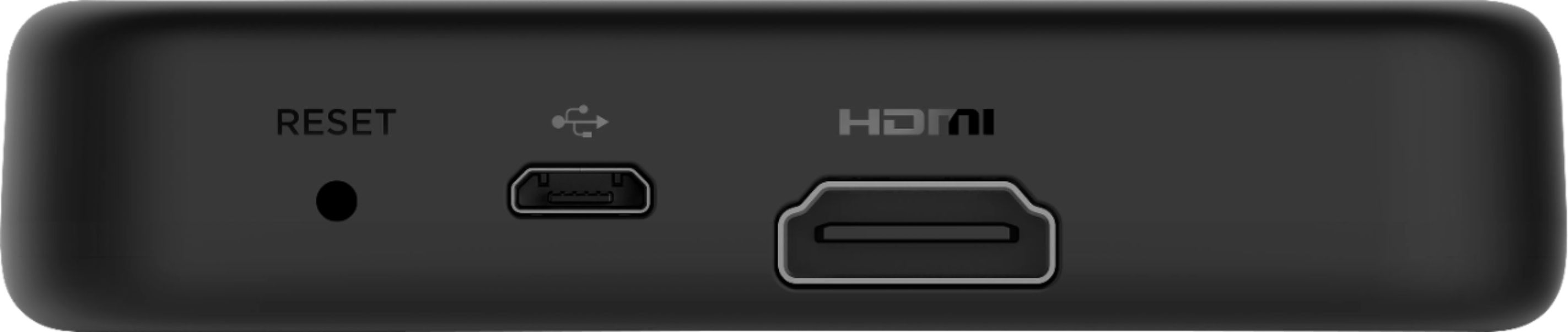
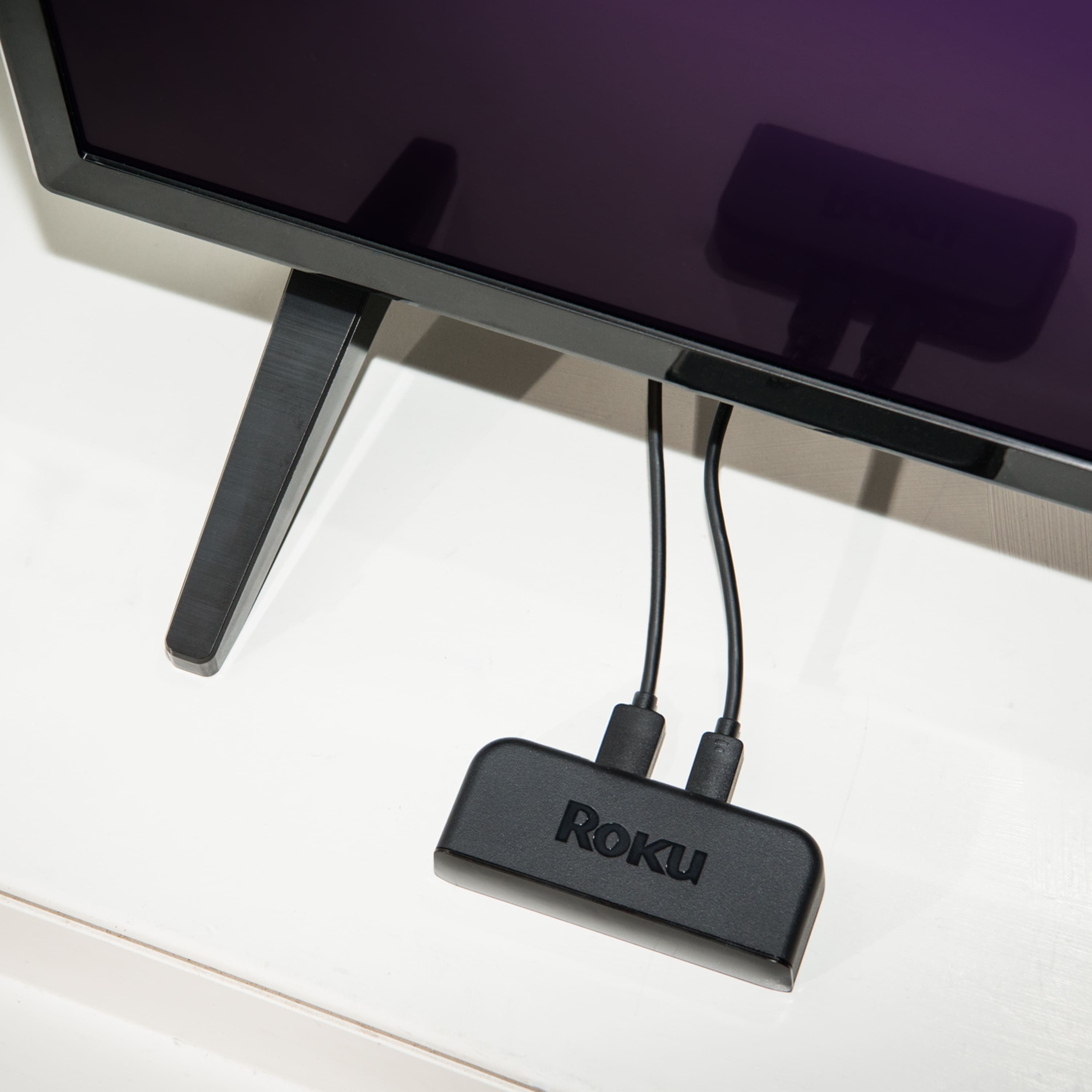
A:AnswerJust plug your Roku into an available HDMI outlet on your TV and use a wall outlet for a power supply (using another HDMI outlet usually doesn’t work properly) Good Luck
A:AnswerAll TV'S with 1080p with hdmi hookups will work with all ROKU UNITS.
Only ROKU MODELS WITH 4K WILL DISPLAY 4K MOVIES ON A 4K TV.
Hope this helps you YellowFlores!