A:AnswerPairing by bluetooth lets you play music from your mobile device through your Streambar. The TV does needs to be on to play your Streambar and you need to pair them first just like any other bluetooth speaker/receiver. The streambar has a bluetooth app that makes this easy. Your Roku connection is exactly like mine, HDMI+optical, no ARC. When I stream from my mobile phone, it shows on my TV by the song title and artist when I'm playing from my Youtube playlists. It's easy: Just pair it by giving permission to sync and you're ready to go.
A:AnswerYes the Streambar will connect to your projector provide the Roku video content you currently have and provide sound that you were lacking. This is actually the setup I have with my projector and it works great
A:AnswerActually it can work either way. You can cut the cord and replace your Comcast Cable or you can use it in addition to your cable to get more of what you want to watch.
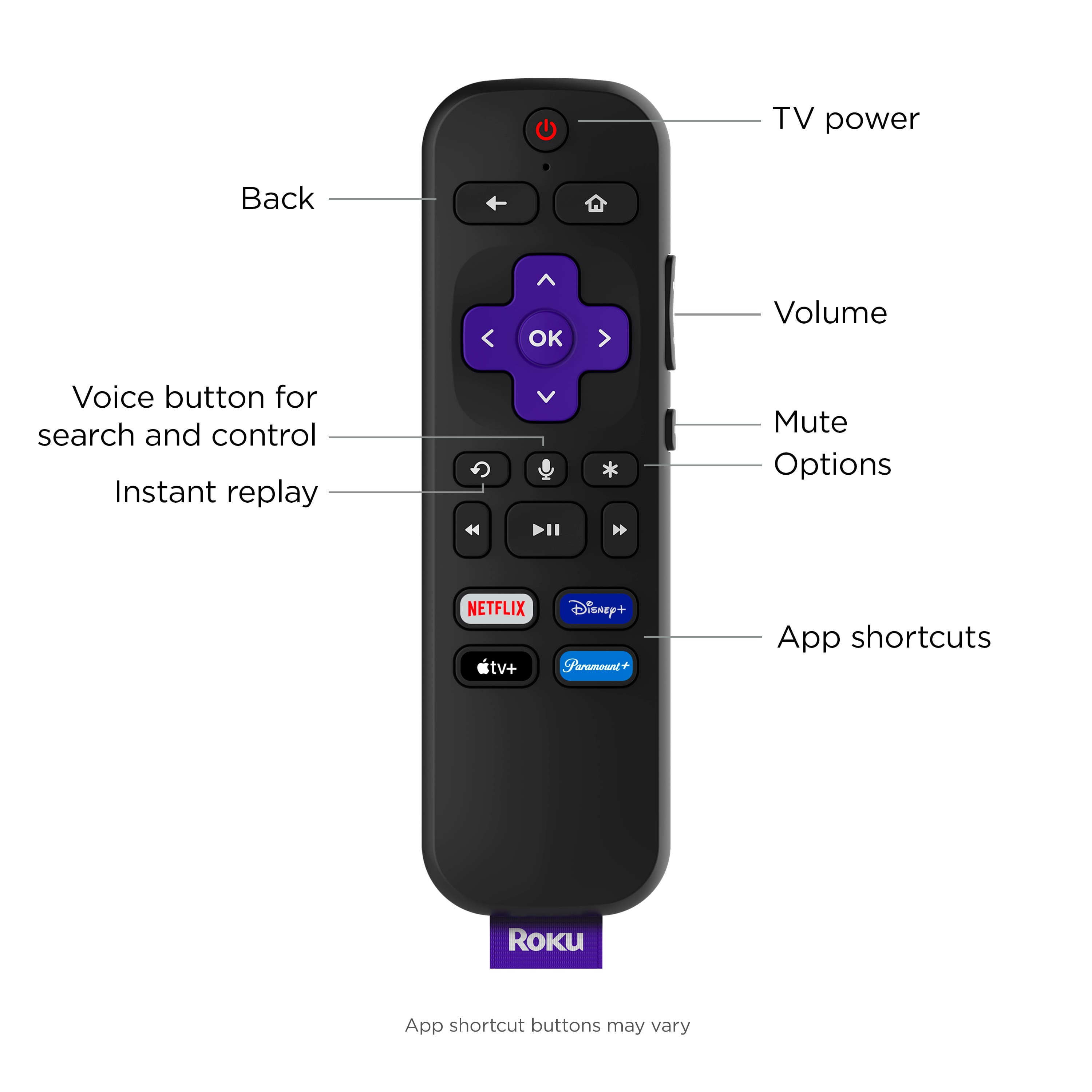
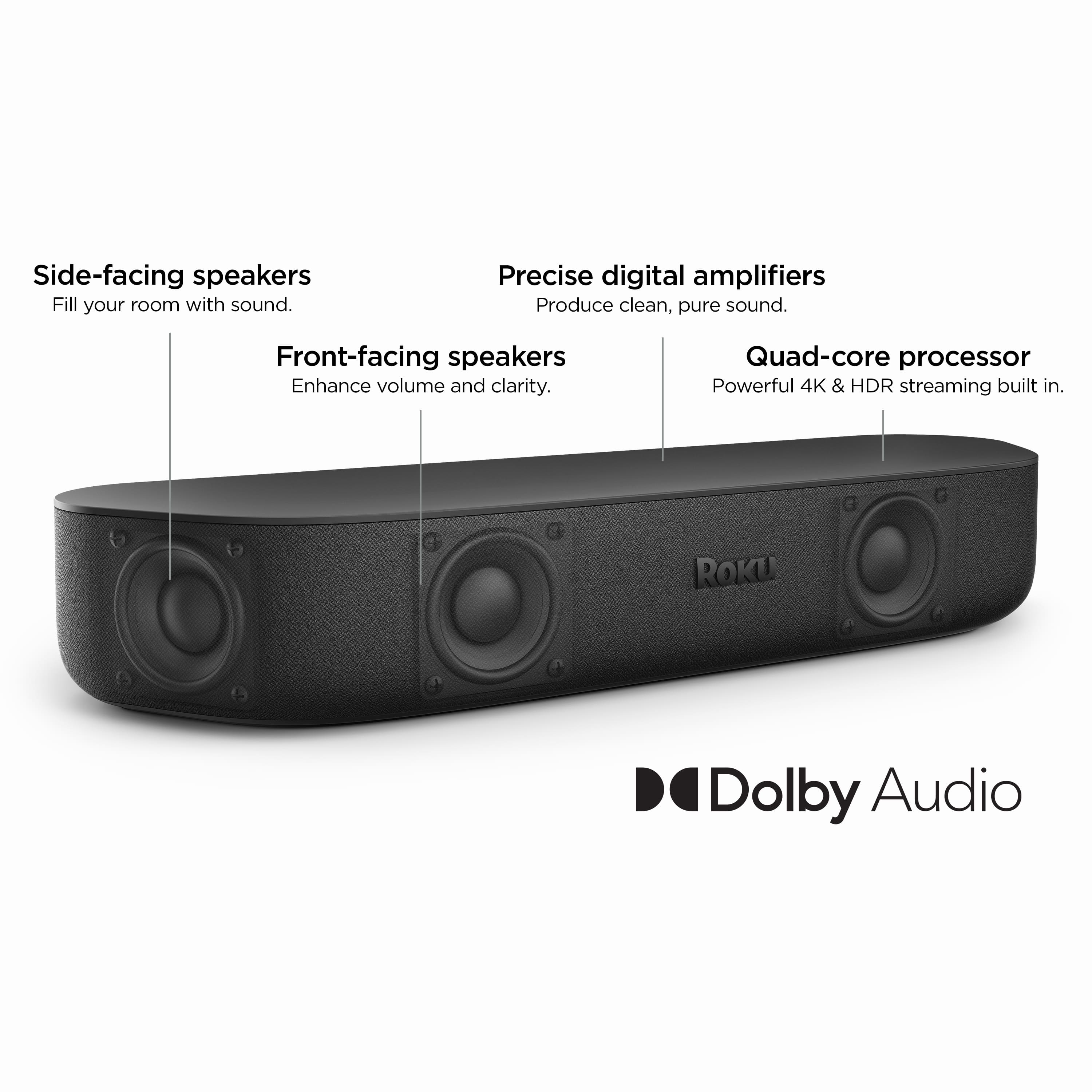
A:AnswerHi Tom! There are several differences between the Roku Streambar Pro and Roku Streambar. The biggest differences between Roku Streambar and Roku Streambar Pro are their sizes and remotes. Roku Streambar is 14” wide with four 1.9” full-range drivers, while Roku Streambar Pro is 32” wide with four 2.5” full-range drivers. Roku Streambar Pro also includes a voice remote with TV controls, personal shortcut buttons, and headphones for private listening, while Roku Streambar comes with a standard voice remote with TV controls.
A:AnswerUnfortunately, if you want local channels via a streaming device you will need to get a paid subscription (YouTube TV, Hulu Live, ATT TV, etc.). As for channels available for free, just google or search on youtube "roku free channels".
A:AnswerYes you can, but if you are going to do that you are better off getting the higher level Roku soundbar. This is more useful to use with smaller tv in a smaller room and get decent sound.
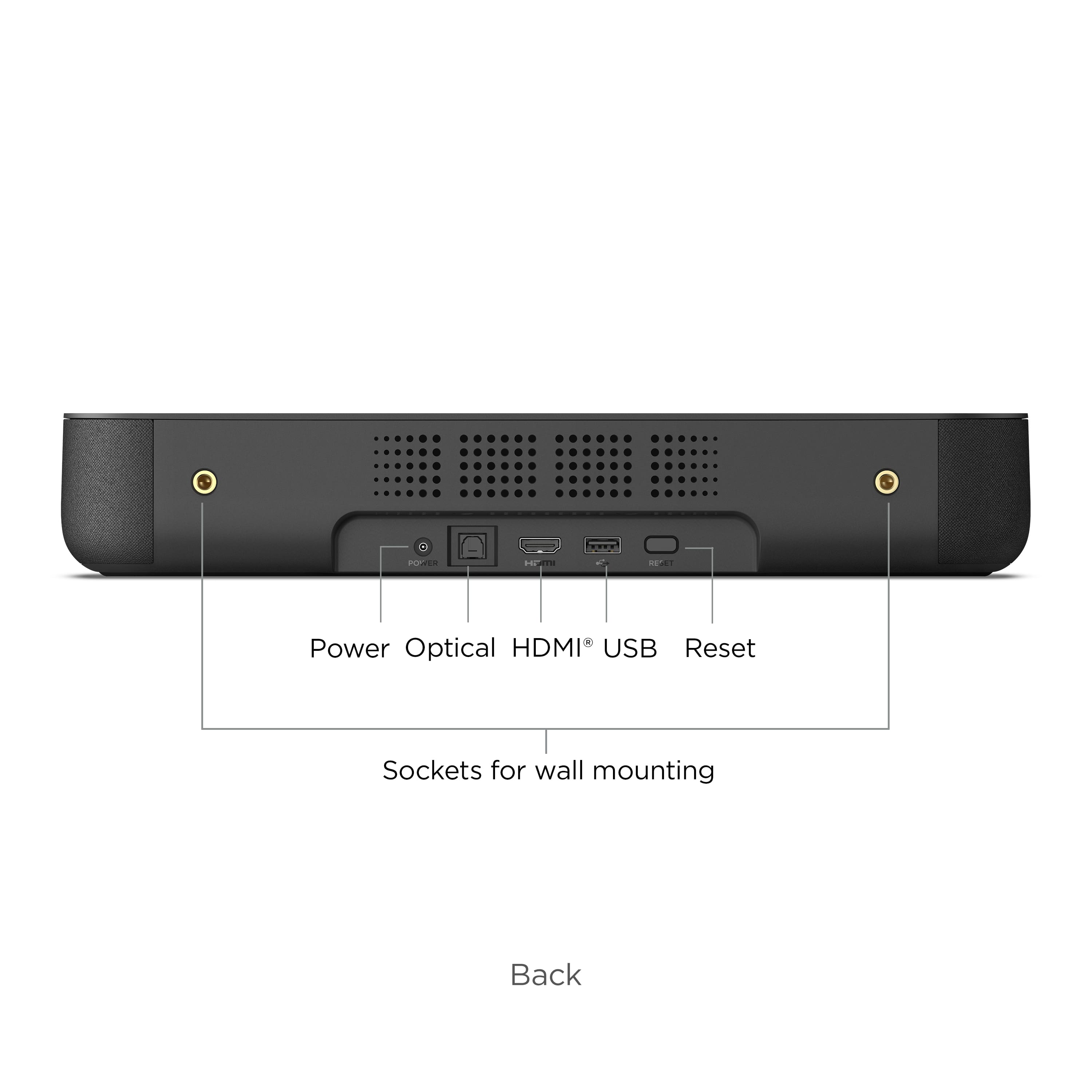
A:AnswerI did not have the luck to get it to work without resetting the HDMI cable on the Roku Streambar everytime I turned it on. It will work after that but when you first try to play a video it will return and HDCP error (see Photo attached). I used to use a Roku 3 without issue but my speakers started to go bad, which is why I opted for the Streambar. So if you don't mind resetting the connection every time then this is for you.
So before buying this find out if your Monitor is HDCP compliant if so, pick it up, if not return it.
A:AnswerThe original Smart Soundbar is little more powerful so the sound will fill larger rooms. The new Streambar will have improved center channel sound and will offer better dialog for movies etc... They are very minor differences and the smaller footprint of the Streambar will be the biggest difference.