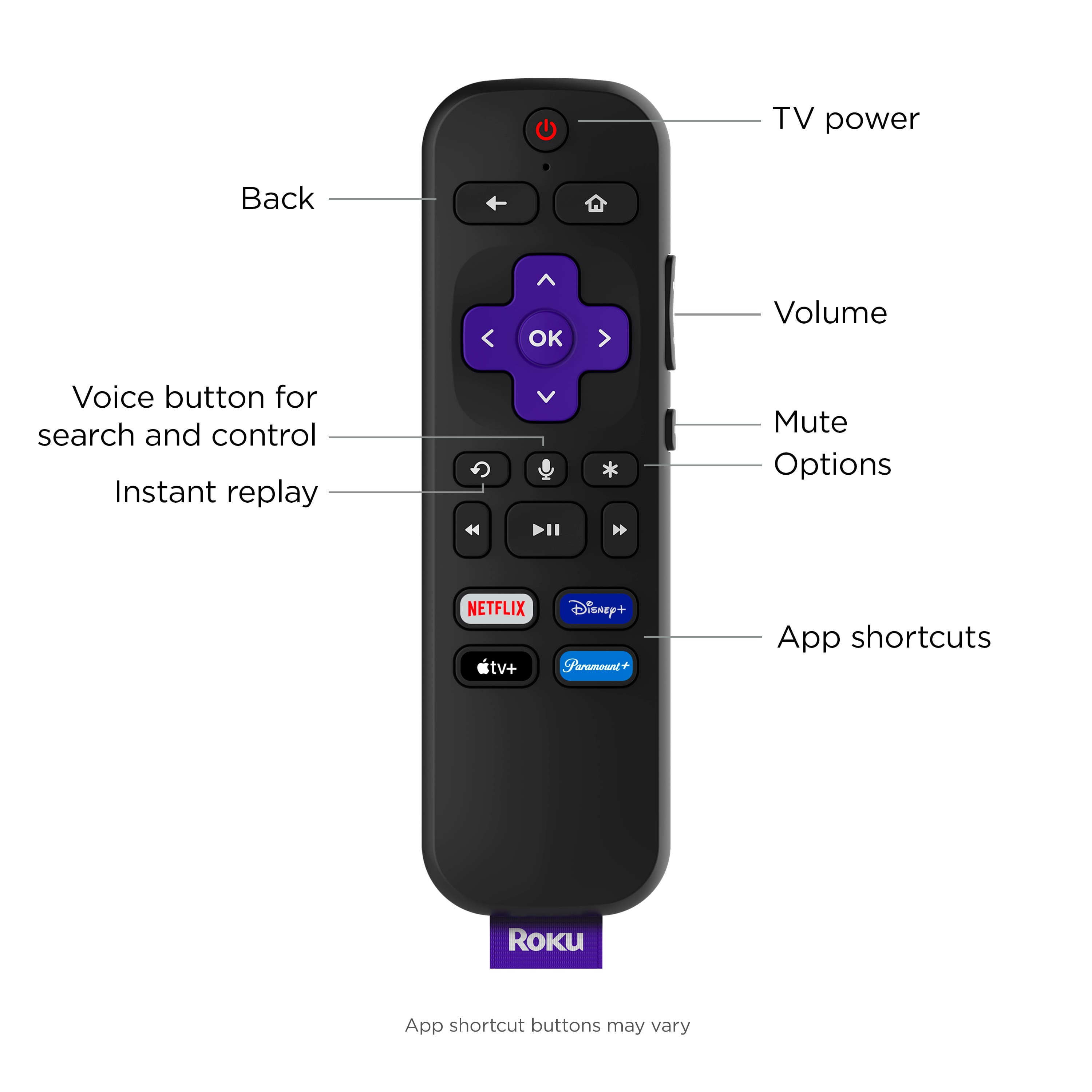
A:AnswerHi ! You can access YouTube TV within the YouTube channel on your Roku Streambar. Start by going to the YouTube channel on your Roku Streambar; press left on the directional pad on your Roku remote to open the left hand side menu for YouTube, then scroll down to the bottom of the menu and you'll see YouTube TV.
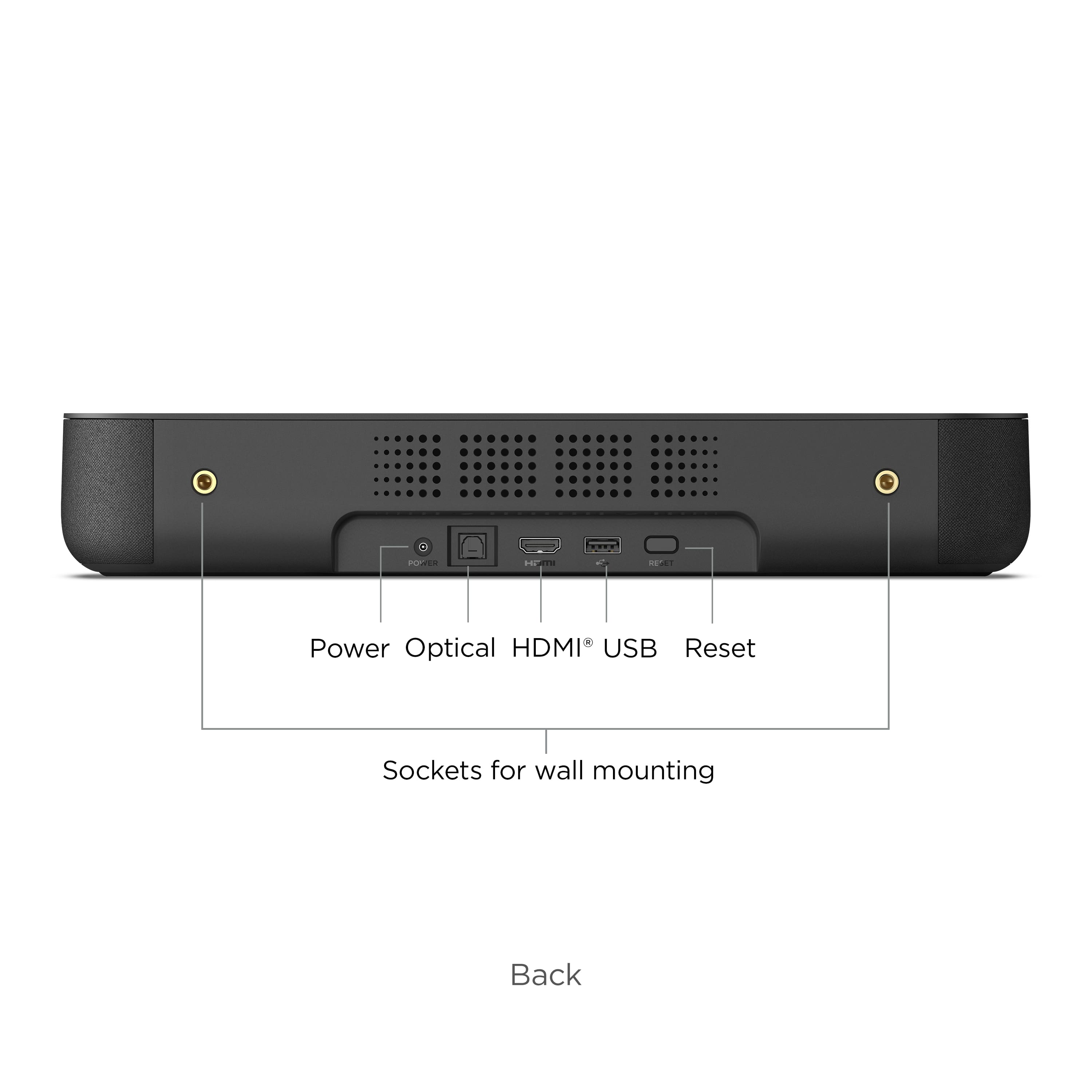
A:AnswerHi Bubba! Yes, the Roku Streambar does have a USB port allowing you to play supported media files from an external USB storage device using the Roku Media Player.
A:AnswerHi Tina! All current Roku devices including the Streambar support AirPlay. AirPlay allows you to stream, control, and share content from your iPhone, iPad, or Mac to your compatible Roku streaming device. You can share Movies, TV shows, music, personal photos and videos, and more. You can even mirror exactly what you see on your Apple device.
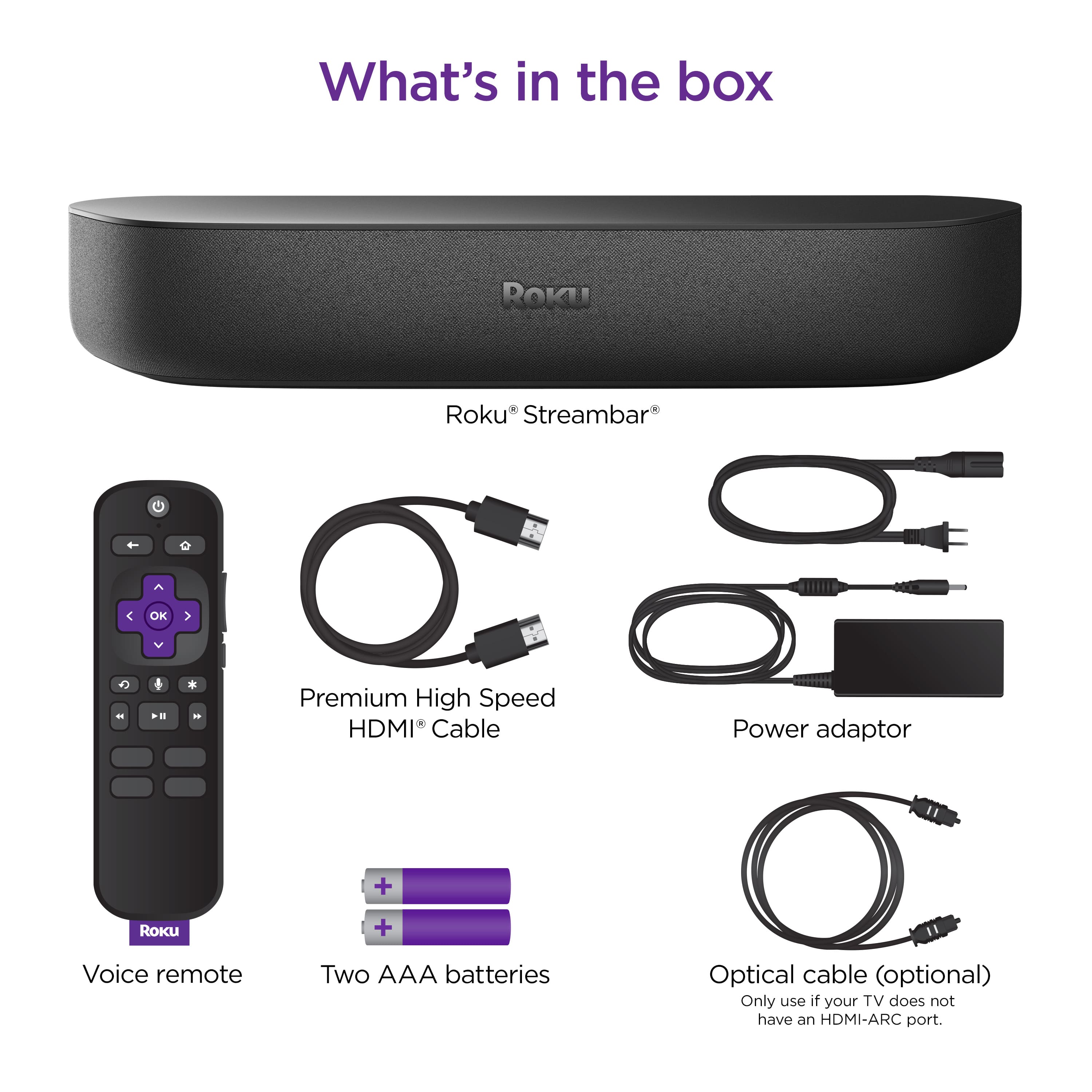
A:AnswerHi, Simms! If your Roku Streambar is your only source you can connect an HDMI from your tv to the Roku Streambar. This will allow the audio to play from the Roku Streambar and send the video to your tv via HDMI. If there are other sources your using that are plugged into your tv and that you want the audio to play through the Roku Streambar then you will need to use an optical cable .Using an optical cable will carry the audio from sources plugged directly into your tv down to your Roku Streambar if you do not have HDMI ARC. For additional information on setting up your Roku Streambar take a look at the link here https://support.roku.com/article/360035580913
A:AnswerHi Rob! Yes, the Roku Streambar now has the capability to find your remote control, hands-free! Simply say "Hey Roku, where's my remote?" and follow the noise. Keep in mind, if hands-free voice was not turned on when your remote was misplaced or your remote could not hear your command, you must use one of the other methods to trigger the feature. For other methods, check out https://support.roku.com/article/211865427. Although both the Roku Streambar and the Roku Ultra share some similarities, they also have a few differences. For an easy comparison of each device, check out https://www.roku.com/products/compare.
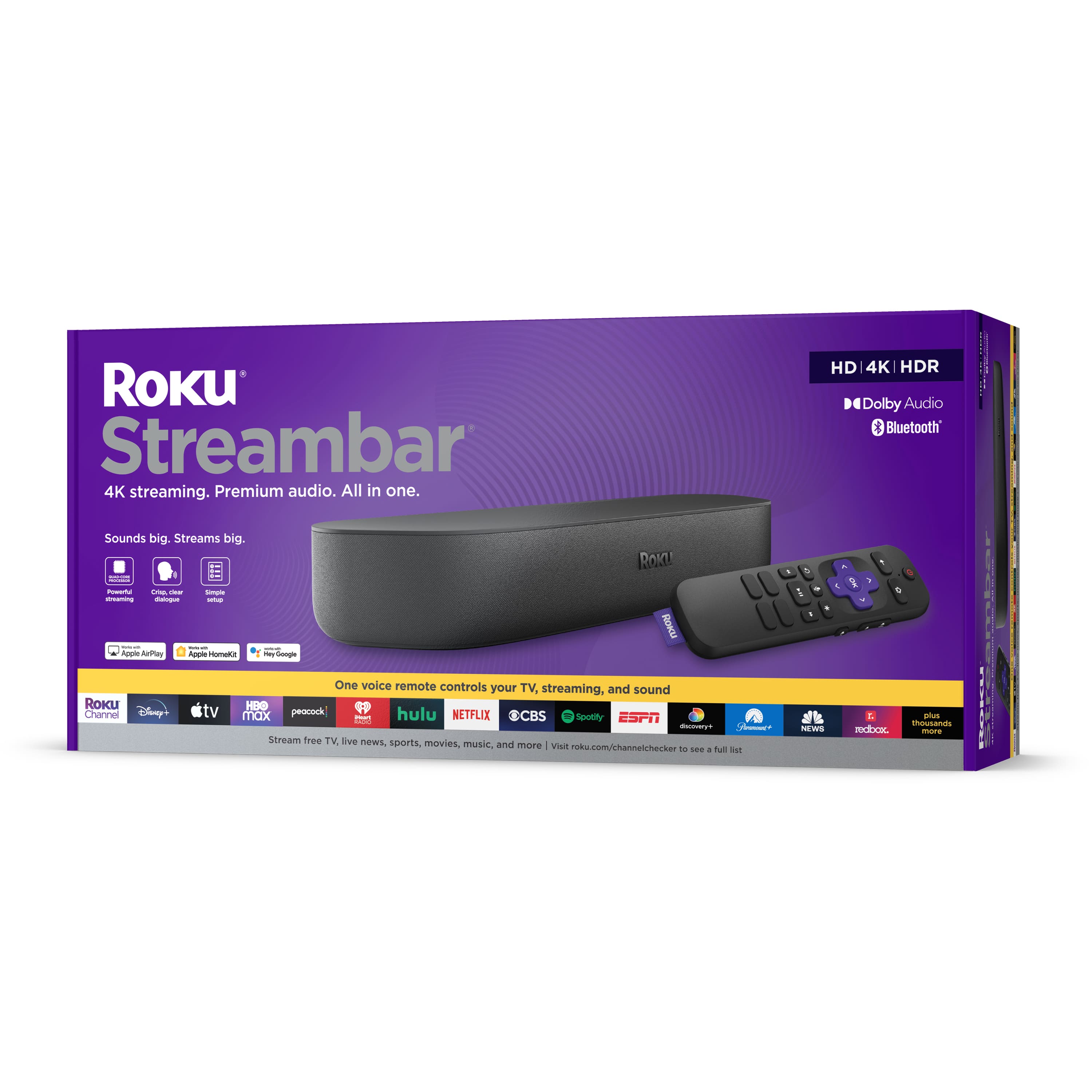
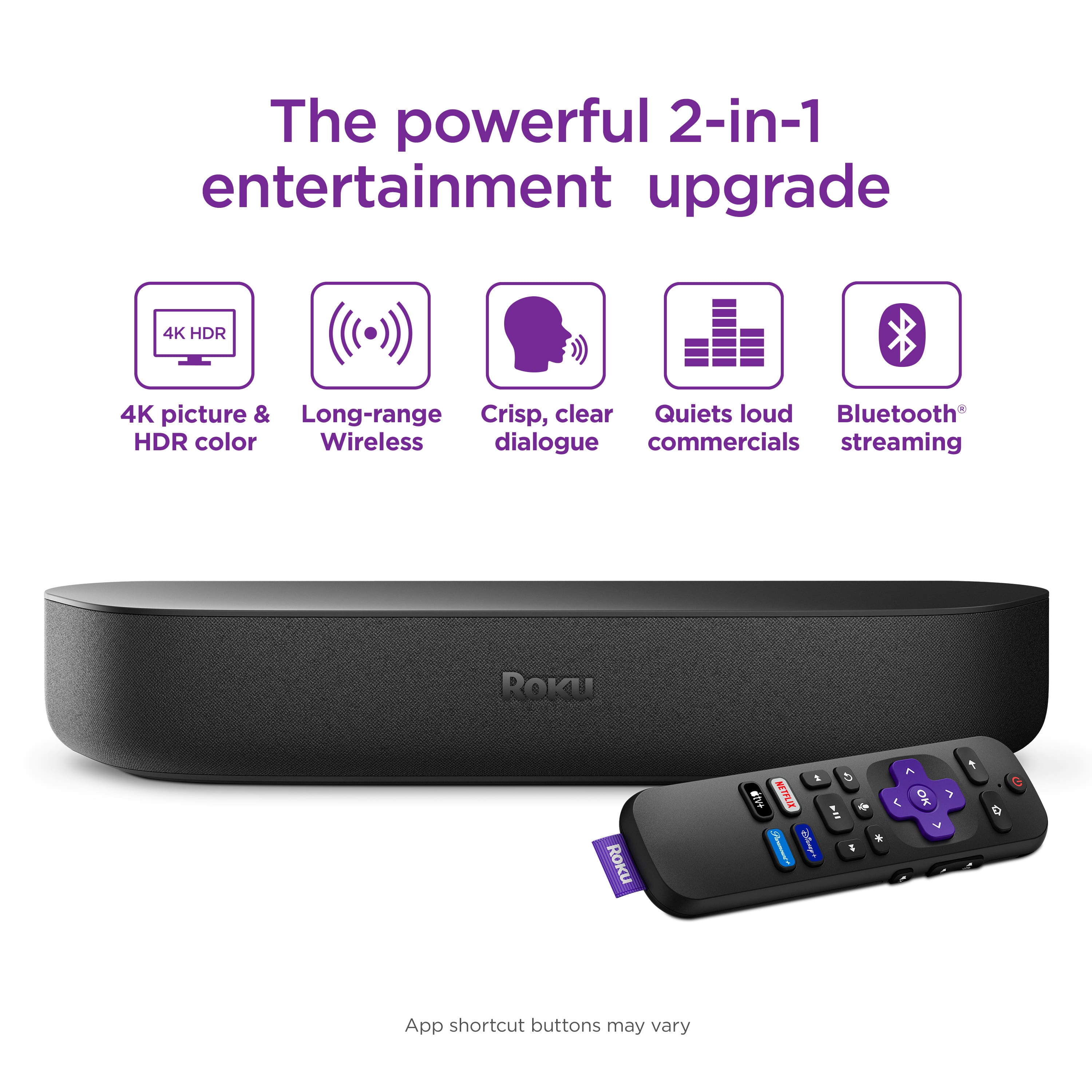
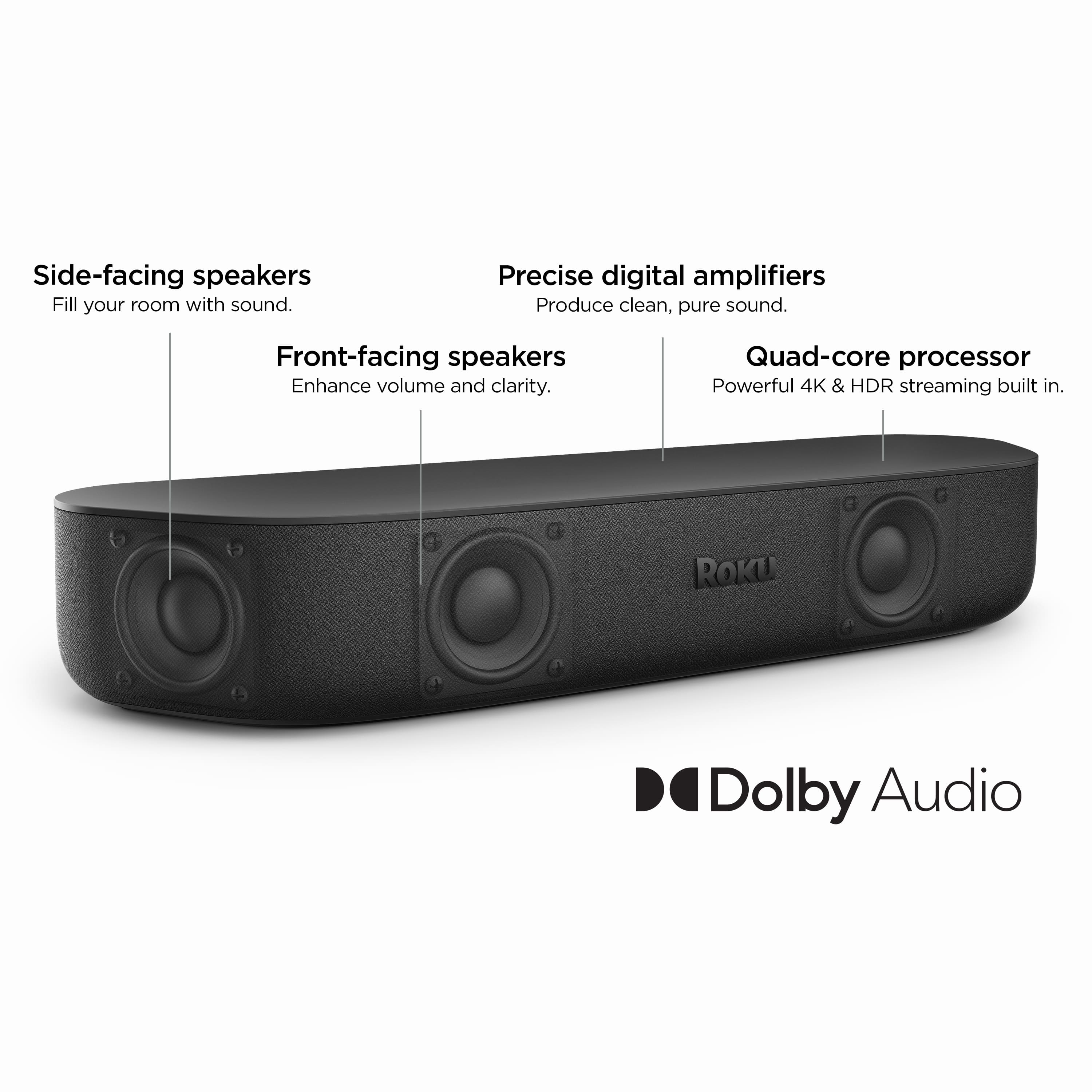
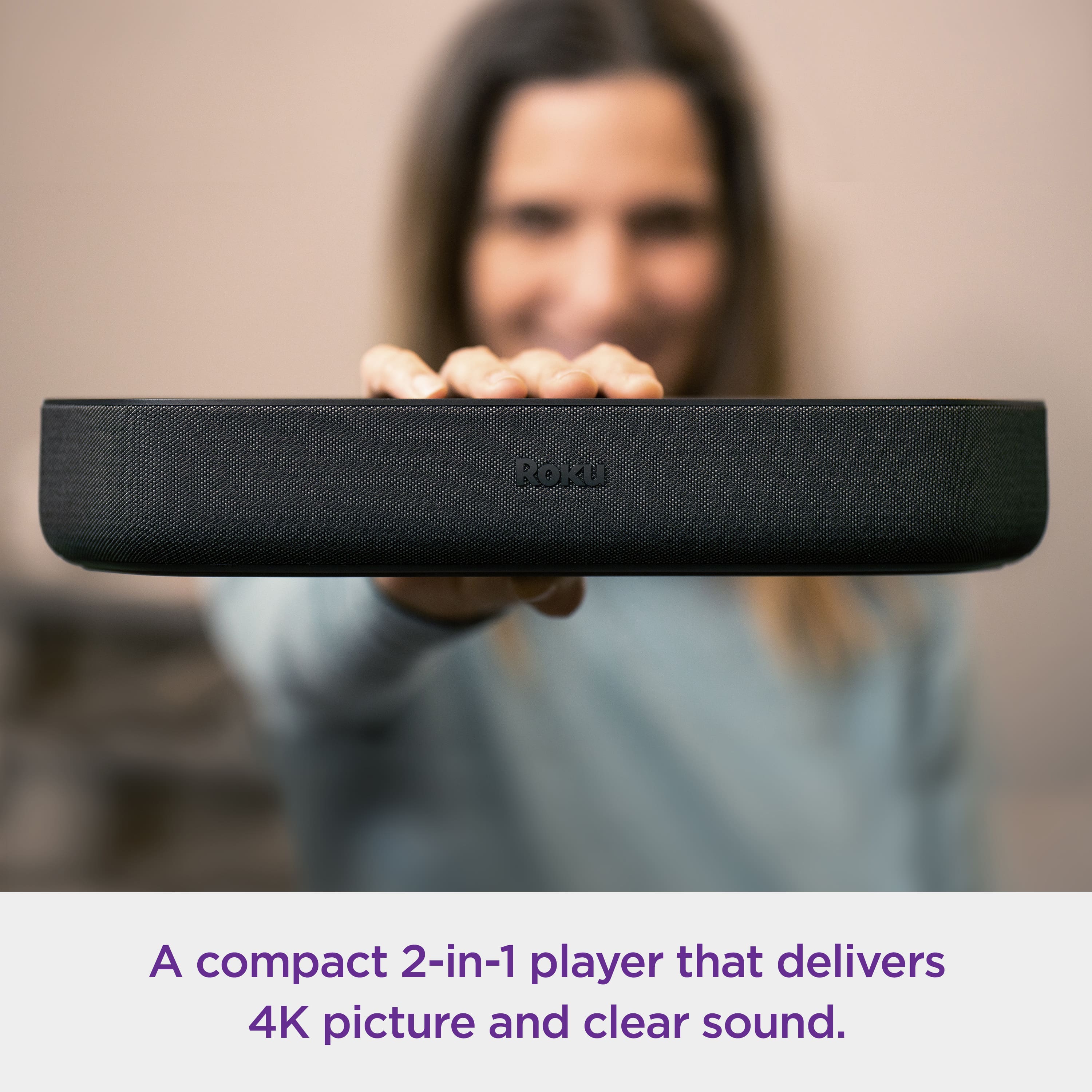
A:AnswerHi, ADP! The Roku Streambar features four 1.9" full range drivers and delivers 64 watts of peak power. The Roku Streambar is also easily expandable. Add heart-pounding bass with Roku Wireless Subwoofer and immersive surround sound with Roku Wireless Speakers. For additional information on the Roku Streambar visit the link here https://www.roku.com/products/audio/roku-streambar
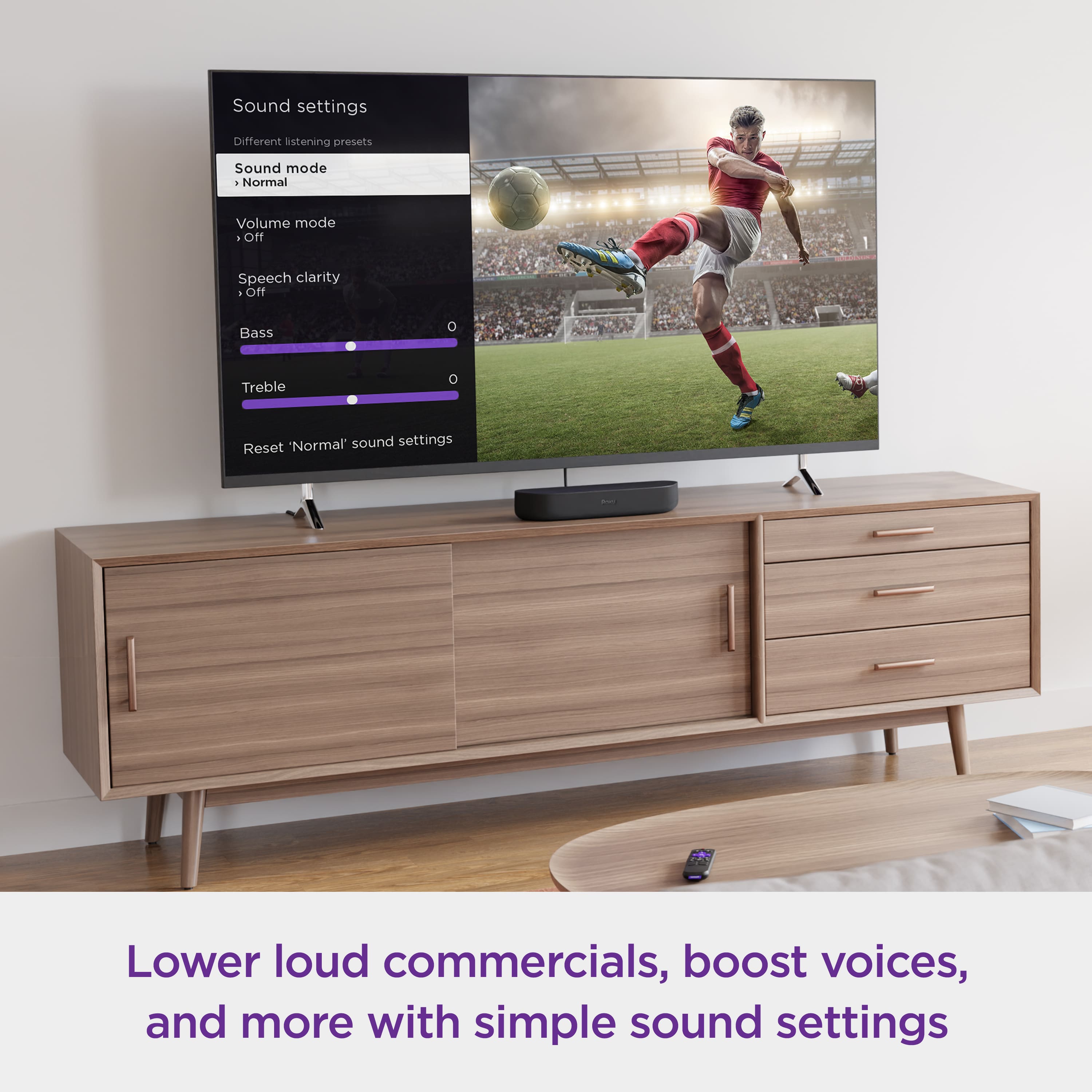
A:AnswerHi! Teresa , The Roku Streambar makes it easy to perfect your sound no matter what you’re watching. Automatically lower loud commercials, boost the volume of voices, and optimize the sound for night listening so you don’t wake the house. The Roku Streambar offers the following audio options;Sound Modes(Normal, Reduce bass, Bass boost, Bass off), Volume Modes (Off, Leveling, Night mode) and Speech Clarity(Off, Low, High). For more information on the Roku Streambar take a look at the Product Page linked here :https://www.roku.com/products/audio/roku-streambar
A:AnswerI just bought a Vizio 75" and have the Roku soundbar, sub-woofer, and speakers all work with the tv. The soundbar has the Roku streaming device built-in so during the setup, everything gets connected to the tv. You'll have streaming wether you want it or not! LOL