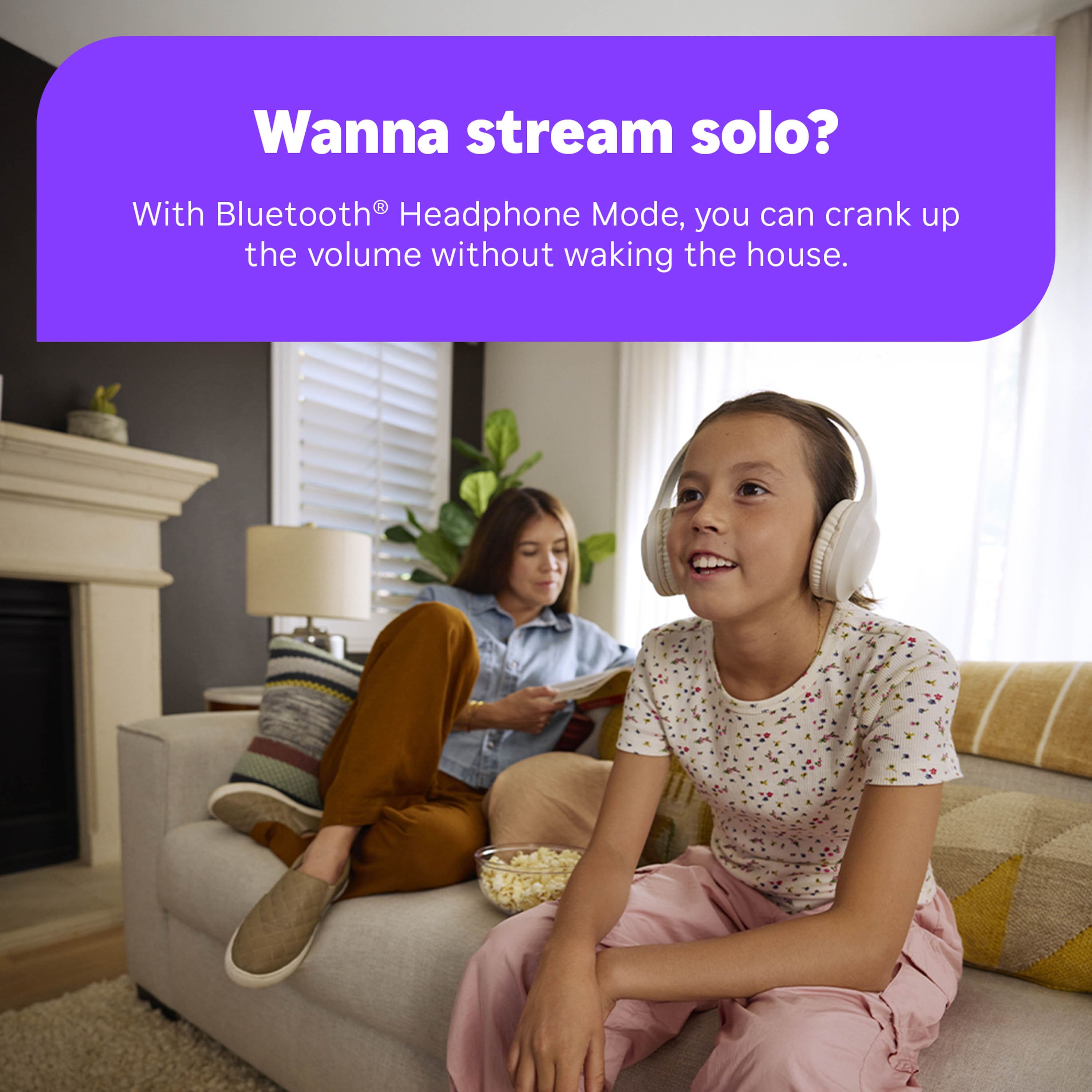
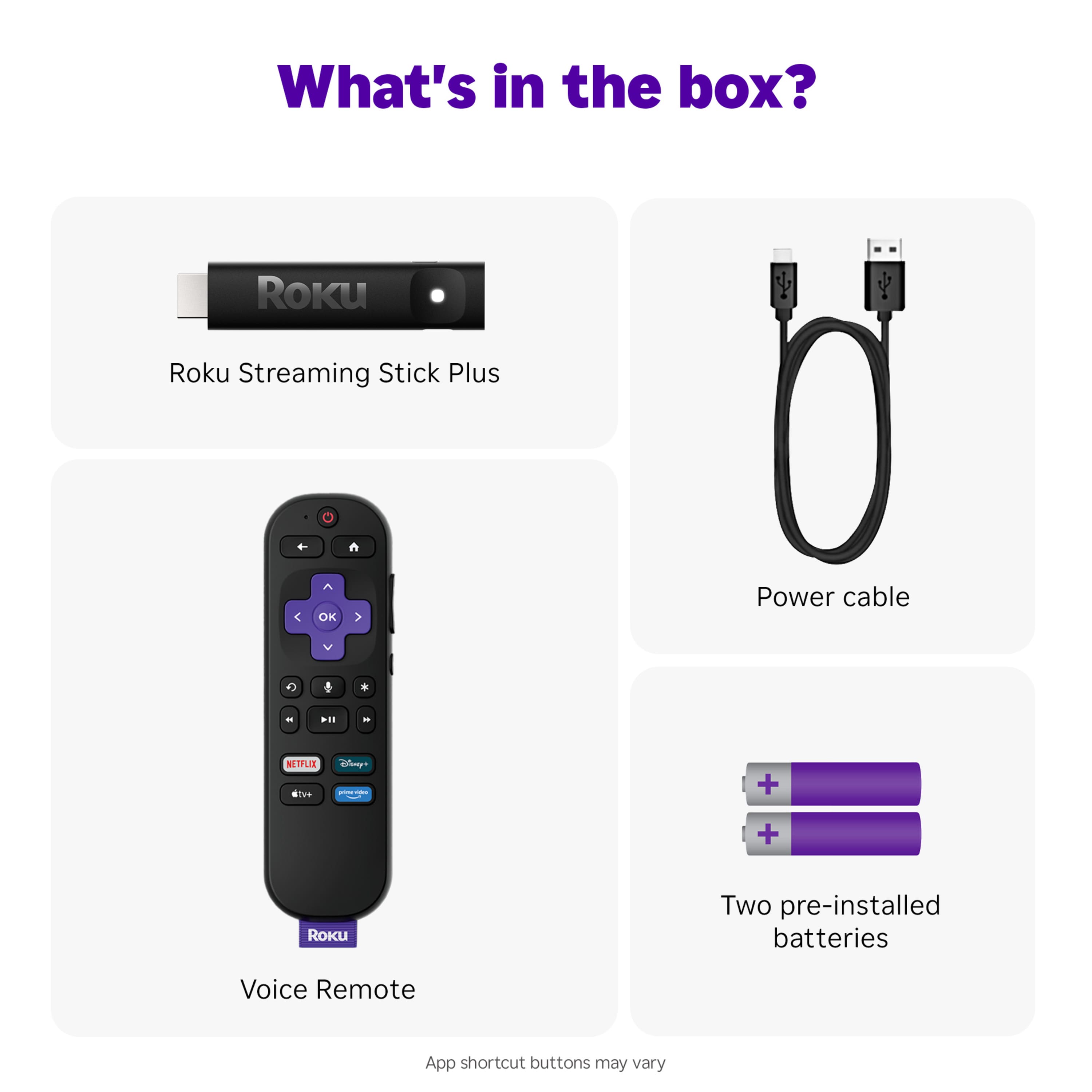
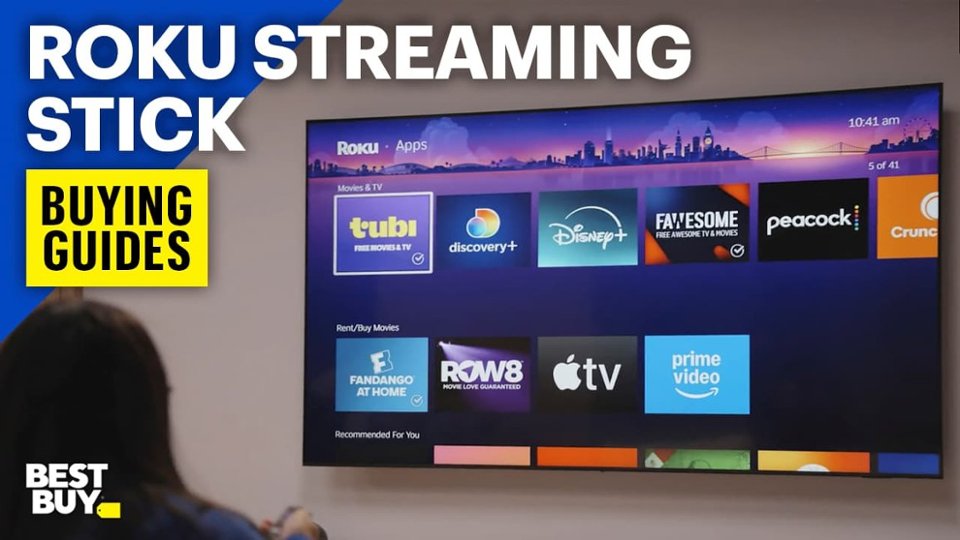
A:AnswerRoku Streaming Sticks don’t support direct Bluetooth pairing with hearing aids. However, you can use the Roku mobile app’s Private Listening feature as a workaround. Just pair your hearing aids to your smartphone, open the Roku app, and tap the headphone icon — the audio will stream through your phone to your hearing aids.
Keep in mind, this usually mutes the TV speakers while in use. If you need both TV speakers and hearing aids working at the same time, you’d likely need a separate Bluetooth transmitter or a TV streaming accessory made for your hearing aids.
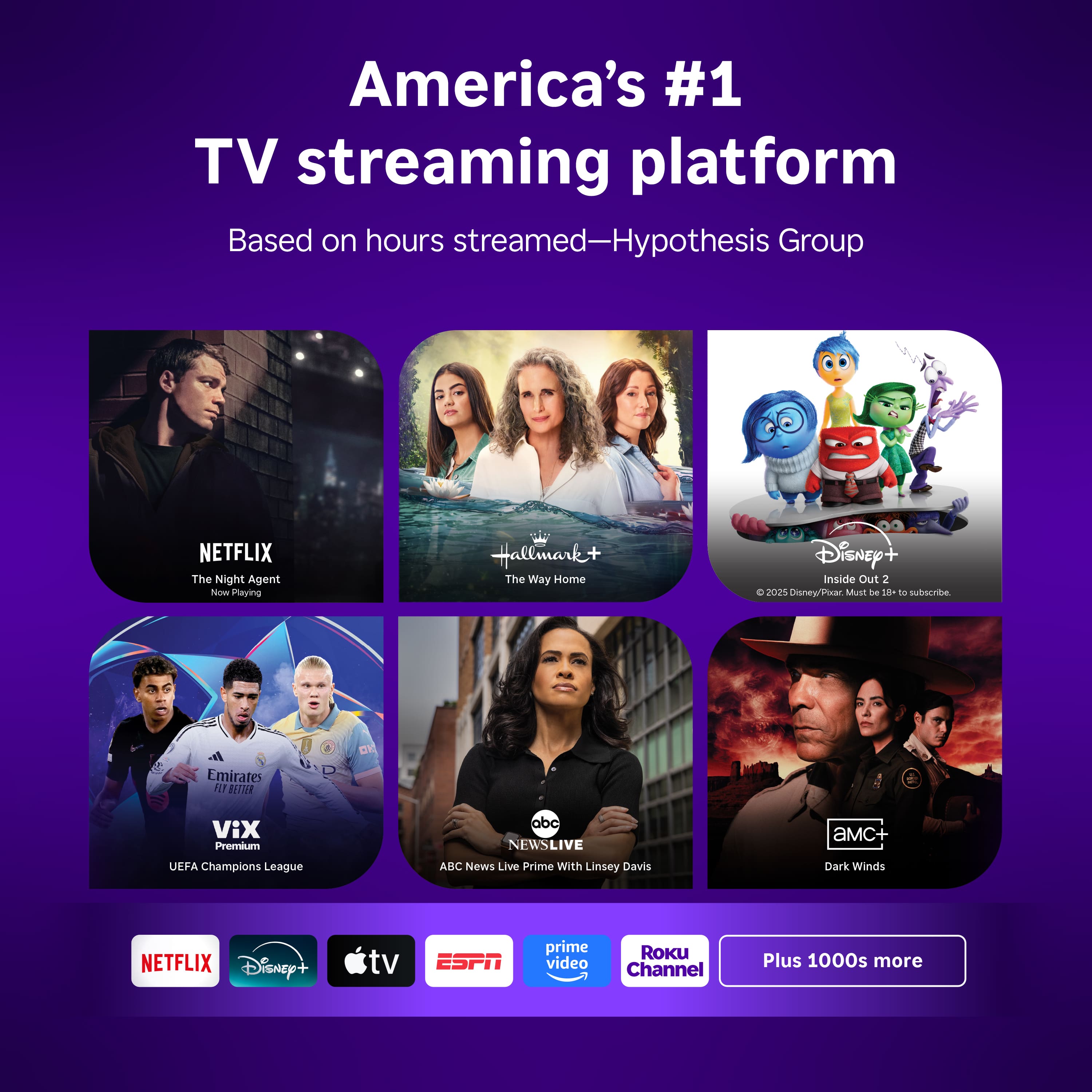
A:AnswerYes but your TV must have an HDMI input Jack, If you can settle for free apps like Pluto TV or Tubi or about 100 + Roku channels then you could drop Netflix but then you would only be able to watch older Free TV shows and movies not current ones but you can also re subscribe to Netflix through this stick although that would be a paid subscription again then
A:AnswerROKU comes with hundreds of free channels, many without commercials. Free movies, shows, everything on earth. Unlike Samsung's platform and some other closed platforms, you can add any other service or application, and you can find one perfect for you. (ROKU can run on Samsung TVs and other closed platforms.) As far as local channels, most all modern TVs have several HDMI inputs. You plug in the ROKU to one HDMI slot, and use another HDMI slot for an antenna and get regular local channels, UHF, etc. (No more rabbit ears; digital antennas cost a one time fee of $30.).
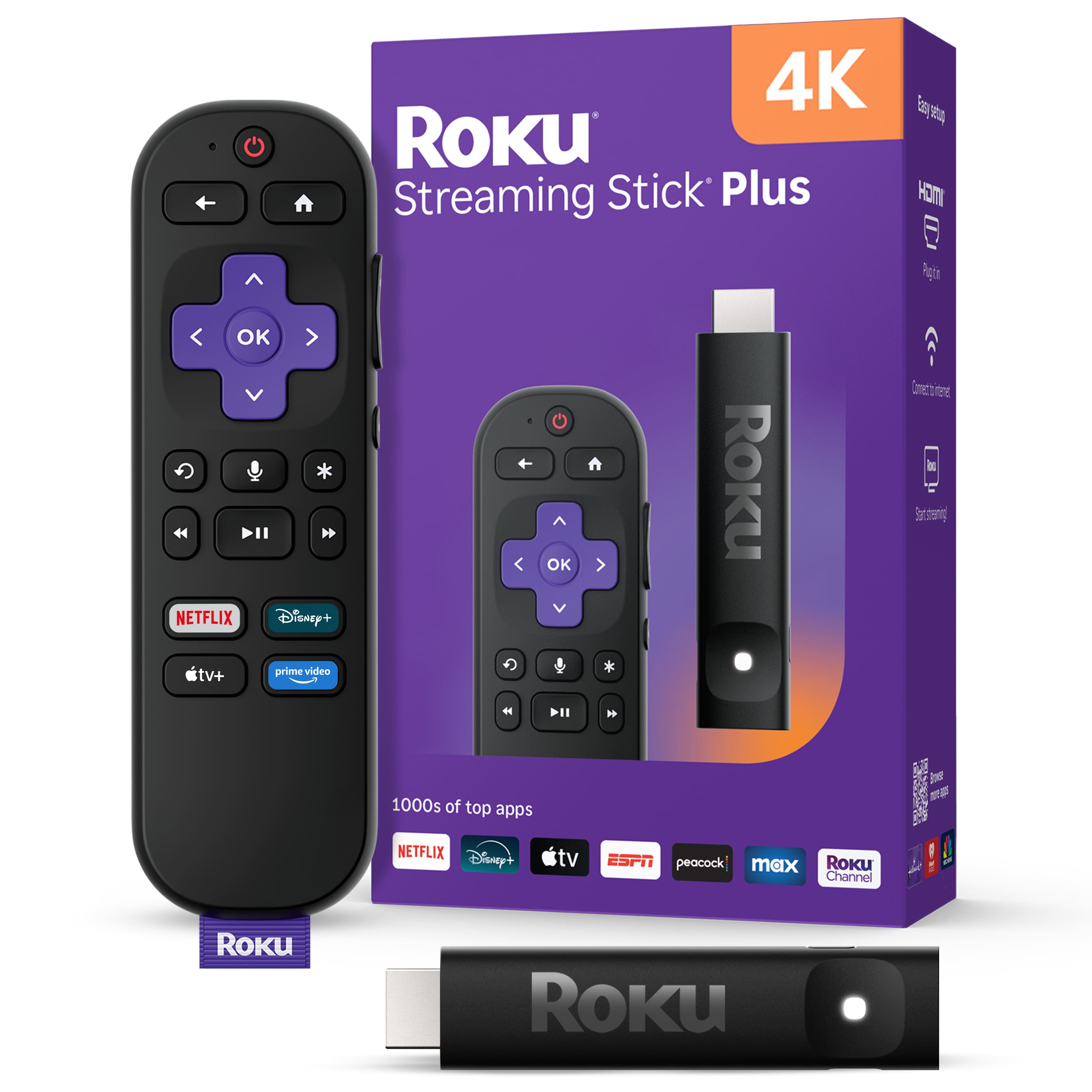
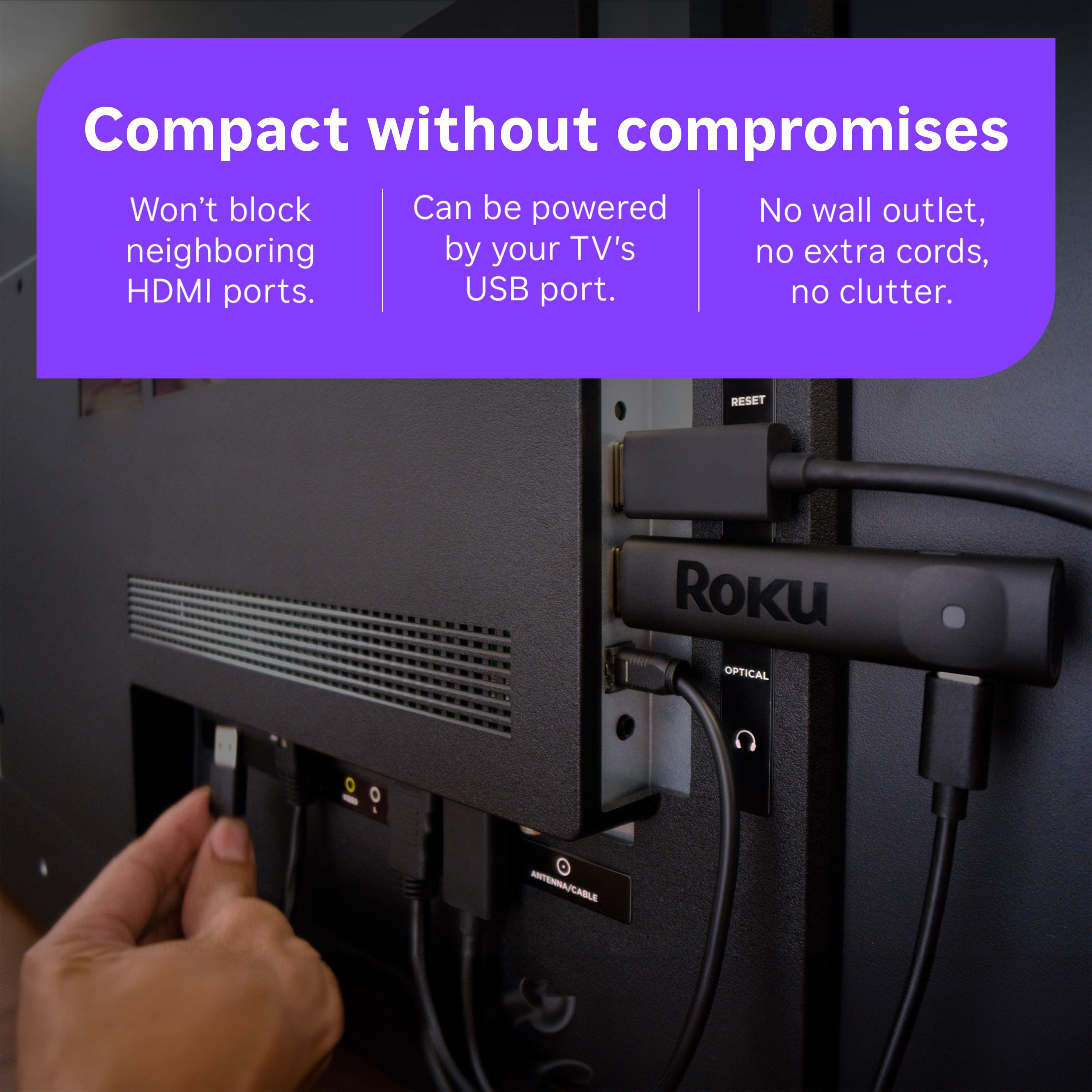
A:AnswerHello Bookwoman47, Roku devices work on any TV with an HDMI port, as for the Dish that's completely separate from Roku and would be a different input on your TV.
A:AnswerHello bobbo, Yes! just download the DirecTV app off of the Roku App Store. https://channelstore.roku.com/details/8151a8e07bd329cdb891ecc61d6476c2:9bb9bc8fb44d73a7783c1c9a8dd1ee5a/directv