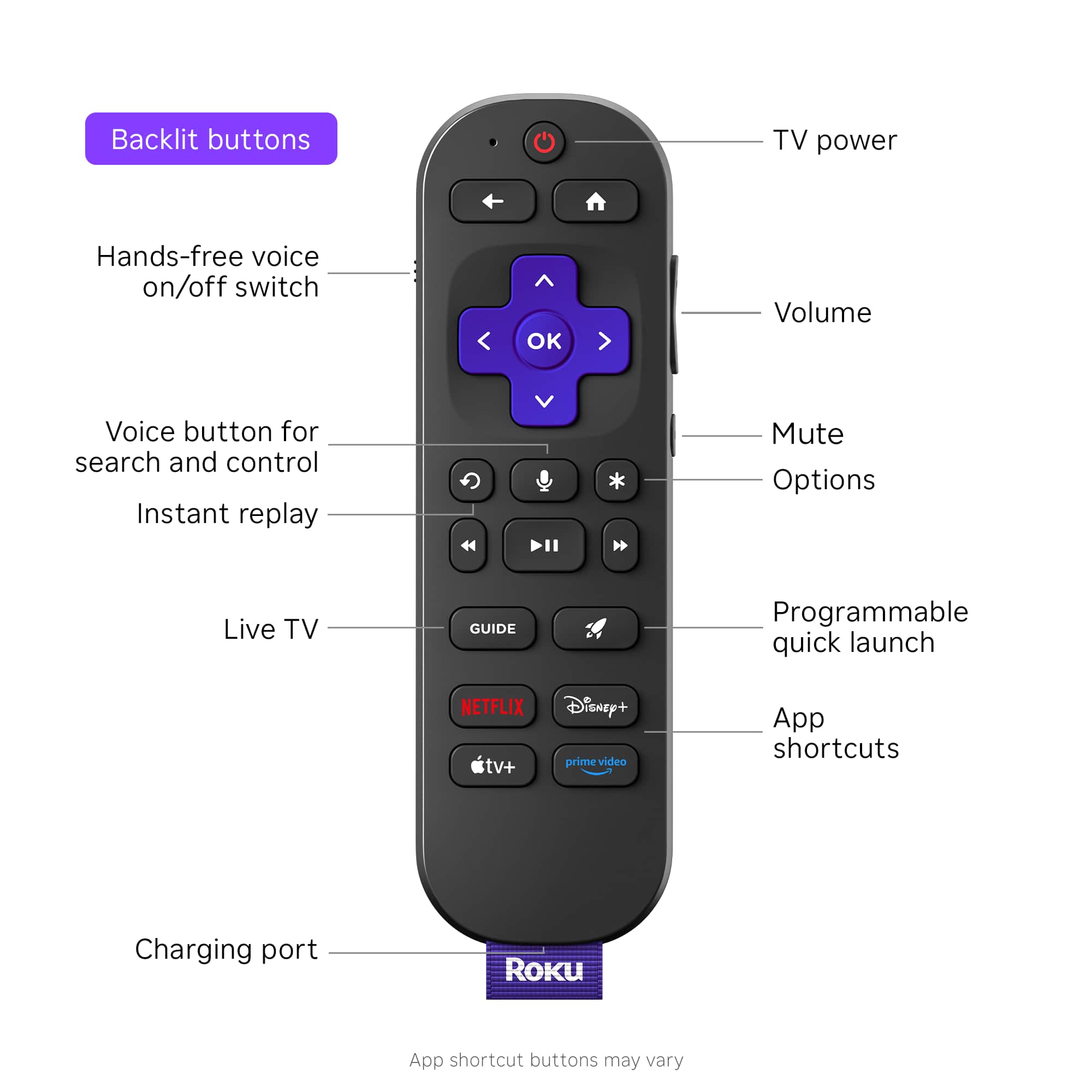
A:AnswerHello Paradisepatti! Roku gives you instant access to live TV, right on your home screen. From tons of free live TV channels on The Roku Channel, to popular streaming services like Sling TV, if it’s on live, you’ll find it here. We offer 400+ live TV channels on The Roku Channel alone, plus countless live TV streaming services like Sling and Fubo you can add to your Home Screen. So let’s just say that if you can think it, chances are, we’ve got it. Whether you’re looking for breaking news on CNN, music videos on MTV, or cartoons on Nickelodeon, you’ll find it streaming on your Roku device.
A:AnswerThe Ultra can use the remote from the Express model, it is IR. The Express remote will control the Ultra/LT models, however to disable the wifi on the Roku you must: 1). If Roku Ultra LT is brand new out of the box, simply do not put batteries in the voice remote or pair it to the Roku as this will enable the wifi. 2). if Roku Ultra LT has already been set up and paired with voice remote, you must remove batteries from voice remote, have remote from Express model ready and use it to select factory reset through menu. After factory reset is finished, go to system/ advanced settings/ device connect/ disable. This will turn wifi off on Roku and emit no more RF signal/ radiation. Hope this helps anyone!
A:AnswerHello HearingDisabled, it would be through one or the other but you can use Rokus headphones mode off of the Roku Mobile app to use multiple headphones at one time.
A:AnswerHello Bill Fubo multi view was recently added to Roku you can use this website to help you set it up. https://support.fubo.tv/hc/en-us/articles/30574847628045-How-does-Multiview-work-on-Roku