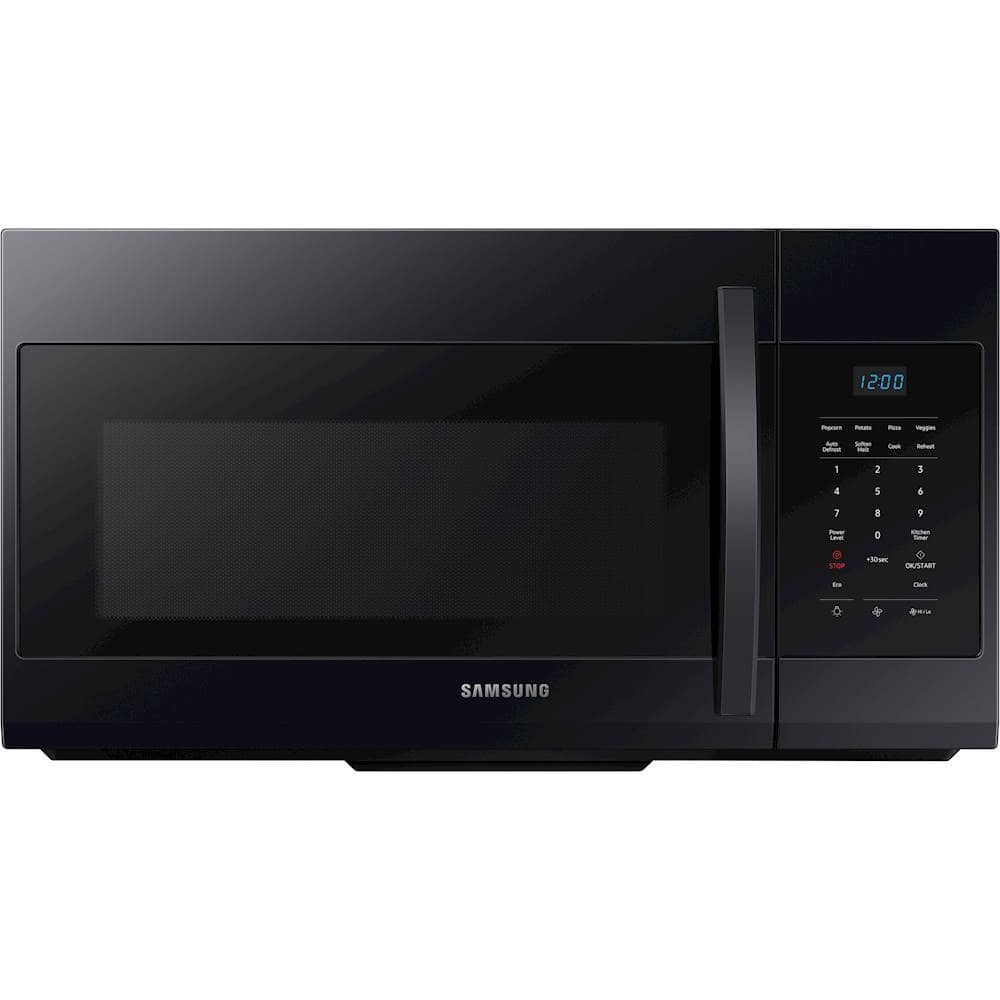
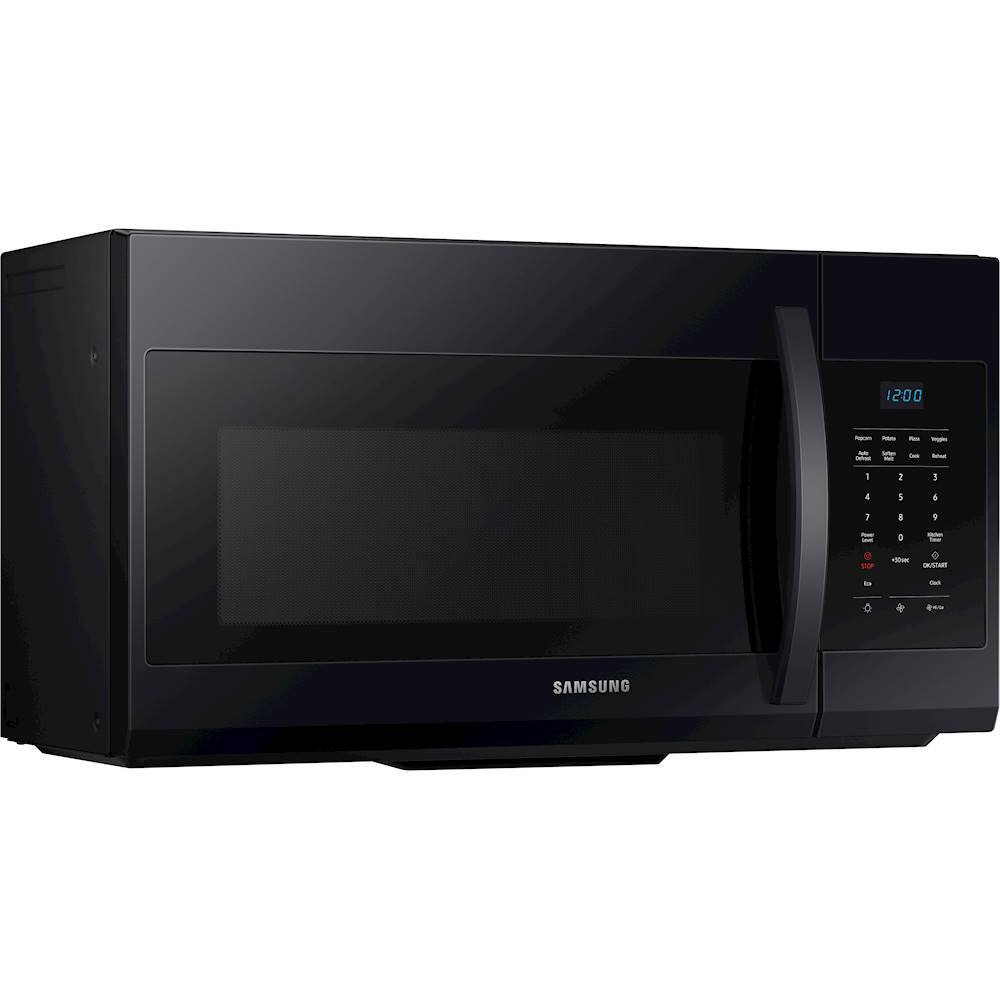
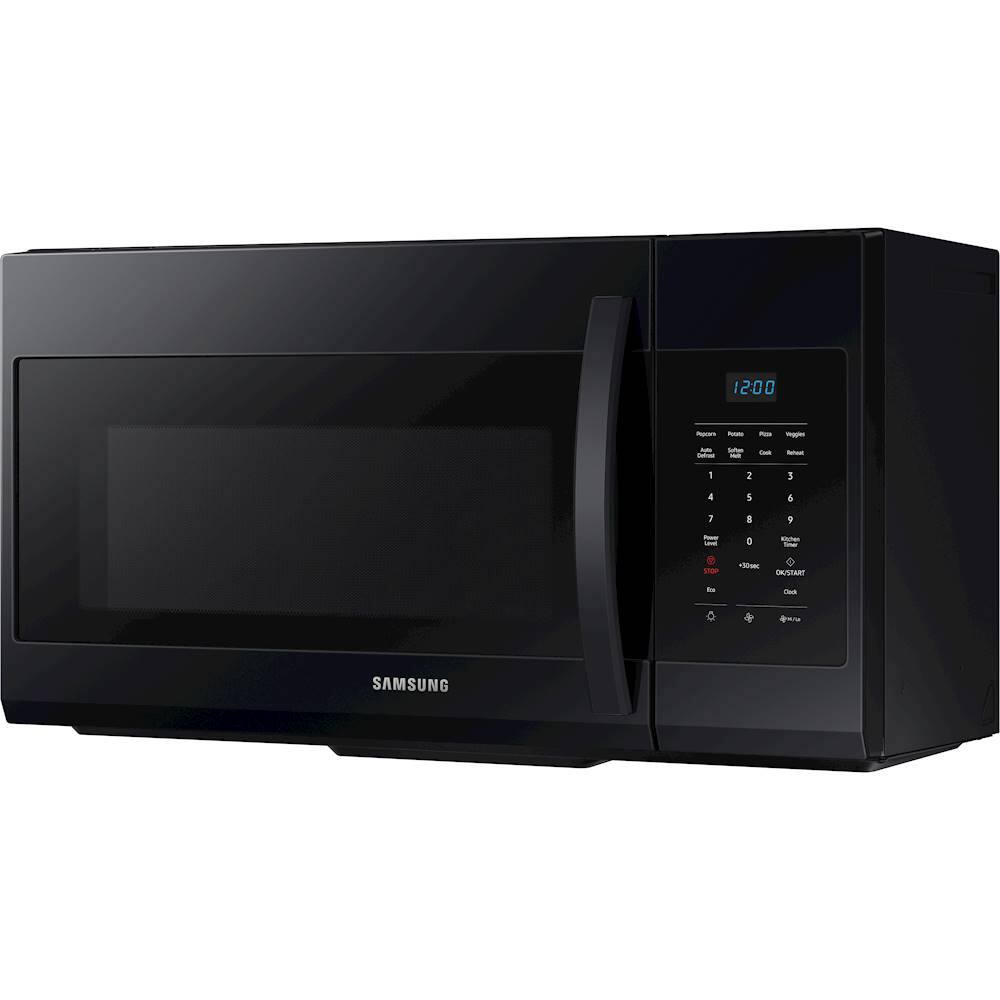
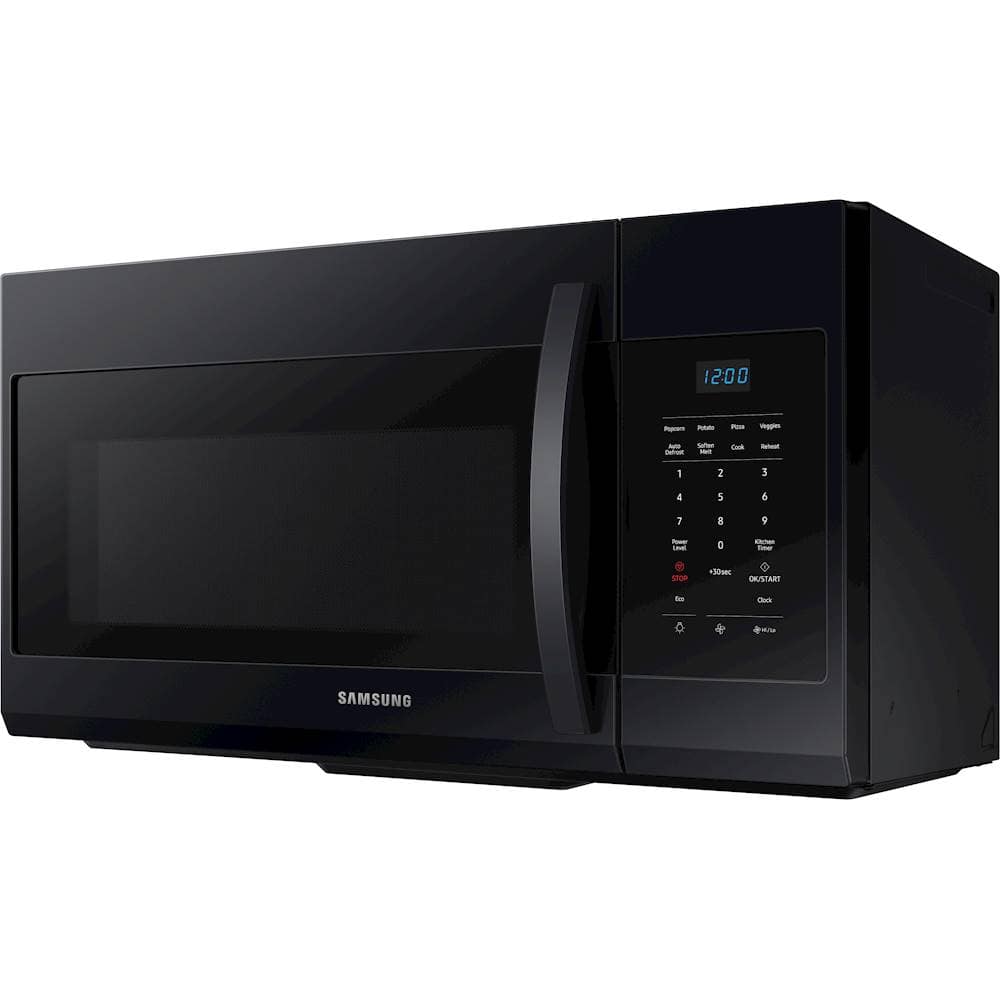
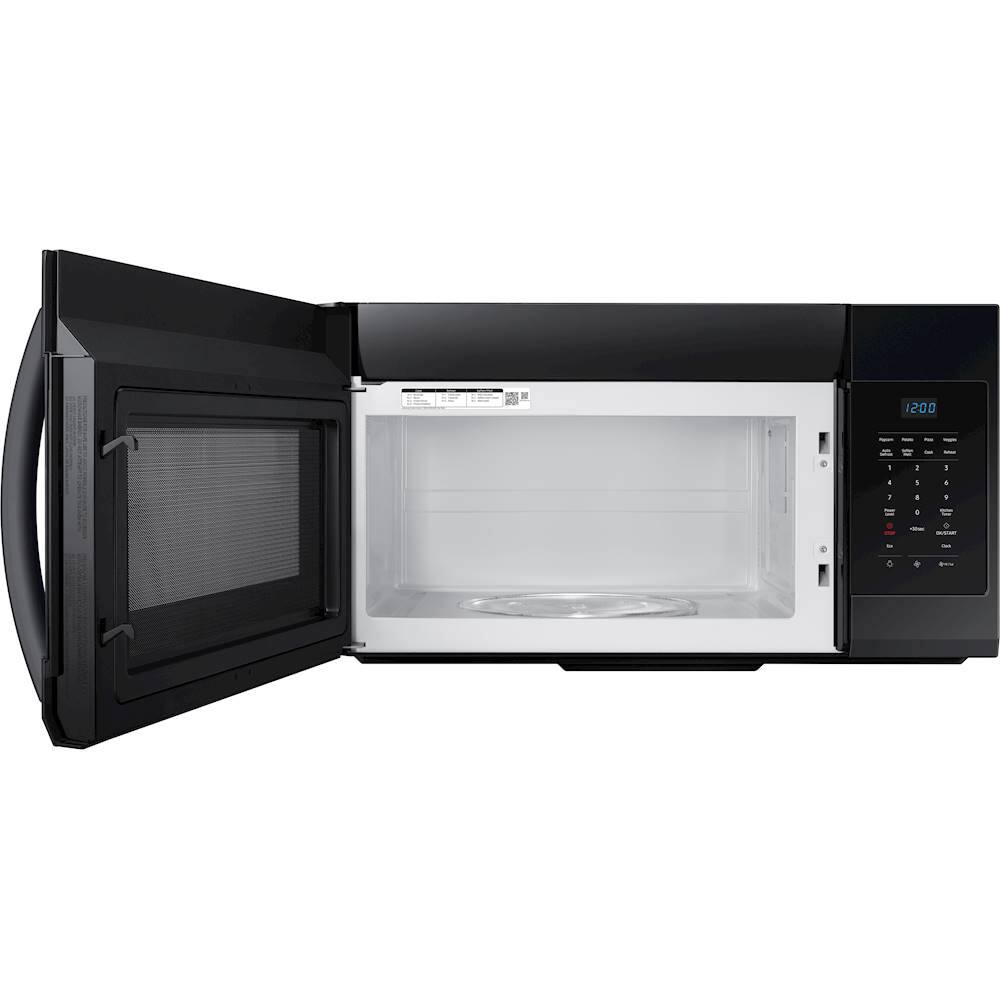
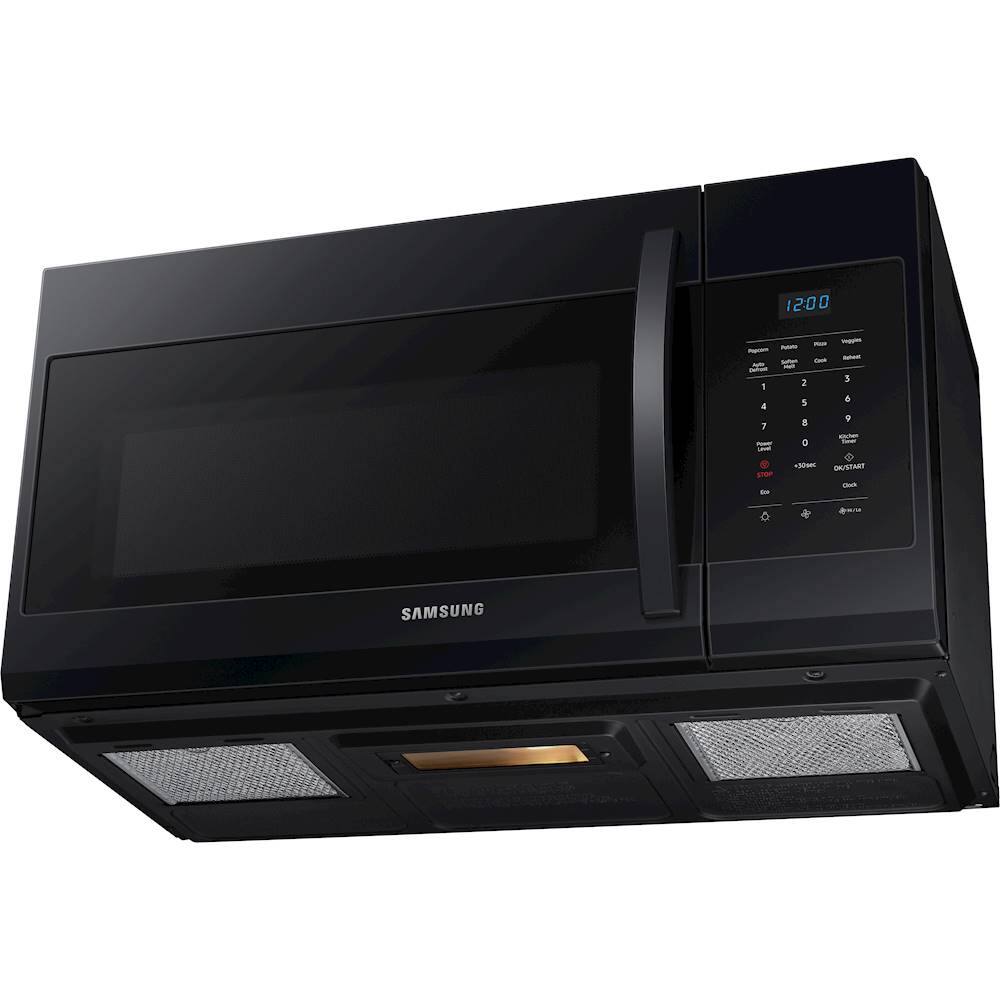
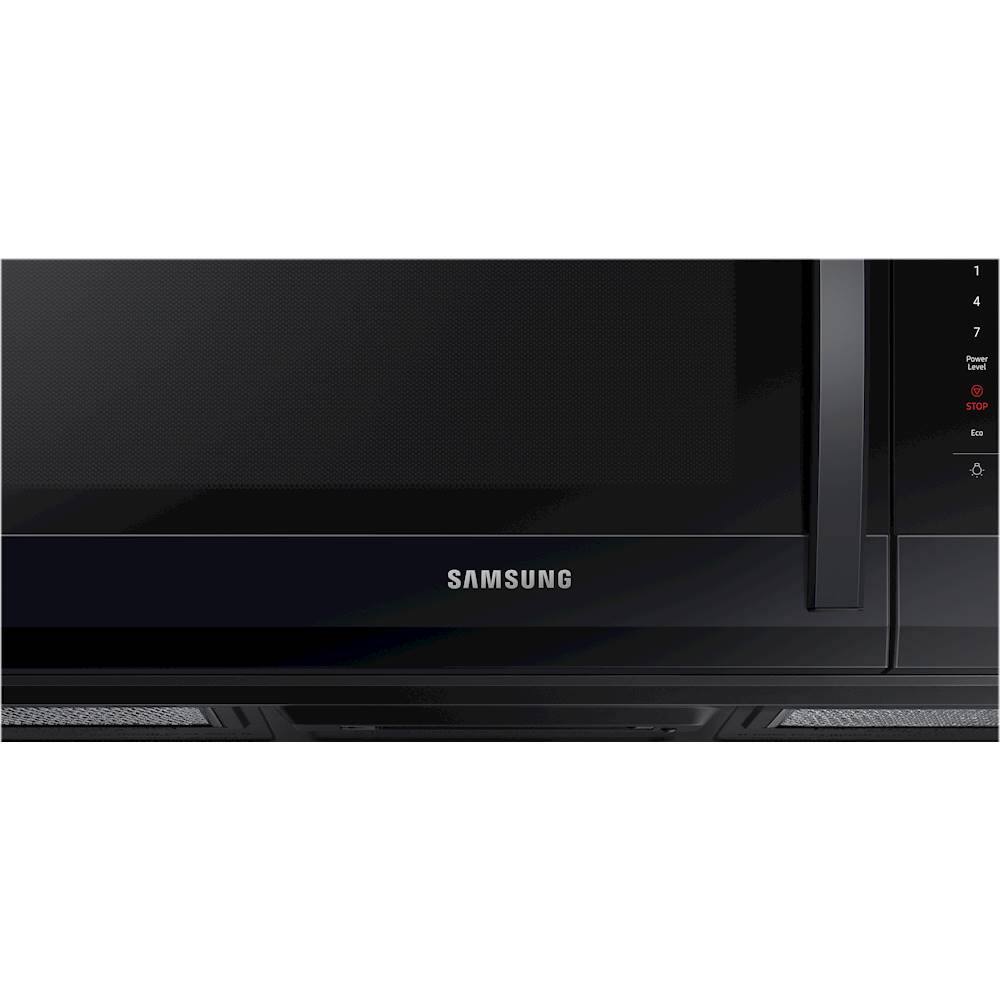
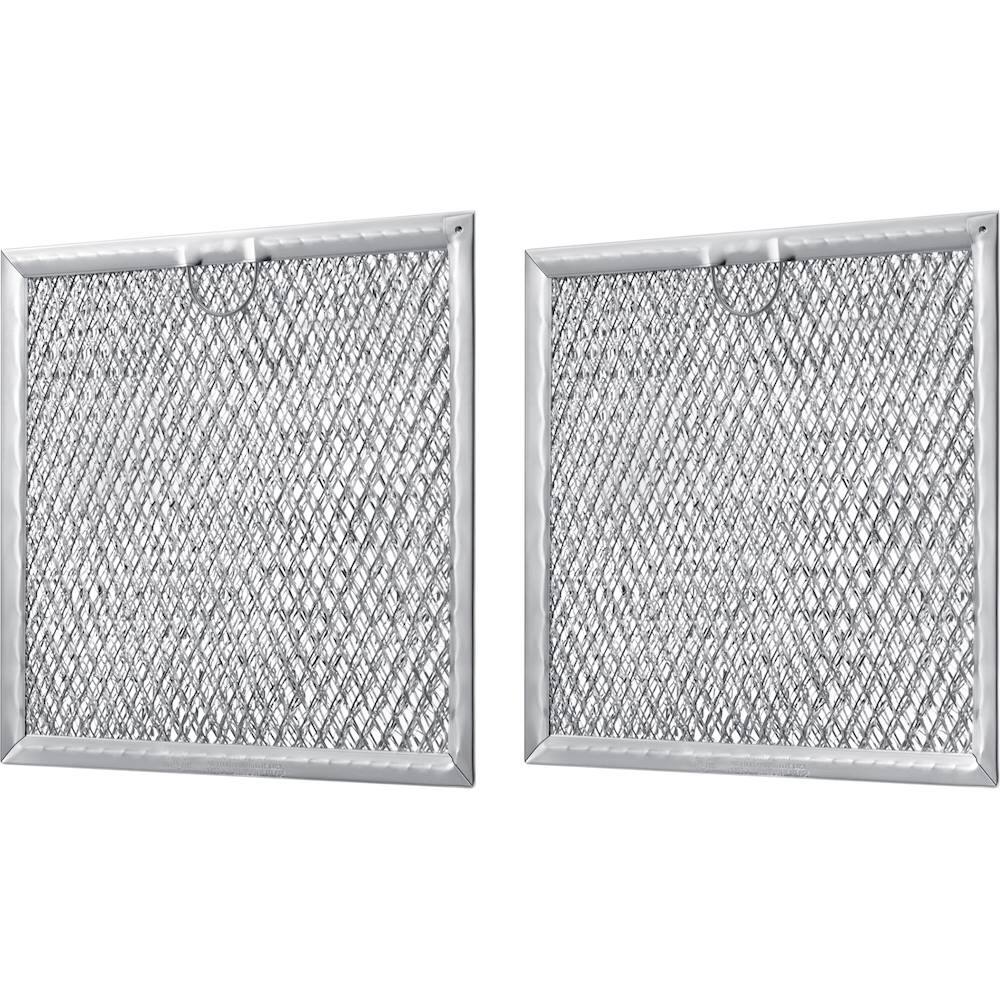
A:AnswerChaz, the Product Dimensions are 19 5/16" x 9 5/8" x 14 3/8". You can find this information on our website Samsung.com under product specifications (https://bit.ly/3aNMlV7). Thank you for choosing Samsung! ^Lena
A:AnswerHello mrmike56,
We'll gladly provide the details you need.
Below is the product's dimension (W x H x D) for your reference.
29 7/8” x 17 1/6” x 16 1/2”
Feel free to visit the website via the link below to learn more about the product's specifications.
https://www.samsung.com/us/home-appliances/microwaves/over-the-range/over-the-range-microwave-with-1-7-cu--ft--capacity-in-black-stainless-steel-me17r7021eg-aa/
If you have further questions or inquiries, these are the platforms that you can reach in the future:
1. Facebook Messenger: http://m.me/samsungsupport
2. Twitter: https://twitter.com/messages/compose?recipient_id=18768513
3. Samsung Community: https://us.commuity.samsung.com/t5/Samsung-Community/ct-p/us
Please provide us with this reference number (1148229320) to help our team pull up your information when you message us.
Thank you.
-Angelica
A:AnswerGreetings!
We're here to help with your question about this Samsung microwave model.
We recommend using the wall mount fixtures that come with each over-the-range unit. Should you have follow-up questions, please feel free to get back to us via the following options:
1. Facebook Messenger: http://m.me/samsungsupport
2. Twitter: https://twitter.com/messages/compose?recipient_id=18768513
3. Samsung Community: https://us.community.samsung.com/t5/Samsung-Community/ct-p/us
4. Phone Customer Care: 1-800-726-7864 (1-800-SAMSUNG)
When you message us, please provide us with this reference number 1147307302 to help our team pull up your information.
Leo
A:AnswerHi Izzi,
We appreciate you reaching out to us with your concern regarding the mounting compatibility of our microwaves. We understand how crucial it is for you to have a hassle-free replacement experience, and we're committed to assisting you in any way we can.
We understand with your disappointment and want to assure you that we're here to help resolve this matter promptly. While we strive to ensure compatibility across our product lines, variations in mounting holes and hardware may occur between different models.
To address your specific inquiry, we recommend consulting our official Samsung installation link for detailed information and guidance tailored to your microwave model. Visit the installation manual link below on page 8 under the "Placement of the mounting plate "section of the installation manual for the details.
Installation manual
https://downloadcenter.samsung.com/content/EM/201803/20180307153121132/Manual-Installation_MC17J8100CS_AA_DE68-04129A-02_EN.pdf
Should you need more assistance, please feel free to get back to us via the following options:
1. Facebook Messenger: http://m.me/Samsungsupport
2. Twitter: https://twitter.com/messages/compose?recipient_id=18768513
3. Samsung Community: https://us.community.Samsung.com/t5/Samsung-Community/ct-p/us
When you message us, please provide us with this reference number (1147101328) to help our team gather your information.
Have a great day.
^Charles
A:AnswerNo, Bray, the beeping sound of the microwave is a default function that allows the user to remember that there is something inside the microwave and the timer has been completed.
Have a great day,
-Ernest-
A:AnswerForget the instructions. Make sure you hit a wall stud with the rear mounting bracket. Now measure from the center of the microwave and underneath cabinet to each side where you want to drill the holes. Draw a short line parallel to each side of the cabinets. Then measure from the back of the microwave to the screw hole. Add an 8th of an inch and measure from the back wall to each line near the sides that you drew before. Drill where the lines cross.
A:AnswerYou can probably find the length of the cable in the specs of the model and that its an industry standard. Nonetheless, I was far more interested in the install than the product itself. I could have bought a microwave from just about anywhere, give or take a few dollars either way. It was the install for me. These guys were really good. I mean, I was more concerned with how they did the job than anything else. Mainly, because the microwave I replaced was at the property already. I didnt know what was going on behind this wall. These guys took their time, they were careful and neat, and explained along the way what they were doing. They asked permission to remove a few pieces of molding from around the edges, which I allowed and they figured it out on the spot. That was what I actually paid for. Good luck if your doing it yourself, but the cord is probably the same length as any microwave cord.
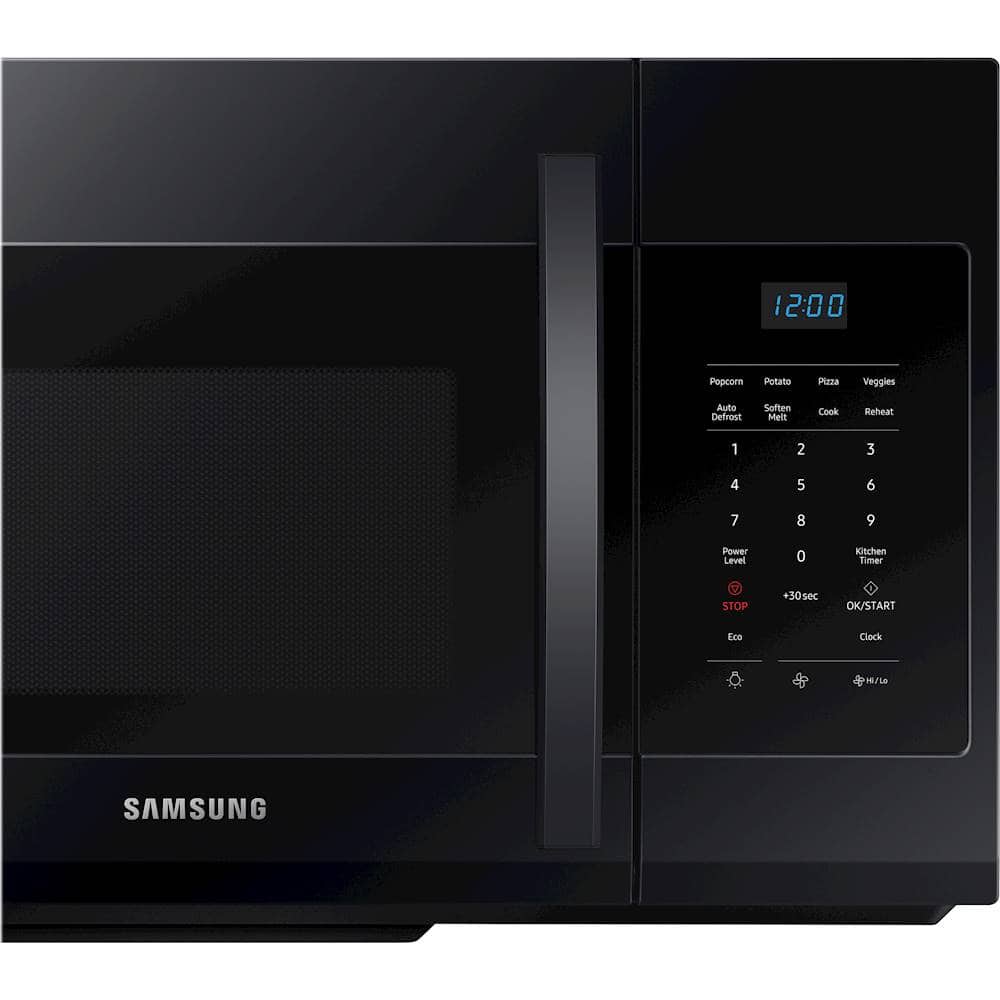
A:AnswerTo set the clock
1. Hold down power level button for 3 seconds.
2. Use the number buttons to enter the current time.
3. Press power level to choose am or pm.
4. Press the OK/START button.
A:AnswerYes, i believe with correct dimensions it will work. Microwave comes with recommended lengths. Just give enough clearance to install and remove when necessary.
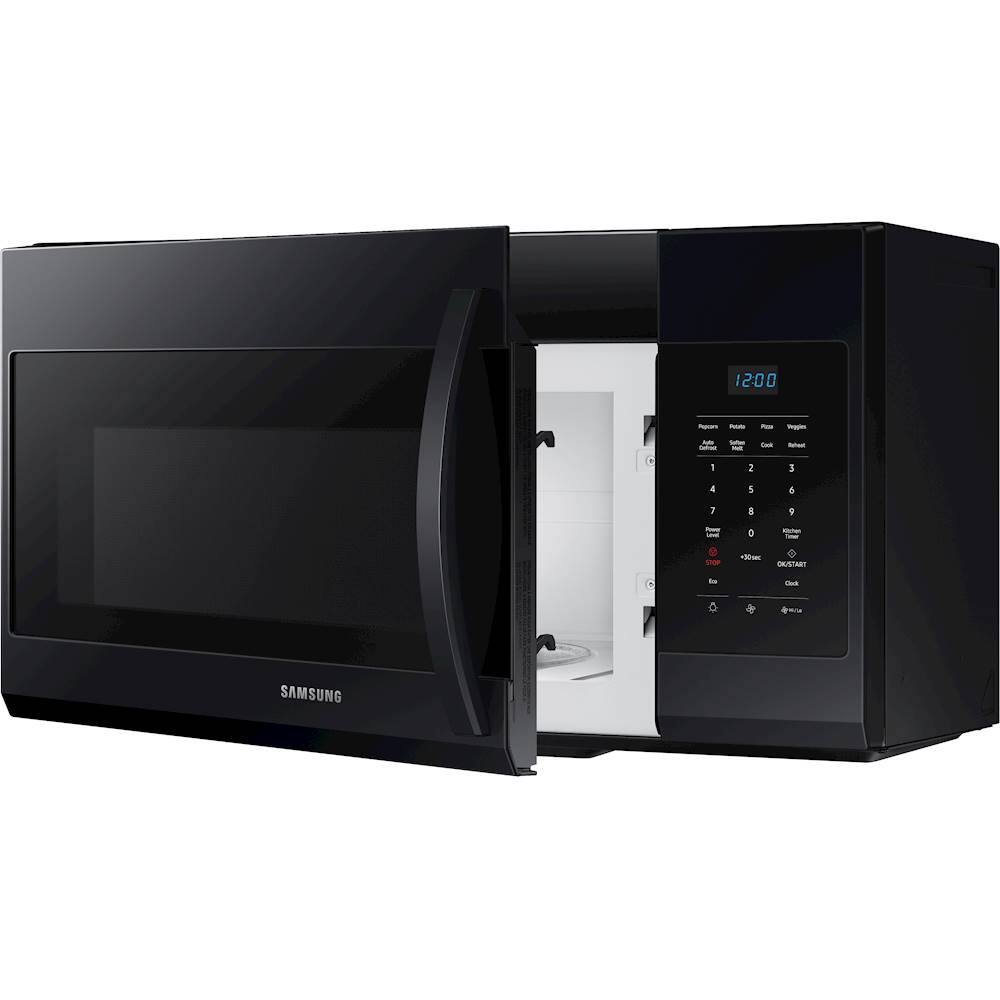
A:AnswerYes, it also has exhaust and recirculation mode, read the user manual if you need it to be installed in recirculation cause the fan is set to top exhaust from factory.
A:AnswerHi Kathy! Our specifications list the required cutout dimensions as 29 7/8" x 17 1/16" x 16 1/2". This is the spacing needed for proper installation and functioning. ^Jecca
A:AnswerHi Sparky! This model does not come with a trim kit. However, you can check SamsungParts.com or call 1-800-627-4368 for compatible trim kits. ^Jecca
A:AnswerMine did, but if you're tight on space just be aware that the holes at the top are very far out, like, pretty close to the edge of the microwave. I wasnt able to put both screws at the top.