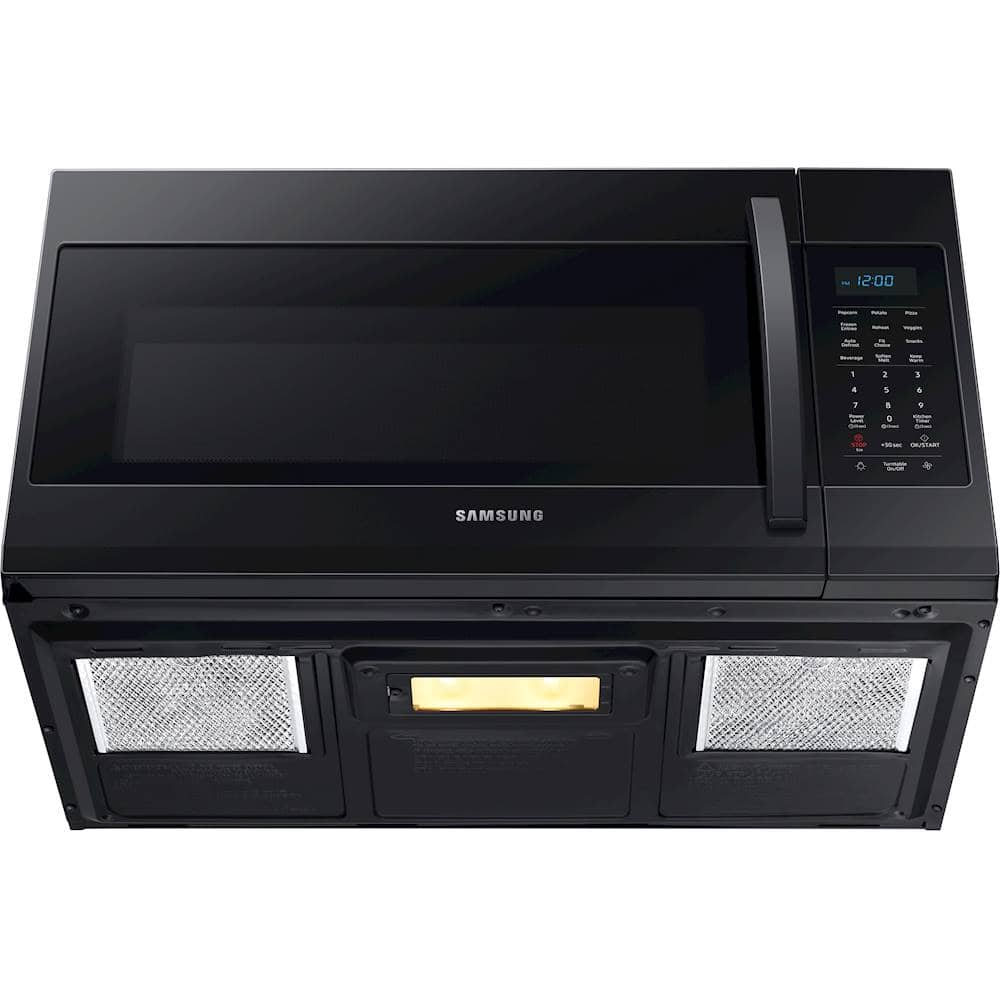
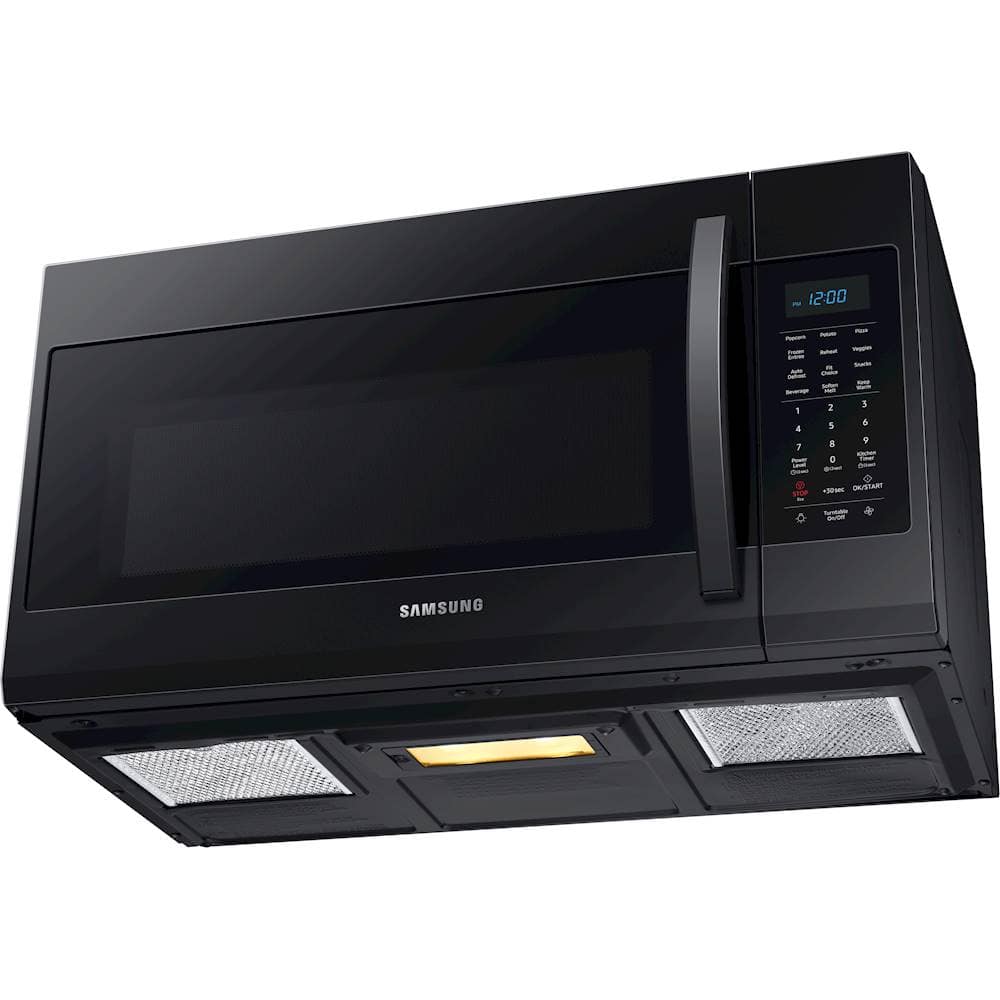
A:AnswerEither the bulb is loose or the filament broke. In any case, I replaced it with an LED right off the bat, they sell them anywhere, got mine at Home Depot, brighter, less energy, will outlast the microwave.
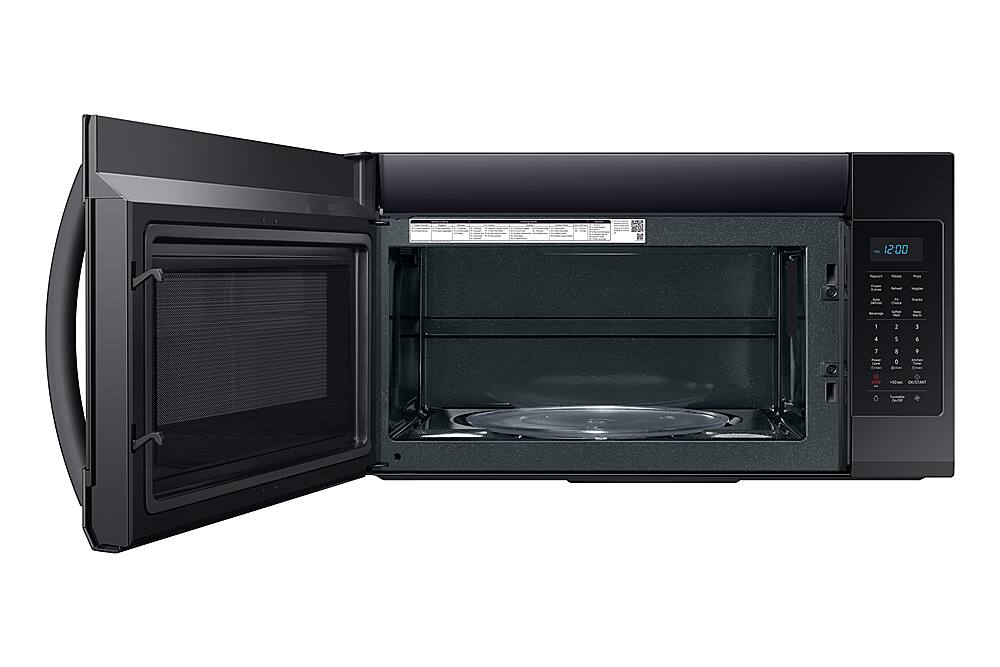
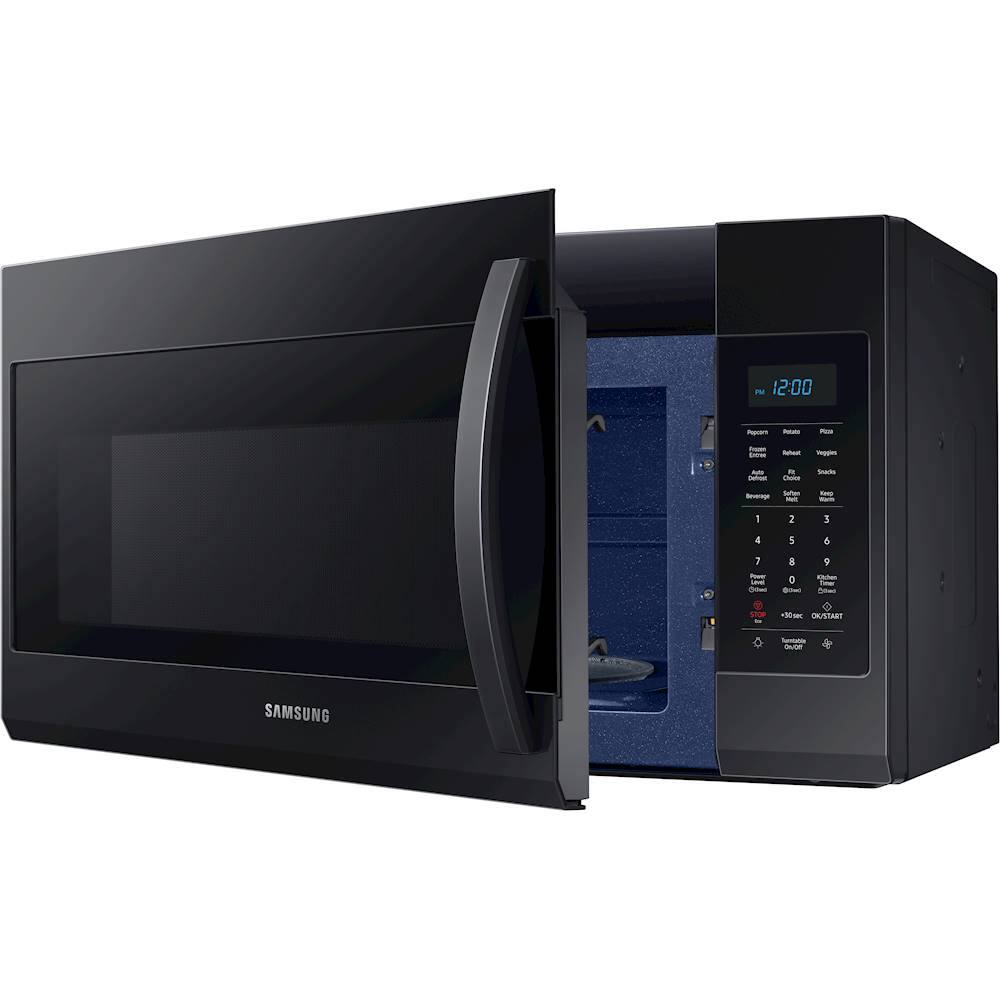
You'll have to remove the top panel once you open the door. It's simple but follow the instructions on how to remove the panel as you'll have to slide it to the right after removing the screws
A:AnswerHello.
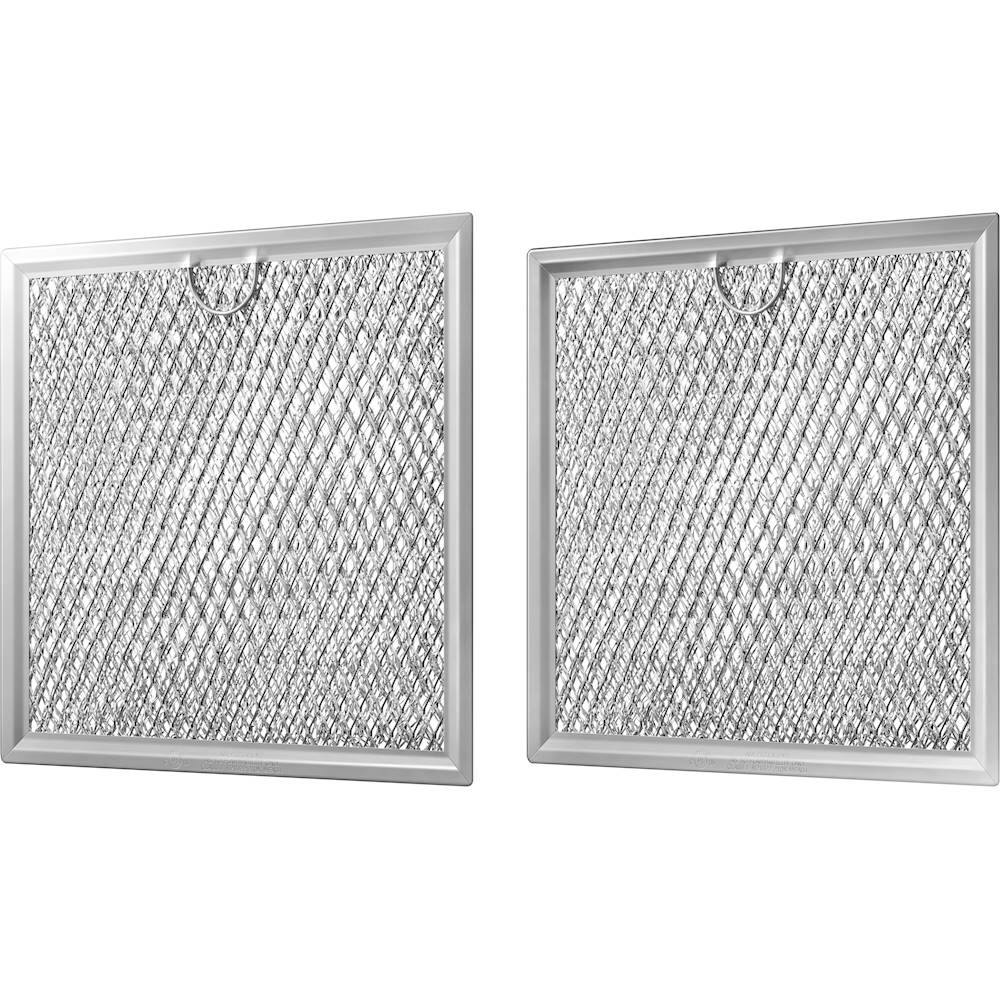
Thank you for reaching out regarding your Samsung - 1.9 Cu. Ft. Over-the-Range Microwave with Sensor Cook dimension of the charcoal filter. Regarding your concern, it would be best to speak to our Samsung parts team for them to be able to assist you with the dimension and compatibility of the charcoal filter.
J & J International, Inc.
Live Help : 800.627.4368
( Mon - Fri 9:00 AM ~ 6:30 PM EST )
I suggest you check this link for further assistance.
http://www.samsungparts.com/CustomerService.aspx
Should you need more assistance, please feel free to get back to us via the following options:
1. Facebook Messenger: http://m.me/samsungsupport
2. Twitter: https://twitter.com/messages/compose?recipient_id=18768513
3. Samsung Community: https://us.community.samsung.com/t5/Samsung-Community/ct-p/us
Thank you for being a valued customer of Samsung. Have a great day.
Reference Ticket Number: 1144417997
^Camille
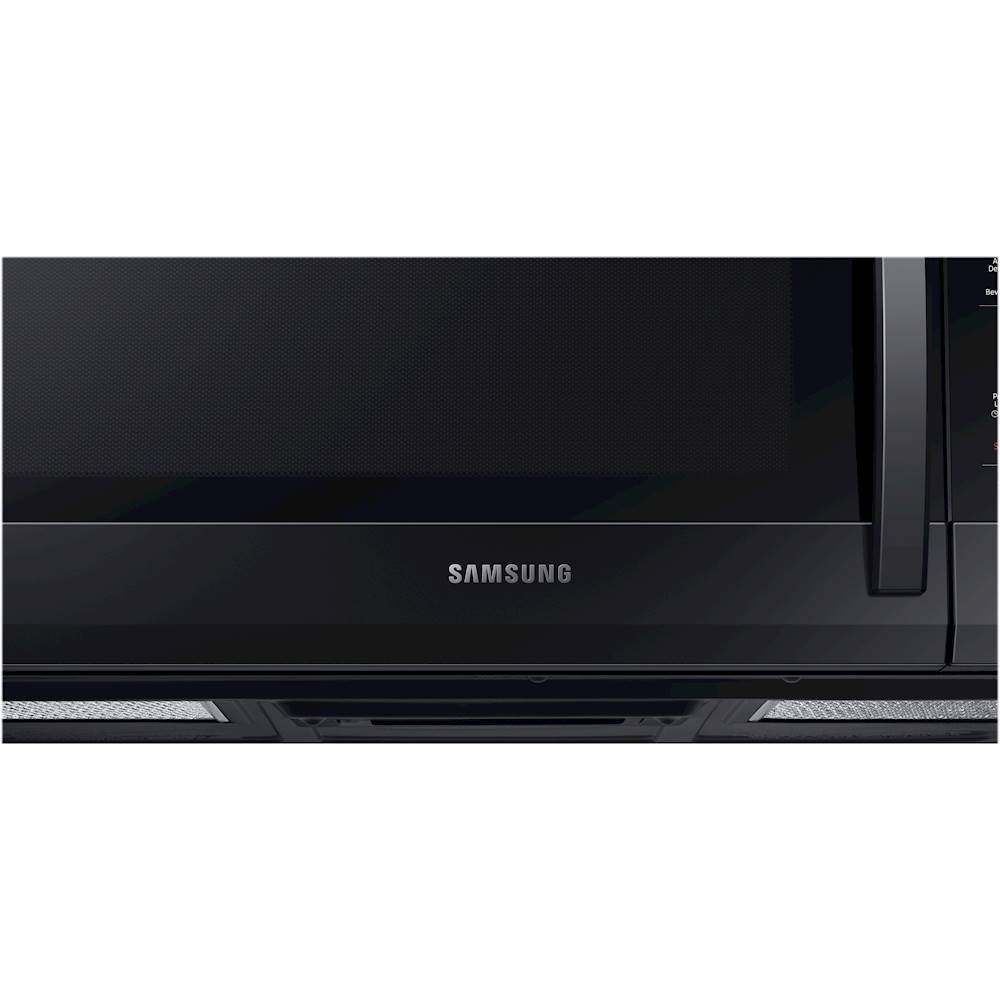
A:AnswerI'll reach out. Two grease filters are NOT what it says in the installation guide. It says there's one, which is why I included the picture showing two likely spots for a grease filter.
A:AnswerSorry. I don't know. It is bright enough, but the settings may have a prompt. I'm still trying to figure out how to set the time.
I find the reheat timer is not great because it is often on too long for my dish. If you have an answer to that, I would appreciate it.
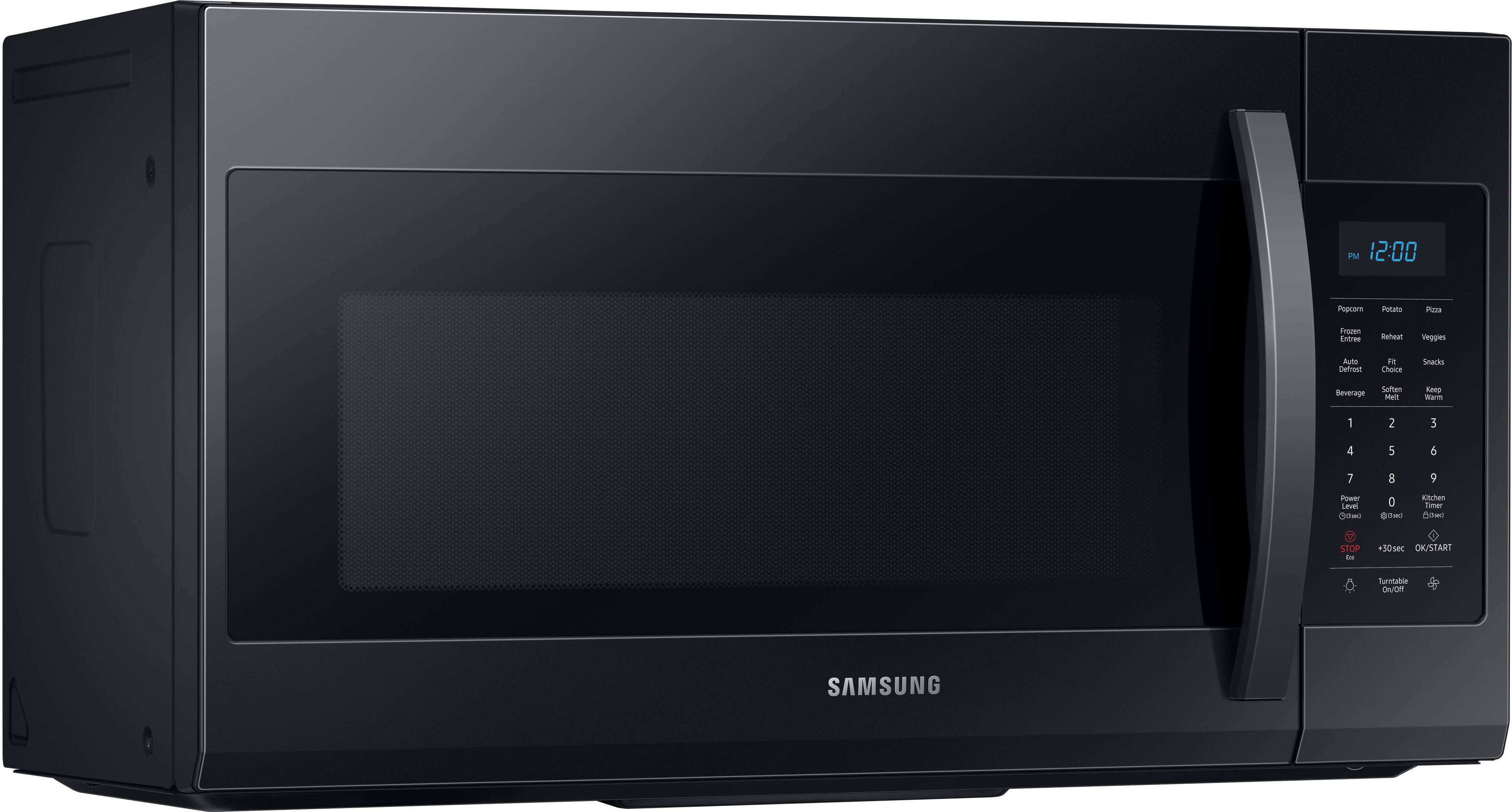
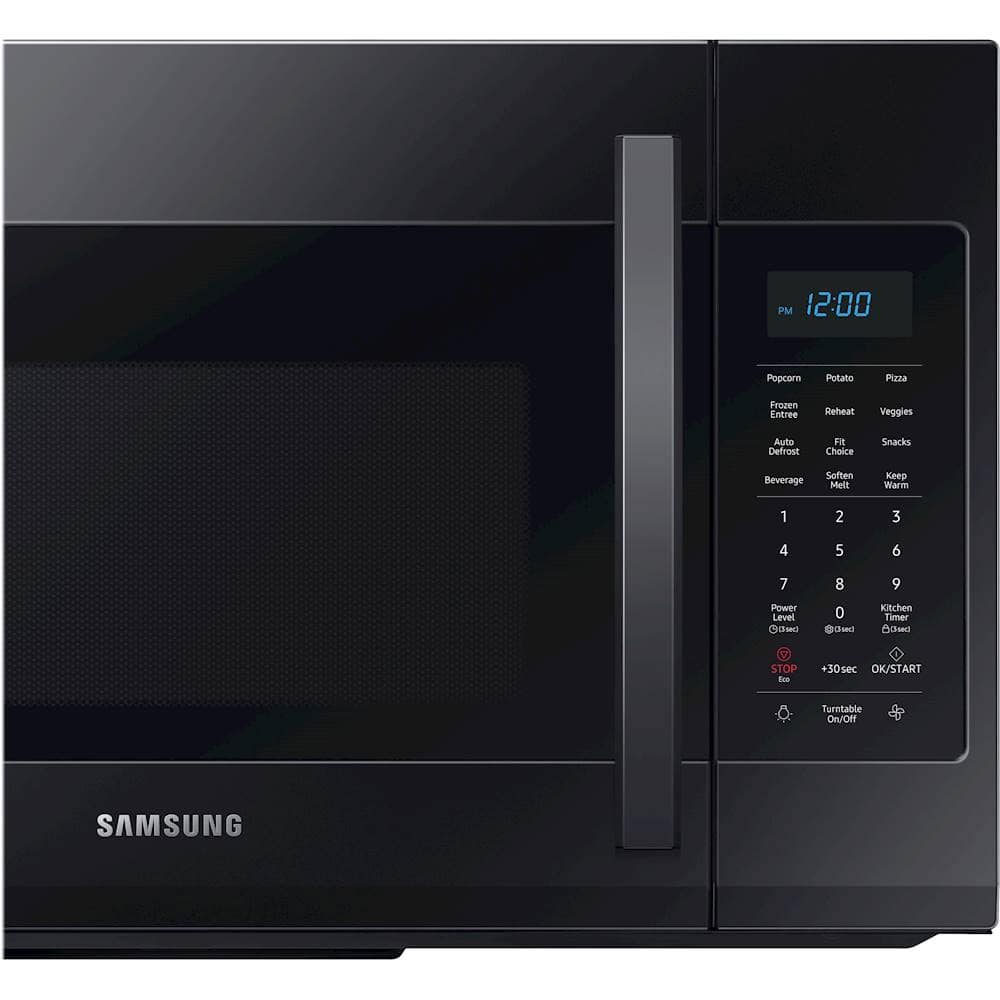
A:AnswerNo, very disappointed, I need to put on reading glasses to see the panel controls, otherwise a nice product, definite design flaw, most common complaint,
A:AnswerHello there! We would love to speak with you directly to better determine if the sound you're hearing is normal or not. Please reference ticket number 1143393396, and contact us through either Facebook Messenger: http://m.me/samsungsupport; or Twitter: https://twitter.com/messages/compose?recipient_id=18768513. ^Jecca
A:AnswerI asked this question. I did look up the manual and found the instructions for disabling the child lock function. It still didn't work. So what I ended up doing is unplug the microwave from the power source for a minute, then plugged it back in. It allowed me to RESET everything without the lock function. I don't know if that was the proper way to do it, but it worked.
A:AnswerGreat question Allan! The settings icon you see is a secondary feature of the "0" button. This means, if you press and hold the "0" button for about 3 seconds, you will access the "options menu". Page 10 of the user manual (https://bit.ly/3d81N1t) has details about what settings and features you can change in this menu. ^Jecca
A:AnswerI'm happy to help with this, RayJay! First, here's a link (https://bit.ly/3qFlm6d) to the user manual for this model. Page 13 has instructions on how to use the beverage feature. ^Jecca
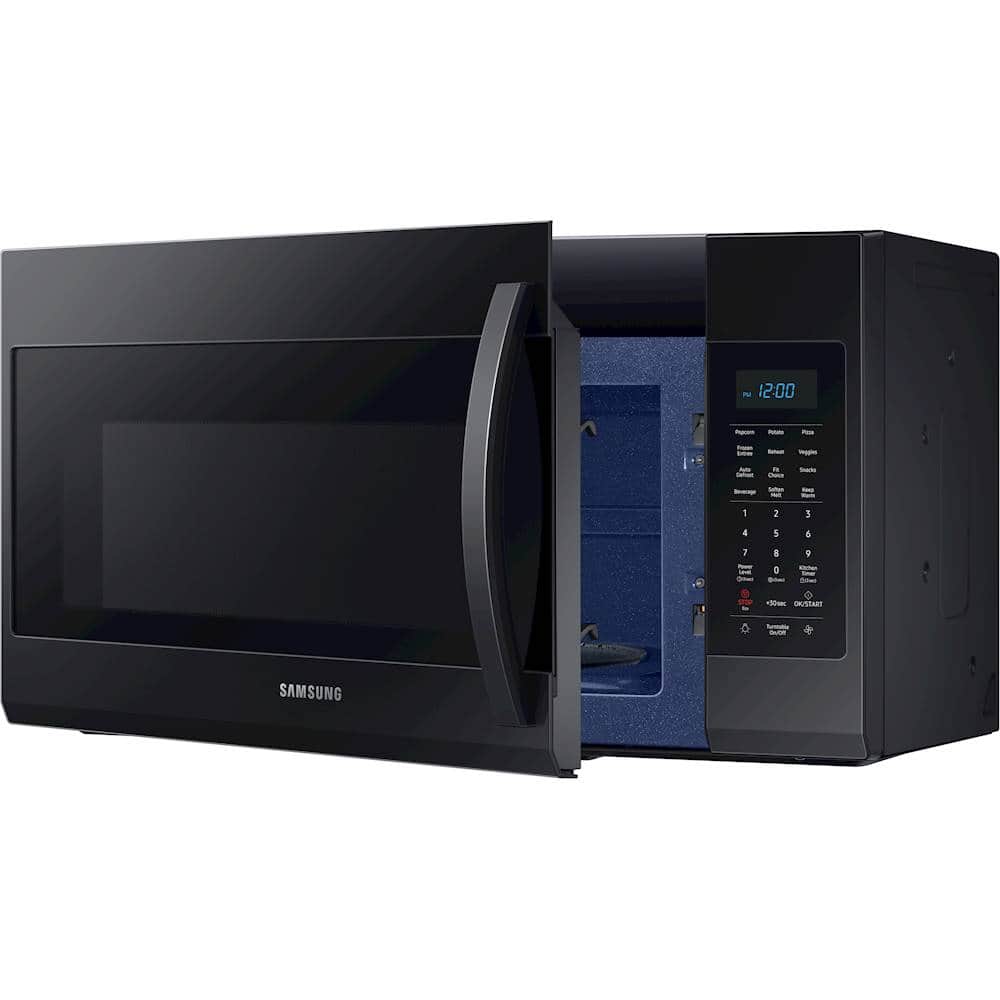
A:AnswerHi Missy! We would recommend having a certified technician repair the door of your microwave. You can use this link (https://bit.ly/3qlps3A) to help locate one in your area. ^Jecca
A:AnswerHi NICK! The Auto Defrost feature on this microwave requires the weight of the food to be entered to determine the length of time it will run. Page 12 of the user manual (https://bit.ly/35i5nmJ) has more detailed information about using the Auto Defrost function. ^Jecca
A:AnswerI'm happy to help with this. The control lock button is a secondary function of the kitchen timer button. This means that to lock/unlock the control panel, you will need to press and hold the kitchen timer button for about 3 seconds. ^Jecca
A:AnswerHi Mertz! We're not able to confirm if the installation specifications for these two models will match exactly. I would recommend checking with a professional installation team for confirmation. However, if you would like any additional assistance with your current model, we would be happy to see what options we can provide to you. Just reference ticket number 1142721871, and contact us through either Facebook Messenger: http://m.me/samsungsupport; or Twitter: https://twitter.com/messages/compose?recipient_id=18768513. ^Jecca
A:AnswerExcellent question, Jacob! For the most accurate warranty information, I have this link: https://bit.ly/2IUNd2f. It is the full terms and conditions of the manufacturer warranty. ^Jecca