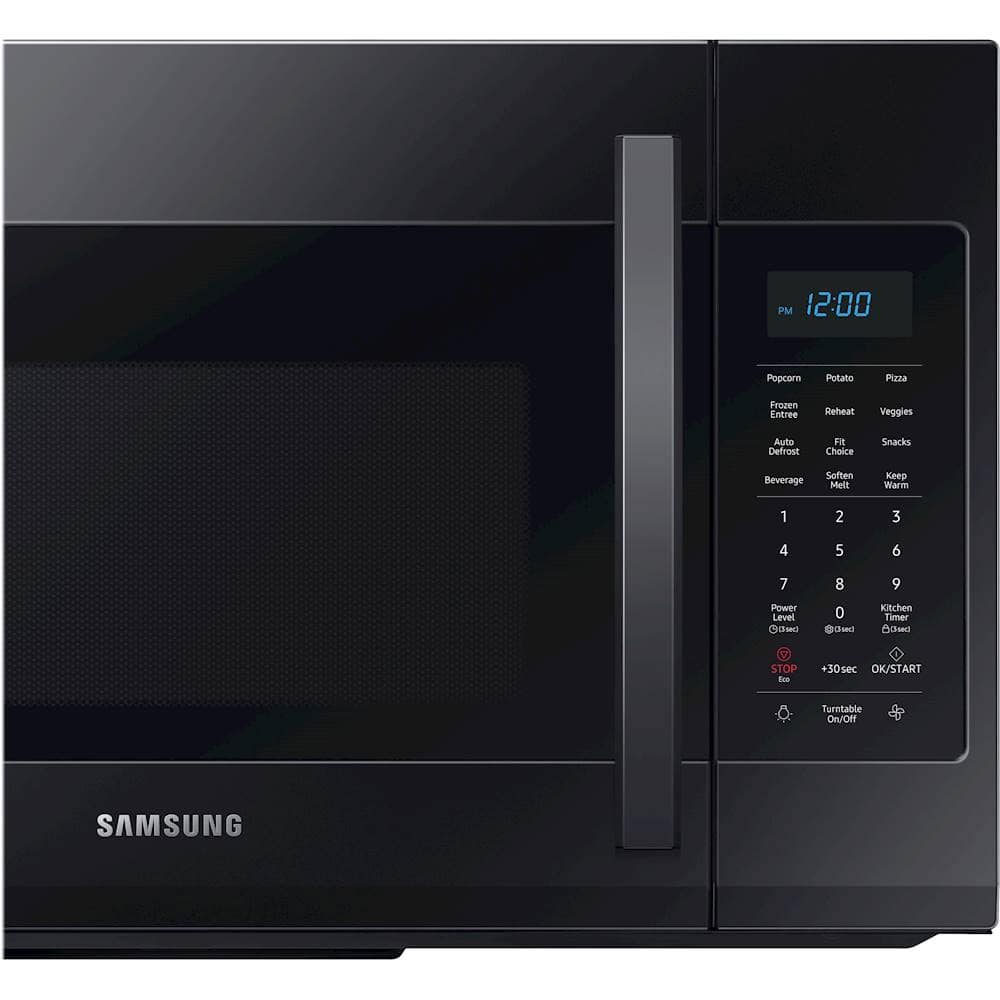
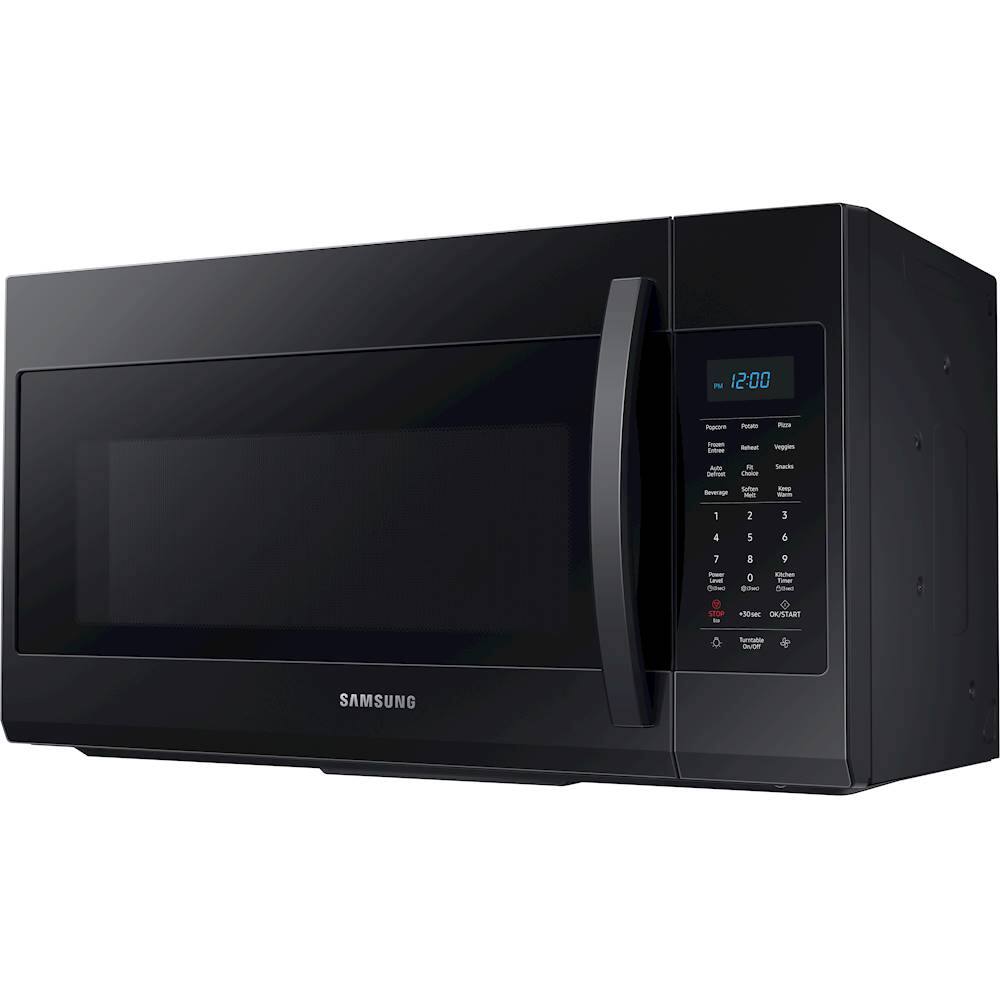
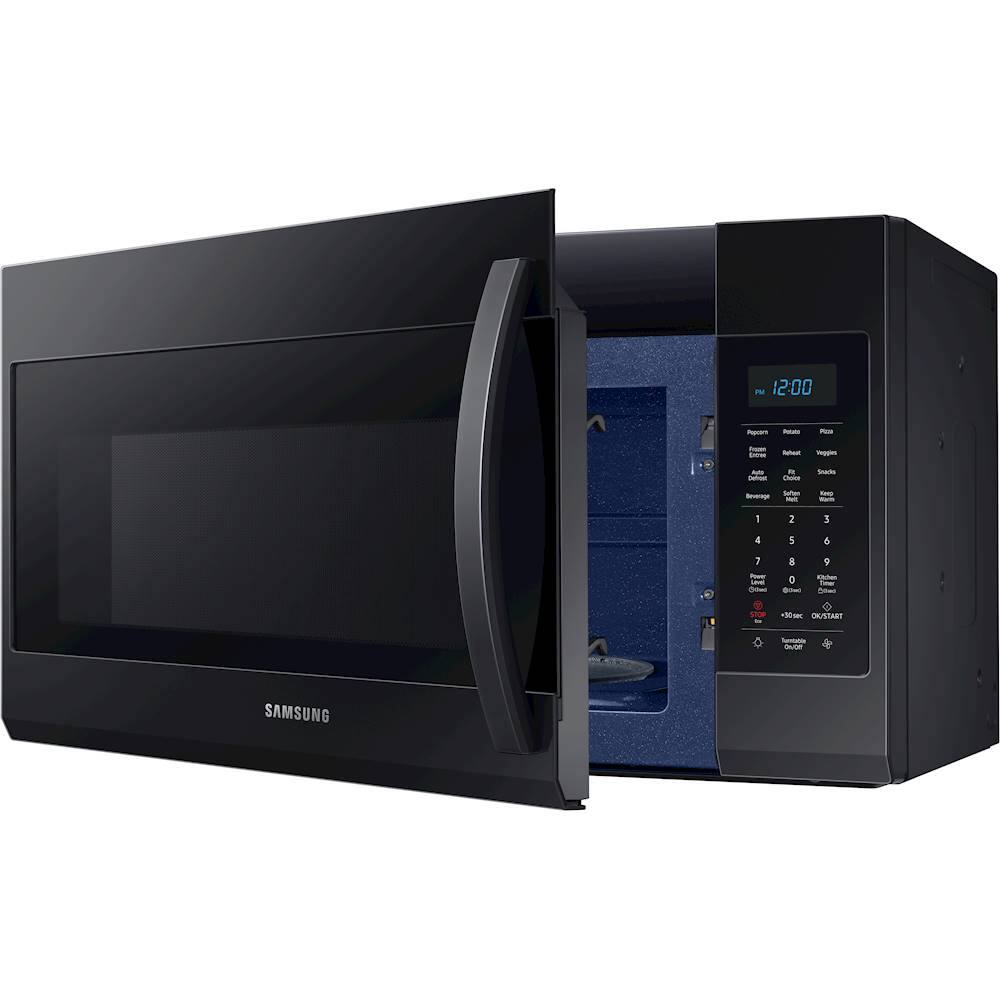
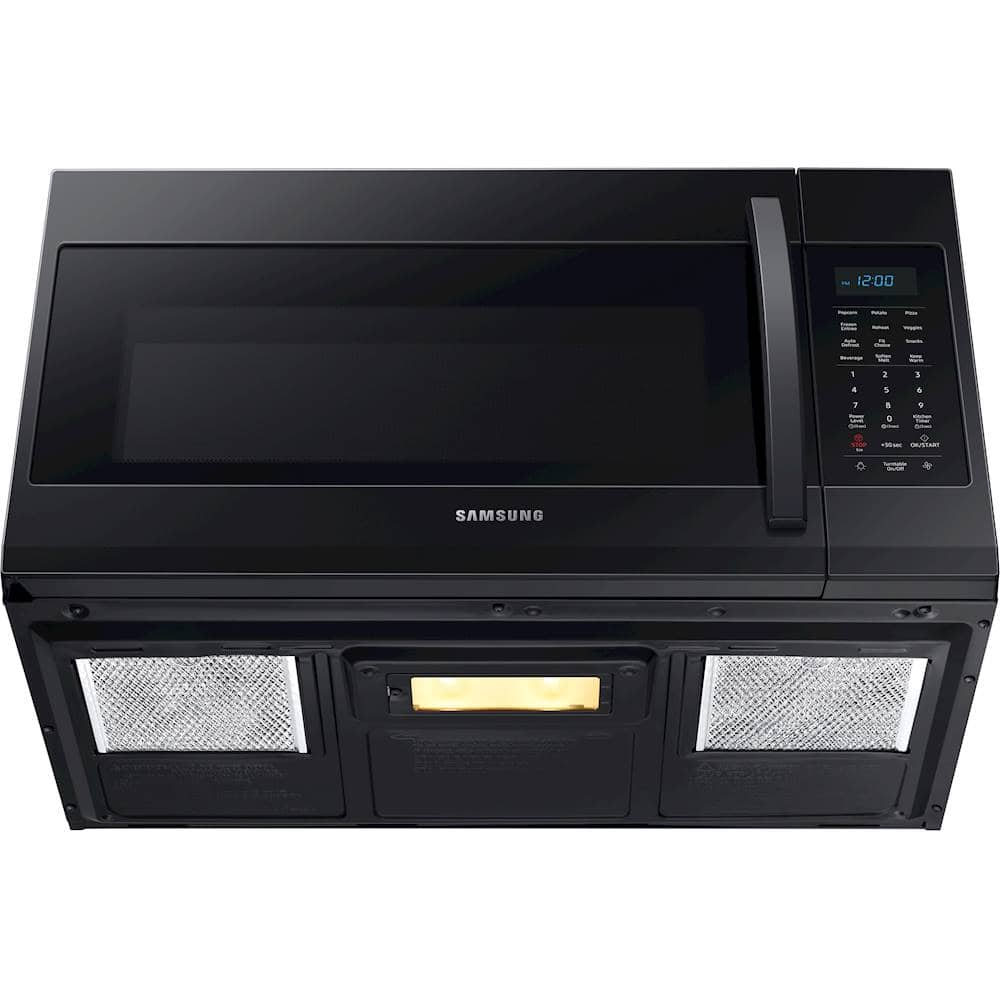
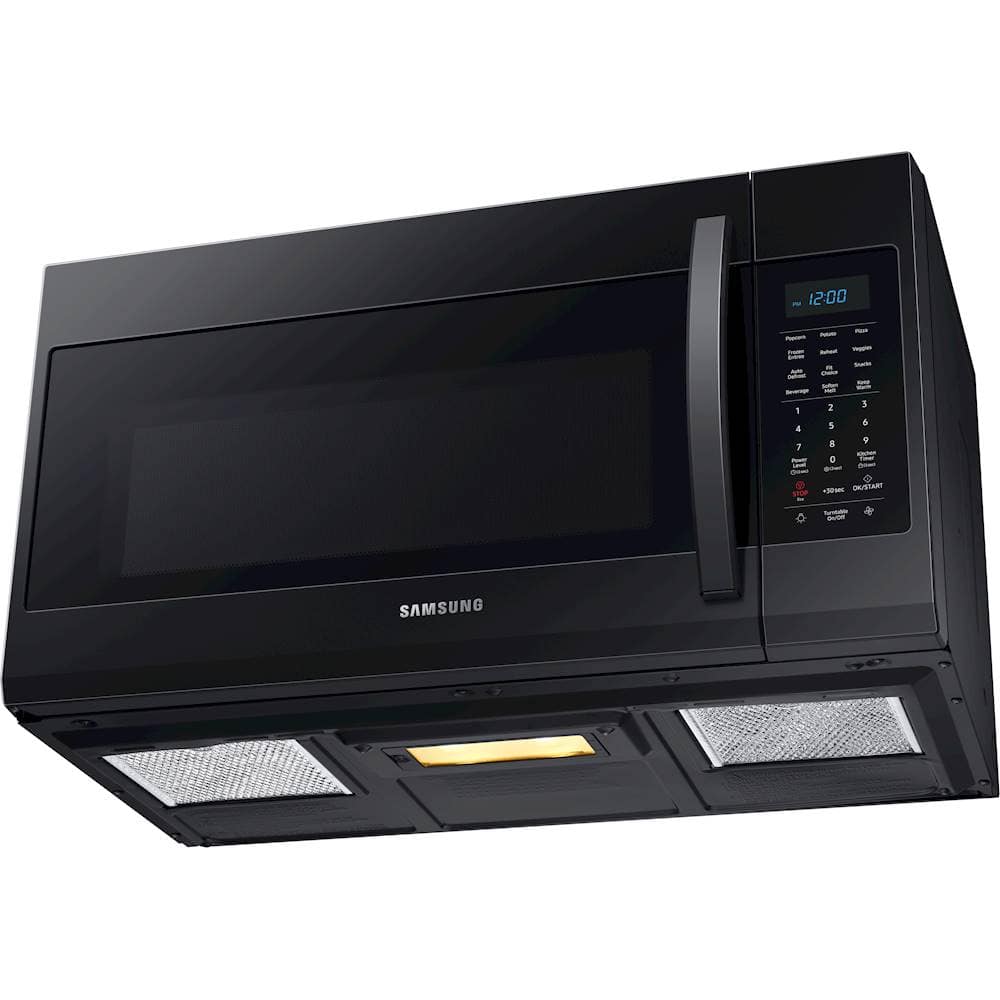
A:Answer1. Hold down power button for 3 seconds.
2. Use the number buttons to enter the current time.
3. Press power level to choose am or pm.
4. Press the OK/START button.
A:AnswerThanks for asking! Page 10 of the user manual (https://bit.ly/2XUpjHG) has step by step instructions on how to set the time on this microwave. ^Jecca
A:AnswerYou need a little over 0.5 inches clearance on the door hinge otherwise you will not be able to open the door if the unit is flush against a wall on the left side. I have 0.5 inches of clearance and it is not really enough, but it can be forced open accompanied by a loud cracking noise. The door is not against the edge of the microwave, it is in about 0.3 inches. So you need at least 0.2 inches clearance on the body of the microwave from the wall on the left which results in about 0.5 inches on the door itself. You really should have a little more clearance, maybe another 0.2 inches to be safe.
A:AnswerNiso, I am including a helpful link to the user manual (https://bit.ly/2w3RNoH) on page 8 to support your concerns on what is included with the microwave. We thank you for choosing Samsung to be a part of your home! ^Lena
A:AnswerHello! On page 10 of the user manual (https://bit.ly/38Eytw1) it informs you on how to set up the daylight savings time feature. Thank you for being a part of the Samsung family! ^Lena
A:AnswerHello! In the user manual (https://bit.ly/37sqpOu) on page 16 it informs you the different power level settings. I am also including a link (https://bit.ly/36vOMcT) to a troubleshooting guide to support your concern on the unit not heating. ^Lena
A:AnswerHello, LCD. Page 10 of the user manual explains the kitchen timer and its capabilities. This model does not seem to have the ability to run the timer and the microwave at the same time. ^Lo
A:AnswerHello.
Thank you for reaching out regarding your Samsung - 1.9 Cu. Ft. Over-the-Range Microwave with Sensor Cook on how to make the light up. Regarding your concern,
To adjust the bottom lights on your microwave, press the Light button (it may look like a light bulb on your model). This will set the light to High.
Press the Light button twice to set the lights to Low.
Press the Light button three times to turn off the lights.
I suggest you check this link for assistance.
Use the lights and vents on your Samsung over-the-range microwave.
https://www.samsung.com/us/support/answer/ANS00087683/
I have also included a link to your user manual.
https://downloadcenter.samsung.com/content/UM/201911/20191122104255594/ME4000R_ME19R7041FS_AA_EN-MES-CFR.pdf
Should you need more assistance, please feel free to get back to us via the following options:
1. Facebook Messenger: http://m.me/samsungsupport
2. Twitter: https://twitter.com/messages/compose?recipient_id=18768513
3. Samsung Community: https://us.community.samsung.com/t5/Samsung-Community/ct-p/us
Thank you for being a valued customer of Samsung. Have a great day.
Reference Ticket Number: 1144365344
^Camille
A:AnswerHello Barb, to cancel the remaining time on the microwave press the stop button. After pressing the stop button the microwave will display the time. Thank you for choosing Samsung. ^Lena
A:AnswerHi there! I have this link (https://bit.ly/2LBH9wW) to the user manual for this model. Page 21 has step by step instructions on how to change both bulbs. ^Jecca