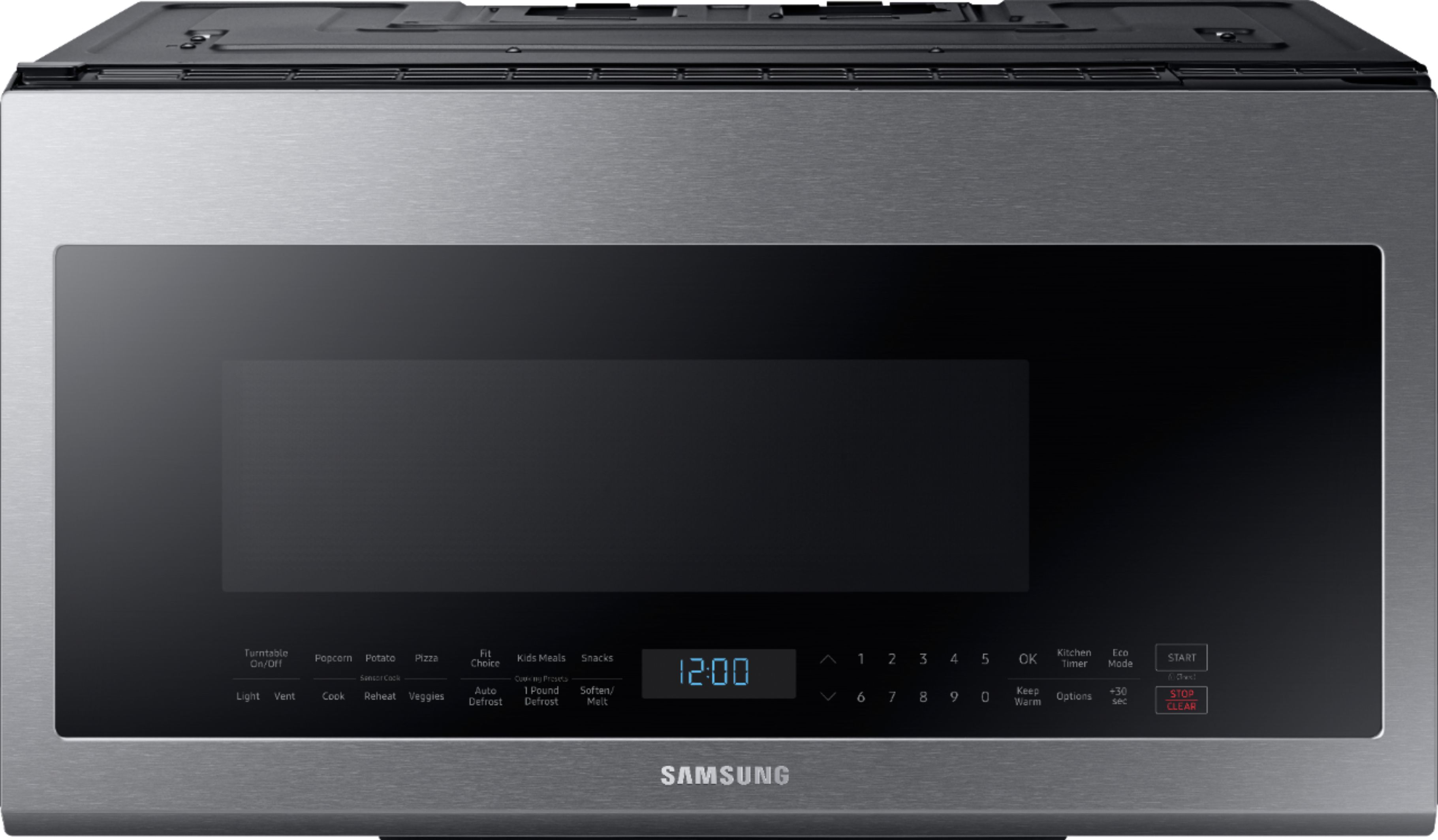
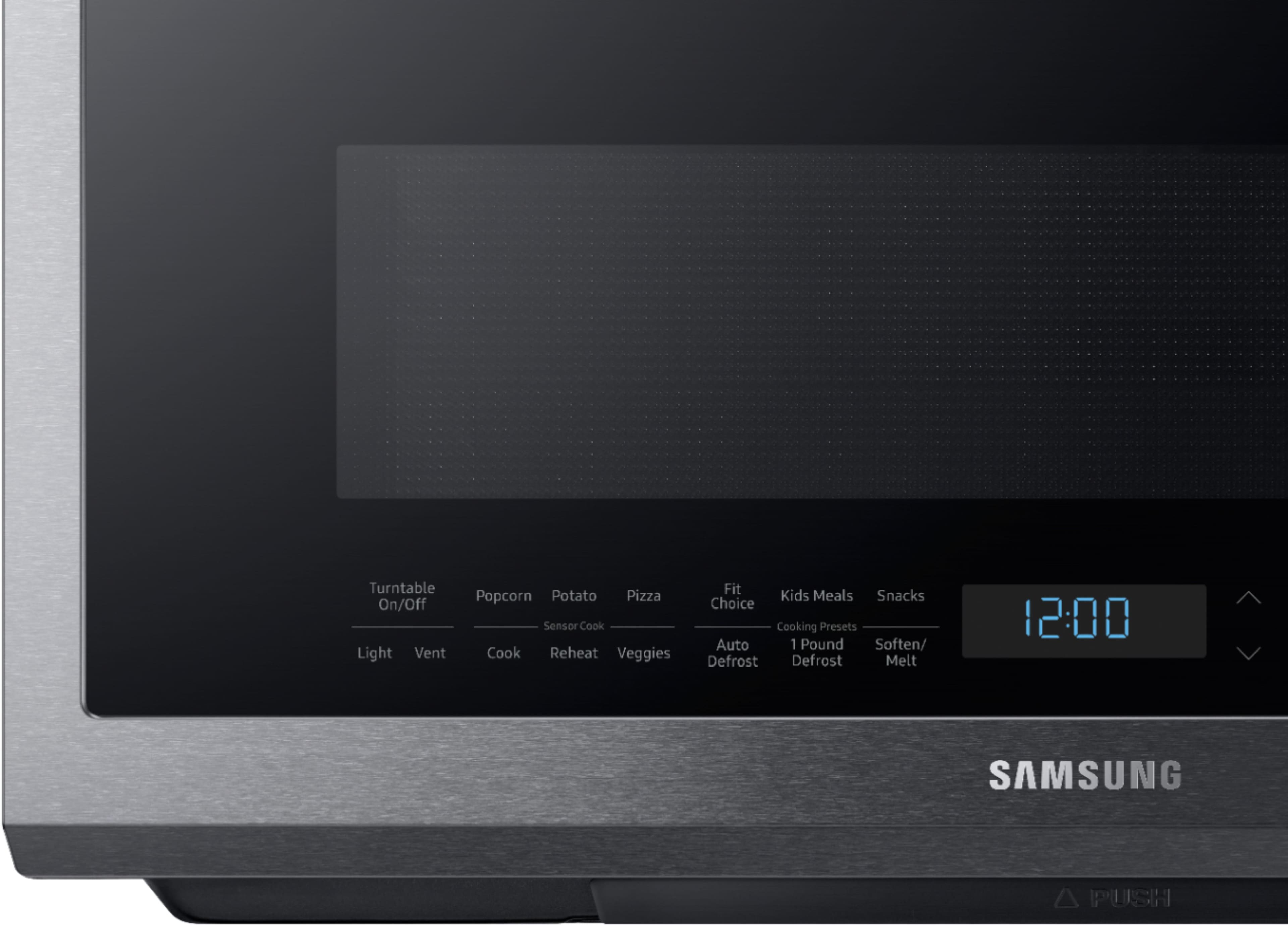
A:AnswerSetting the time it took a minute to learn but here you go > Options > 9> OK >then enter the first number of the time, then the next, then last, then ok.
A:AnswerThe bracket should be screwed into the bottom on back of the microwave already, it’s an aluminum strip that you take off the microwave and mount to the wall using the template... if it’s truly not there, then you can likely call Samsung for a replacement (for a cost I’m sure).
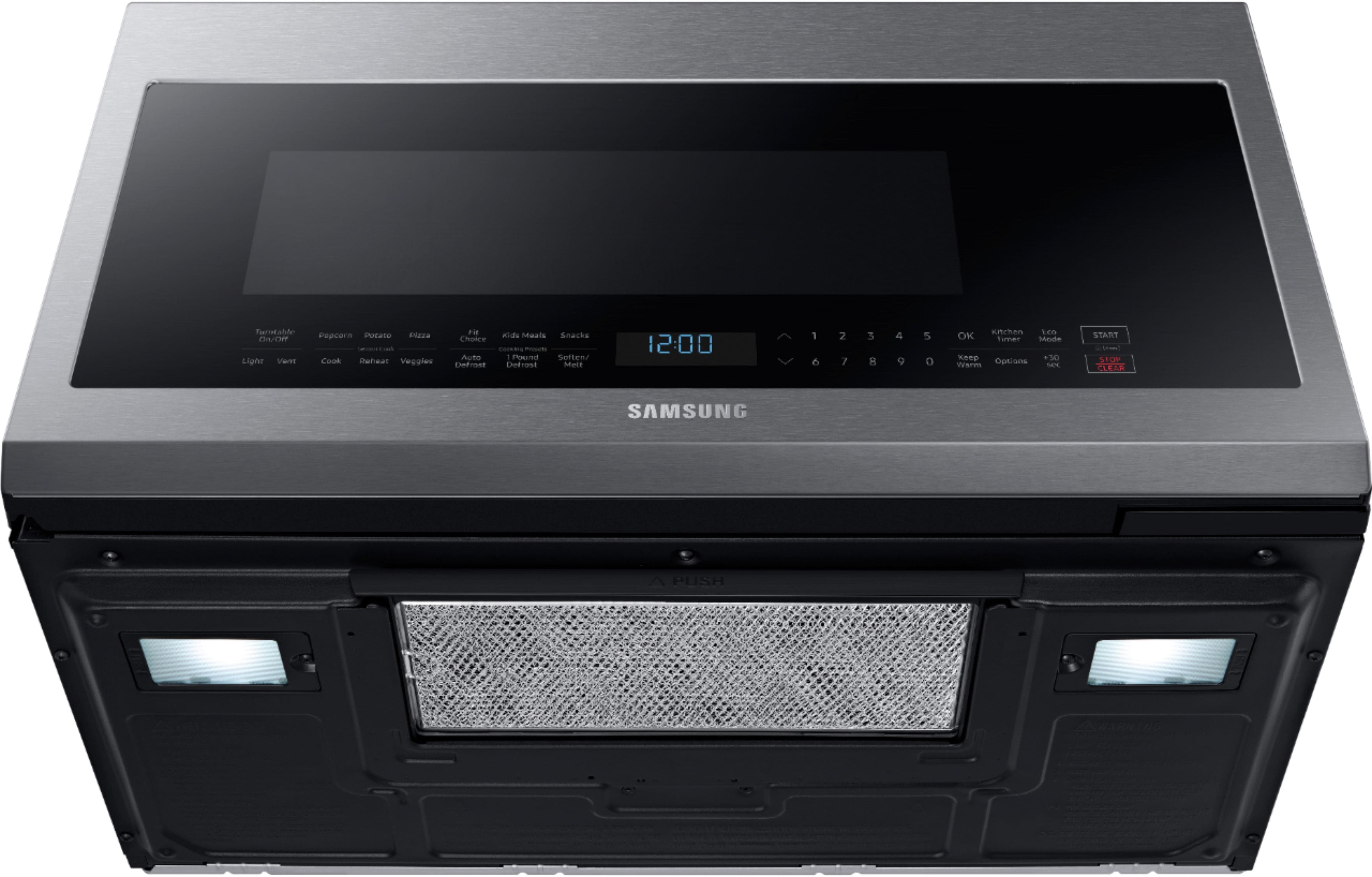
A:AnswerI'd be happy to help with this Blondie! Page 32 of the User Manual gives detailed instructions on how to change the filter. If you need a copy of the manual, you can download one here: https://bit.ly/2OlBfQJ. ^Jecca
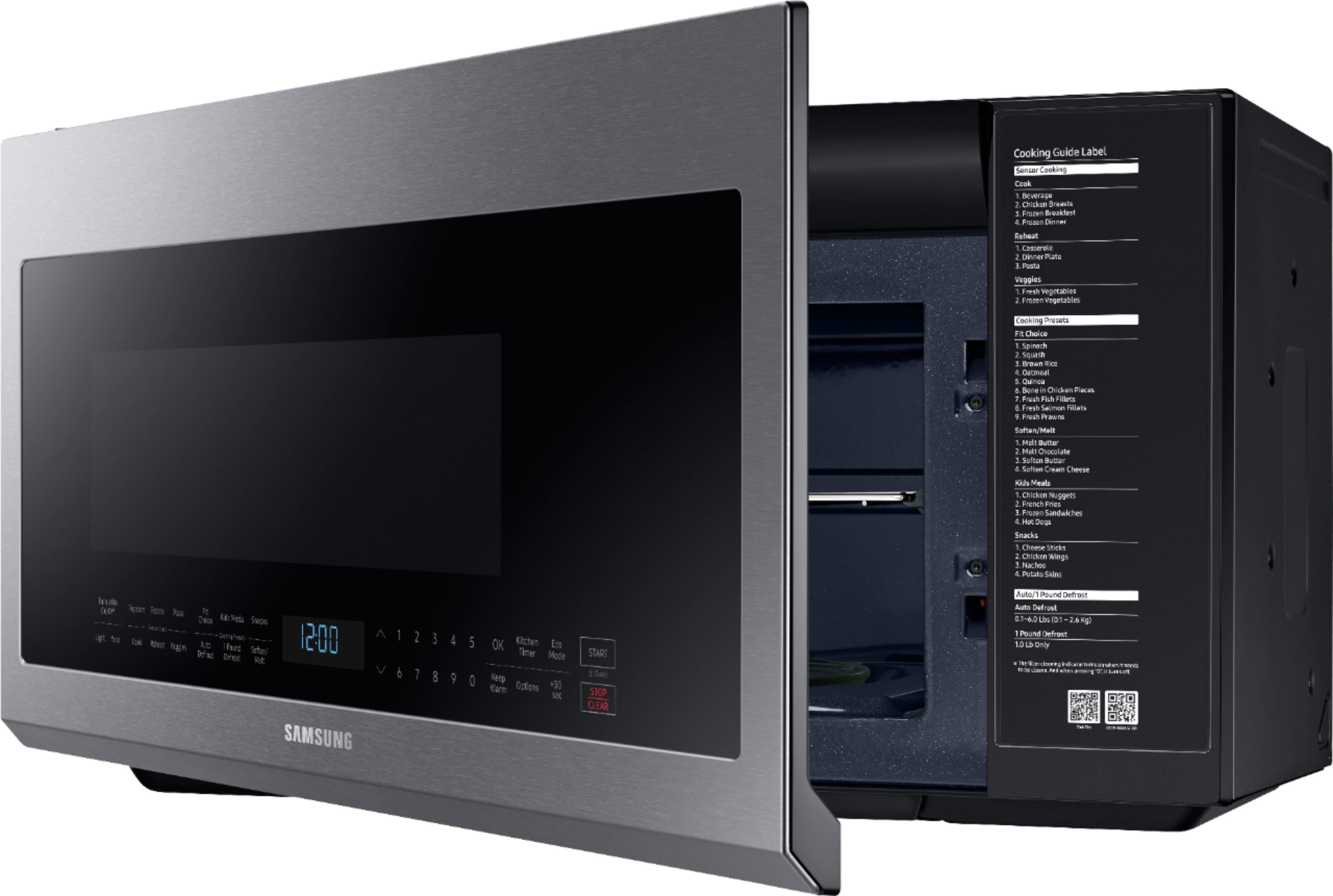
A:AnswerGo to Options tab on the microwave touch pad
The display will say that you have 1-9 options all of which perform different functions
Press number key 9 ( clock )
Press OK button
You can set the time of day at that time
A:AnswerI'd like to try and help with this. You can look over this link (https://bit.ly/2zsCIf5) for some information on what noises are normal as well as how to help reduce these sounds. ^Jecca
A:AnswerIf you have the Exhaust Hook up inside your wall that goes to the outside, you can. You have to open up the vent on the top and turn the vent fan outwards. It’s in the directions. If you don’t, it has to be vented up through the top
A:AnswerHello.
The only microwaves available with trim kits are the MS19M8000AS/AA (MA-TK8020TS/AA trim kit), MS19M8020TG/AA (MA-TK8020TG/AA
trim kit) and the MC12J8035CT/AA (MA-TK3080CT/AA trim kit).
^Joan