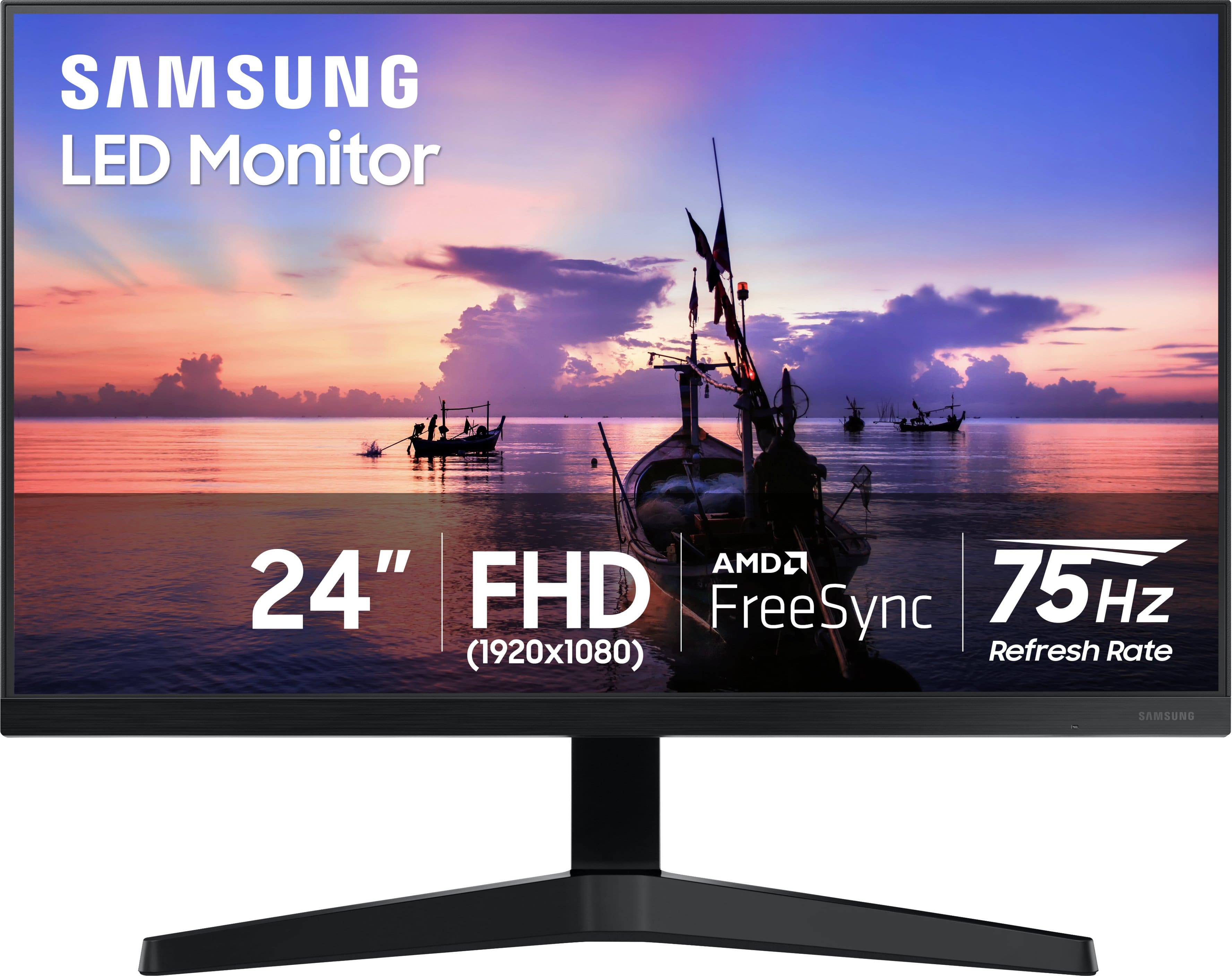
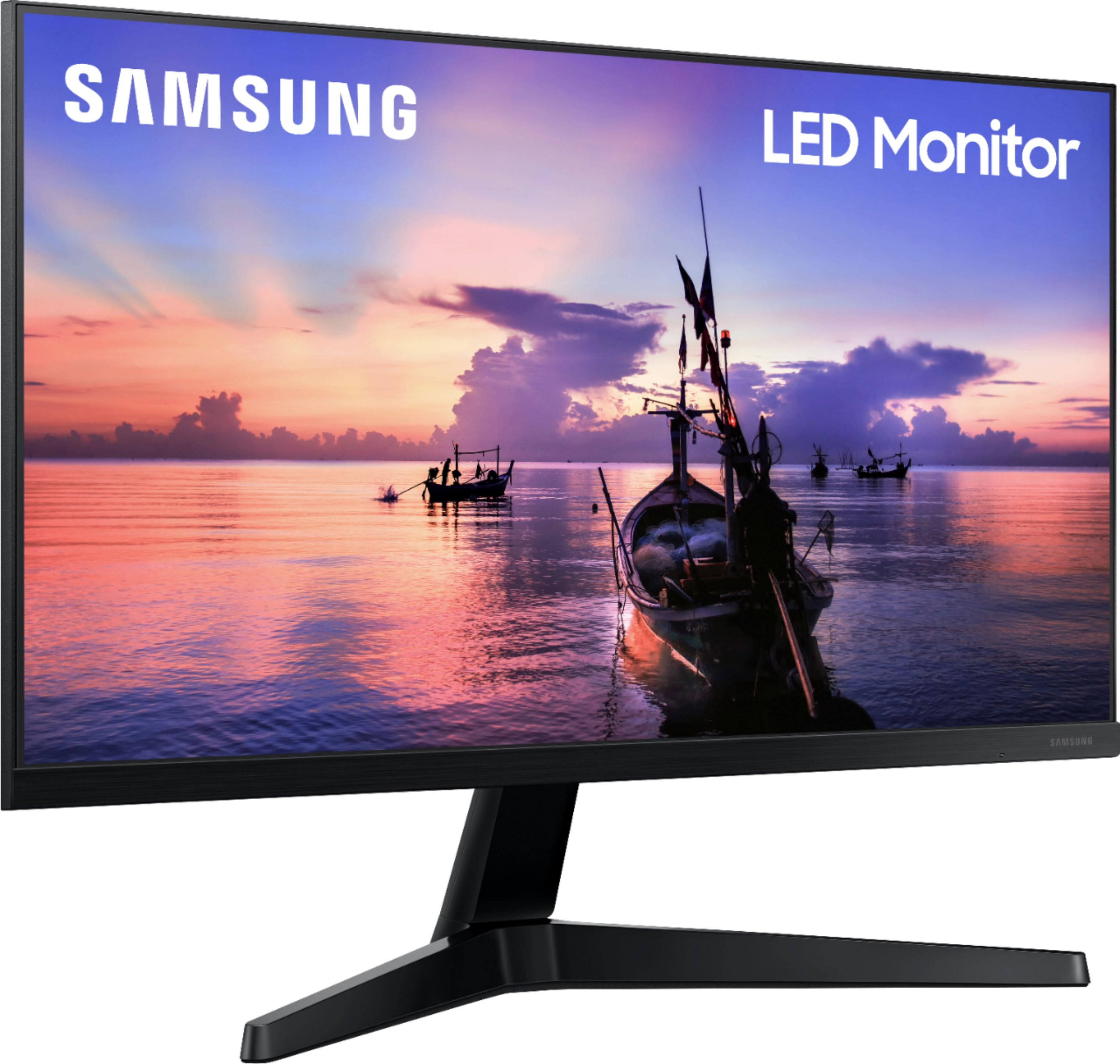
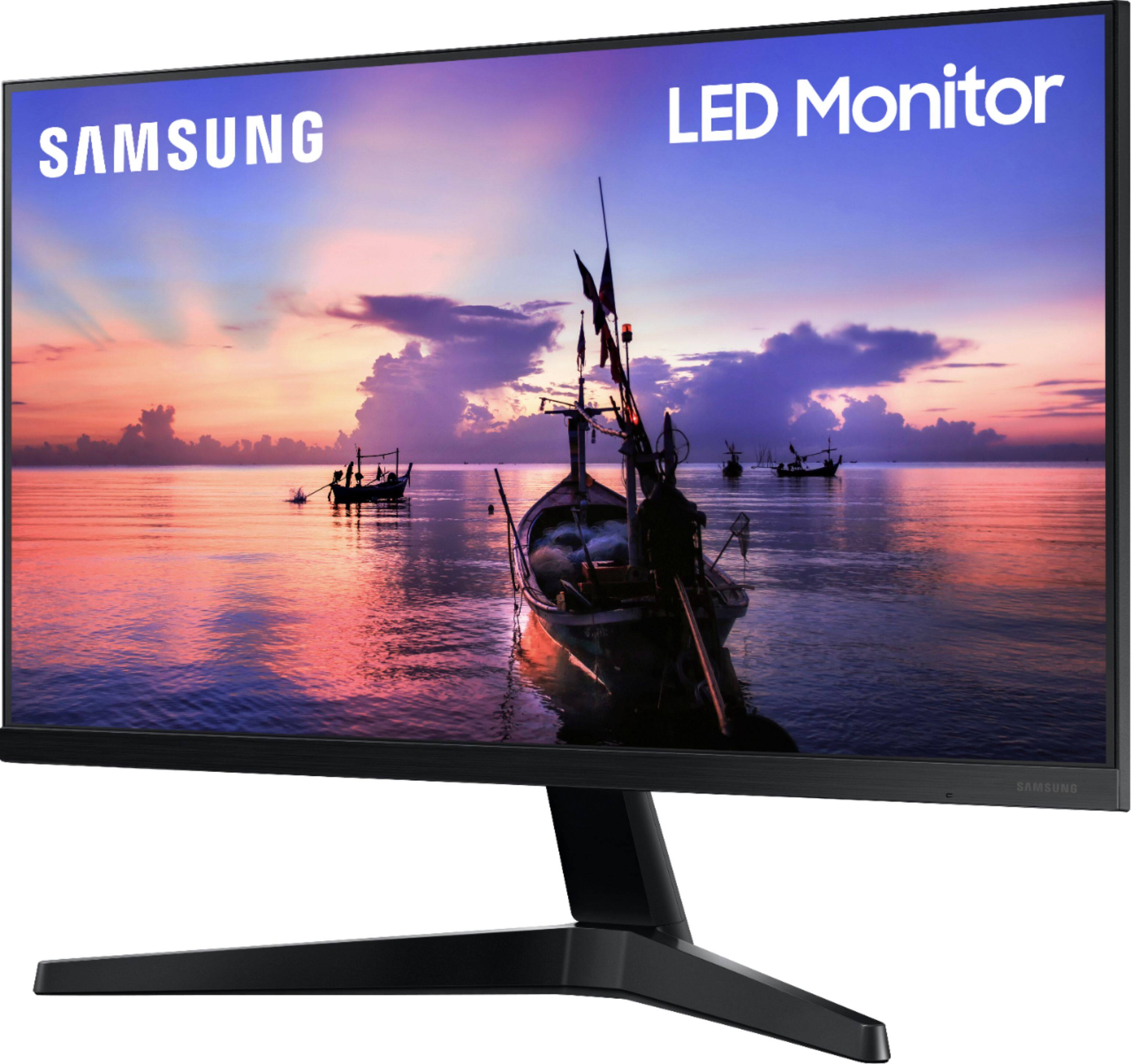
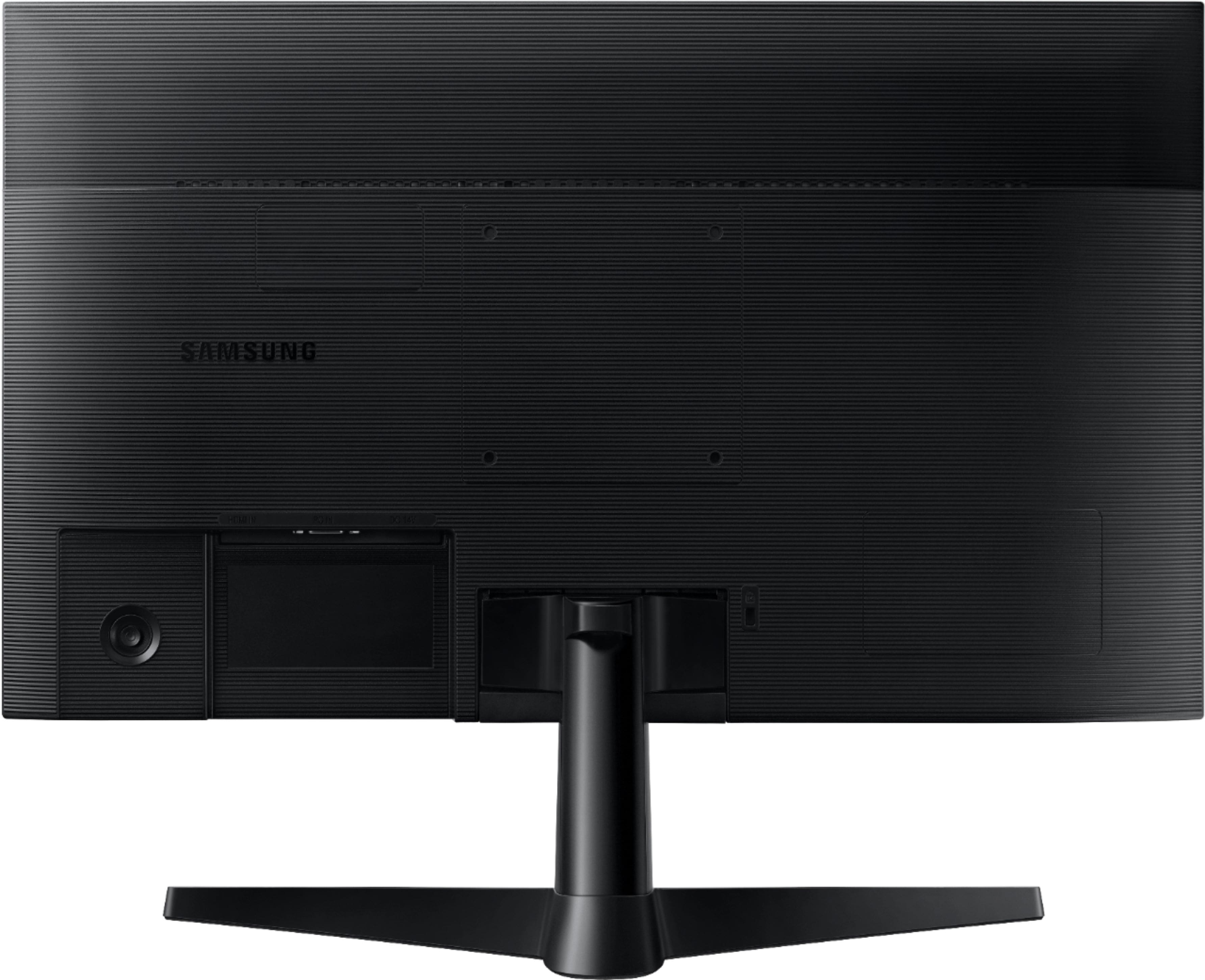
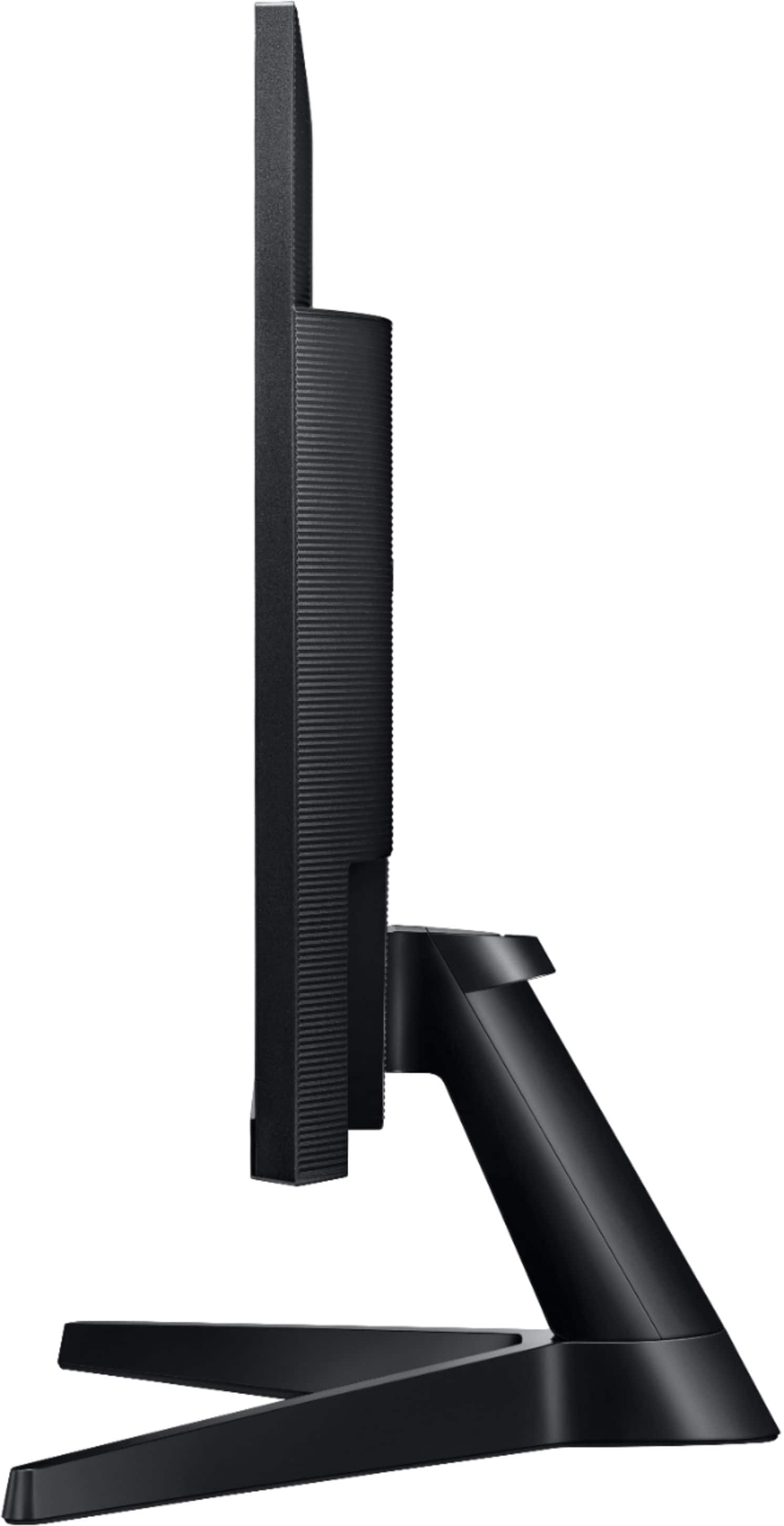
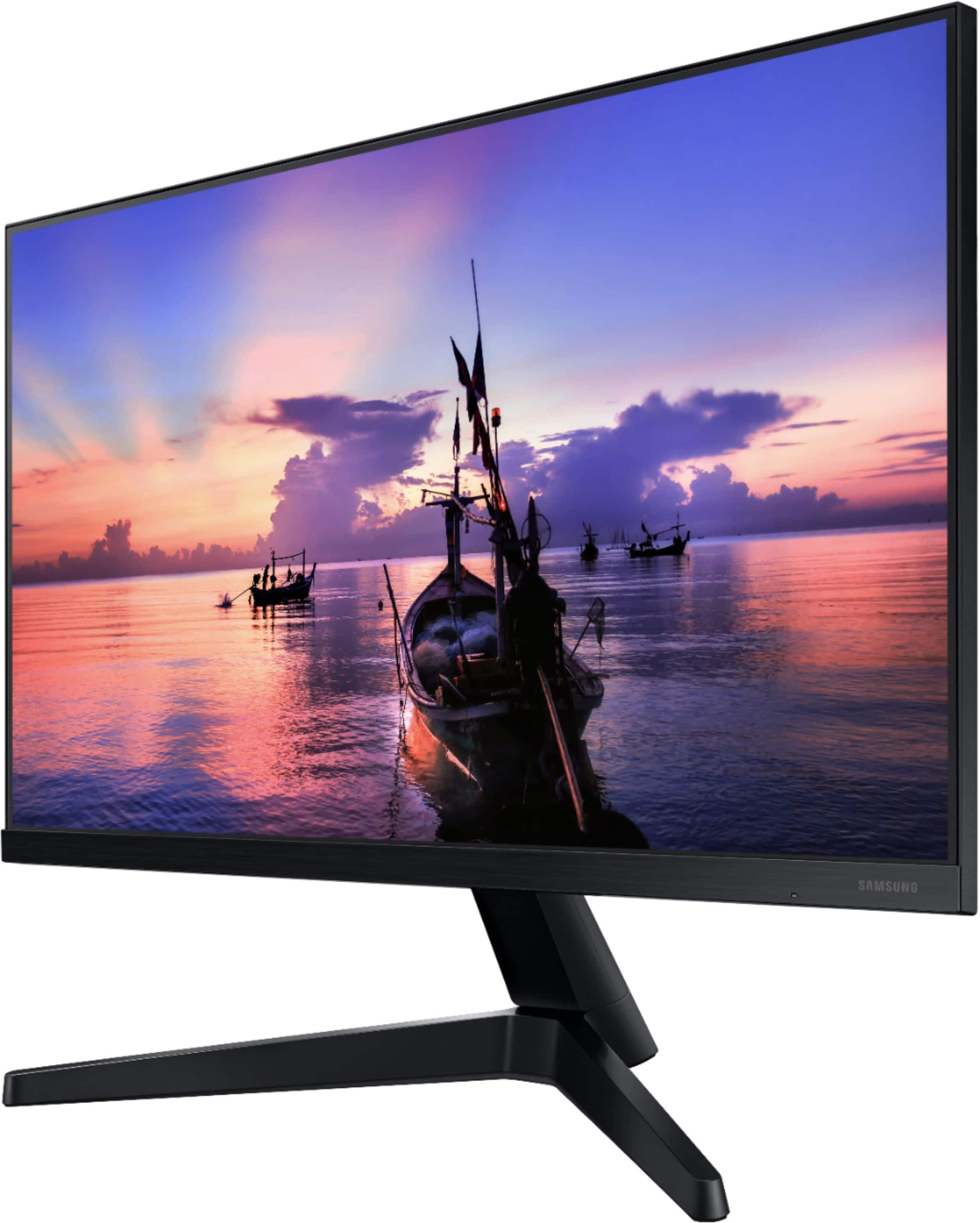
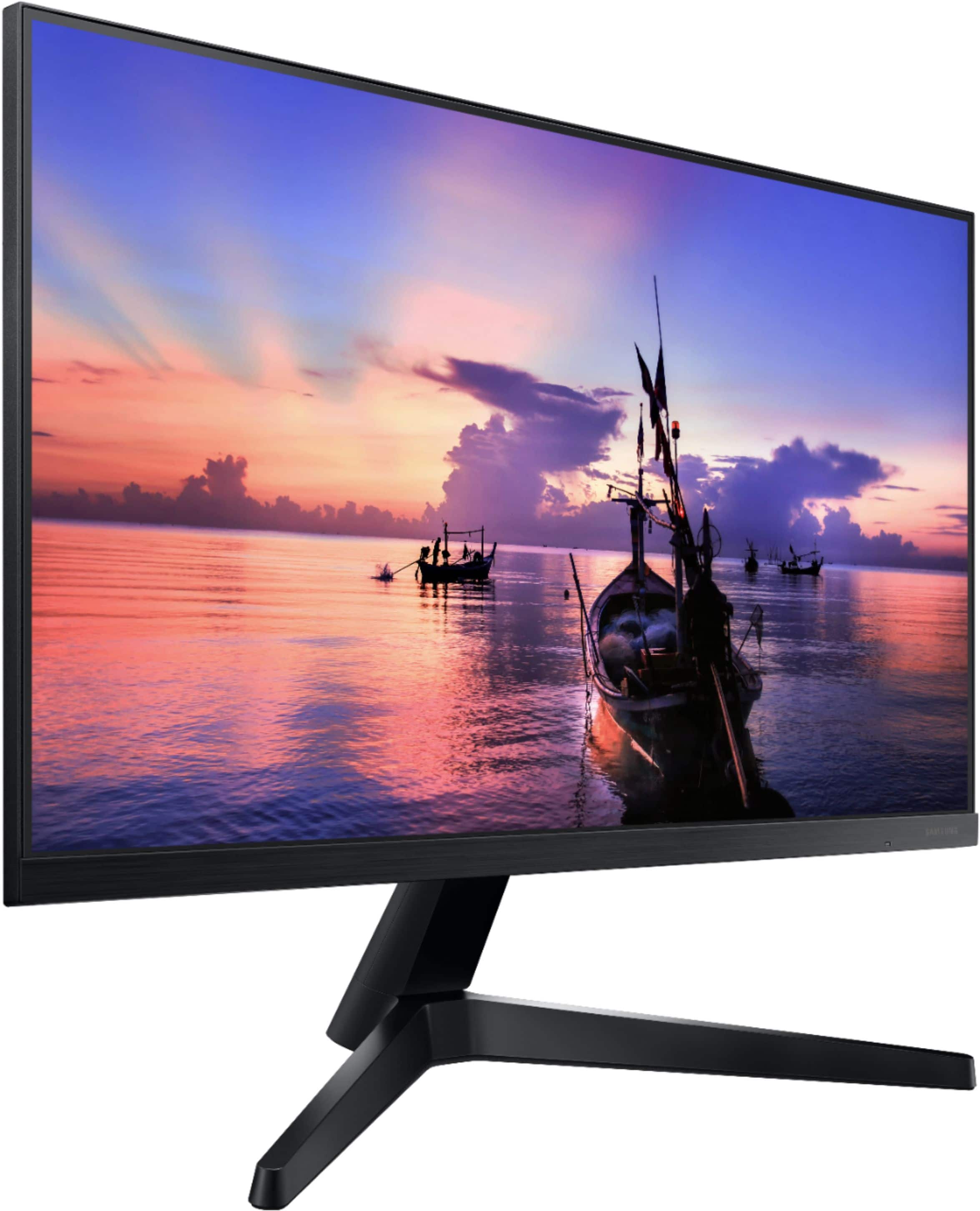
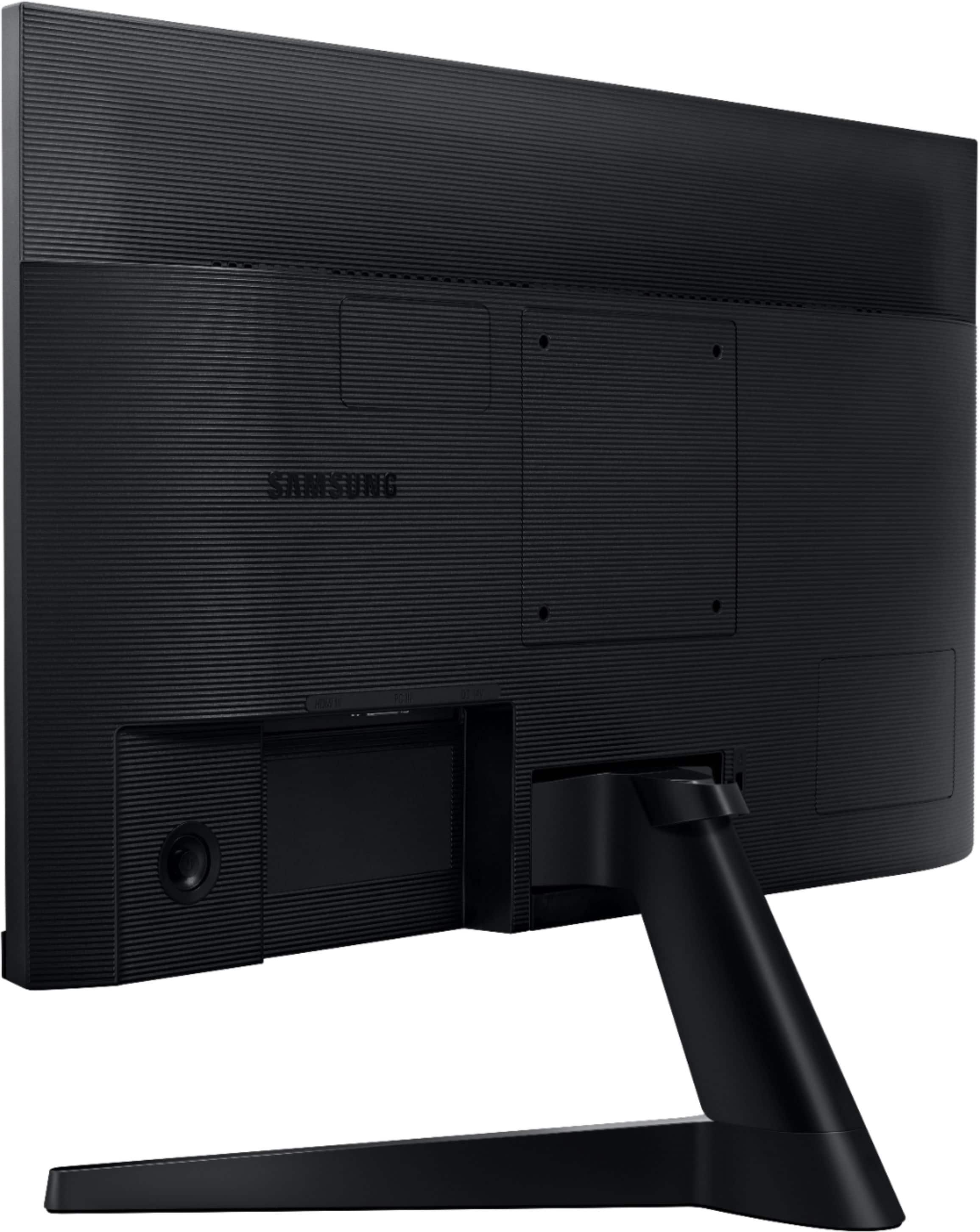
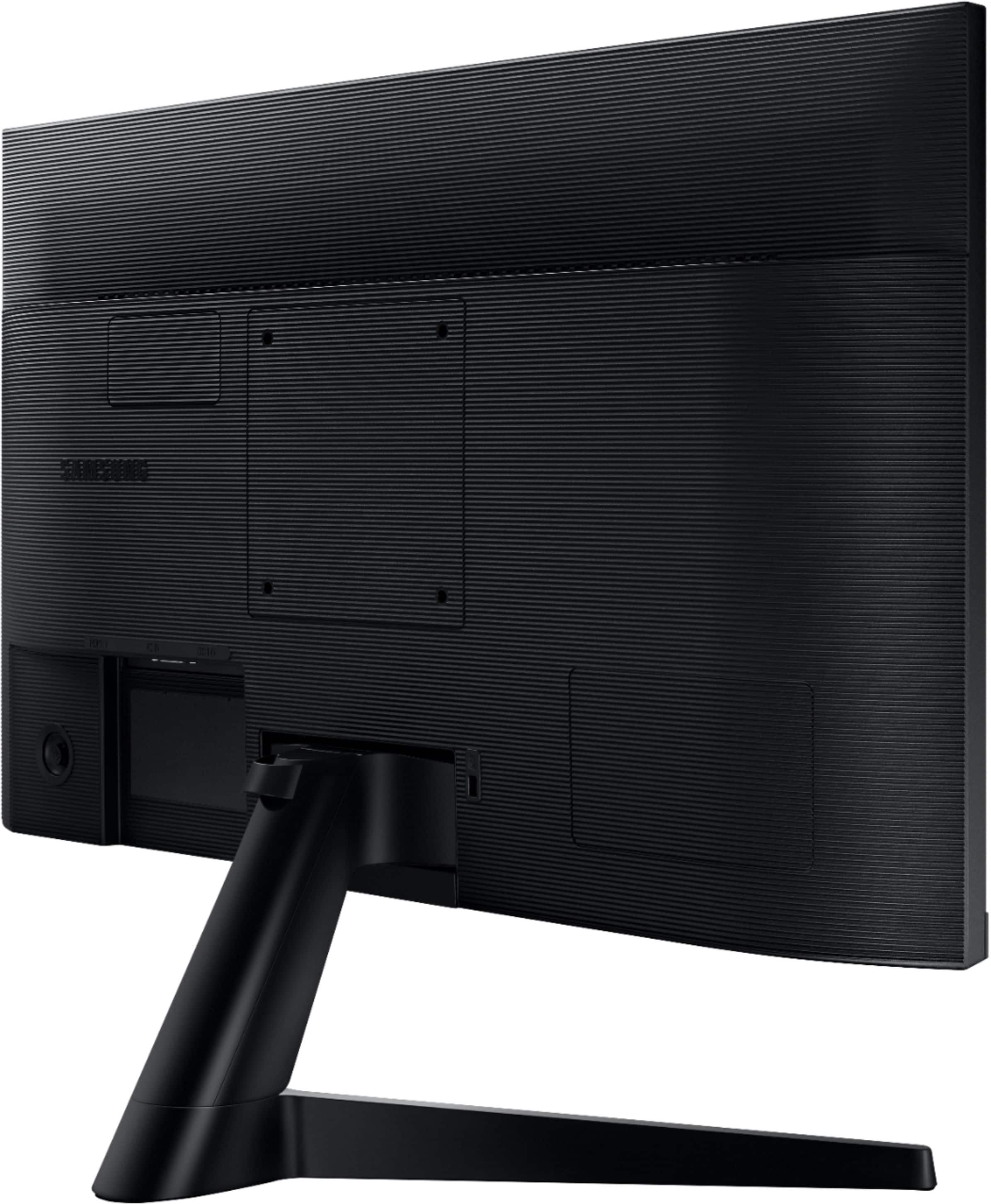
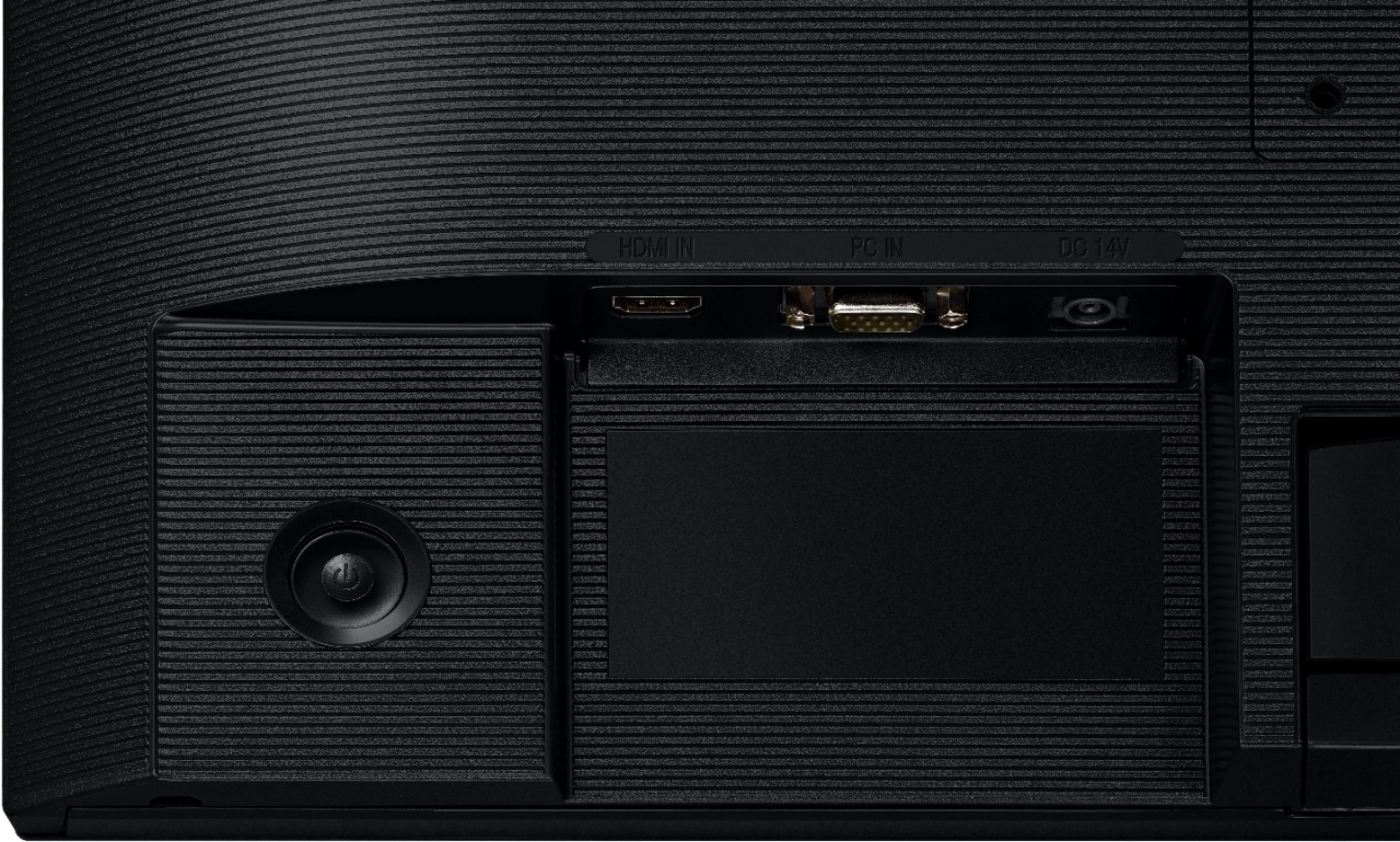
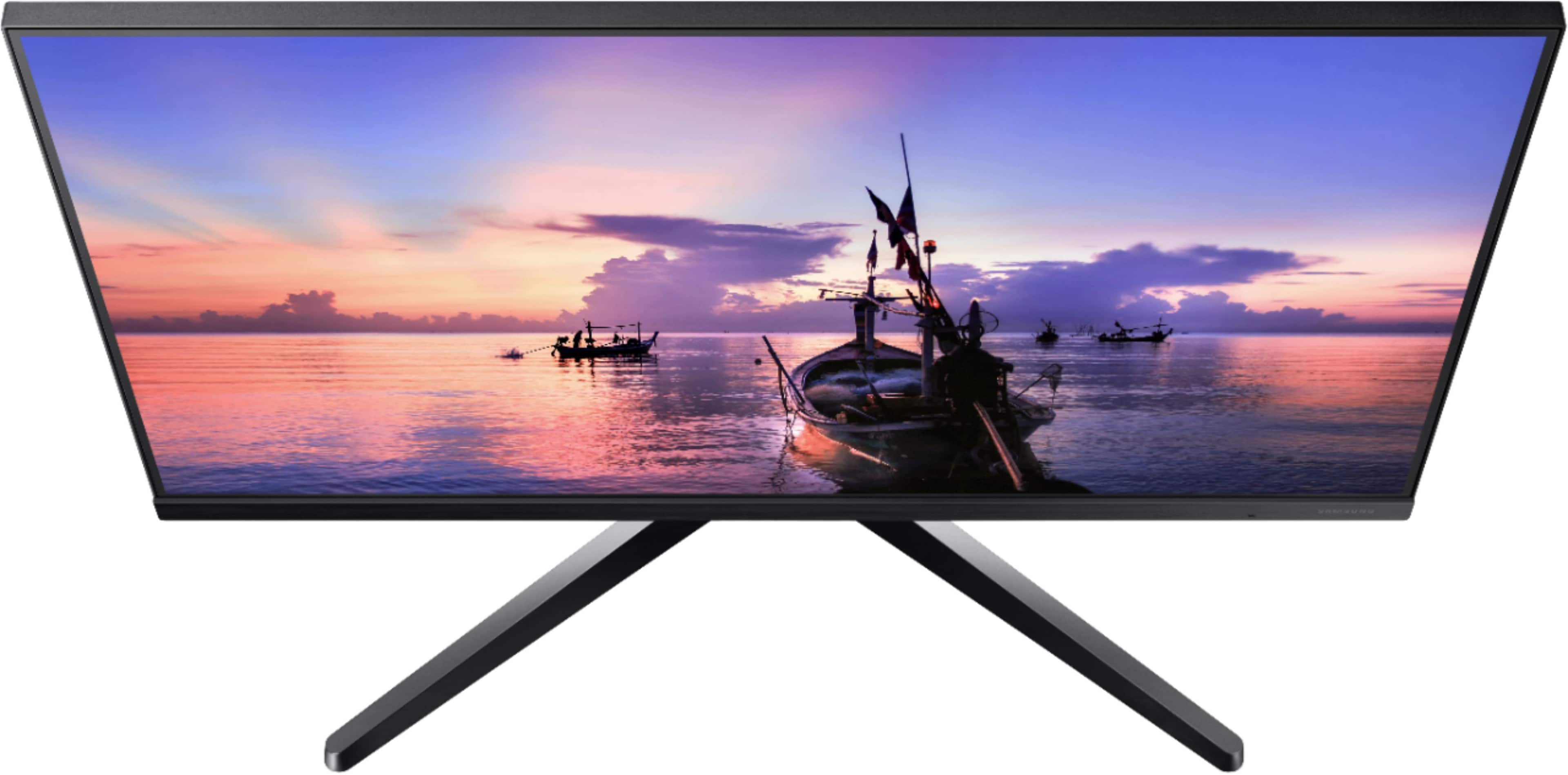
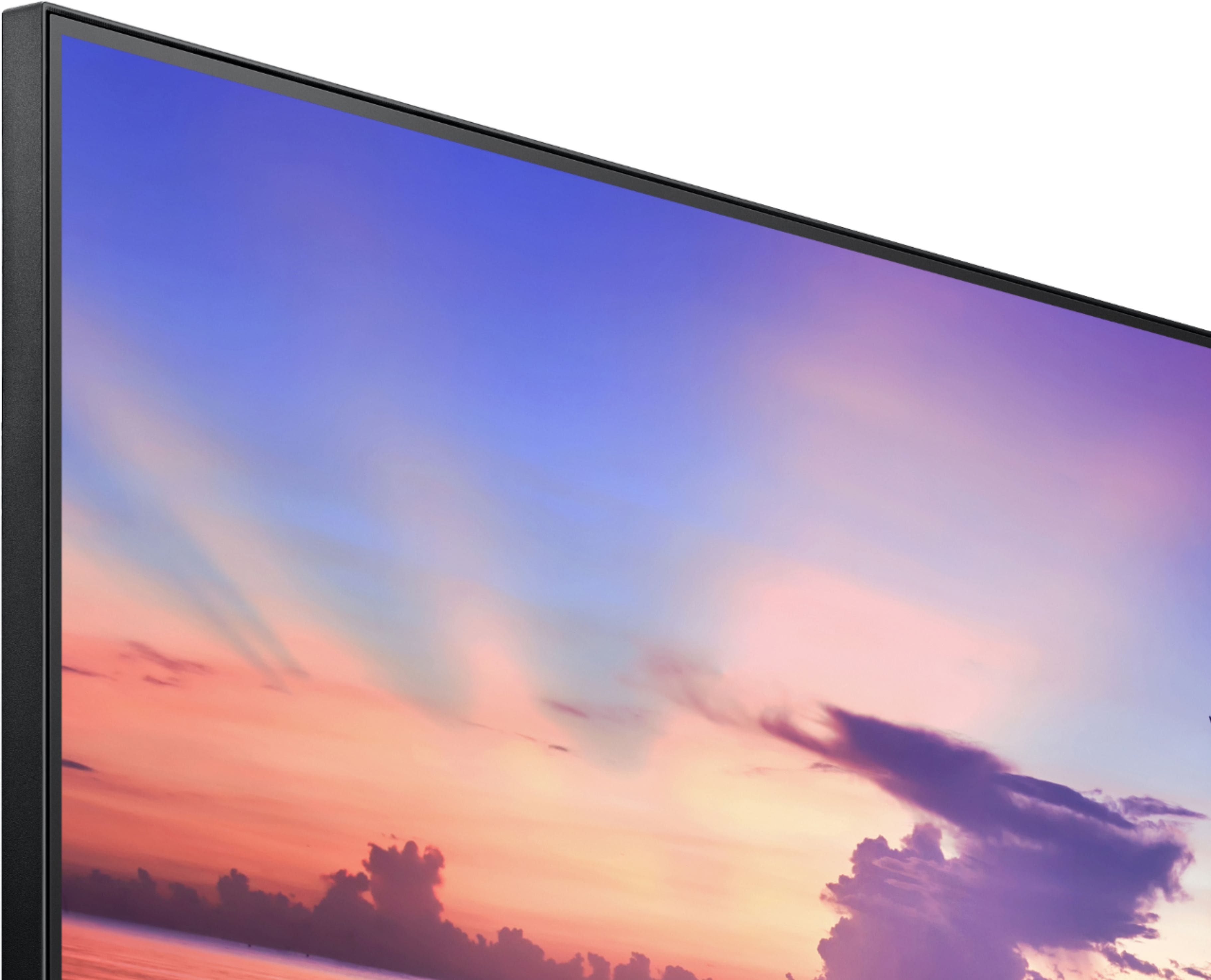
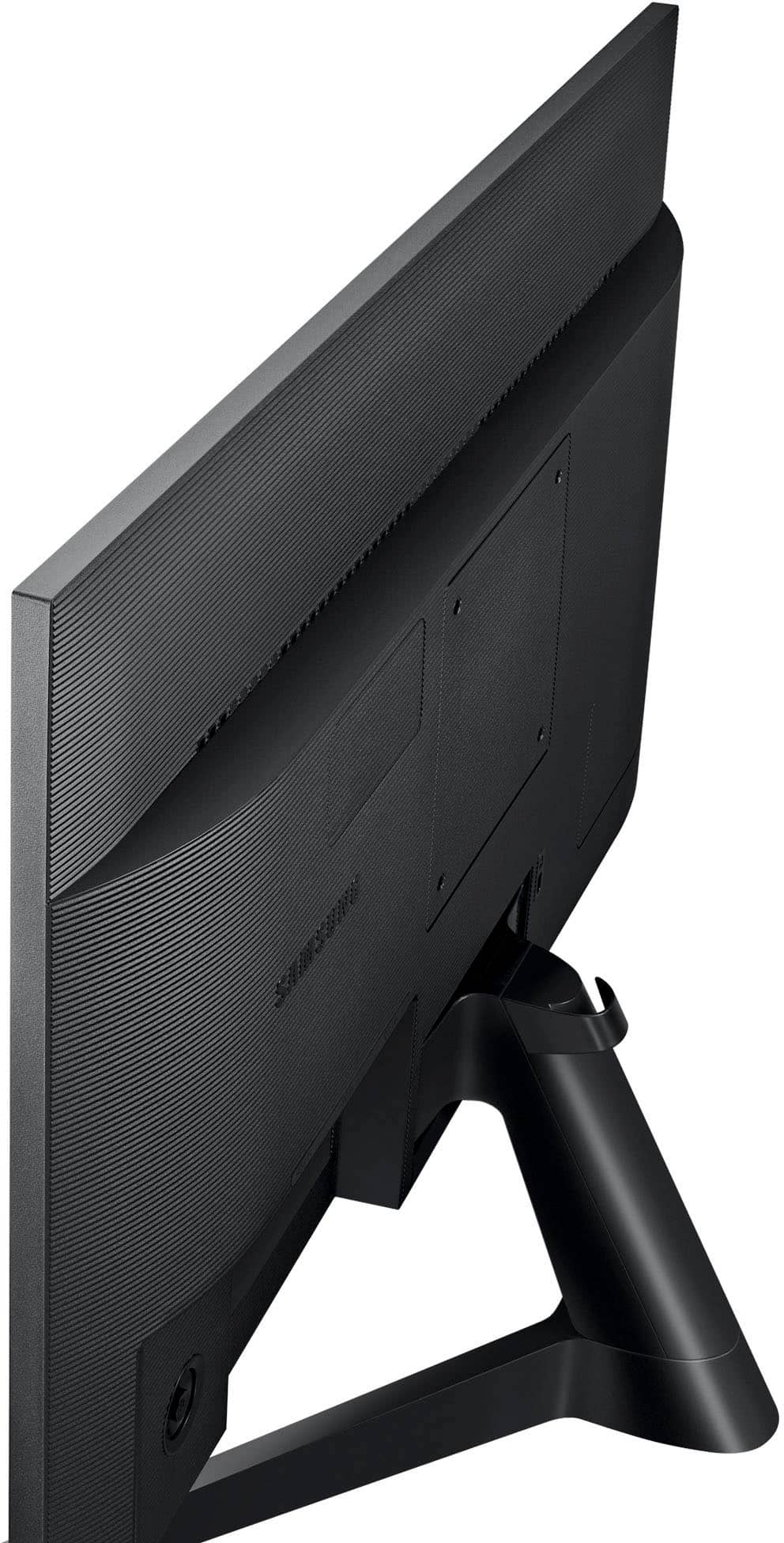
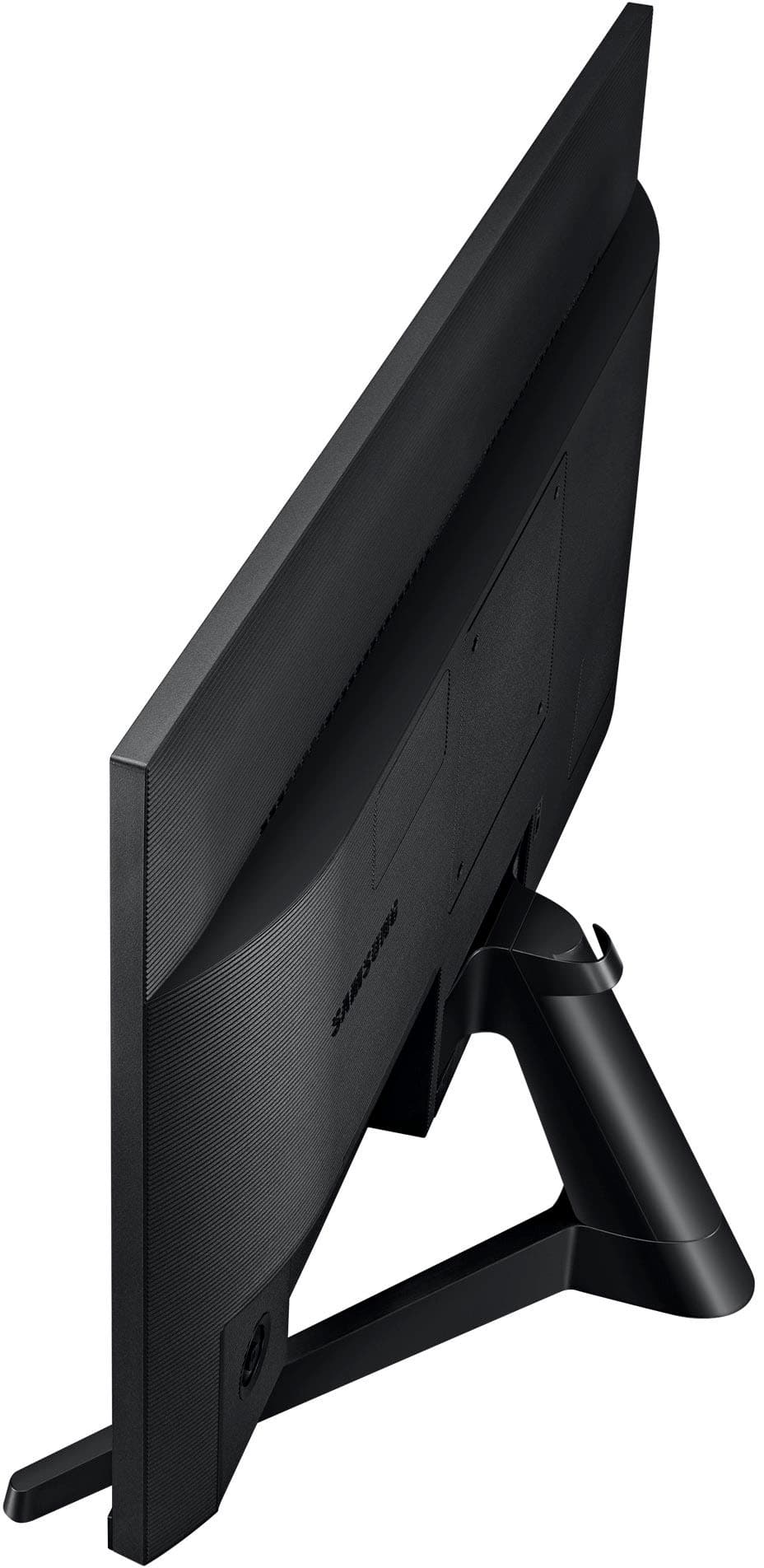
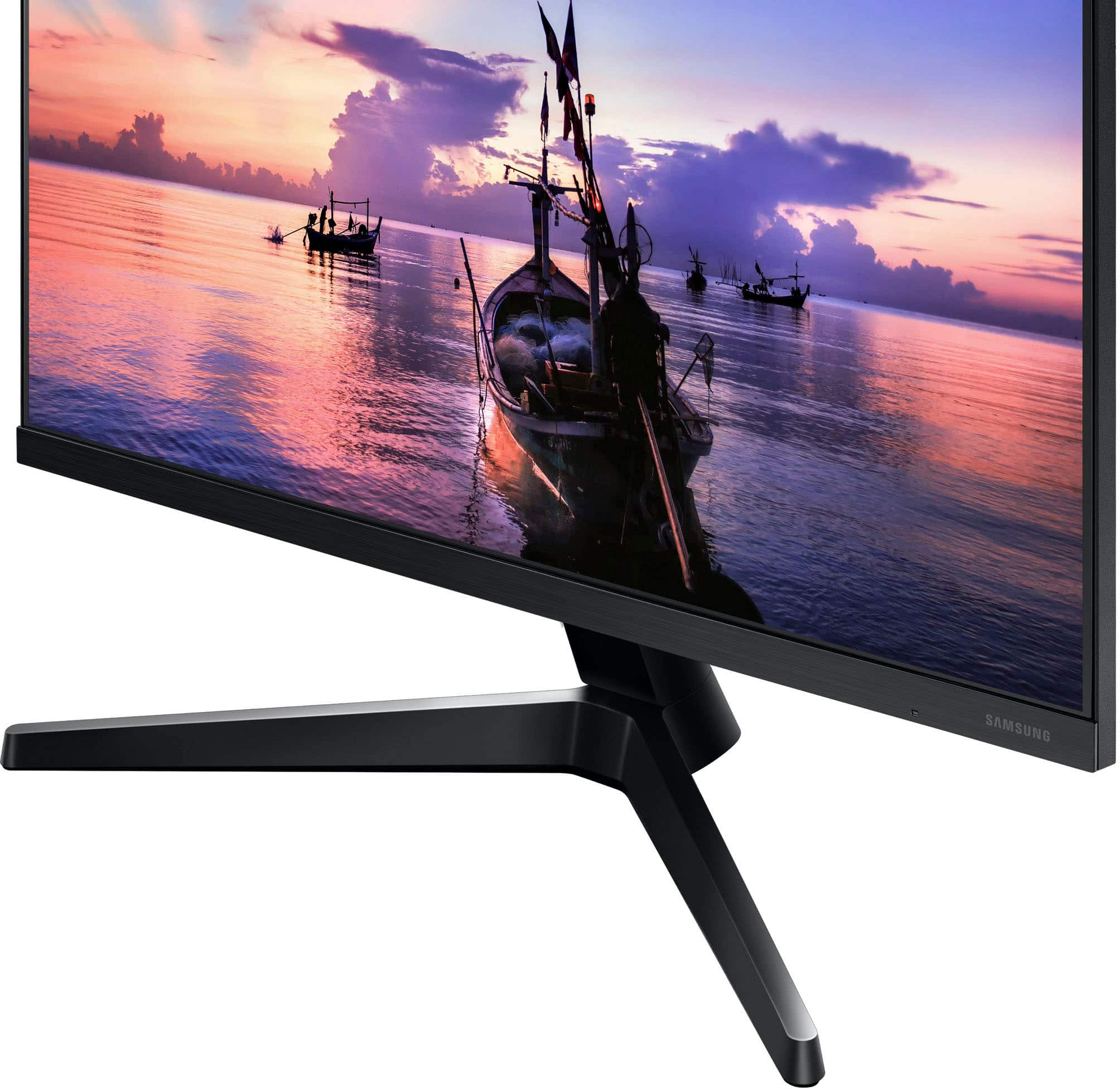
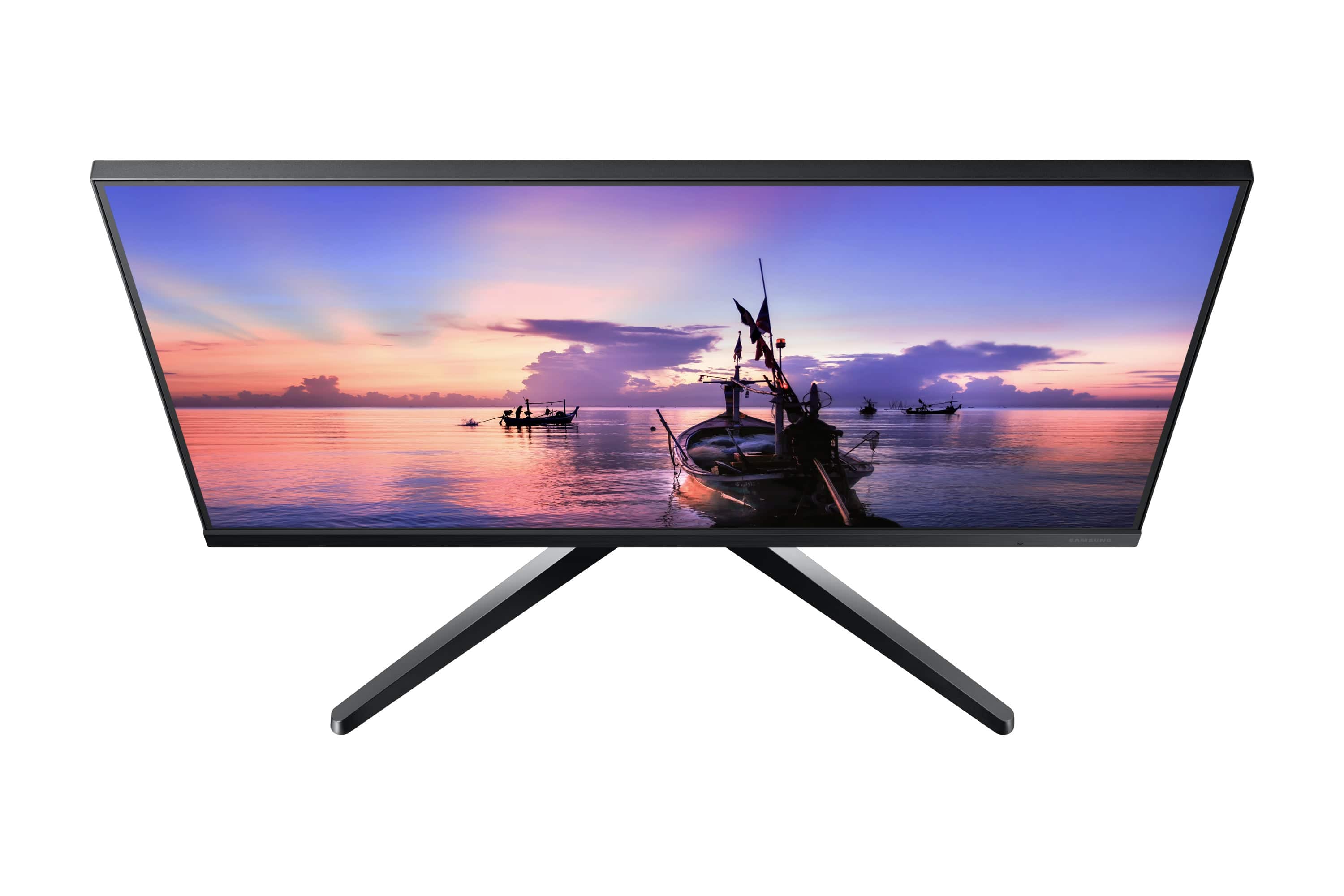
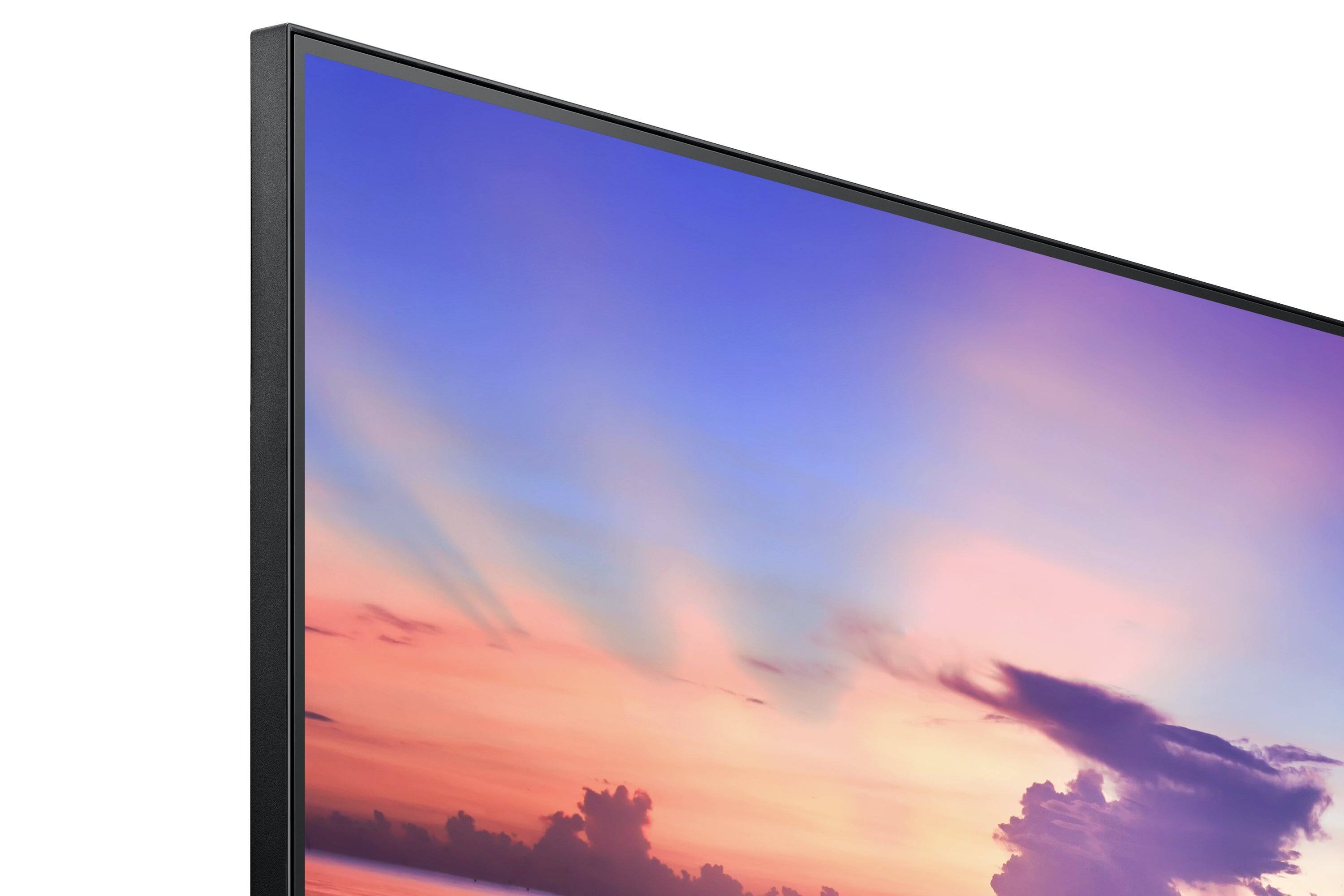
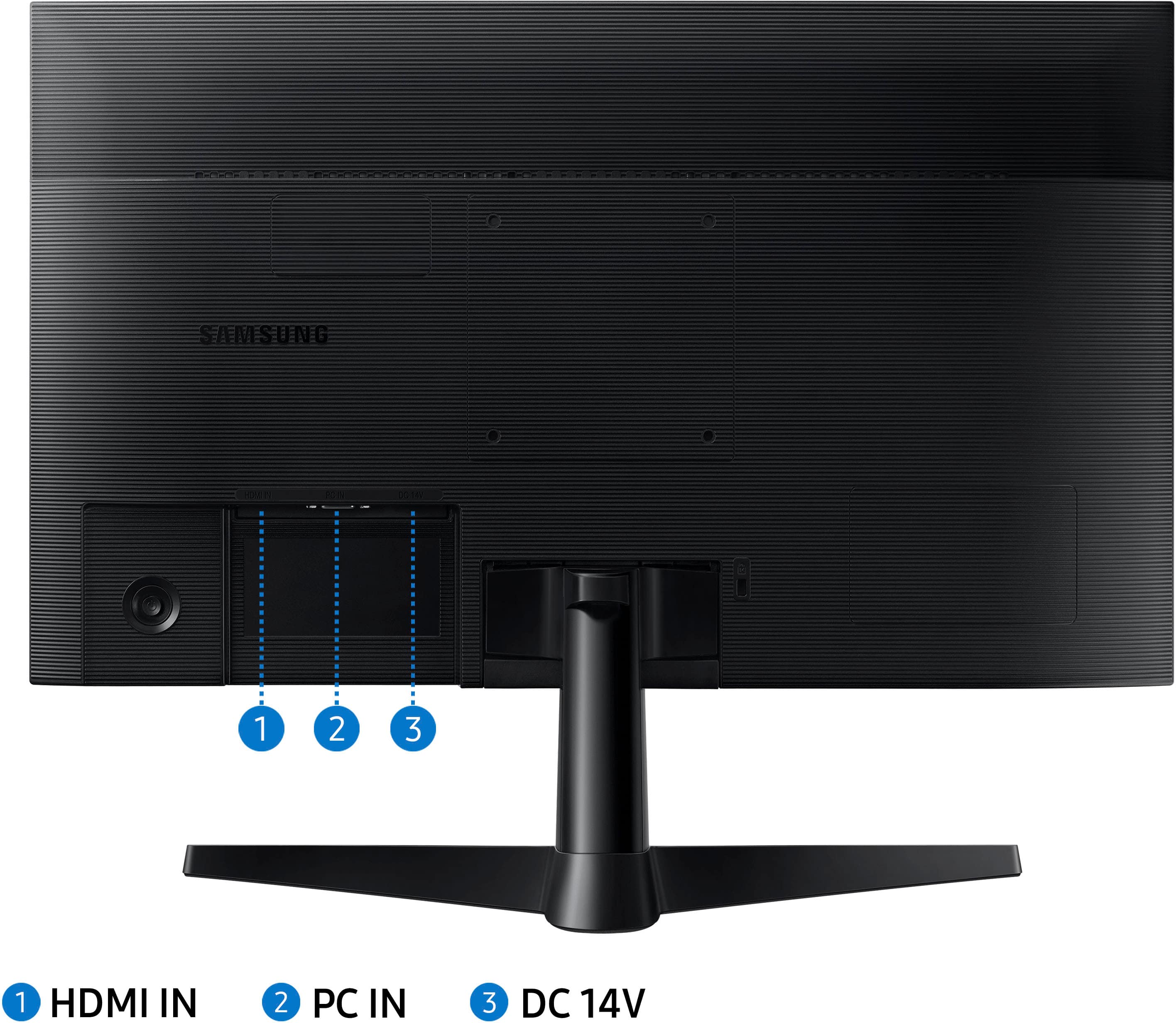
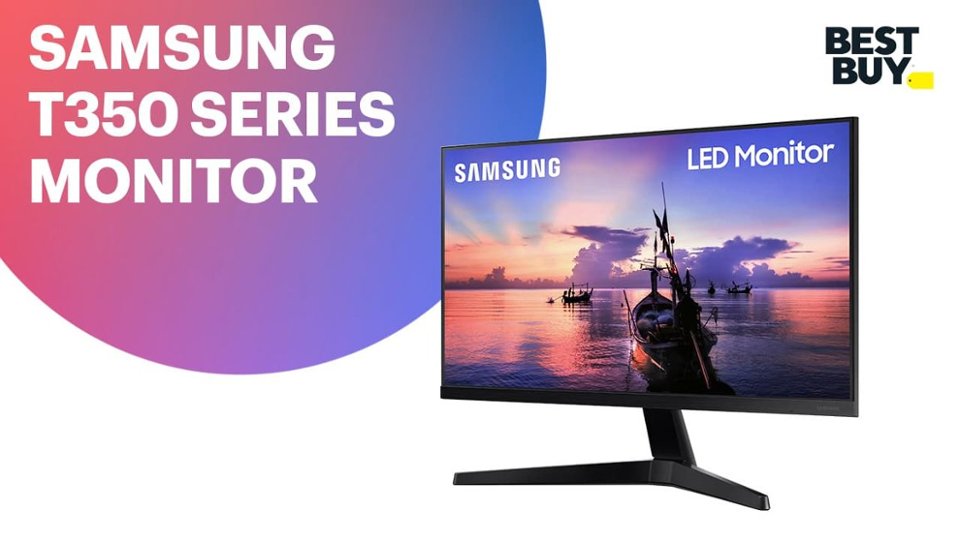
A:AnswerI'm looking at the monitor, as I speak. It's bright and the picture is good. Next to me, my wife's 24" Acer looks good too...but not as bright. The Samsung has just a 1/4" border around the top and sides. That is important to some people, but I don't care much about it. I bought this because I have been watching Samsung TVs for many years and I have been happy with them. Having said all that, I suppose that I should answer your question: Can it be used for work? I used all kinds of computers and monitors and I must say at work...I didn't care. I would use whatever I was given. Back to the 24" Samsung. The picture can be almost too bright for me, but my eyes are sensitive to the light. This brings me to what I don't like about this monitor...How to adjust the brightness. No separate controls along the bottom/front of the monitor. Maybe, it's just me, but you must press a button on the bottom right and on the back of the monitor and it shows you how to adjust as it appears on the lower right corner of the screen. I find it a pain in the posterior. Bottom line, I'm giving the 24" Samsung to my son and I'm getting a 27" Acer for myself.
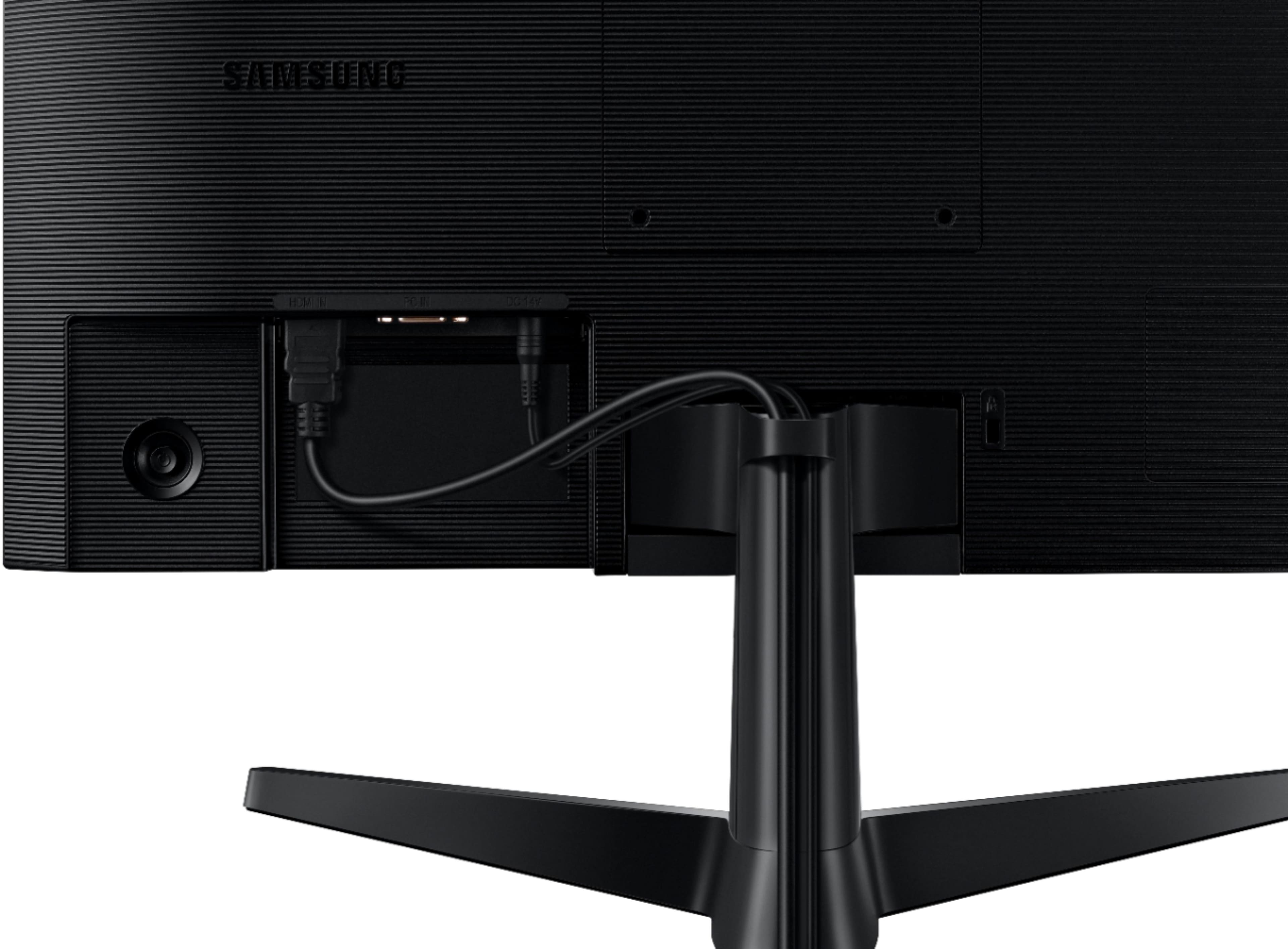
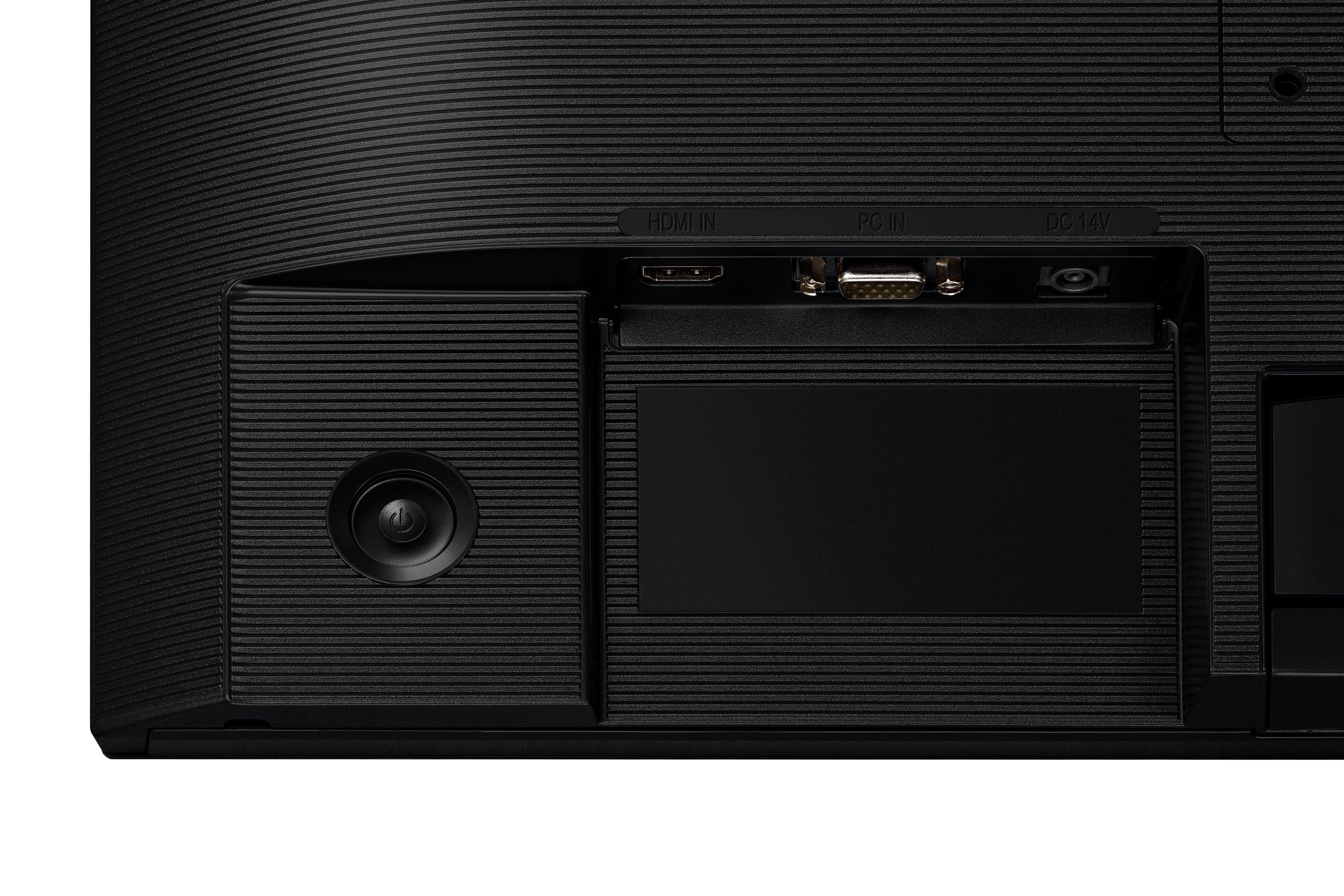
A:AnswerJust make sure your tower has an HDMI port, for best performance, other than that, any tower can hook up to it. Doesn't have a DVI input (wide, usually white, many pins with flat style pins on one side) so it you need DVI, need to get adapter.
A:AnswerWhat kind of cable? Also with some motherboards, you'll need to get into the BIOs to switch from onboard output to PCI output, if you have a dedicated graphics card. So if you had HDMI, and a dedicated graphics card, you'd need to connect monitor to top-most HDMI port, get into BIOs (usually tapping DEL or F2 keys while it's booting usually will get you there, but not always) and change from onboard to PCI video output, reboot then you can move the HDMI to bottom most port.
A:AnswerNope, this is not a Smart TV, you can "make" it one, possibly with Chromecast or a Roku device, but this is a PC monitor. It doesn't have any kind of interface by itself