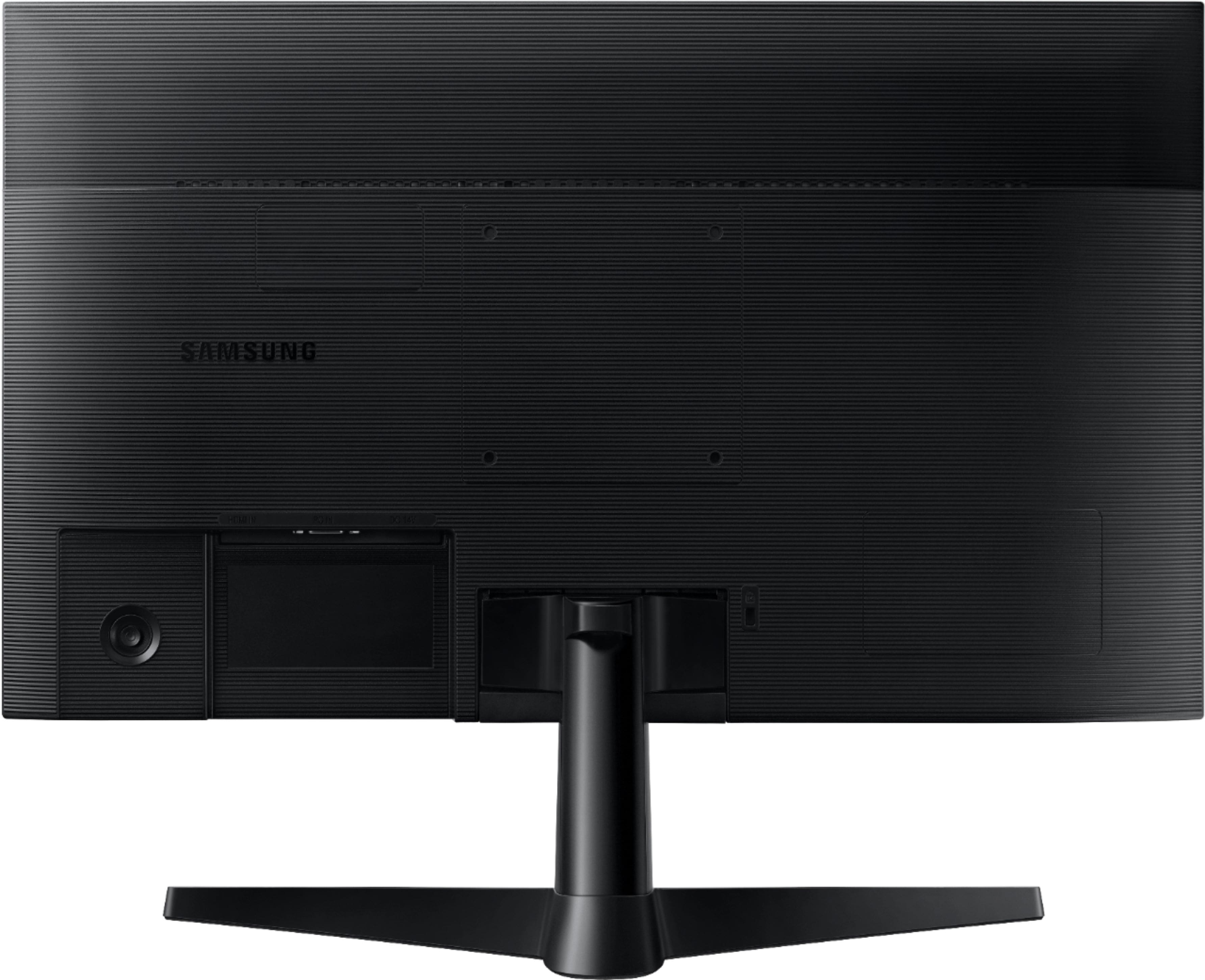
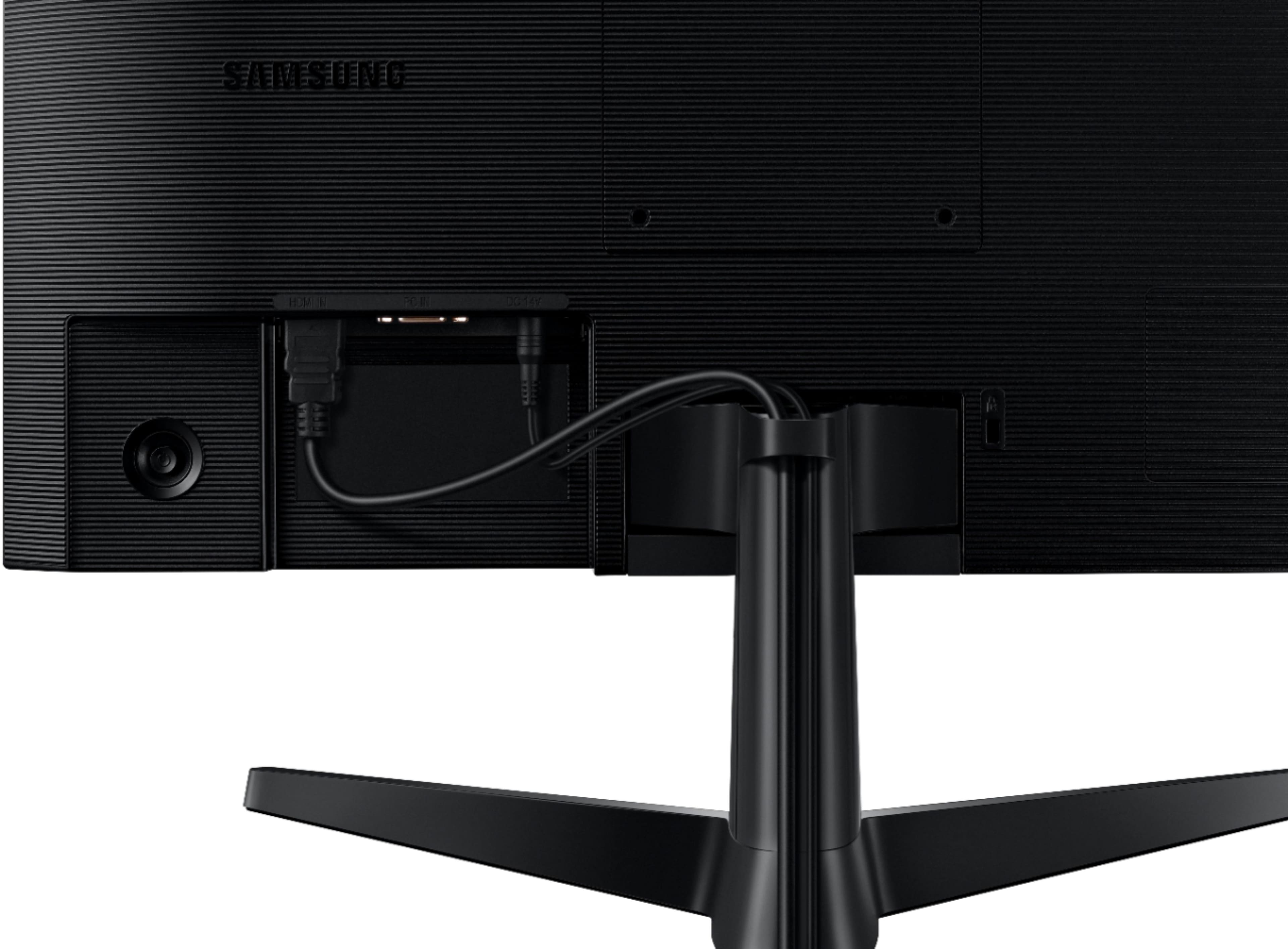
A:AnswerYes, I use a MacBook Pro, and it works with it and my older air. You just need an adapter if your MacBook is newer and doesn’t have an HDMI port on its side.
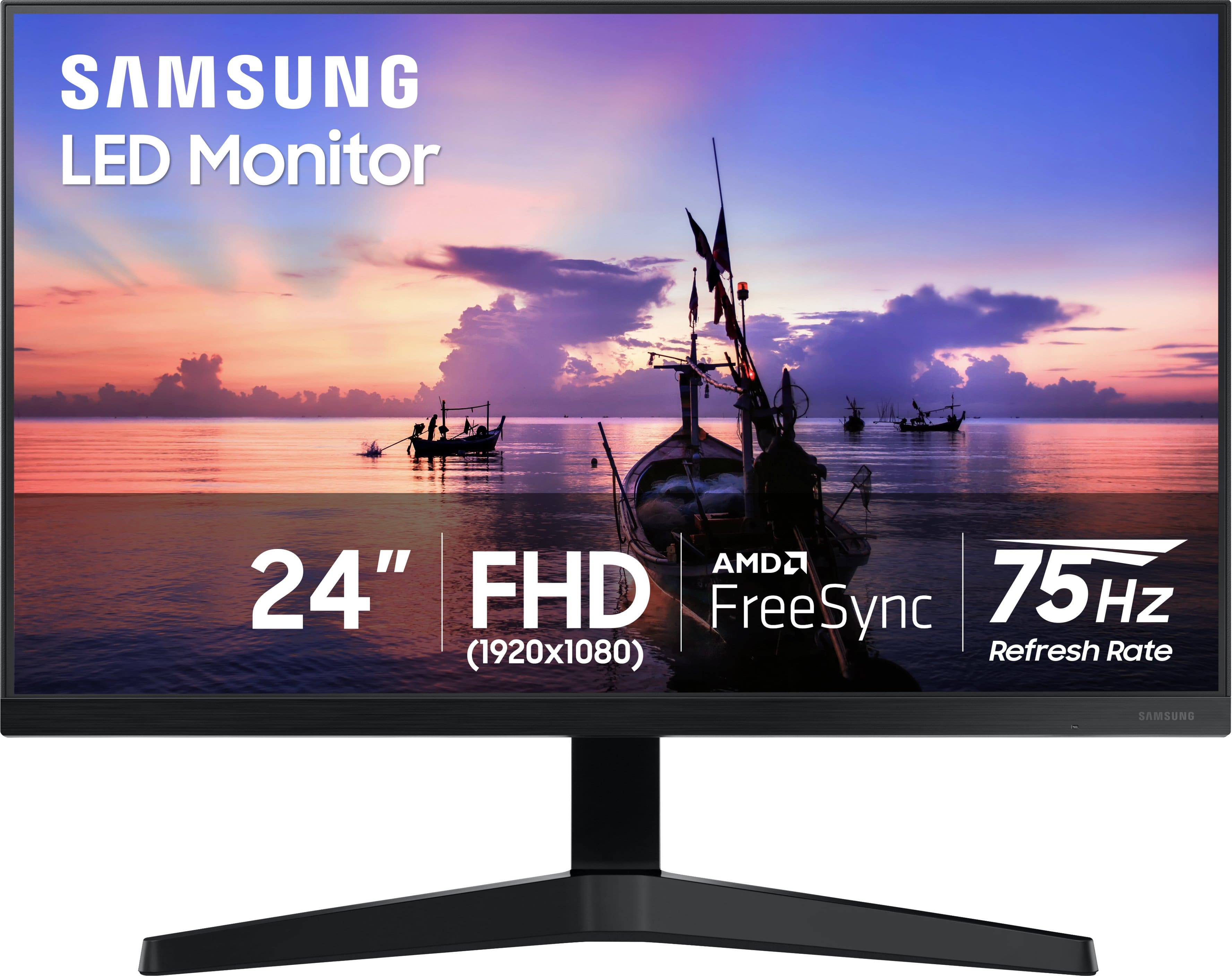
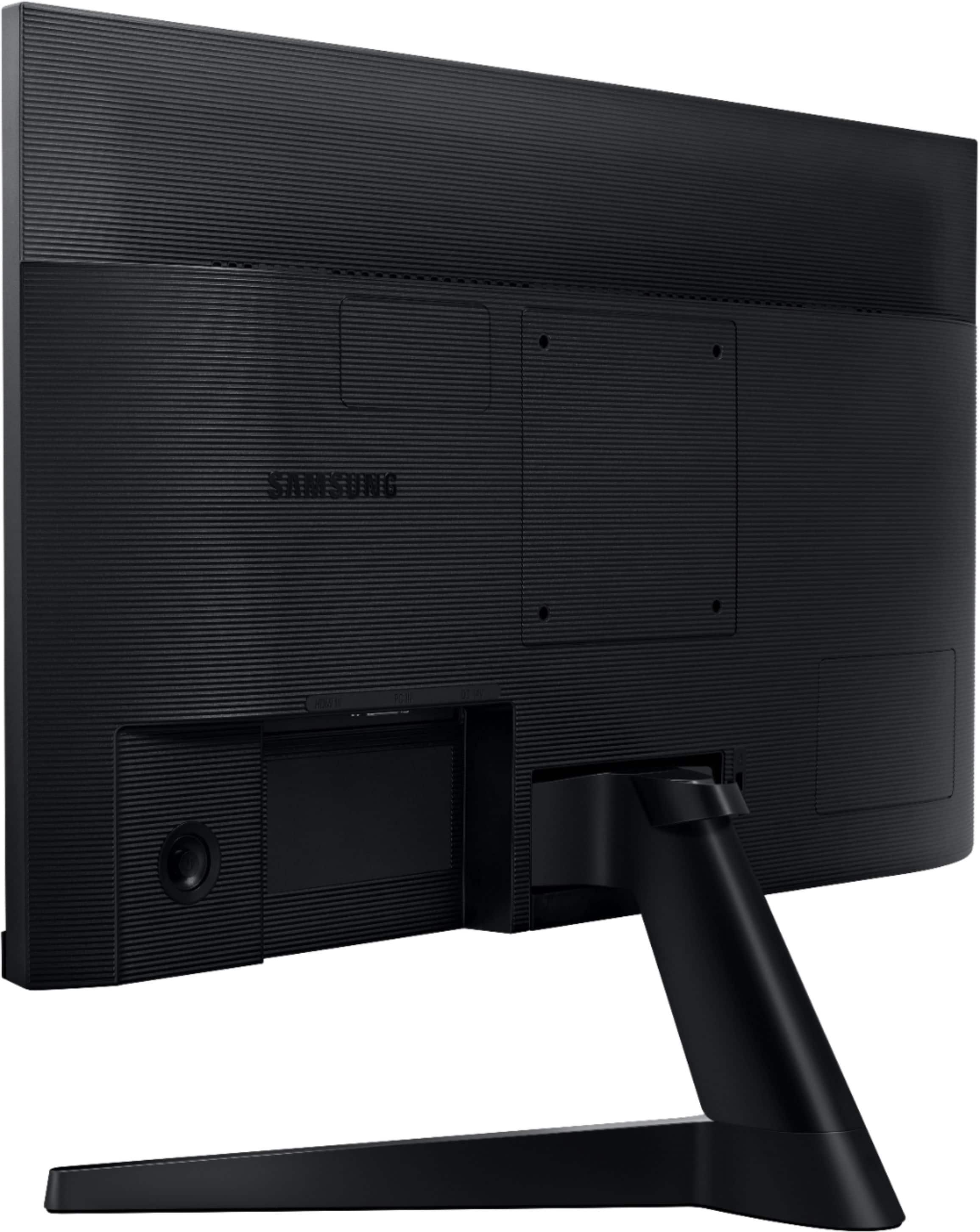
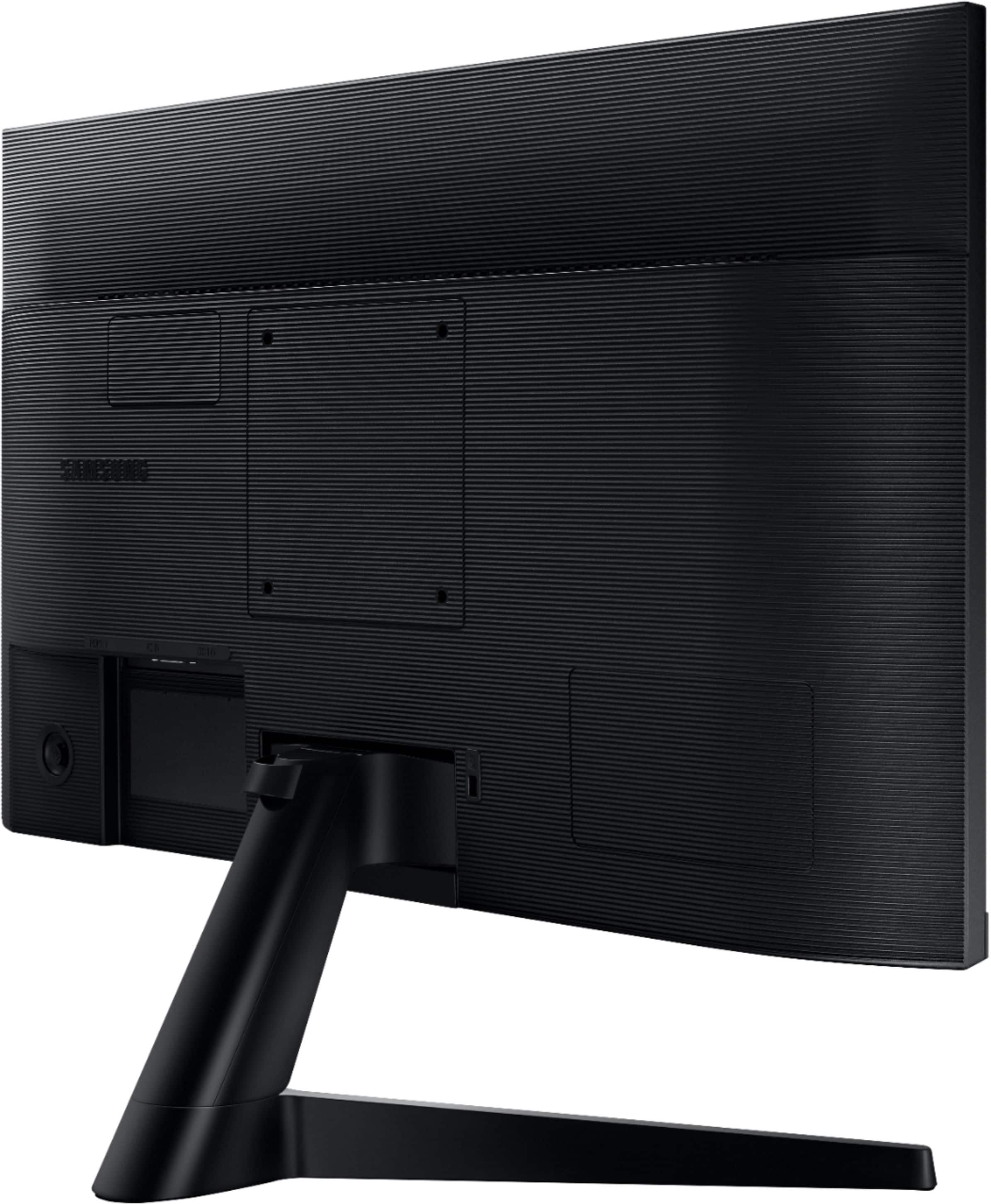
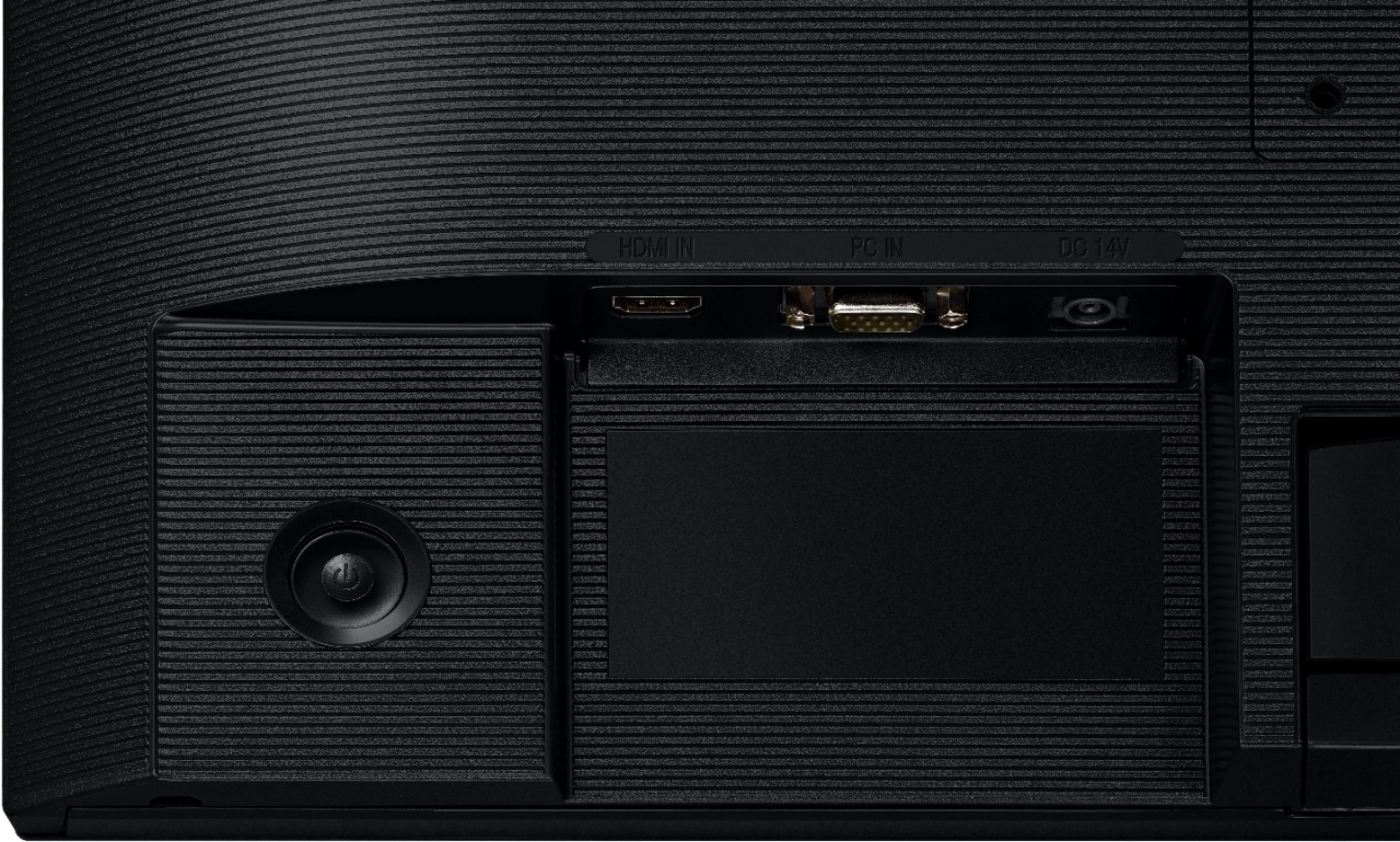
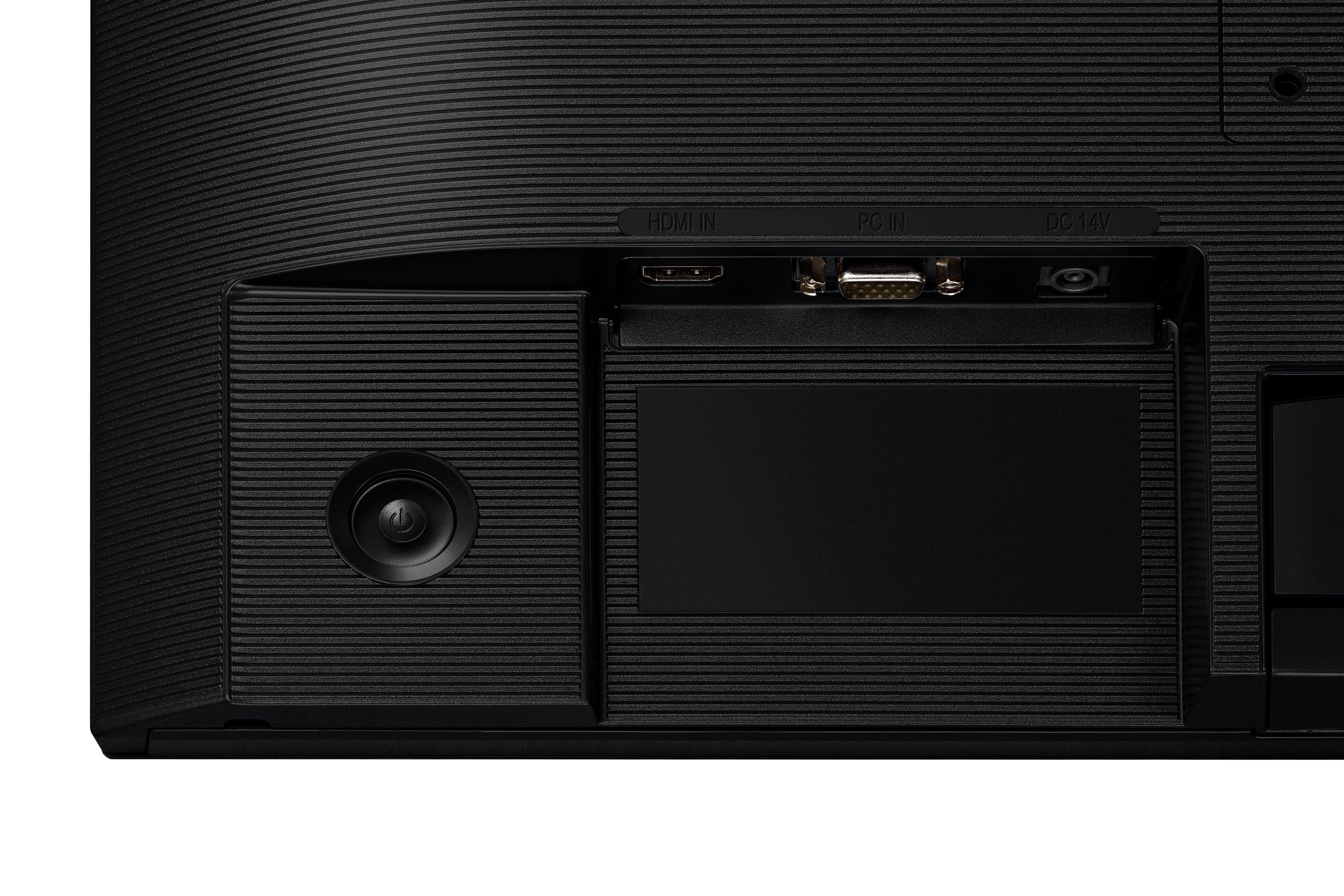
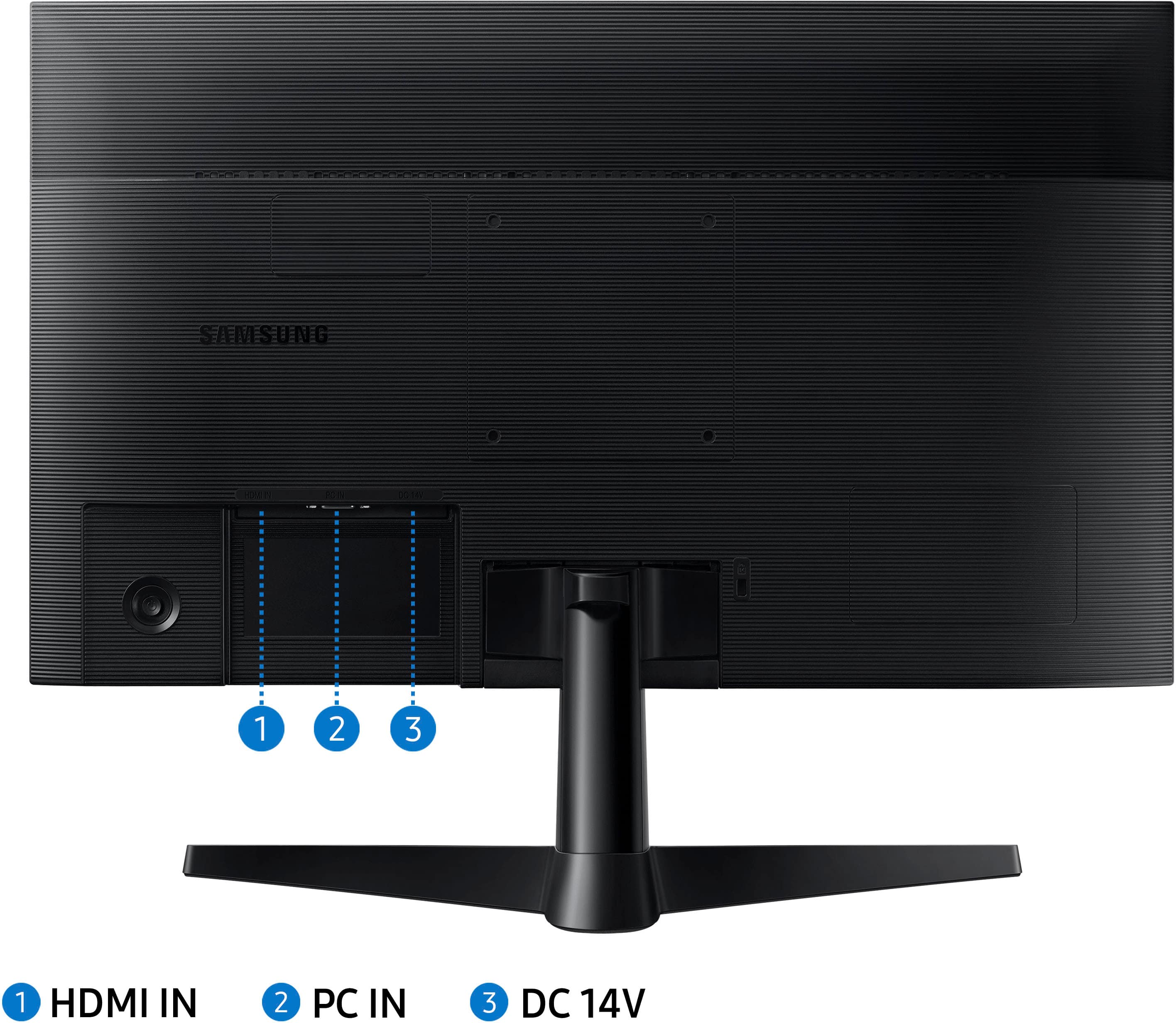
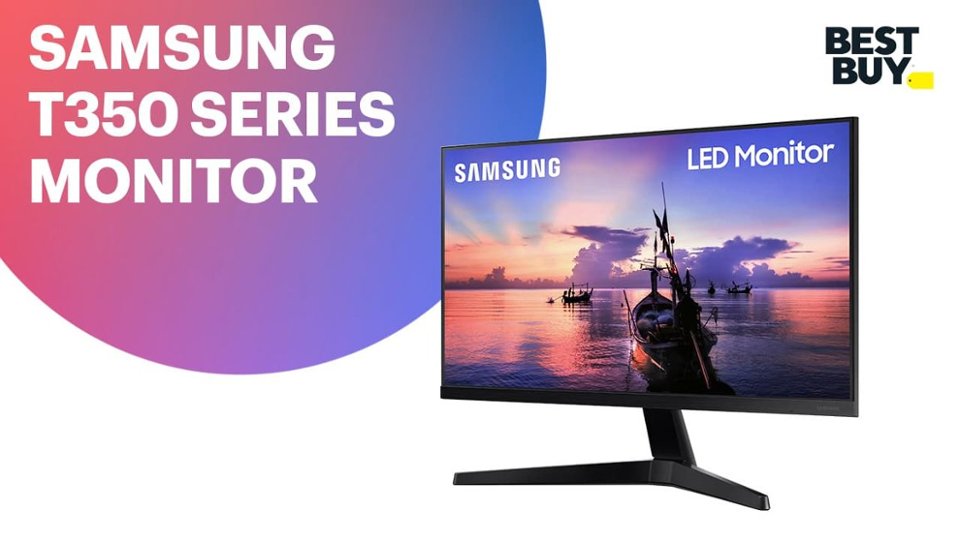
A:AnswerThis specific monitor has a VGA and HDMI port, not a Display port. If needed, you can buy an HDMI to Display Port cable to make the connection. These cables are usually around $25. There’s is also an adapter that’s usually around $15.
A:AnswerBluetooth speakers will not pair to the monitor itself. However, you can pair them to the device you connect to the monitor, if the that device has bluetooth capabilities. For example, a laptop/desktop or a gaming console.
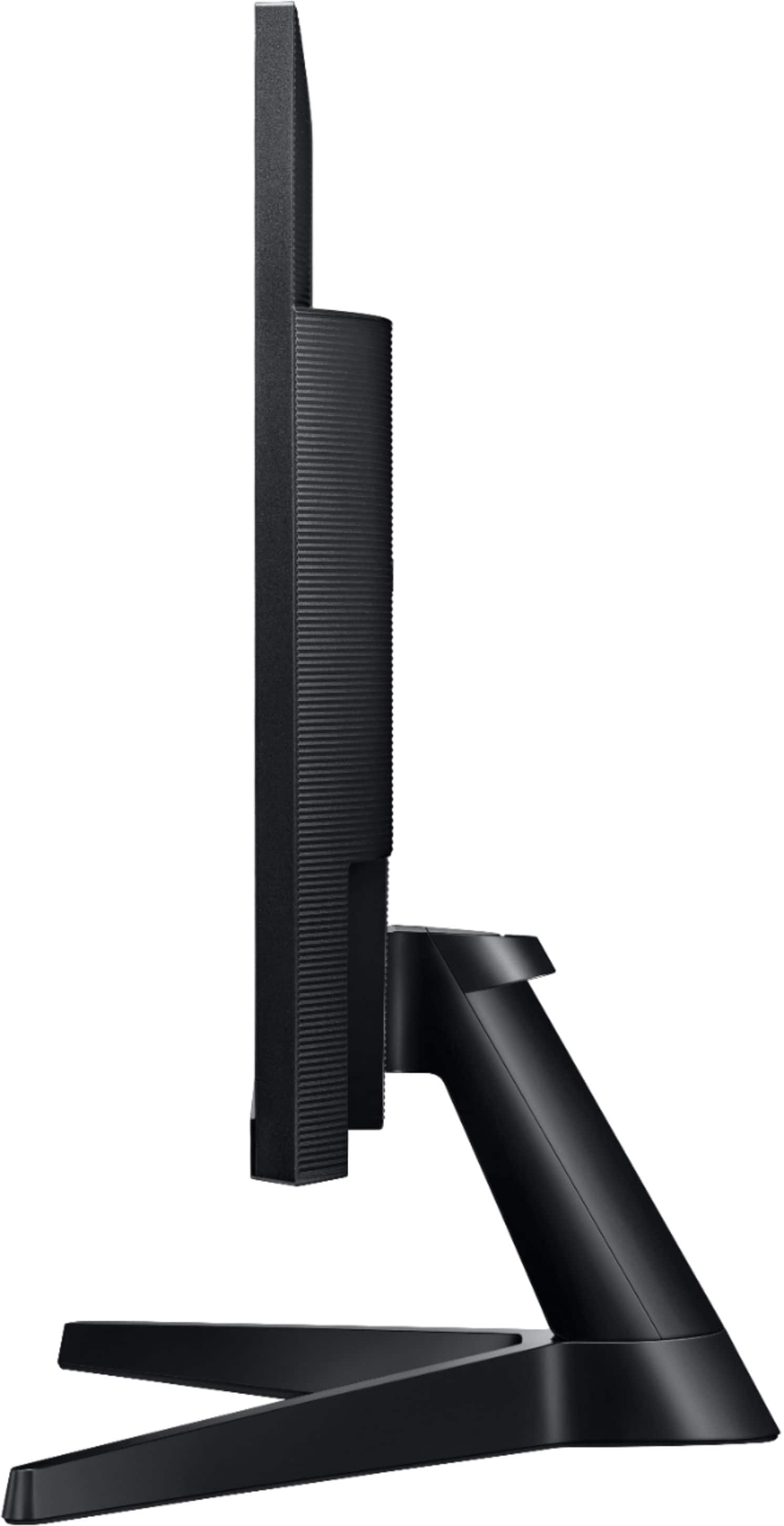
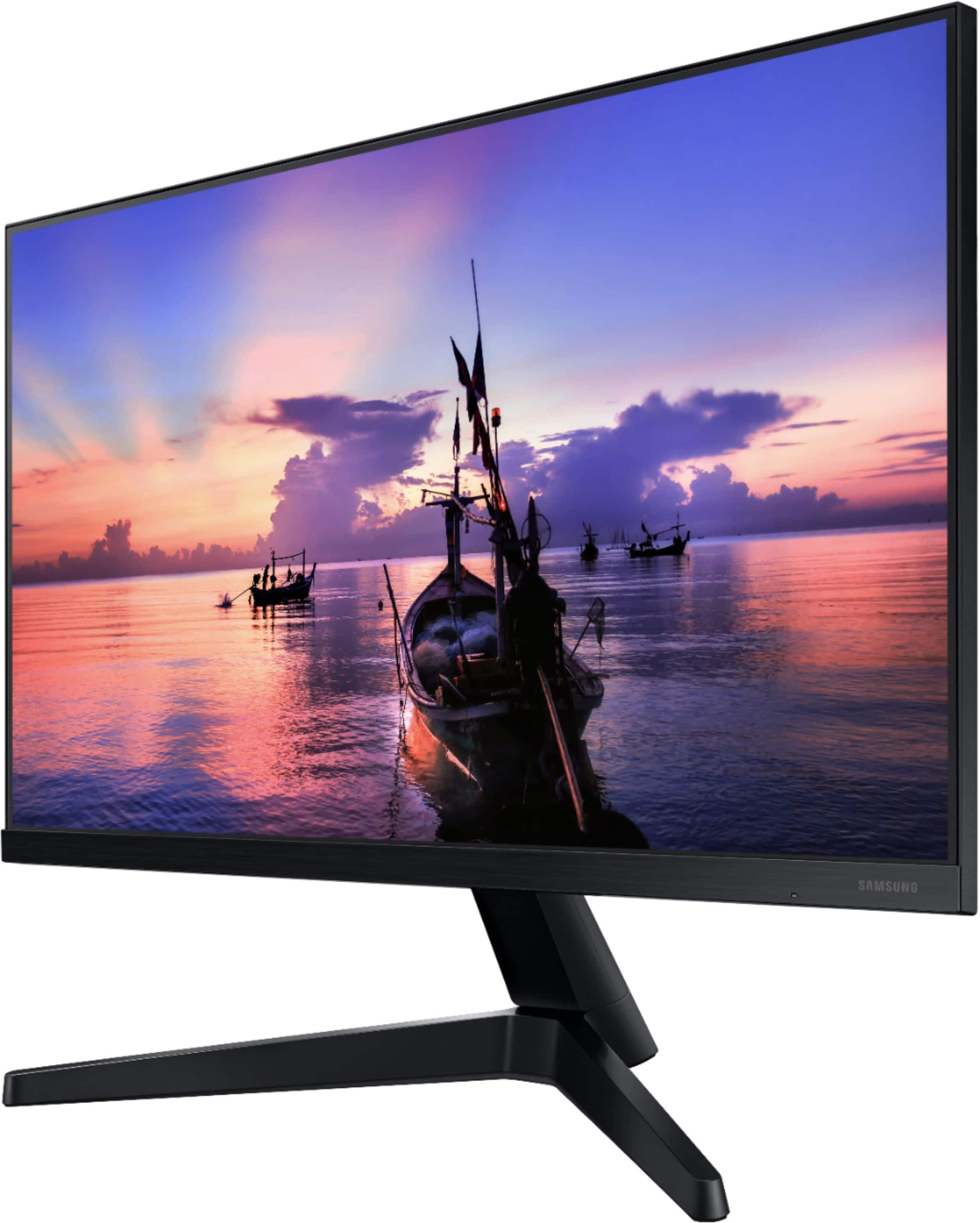
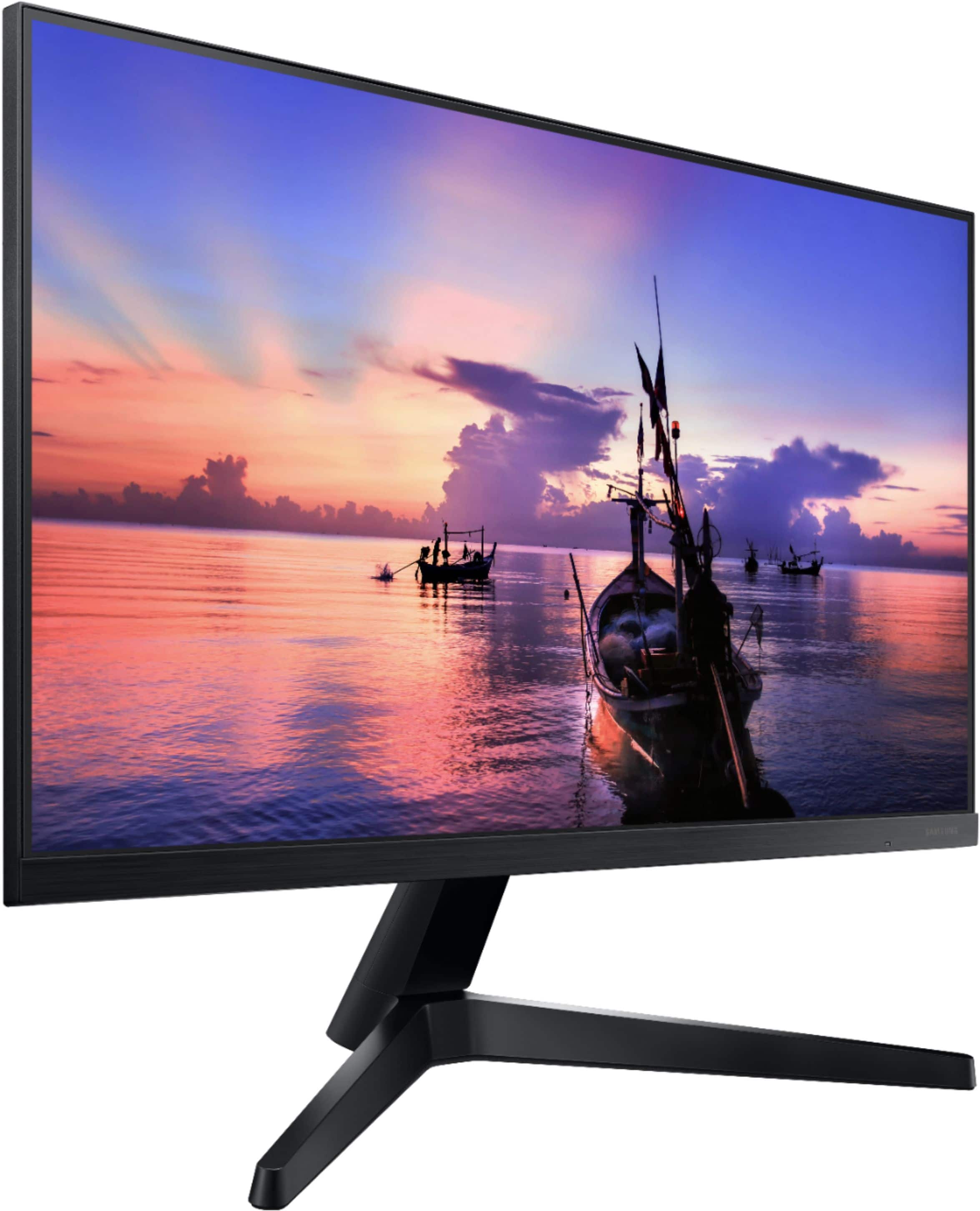
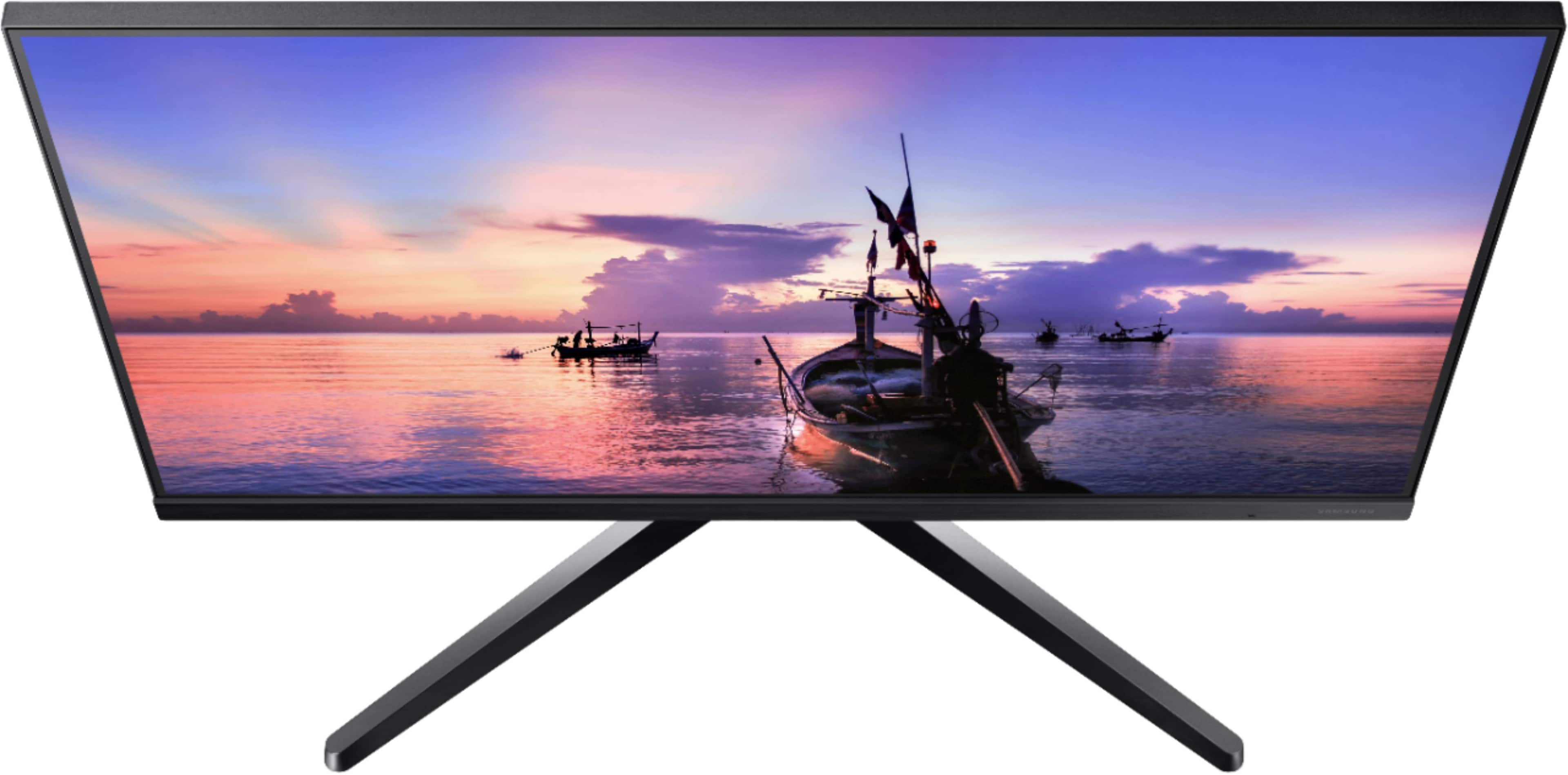
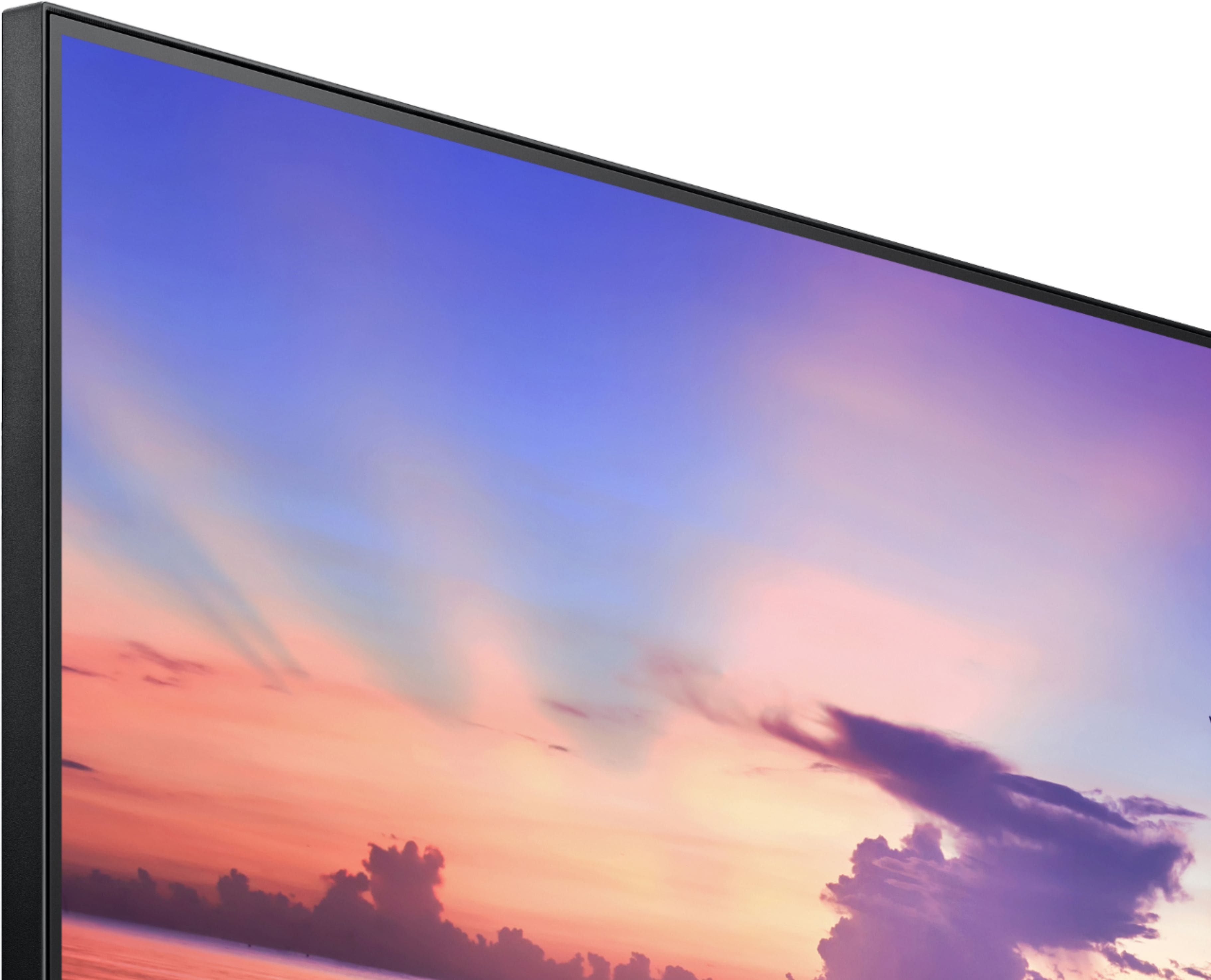
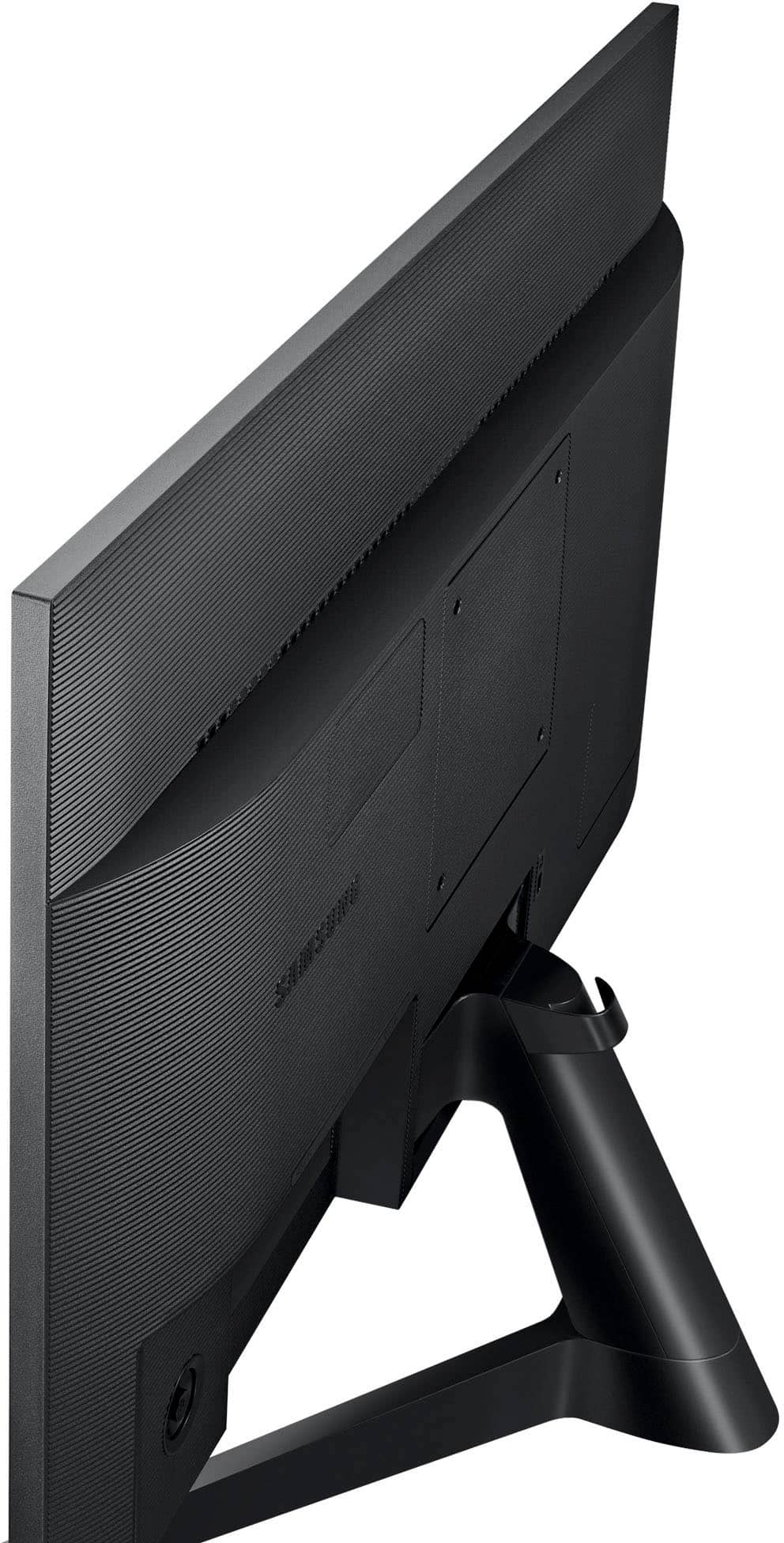
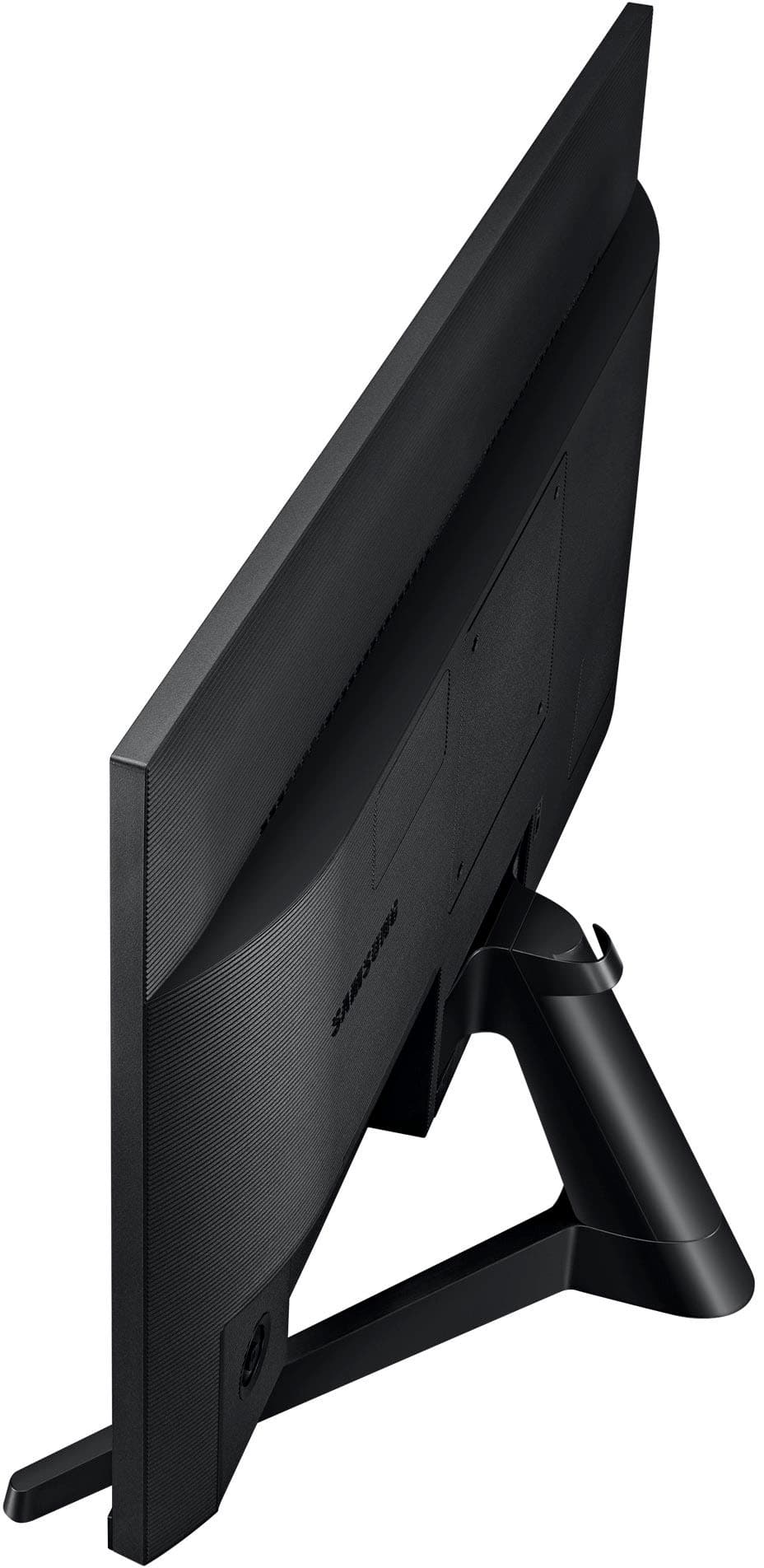
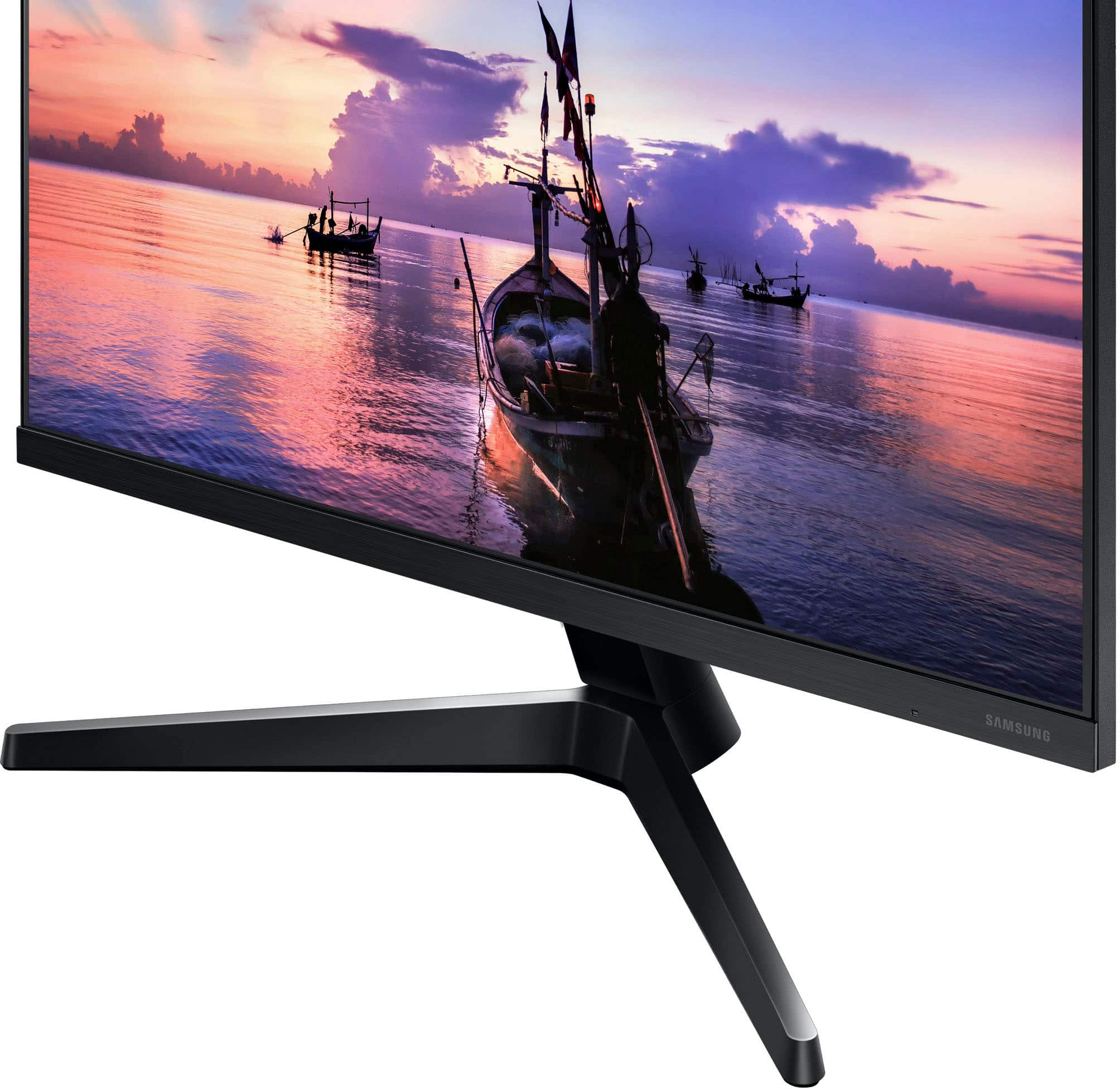
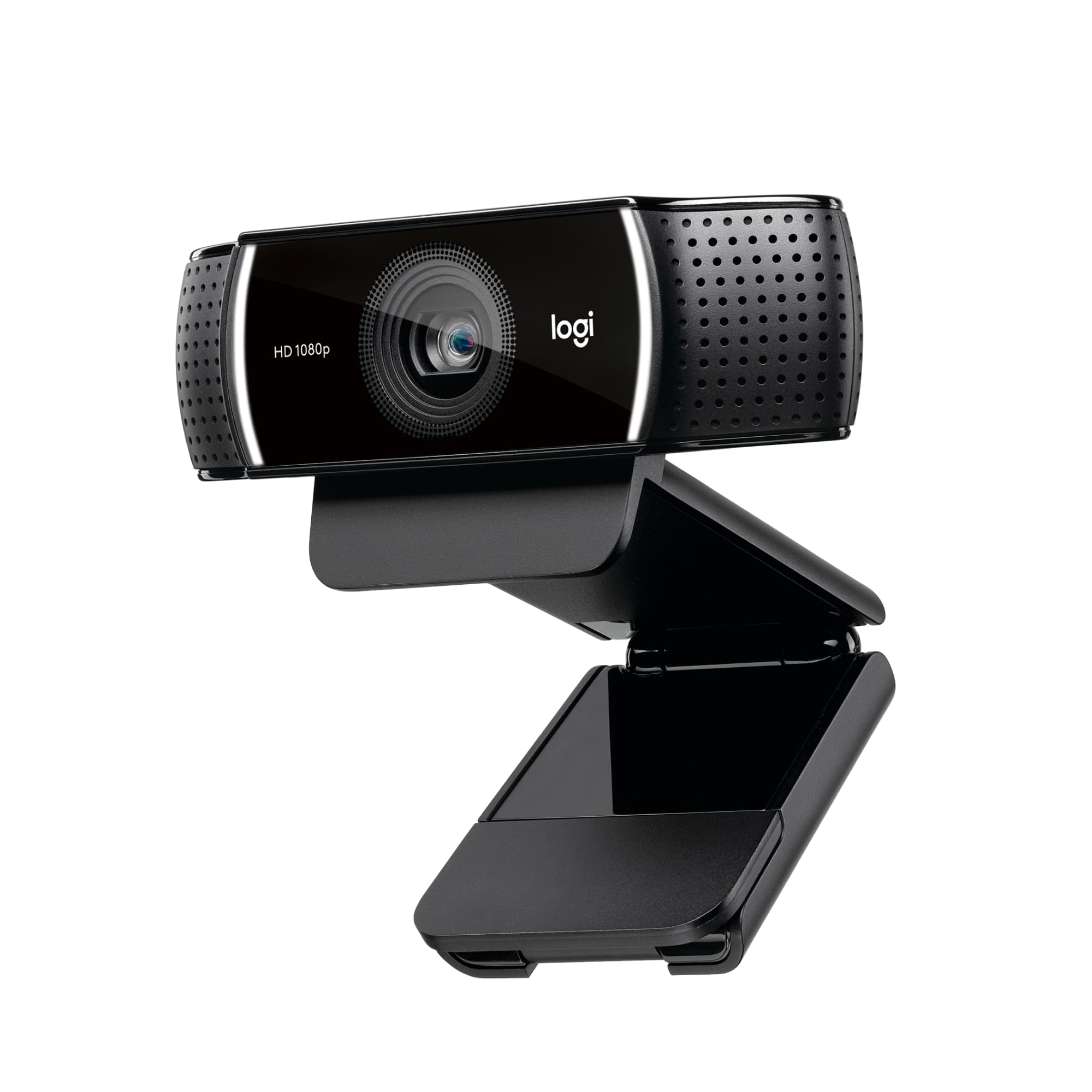
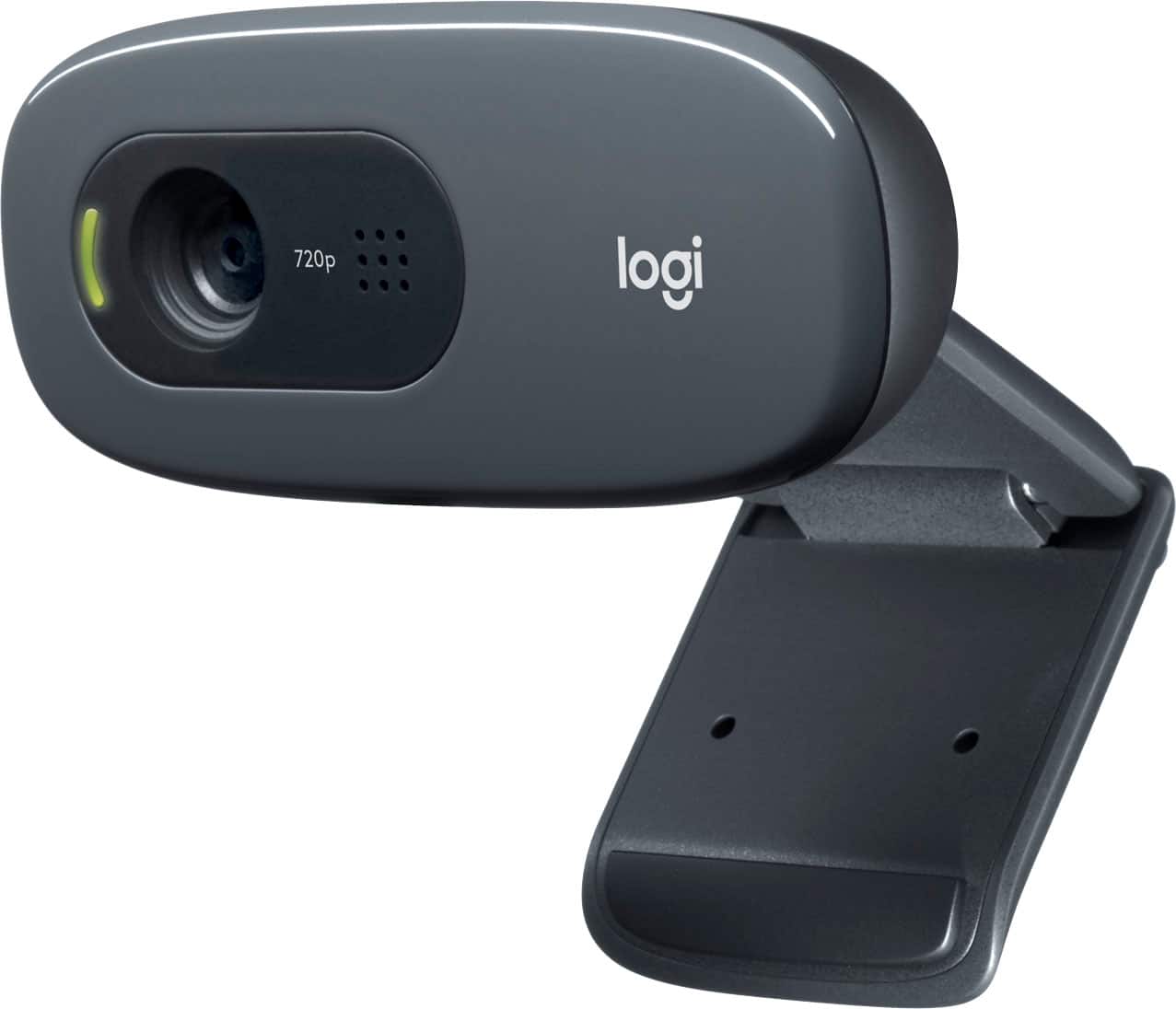
A:AnswerThe monitor itself does NOT include webcam or audio capability; it's just a basic display monitor. You would have to buy a separate webcam -- or use the webcam in your laptop -- if you want webcam capability. Example webcams are the Logitech C270 or Logitech C922, and they range in price from around $30-40 to $125 or more. Adding a separate webcam is simple -- it clips onto the top of the monitor and typically connects through a USB port. (The monitor itself connects to a VGA or HDMI port.) Hope this helps!