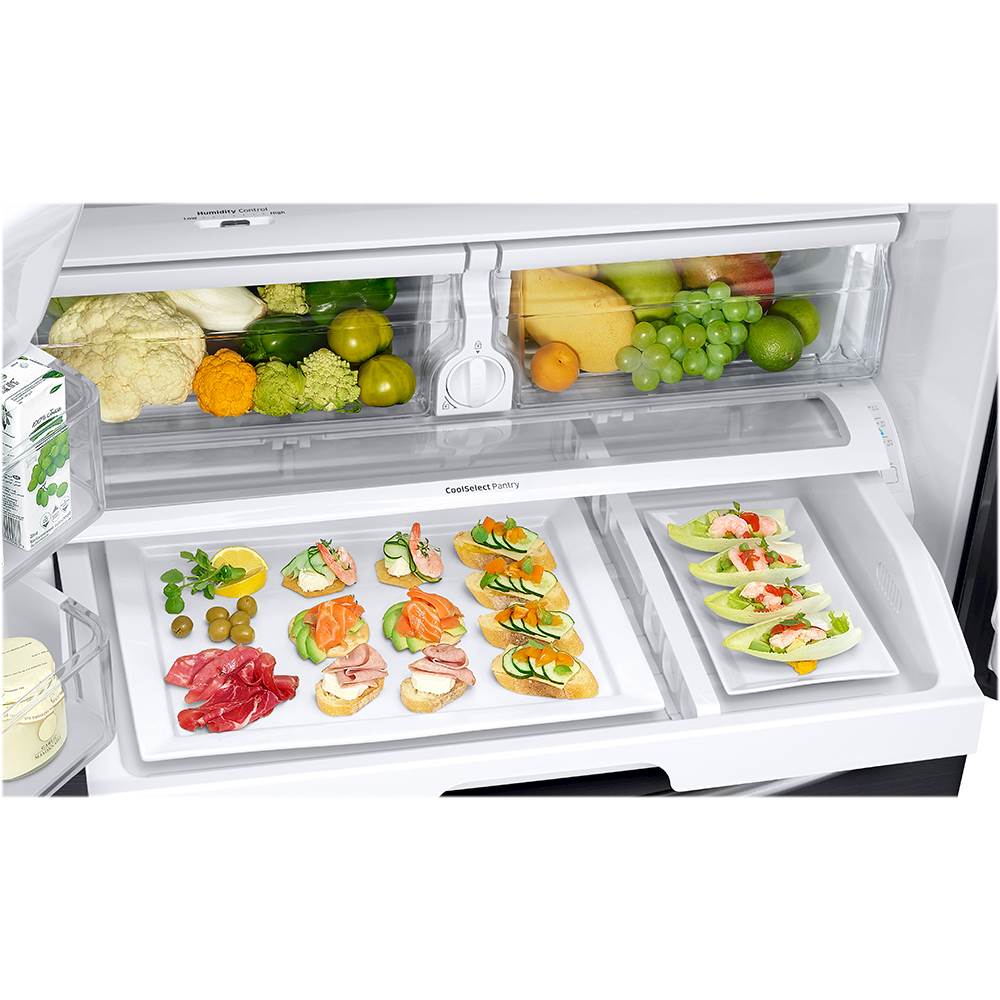
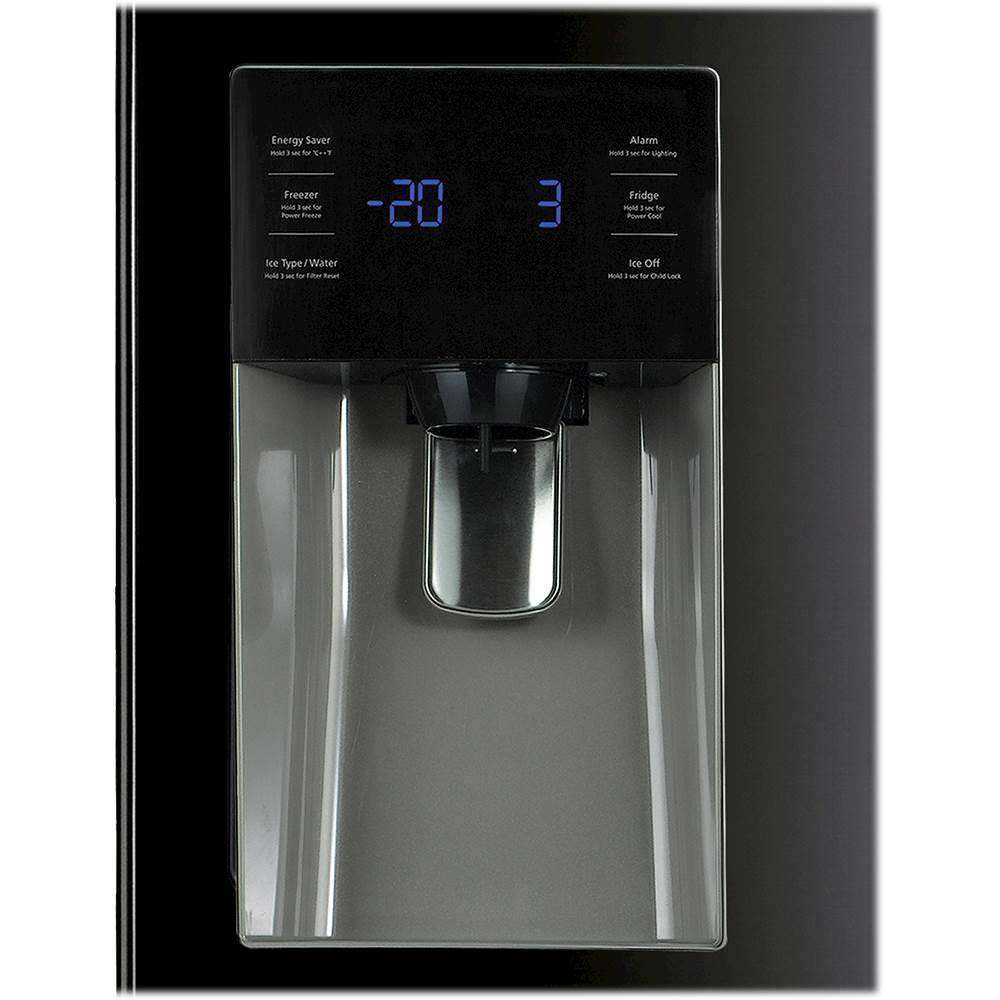
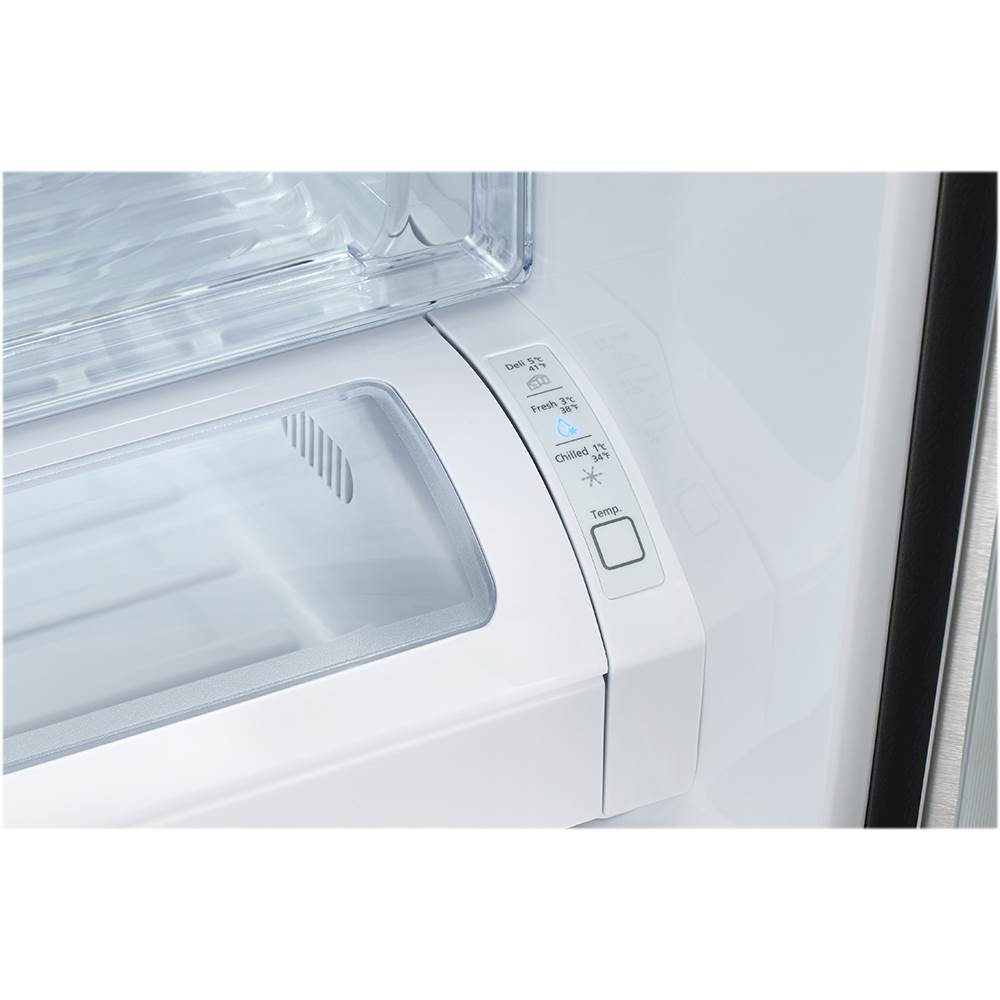
A:AnswerHi SafetyLock, touching the padlock button for 3 seconds turns on Child Lock which locks panel and dispenser buttons so the buttons can not be used. The Child Lock icon lights up to indicate you’ve activated the Child Lock function. Press 3 seconds to unlock. The Child Lock is not going to lock the Cool Pantry. ^Rosi
A:AnswerCounter Depth
No
Depth With Door 90 Degrees Open
48.13 inches
Depth Without Door
29.25 inches
Daily Ice Production
10 pounds
Height
68.63 inches
Width
35.75 inches
Depth
35.63 inches
Weight
307.5 pounds
A:AnswerI've touched mine a lot and haven't noticed hand prints or anything. That said my husband is a messy cook so when he has oil or flour on his hands from cooking you will notice it in the right light. But it is very easy to wipe down. I hope that helps.
A:AnswerHello Glenn,
Thank you for bringing this to our attention. We appreciate you letting us know your inquiry if you can remove the doors of this Samsung refrigerator. We understand that it is essential for you to know. We're here to help.
As per checking, yes, you can remove the doors.
You may also refer to the user manual for additional information about the product, including removing the refrigerator doors. See page 9.
https://downloadcenter.samsung.com/content/UM/201904/20190418151648884/DA68-02601A-16_181008.pdf
For other concerns, do not hesitate to reach out via our Support Channels below:
1. Facebook Messenger: http://m.me/samsungsupport
2. Twitter: https://twitter.com/messages/compose?recipient_id=18768513
3. Samsung Community: https://us.commuity.samsung.com/t5/Samsung-Community/ct-p/us
Thank you, and stay safe!
Your Reference Ticket Number: 1144264321
-Angelica