Early Black Friday DealsNew Doorbusters every Friday.Shop now

Main Content

Questions & Answers

Your price for this item is $51.99
Clearance
The comparable value price is $229.99
Page Showing 41-60 of 82 questions
  • QuestionDoes this monitor connect to bluetooth?

    Asked by CN.

    • Answer No

      Answered by OmarP

  • QuestionIf you were to get two of these monitors, could they be seamlessly brought together?

    Asked by Anonymous.

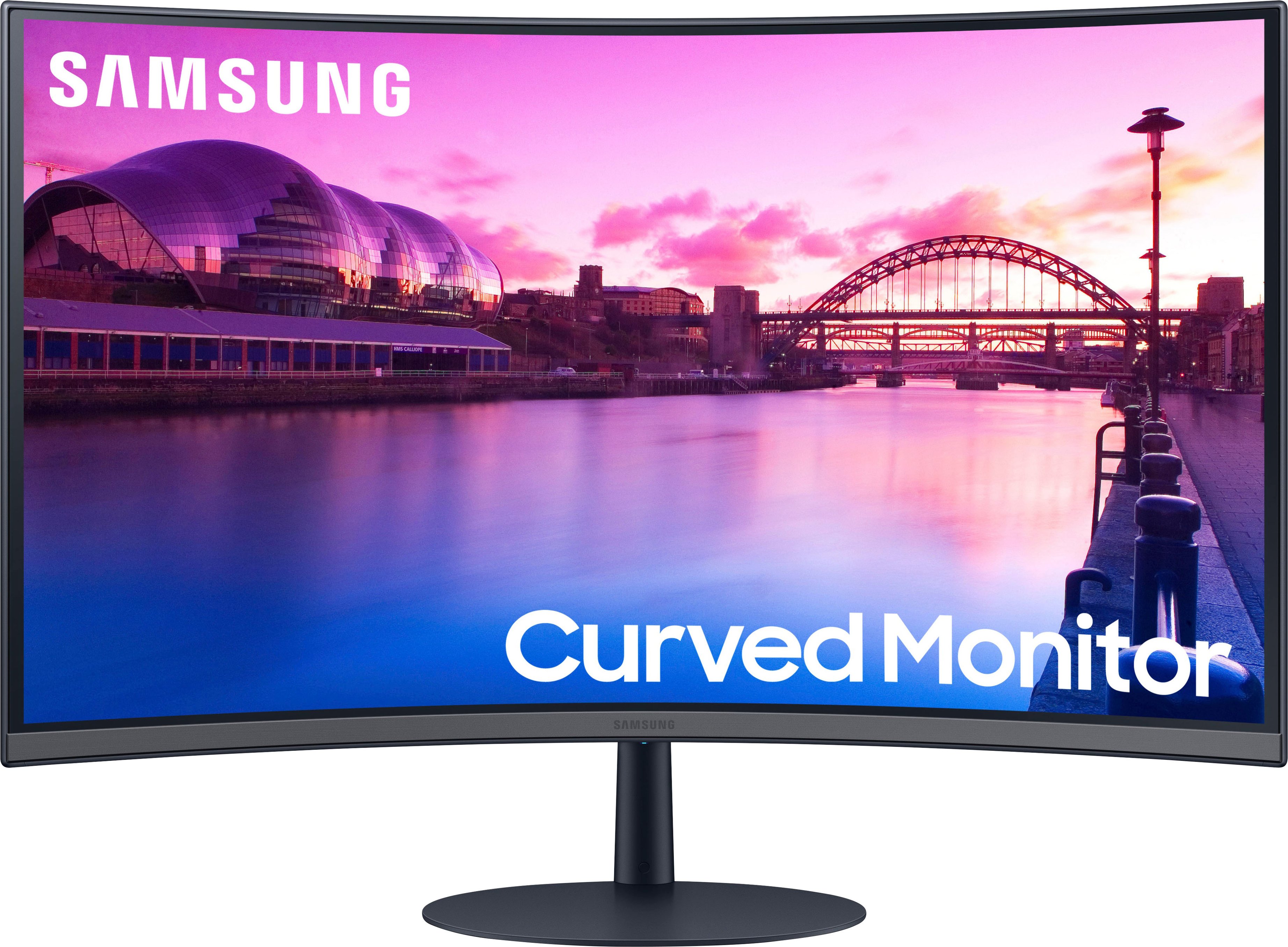
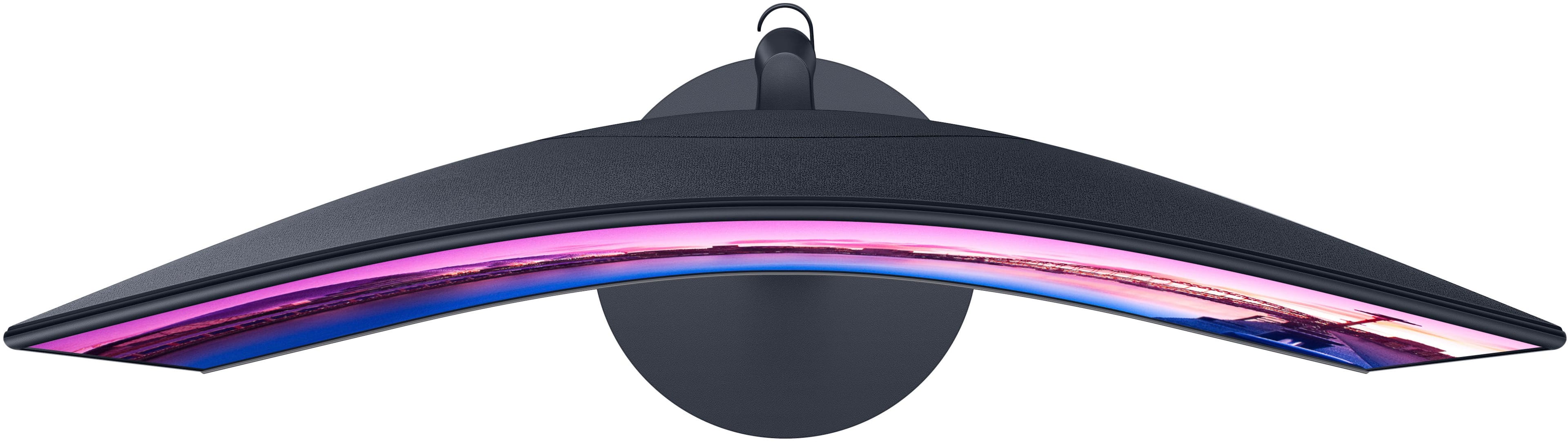
    • Answer Thank you for your question! Yes, this monitor would work perfectly for a dual monitor setup. Just ensure your PC Display settings are set to extend and that your PC has 2 HDMI’s, 2 DisplayPort’s, or 1 of each to be able to connect to the monitors. If not, you will need an adapter to do so. This monitor doesn’t have mounting holes to be on a bracket, so you will need to leave them on their stands and have them touch.

      Answered by Samsung

  • QuestionHow much HZ does it have?

    Asked by Enzi.

    • Answer You can set 60 or 75. Default is 60

      Answered by goalieboy81

  • QuestionWhat VESA Adaptor works with this monitor?

    Asked by GenieF.

    • Answer Thank you for your question! Unfortunately, that is one feature that is not found on this monitor. If you are looking for that feature in a 27” monitor that also has built-in speakers I would recommend the 27” M50C.

      Answered by Samsung

  • QuestionCan a chromcast/fire stick/Roku connect to this monitor?

    Asked by fluffyball63.

    • Answer Absolutely, and it has a great picture.

      Answered by NikyttaA

  • QuestionCan I use it for a PlayStation 5? Without a computer. Literallly just for the PlayStation.

    Asked by Mike.

    • Answer Thank you for your question! Yes, the 27” S39C features 2 HDMI inputs for compatibility with your PS5. If you are looking for a monitor with the latest gaming features, you may be interested in Samsung’s Odyssey line of monitors focused on gaming.

      Answered by Samsung

  • QuestionWould you recommend this monitor for gaming?

    Asked by WannabeGamer.

    • Answer No

      Answered by jackson

  • QuestionDoes this have a webcam?

    Asked by Corinne.

    • Answer Thank you for your question! The S39C doesn't include a camera. If you are looking for a monitor with a built-in camera, please be sure to check out the Samsung ViewFinity S65VC monitor.

      Answered by Samsung

  • Questiondoes it support 4k

    Asked by j.

    • Answer Yes

      Answered by reese

  • QuestionHow long will this item be at a reduced price?

    Asked by 247365.

    • Answer 12/24/23

      Answered by Joey

  • QuestionCan I attach a fire stick to this monitor to stream tv?

    Asked by Mac.

    • Answer Thank you for your question! With the S39C supporting an HDMI connection, you can connect a wide variety of external devices to the monitor including an external streaming device. For a monitor with built in streaming capabilities, check out Samsung's range of Smart Monitors with your favorite apps built-in.

      Answered by Samsung

  • QuestionWill this connect and work with a Nintendo switch when it is docked?

    Asked by fluffyball63.

    • Answer Yes.. It worked my switch

      Answered by AnthonyW

  • QuestionDoes this monitor work with a 2021 MacBook Pro with M1 chip

    Asked by Jud.

    • Answer Thank you for your question! The 27” S39C supports both the HDMI and DisplayPort. While these are some of the most common connections, not all computers are able to hook up directly. For this monitor to be compatible with your Macbook an adapter maybe necessary. We would recommend you refer to the manufacture of your Macbook for the proper adapter needed for either a HDMI or DisplayPort. This will allow the two to be compatible.

      Answered by Samsung

  • Questiondoes anyone know if this monitor works with windows 7?

    Asked by jessxjess.

    • Answer Thank you for your question! The S39C monitor works independently from the operating system in your computer. As such, you should experience no trouble viewing Windows 7 content on your monitor. However, another thing to be mindful of is making sure your Windows 7 device is compatible with the display port (version 1.2) and HDMI (version 1.4) on the S39C monitor.

      Answered by Samsung

  • Questionif I buy two, can I set them up as dual monitors

    Asked by nate.

    • Answer Yes as long as your desktop tower has the capability for multiple HDMI or other connections. There is also a feature to add a wireless display that should work as well as long as you have Windows 10 or 11 I believe.
      Answered by KerrieH

  • QuestionDoes it work for gaming?

    Asked by Tong.

    • Answer Any monitor will work but for the money your best bet is to buy one with a higher refresh rate. This particular monitor is only 75

      Answered by user683961

  • QuestionWhat are the sound input options ? Hdmi sound, 3.5mm jack, optical ?

    Asked by JasonH.

    • Answer HDMI Sound

      Answered by AnthonyW

  • QuestionDoes it come with a camera?

    Asked by Abdul.

    • Answer No, it does not come with a camera. I bought a nice external camera though, and it works nice.

      Answered by KerrieH

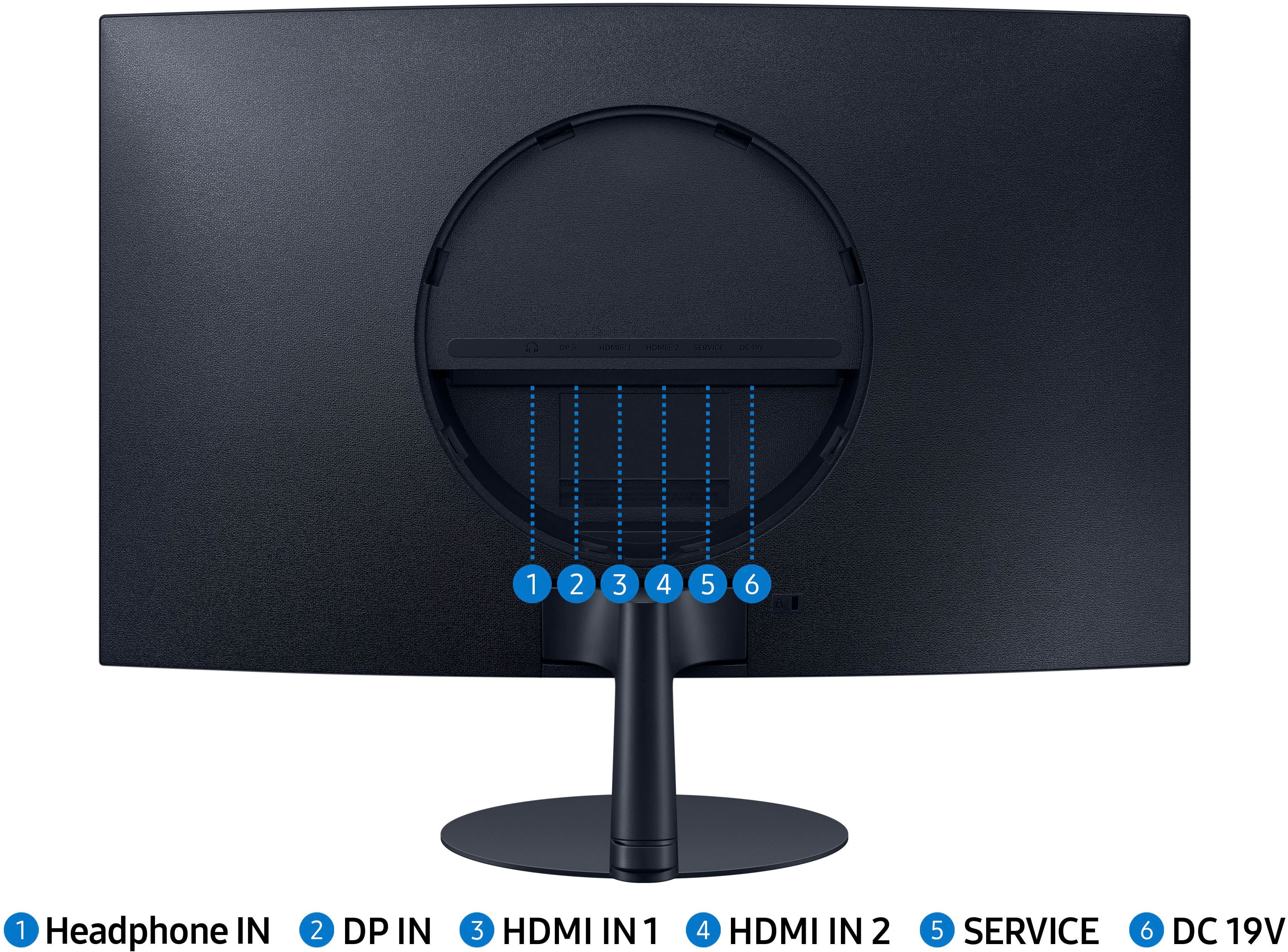
  • QuestionCan you hook an Xbox to it? I can’t find the hdmi plug.

    Asked by Samuel.

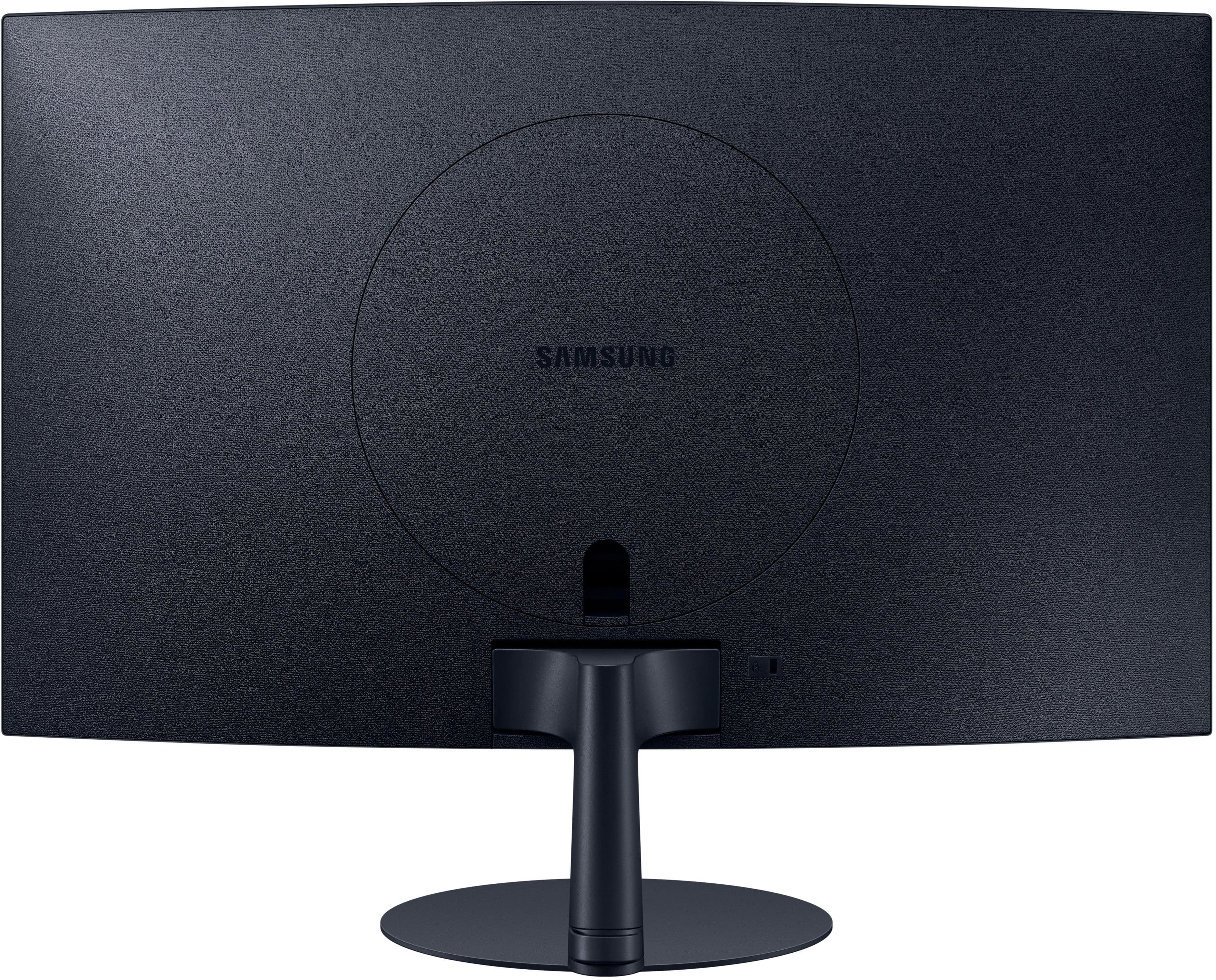
    • Answer There are three (I think) HDMI ports on the back of the monitor under the round panel that pops off.

      Answered by KerrieH

  • QuestionIs it compatible with an HP laptop?

    Asked by CK.

    • Answer I would assume so as long as your laptop has windows 10 or 11 and can do wireless display to connect to a second monitor. I tried the HDMI to my lenovo laptop, and it did not work, but this could be due to security measures on my laptop since it is a work laptop.

      Answered by KerrieH