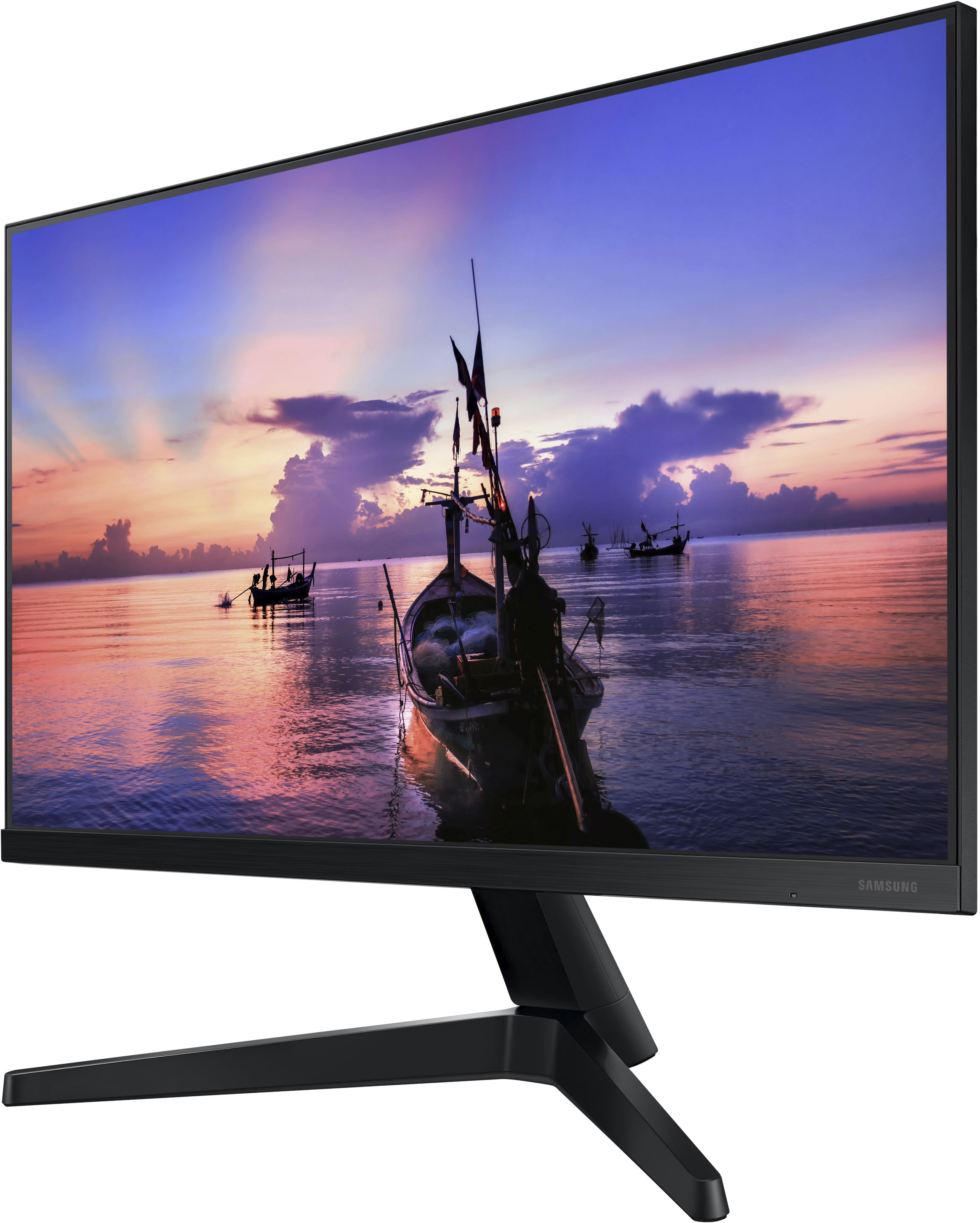
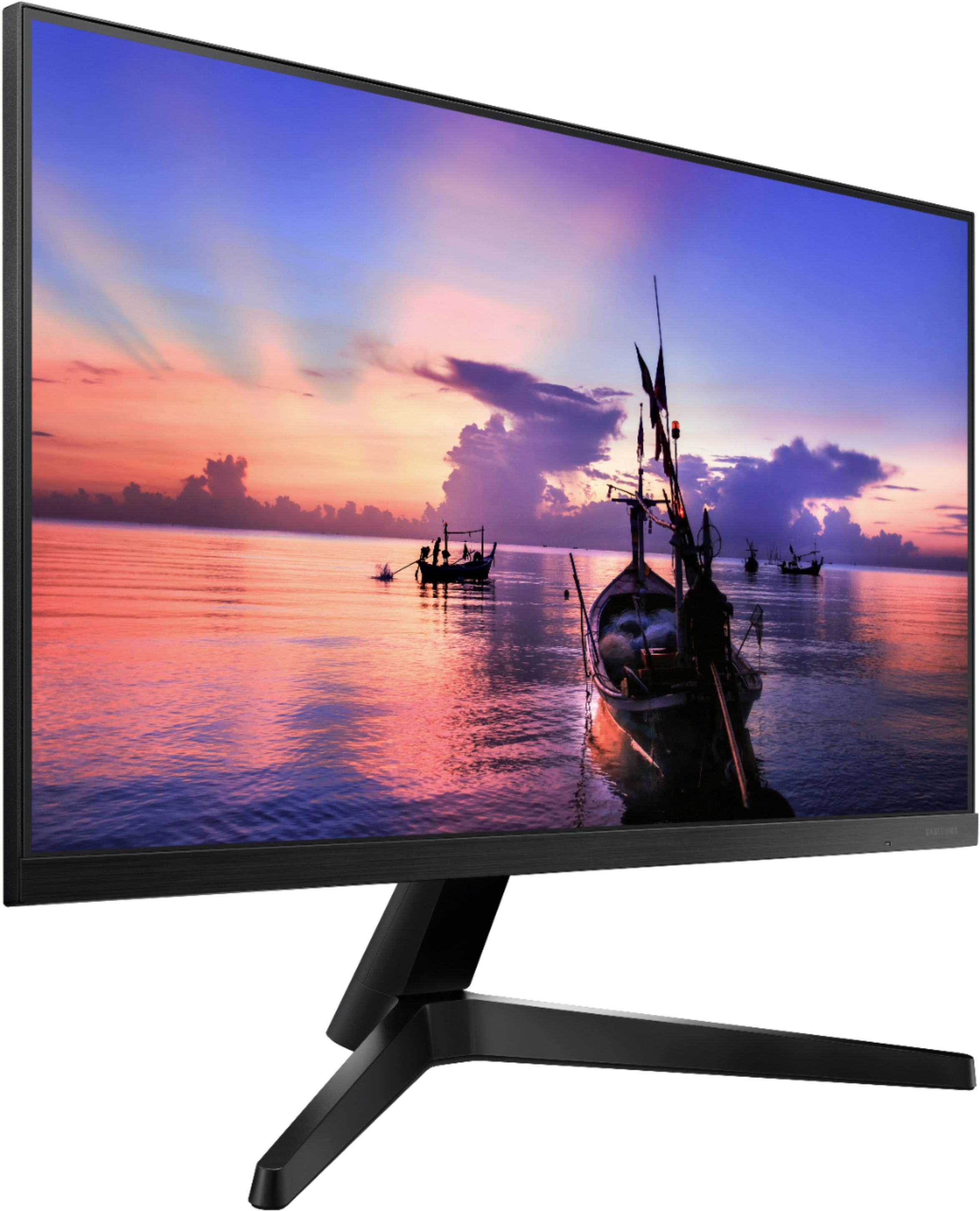
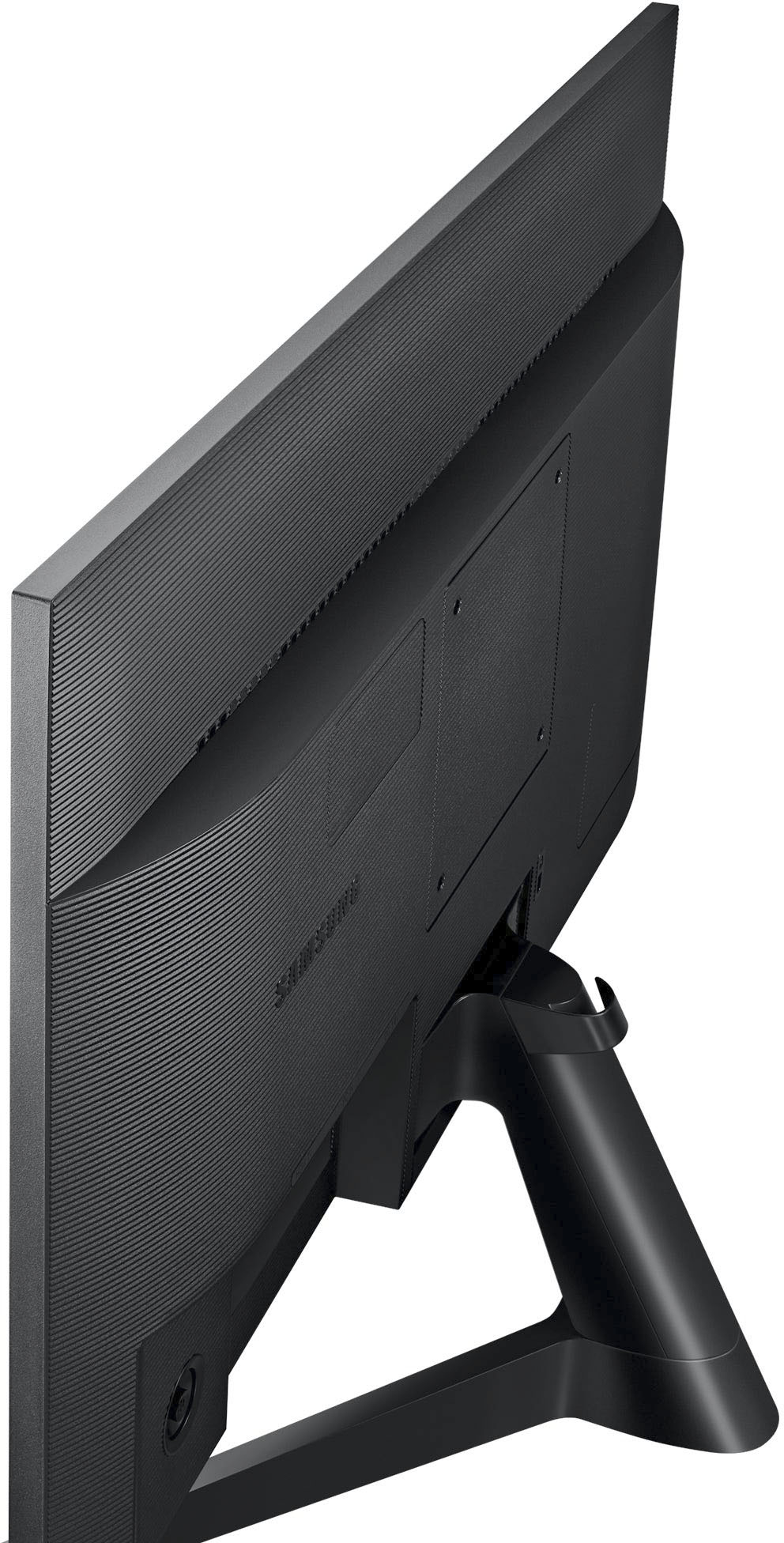
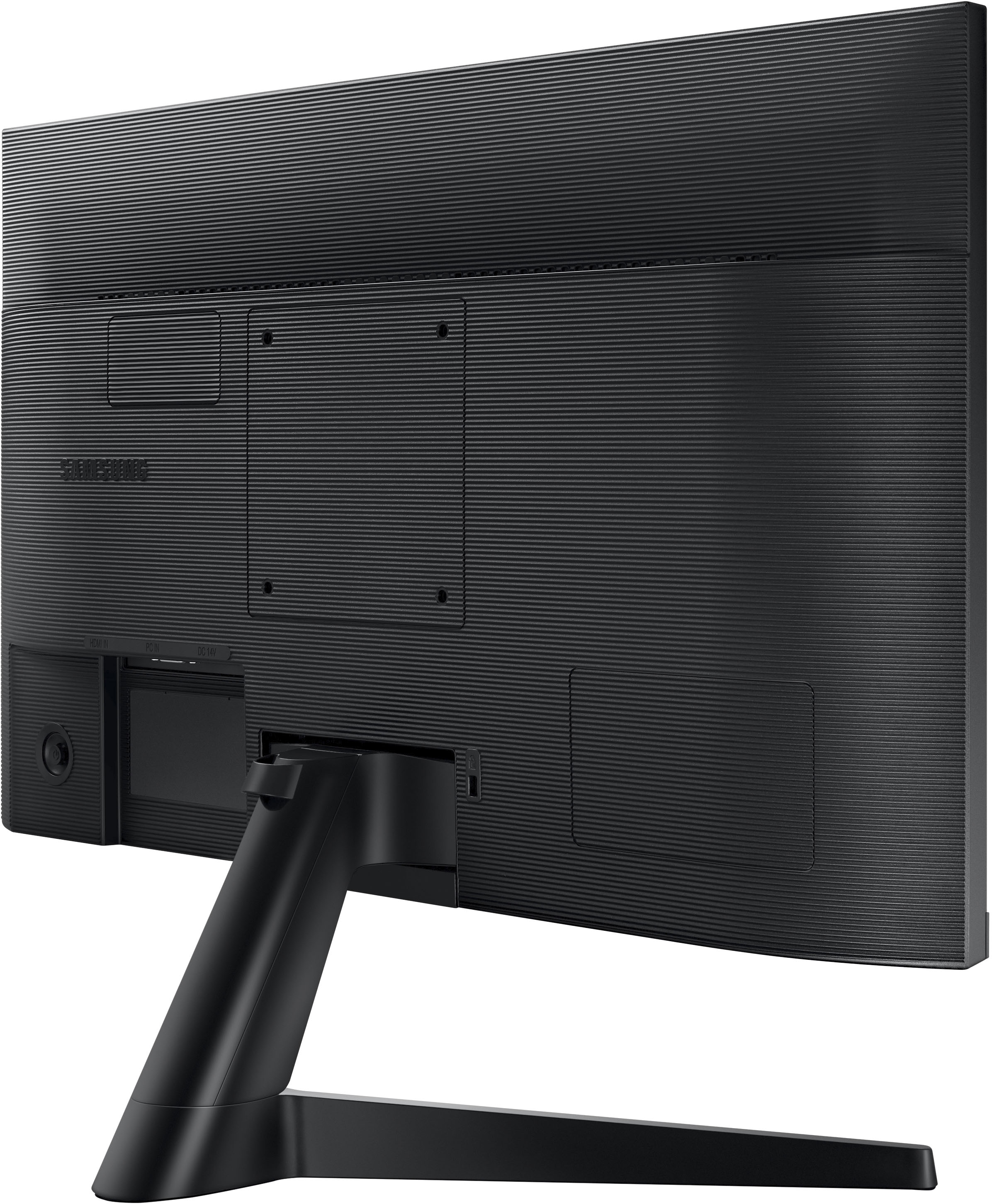
A:AnswerNot as I can tell. Owner's manual does not mention Blue Tooth and the physical dials do not indicate it as a feature. The monitors are bare bones. I use two of them as dual monitors in a home office computer workstation. For that application, they are satisfactory.
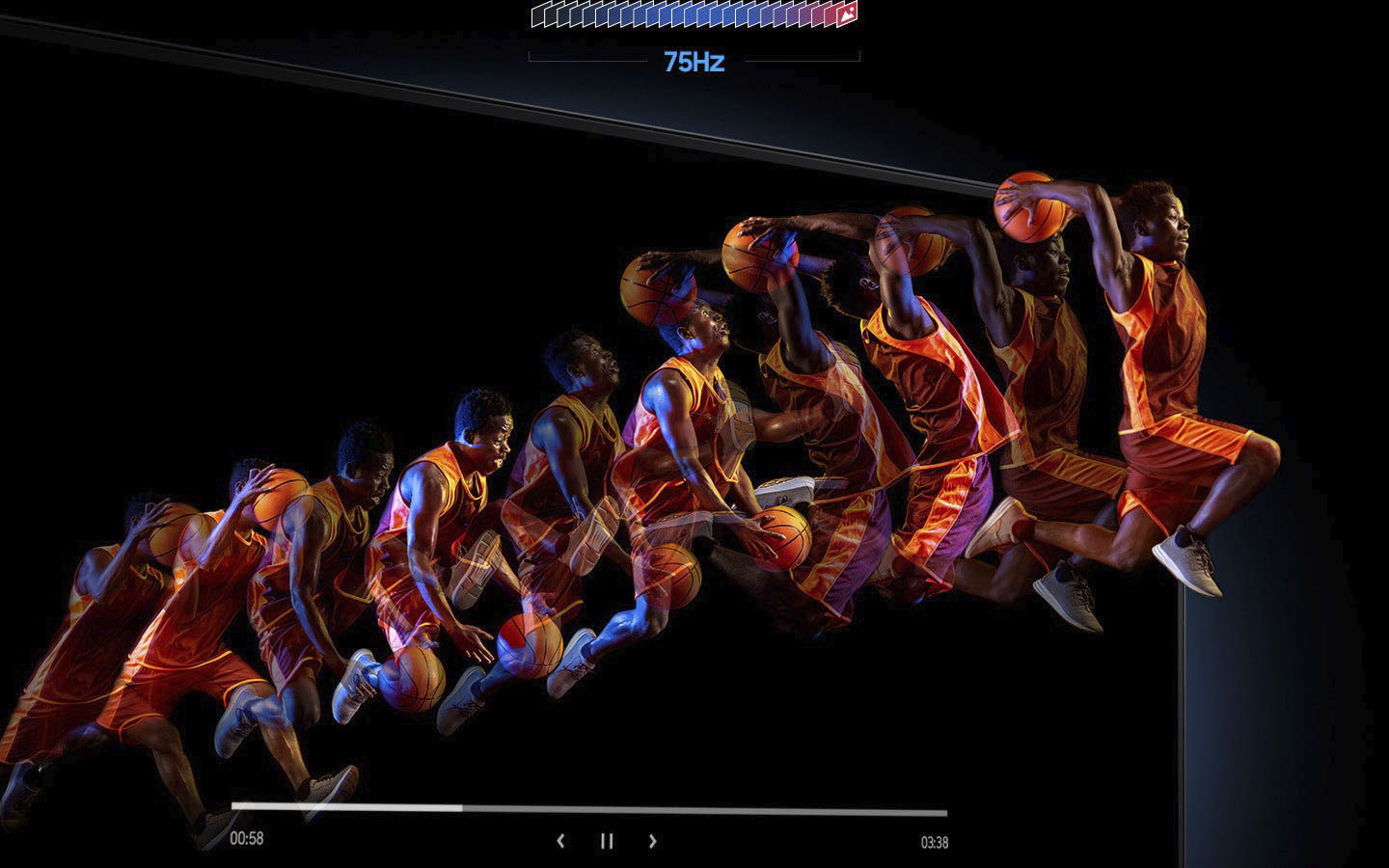
A:AnswerIt will work yes, but the refresh rate for the monitor is low. Your gaming experience will not be as smooth as if you bought a high refresh rate gaming monitor. If the computer is used for internet, work and other non-gaming uses then this monitor is fine.
A:AnswerThis is just a plain monitor - no built in camera, speakers, etc. Changing font or display size is typically done through a computer's display
and/or app settings. There aren't any menus on the monitor for that. It does have typical brightness, color, etc menus that can be adjusted. I have two hooked up to a work laptop and they are working out well. I do increase icon/font size with the laptop and the monitors look great.
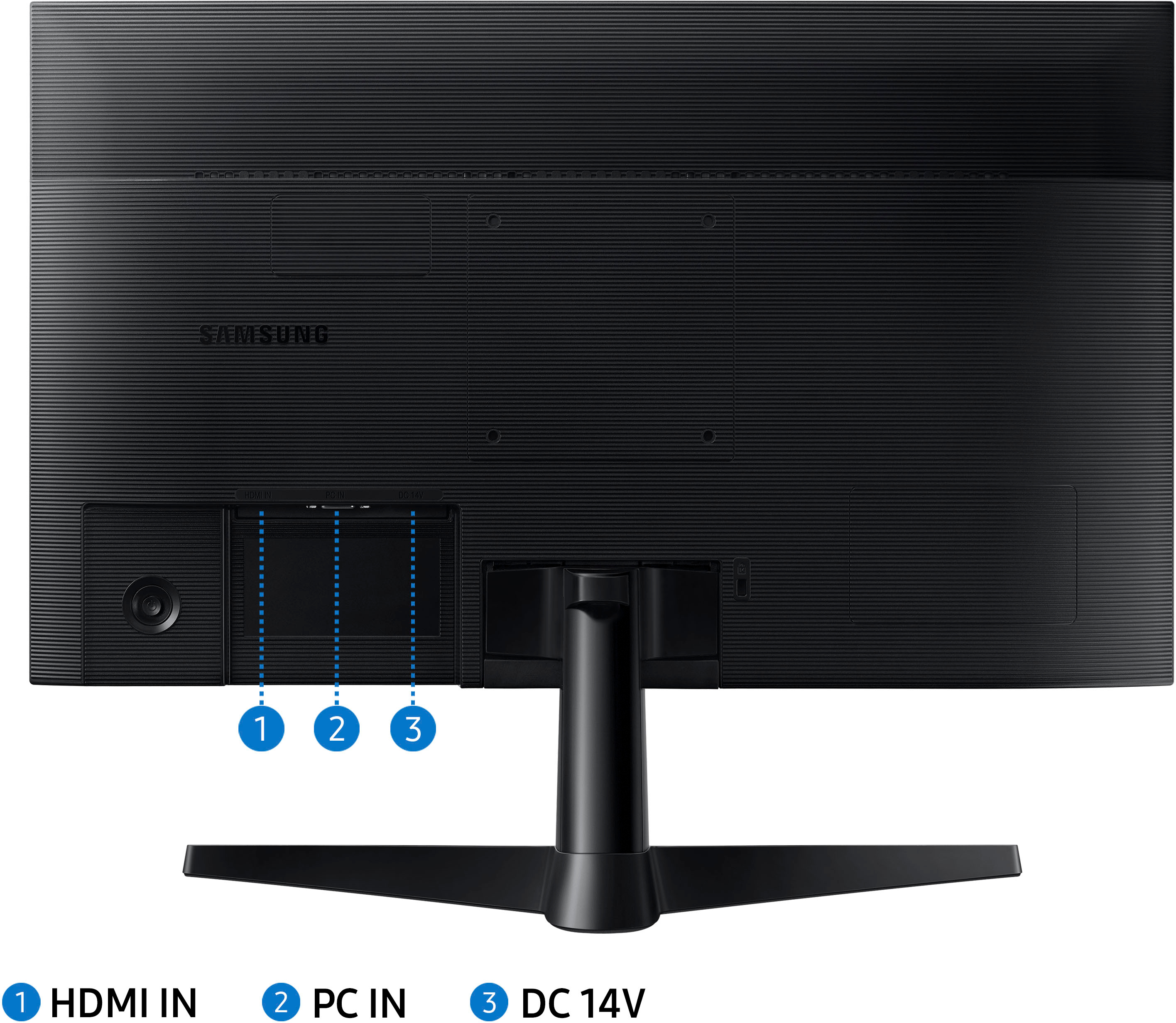
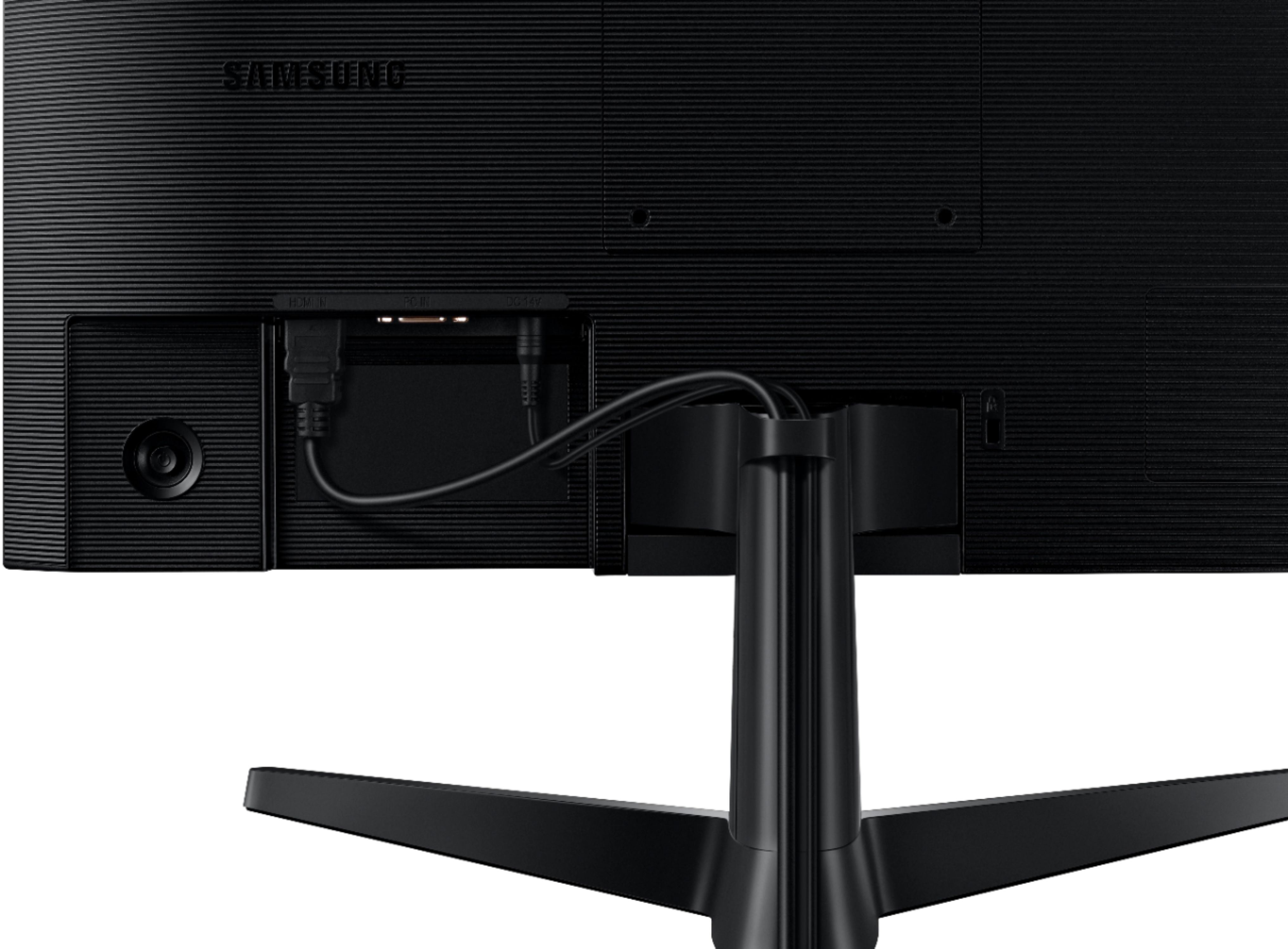
A:AnswerYes. Two of these monitors can be used together. But depending on your connections on your computer you may need a HDMI to displayport adapter.
A:AnswerAny Logitech or Sound Blaster 2.1 system using the computer's sound card will work fine. Or if you want to get more advanced, an after market audiophile surround sound or stereo system attached to a Sound Blaster sound card will really be a joy to your ears given that your computer is mid-level or higher (game).