A:AnswerHi Astral,
This model fridge does not have an auto-fill pitcher feature.
For fridge models with the beverage center and auto-fill pitcher feature in the link below.
Samsung Refrigerators
https://www.samsung.com/us/home-appliances/refrigerators/all-refrigerators/?key_category_features=Beverage+Center%E2%84%A2
Should you need more assistance, please feel free to get back to us via the following options:
1. Facebook Messenger: http://m.me/Samsungsupport
2. Twitter: https://twitter.com/messages/compose?recipient_id=18768513
3. Samsung Community: https://us.community.Samsung.com/t5/Samsung-Community/ct-p/us
When you message us, please provide us with this reference number (1147257471) to help our team gather your information.
Have a great day.
^Charles
A:AnswerThe water filter for this model is HAF-QIN, IrinaLeah. You can check the link below for reference.
Specification sheets:
https://image-us.samsung.com/SamsungUS/home/home-appliances/refrigerators/pdp/rs28a500asr-aa/RS28A500ASR_V5.pdf
Have a great day,
-Ernest-
A:AnswerGreetings!
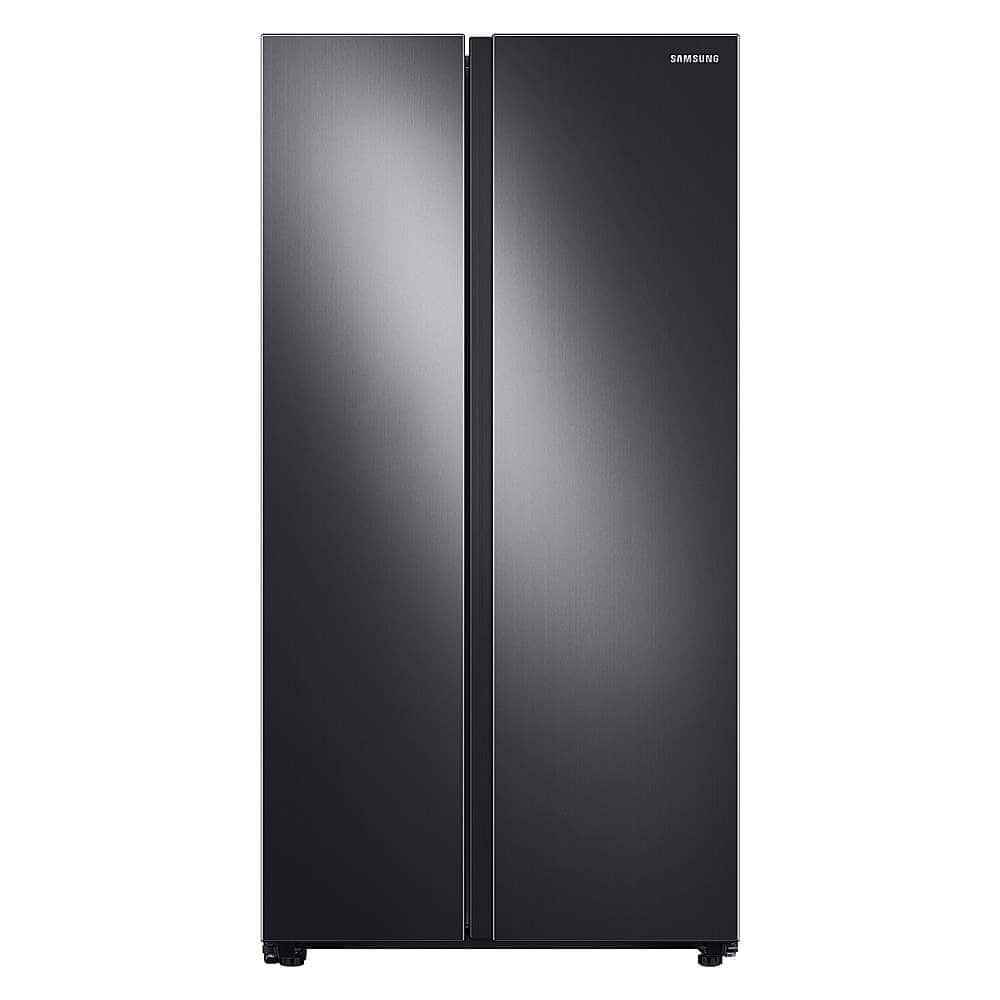
Thank you for reaching out. We appreciate your interest in Samsung home appliances, specifically with Samsung - 28 cu. ft. Side-by-Side Refrigerator with WiFi and Large Capacity - Stainless steel.
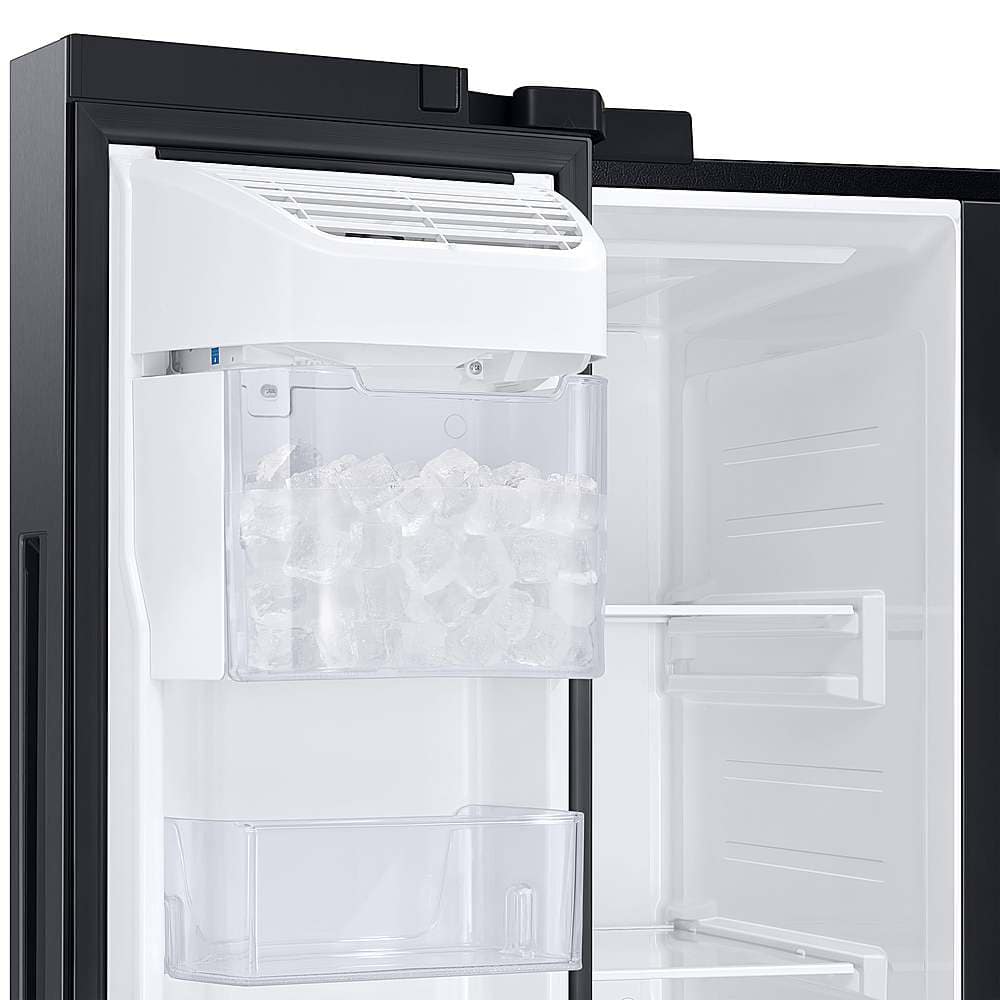
To get ice from the ice bin of the refrigerator pull the bin outward and the bin will tilt to open. Once it is open, reach in to get ice.
I have also shared the user manual link below. Please access the link for you to learn about the features and functions of the refrigerator.
https://downloadcenter.samsung.com/content/UM/202102/20210216063222924/DA68-03958P-00_RS5300T-ND__EN-MES-CFR__USA.pdf
Please feel free to communicate with us through the channels below if you have additional questions.
1. Facebook Messenger: http://m.me/samsungsupport
2. Twitter: https://twitter.com/messages/compose?recipient_id=18768513
3. Samsung Community: https://us.community.samsung.com/t5/Samsung-Community/ct-p/us
Your reference number: 1144769480
Leo
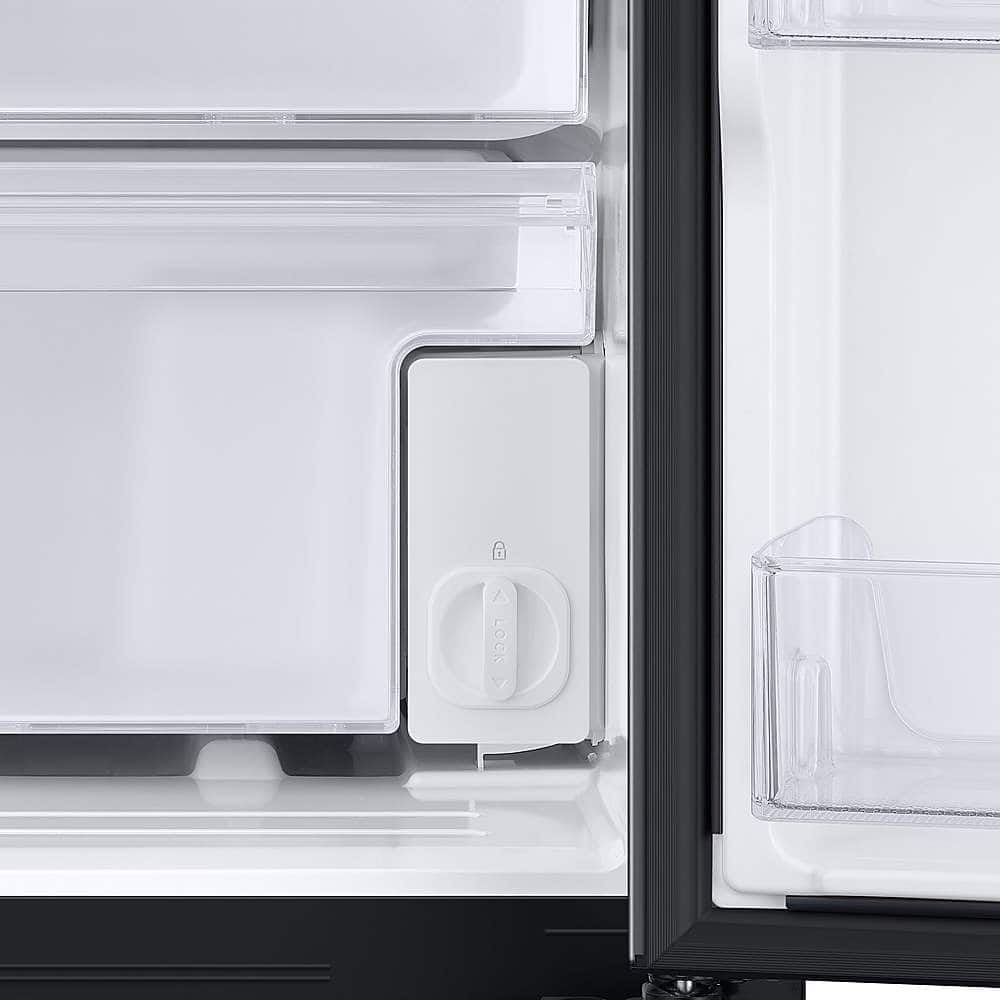
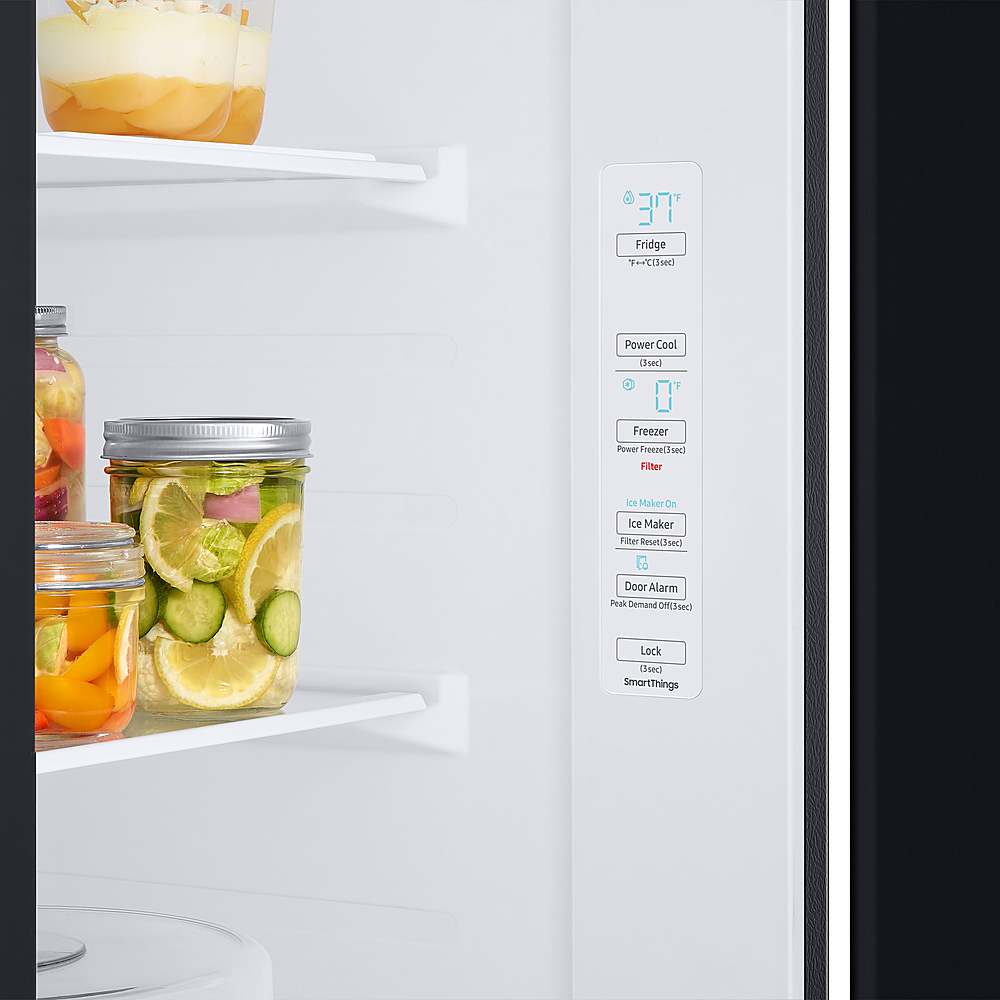
A:AnswerAs others have noted, it is turned off and on via the push button inside of the refrigerator door. BUT make sure you turn off the lock first (if it is engaged) by holding the lock for three seconds (you will hear and see it is off. If it is not turned off you can not switch any settings). ALSO, you can then turn off the alarm when the door is left open (which I also did). Lastly, hold the LOCK button for 3 seconds to then again lock in your new settings.
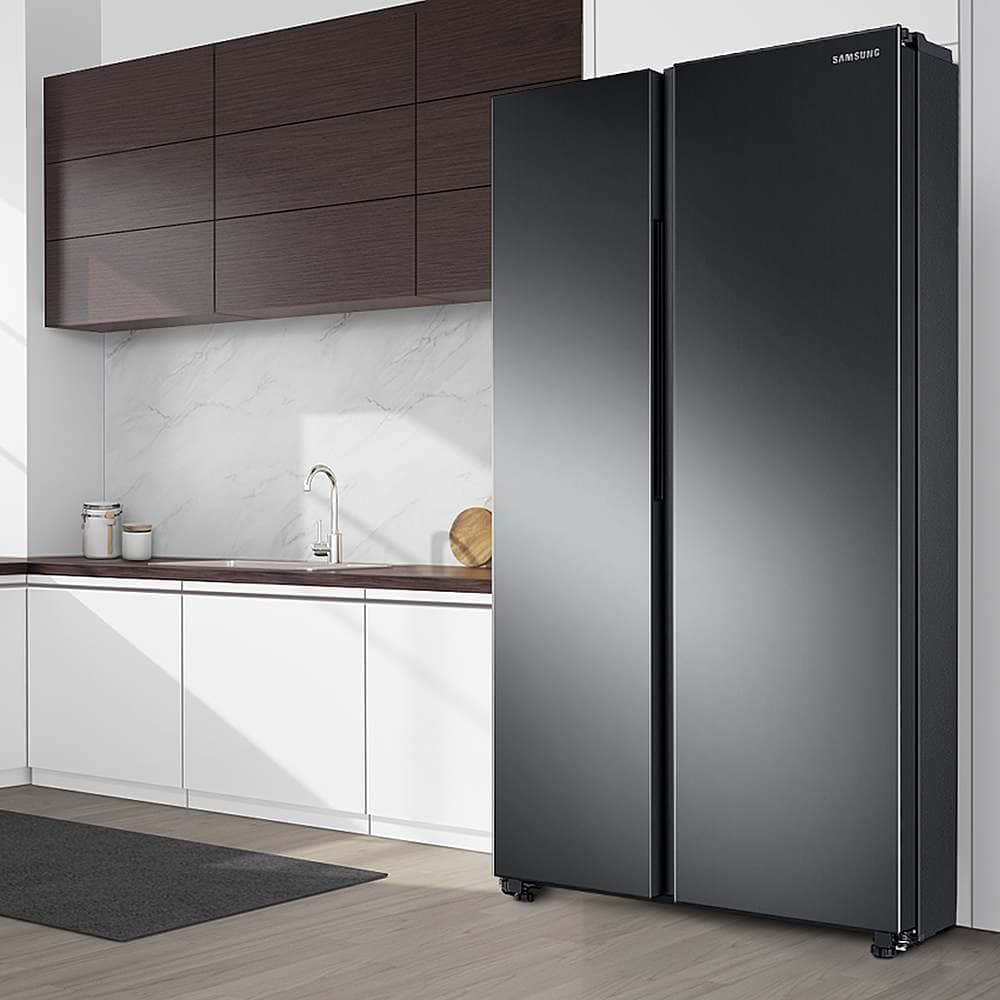
A:AnswerHello there! Below are the requirements for locating your unit
Site requirements:
• Solid, level surface without carpeting or flooring that may obstruct ventilation
• Away from direct sunlight
• Adequate room for opening and closing the door
• Away from a heat source
• Room for maintenance and servicing
• Temperature range: between 50 °F (10 °C) and 109 °F (43 °C)
I have also included the link to the manual in which you will find this information on page 16. (https://downloadcenter.samsung.com/content/UM/202102/20210216063222924/DA68-03958P-00_RS5300T-ND__EN-MES-CFR__USA.pdf)
Thank you for choosing Samsung.^Nic
A:AnswerHi there, thanks for your question!
This refrigerator is designed for indoor household use. For the best performance, it should be installed indoors where temperatures remain within a suitable range. Extremely hot or cold temperatures may affect cooling performance.
For a visual guide and additional safety information, please refer to pages 7–8 of the user manual linked below:
https://downloadcenter.samsung.com/content/UM/202102/20210216063222924/DA68-03958P-00_RS5300T-ND__EN-MES-CFR__USA.pdf
If you are considering a Garage Ready refrigerator, Samsung offers select models designed for environments with wider temperature fluctuations. For your reference, you can explore Samsung's Garage Ready Top Freezer Refrigerator models at the link below:
https://www.samsung.com/us/refrigerators/top-freezer/
Hope this helps!
Khristine
Samsung Care
A:AnswerHi Stubs,
For this Samsung refrigerator, the doors are designed to open in a standard swing and cannot fold inward to reduce the overall width. They can be removed during delivery and installation, which can help when bringing the unit into your home.
For everyday use, however, the doors need full clearance to open properly. This means the refrigerator requires more than a 30‑inch opening to ensure comfortable access and proper functionality.
This guide includes full measurements and installation details.
https://images.samsung.com/is/content/samsung/p6pim/us/rs28a500asr-aa/specsheet/us-specsheet-rs28a500asr-aa-551113936.pdf
Your business truly matters to us.
Nicole
Samsung Care
A:AnswerDear Jaris,
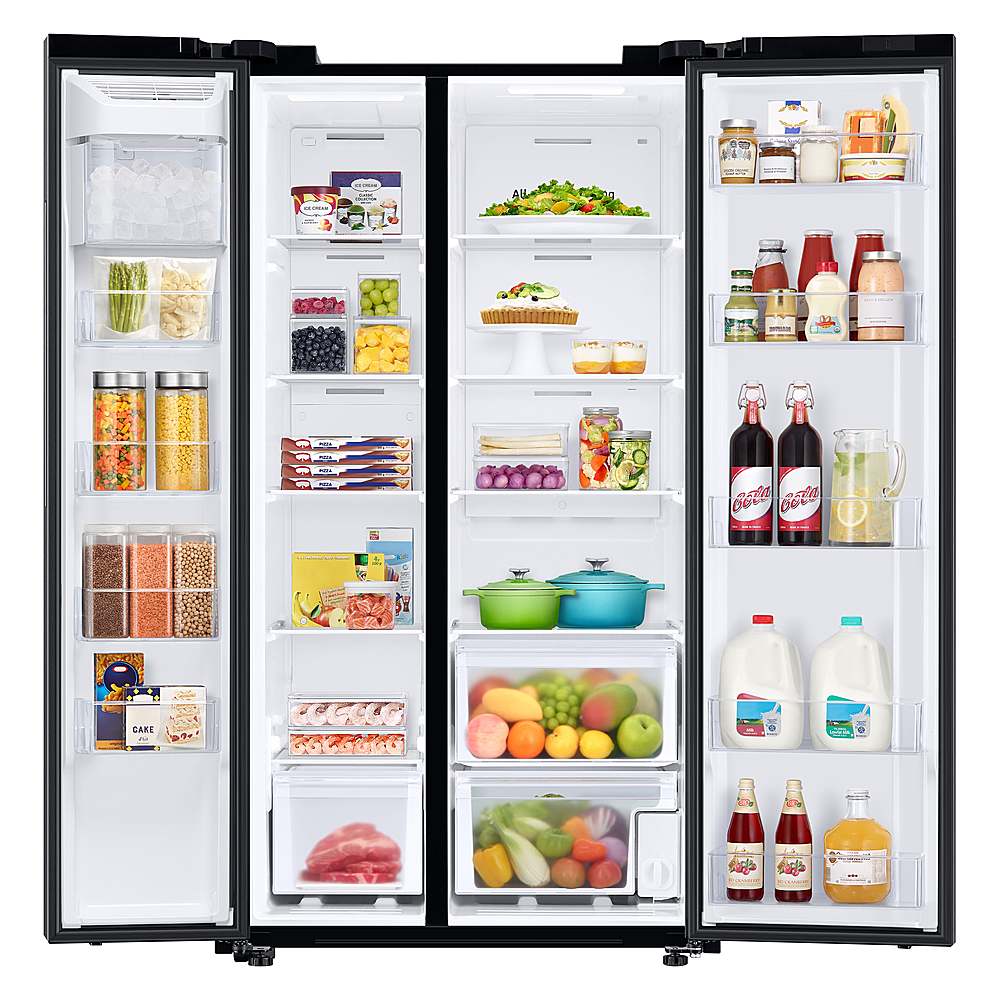
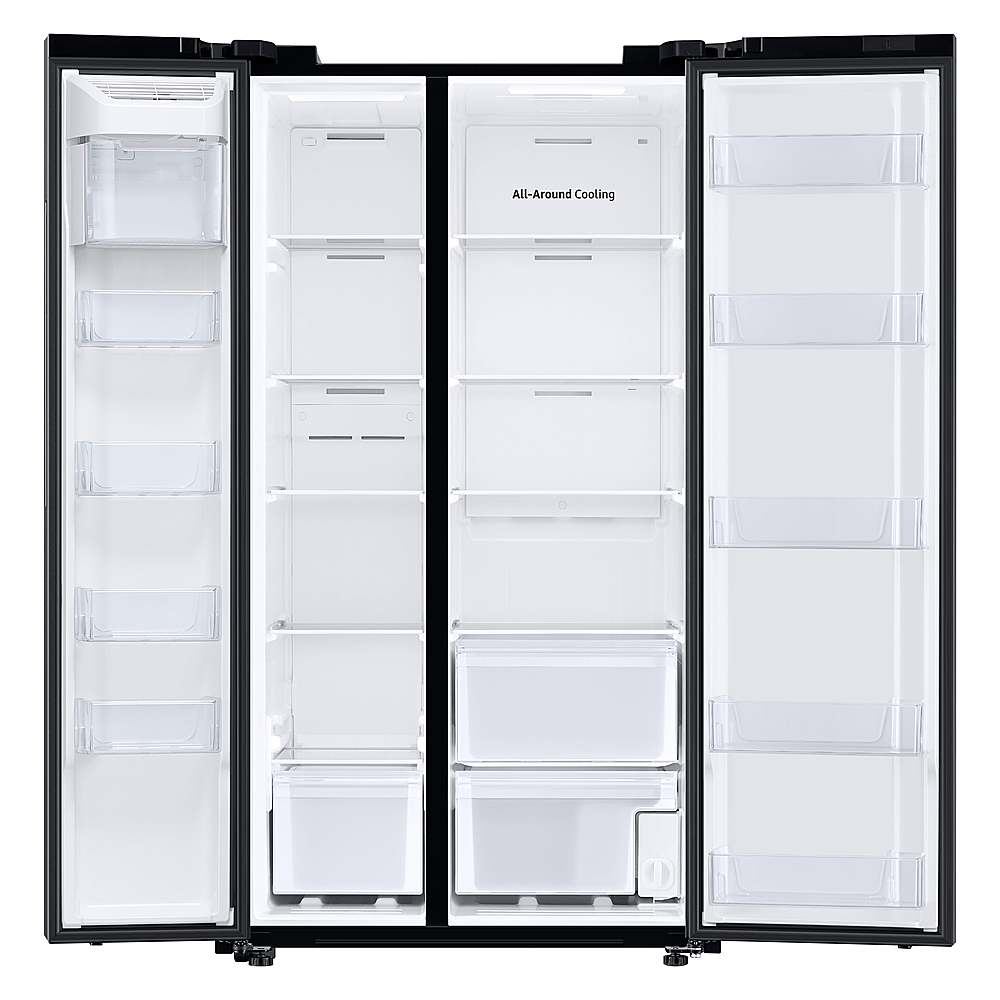
For this model, it uses a traditional side by side design where the right side is the refrigerator and the left side is a dedicated freezer, so both sides cannot be used as a refrigerator. This model does not include a convertible or flex zone feature.
If you're hoping to compare models that may offer different layouts or advanced features, Samsung provides a full selection online where you can review configurations, including options that may better match what you had in mind.
You can explore the full lineup here:
Browse Samsung Side by Side Refrigerators:
https://www.samsung.com/us/refrigerators/side-by-side/
Glad to be part of your Samsung journey.
Rachel
Samsung Care
A:AnswerHi NancyG, that’s a good detail to double‑check when looking at efficiency.
For the Smart Side‑by‑Side Refrigerator, this model is not ENERGY STAR® compliant. While it includes the standard **EnergyGuide label** with estimated annual energy use for easy comparison, ENERGY STAR® is a separate, voluntary certification that only appears on models that meet those specific efficiency standards.
This refrigerator still provides clear energy‑use information to help with planning and comparison, even though it doesn’t carry the ENERGY STAR® designation.
You can find the full details for this model on the official Samsung US product page here:
https://www.samsung.com/us/refrigerators/side-by-side/28-cu-ft-smart-side-by-side-refrigerator-in-stainless-steel-sku-rs28a500asr-aa
Hope this helps clarify things.
Khristine
Samsung Care
A:AnswerHi MTTXtransplant,
That’s a practical question and a good detail to clarify.
This model is designed to store up to 4.0 lbs of ice. You can find this information outlined on page 1 under the Performance section of the specification sheet linked below:
https://images.samsung.com/is/content/samsung/p6pim/us/rs28a500asr-aa/specsheet/us-specsheet-rs28a500asr-aa-551113936.pdf
Thank you for your interest in Samsung products.
Glaiza
Samsung Care
A:AnswerHi Mommawebb,
Thank you for your question about resetting the panel on your Samsung refrigerator after changing the filter.
Your Samsung refrigerator’s water filter light serves as a reminder when it’s time for a replacement and should be reset each time a new filter is installed. Please check the link below for detailed steps, and once opened, kindly select ‘Resetting the water filter light’ for the specific instructions.
Here is the link:
https://www.samsung.com/us/support/answer/ANS10005090/
If you need further assistance, feel free to contact us through any of the support options below:
1. Facebook Messenger: https://m.me/samsungsupport
2. X: https://x.com/messages/compose?recipient%20id=18768513
3. Samsung Community: https://us.community.samsung.com/t5/samsung-community/ct-p/us
4. Samsung Customer Care: 1-800-726-7864 (1-800-SAMSUNG)
Kindly provide us with this reference number (1152194621) when you message us so our team can retrieve your information.
We value your question.
Geraldine
Samsung Care
A:AnswerHello there,
It does not have a water dispenser. The model with an ice and water dispenser is RS27T5200SR/AA. We hope that clears up any confusion.
Thank you!
^Camille