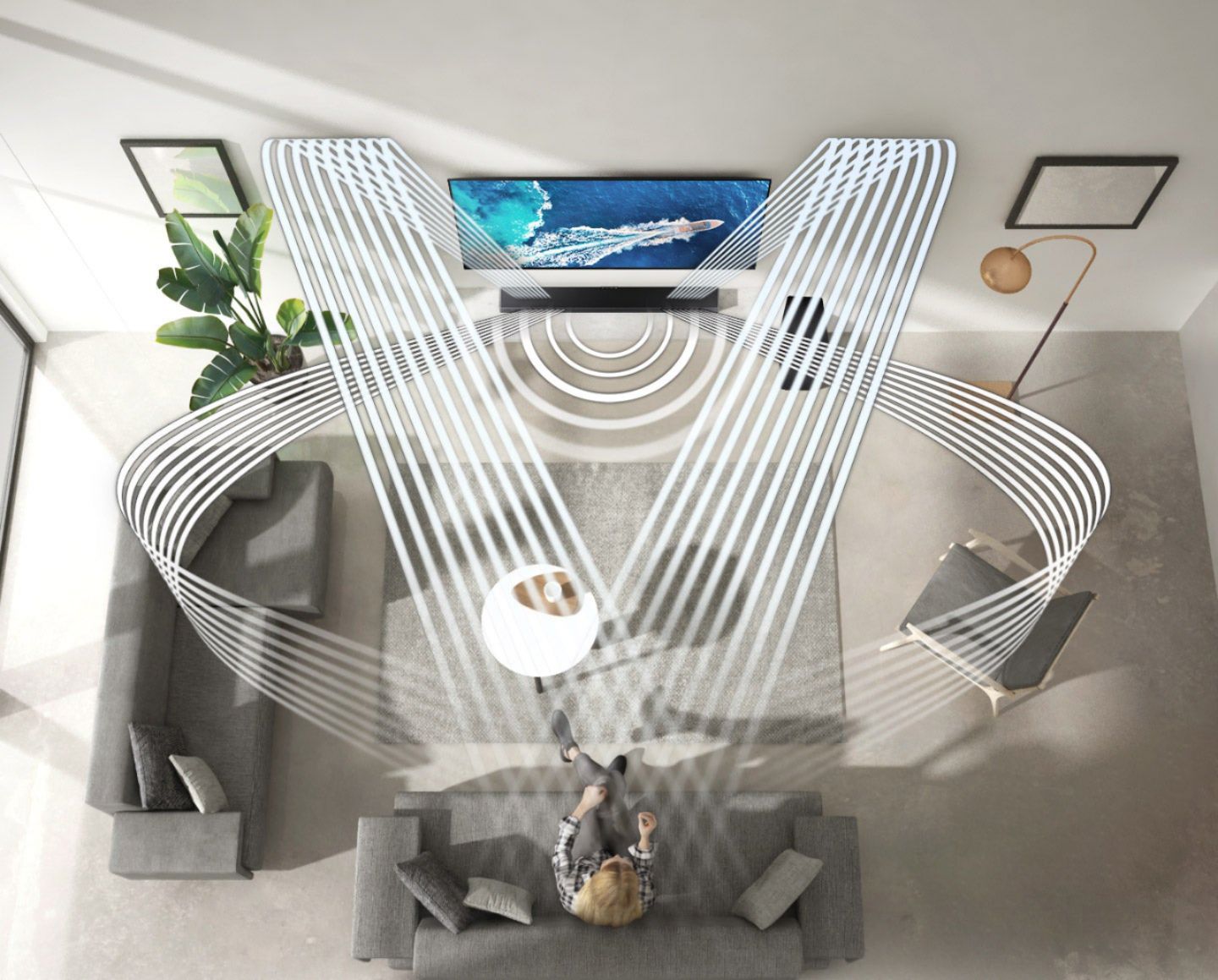
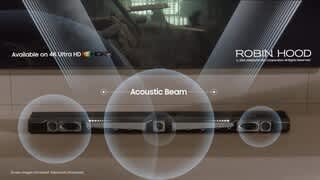
A:AnswerHi gsanz! SpaceFit Sound is only compatible with 2021 Samsung QLED TVs, but you will still be able to enjoy features like Q-Symphony and Adaptive Sound!
^Tim
A:AnswerHi Fred! This soundbar will work great with any device that supports HDMI ARC or eARC. You should have no issues with the connection to your existing TV.
~ Samsung Solutions
A:AnswerYes. There is one hdmi connection in, and one to tv (arc capable) . I have a playstation connected in to the soundbar, and the out going to the TV. Sound from the TV from the integrated apps and a Roku connected to the TV both come through. The TV recognizes the playstation mode to set the configurations for gaming mode or movie if an app is used on the playstation (Hulu, etc.). My TV is also samsung and I make use of the Samsung app for control.
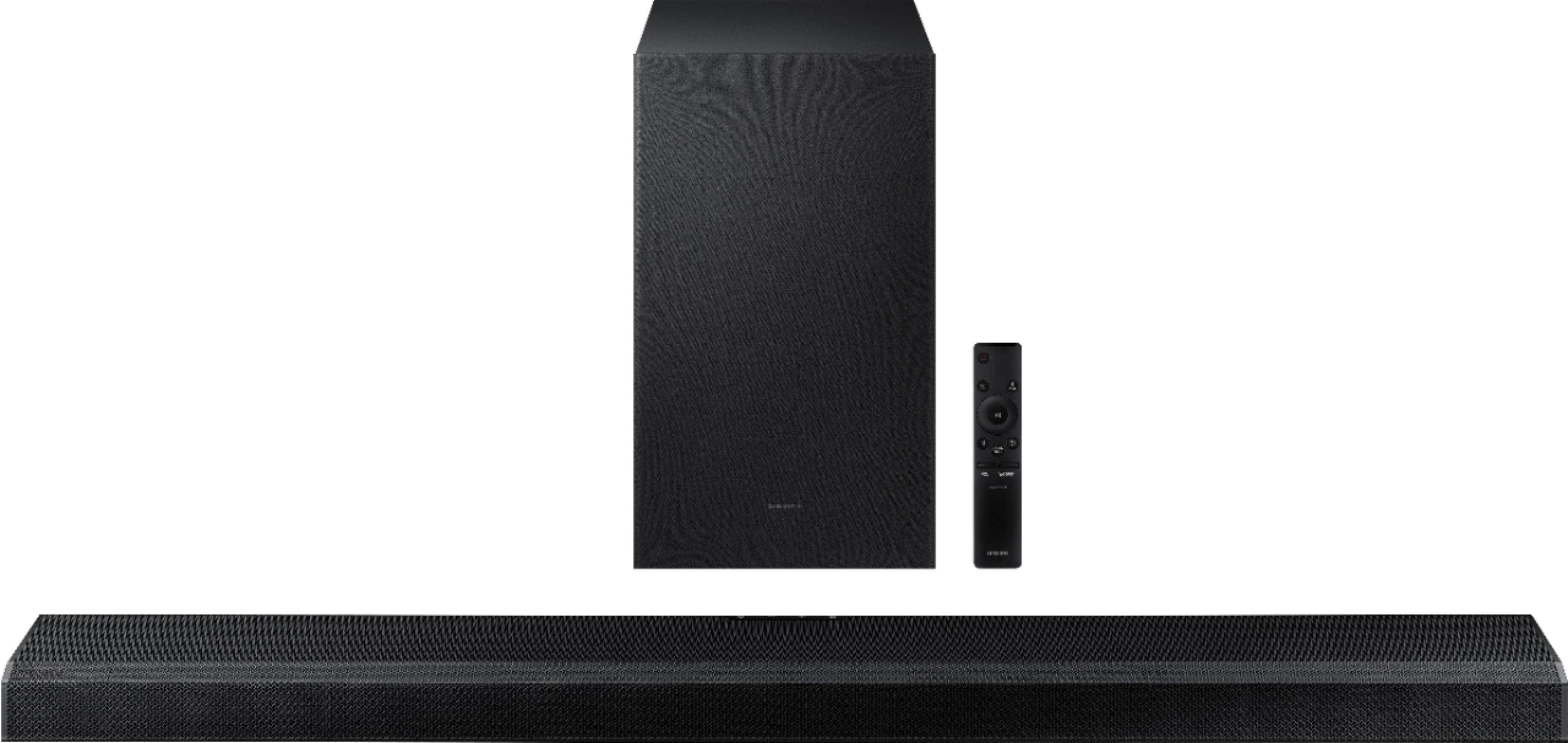
A:AnswerHi mrgfl! You can connect the Q700A soundbar to the QN90A Neo QLED TV using the included HDMI cable for the best experience. The HW-Q700A soundbar includes wall mounting hardware in the box allowing you to secure the soundbar to the will without any additional purchase necessary. ^Tim
A:AnswerHi JKH! You can adjust the Soundbar volume using the TV’s remote control. This function can be used with IR remote controls only. Bluetooth remote controls (remote controls that require pairing) are not supported. Set the TV speaker to External Speaker to use this function. 1) Turn Off the Soundbar. 2) Push up and hold the WOOFER button for 5 seconds. Each time you push the WOOFER button up and hold it for 5 seconds, the mode switches in the following order: “Samsung-TV Remote” (Default mode), “Off-TV Remote”, “All-TV Remote”. The LED indicator status changes each time the mode is changed. Should you need further assistance, please contact Samsung Support at 1-800-SAMSUNG. ^Tim
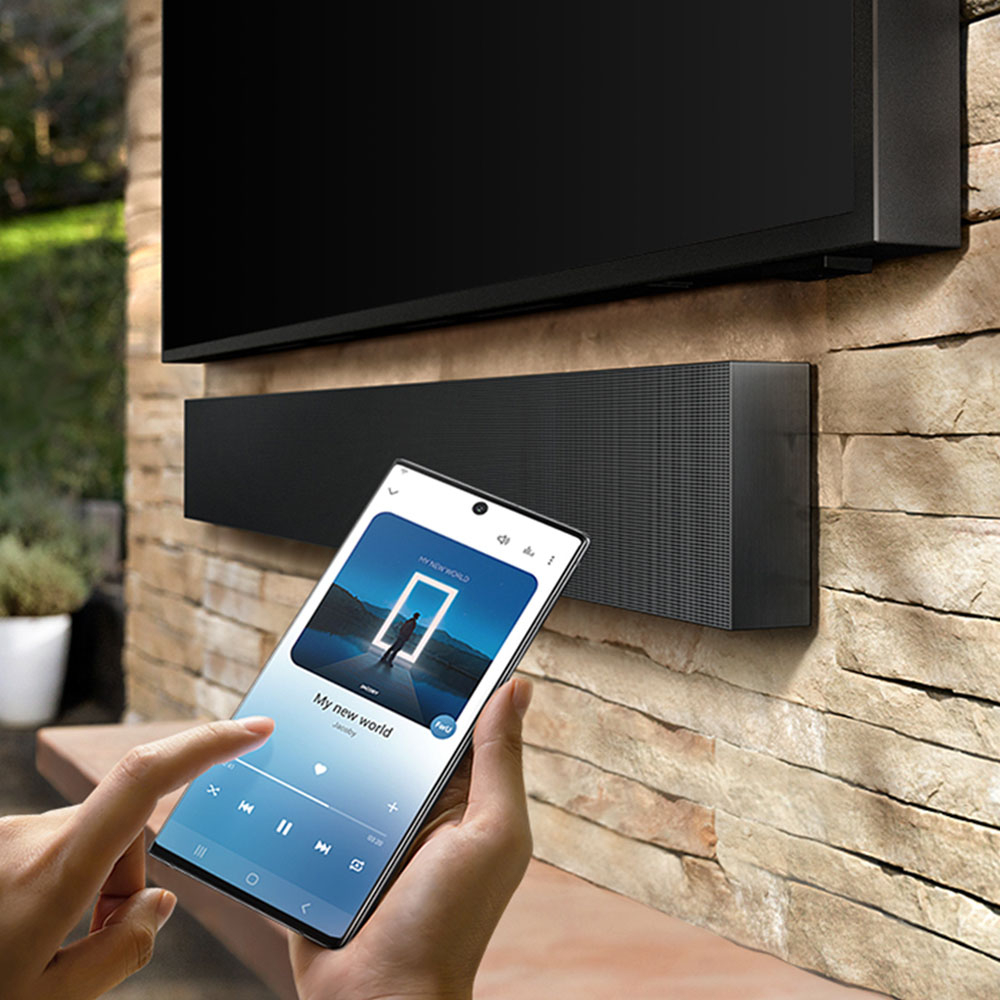
A:AnswerHi Jay! The HW-Q700A Soundbar is Bluetooth enabled, and can wirelessly connect to your TV and any other devices that are also Bluetooth enabled. ^Tim