A:AnswerHi Bev,
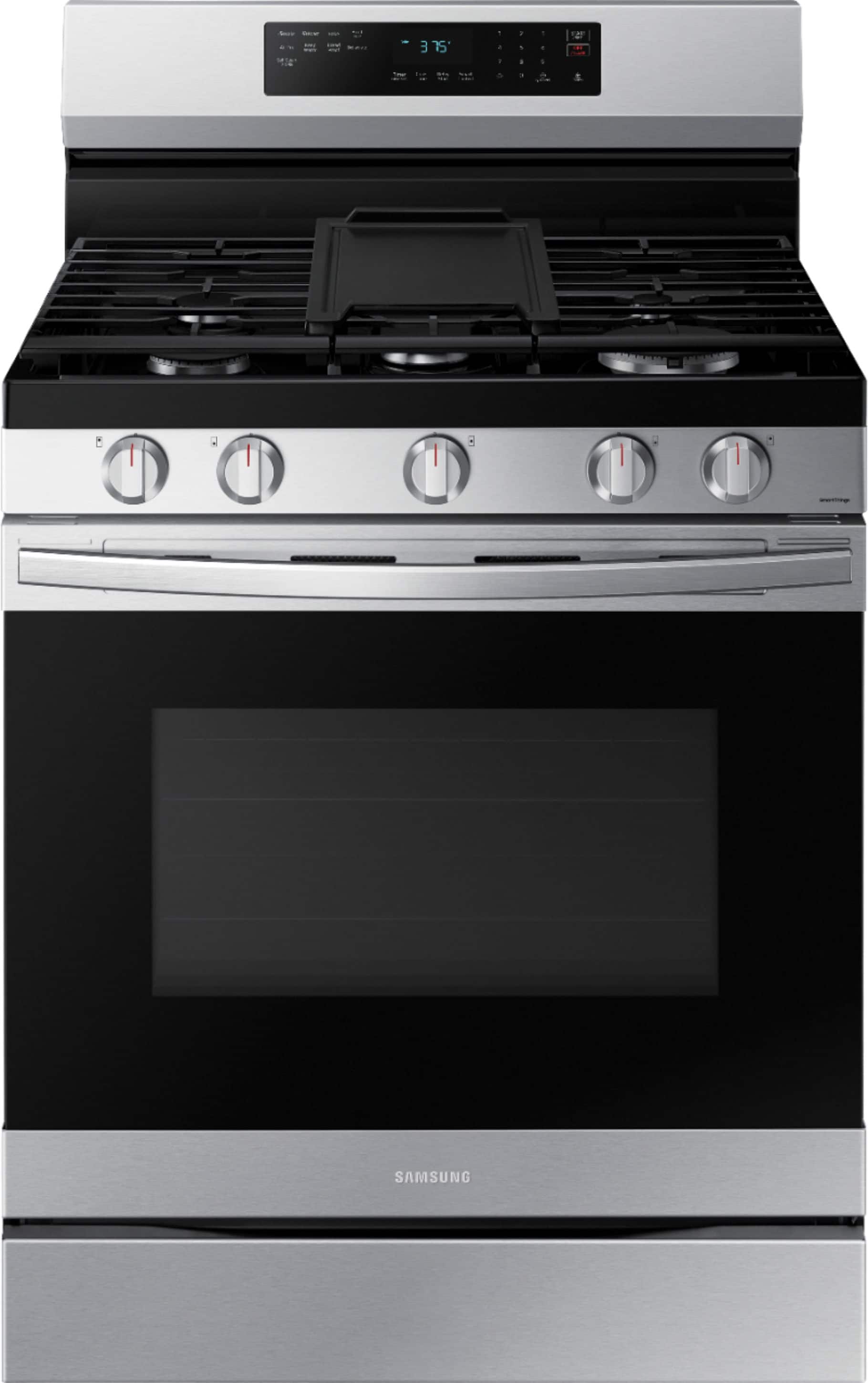
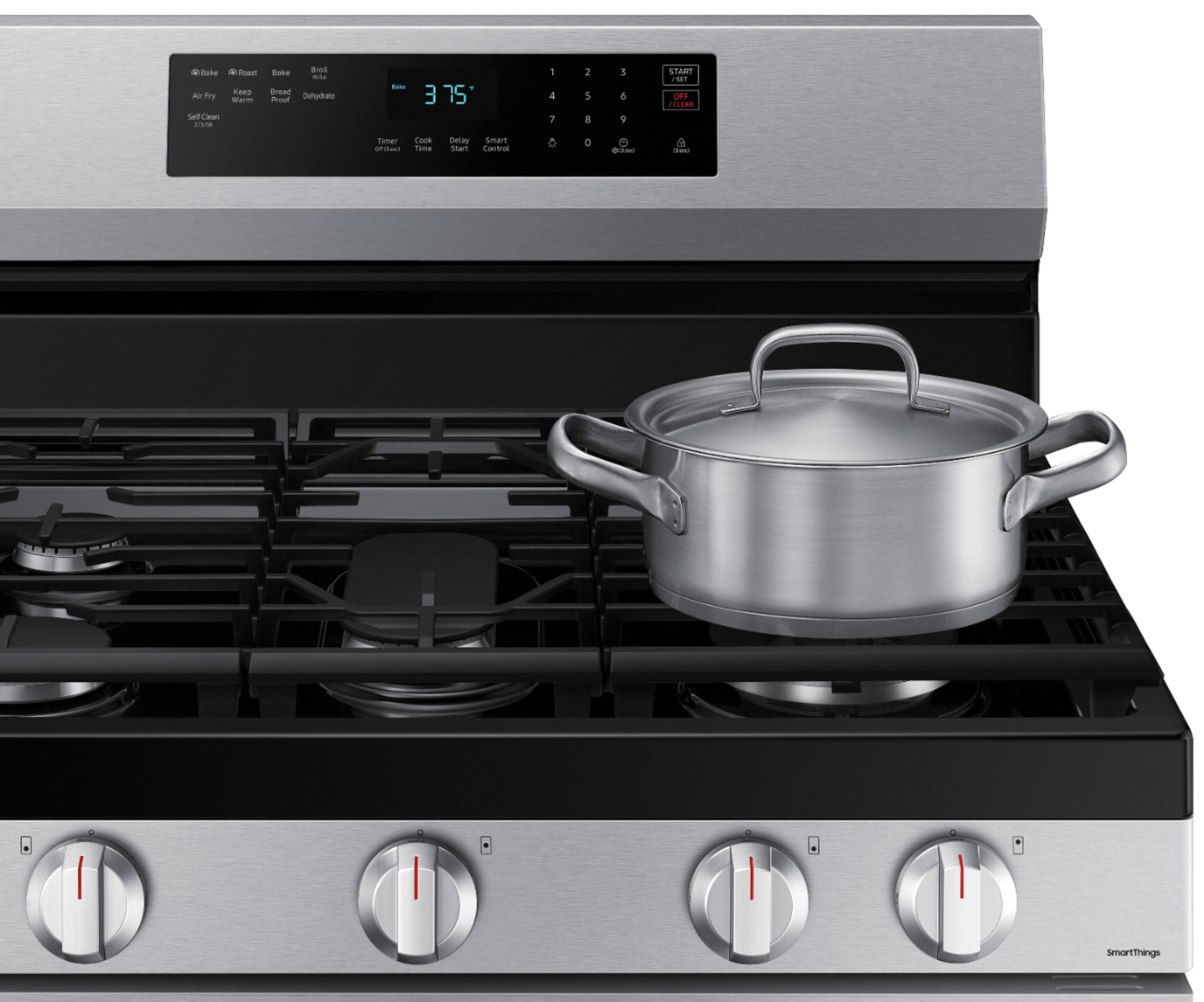
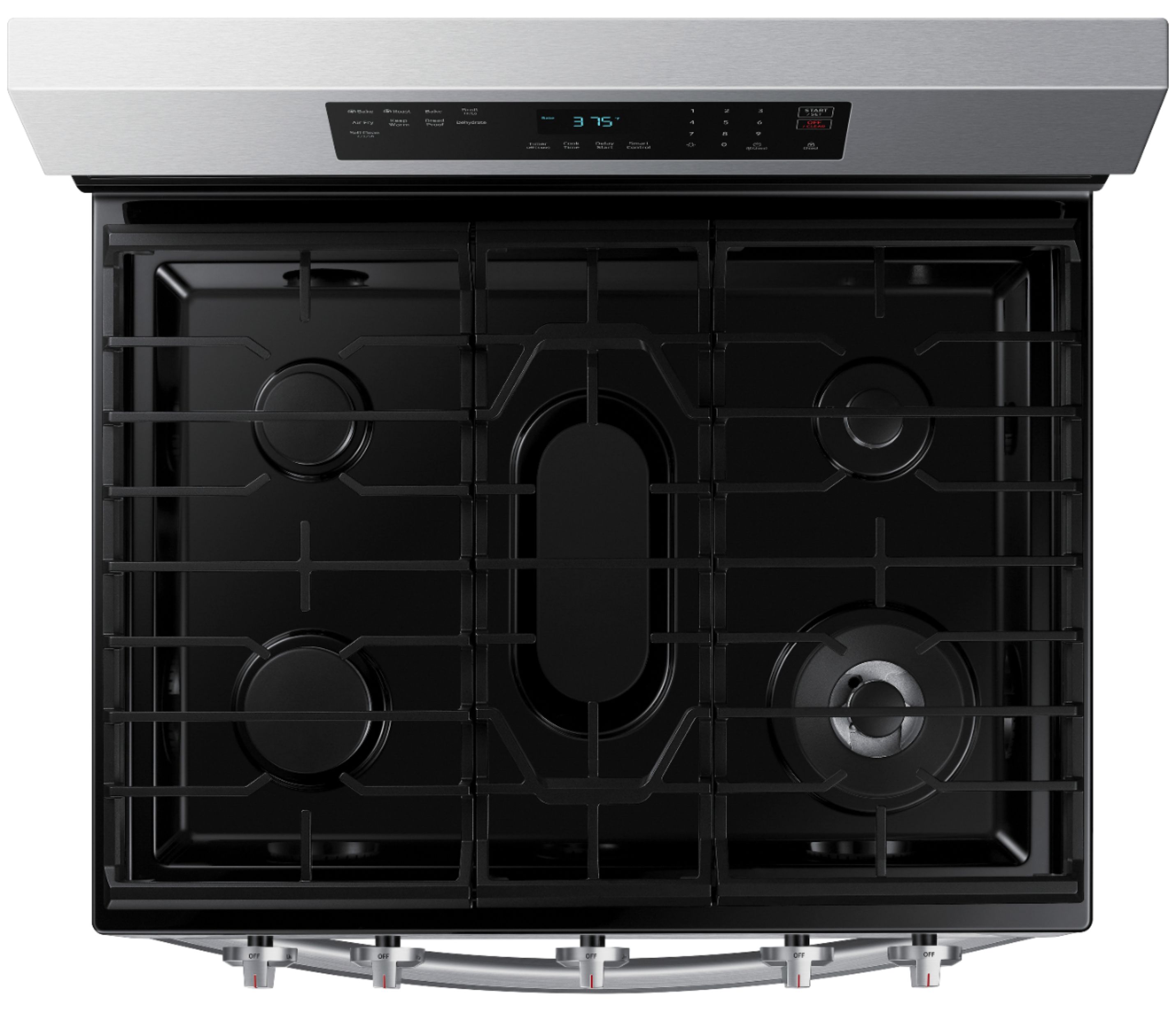
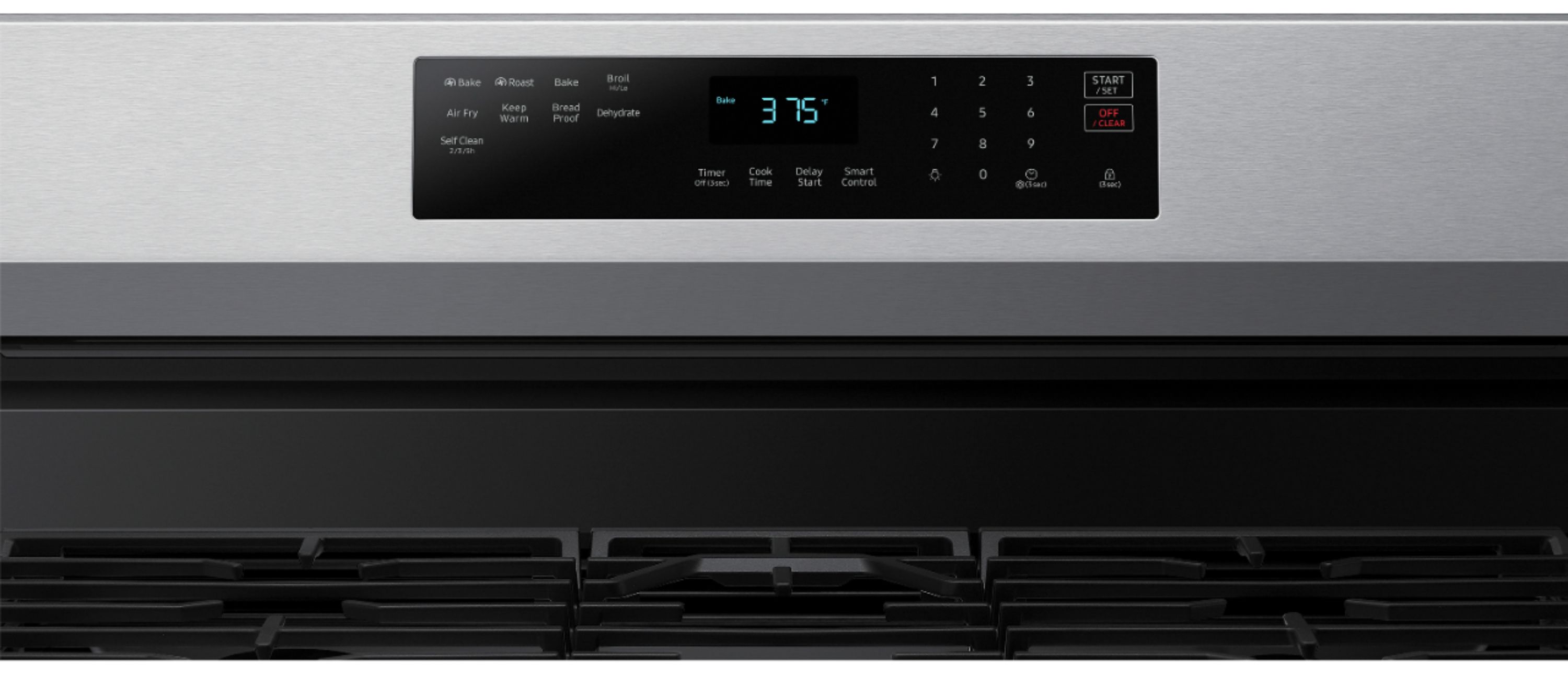
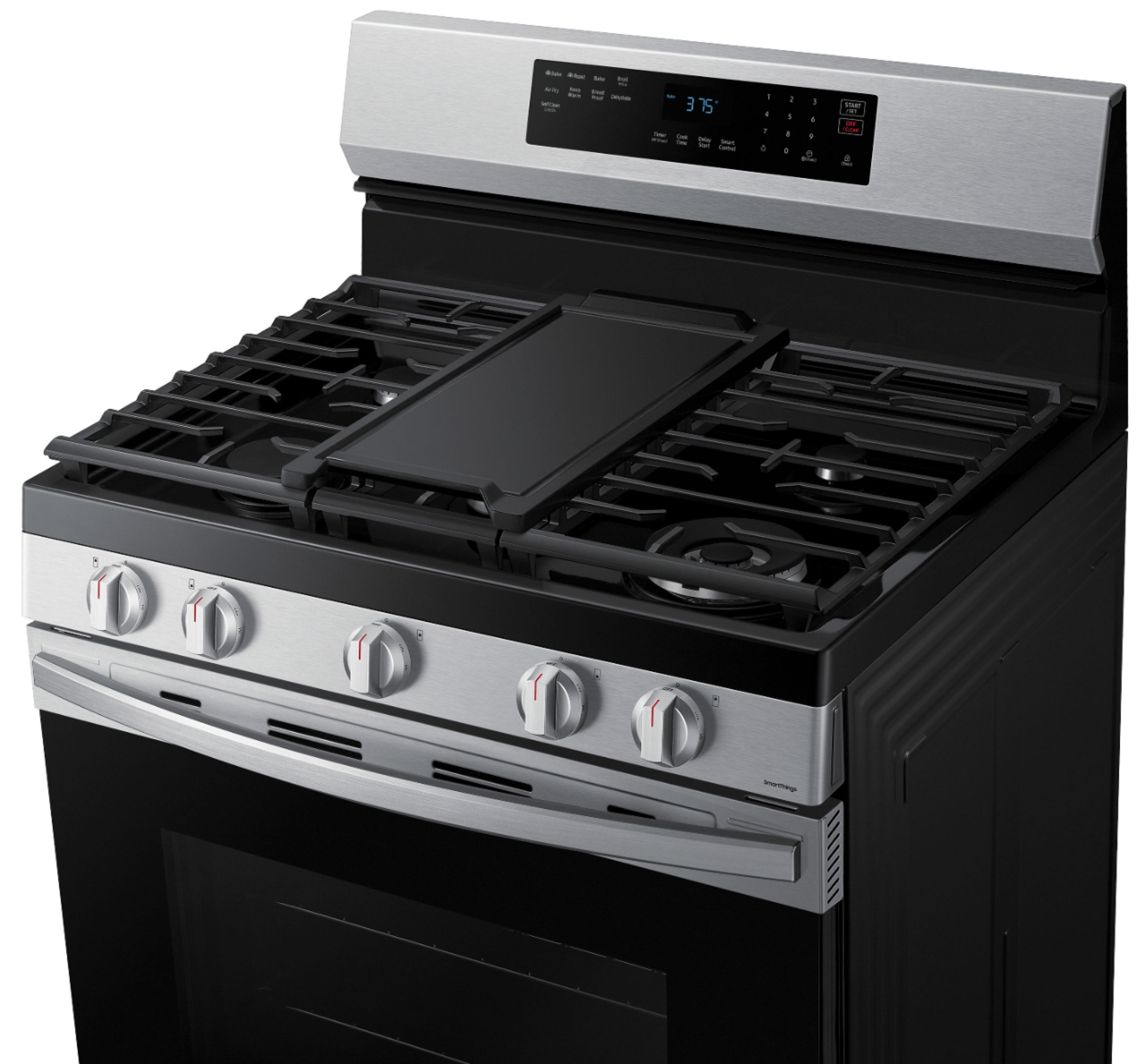
Yes, this model has a child safety lock.
Here is a link to the user manual, go to page 30 to learn more about the oven lock.
User manual.
https://downloadcenter.samsung.com/content/UM/202309/20230920160653744/O_01._DG68-01339A-05_IB_FULL_EN.pdf
Thank you and have a great day!
-Ricardo
A:AnswerWe went to our local Best Buy to order our new appliances. We were informed at time of purchase that they would be coming from another state location, they gave us a delivery date, and we were contacted no less than 3 times by phone keeping us in the loop. Delivered and installed in no time at all. No issues yet, but Best Buy delivered in their end. I recommend them.
A:Answeri have no idea because i never received an instruction book on how to use the oven part of my gas range, i have tried numerous times to get the book but best buy can't seem to do anything to help me ! i am very frustrated!!!
A:AnswerYou can order directly from your local Best Buy, or their webpage. We did both, and both delivered on time. Be sure to get the install kit with it, it will save you time.
A:AnswerDear valued BestBuy client,
To better assist you with this, don't hesitate to get in touch with our BestBuy Customer Service department at (888) 237-8289. They are available 24 hours a day. They can answer your question or transfer you to your local store to answer your specific inquiry about replacing your gas range and microwave as well as the technician visit cost.
Have a great day.
-Ernest-
A:AnswerPower cycle the oven: Try turning off the power to the oven by unplugging it from the power outlet or turning off the circuit breaker that supplies electricity to the appliance. Leave it powered off for a few minutes, then restore power and see if the error code clears.
Check the gas supply: Ensure that the gas supply to the range is turned on and that there are no issues with the gas line or gas pressure. If you have other gas appliances in your home, check if they are functioning properly. If there is an issue with the gas supply, contact a professional technician or your gas provider for assistance.
Consult the user manual: Refer to the user manual that came with your Samsung gas range. It should contain specific troubleshooting steps and information about error codes. Look for the section related to error code CD-1 and follow any instructions provided to clear the code.
Contact customer support: If the above steps do not resolve the issue, it's recommended to reach out to Samsung's customer support or service center. They have trained technicians who can provide specialized assistance and guide you through the troubleshooting process. Be sure to have your model number, serial number, and proof of purchase ready when contacting them.