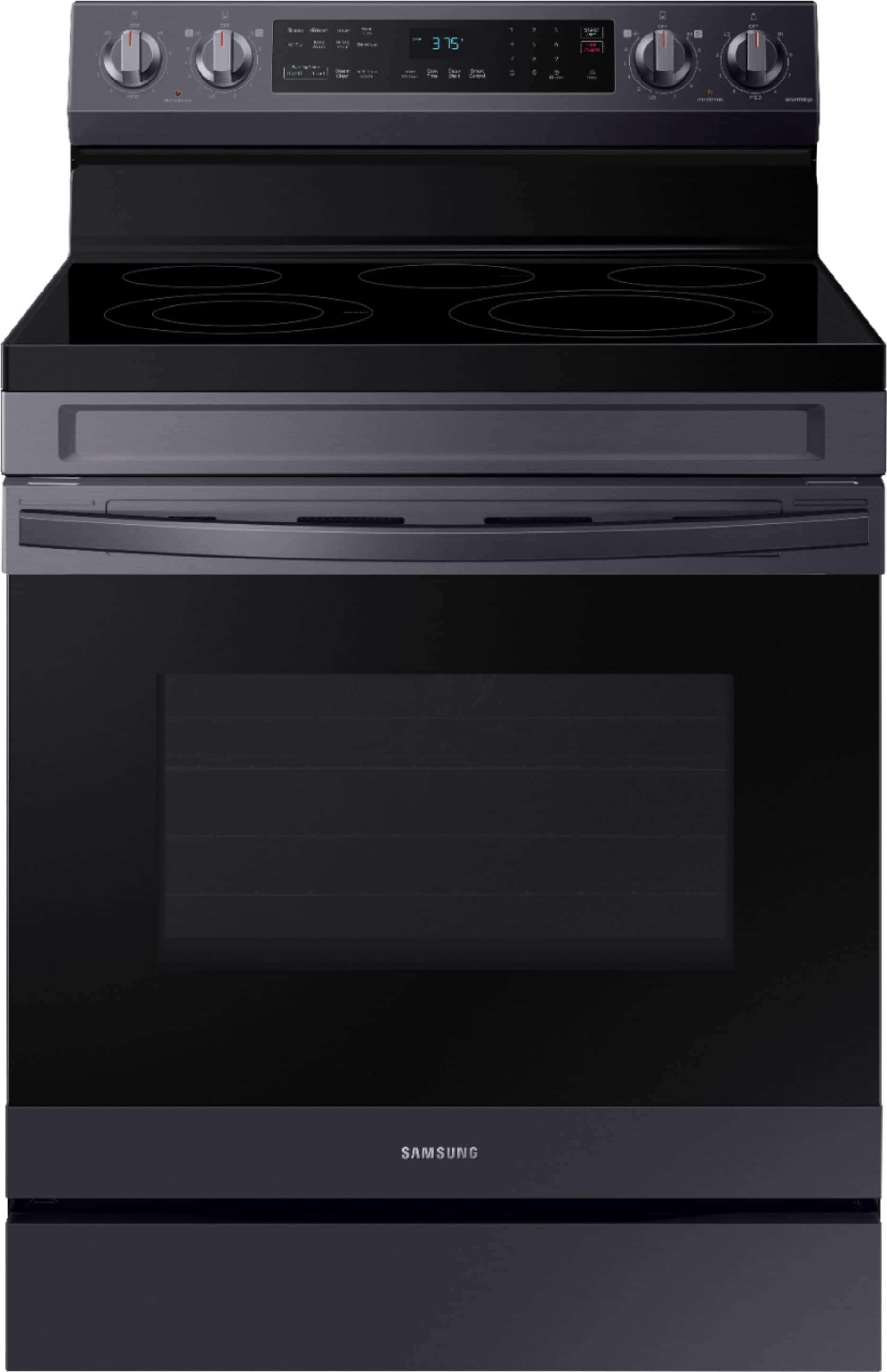
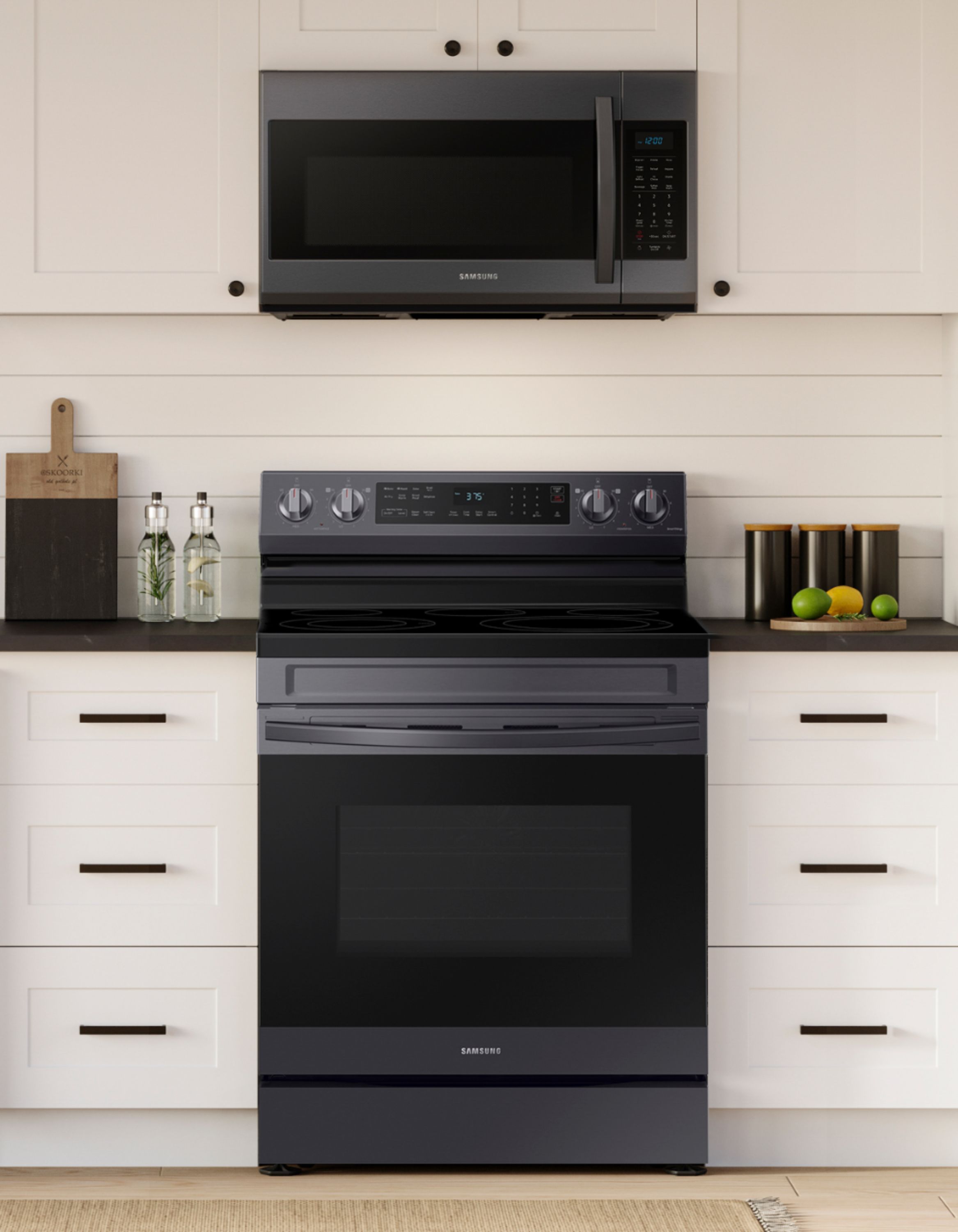
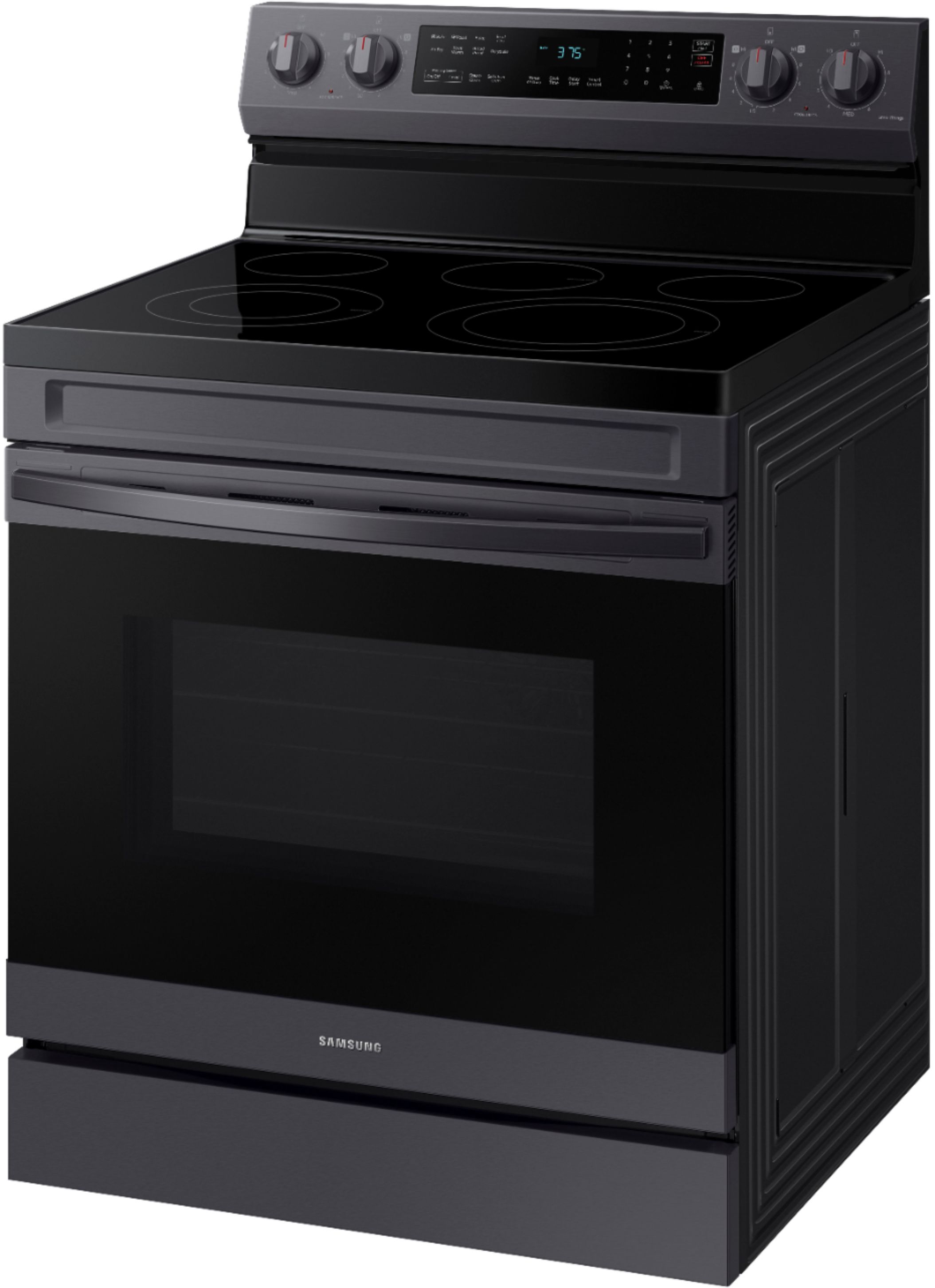
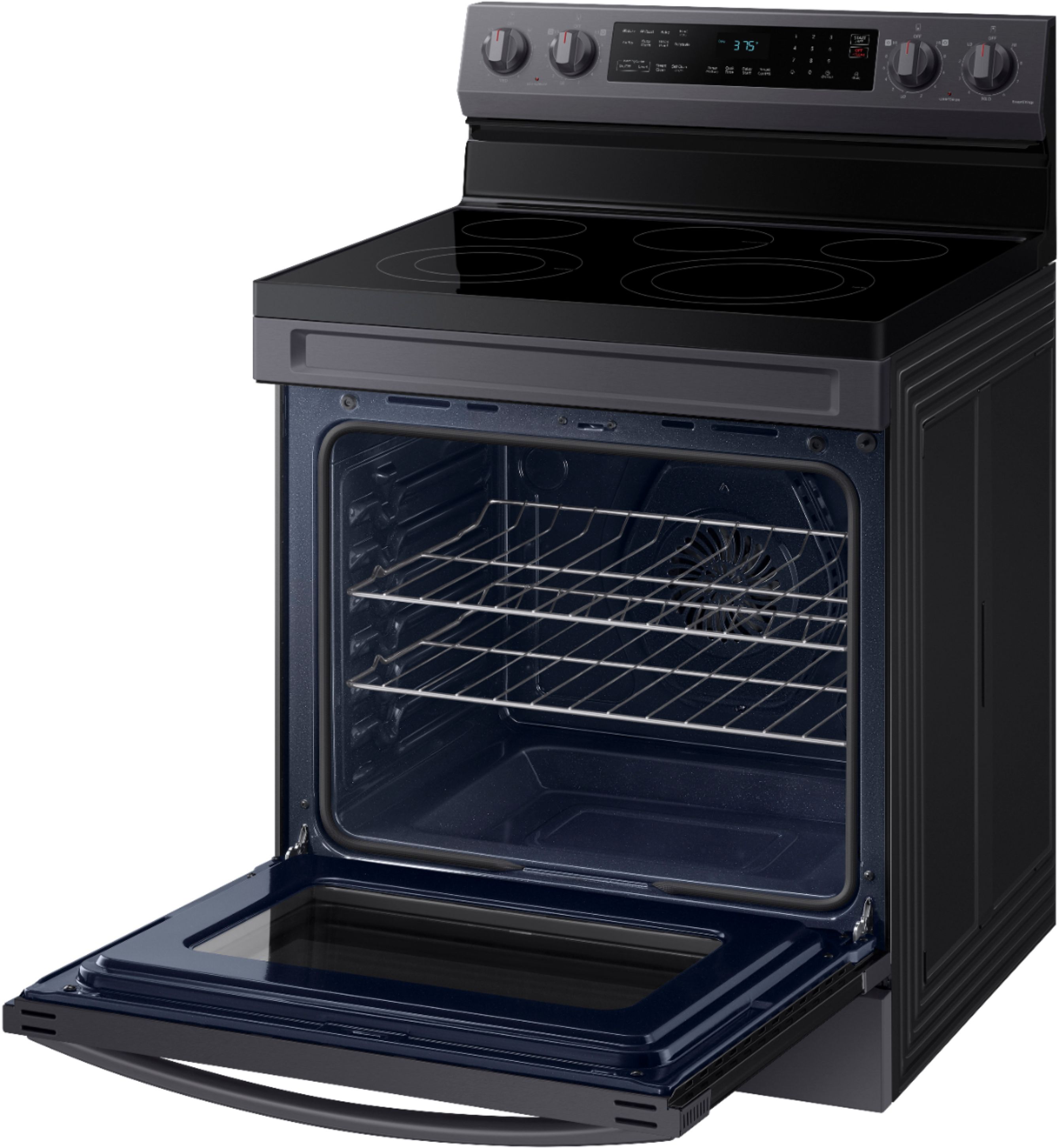
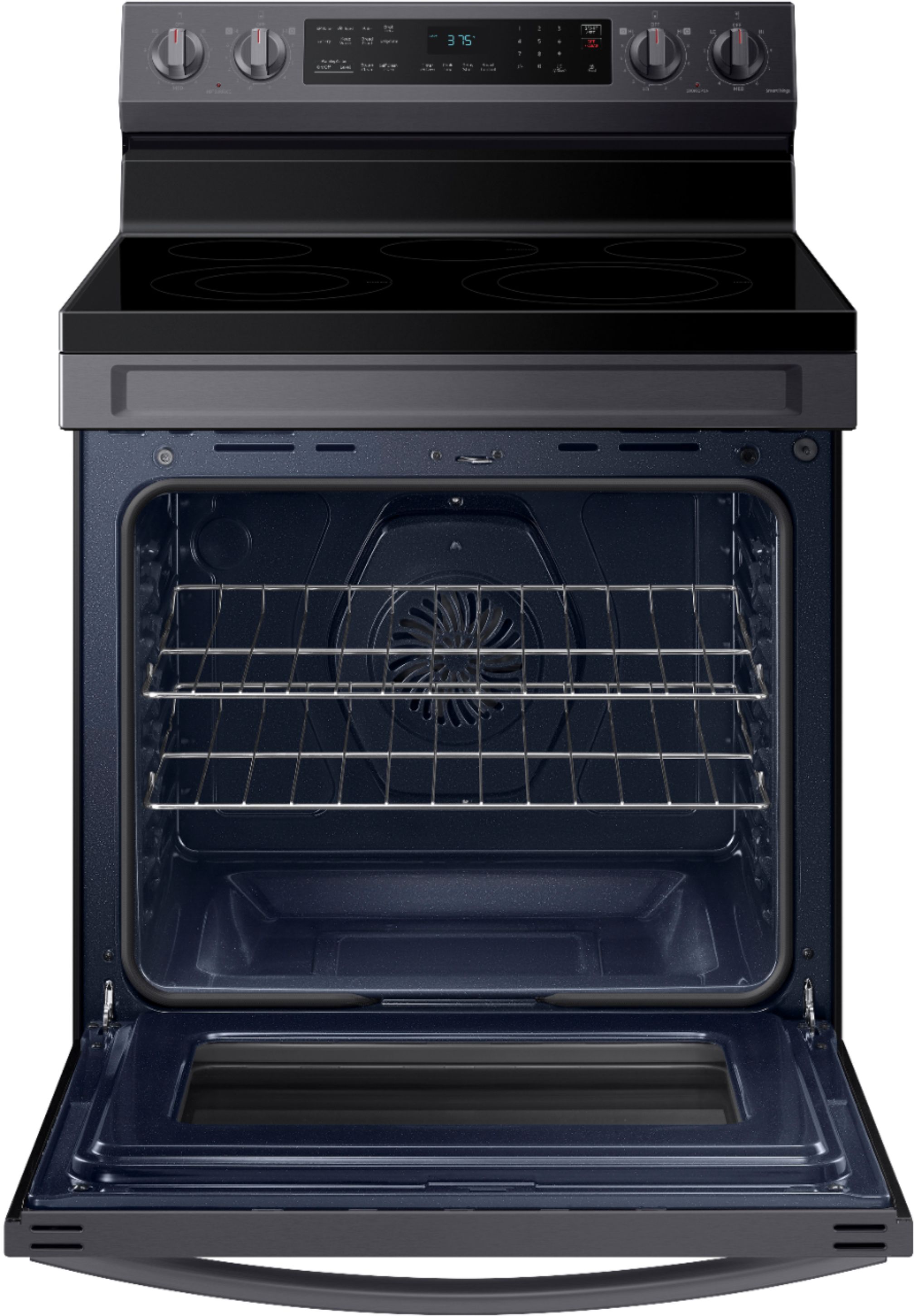
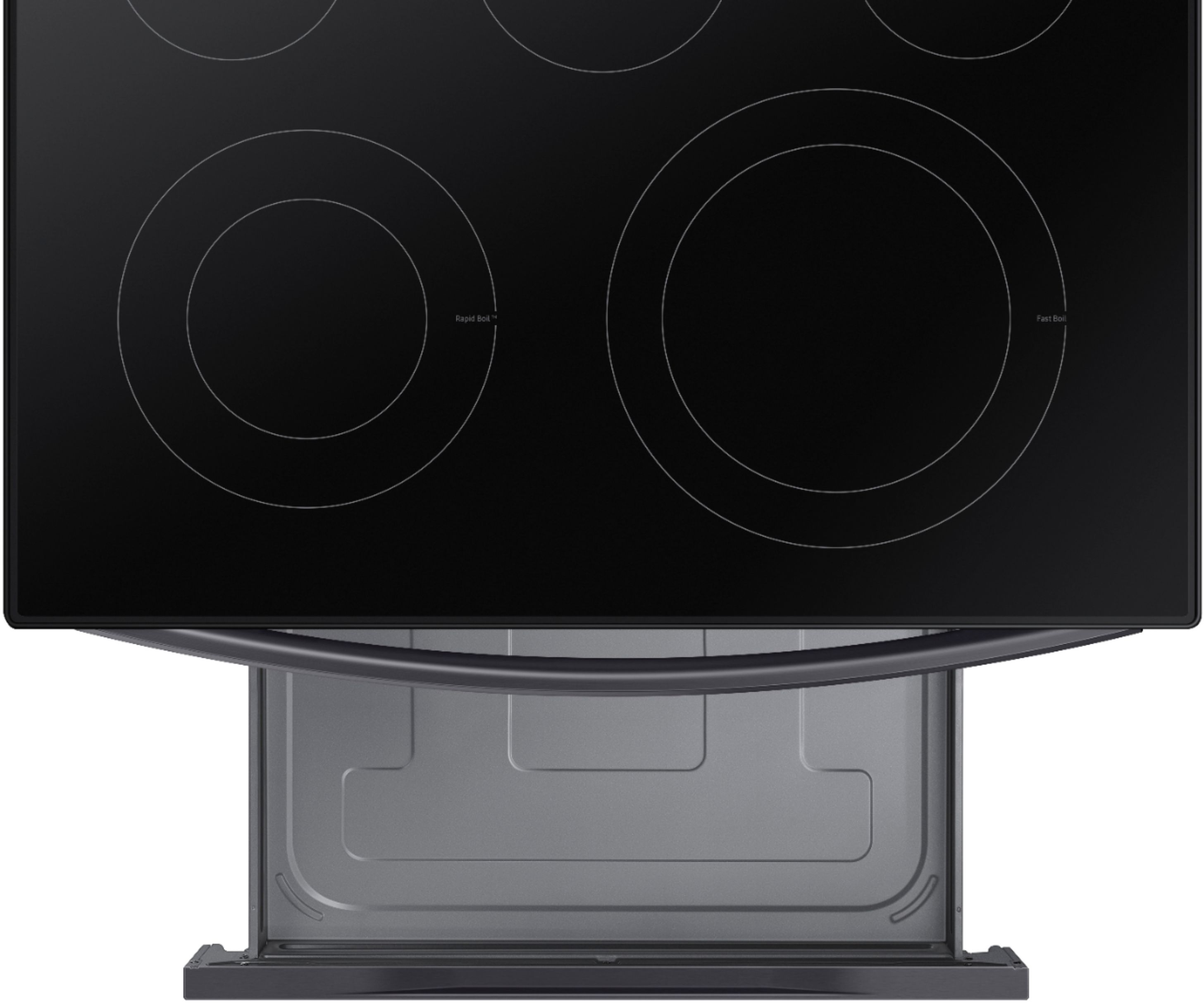
A:AnswerYes there is a drawer. Not sure if the exact measurements but it as wide and deep as the entire stove, however it is VERY shallow to the extent that some pan covers with handles on the top will not even fit. Not happy at all with this.
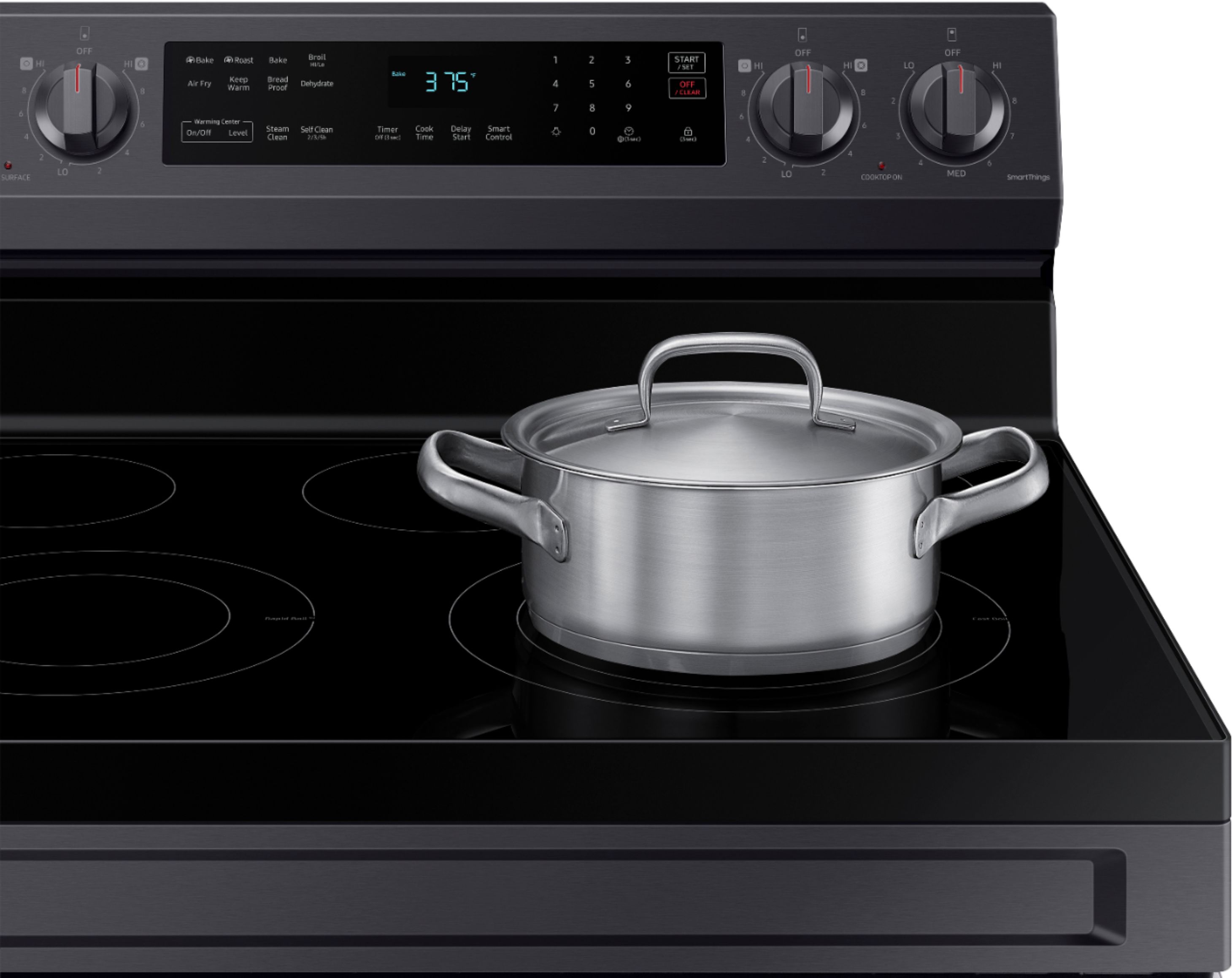
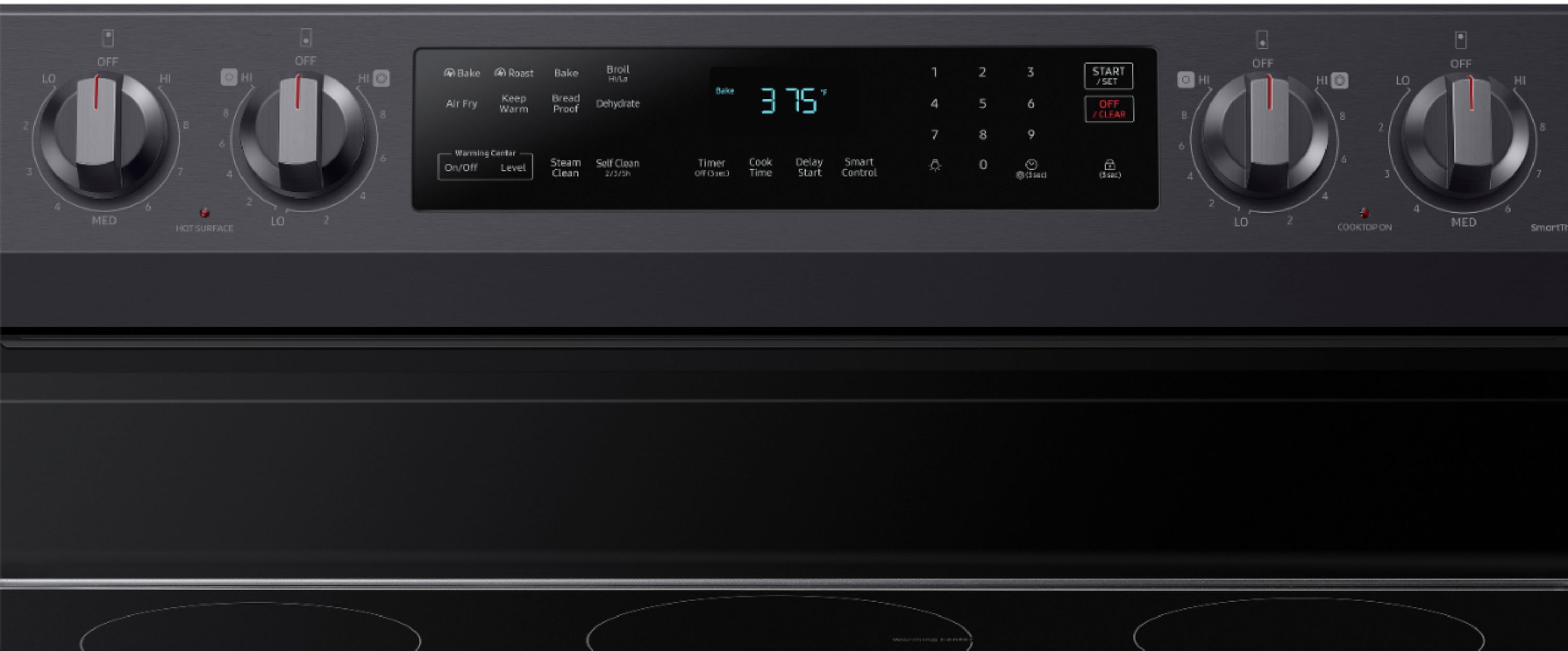
A:AnswerClock button is second one in from bottom right side. Press and hold for 3 seconds.
Setting the clock
The clock must be set to the correct time of day for the automatic oven timing functions to work properly.
• The time of day cannot be changed during timed cooking, delay-timed
cooking, or a self-cleaning cycle.
How to set the clock
1. Press Clock .
2. Enter the current time in hours and minutes on the number pad, e.g., 1, 3, 0,
for 1:30.
3. Press Clock or START/SET to save the changes.
A:AnswerHi there,
No, the SmartThings application is not necessary for you to operate the oven or use the self-clean option; it offers options to remotely manage your range. For reference, please see the link below and check pages 38-39 (Operating the oven).
User manual:
https://downloadcenter.samsung.com/content/UM/202407/20240724131335393/01._IB_FULL_NE5000A_NE63A6511_AA_EN.pdf
Have a great day,
-Ernest-
A:AnswerGreetings!
We understand your predicament when you get an error code on your Samsung range model. We are here to help you.
The error code C-21 means that the internal temperature is abnormally high. I have shared the steps below that you can take to help with your experience.
1. Press OFF/CLEAR.
2. Restart the oven.
3. You may disconnect all power to the range for at least 30 seconds and then reconnect the power.
Should you need more assistance, please feel free to get back to us via the following options:
1. Facebook Messenger: http://m.me/samsungsupport
2. Twitter: https://twitter.com/messages/compose?recipient_id=18768513
3. Samsung Community: https://us.community.samsung.com/t5/Samsung-Community/ct-p/us
Leo
A:AnswerHello there,
The oven light automatically switches off when the door is closed.
However, you can manually switch this off by pressing the light bulb icon on your control panel.
Please see page 30 under the "Turning the oven light on and off" section of the manual for more details.
Manual
https://downloadcenter.samsung.com/content/UM/202311/20231128160953395/O_01._NE63A6511_AA-02_IB_FULL_EN.pdf
Have a great day.
^Camille
A:AnswerHi there, dw! The power cord for this model is actually sold separately. This is to allow each user to choose either a 3-prong or 4-prong cord, depending on the outlet that is available in their home. ^Jecca
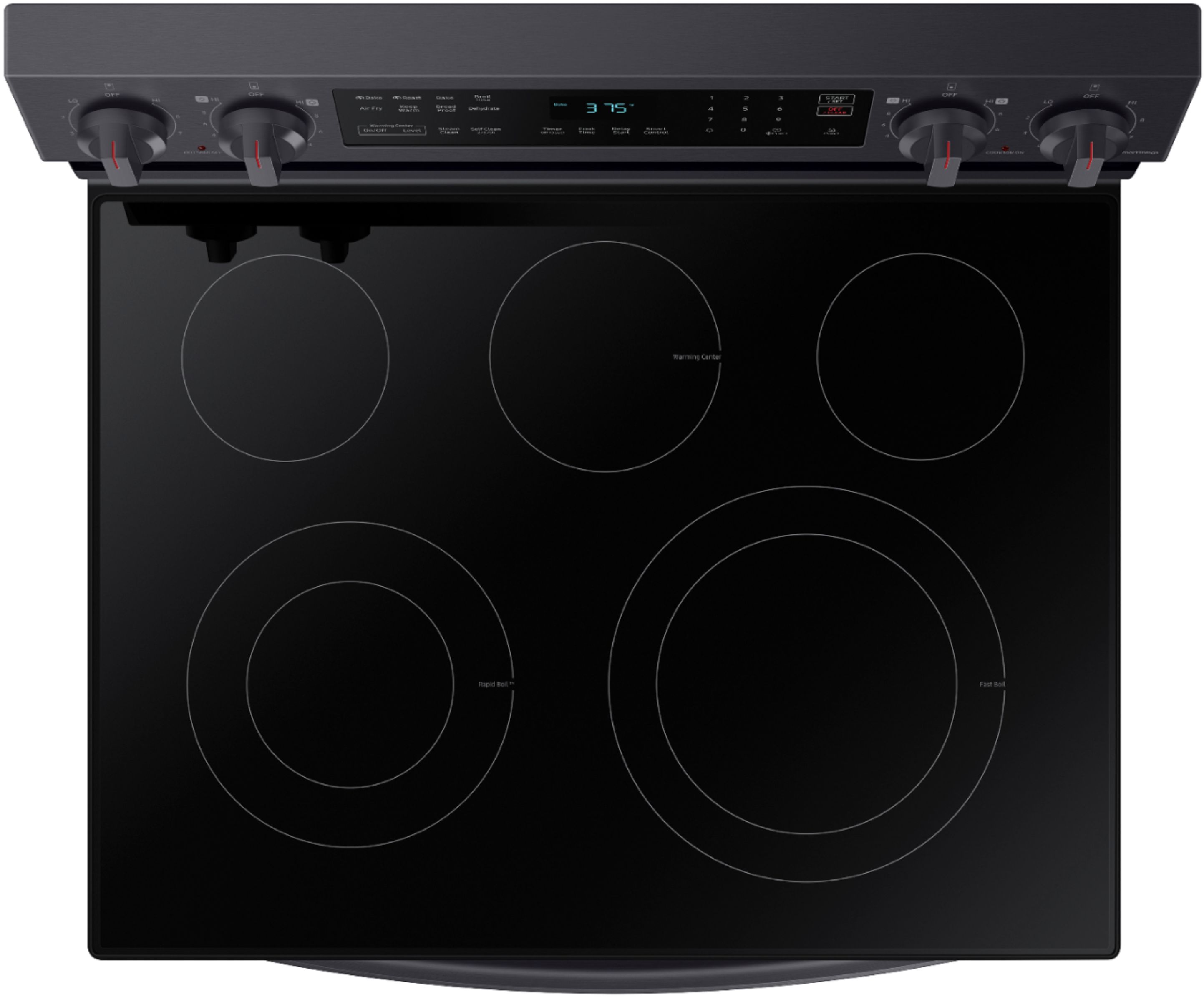
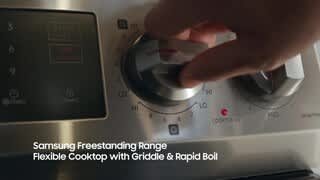
A:AnswerHi milton, for this model, the cooktop includes a flexible 5‑burner setup designed to support a range of cooking needs. Here are the sizes:
- Left front: 6" / 9" dual element (Rapid Boil™)
- Right front: 9" / 12" dual element
- Left rear: 6" element
- Right rear: 6" element
- Center rear: 7" warming zone
You can also view the full specs and features on the official Samsung US spec sheet below:
https://images.samsung.com/is/content/samsung/p6pim/us/ne63a6511ss-aa/specsheet/us-specsheet-ne63a6511ss-aa-550432129.pdf
We’re glad to shed some light on this.
Khristine
Samsung Care
A:AnswerHello mgm,
We value your question about your Samsung range.
Steam cleaning the oven is designed to be simple and low effort, using water and gentle heat to loosen everyday spills so they can be wiped away after a short cycle.
This guide explains how to use the steam clean feature on Samsung ovens.
Steam Clean and Hybrid Clean
https://www.samsung.com/us/support/answer/ANS10002315/
Please keep this reference number for your records: 1152323699.
We appreciate hearing from you, and Samsung truly values your business.
Pope
Samsung Care
A:AnswerHi Greg,
We understand how frustrating it can be when the oven display shows C-31 and none of the buttons respond, especially when you are trying to use the oven. From Samsung’s perspective, this code is a safety indicator. C-31 typically means the cooling fan is not operating as expected, so the oven automatically disables the controls to prevent overheating. While this code is active, the oven will not turn on or respond to button presses.
In some cases, turning the power off at the circuit breaker for a few minutes can reset the system. If the code returns after power is restored, the oven will likely need to be inspected by a qualified technician to restore normal operation.
To help with next steps, we have shared a Samsung link where you can schedule a service appointment:
Repair Services:
https://www.samsung.com/us/support/service/
If you would like assistance with scheduling, you may also reach us through the following options:
1. Facebook Messenger: http://m.me/samsungsupport
2. Twitter: https://twitter.com/messages/compose?recipient_id=18768513
3. Samsung Community: https://us.community.samsung.com/t5/Samsung-Community/ct-p/us
4. Phone Customer Care: 1-800-726-7864 (1-800-SAMSUNG)
When you message us, please provide us with this reference number 1152010270 to help our team pull up your information.
Leo
A:AnswerHi Pakman,
This range has a built-in Wi-Fi feature. However, to better assist you with your range concern, please contact Best Buy's customer service department at (888) 237-8289, open 24 hours a day.
They can either answer your question or transfer you to your local store to answer your specific concern.
Thank you.
Nicole
A:AnswerI measured the outside and the drawer measures 5 inches but the inside depth is only 4 inches at the most. I know when we brought it home I had lots stored in my old stove’s drawer and I had to do a lot of rethinking and reworking. Because this one was not as deep. But I like the stove very much and I’m happy with it.