A:AnswerMr - For iOS devices, you can use AirPlay to stream audio wirelessly to the Samsung H5000F. If you don’t have an Apple device, the TV doesn’t support Bluetooth audio directly, but you can use an external Bluetooth transmitter plugged into the TV’s audio output to connect Bluetooth headphones. Otherwise, a wired headphone connection is also an option.
~ Samsung Specialist
A:AnswerKelly12504 - For iOS devices, you can use AirPlay to stream audio wirelessly to the Samsung H5000F. If you don’t have an Apple device, the TV doesn’t support Bluetooth audio directly, but you can use an external Bluetooth transmitter plugged into the TV’s audio output to connect Bluetooth headphones. Otherwise, a wired headphone connection is also an option.
~ Samsung Specialist
A:AnswerHi Hampton,
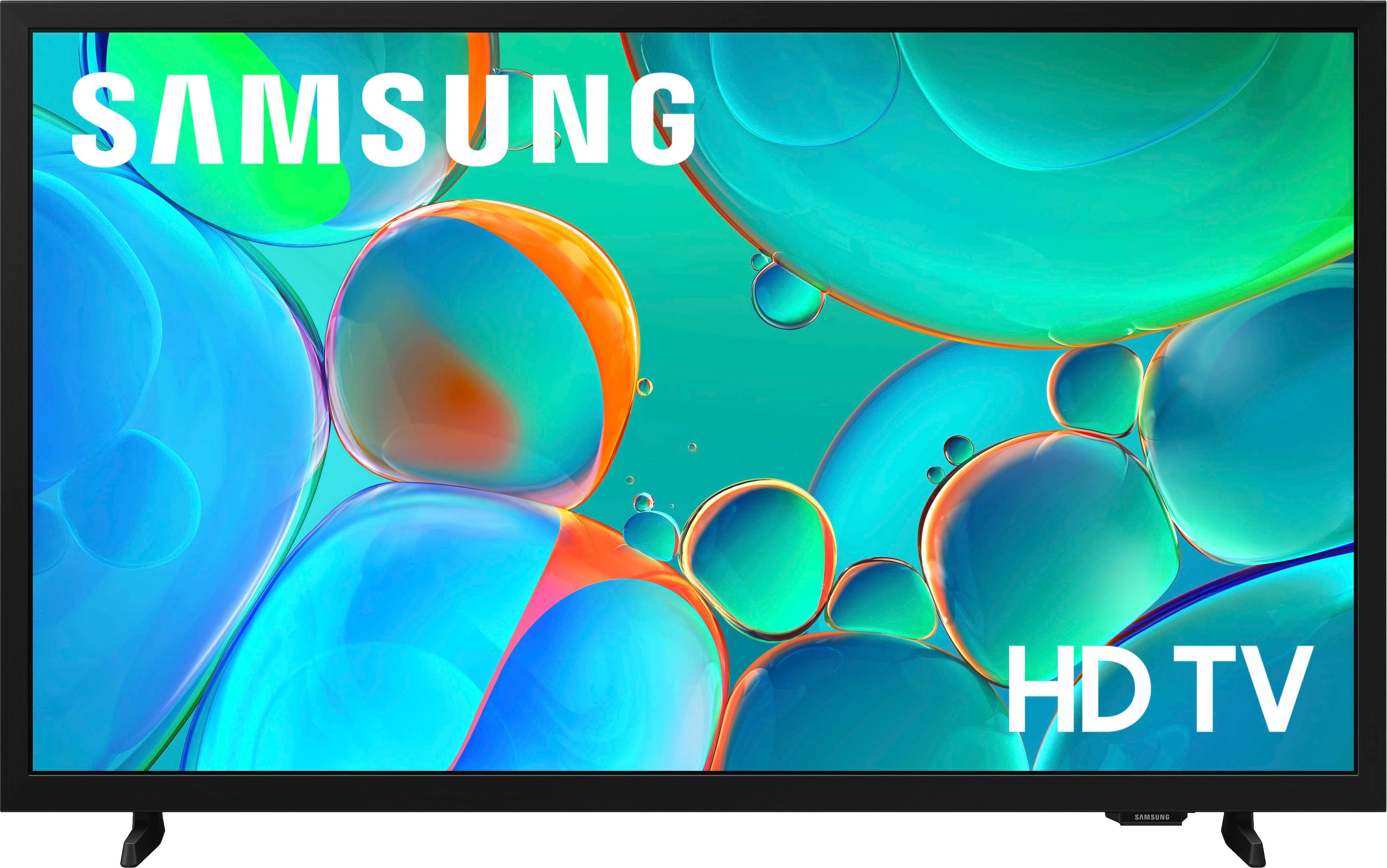
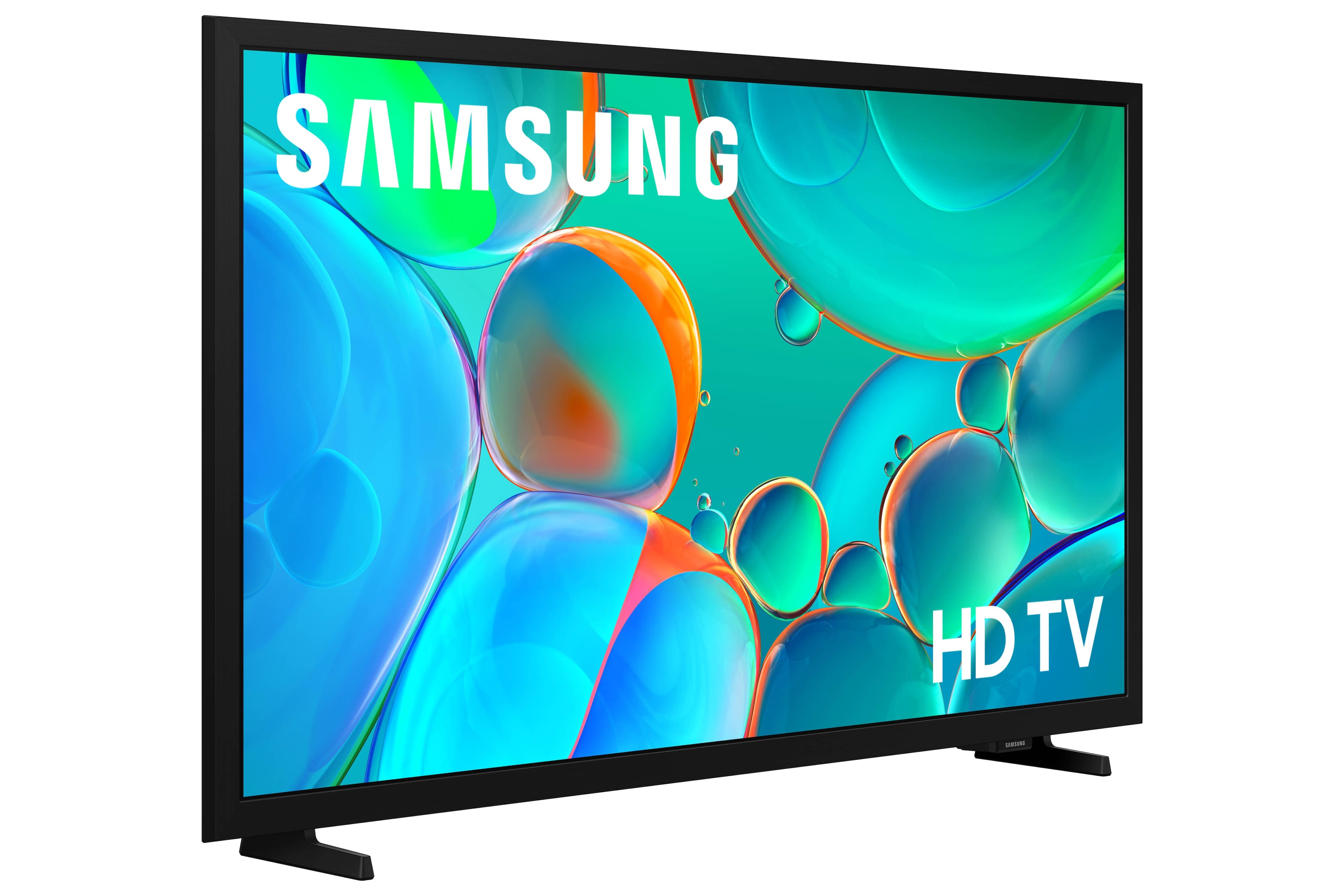
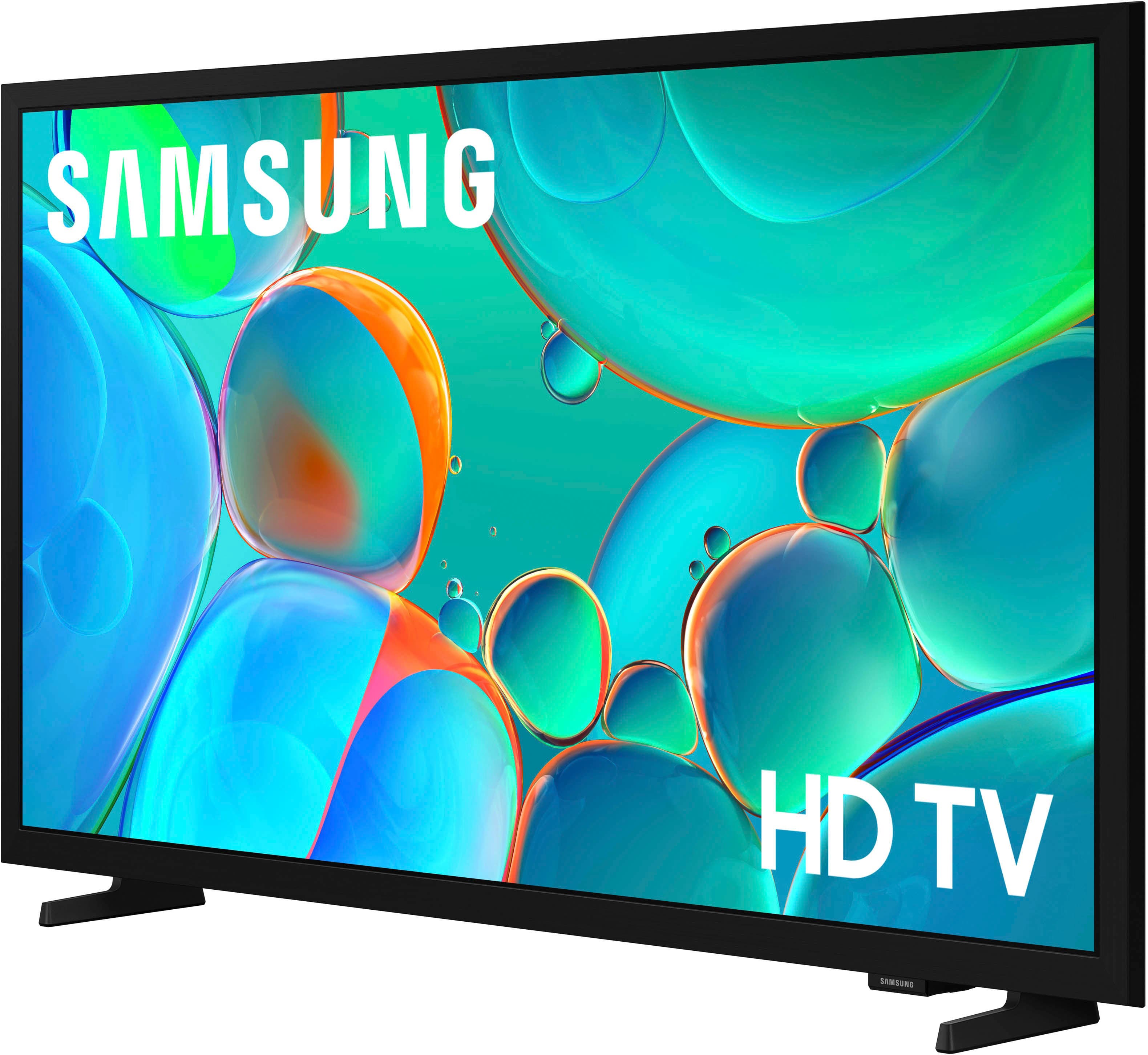
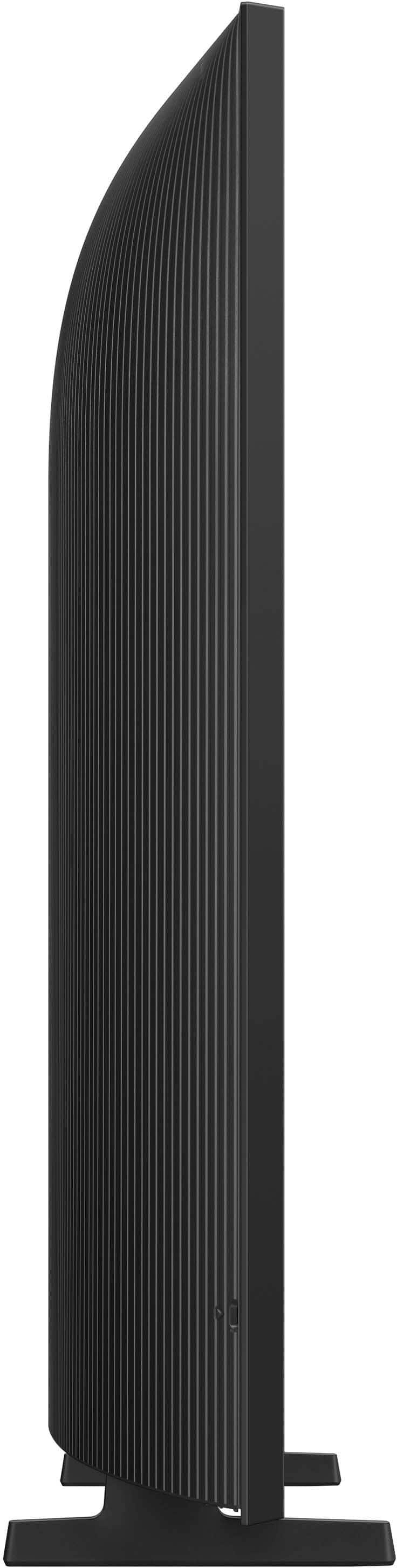
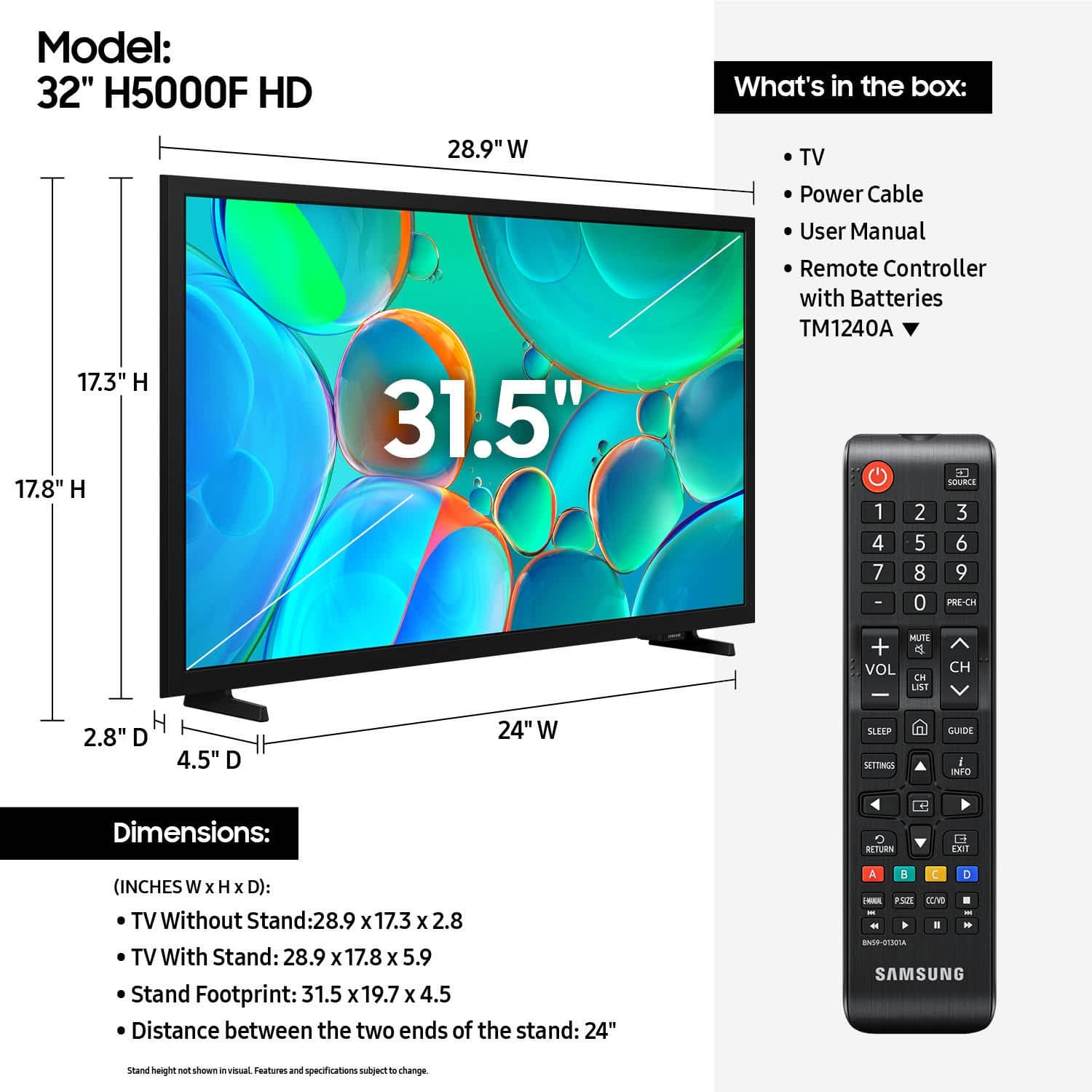
The 32" H5000F TV measurements in inches are 28.9 x 17.3 x 2.9 without the stand attached and
28.9 x 17.8 x 4.6 with the stand attached (WxHxD).
~Samsung Advisor
A:AnswerHi Lisa,
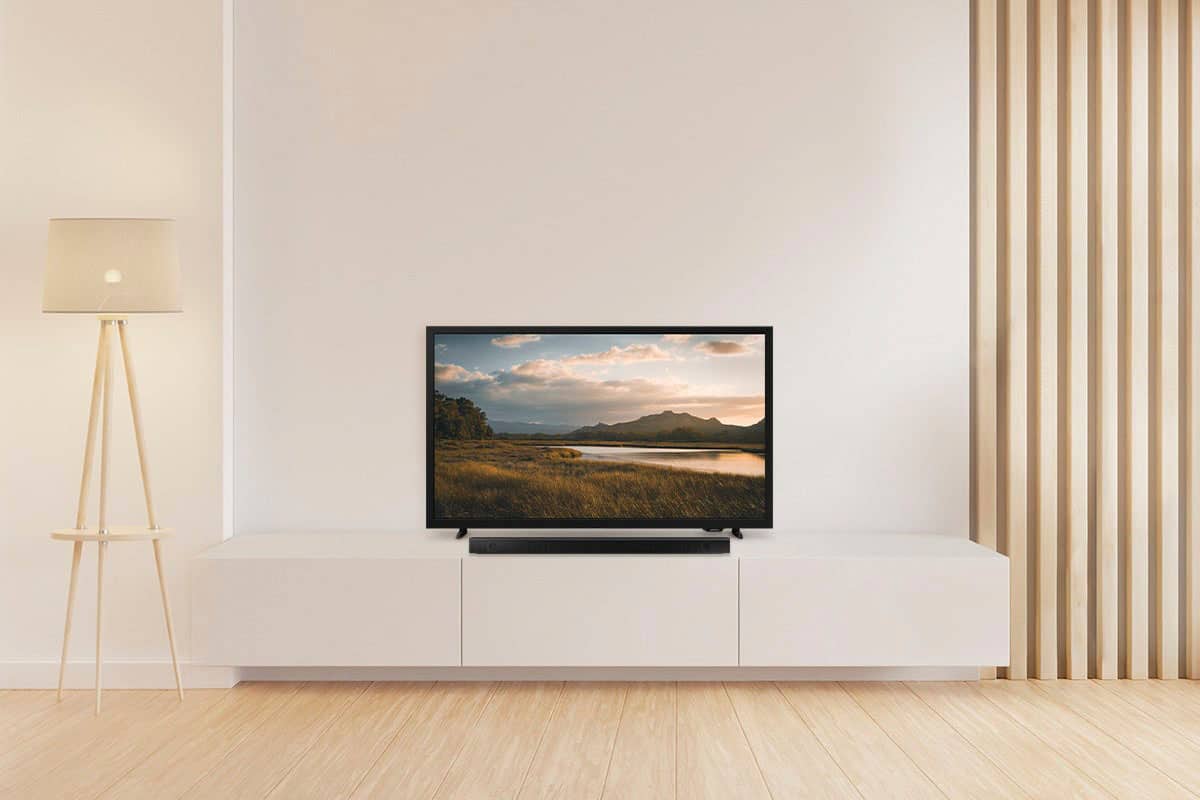
The H5000F TV is compatible with most Soundbars that offer an HDMI connection. If you are looking for a Samsung Soundbar, I recommend the HW-B550D: https://www.bestbuy.com/site/samsung-b-series-3-1-ch-dts-virtualx-soundbar-black/6619391.p?skuId=6619391 or the HW-S50B: https://www.bestbuy.com/site/samsung-hw-s50b-3-0-channel-s-series-all-in-one-soundbar-dolby-5-1-dts-virtualx-black/6505158.p?skuId=6505158
~Samsung Advisor
A:AnswerHi Hank,
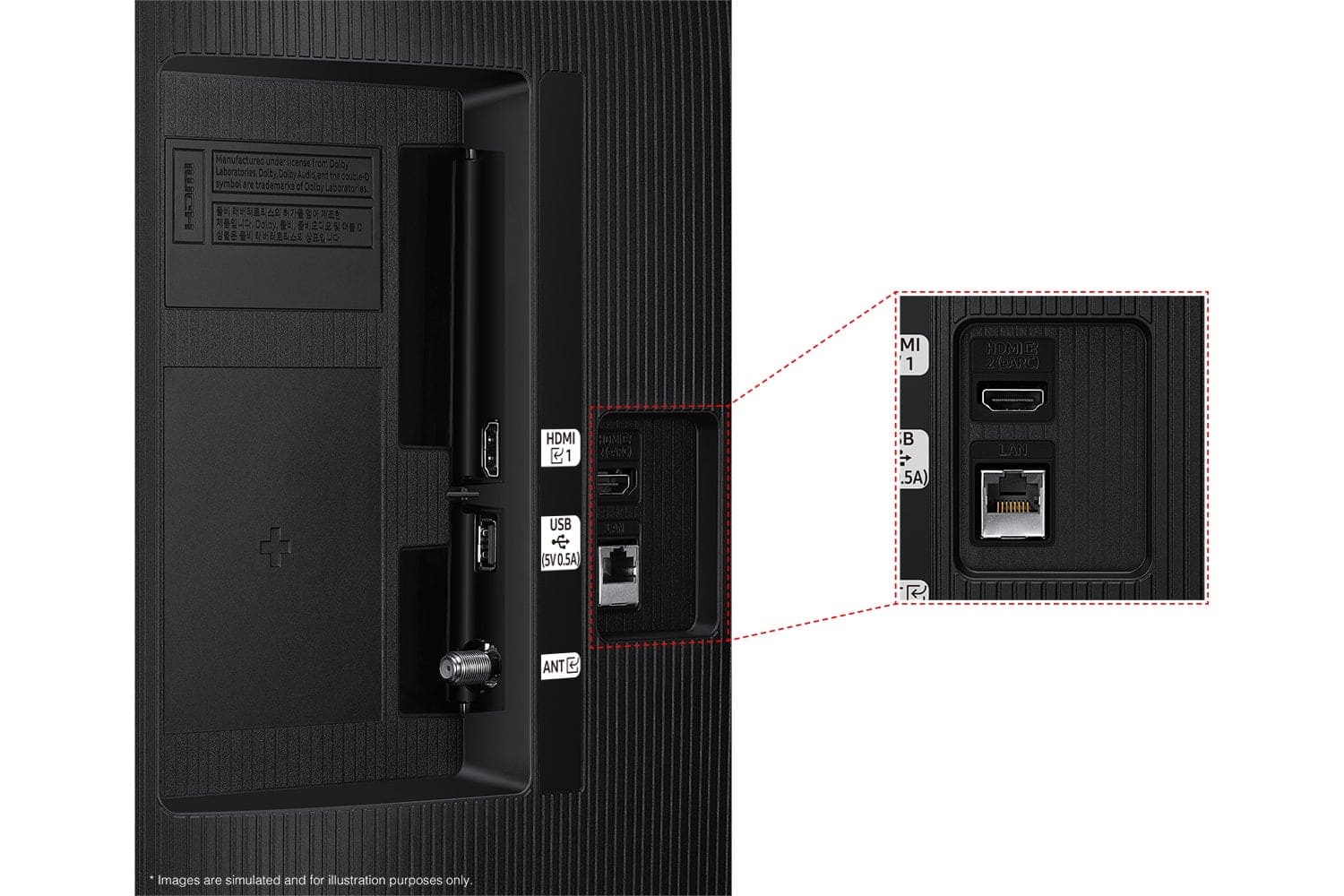
The H5000F comes with removable legs that act as a stand, or you can attach an external wall mount. You can connect an HD antenna via coax cable or HDMI.
~Samsung Advisor
A:AnswerHi Jayk,
The H5000F TV remote does include a pause button. However, if you are looking to pause live TV, you will need a DVR or a cable box with a DVR included.
~Samsung Advisor
A:AnswerHi packerfan,
For optimal glare control, we recommend positioning the TV to minimize incident light falling on the screen or consulting a professional installer. Starting with our QN70F Series, you gain Wide Viewing Angle, as well as Adaptive Picture technology to optimize your picture with a lighting system that automatically senses, reacts, and adjusts to the brightness of the space you're in.
~Samsung Advisor
A:AnswerHi Pippin,
The H5000F can connect to your Blu-Ray DVD player if the device has an HDMI input. The H5000F, however, does not offer Bluetooth.
~Samsung Advisor