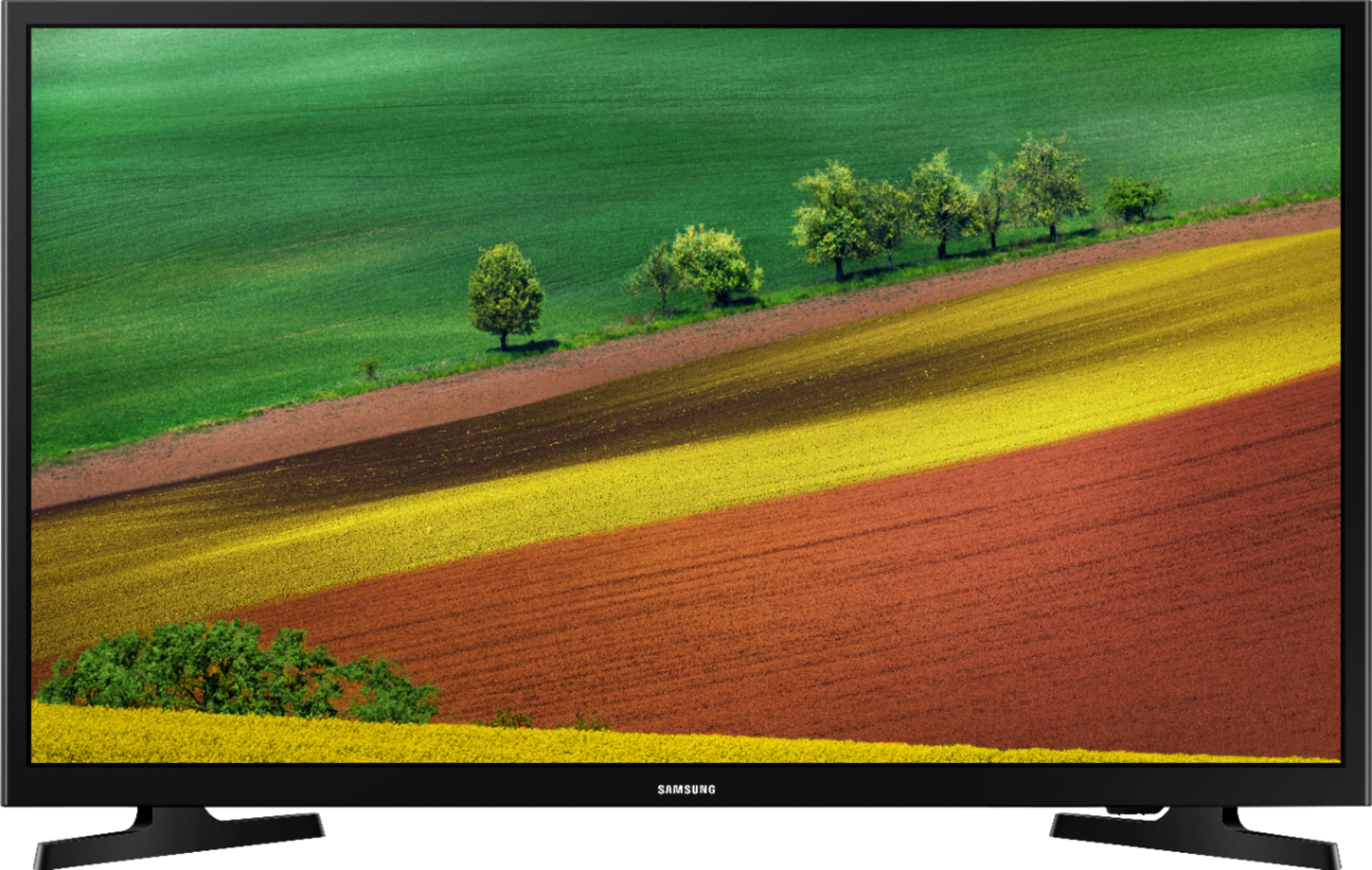
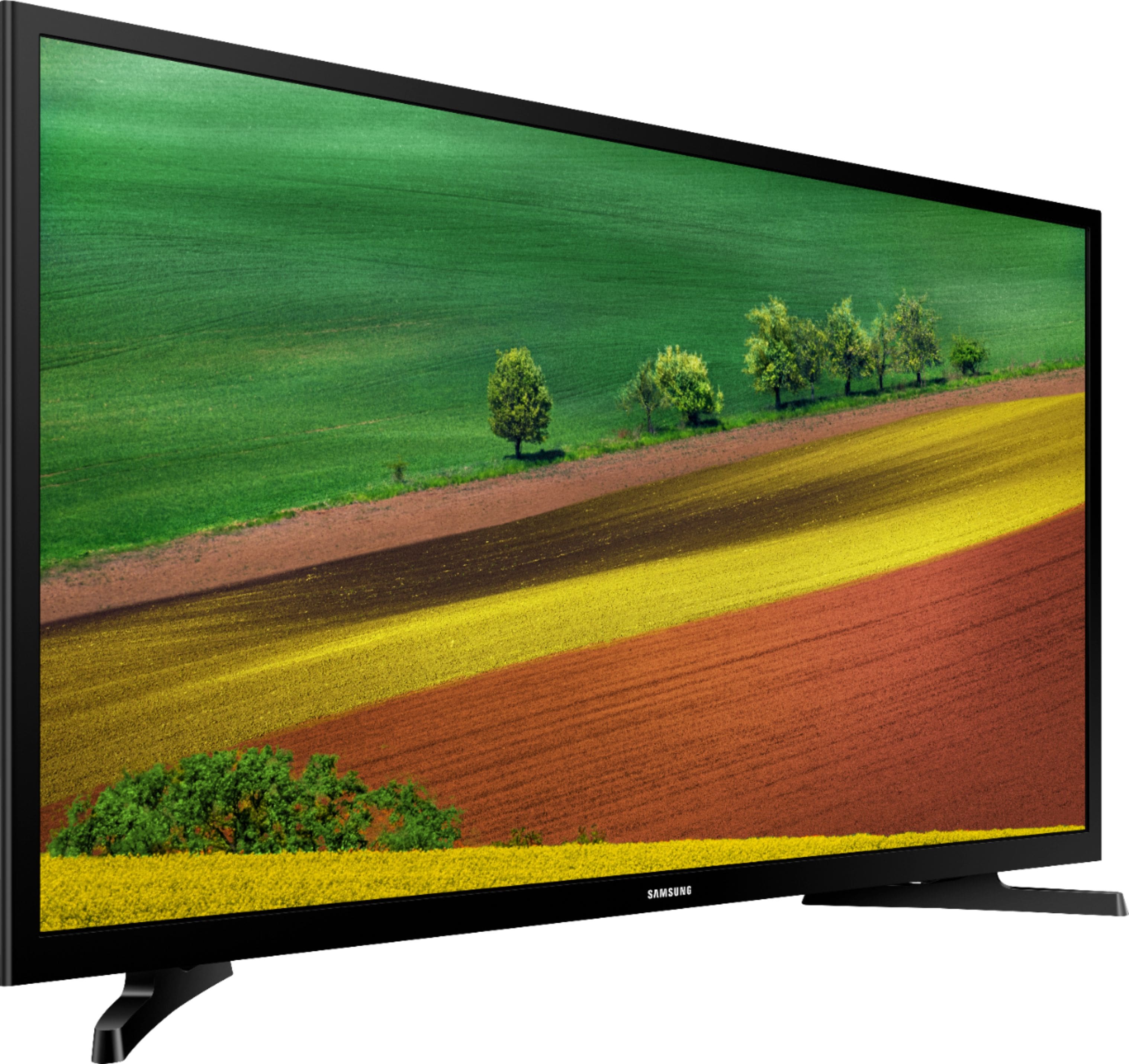
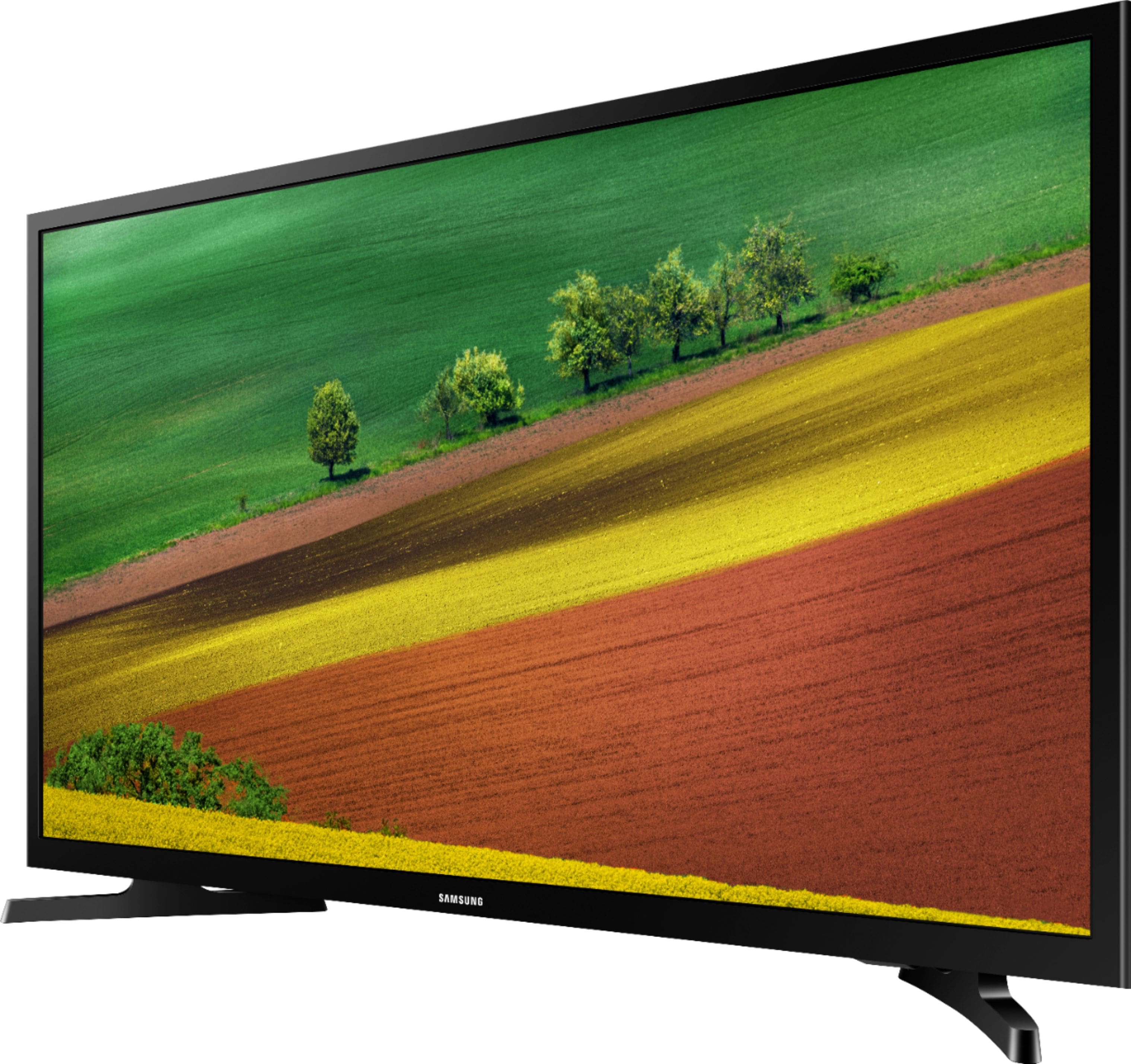
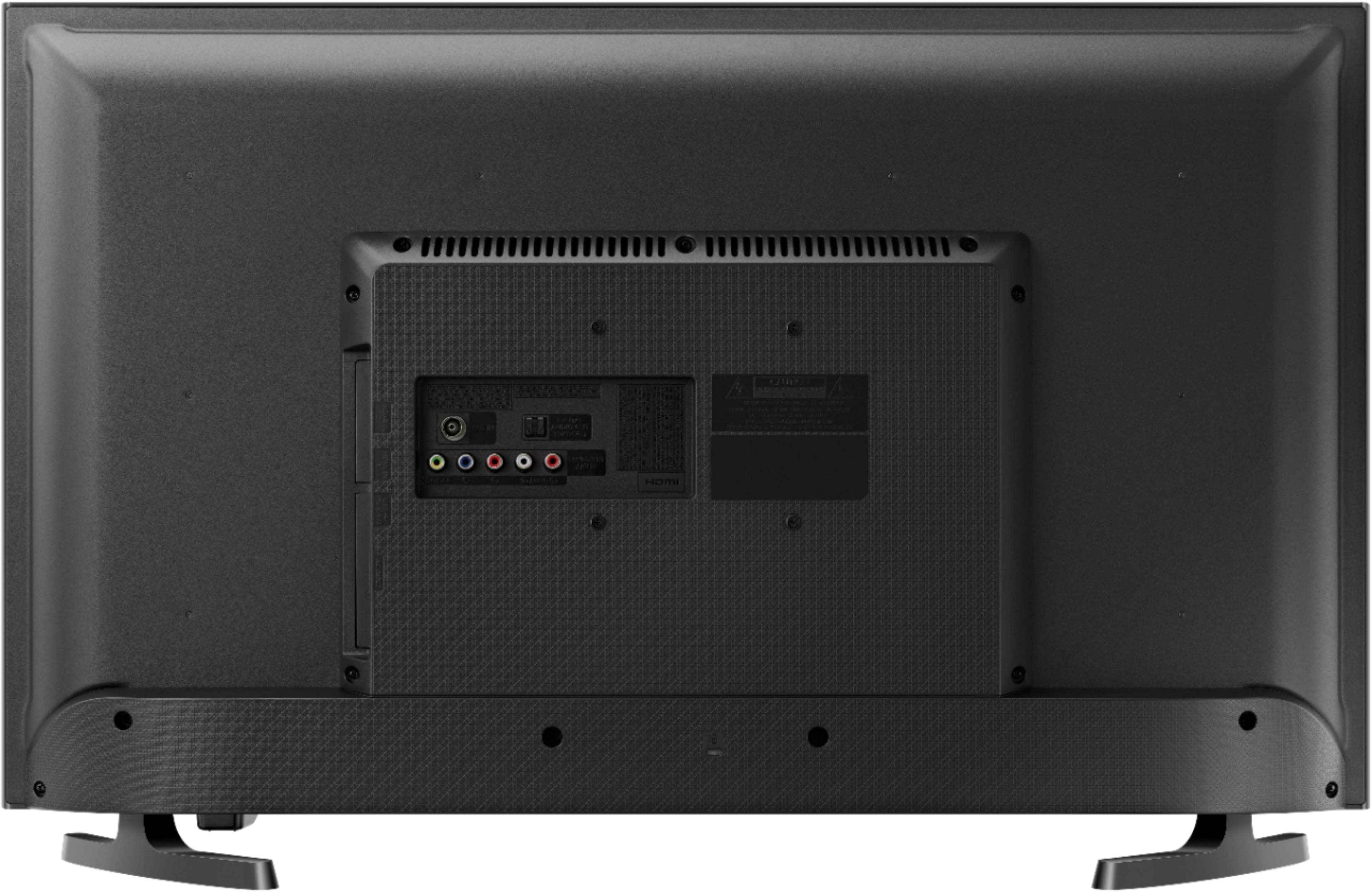
A:AnswerThis is a great tv as it has many apps and others channels built right into it. I was looking for MAVTV. Well it has MAVTV Select as a channel. Not the streaming channel, but like a rerun channel. To change sources when using a HDMI cable is very simple. I use it to stream racing. So a very good buy.
A:AnswerOn my source input options, I have "TV" listed as an option. Then I select "over-the-air" from the menu ribbon at the bottom. It seems to refer to the antenna as "TV."
A:AnswerI use a ZVOX on my 50 Smart LCD and most Smart TV's have the ability to work either wired or wireless for external speakers. The Samsung is in a bedroom so no extra speakers now.
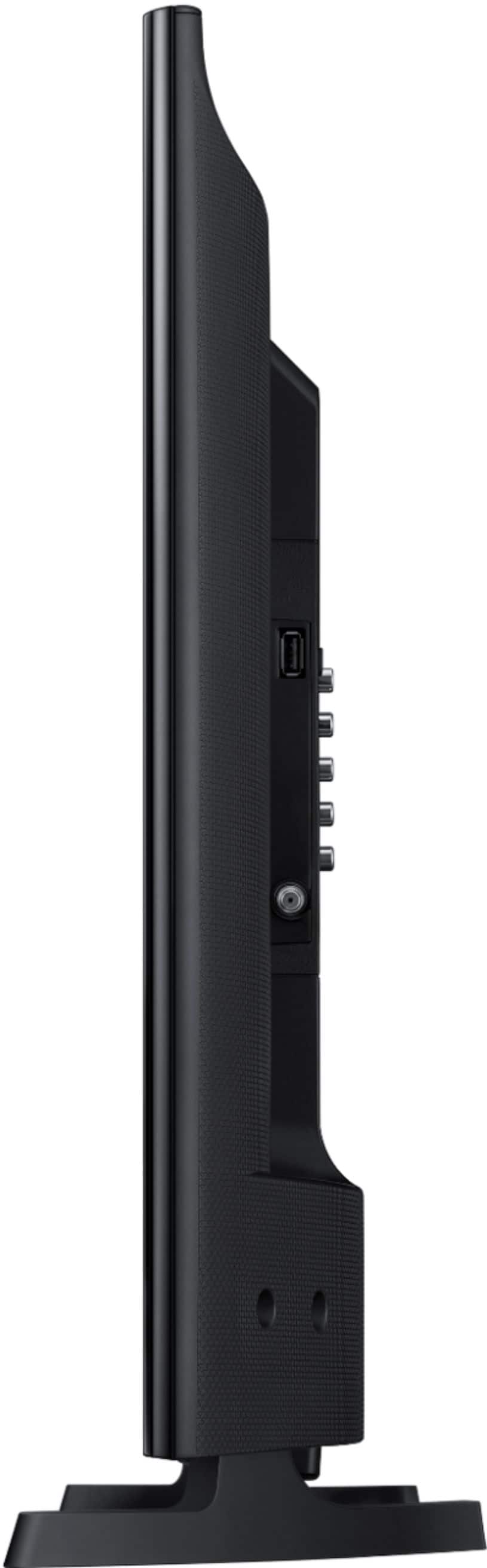
A:AnswerQuestion is not clear. The electrical connection is separate wire that plugs directly into the wall or power strip. The electrical wire/ plug is a completely separate wire from the antenna or cable box connection.
A:AnswerIf I'm reading the spec's correctly, neither. Samsung lists the refresh rate at 60Hz - using an online converter, that's 16-2/3 ms. Makes sense since this is a low-cost TV. The manual can be accessed through the Samsung web site - it has the details.
A:AnswerHaven't tried to download Peloton app straight to the TV. Was able to download through Amazon firestick very easily, along with many other apps as well. However, on newer
Samsung TV's I think it may be easier to download. Haven't tried Peloton app specifically, yet, but was able to download other apps on new Samsung 32 in we just bought from Best Buy, including Youtube TV.
A:AnswerI know it can be turned off by a sleep timer, but not sure if it can be turned on by one. I haven't seen a TV that is capable of that yet, but I could be wrong.