A:AnswerI have the xfinity voice remote. What I did to couple the xfinity remote to the same model TV you have is
....press and hold the setup button on the remote
...wait until the status light turned from red to green
....type in 12280
the remote then controlled the TV
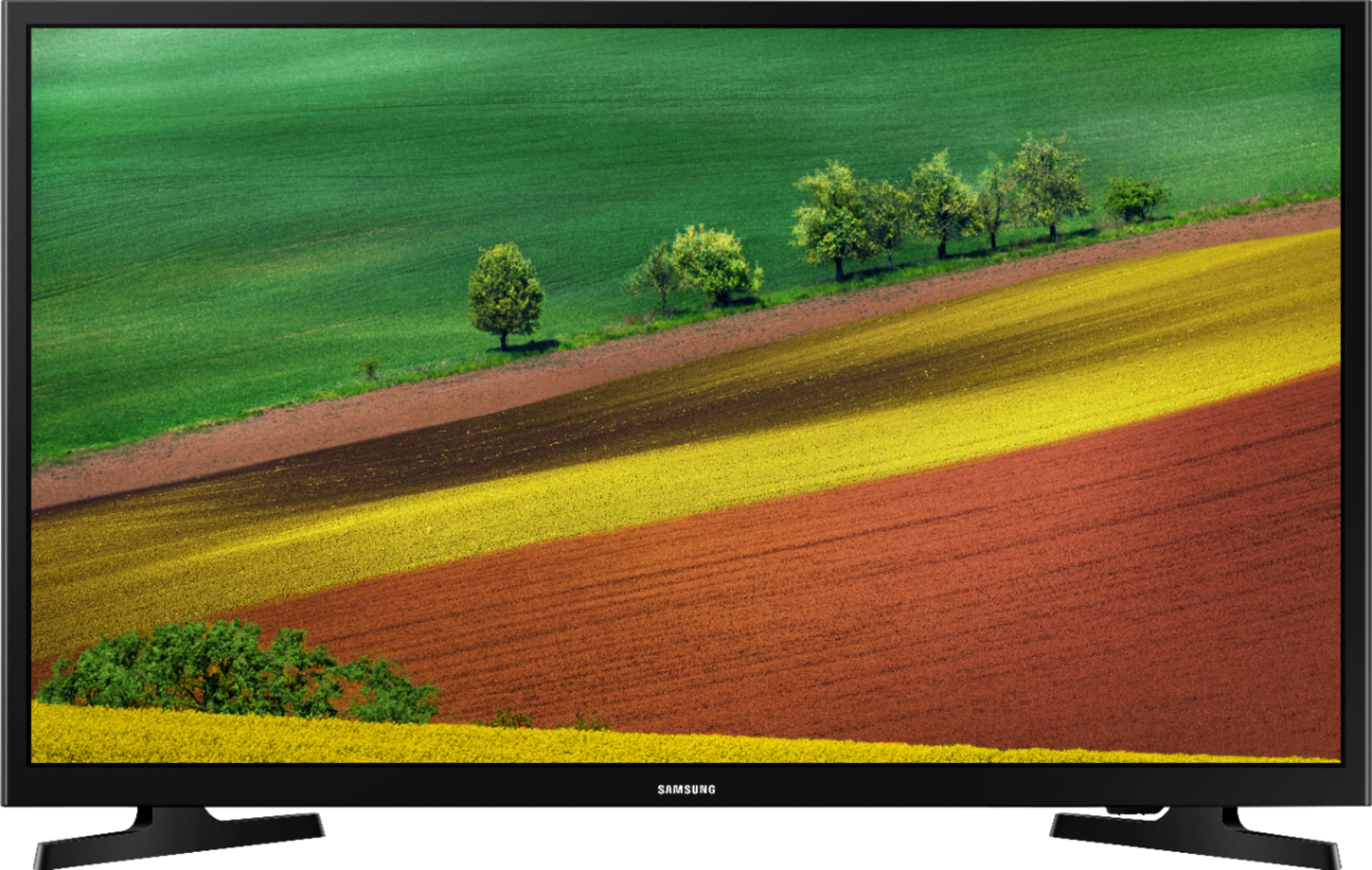
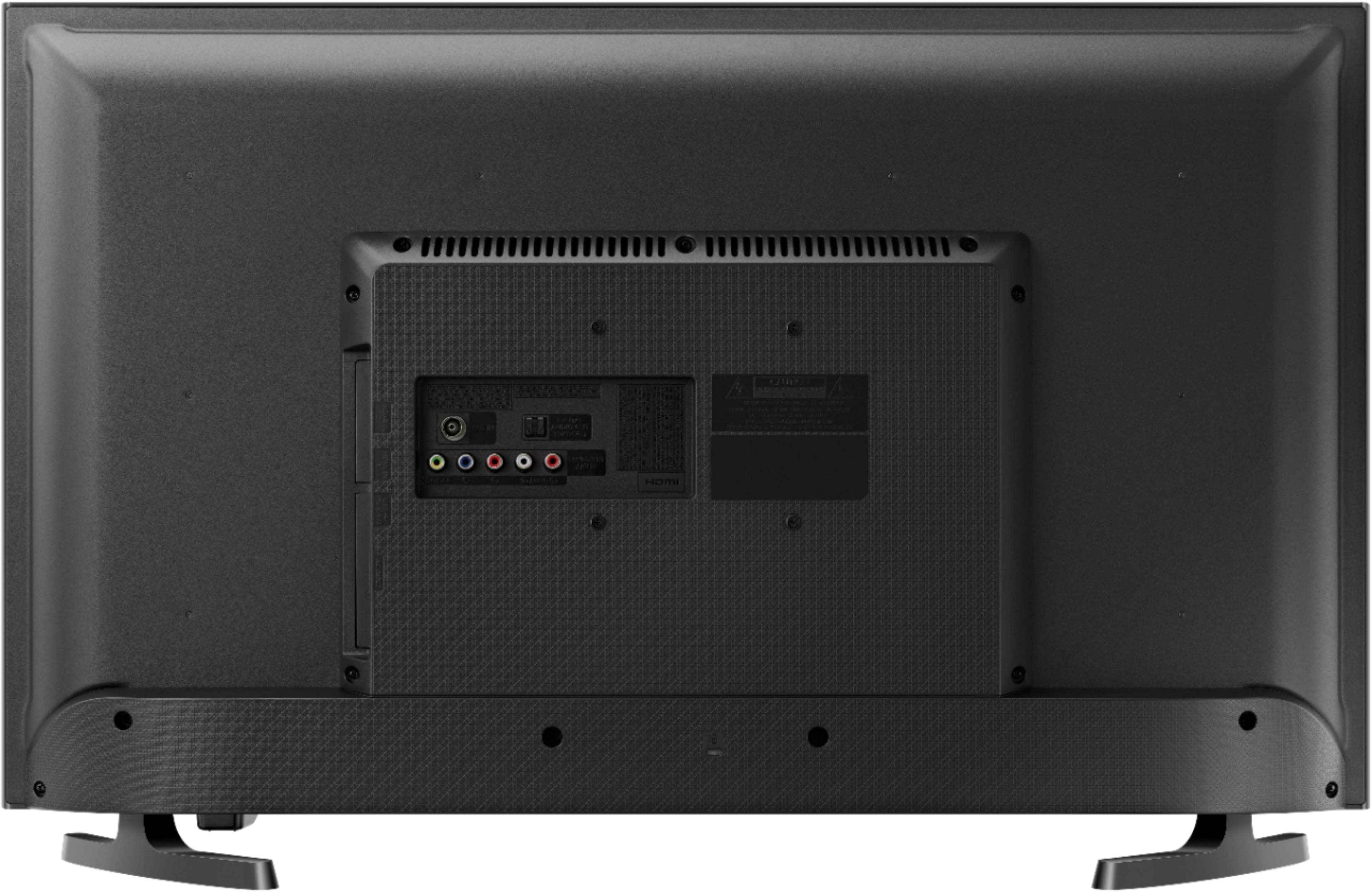
A:AnswerFor Smart TV functionality, the Samsung 32-Inch UN32M4500 Smart LED TV supports 802.11abgn Wi-Fi, Bluetooth, and Gigabit Ethernet networking connectivity. It uses a newer Samsung Smart TV user interface for an improved smart TV experience.
You can confirm this by checking the TV. From Settings, select Sound, and then select Sound Output. If the option Bluetooth Speaker List appears, then your TV supports Bluetooth.
If you need to put your TV in pairing mode, here's how to do it:
1. Open the Connection Guide. From the Source menu, select the Connection Guide, which can walk you through the process of connecting devices if they aren't automatically detected when you plug them in. ...
2. Activate pairing. ...
3. Select your device. ...
4. Find the device in the available outputs.