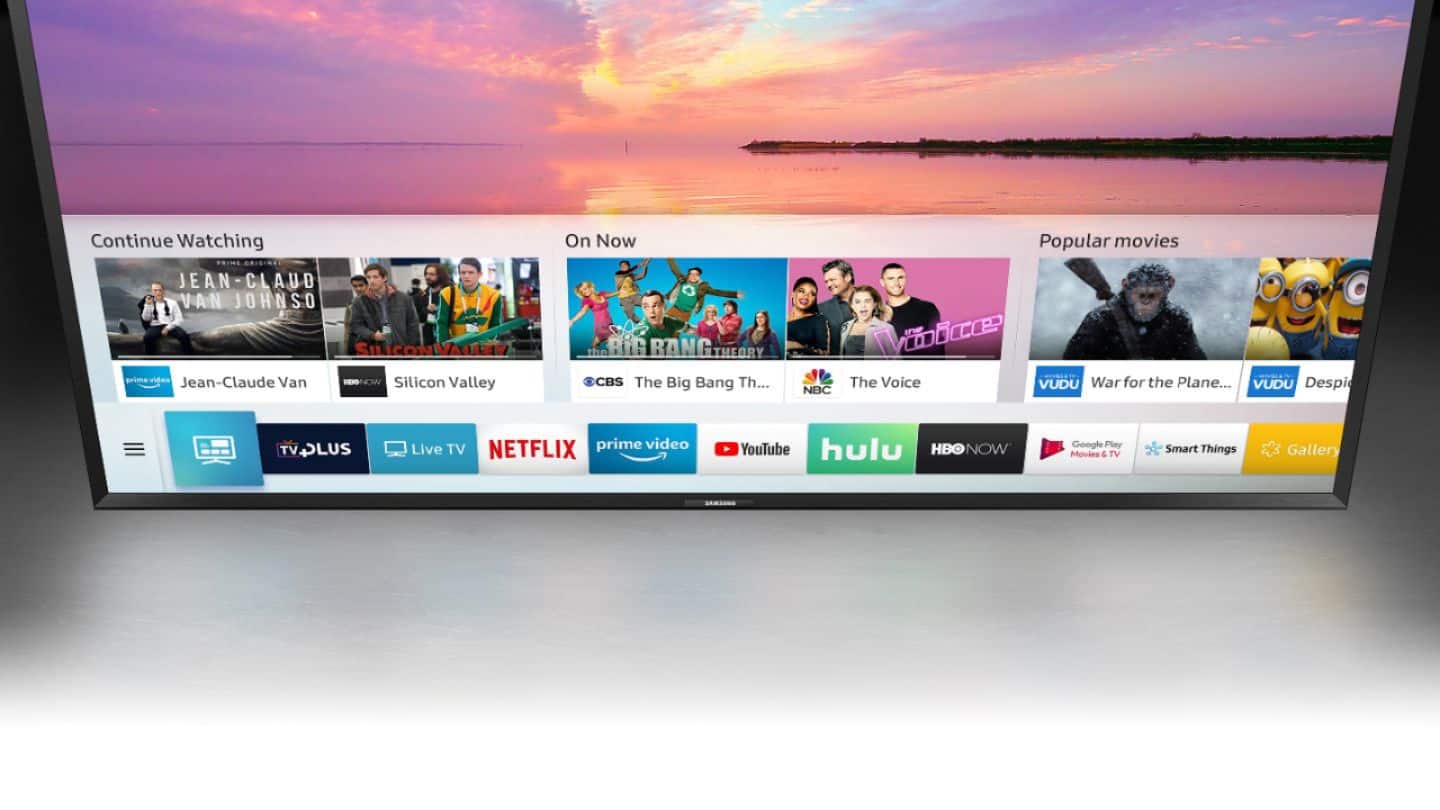
A:AnswerNo it does not work. SmartThings does recognize the UN32J5500 TV, you can add it to your Devices, but when you try to control the TV, the controls are shown but when trying to make them work, the app keeps saying to turn the TV power on.....when it's already on. Additionally, when you check supported models in SmartThings, this model is not listed....for another thing, it is a 2015 model and they only show 2016 and above models in SmartThings. Samsung failed on this.
A:AnswerAs I understand it, TV sizes are based on the diagonal measurement of the rectangular screen. So a 32inch screen of a TV is not the width of the screen. The width is less than 32 inches. 29 inches is the width of our unit.
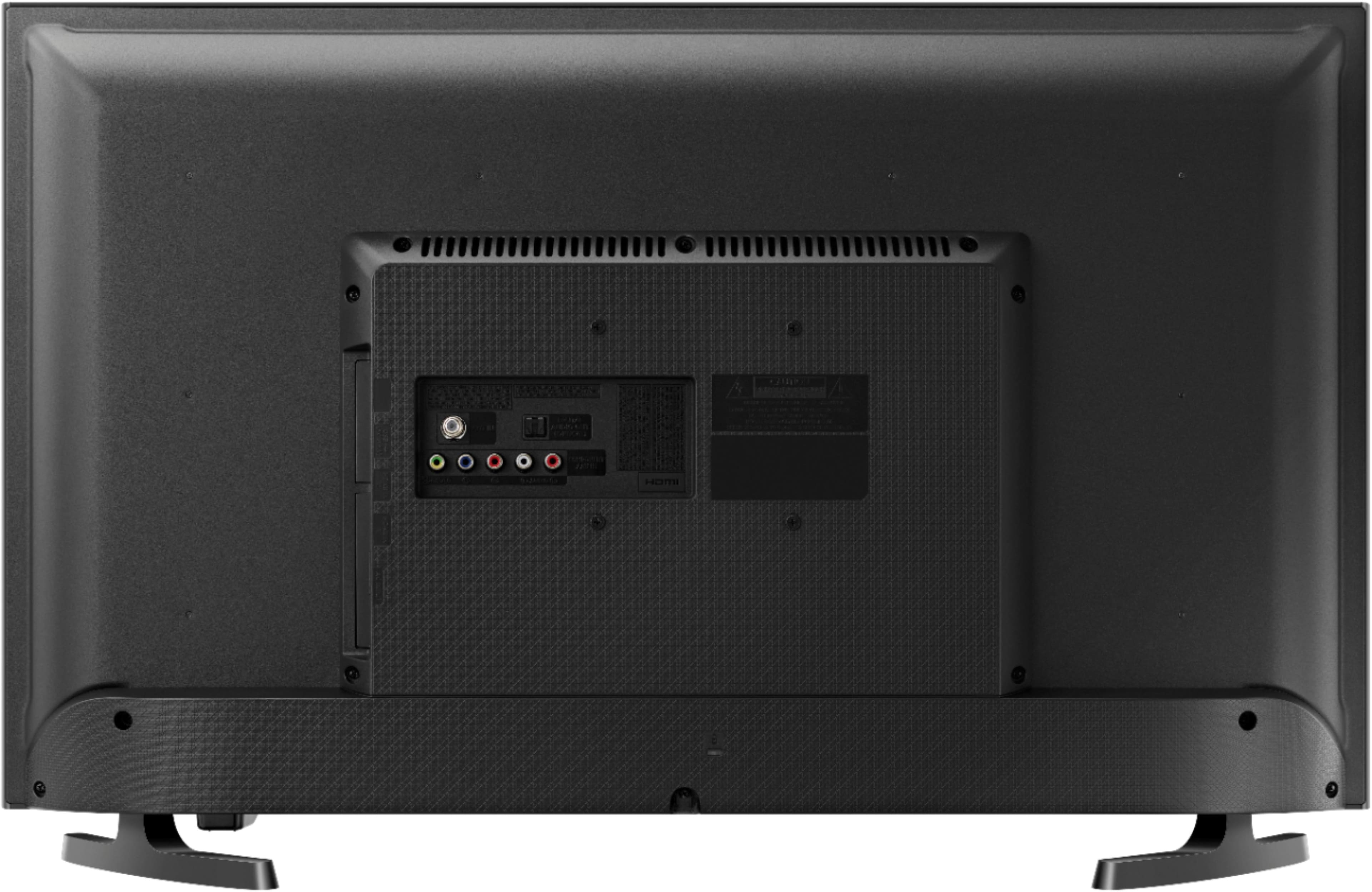
A:AnswerNot sure what you are specifically asking but, in general, the stand is removed from the tv if mounted on the wall. This set uses a standard vesa mount: find plate cover held by four screws near the center on back 100mm square--about 4 inches square. The plastic plate comes off and the same size plate of the mount is attached using the same screws or ones that came with the mount. 100mm x 100mm is the most common vesa standard although heavier sets might have 4 screw holes in the back further apart to allow for a heavier (larger) mounting plate. Almost all mounts come with or allow you to purchase adapters as accessories. As long as the tv has those mounts or larger standard mounts--most any arm or wall mount can mount any size tv limited not really by screen size but by the weight the mechanics of the arm can support. However, to make things simple for the average consumer, it is common for manufacturers to specify screen sizes. To do that, they assume a weight relative to screen sizes as is common at the time the mount is sold. So if you have an old mount that was sold for up to 19 inches, if it offers standard vesa mounting, it probably will support this screen because it is exceptionally light compared to old lcd screens.
We have two of these 32 inch tvs mounted on Kanto PS300 Full Motion Flat Panel TV Mounts (they say Fits ¬26” to 60” Monitors) but the screen size does not matter--it is the weight. At the most, if a larger than specified screen is mounted, assuming the arm can support the weight, it might restrict the range of swing and tilt some but only if you do not want your tv mounted flat on the wall. The Kanto mount we are using is overkill. We decided to use mounts that could fit any screen we might want to use in the future and found them at good prices. The mount on this is drilled for every possible vesa standard.
For more flexibility than needed for tvs, we mount our computer monitors on Ergotron desk and wall-mount arms that allow both more extension and range of movement--tilt and spin. These cost more but use the same standard mounting system and thus can just as well support a tv. These Ergotrons employ springs that resist the a designed weight range, so you have to pay more attention to the weight. Too light, and it won't stay down. Too heavy, and it will sag down until the screen hits the desk. Again, since these tv screens use standard vesa mounts, you technically can mount any size screen that has vesa mounts. Some cheap monitors and screens only have stands and do not provide vesa mounts--not too many these days. Compared to the tv price, a new good wall mount is very cheap.
The main advantage of tvs like this is you don't need a computer or entertainment center to stream video and audio. So the screen is more than exceptionally energy efficent led system--you don't need to power a computer processor, graphics card or adapter, and ssd/hard drive to feed your tv a stream. And with wireless, there is only one cord to manage--the power cord. At times, for purposes of signing in, it is handy to plug in a USB keyboard.
Our main selling point is corde management and energy consumption--we find the 32 inches big enough, picture quality great. 32 inches is fine with us because power consumption increases exponentially with screen size.
A:AnswerI just bought this TV a few weeks ago for my daughter, we upgraded from a 19 inch. The TV is great, very clear bright picture. My daughter is not a gamer but she loves it.
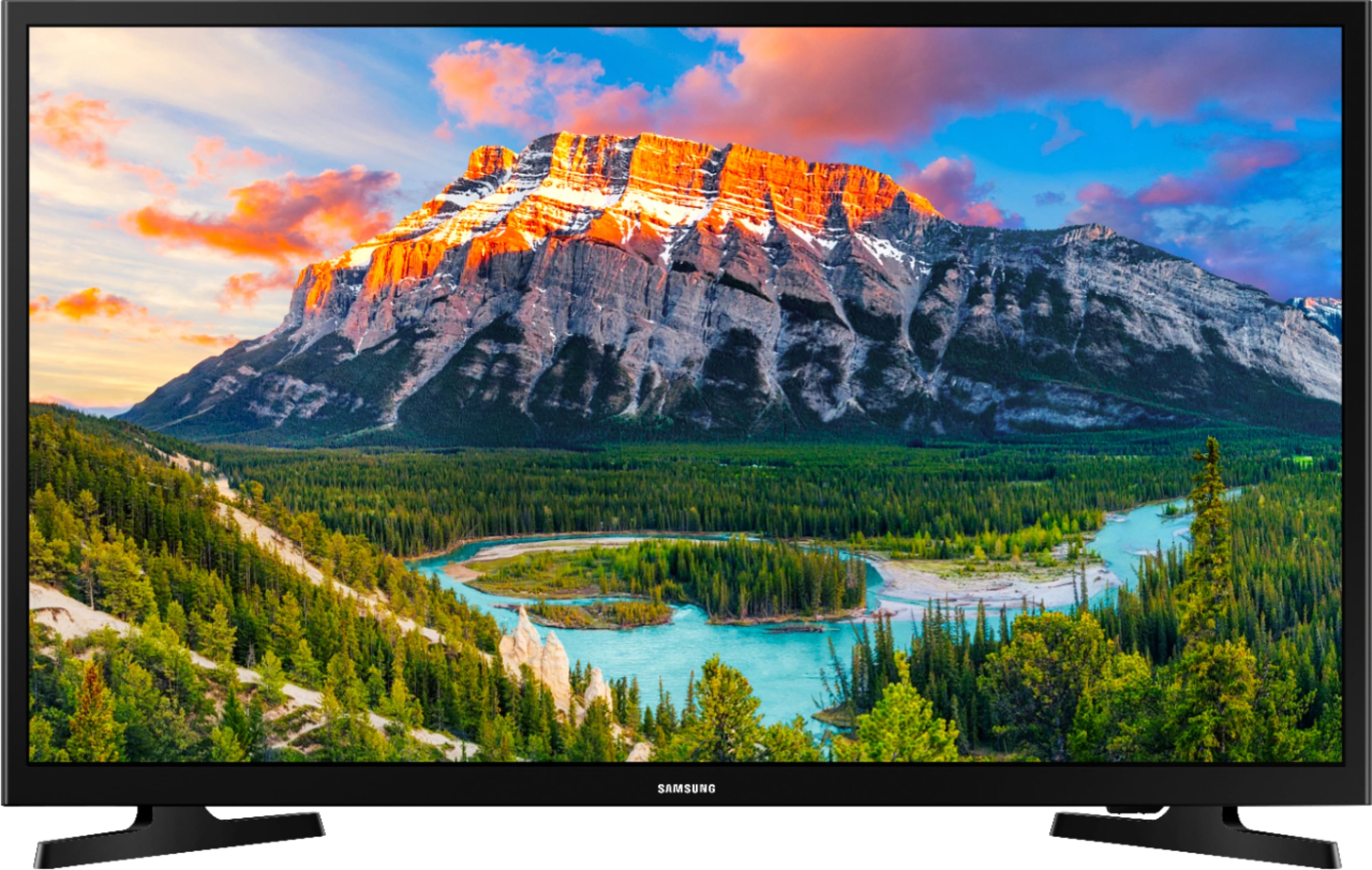
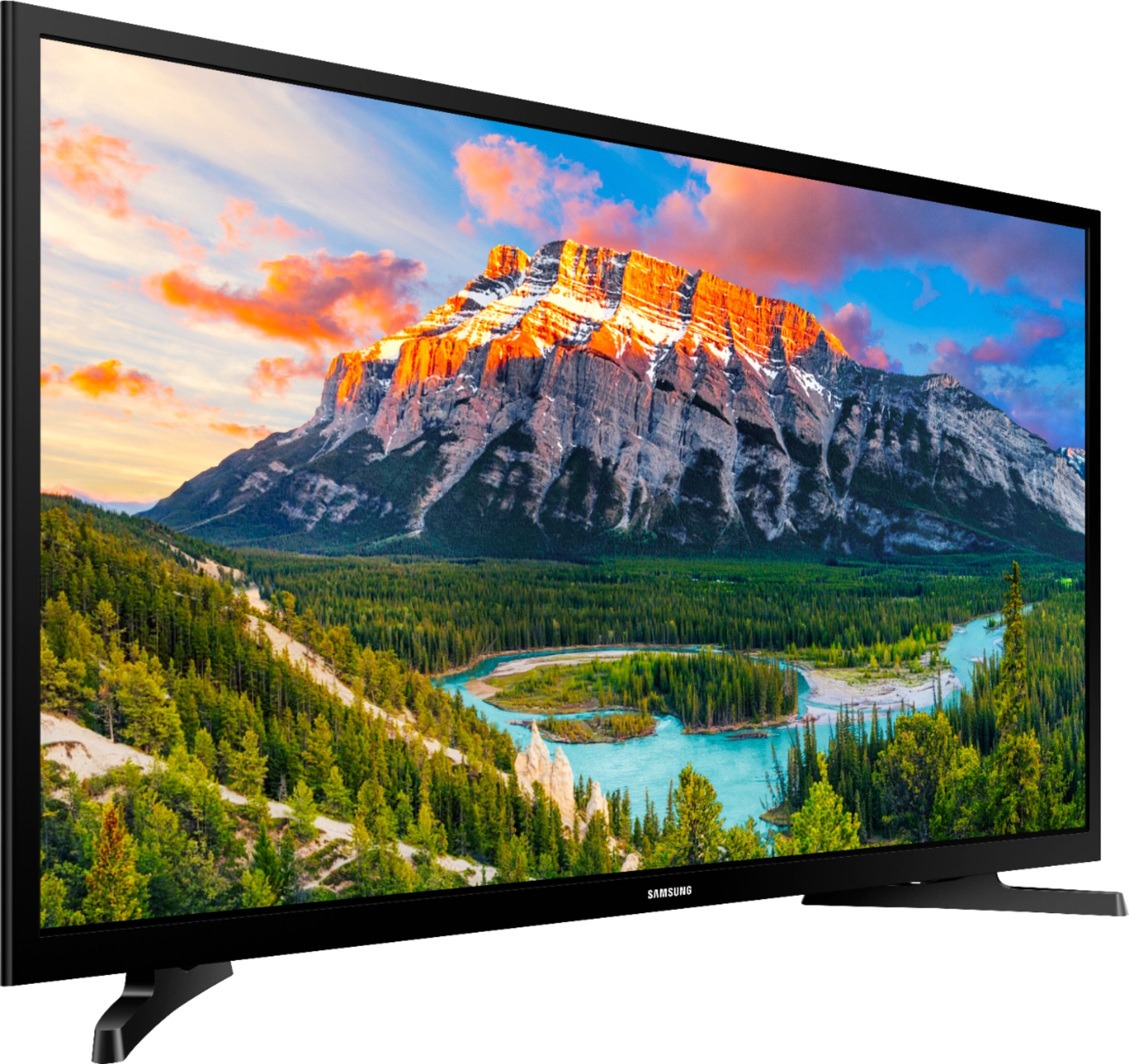
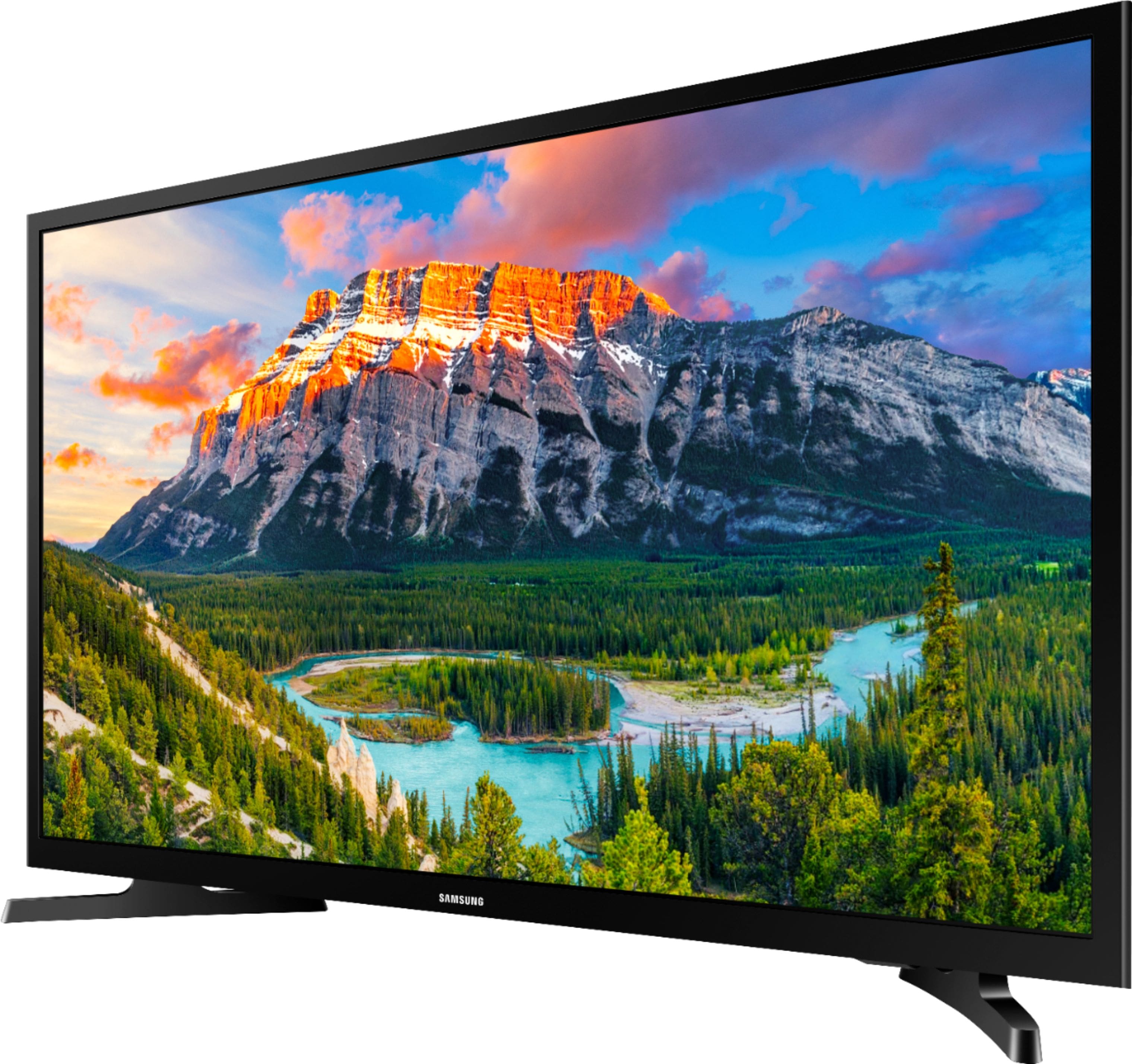
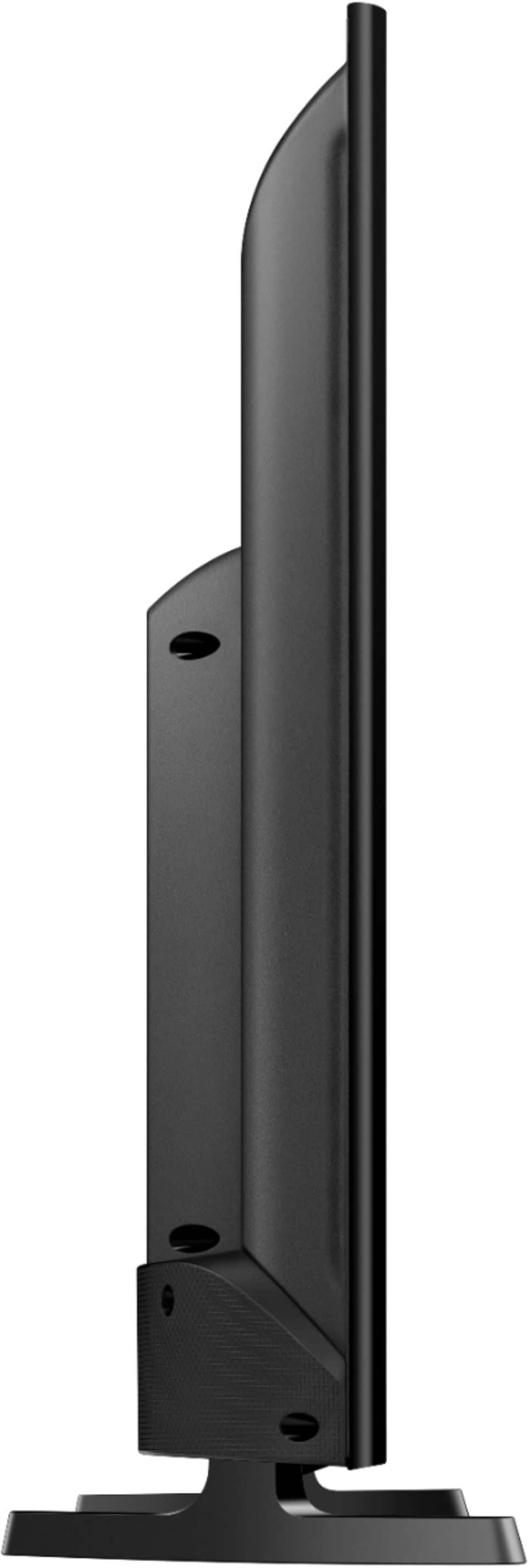
A:AnswerThe model dimensions are:
Product Height With Stand 18.2 inches
Product Width 28.9 inches
Product Depth With Stand 6.4 inches
Product Height Without Stand 17.3 inches
Product Depth Without Stand 3.1 inches.
A:AnswerHello Muffin2018, I have attached a link below to instructions regarding the picture mode.
http://support-us.samsung.com/cyber/popup/iframe/pop_troubleshooting_fr.jsp?idx=667771&modelname=UN32N5300AF&modelcode=UN32N5300AFXZA
^Britt
A:AnswerThe LCD TV is of sufficient resolution and has the HDMI ports to permit it to be used as a computer monitor. Whatever you can send out to the monitor from your laptop/tablet/notebook/smartphone should work OK with this TV.