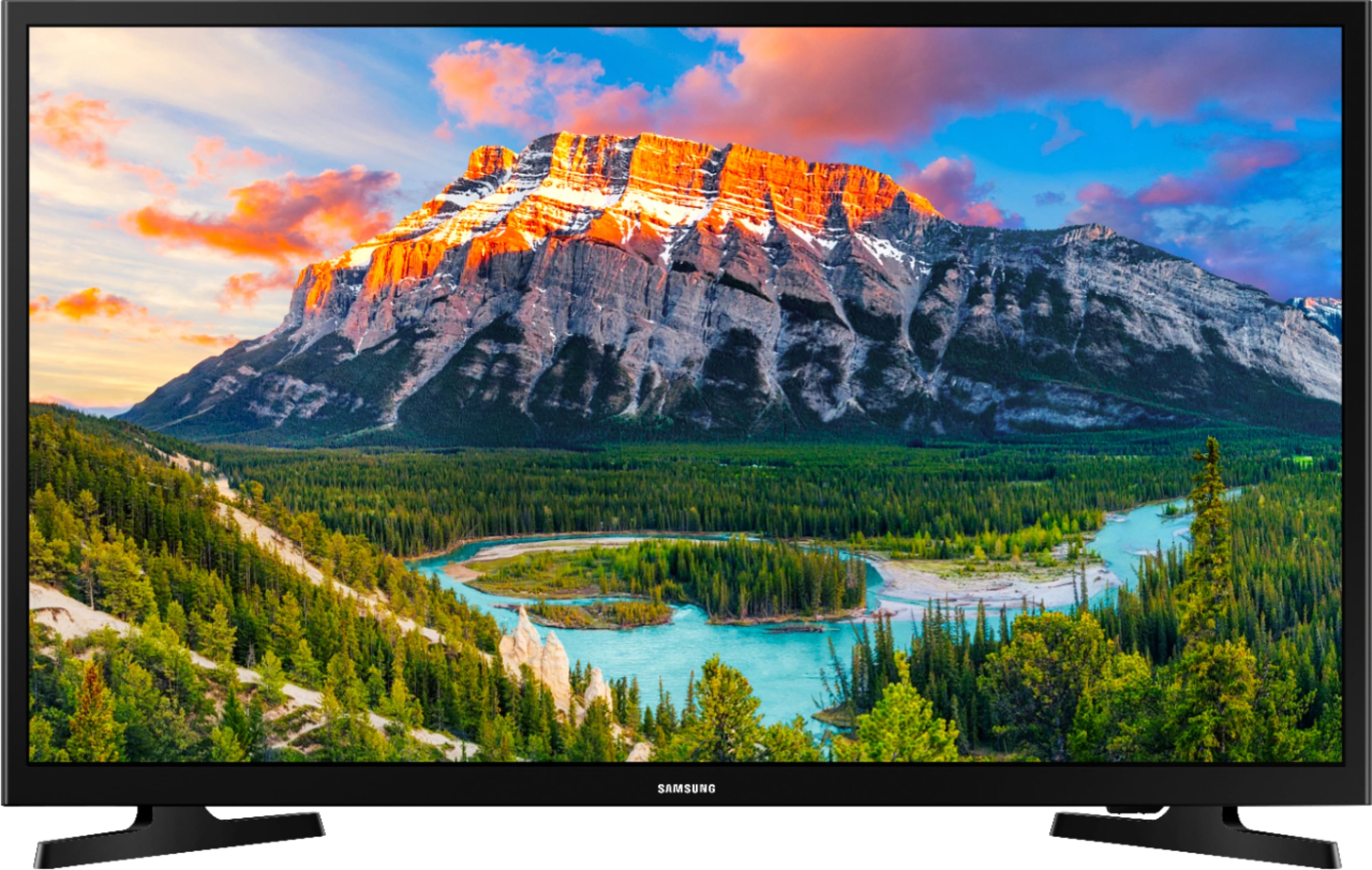
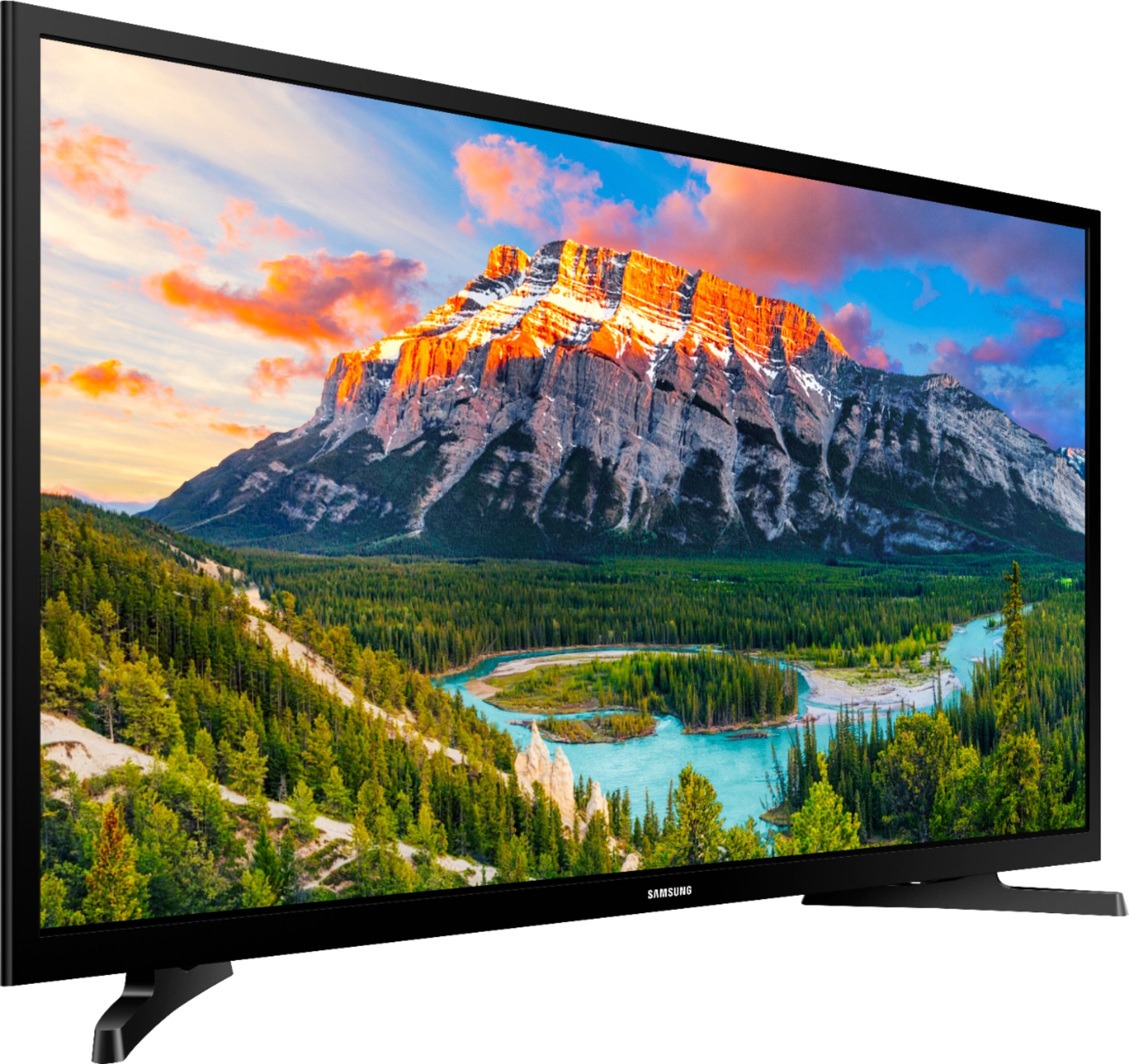
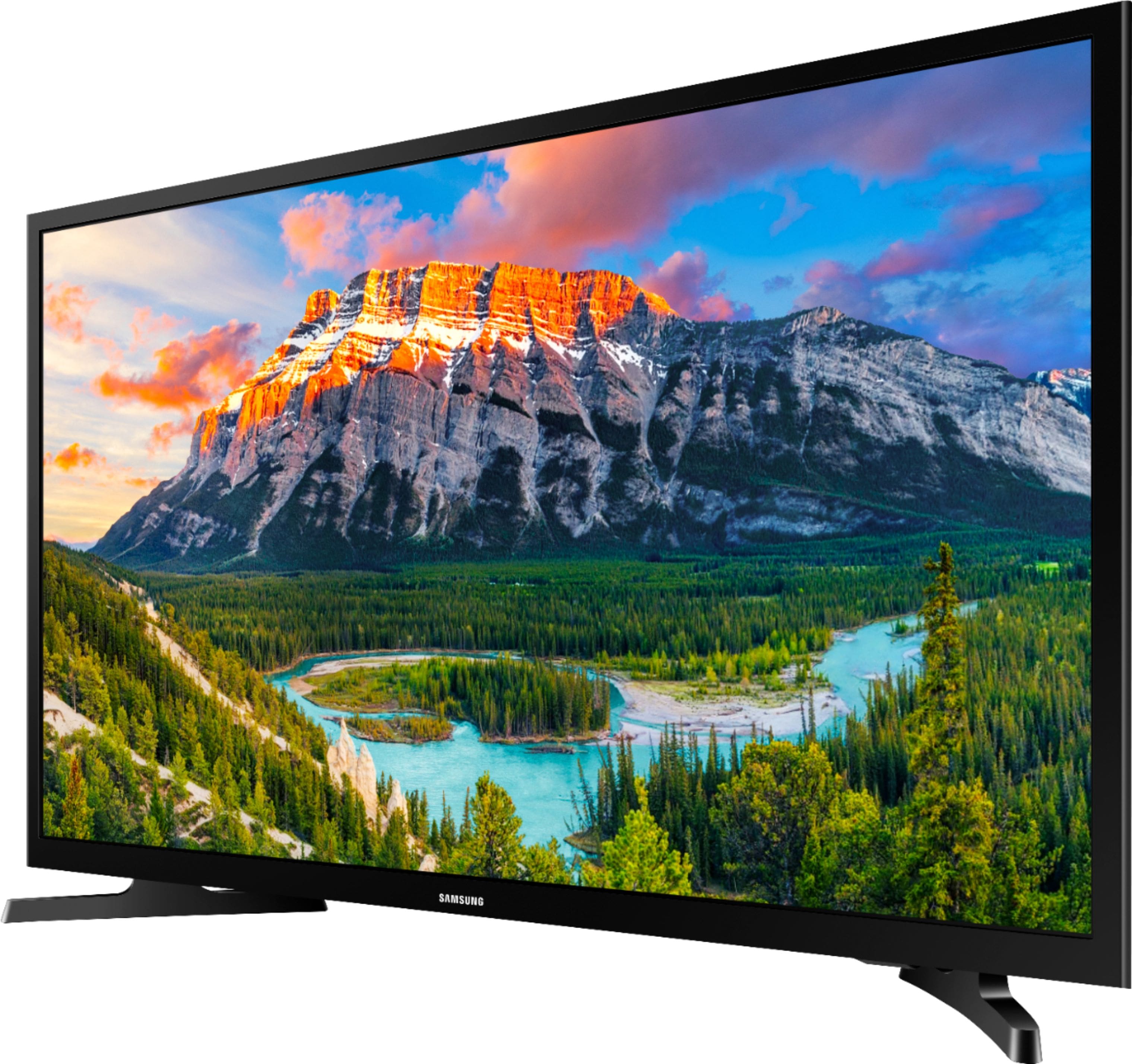
A:AnswerIf you are asking if you can mirror your phone, then yes you can. I’m not sure if it’s built in, but we were able to mirror our phone to the tv.
A:AnswerI have both models, I’ve had the 2018 for a year now, and the new model for a few months now. No complaints so far, but Samsung is a good tv brand. I’ve owned several before; they weren’t smart, and they have lasted me several years before having to replace them. However, it’s a little different with smart tv’s, because the software they run on gives up at some point. Maybe sooner than a tv that isn’t smart. I owned an insignia fire tv and that lasted only about 6 yrs. My other insignia tv’s that are not a smart tv have lasted 10yrs and still going, but we mount them and never move them either. Our non smart Samsung tv’s lasted us about the same 10 yrs before us moving, and causing damage to our tv screens in the process. Our fault for not securing them properly. I recommend Samsung TV’s in general. Unfortunately, they no longer make non smart TV’s, which is a business strategy. They’re meant to be replaced every couple to a few years like phones, and tablets.
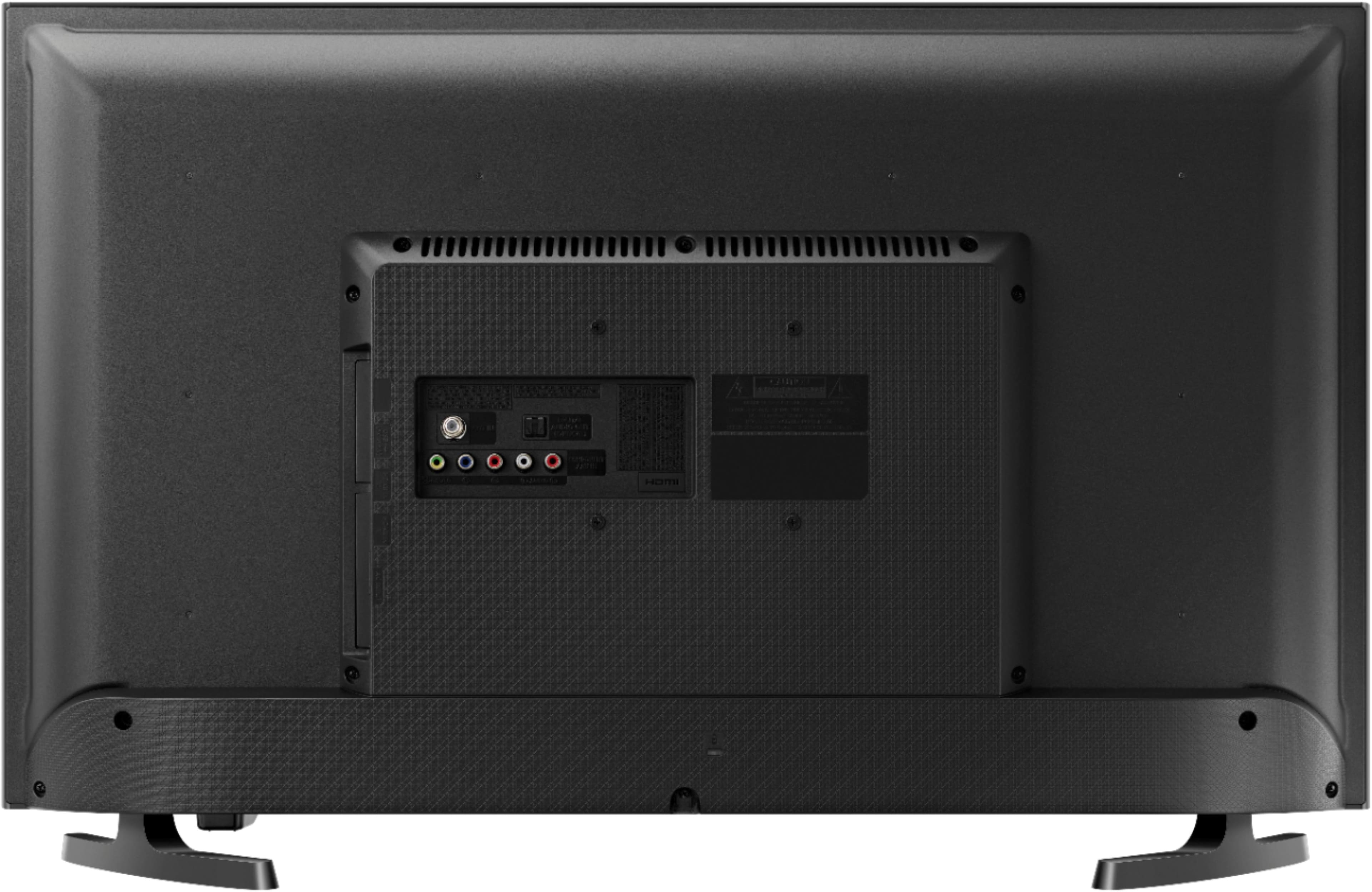
A:AnswerDouble check it, because not all mounts work the same. I got mine from Amazon, and we almost had to return it for that reason. Fortunately, we were able to remove the plate that was not letting us mount it. As long as the bracket lines up with your new tv you should be okay.
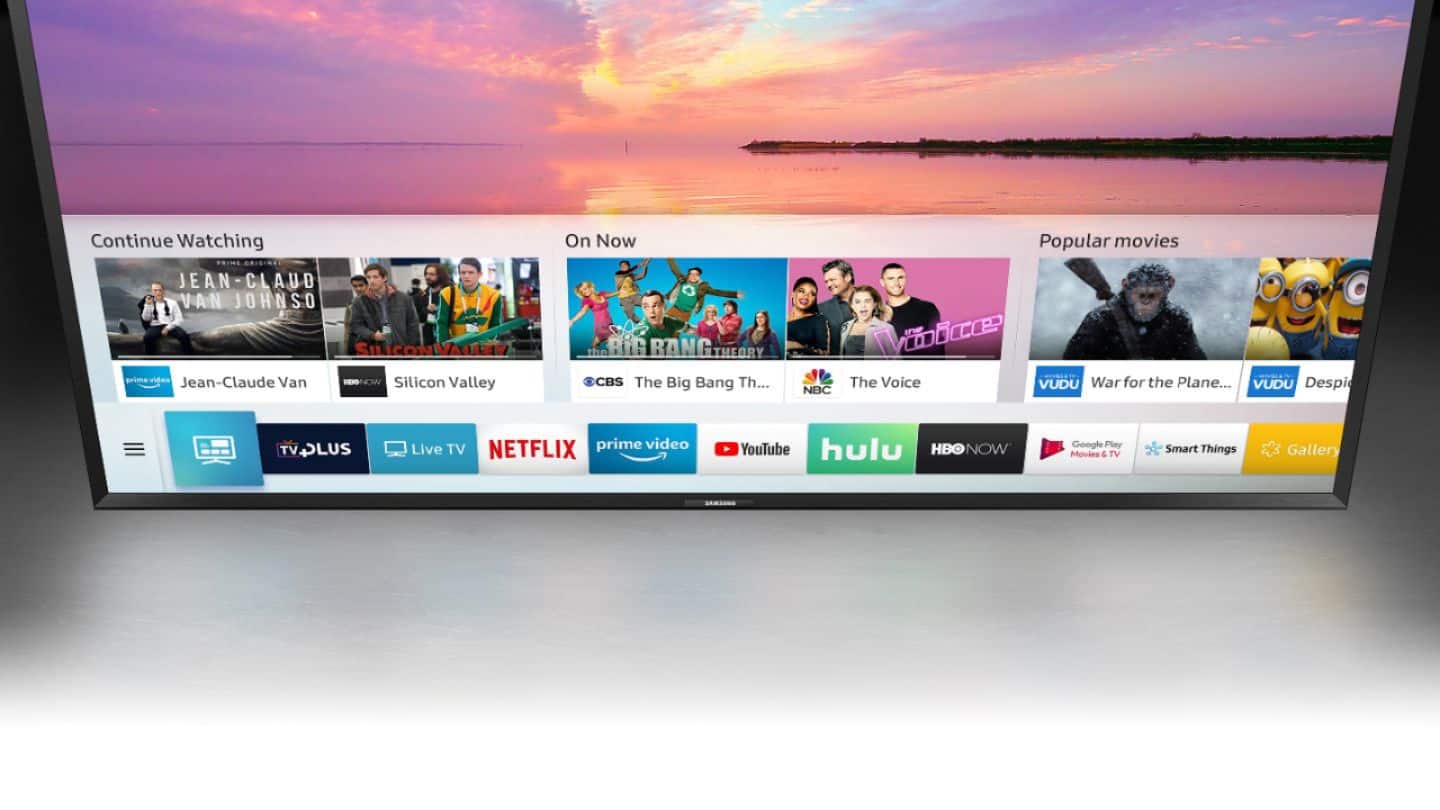
A:AnswerWire the TV to the cable box. Open a station from the box. Go to TV setting on the Samsung remote and set TV to open last station viewed. That will elimate seeing the app screen each time you turn on.