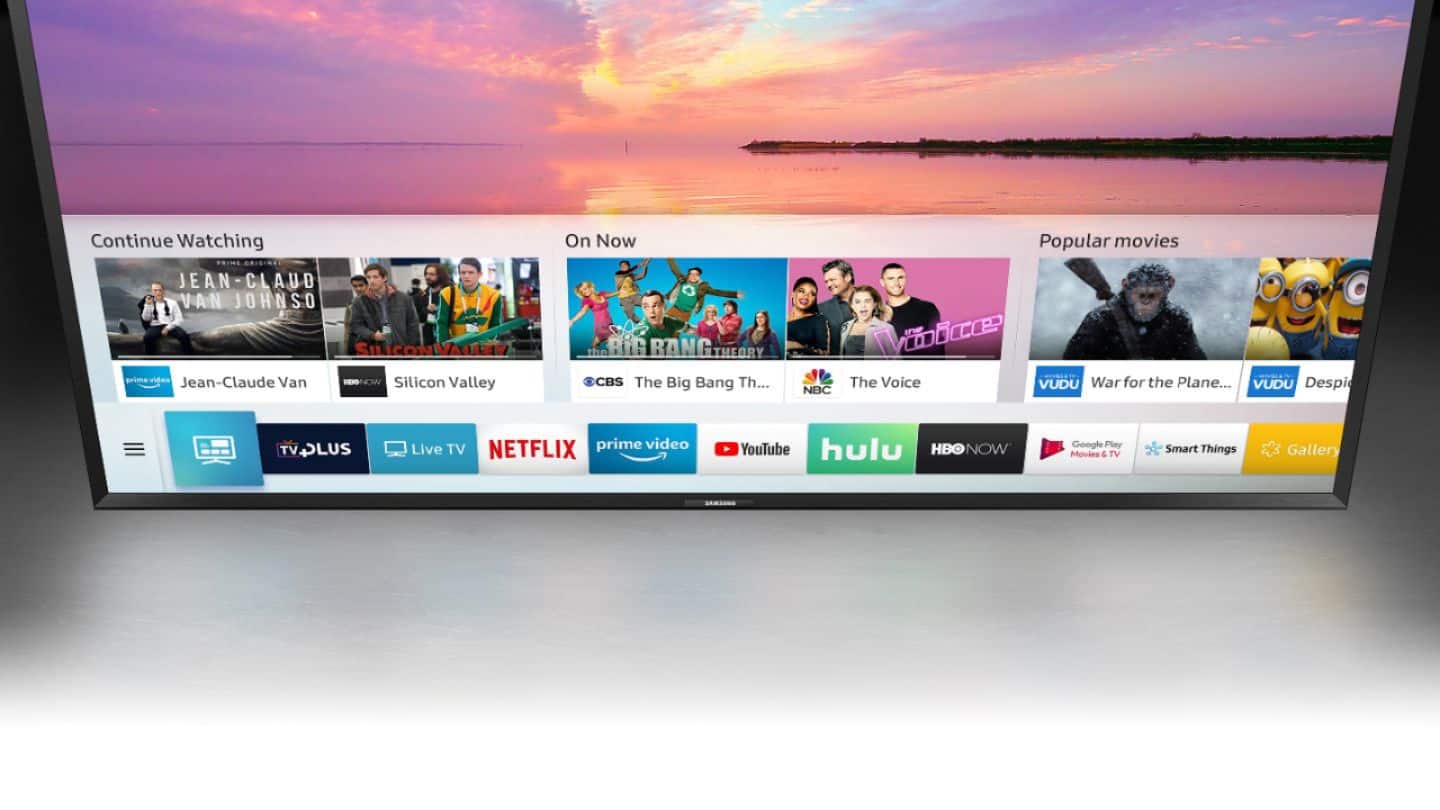
A:AnswerI don’t what VEVO is. But you can add app for all your other streaming needs. As for extra channels had to say when I don’t having anything to compare it too to give you a fair response to your question.
A:AnswerSorry but I can't answer that since I never came across that APP. I am going to investigate it since it sounds like I might be Interested myself.
A:AnswerNow I own this TV and I see it does NOT have manual tuning. You can only delete channels, you cannot add any. Manual tuning is a very useful feature for antenna users, especially those whose reception isn't 100% all of the time. My LG TV allows me to enter an RF channel and add it to my channel list. I'll ask Samsung if there's a software update.
A:AnswerYou have to go into SETTINGS in the main screen where there are options for setting up timers or time-outs if the TV detects no activity after a certain period of time. Mine is set for 2 or 3 hours.
A:AnswerVerizon what? If a phone you can tether it to the TV. You could then download what you need (i.e. updates) or Samsung programs/guide.
If you have a modem/router then you have WiFi and could also make a network cable connection if wanted.
Verizon does have WiFi hotspots, perhaps there are some in your area. One could be right outside your window...
You can also stream stuff to your phone which you can then connect (mirror to TV) to TV and watch.
Good luck.
A:AnswerOver-the-counter TVs are not built to withstand the elements. In addition sunlight impairs normal brightness settings, washing out the screen view. There are aftermarket companies that build outdoor TVs from mainstream TV components. Miragevision comes to mind, but they are pricey. You could buy 4 cheap Samsung’s, and let they elements destroy them for the cost of a purpose built outdoor TV.