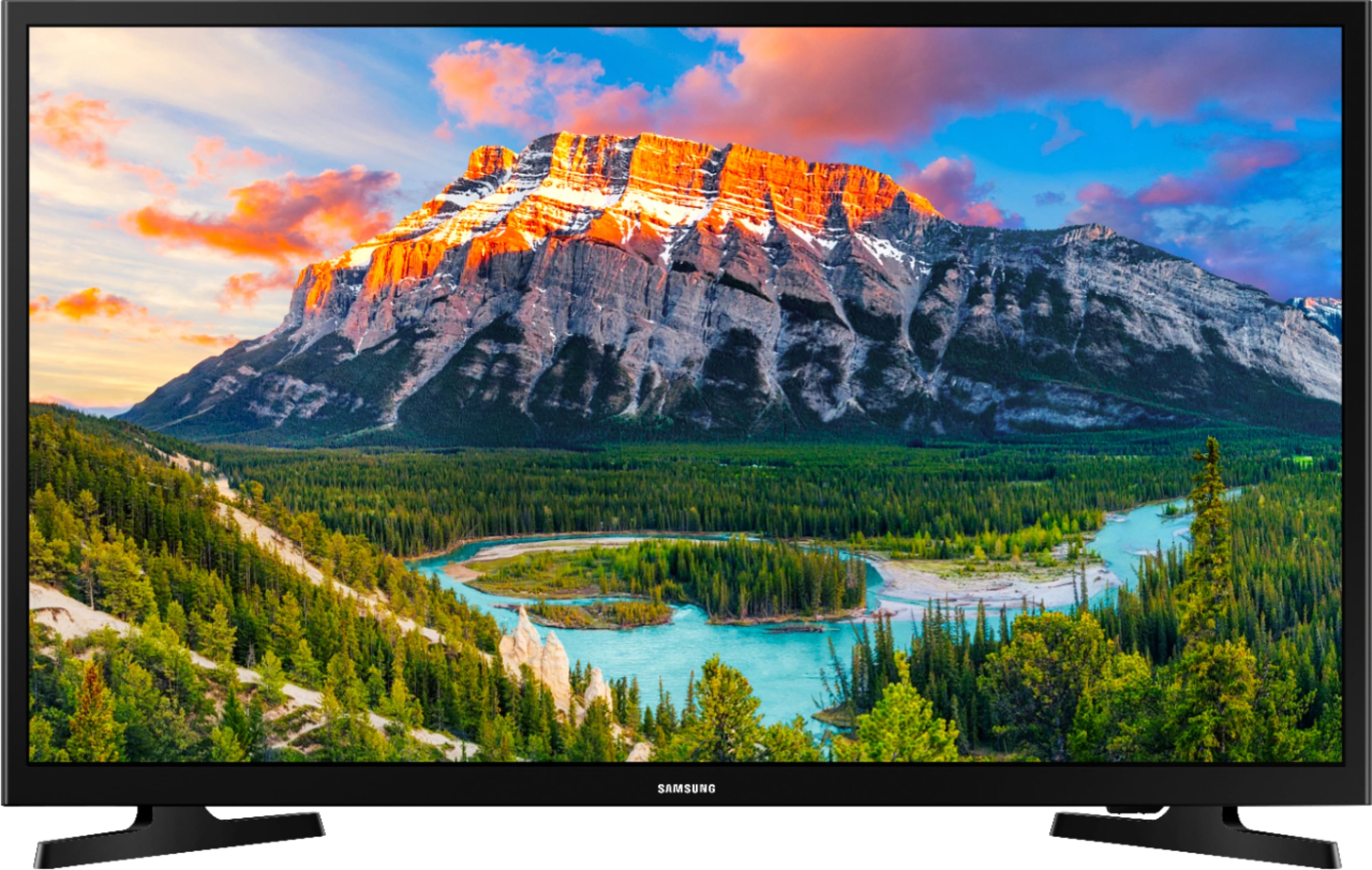
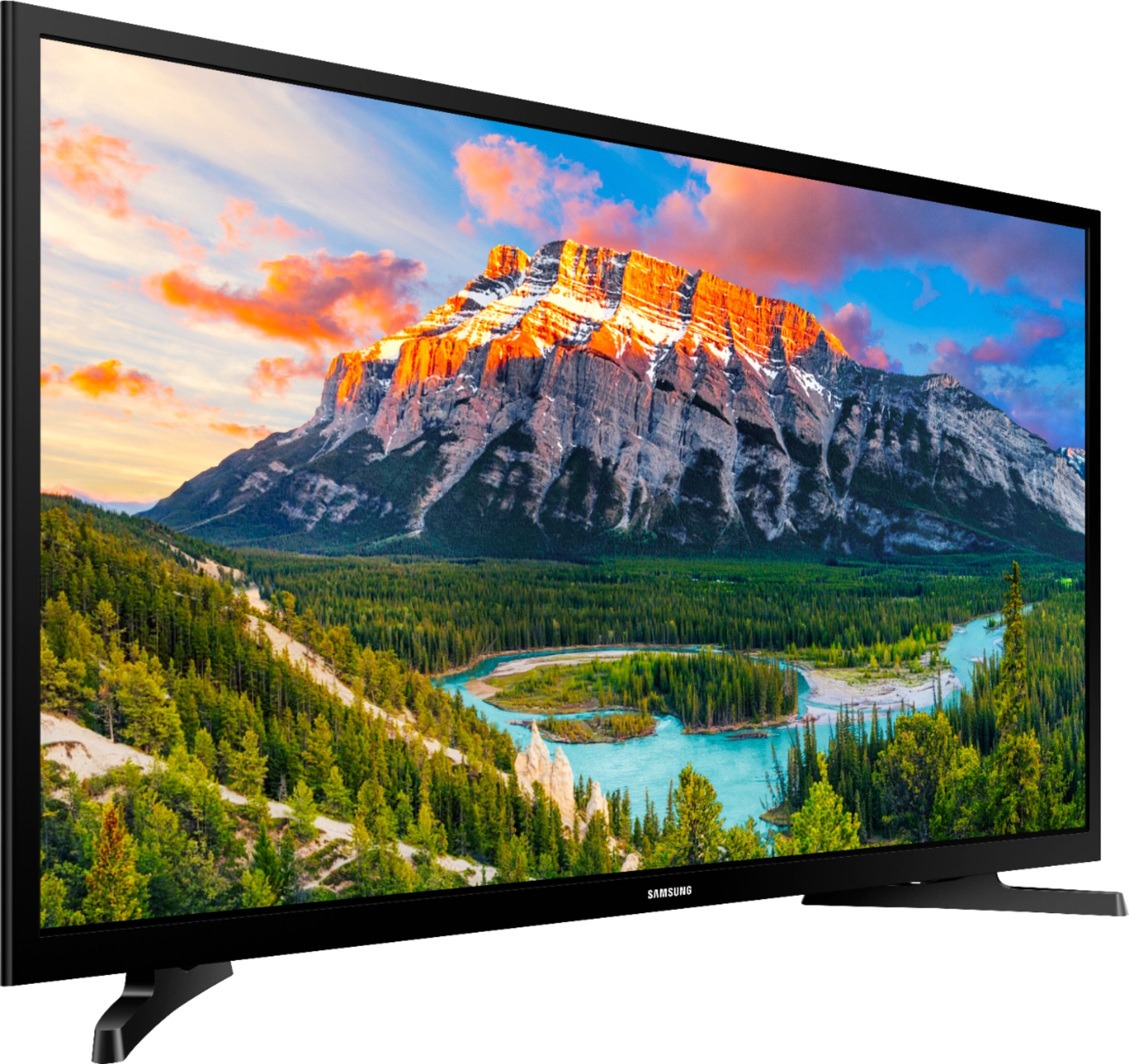
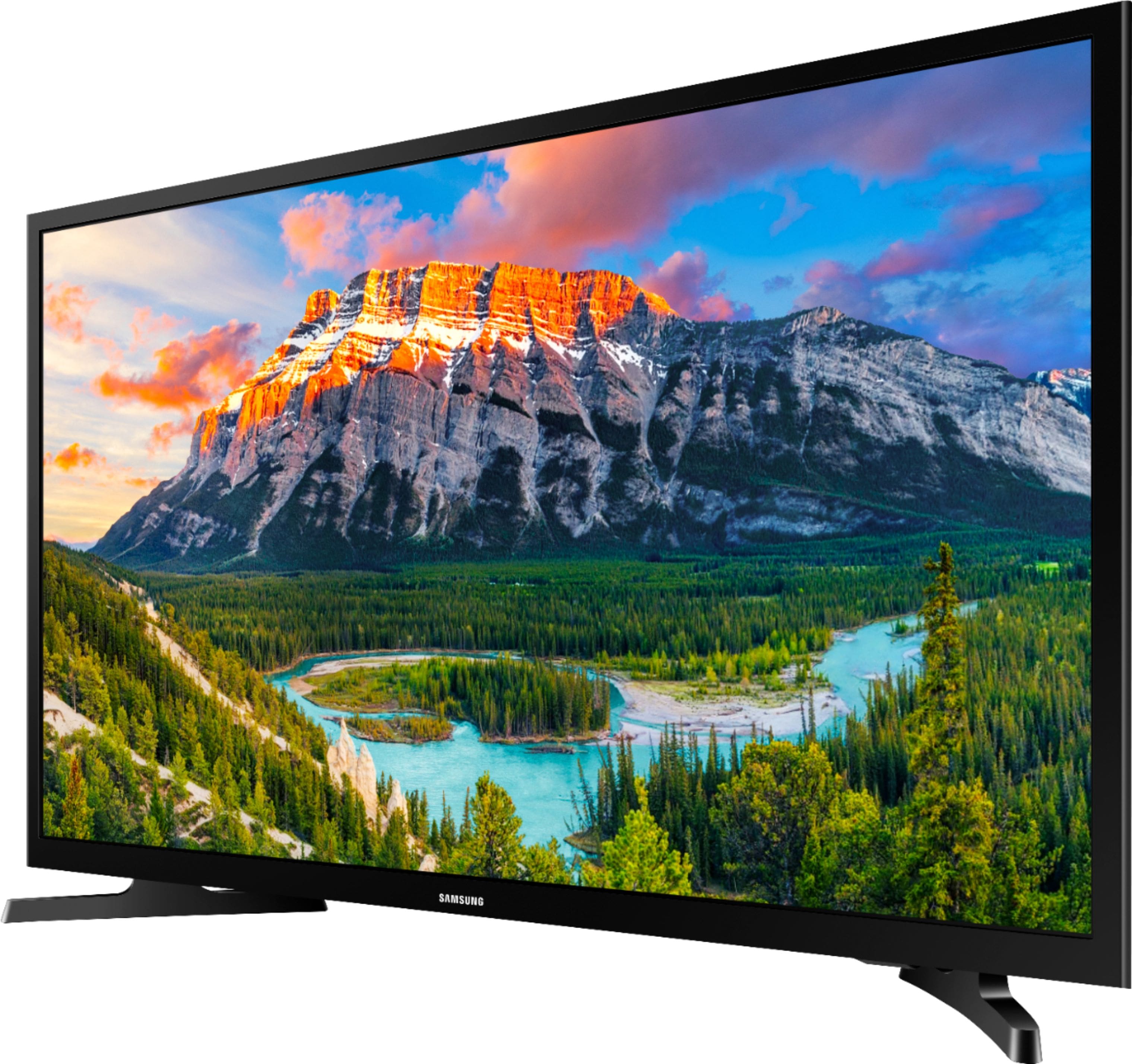
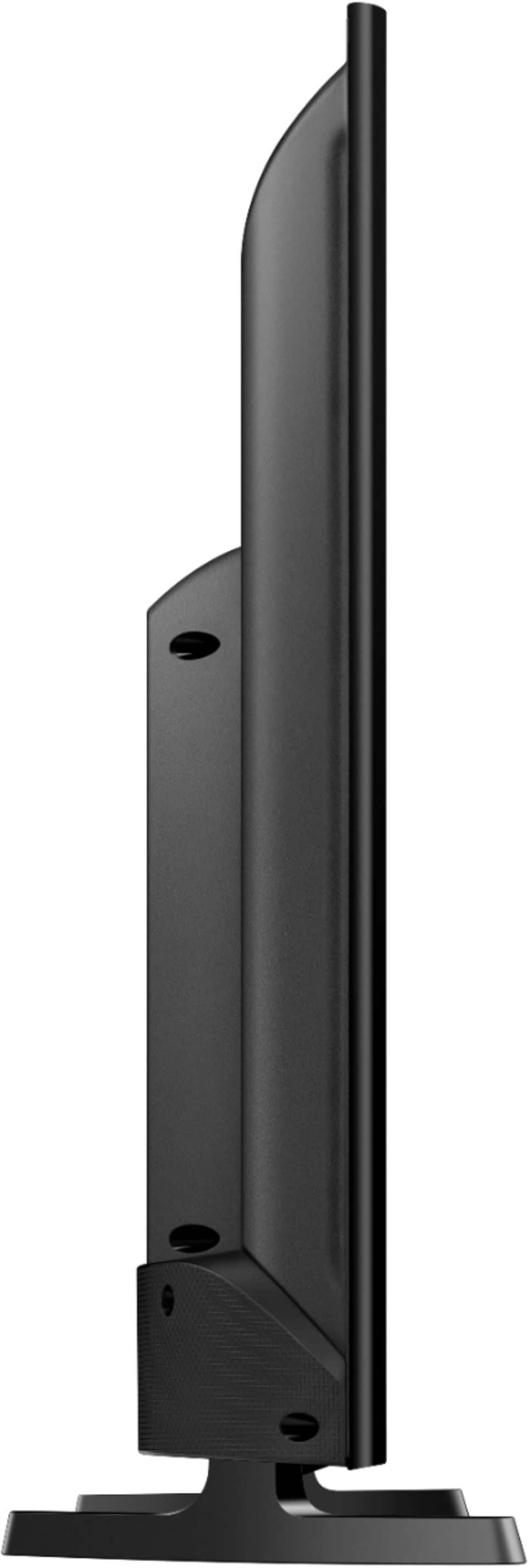
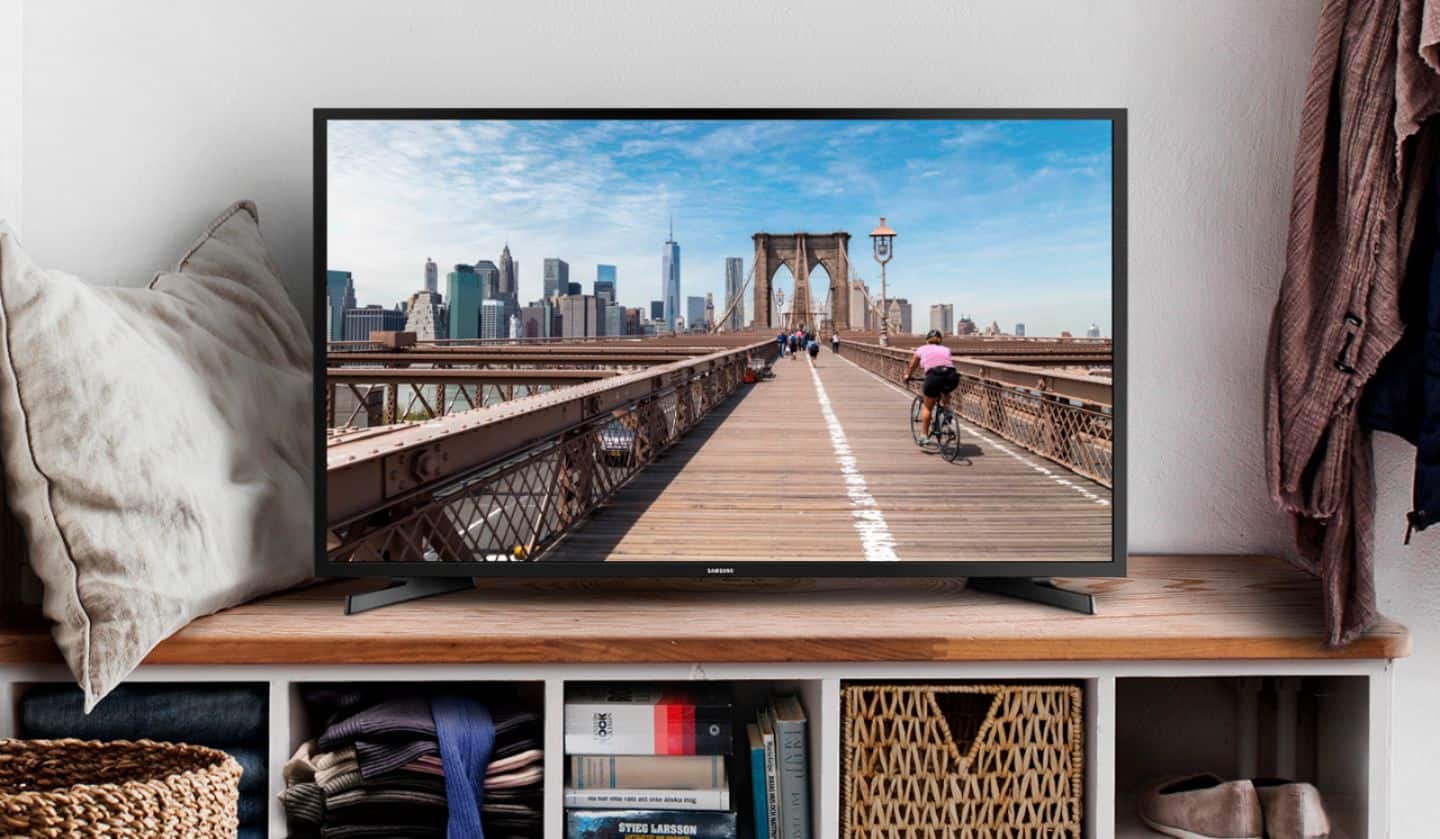
A:AnswerWhen measured directly across the front of the UN325300 the enclosure is 28 7/8 inches from the left edge to the right edge. With the feet mounted, the top edge of the TV is 18 1/8 inches tall.
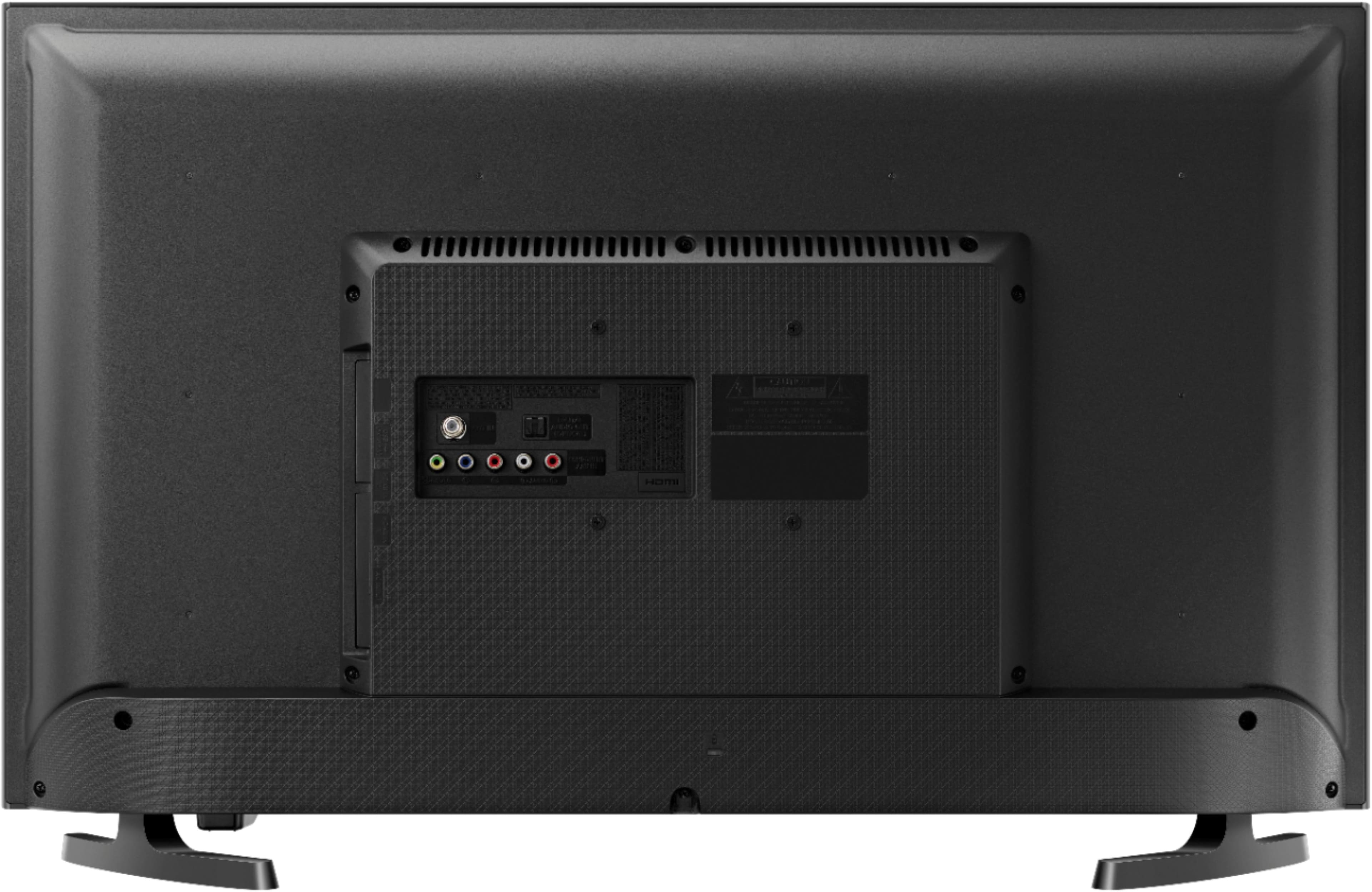
A:AnswerThey are on the left side of where you see the others, if they would of shown a left side profile of the unit, chances are you would be able to see them!
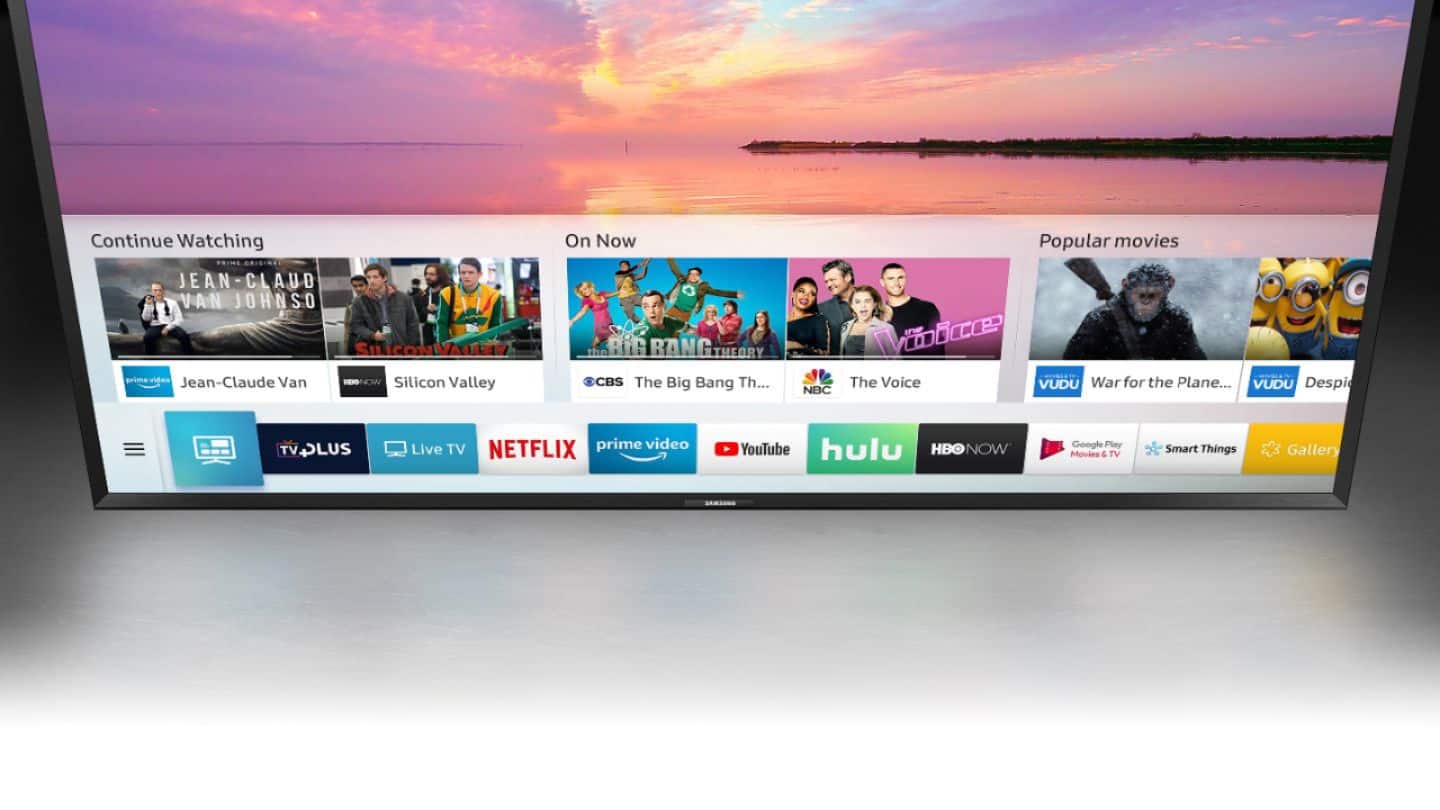
A:AnswerIf you want to watch cable TV, yes. but it really depends on what you want to do since this is a smart TV. There are apps you can download that allows you to watch other internet tv e.g. hulu, netflix, prime videos, hbo, etc. If your provider has an app there then you wont need the cable box.
A:AnswerOn another TV, I used a DIGMALL 2 in 1 Latest Bluetooth V5.0 Audio Transmitter Receiver with aptX Low Latency, Wireless 3.5mm AUX Adapter for TV PC Xbox Headphones Speakers Projector CD Player Home Stereo System with RCA device, which I found online. It worked well.
A:AnswerYes, I have the Hopper 3 as well. Although that box is able to put out a 4K signal, the only thing is this TV will only show up to a 1080p image!
I believe the video output of the hopper should be left in the 1080P / 4k 2160 position as it would detect automatically or unplug the hopper 3 before connecting it to the TV and power the TV first then plug in the Hopper 3 as it should automatically detect and set the correct output picture resolution for the TV!
A:AnswerThe dimensions of the TV are
Product Height With Stand 18.2 inches
Product Width 28.9 inches
Product Depth With Stand 6.4 inches
Product Height Without Stand 17.3 inches
Product Depth Without Stand 3.1 inches
Product Weight With Stand 9.5 pounds
Product Weight Without Stand 9.3 pounds
Stand Width 5.4 inches
Stand Depth 1.8 inches