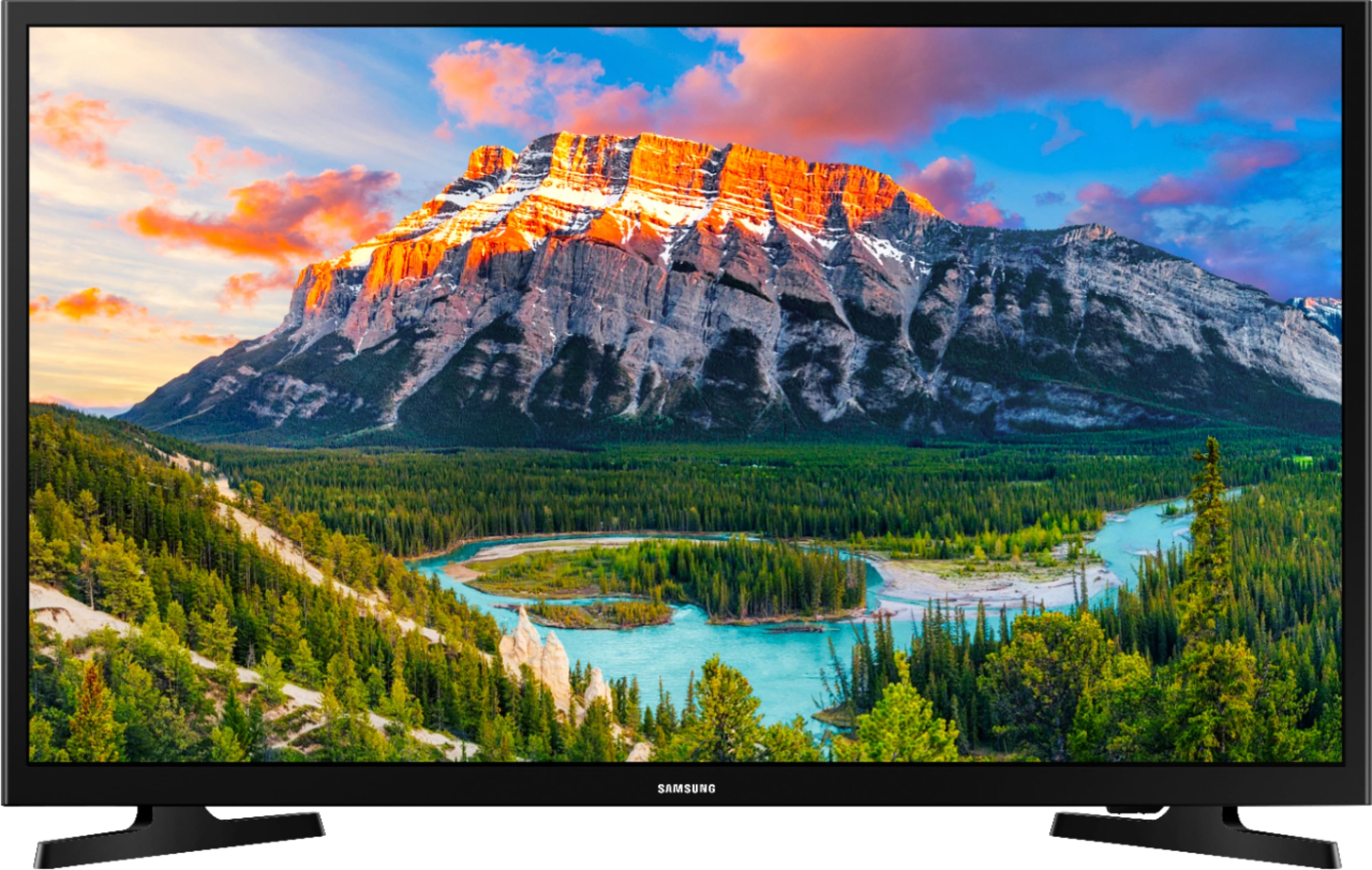
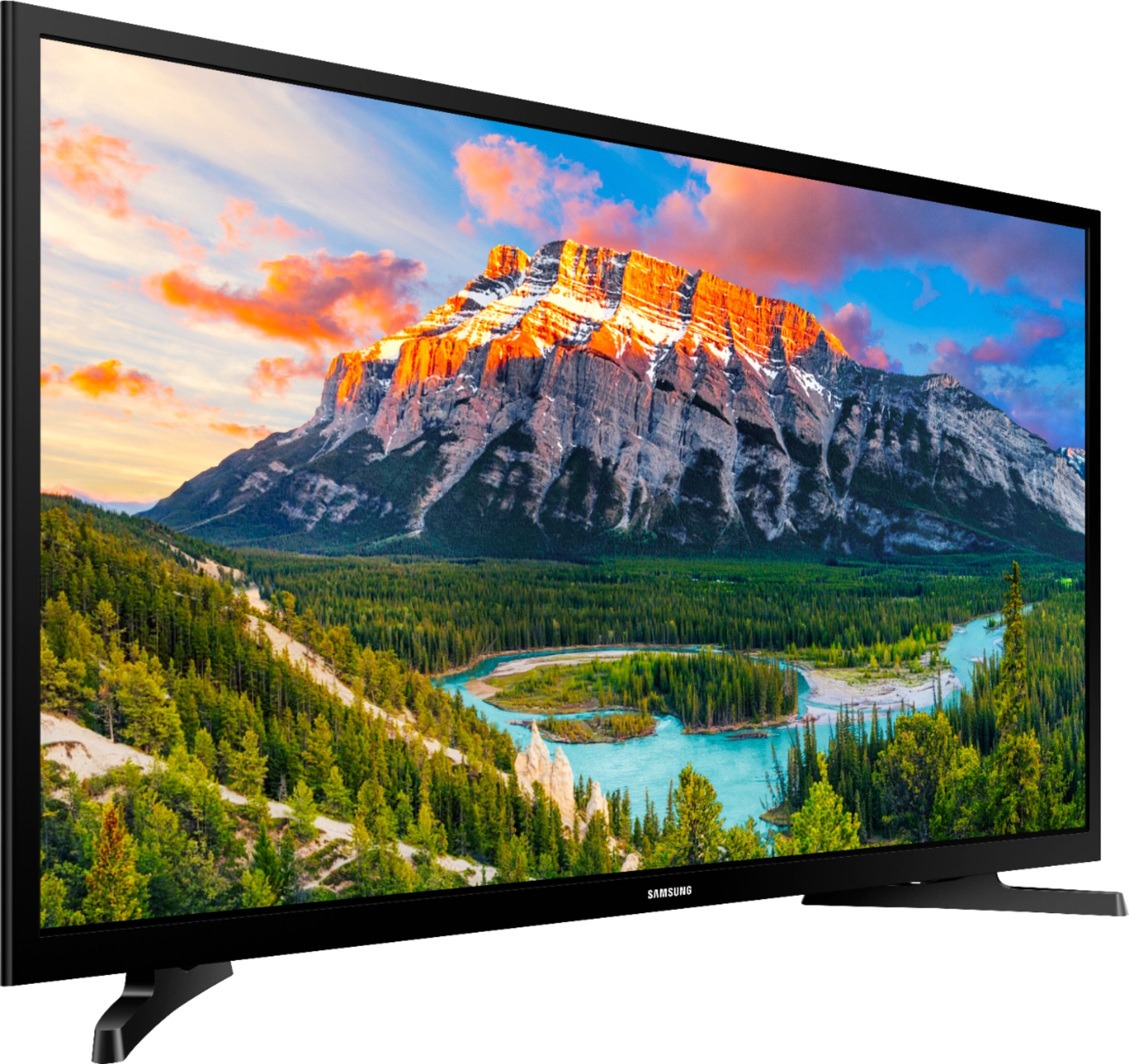
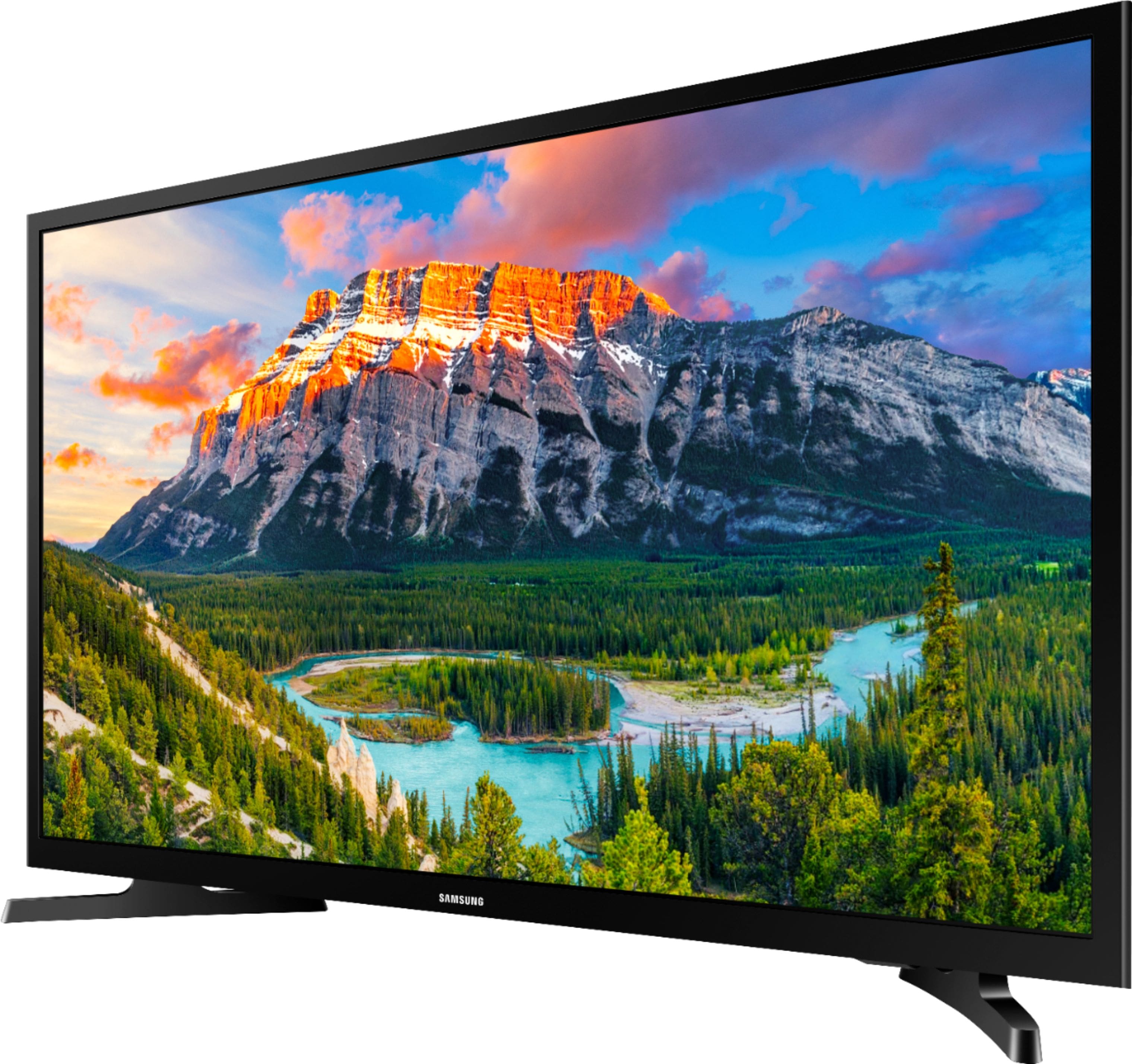
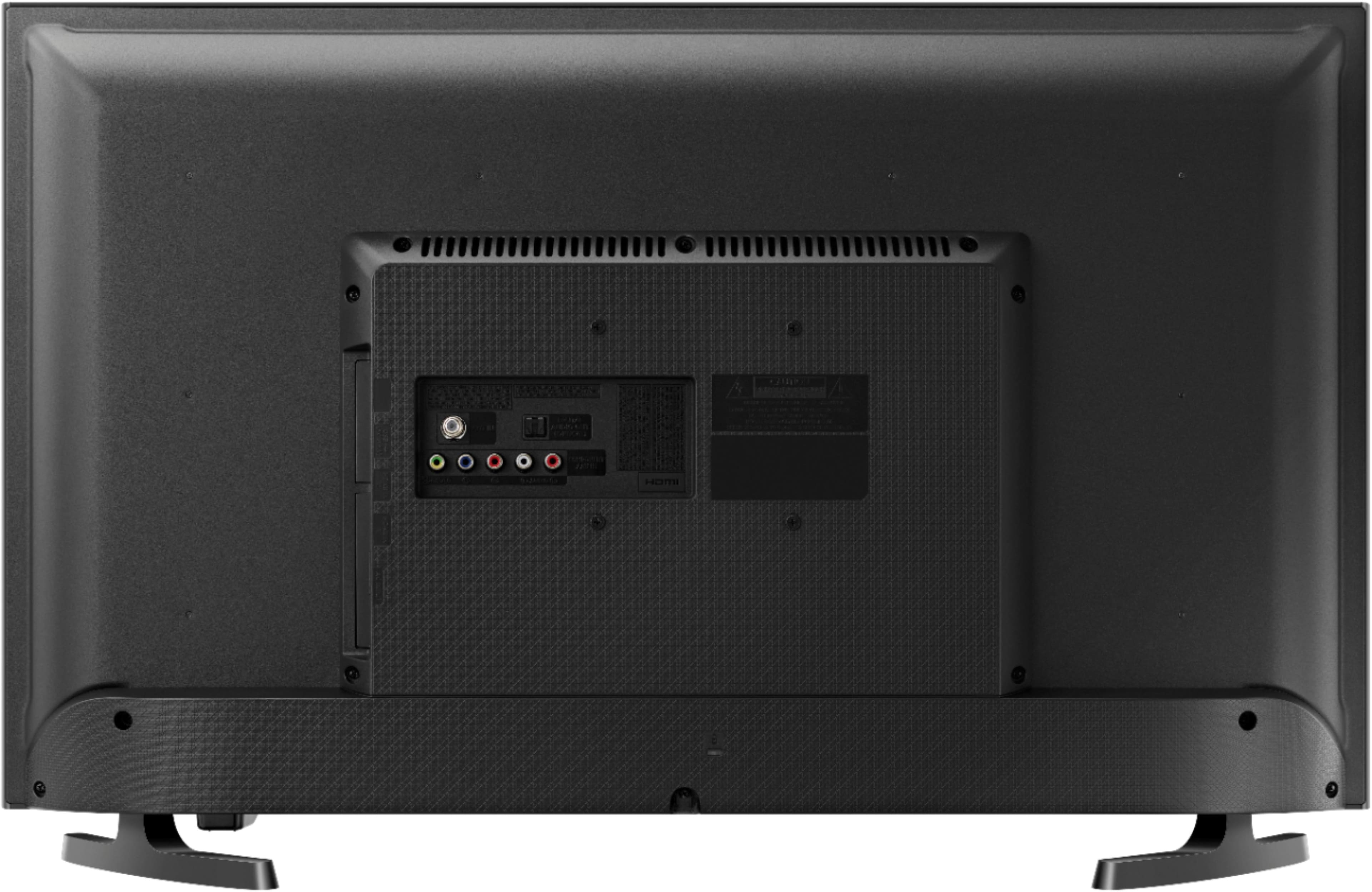
A:AnswerYes! I’ve already exchanged mine. The tv is mounted on a swivel arm and the power cord would come loose when we adjusted the monitor. It takes a very firm push to attach the power cord to the new set. So far so good with the new set...
The Best Buy rep was very helpful when I made the exchange
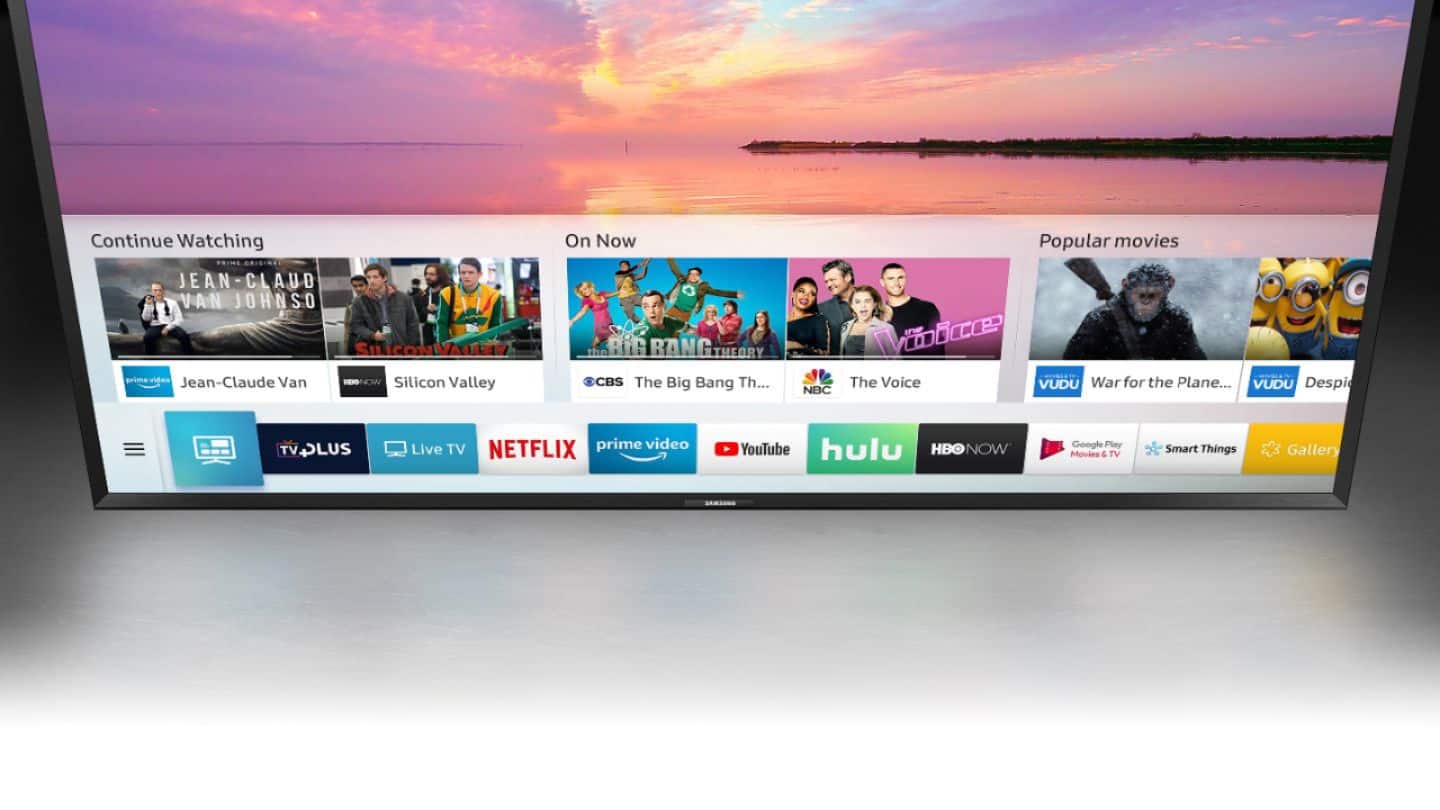
A:AnswerI don't know - but don't ask Best Buy. They didn't know (or didn't say anything if they did) that this model has problems connecting to Wi-Fi, After I purchased it I found that this is a well known phenomena for this model and other Samsung units. It took a remote connection with SAMSUNG who then disabled my "instant on" feature. This caused the TV to do a "cold boot" on startup . Otherwise, after the TV was off for a few hours it lost it's internet settings.
There are numerous instances of this phenomena on the SAMSUNG Forum.
It should be noted that even though the "instant on" feature is disabled (and now connects to WI-FI every time) that the increased length of time it takes the TV to start up is negligible.
A:AnswerAs of yet, I haven't had this problem. It is my experience that these sets only last a maximum of 5 years; if your lucky. Like many products out there, they're made to break down or the quality of assembly before the set is sold. Be mindful of how long you've had the set-(Hopefully not past 90 days). The set normally has a warrenty for that amount of time. Also remember, hold on to your receipt. Finally, if you decide to get your set fixed elsewhere the fix maybe temporary and or the technician may tell you your better off buying a new set as they are cheaper. Do your home work before you buy. A WONDERFUL resource is YouTube.