A:AnswerBirdie, thank you for asking. Let's get the details you need.
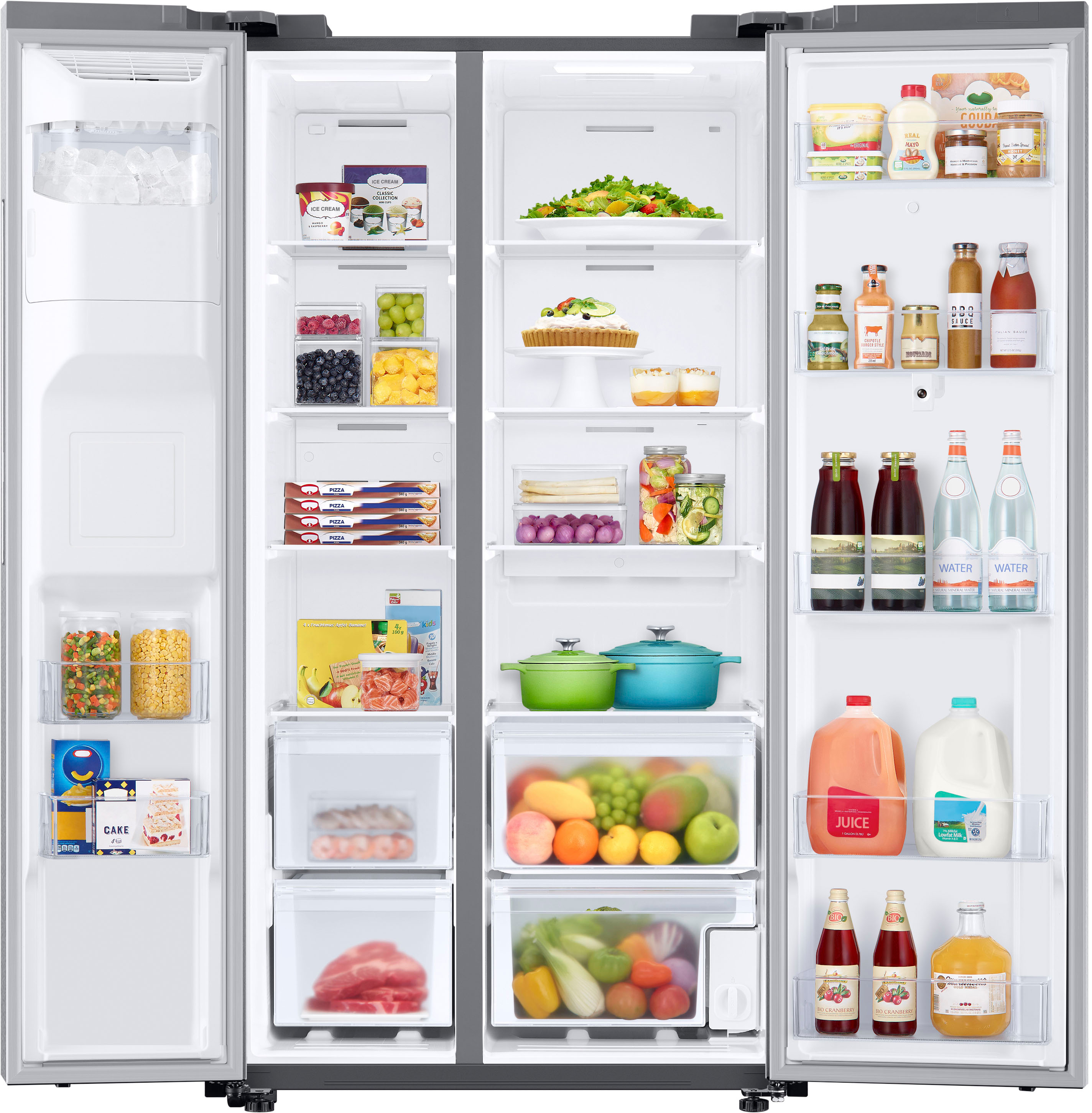
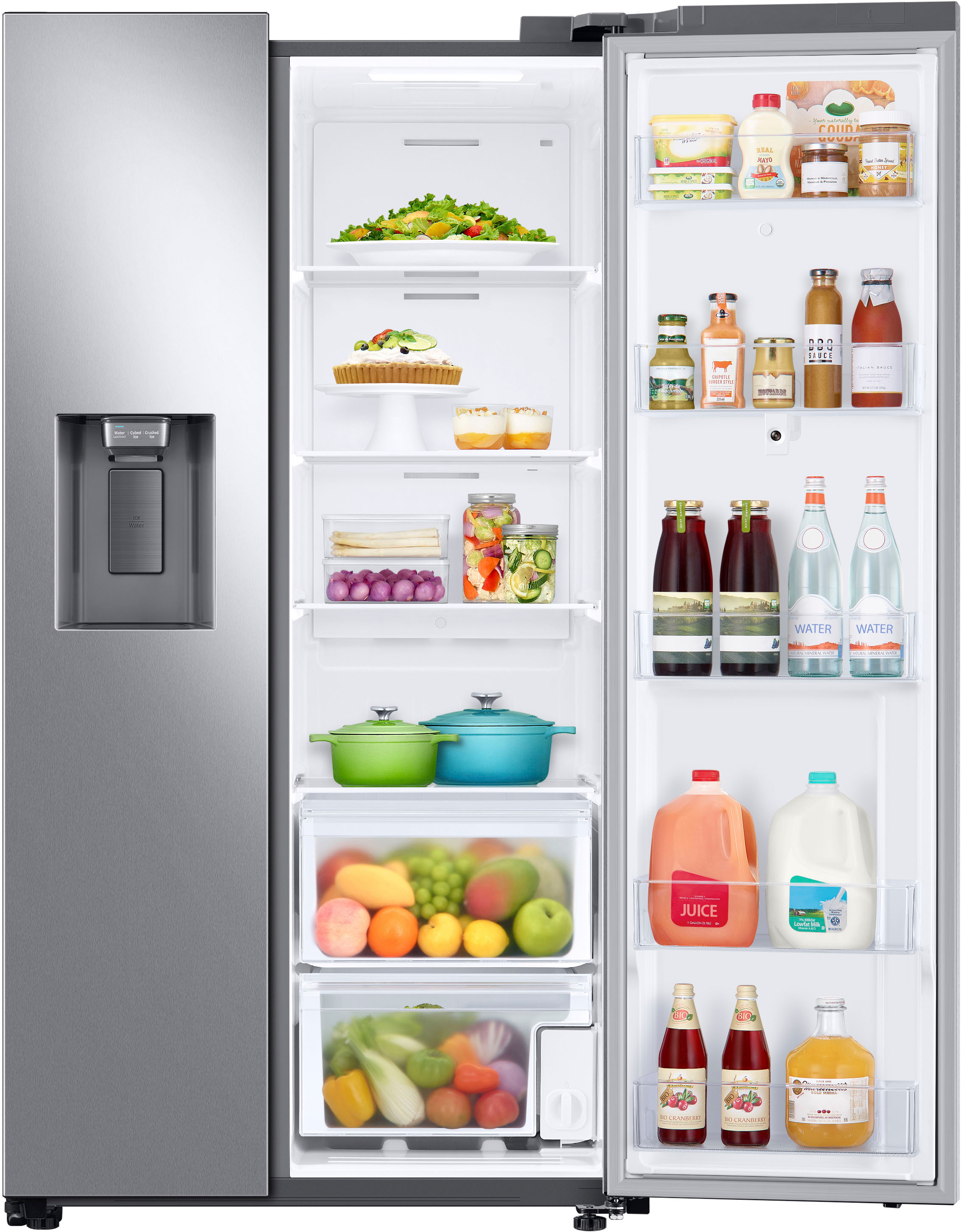
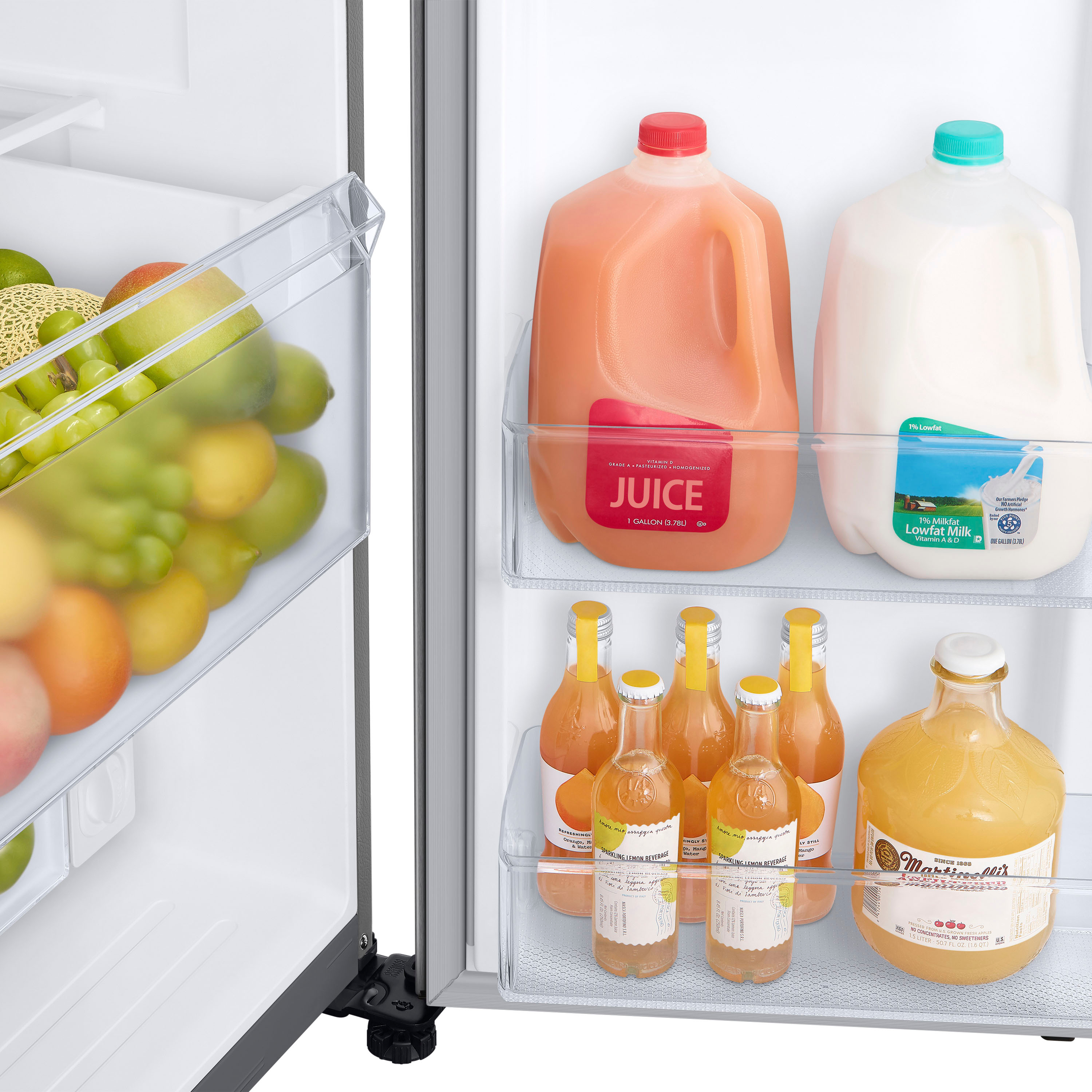
The cubic feet on the fridge side would be 17.2 cu. Ft.
Have a great day.
^Camille
A:AnswerGreetings,
The inside light is turned off when the door is closed, the door opens and closes freely, and the interior light turns on automatically when you open the door.
Thank you and have a great day!
-Ricardo
A:AnswerHi Kay,
We understand how you feel regarding this fridge. We are here to assist you.
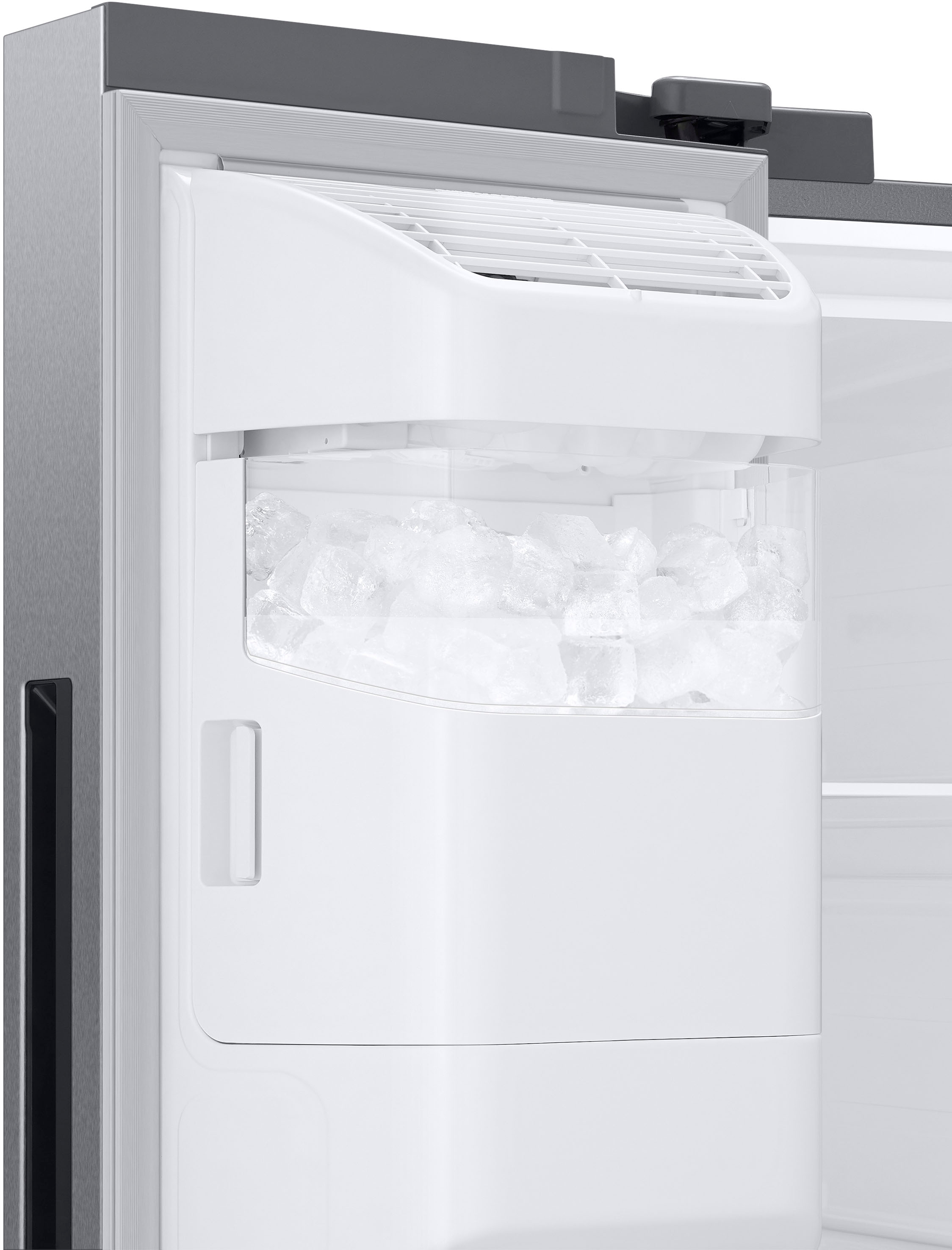
Please see pages 40 to 41 of the user manual for steps to take when the ice is not coming out of the dispenser.
https://downloadcenter.samsung.com/content/UM/202407/20240731002009024/SBS_RS5300T_F-Hub_DA68-03958D-07_EN-MES-CFR.pdf
Should you still need support, please don’t hesitate to reach out to us through the channels below.
1. Facebook Messenger: http://m.me/samsungsupport
2. Twitter: https://twitter.com/messages/compose?recipient_id=18768513
3. Samsung Community: https://us.community.samsung.com/t5/Samsung-Community/ct-p/us
When you message us, provide us with this reference number (1149599045), and it will help our team pull up your information.
^Rodel
A:AnswerHi Cvictore,
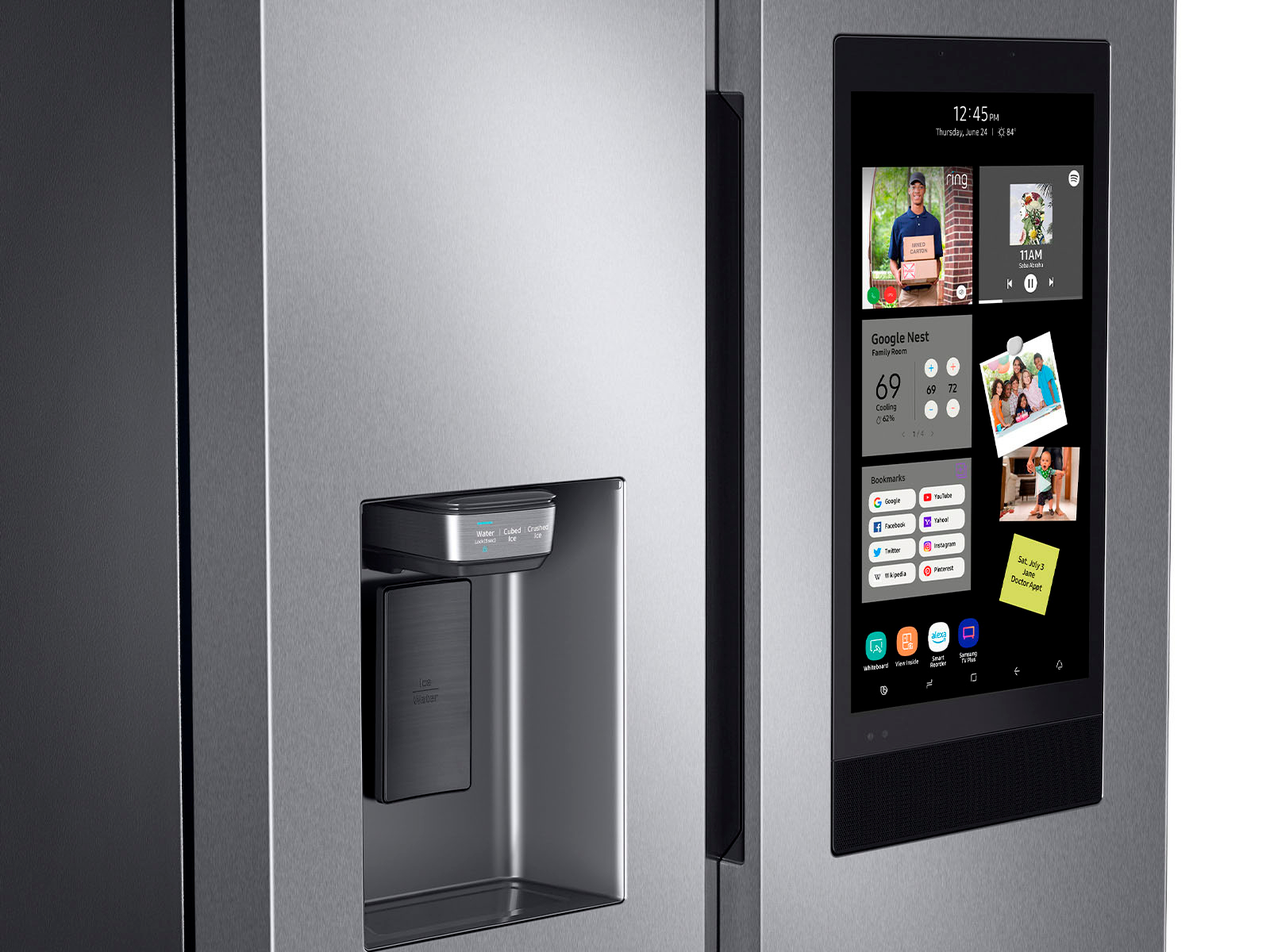
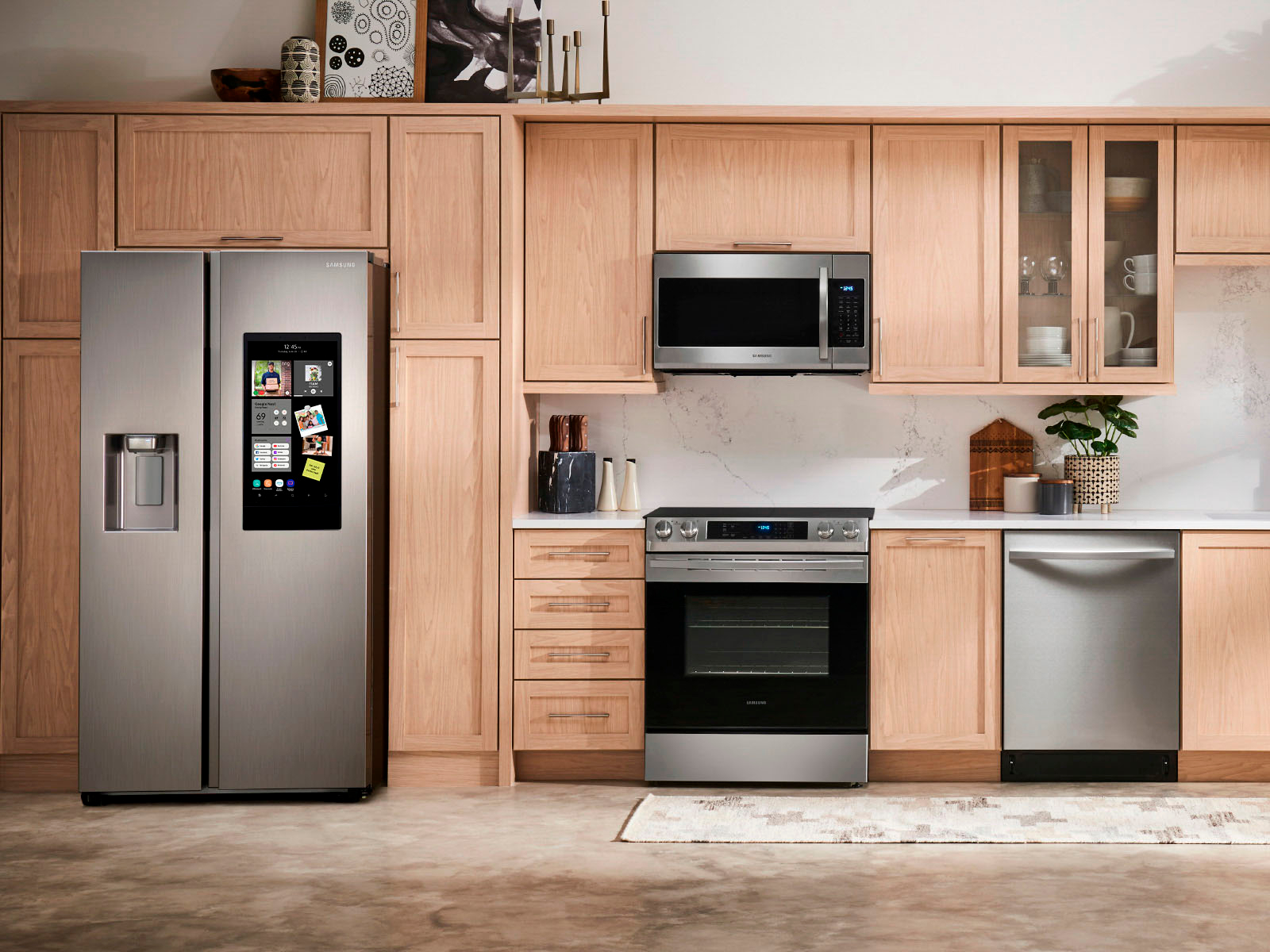
Yes, the Family Hub model RS27T5561SR supports integration with Google Calendar. You can sync your Google or Microsoft Outlook calendars to the Family Hub's Calendar app, allowing you to view and manage your schedules directly from the refrigerator's touchscreen interface.
To learn more about how to sync your Google Calendar to the fridge, kindly visit the guide below. Kindly click on the link and watch the YouTube video.
Use the Calendar on your Samsung Smart Fridge:
https://www.samsung.com/us/support/answer/ANS00063101/
Have a great day!
Chrystel
A:AnswerHi there,
Thank you for reaching out to us. We're glad to assist.
You can watch Netflix on the Family Hub using Smart View, which allows you to mirror your phone or TV screen.
For your reference, we’ve included a link below to the available applications on the Family Hub:
Family Hub™️
https://www.samsung.com/us/explore/family-hub-refrigerator/features/
If you have further questions or inquiries regarding downloading other applications on the family hub, these are the platforms on which you can reach us:
1. Facebook Messenger: http://m.me/samsungsupport
2. Twitter: https://twitter.com/messages/compose?recipient_id=18768513
3. Samsung Community: https://us.commuity.samsung.com/t5/Samsung-Community/ct-p/us
4. Samsung Customer Care: 1-800-7267864 (1800-SAMSUNG)
Please provide us with this reference number (1148784227) so that our team can retrieve your information when you message us.
Thank you.
-Kimberly
A:AnswerMy son was able to connect it to WIFI. The installation wasn't difficult. Just make sure the measurements are accurate to the area that you're placing it. We had a shelf above it which was more of a problem.
A:AnswerHi Pepe,
Please see the "Disconnect the water line" section on pages 19-20 of the user's manual for reference.
Manual
https://downloadcenter.samsung.com/content/UM/202407/20240731002009024/SBS_RS5300T_F-Hub_DA68-03958D-07_EN-MES-CFR.pdf
Have a great day.
^Aloe
A:AnswerHi Dee,
To check the availability and compatibility of the screen parts of the fridge, you can contact Samsung's official parts distributor for customers purchasing Samsung parts or accessories.
Orders can be placed online at www.samsungparts.com or by phone at 800-627-4368; hours of operation are 9:00 am – 6:30 pm EST, Monday – Friday.
Also, to help you about fridge service insurance and if it is still available, you can get in touch with our BestBuy Customer Service department at (888) 237-8289. Call any day between available 24 hours a day. They can answer your question or transfer you to your local store to answer your specific inquiry.
Have a great day.
^Aloe
A:AnswerHi there,
The estimated yearly consumption of this refrigerator is 691 kWh running 24 hours, 7 days a week.
Should you need more assistance, please feel free to get back to us via the following options:
1. Facebook Messenger: http://m.me/samsungsupport
2. Twitter: https://twitter.com/messages/compose?recipient_id=18768513
3. Samsung Community: https://us.commuity.samsung.com/t5/Samsung-Community/ct-p/us
4. Samsung Customer Care: 1-800-7267864 (1800-SAMSUNG)
Please provide us with this reference number (1147570224) to help our team pull up your information when you message us.
Thank you.
-Kimberly
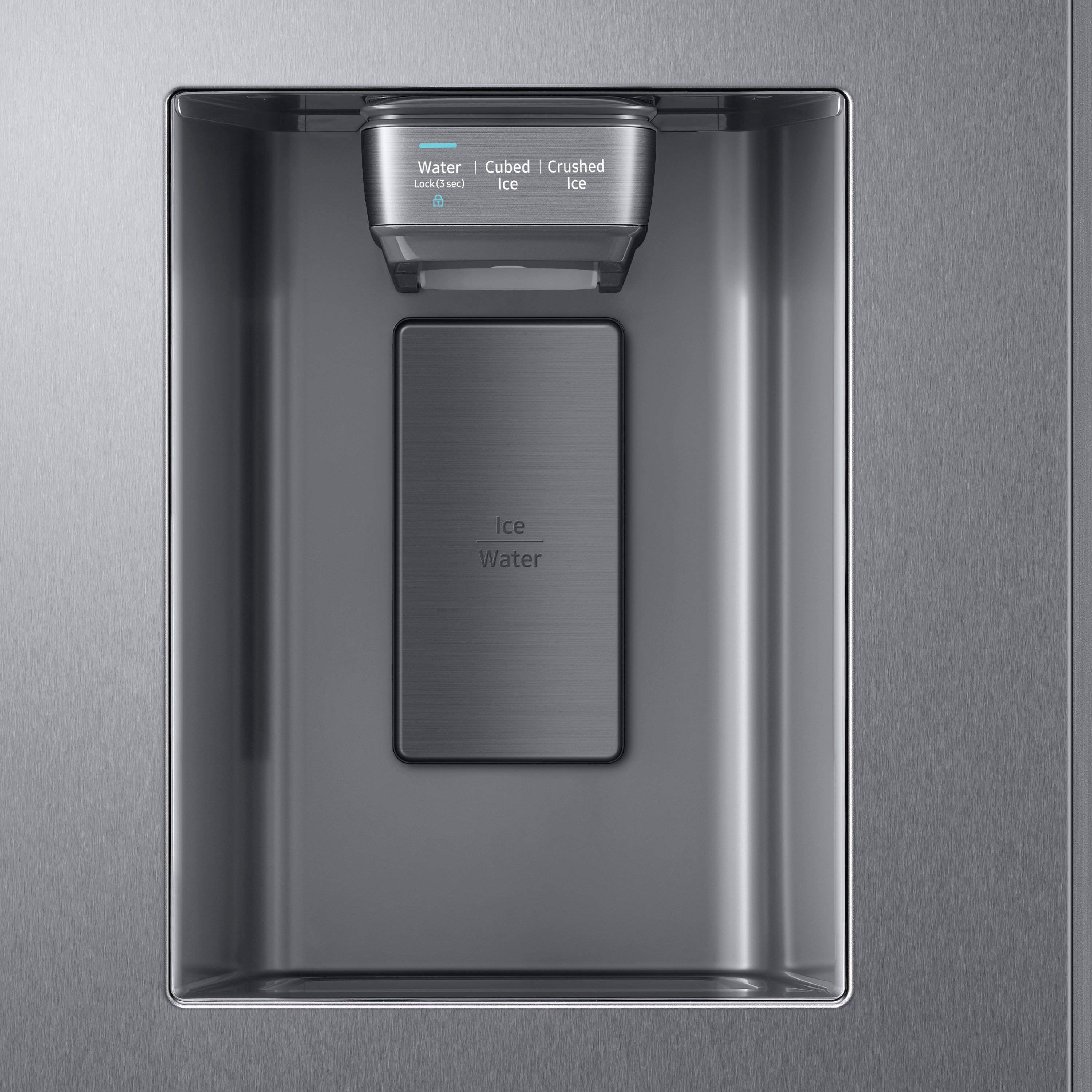
A:AnswerUnder normal conditions, the water dispenser can fill a 5 3/4 oz. (170 cc) cup in about 10 seconds, Mariannaelias. Please check the link below to ensure your water dispenser is performing well, and select the scenario that best fits your situation. You can also learn more by checking the hyperlinks and watching the embedded videos.
Samsung refrigerator water dispenser issues:
https://www.samsung.com/us/support/troubleshooting/TSG01001875/
Please feel free to get back to us via the following options should you need further assistance with the refrigerator:
1. Facebook Messenger: http://m.me/Samsungsupport
2. Twitter: https://twitter.com/messages/compose?recipient_id=18768513
3. Samsung Community: https://us.community.Samsung.com/t5/Samsung-Community/ct-p/us
Please provide us with this reference number (1147538029) to help our team pull up your information when you message us.
Have a great day,
-Ernest-
A:AnswerGreetings!
Yes, it's generally recommended to use surge protectors with this Samsung refrigerator model. A surge protector can help protect your appliance/refrigerator model from power surges that can occur due to lightning strikes and such.
The joules rating for surge protectors is not typically specified for specific refrigerator models like this model. Instead, surge protectors are rated based on how much energy they can absorb before failing. We recommend getting in contact with Best Buy's customer service department at (888) 237-8289, they are open 24 hours to know which surge protector they can recommend.
Leo
A:AnswerHello there,
We would love to discuss your fridge and its features to determine how we can best assist you turning them on.
Please feel free to get back to us via the following options:
1. Facebook Messenger: http://m.me/Samsungsupport
2. Twitter: https://twitter.com/messages/compose?recipient_id=18768513
3. Samsung Community: https://us.community.Samsung.com/t5/Samsung-Community/ct-p/us
Please provide us with this reference number (1147225333) to help our team pull up your information when you message us.
Have a great day.
^Charles