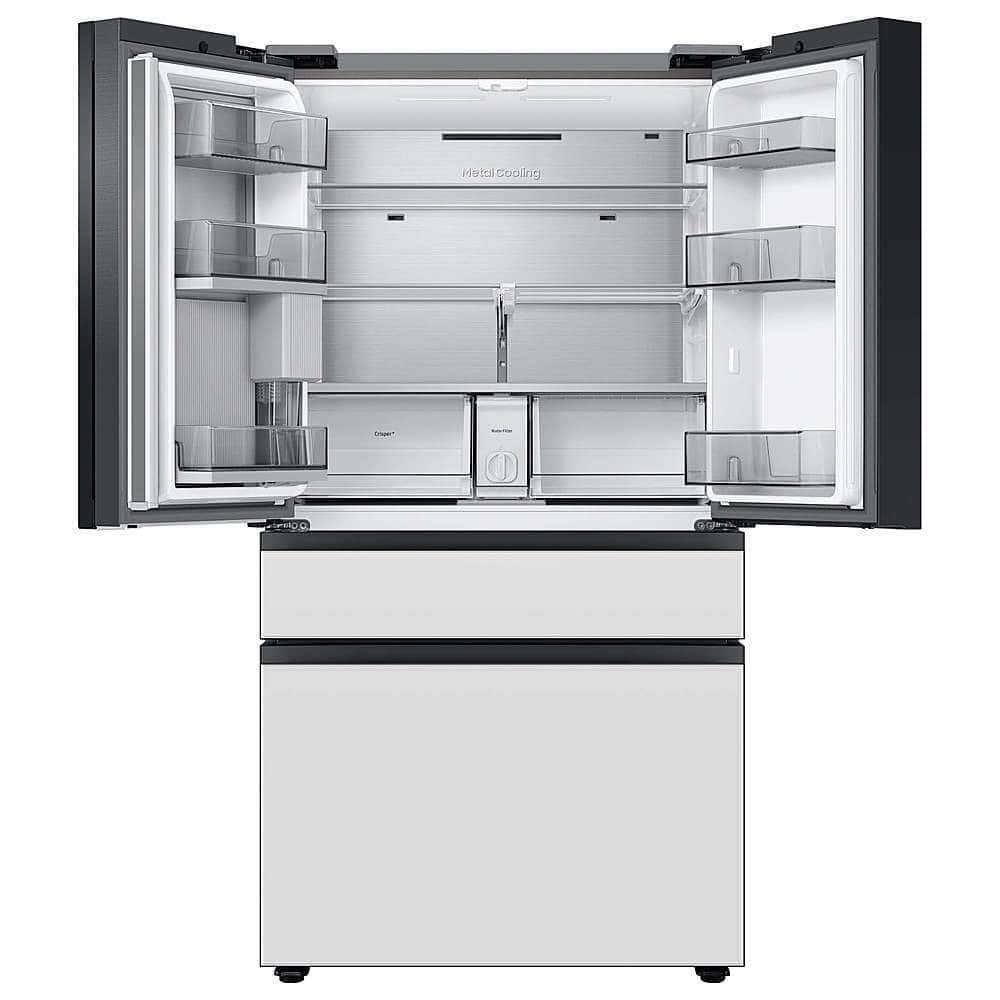
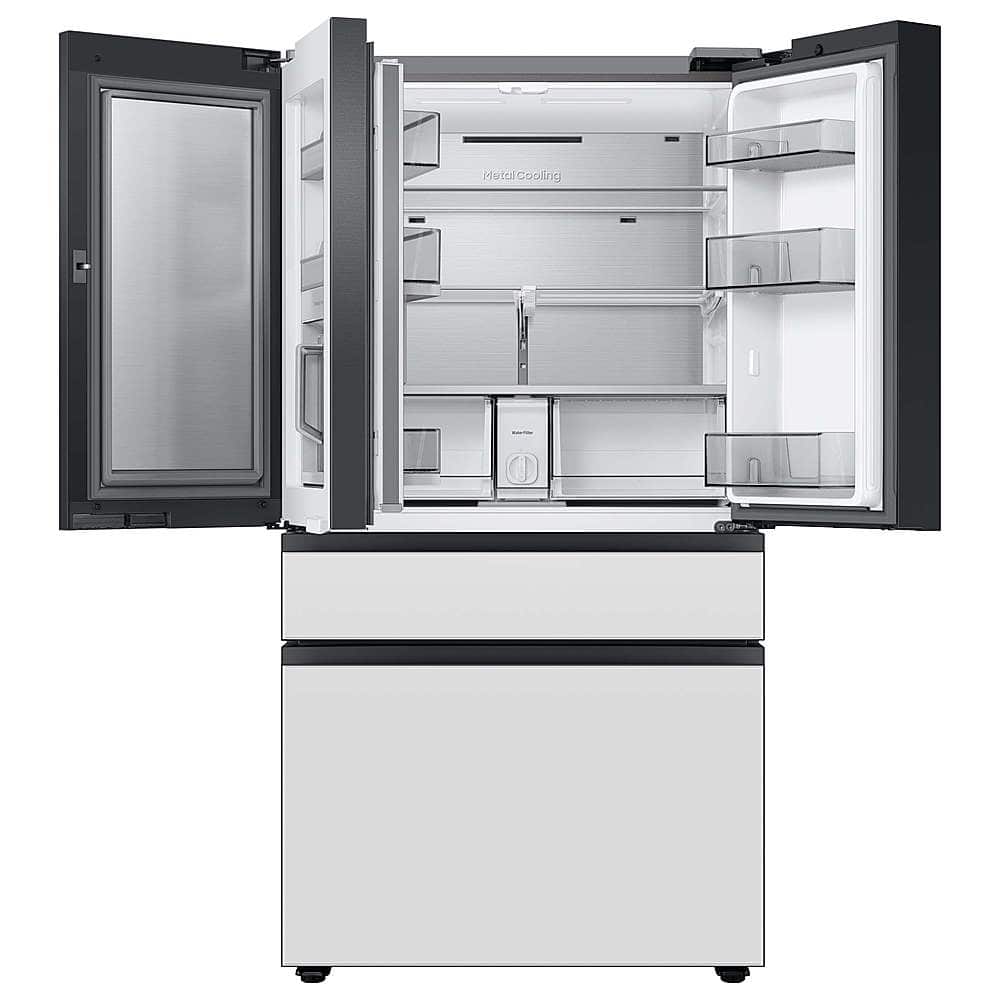
A:AnswerIf they took the doors off the refrigerator when they delivered it, I think I have your solution on the very top, at the front of the refrigerator there are three screws holding down a lactic panel. Remove that panel. On the left side you will see wires that meet at clips. (think old style telephone jacks.) push the clips connections together even if they look like they are already connected. You may even need to put them apart and reconnect them.
When installers reassembled the doors they probably failed to connect them properly.
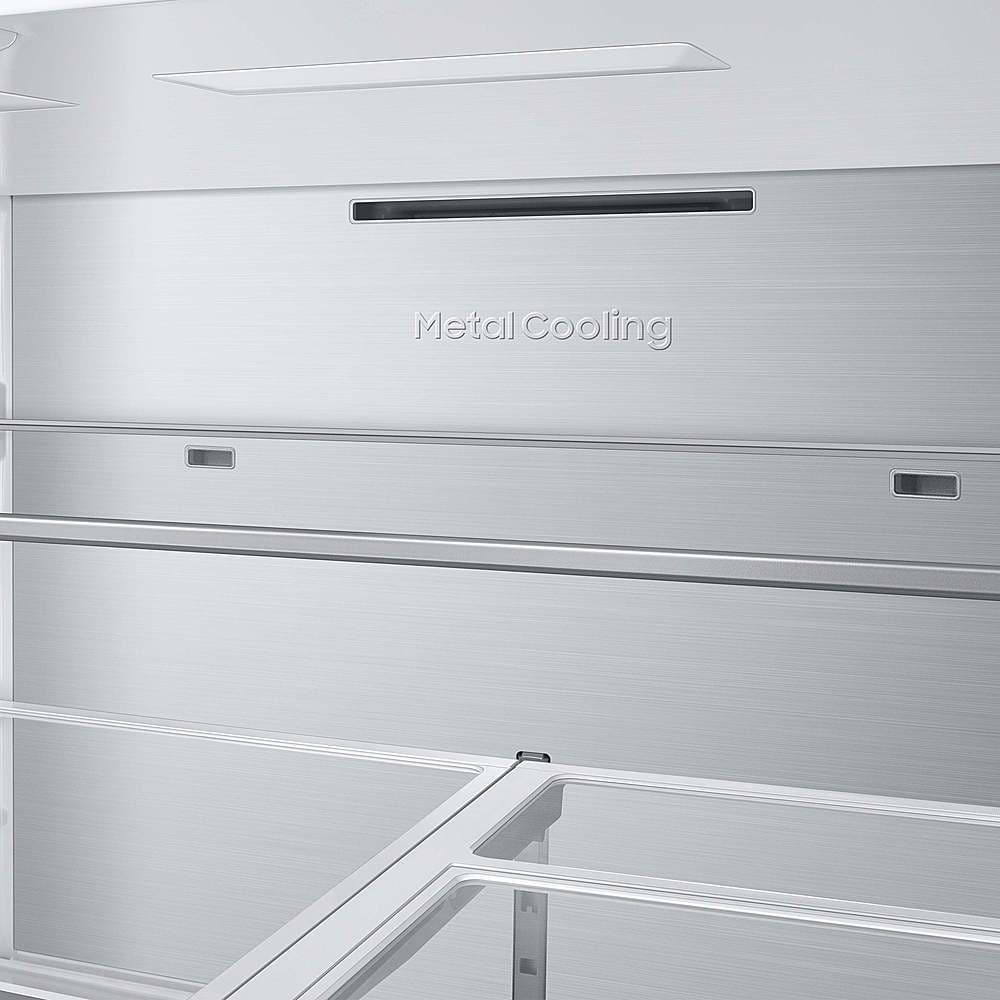
A:AnswerHi Marzm, for this model, the interior lighting is designed to provide clear, even visibility throughout the compartments, but brightness levels aren’t adjustable as a user setting.
We’re glad we could help clarify this.
Khristine
Samsung Care
A:AnswerHi Mel,
Yes, there are a few methods to prevent your fridge from sliding on wooden floors.
1. Adjust the Feet: The fridge's adjustable feet can be tightened or adjusted. Ensuring they are securely set can help stabilize the fridge. Please visit the user manual link I have shared below and turn to page 30.
https://downloadcenter.samsung.com/content/UM/202212/20221216130939356/FDR_RF8000B_DA68-04402B-01_EN_MES_CFR.pdf
2. Anti-Slip Pads: You can use anti-slip pads or gripper pads. These are usually made of rubber or felt and can be placed under the fridge's feet or wheels. They provide extra friction and help keep the fridge in place.
3. Furniture Coasters: Heavy-duty furniture coasters can also be used under the fridge's feet. Make sure they are designed for the weight of your fridge and are made from a non-slip material.
Should you have additional questions, please feel free to get back to us via the following options:
1. Facebook Messenger: http://m.me/samsungsupport
2. Twitter: https://twitter.com/messages/compose?recipient_id=18768513
3. Samsung Community: https://us.community.samsung.com/t5/Samsung-Community/ct-p/us
When you message us, please provide us with this reference number 1147475958 to help our team pull up your information.
Leo
A:AnswerGreetings,
This ice maker has the capacity to produce 10 pounds of ice daily but can only store 2 pounds of ice at a time. It will automatically stop producing ice once the ice bucket is full.
Have a great day.
-John
A:AnswerWhen I bought mine a week ago I was told to go onto Samsung website and u have till end of year to file for the rebate. So I believe yes however I haven’t done it yet.
A:AnswerHi Height,
We wish to clarify the information regarding the height (top to bottom without hinge) of this Samsung refrigerator model.
Regardless of which panel this refrigerator model will come in, the height (top to bottom without hinge) is 68 7/8 inches.
Leo
A:AnswerHi m, this model offers flexibility with both counter-depth and full-depth configurations, so you can choose the option that best suits your space. For door movement, it includes hinges that allow comfortable opening near surrounding cabinets; however, it is not a zero-clearance design, and about 2.5 inches of side clearance on the hinge side is recommended.
If you’re planning your layout, the dimensions and installation guide below can help ensure the right fit for your home:
https://images.samsung.com/is/content/samsung/p6pim/us/rf29bb860012aa/specsheet/us-specsheet-rf29bb860012aa-553402639.pdf
Glad to help shed some light on this.
Khristine
Samsung Care
A:AnswerHello,
When setting up your Samsung refrigerator, leave a little space on the sides so the doors can open easily.
About half an inch on each side will work, but around 2 inches gives you more room to open the doors wide and reach items inside without hassle.
It also helps to have a professional installer set it up, so everything is positioned properly from the start.
For a closer look at measurements and spacing, you can check the full spec sheet here: https://images.samsung.com/is/content/samsung/p6pim/us/rf29bb860012aa/specsheet/us-specsheet-rf29bb860012aa-553402639.pdf
Samsung values your business.
Rachel
Samsung Care
A:AnswerHi there,
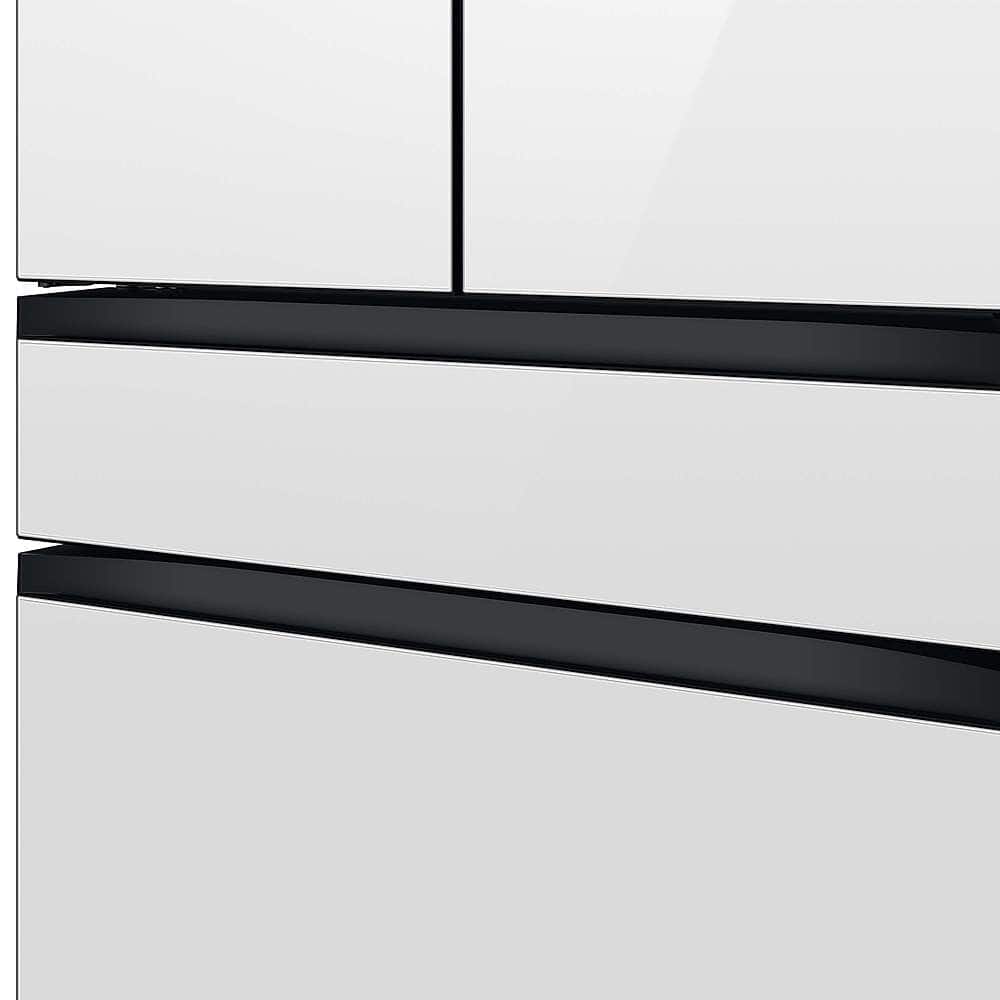
Bespoke refrigerators feature customizable door panels, and magnetic compatibility depends on the material. For this model, the panels are not designed to function as magnetic surfaces, so standard magnets may not adhere as expected.
You can check out the full specs and features on the official Samsung product page here:
https://www.samsung.com/us/refrigerators/french-door/bespoke-4-door-french-door-refrigerator-29-cu-ft-with-beverage-center-in-morning-blue-glass-top-panels-and-white-glass-middle-and-bottom-panels-sku-rf29bb86004maa/
Glad to help clarify this for you.
Khristine
Samsung Care
A:AnswerHi there,
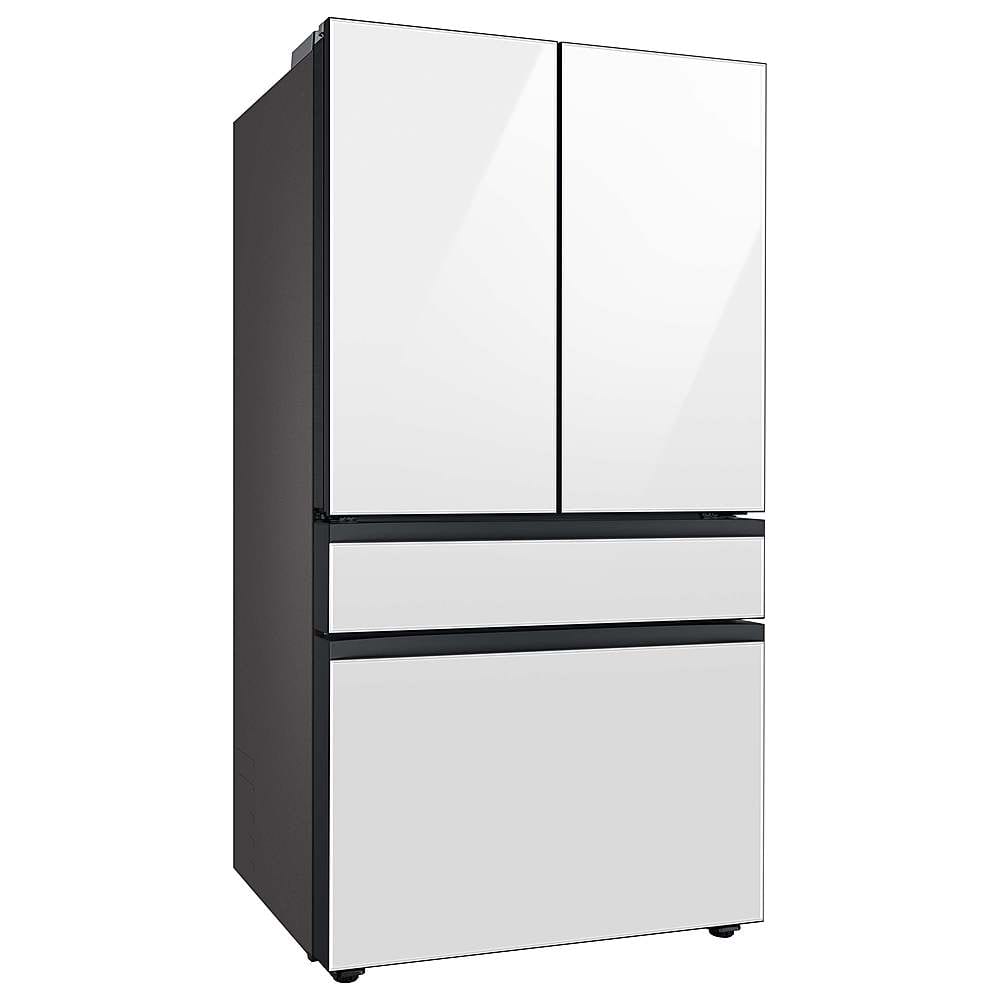
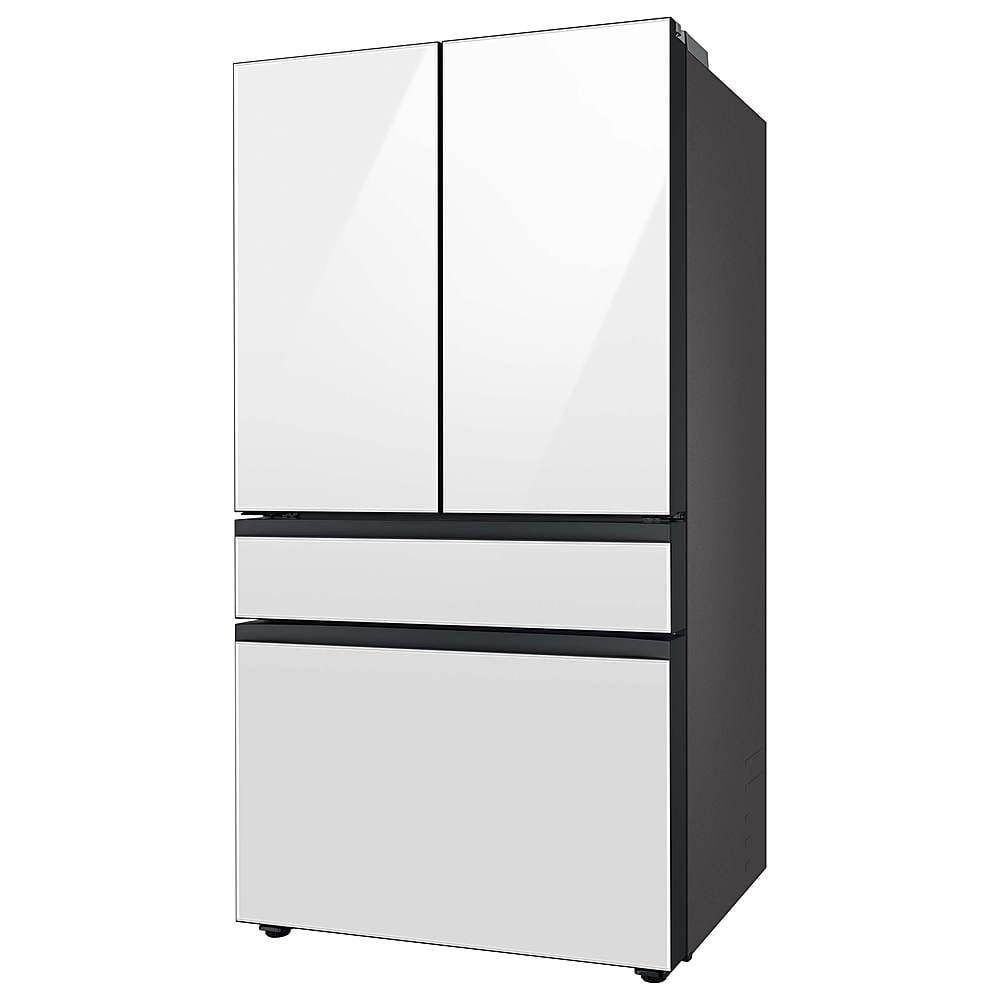
At the moment, gray glass panels aren’t available for this specific unit, but finishes like Morning Blue Glass, Stainless Steel, and White Glass still offer great options to match your space and style.
Please note that changeable panels for Bespoke AI refrigerators will no longer be available starting July 1, 2026. If you currently own a Bespoke AI refrigerator with interchangeable panels and would like to purchase panels, please visit Samsung.com.
You can also take a closer look at the model here:
https://www.samsung.com/us/refrigerators/french-door/bespoke-4-door-french-door-refrigerator-29-cu-ft-with-beverage-center-in-stainless-steel-sku-rf29bb8600qlaa/
Hope this helps!
Jeffrey
Samsung Care
A:AnswerHi there,
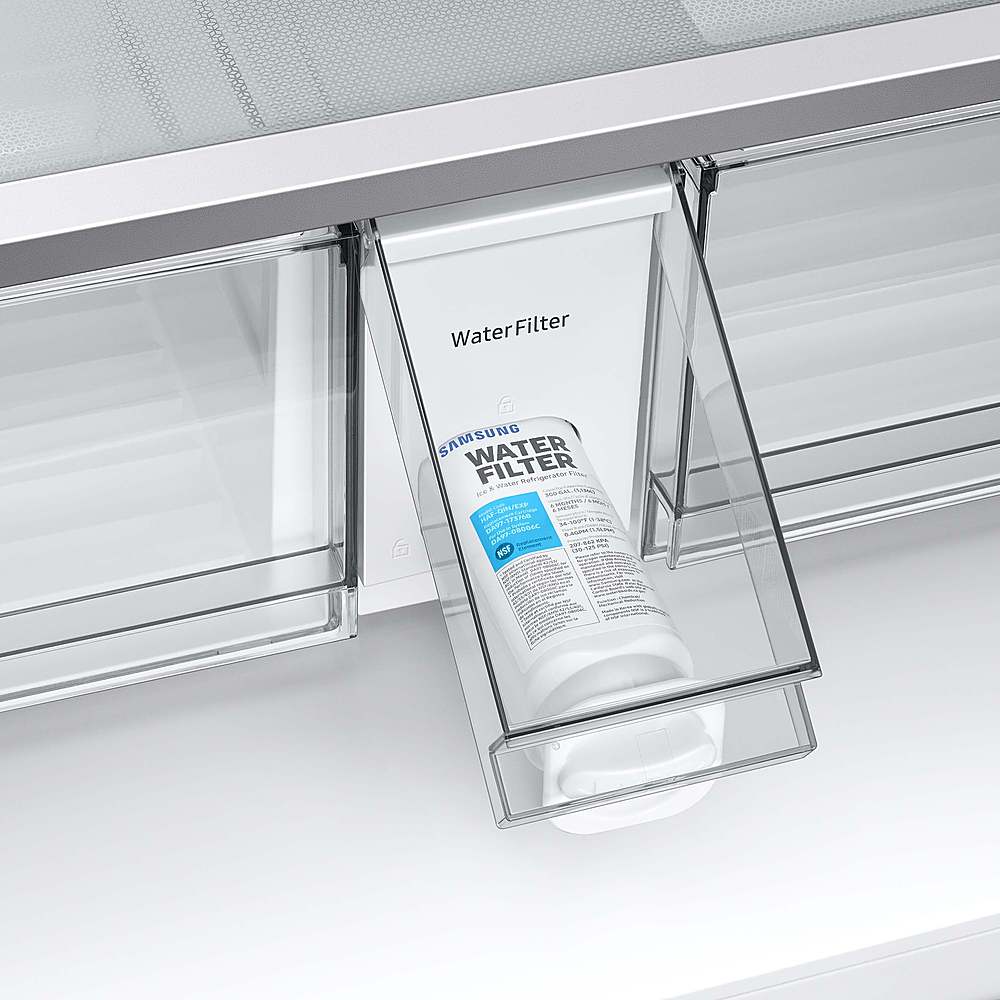
Yes, the filter can be removed if an RO system has been installed, and it should not affect the water being dispensed. However, it would still be helpful to have a certified technician inspect the refrigerator and perform any necessary service.
We hope this addresses your question.
Jeffrey
Samsung Care
A:AnswerHi Sep,
Having the right measurements really makes things easier when setting up the space for a new appliance.
The refrigerator stays 35 3/4 inches wide, even when the doors are opened to 90 degrees. If the doors are opened wider to 125 degrees, you’ll need 58 1/2 inches of total space to allow for the door swing.
You can take a quick look at page 2 of the product specifications for a visual reference:
https://images.samsung.com/is/content/samsung/p6pim/us/rf29bb8600qlaa/specsheet/us-specsheet-rf29bb8600qlaa-550556412.pdf
Hope this helps with your planning!
Jeffrey
Samsung Care
A:AnswerHi ValJ,
Totally makes sense to wonder about this while getting familiar with your fridge. Glad to help.
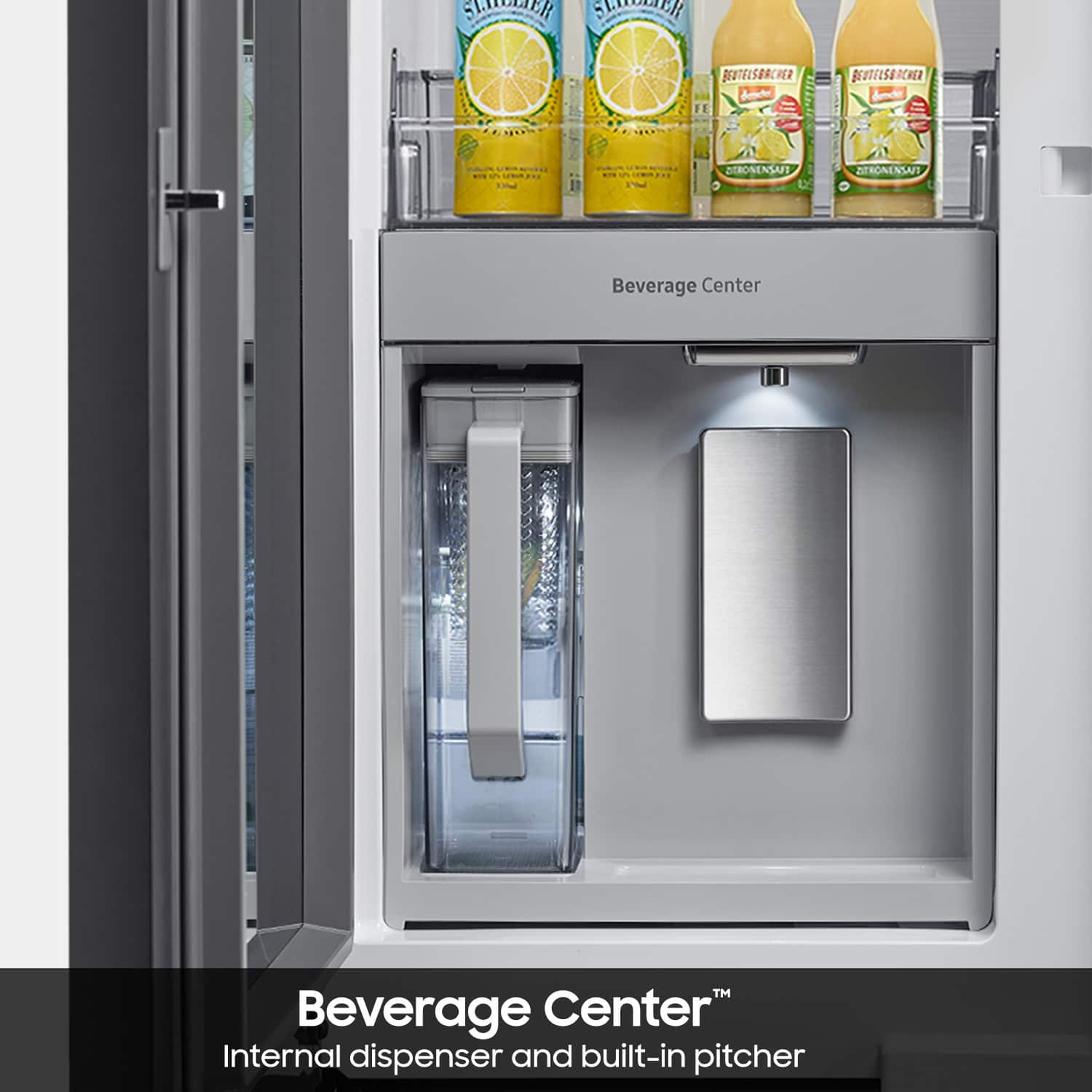
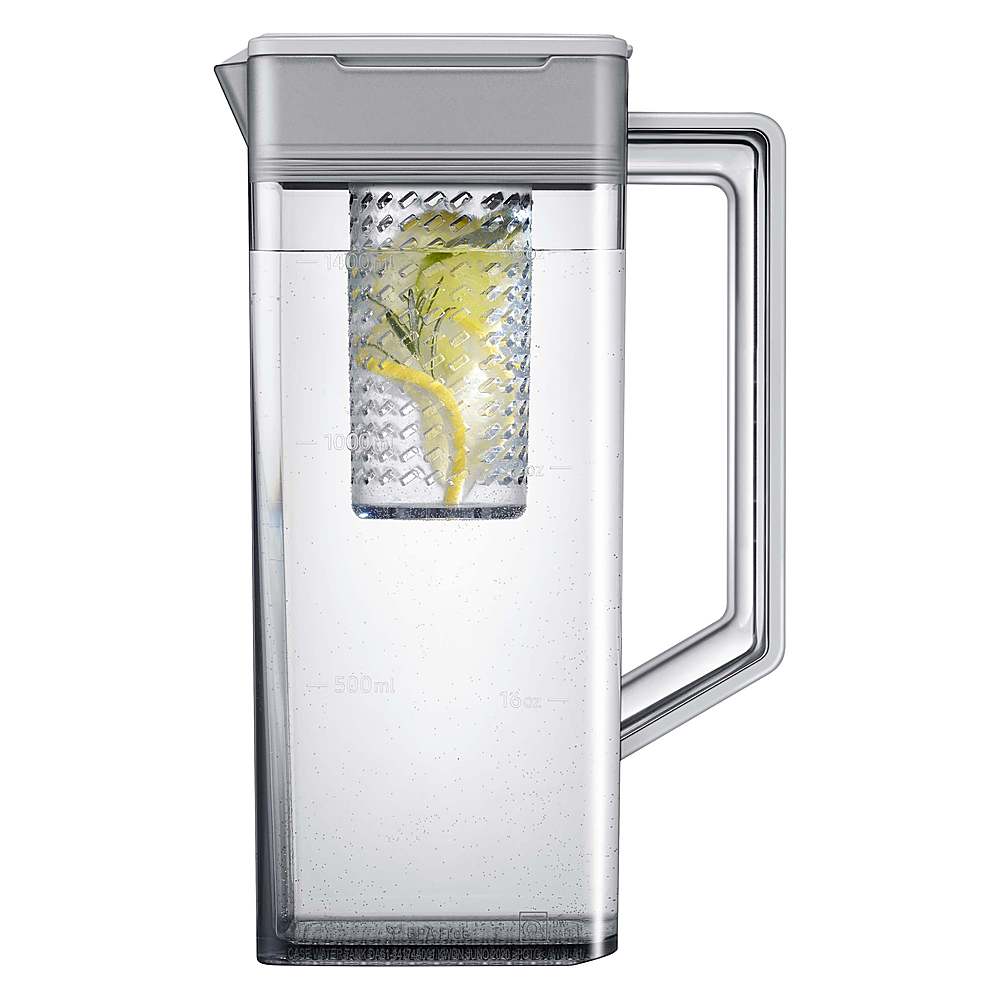
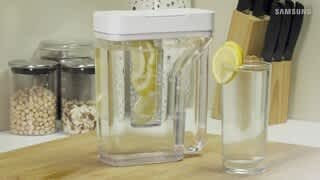
First, locate the AutoFill Pitcher button on the main control panel and turn it on to enable automatic filling of the water pitcher.
For guidance, page 37 of the user manual shows the main control panel to help you find the AutoFill Pitcher button, while page 41 outlines the steps to activate the feature.
User manual: https://downloadcenter.samsung.com/content/UM/202604/20260429143959486/DA68-04402B-01_FDR_RF8000B_EN_260422.pdf
Thanks for trusting Samsung.
Glaiza
Samsung Care
A:AnswerHello A,
We appreciate your interest in your Samsung refrigerator and your question about customization options.
This model is part of our Bespoke lineup, which means the front panels are designed to be customizable rather than traditional panel‑ready cabinetry panels. You can change the panels using Samsung’s interchangeable Bespoke panel system and select from various available colors and finishes.
You can explore the full guide here:
Install your custom Samsung Bespoke refrigerator panels
https://www.samsung.com/us/support/answer/ANS10006822/
Please keep this reference number for your records: 1152251350.
We appreciate hearing from you, and Samsung truly values your business.
Pope
Samsung Care
A:Answer"""Hi Shay, we appreciate your interest in your Samsung refrigerator and your question about panel color options.
Samsung Bespoke refrigerators are designed with interchangeable panels, allowing you to update the look including switching to available glass panel colors by replacing the existing panels with compatible Bespoke door panels. These panels can be purchased separately and installed to customize the exterior appearance.
If you’d like to explore how panels can be swapped on Bespoke models, the guide below outlines the process and available options.
You can explore the full guide here:
Install your custom Samsung Bespoke refrigerator panels
https://www.samsung.com/us/support/answer/ANS10006822/
Please keep this reference number for your records: 1152234072
Thank you for choosing Samsung as your partner for a better home.
Rachel
Samsung Care"
A:AnswerHi there,
Thank you for asking. Let’s get you the information you need.
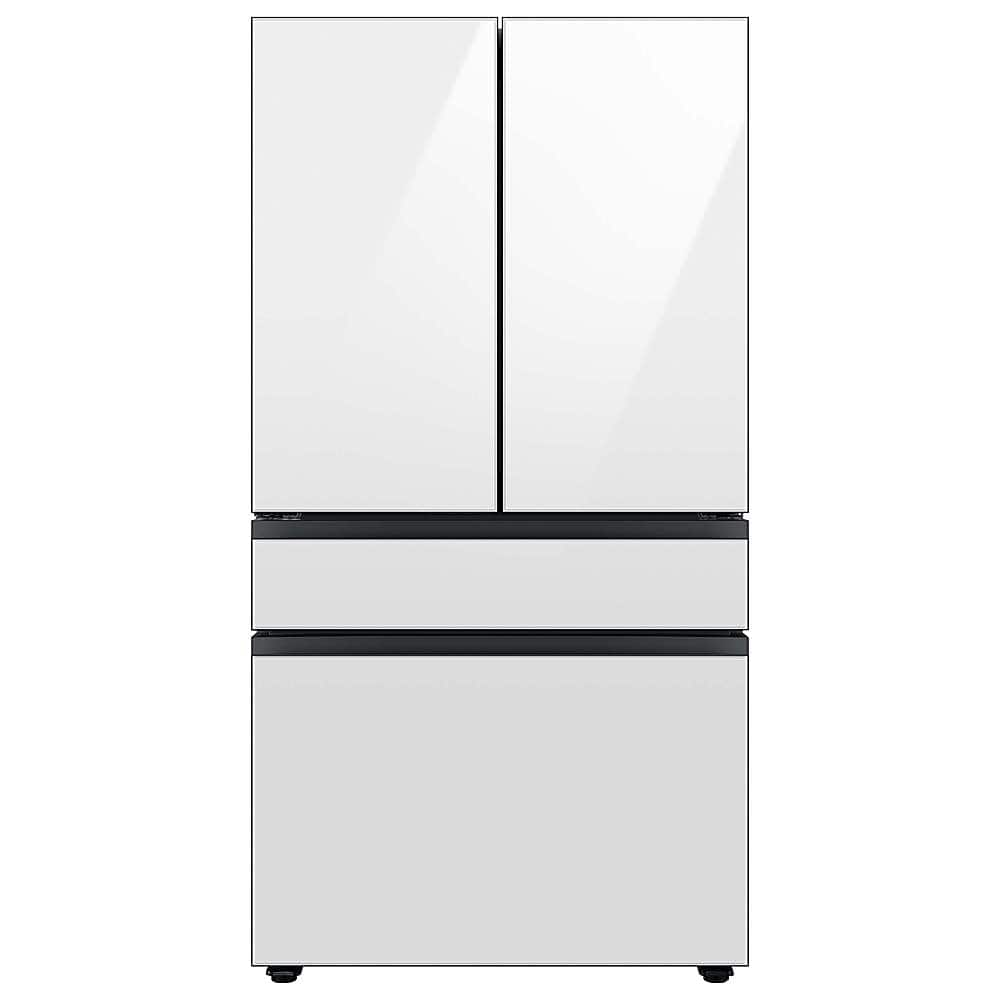
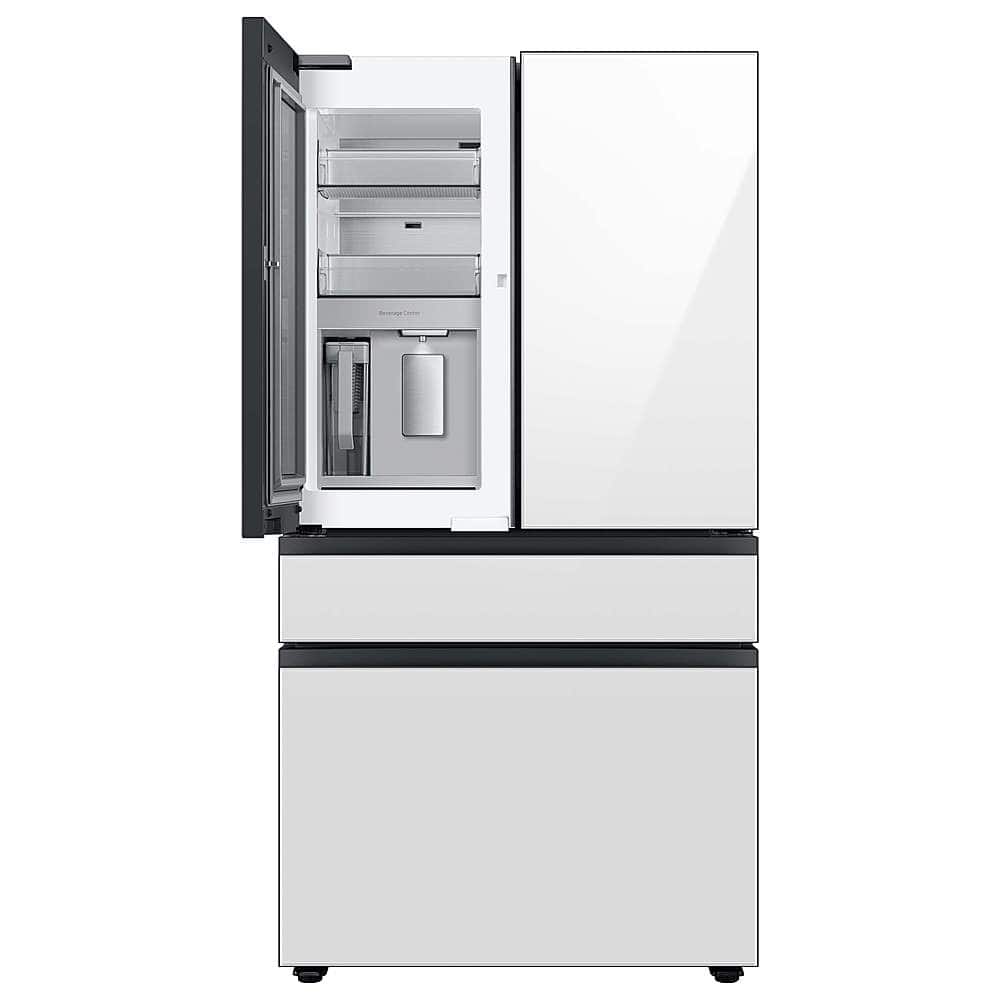
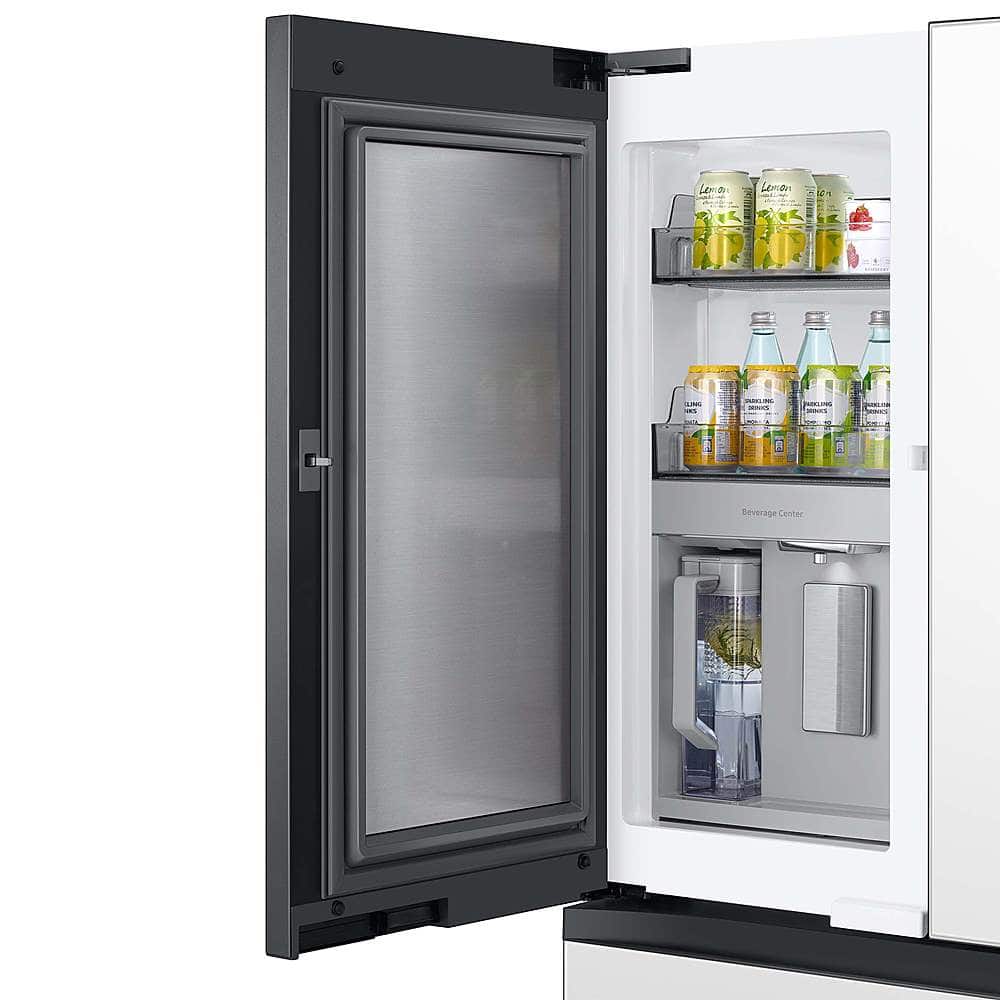
The primary difference between the Samsung refrigerator models RF29BB8600QLAA and RF29BB8200QLAA lies in the beverage center feature.
For more detailed information, please visit the product page using the link provided:
Bespoke 4-Door French Door Beverage Center™ | Dual Ice Maker & Flex Zone™ | 29 cu.ft.:
https://www.samsung.com/us/refrigerators/french-door/bespoke-4-door-french-door-refrigerator-29-cu-ft-with-beverage-center-in-stainless-steel-sku-rf29bb8600qlaa/
BESPOKE 29 cu. ft. 4-Door French Door Smart Refrigerator with AutoFill Water Pitcher - Stainless Steel:
https://www.bestbuy.com/product/samsung-bespoke-29-cu-ft-4-door-french-door-smart-refrigerator-with-autofill-water-pitcher-stainless-steel/J3ZYG22F5P
-Diana
A:AnswerGreetings,
Yes, the water supply line must be turned off before replacing the water filter.
I’ve shared the link to guide you in replacing the water filter. Please refer to the user manual and turn to pages 66-67.
User Manual (Replacement):
https://downloadcenter.samsung.com/content/UM/202504/20250411093919642/FDR_RF8000B_DA68-04402B_EN_MES_CFR_250403.pdf
Should you need further assistance, please feel free to get back to us via the following options:
1. Facebook Messenger: http://m.me/Samsungsupport
2. Twitter: https://twitter.com/messages/compose?recipient_id=18768513
3. Samsung Community: https://us.community.Samsung.com/t5/Samsung-Community/ct-p/us
4. Samsung Customer Care: 1-800-7267864 (1800-SAMSUNG)
Please provide us with this reference number (1152129332) to help our team pull up your information when you message us.
Have a great day.
-Diana
A:AnswerHello,
Thank you for reaching out. We understand how concerning it is when a brand-new refrigerator is not cooling, and we’re happy to help.
Based on your description, the refrigerator is most likely in Demo Mode (also called Cooling Off or Shop Mode). In this mode, the lights and display work, but the refrigerator and freezer will not cool.
Please note that simply unplugging and plugging the refrigerator back in will not turn off Demo Mode on this model. To disable it, a specific button combination is required.
You can find the step-by-step instructions in the user manual linked below. Please turn to page 42, which explains how to turn off Cooling Off mode:
https://downloadcenter.samsung.com/content/UM/202504/20250411093919642/FDR_RF8000B_DA68-04402B_EN_MES_CFR_250403.pdf
Should you need more assistance with your refrigerator, please feel free to get back to us via the following options:
1. Facebook Messenger: http://m.me/samsungsupport
2. Twitter: https://twitter.com/messages/compose?recipient_id=18768513
3. Samsung Community: https://us.community.samsung.com/t5/Samsung-Community/ct-p/us
4. Phone Customer Care: 1-800-726-7864 (1-800-SAMSUNG)
When you message us, please provide us with this reference number 1152020655 to help our team pull up your information.
Leo