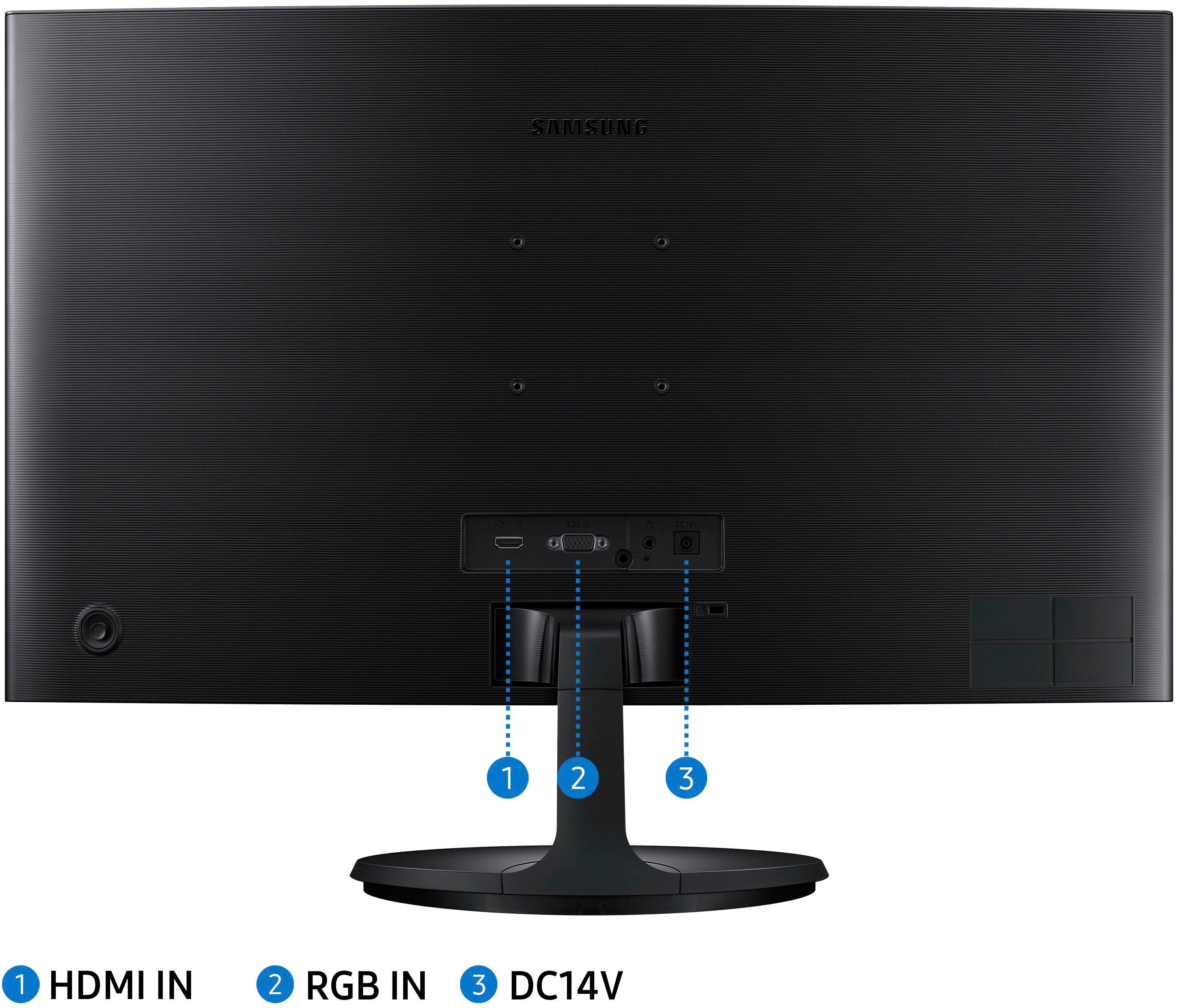
A:AnswerIt seems the JOG button will also initialize the monitor, requiring a re-setup, which is somewhat painful as I have found out. I recommend you leave the monitor in the standby state, signified by the blue light. The standby power consumption is very low, near 1 watt, I believe.
You can also power off the strip that it is plugged into, but I have not tried that. It should not force a re-initialization, but as with a power failure, recover to the previous settings.
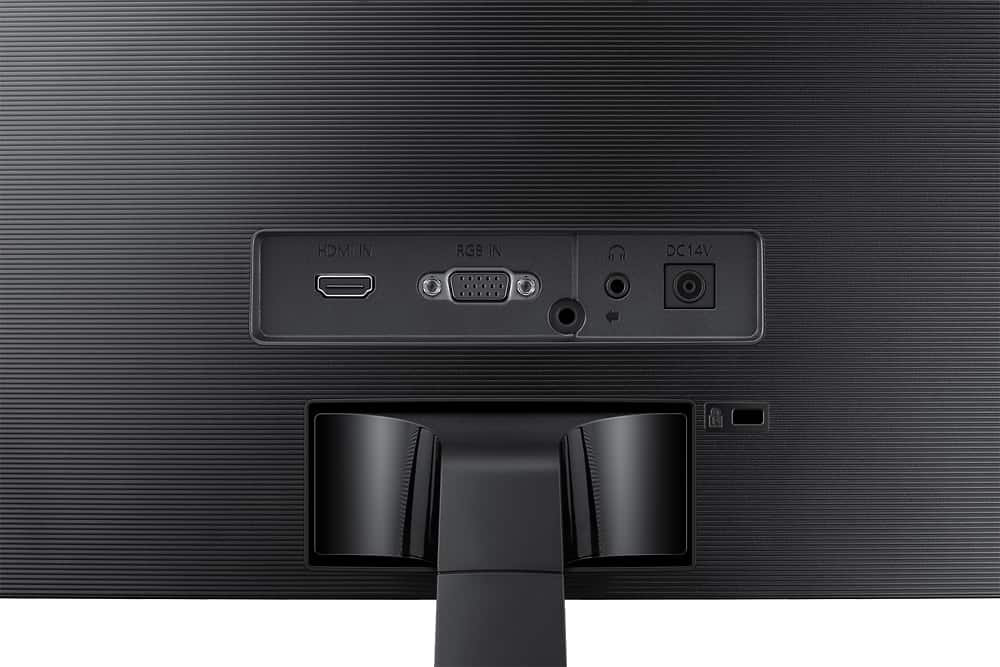
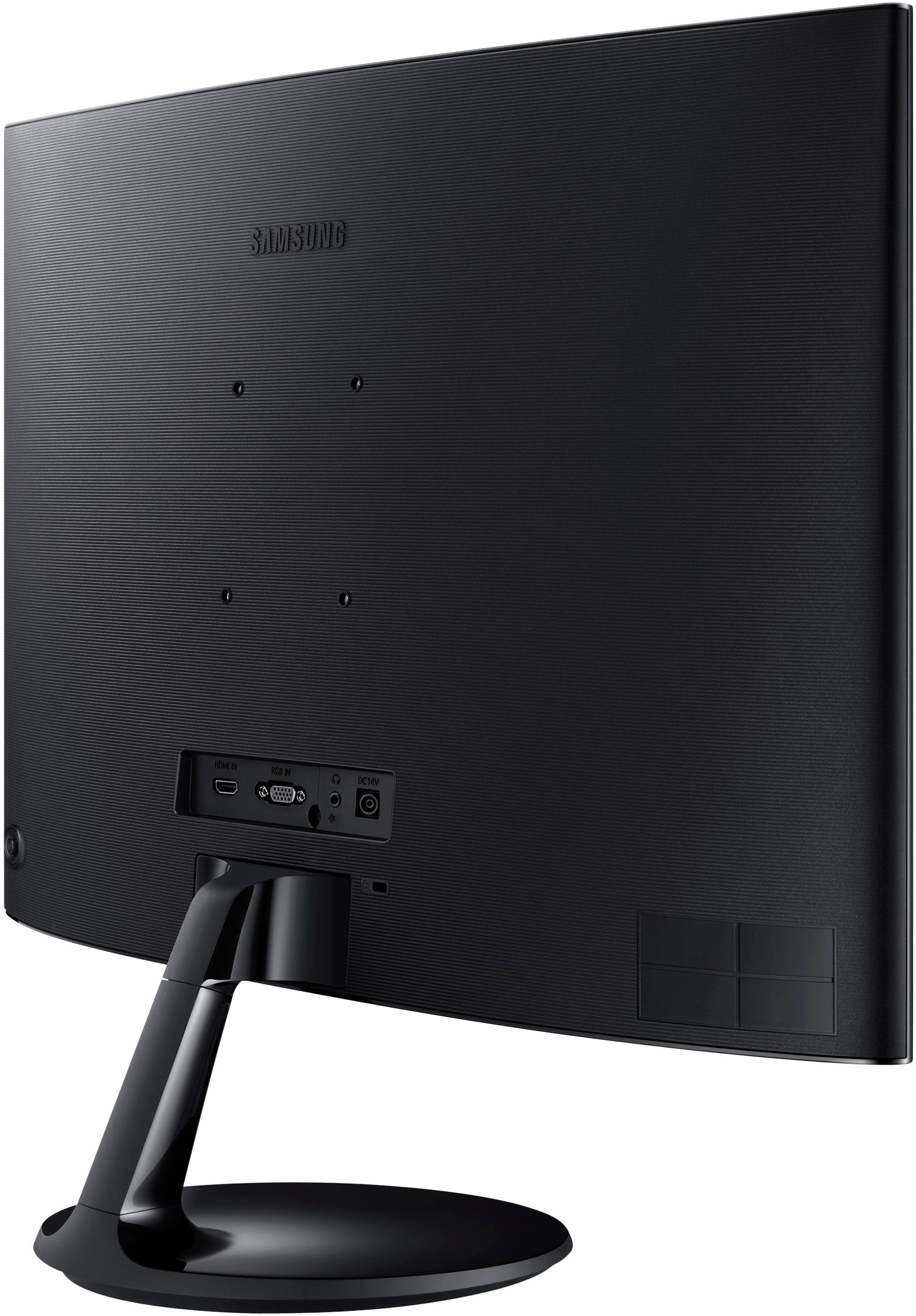
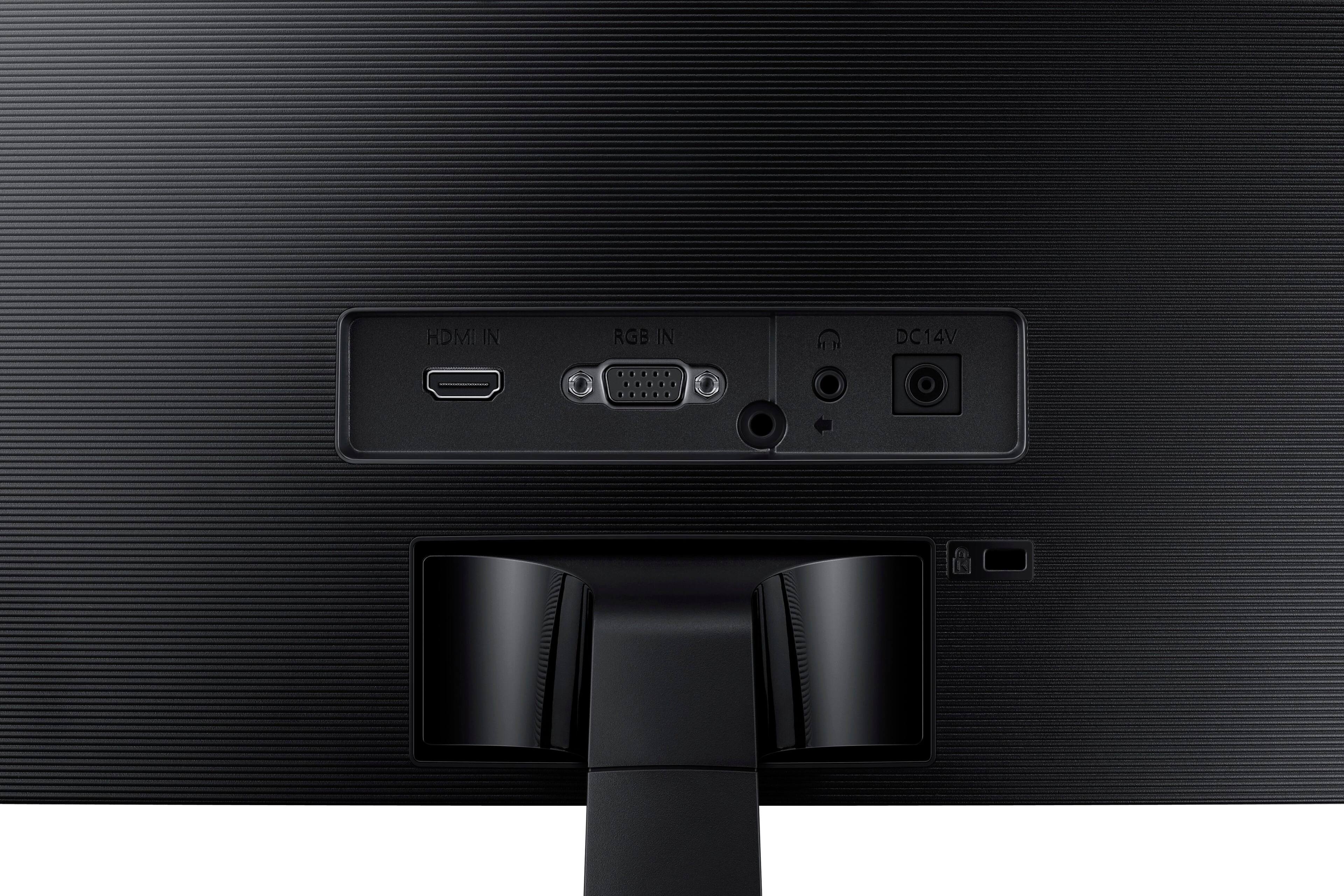
A:AnswerThe monitordoes not have built in speakers or a headphone jack...
Check your computer audio settings. Make sure you can see and select the correct output for the headphones.
A:AnswerThis monitor lacks internal speakers, you could always purchase or use an already owned Bluetooth speaker to hook up via your desktop barring your desktop has a blue tooth signal.