A:AnswerIf the movie \ photos are in a supported file format, then yes. The photo viewer also has customizable options to alter photo size, play order, and slideshow sound options as well.
A:AnswerThis model only downloads Samsung apps after a Samsung account has been created. I found it easiest to create an account and download apps by using a desktop/laptop computer instead of trying to do it on the TV.
A:AnswerYes...it's a smart tv. You can watch netflix, hulu, youtube, Amazon prime among a host of other services. It's worth the price and it works well with the Xbox one S...
A:AnswerYes, this TV will work for PS4 Pro.
However, to take advantage of HDR you will need to use HDMI port 1. As it seems this is the only port HDR is recognized in.
A:AnswerThis TV supports a variety of file formats for video playback. If your yoga program was recorded in a supported format, it will play. When you plug in the usb drive, a pop-up window should appear and show you a list of all files on the drive that it is capable of playing. Use the controls on your remote to select the file you want to play and then select play. You can then use your remote to select and operate the on-screen video player controls.
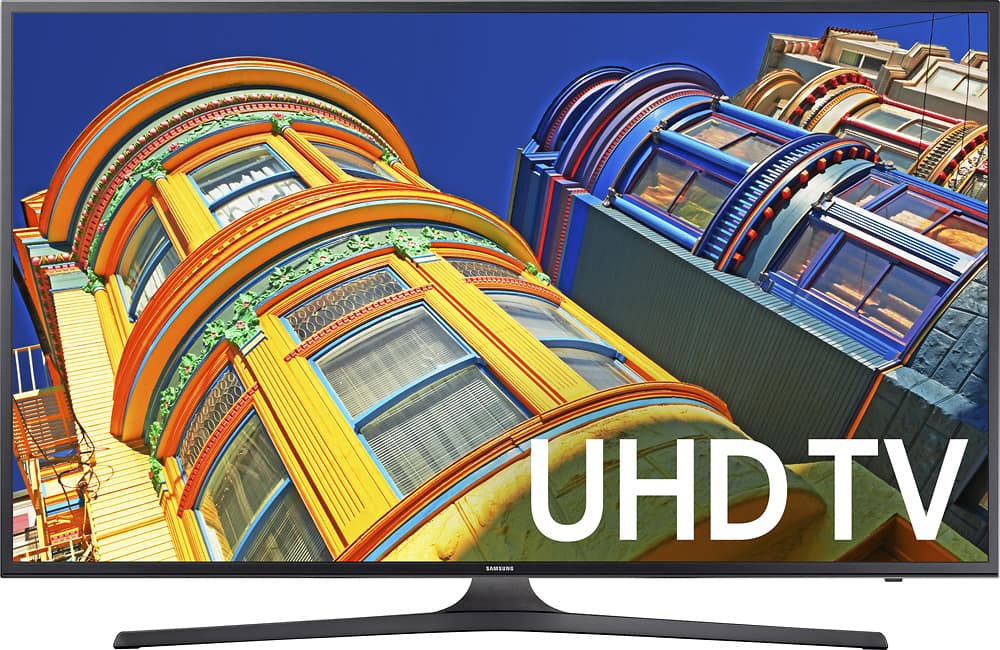
A:AnswerThe television without the stand is 36-1/4" wide by 21-1/4" high by 2 -1/2" thick, measured at the thickest part at the bottom. On the stand, it sits 23-3/4" high. The stand itself is about 29-3/4" wide by 11" deep.
A:AnswerTypo in my previous answer--it includes an adapter that accepts a total of 5 RCA jacks, colors normally red white yellow green and blue. These are for composite audio and video signals. That should work with the Wii, though you might need to try different match combinations.