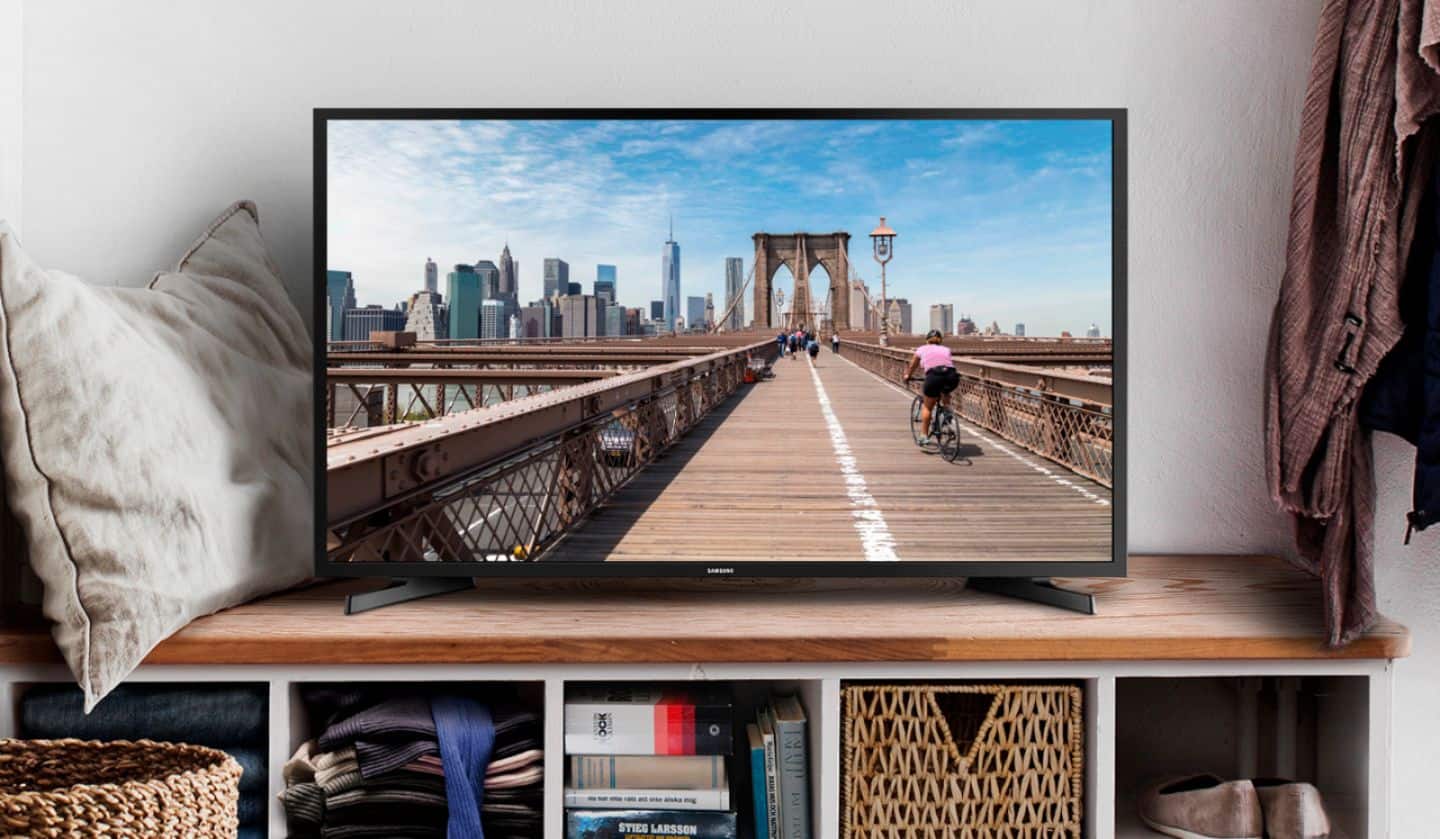
A:AnswerI highly recommend this television to anyone.
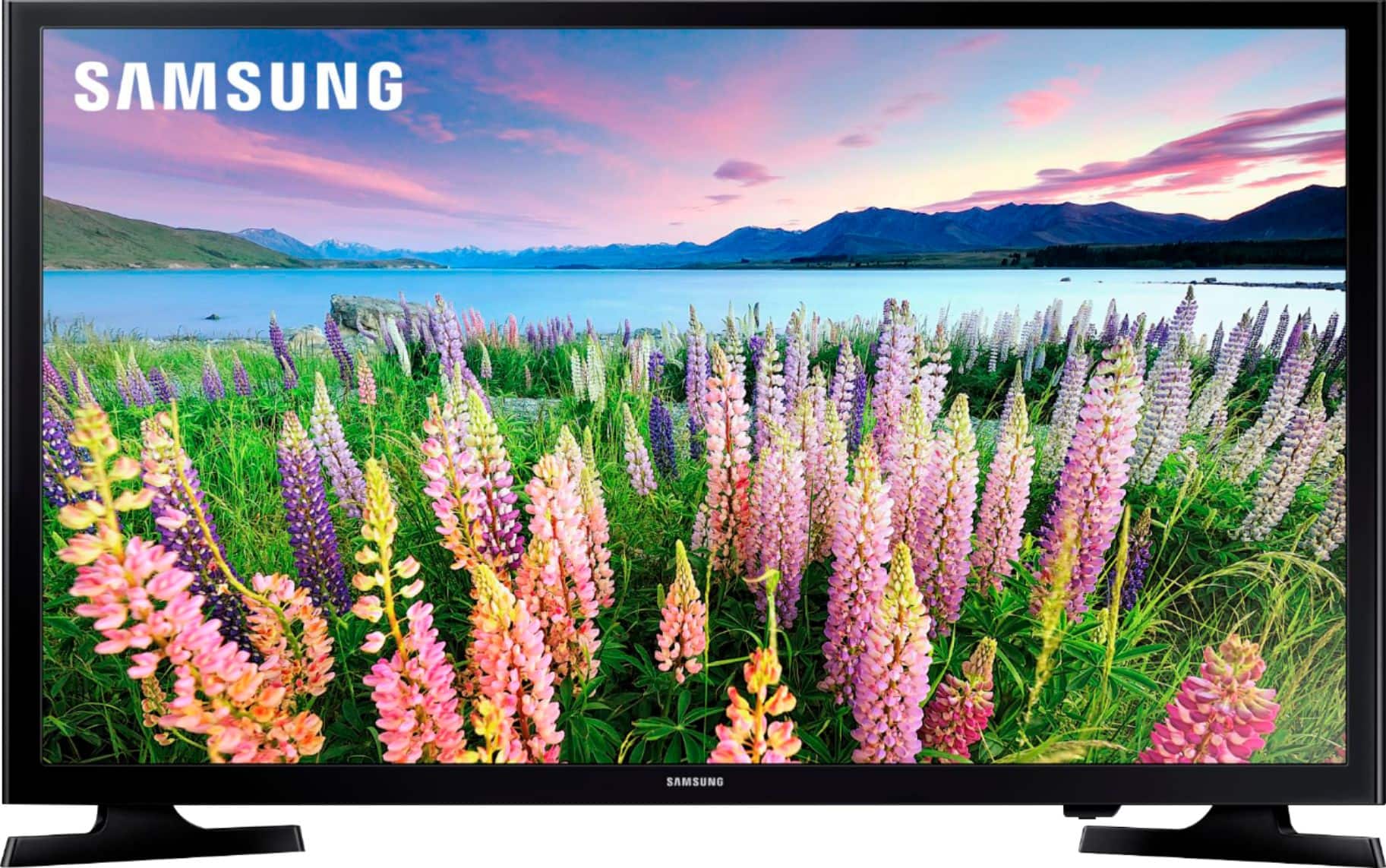
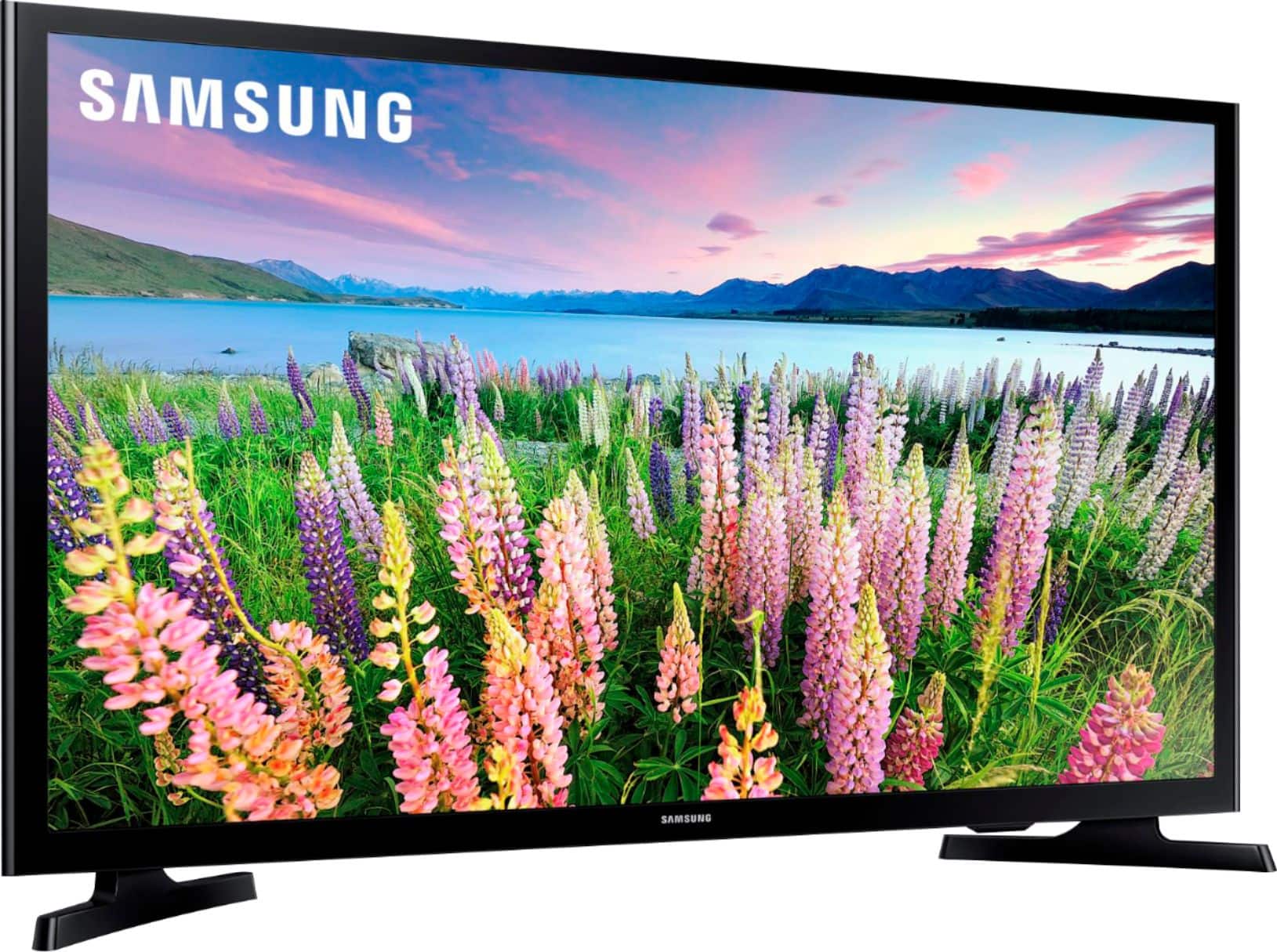
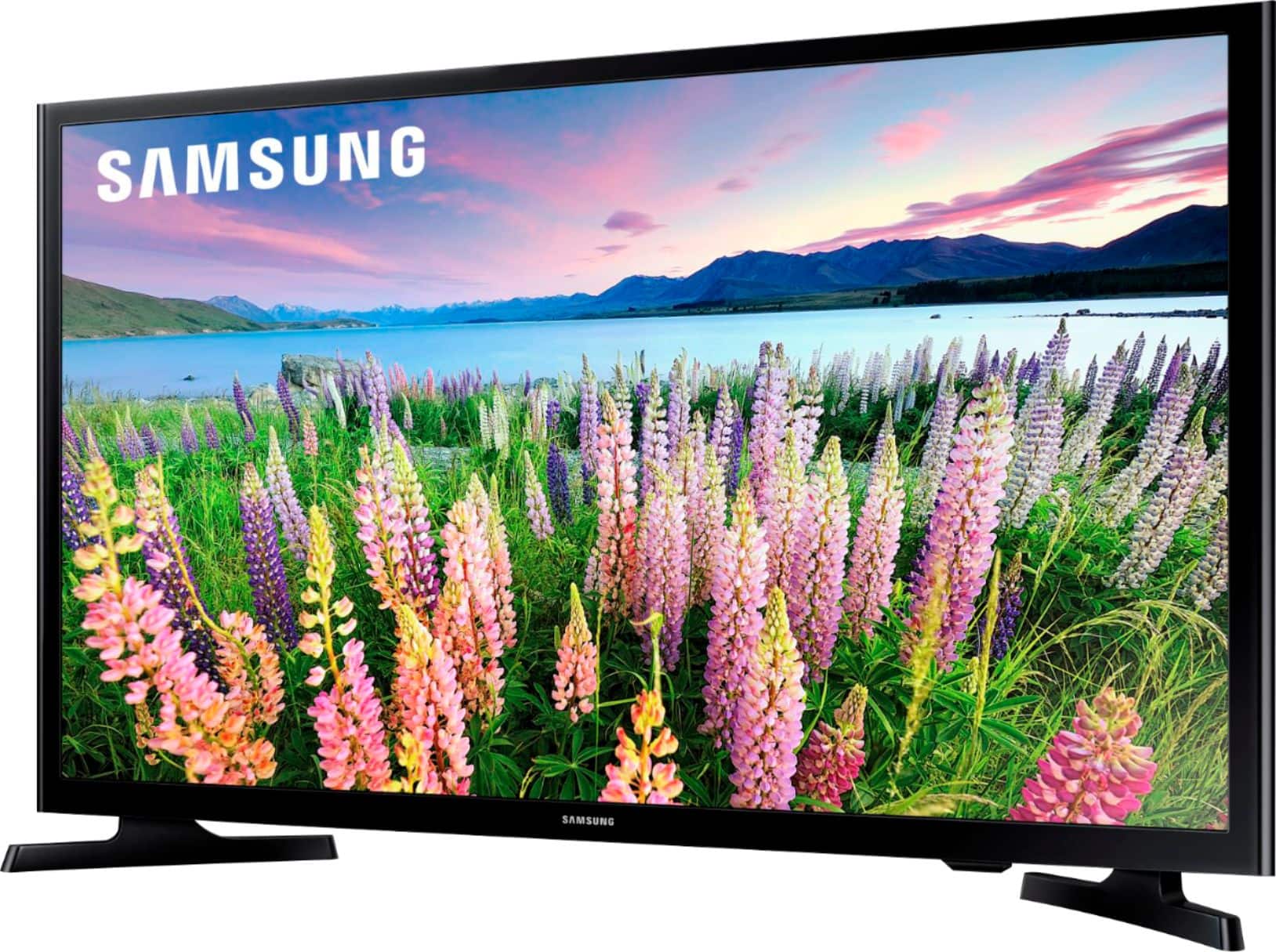
The color and contrast is perfection. ❤️
It is a smart TV also and has so many channels and choices to choose from.
If you need a small gift for child or a guest room this is the television to purchase.
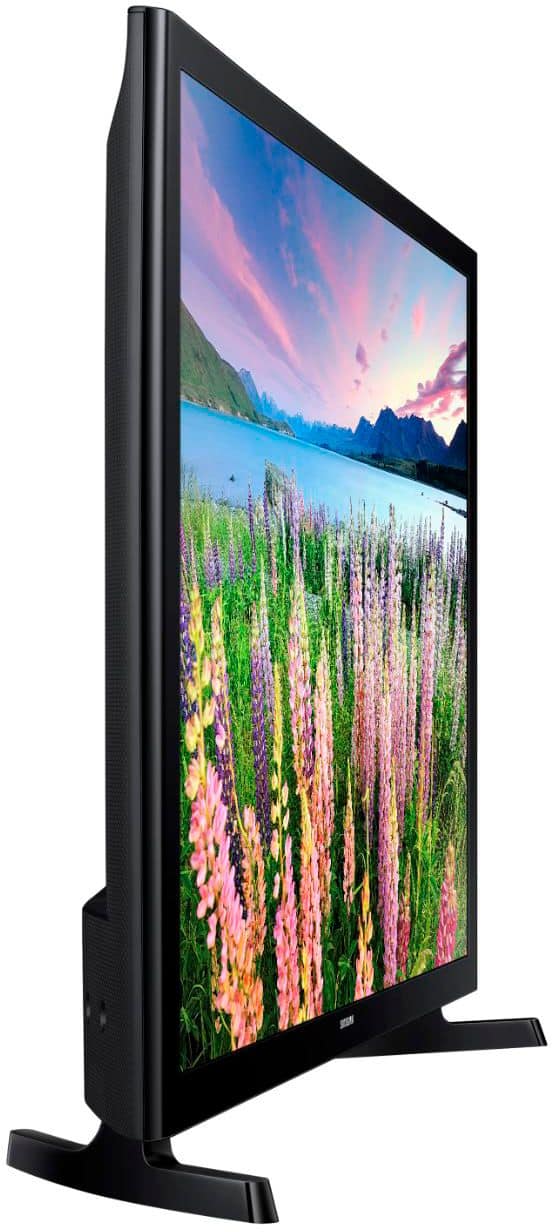
Perfect size and great purchase
You won't regret it.
A:AnswerYes, you will have to go to settings and select sound it will normally have TV speakers selected you can change that to Bluetooth and then work to connect your AirPods but there is a trick you will need to hold the button on the back of the AirPods case until the light blinks white before you hit connect. Once that is done you hit select and are good to go.
A:AnswerYou can get it downloaded to the tv but its not pre-programmed on the remote control. If you chose to, you can put a firestick on the tv and download all of your apps onto the firestick and that will save memory on your tv.