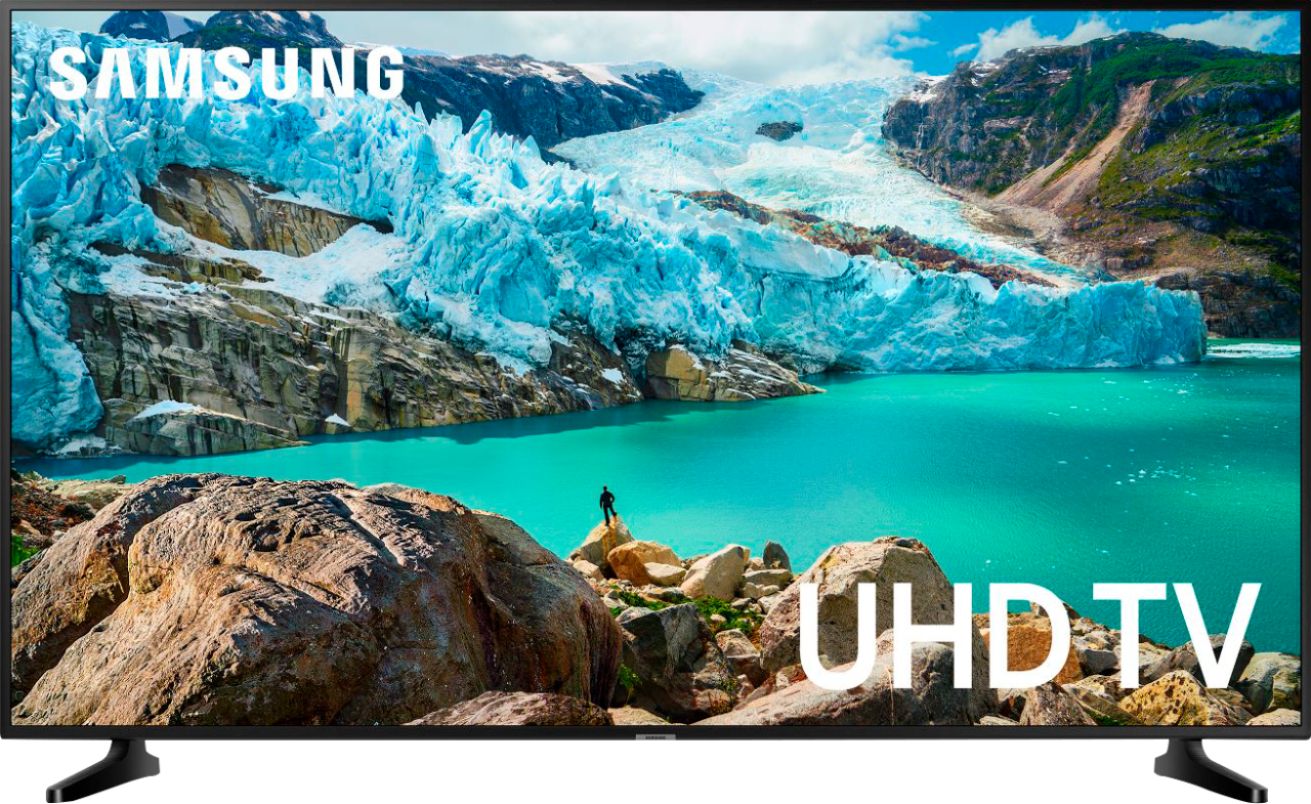
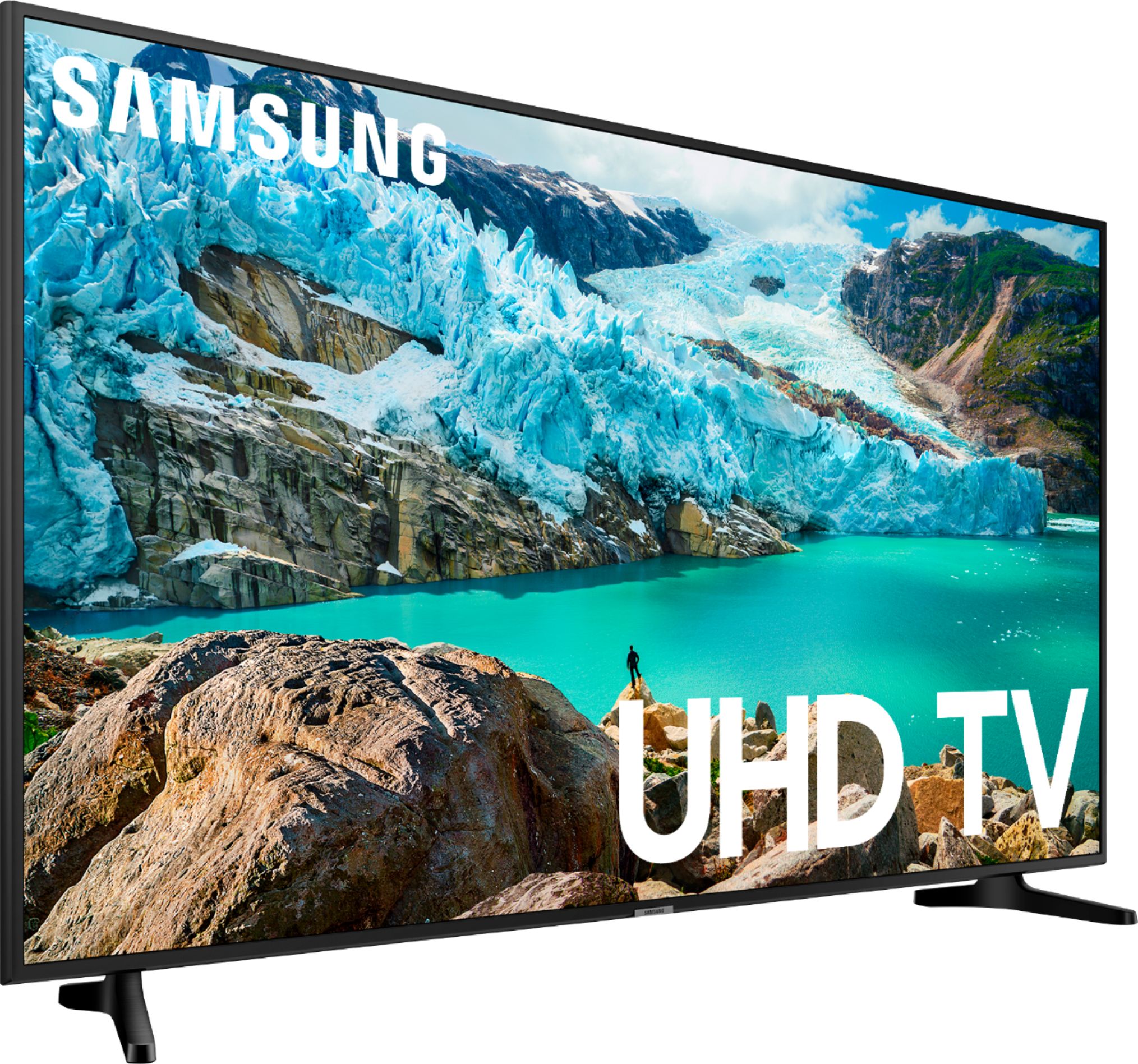
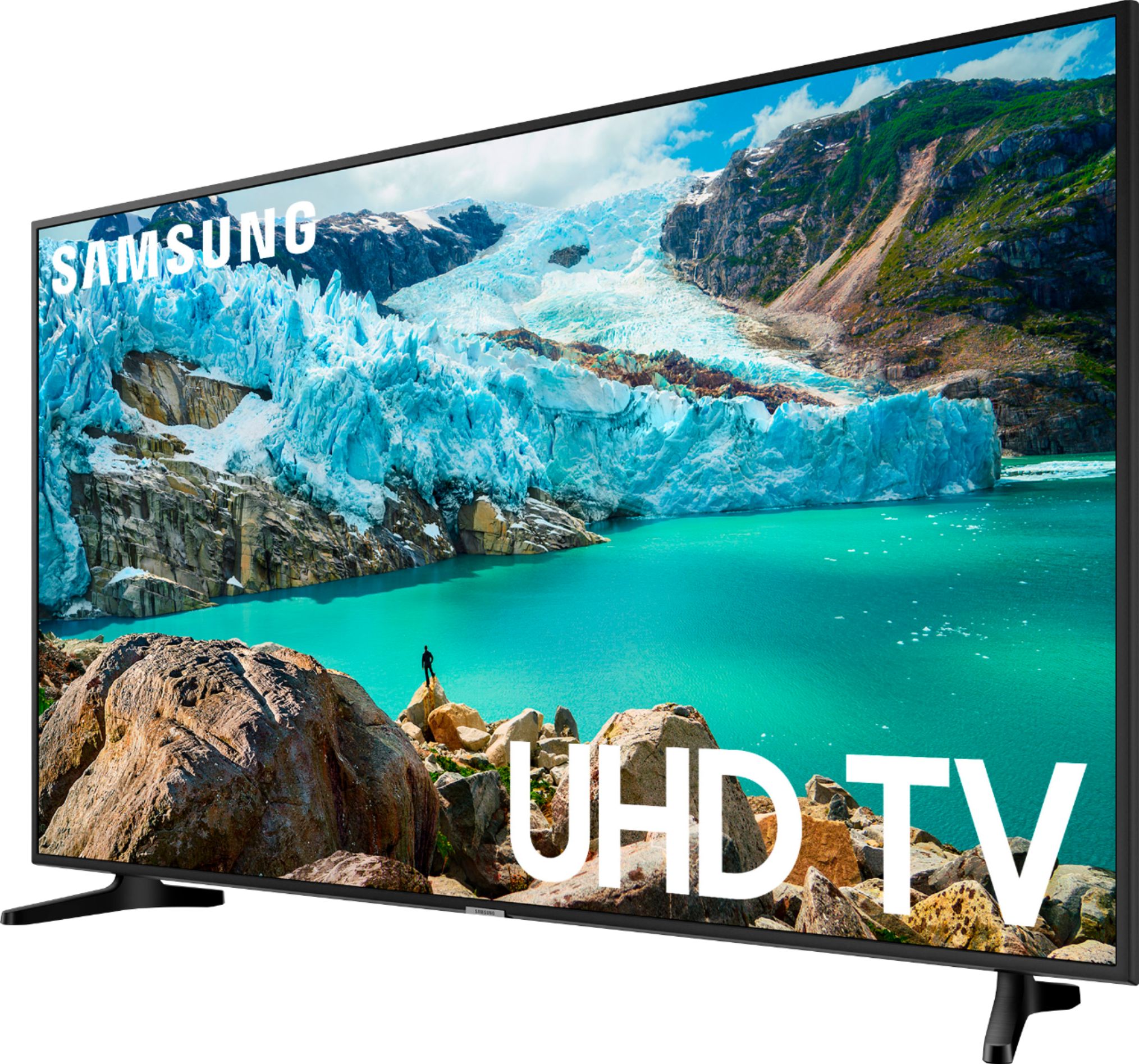
A:AnswerYes, this Samsung supports Apple TV. The app menu option has just about every download available. You can even get Amazon Prime as well. Great TV right out of the box. Very easy set up.
A:Answeryes it has the stuff for putting it on the wall. I live in an apartment and must have permission to hang it on the wall. Its light weight and beautiful color.
A:AnswerYes; you can (your choice) duplicate the stick's settings or not. (I am looking at the newer (also 4k) Q60T - which will also be driven by a 4k FireTV stick, and will face the same pickle - in my case, I'll let the stick remain the default; the ONLY change will be YouTube - I'll use my Google settings for that, as I have several 4k channels I will add from it.)
A:AnswerDepends on what you will be using as source material. If you will be using the Amazon 4k FireTV stick, at worst, you will want to use the extender included with the stick (to avoid overheating issues). For other 4K-based source material, make sure the HDMI cables you use are rated to handle 4k! Also, you can ONLY use HDMI 1 for 4k/HDR-ready material (including the 4k FireTV stick); this applies to all Samsung QLED, CrystalUHD, and UHD 4k HDTVs.