A:AnswerI am not sure if the size of the HD is relevant,however, I connected a 11 year old 512gig Western Digital Passport magnetic HD to it and it worked fine. The only catch is that it only displays media files (images, video, and music).
A:AnswerIf I understand what you're asking, then, no.
The TV functions as a Bluetooth accessory. Like your headset, earbuds, or a Bluetooth speaker.
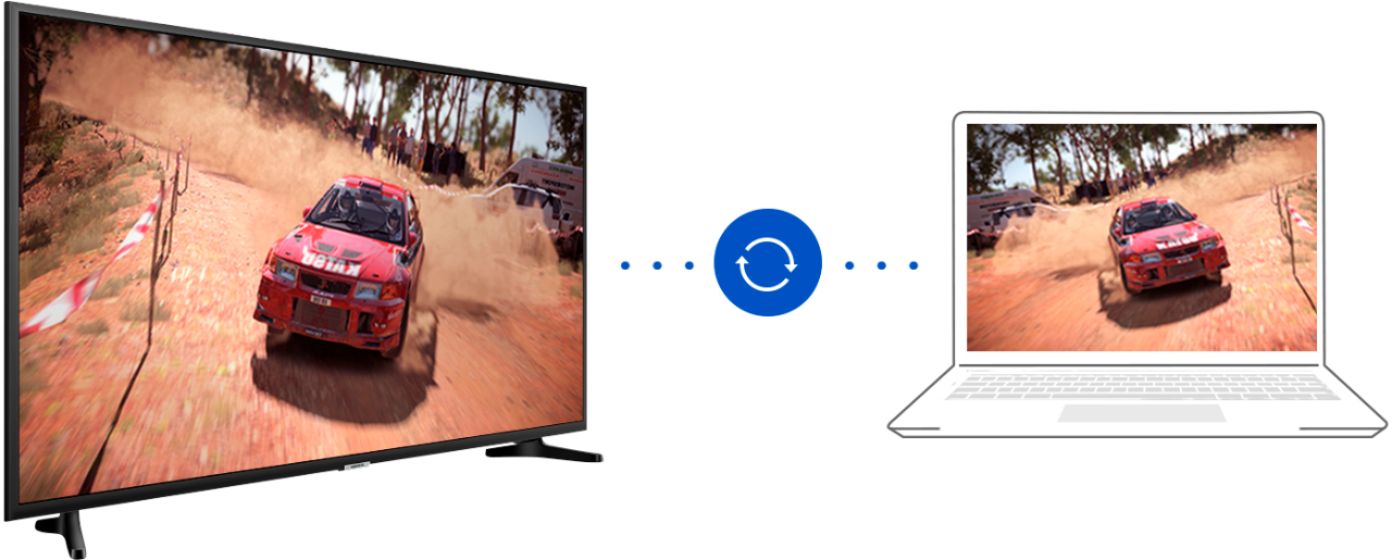
The catch is that you have to use your phone or tablet's Mirroring feature to do this. Once you have mirrored your phone on your TV, you can see whatever is on your phone on the TV screen and play any media through the TV.
In order to get the best results, you should download Samsung apps to your device, regardless of what brand the device is. You can find the Samsung Smart Things app on the Google Play Store or Apple, and also the Samsung Video Library app as well.
If your device doesn't have a built-in mirror feature like Samsung Smart View, you can download a decent app from Google or Apple as well. Just make sure it says that it's designed to work with Samsung Smart TVs.
Also, if you have an Apple device, the TV supports Apple Airplay.
Finally, I tested it out, and found that even when mirroring is on, all incoming and outgoing calls are still done through the phone's own speaker and microphone. However, if you have a headset or earbuds, you can still use them with the phone while mirroring.
A:AnswerNot in the typical sense.
I.e. It doesn't show up on a Bluetooth scan. But, you can use screen mirroring and any media sound from your phone or tablet will be heard through the TV's speakers.
A:AnswerTizen is the computer software inside your tv that allows you to stream without purchasing additional devices. If you have WiFi, you can go on the internet to search for apps or make purchases. This software also allows your tv to connect to all your smart devices such as a watch, refrigerator, thermostat etc.