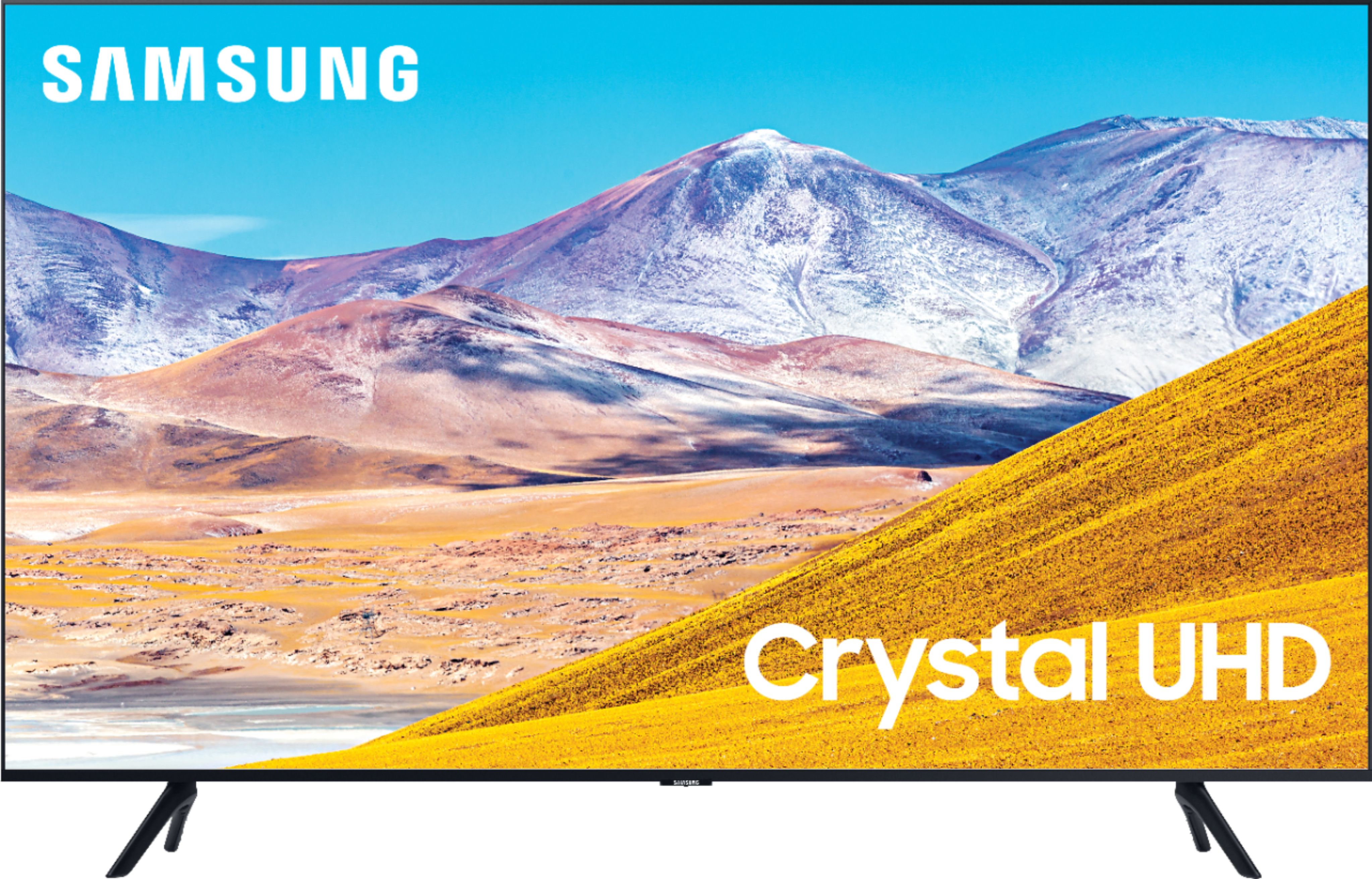
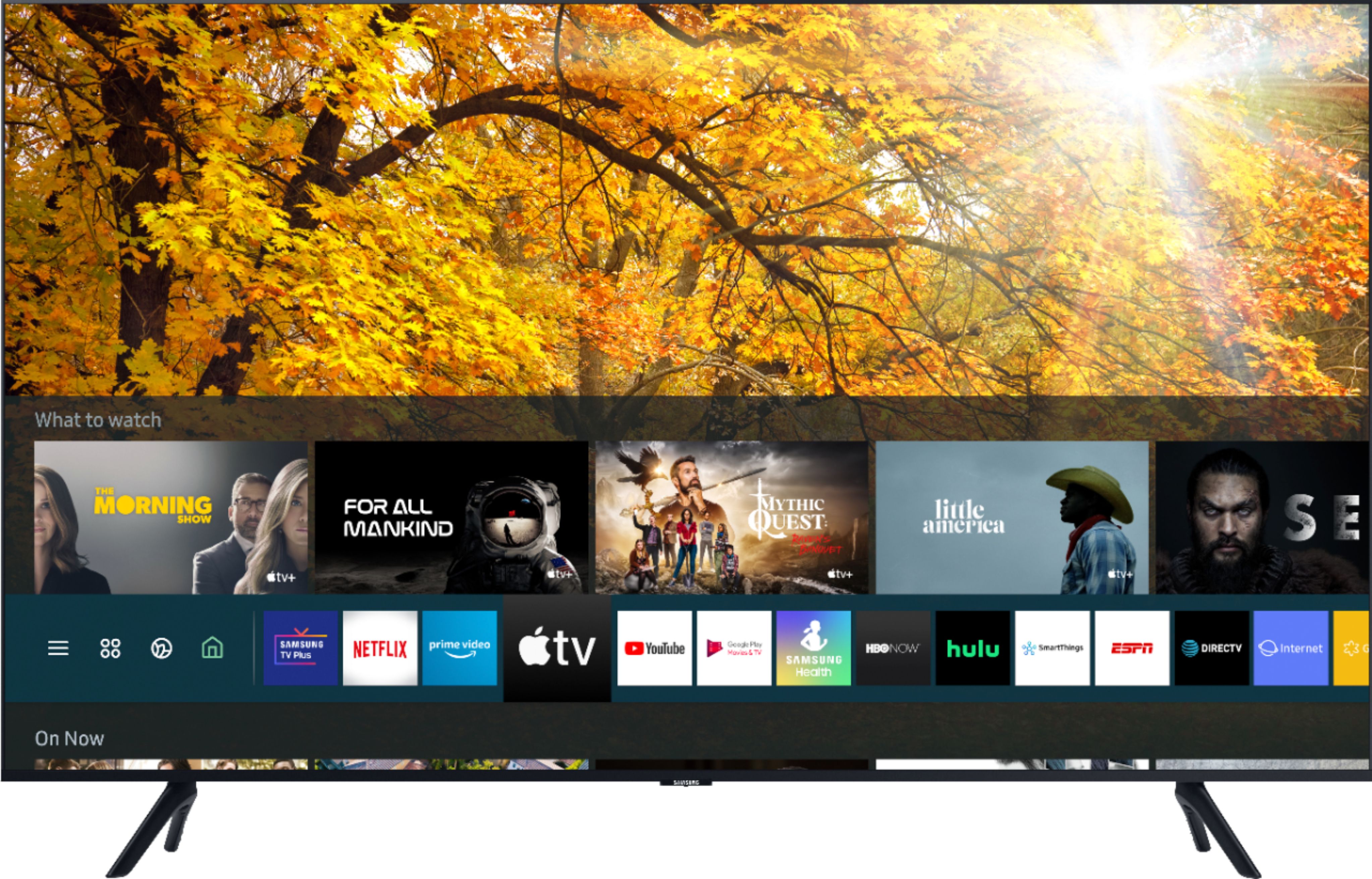
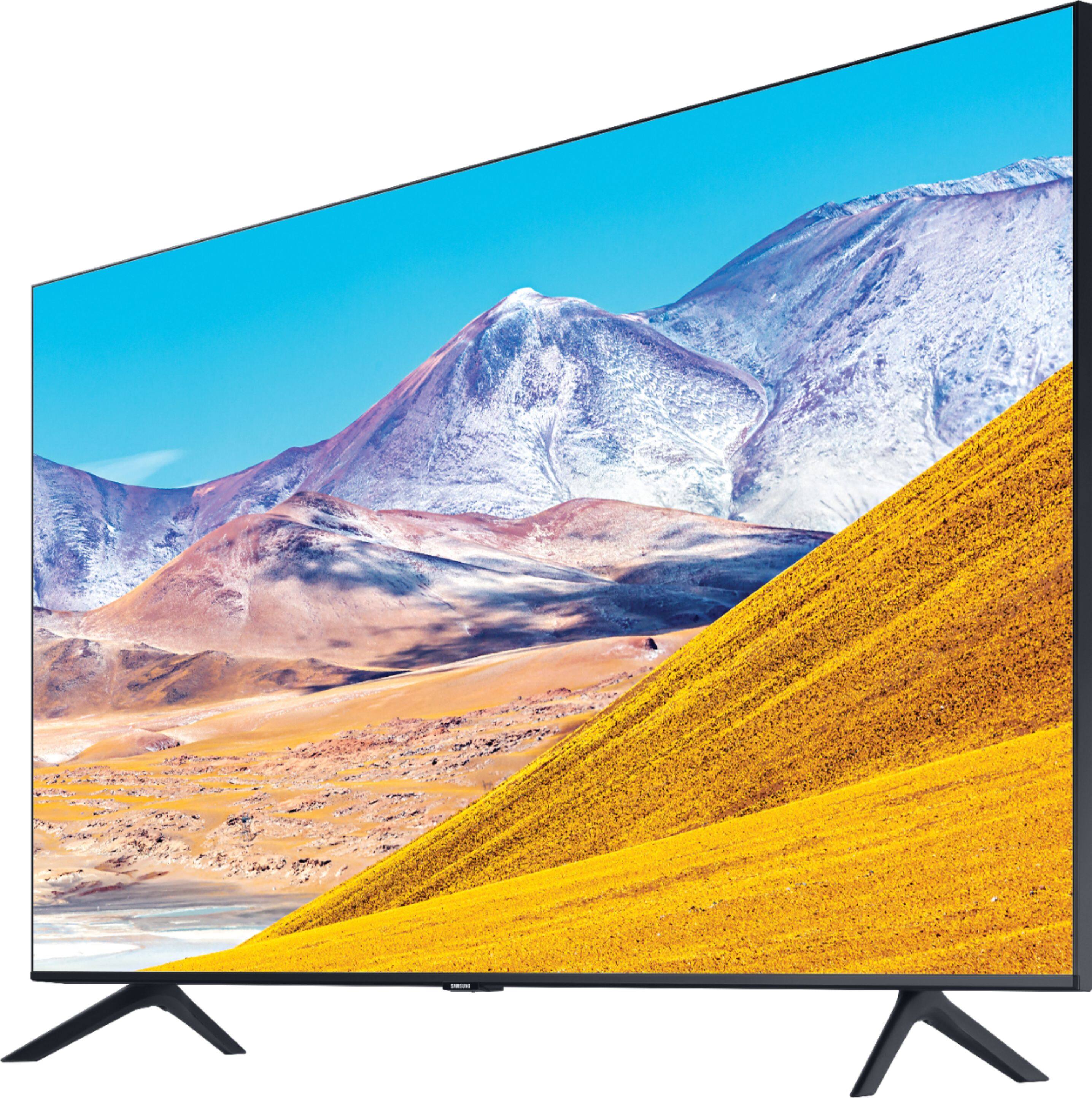
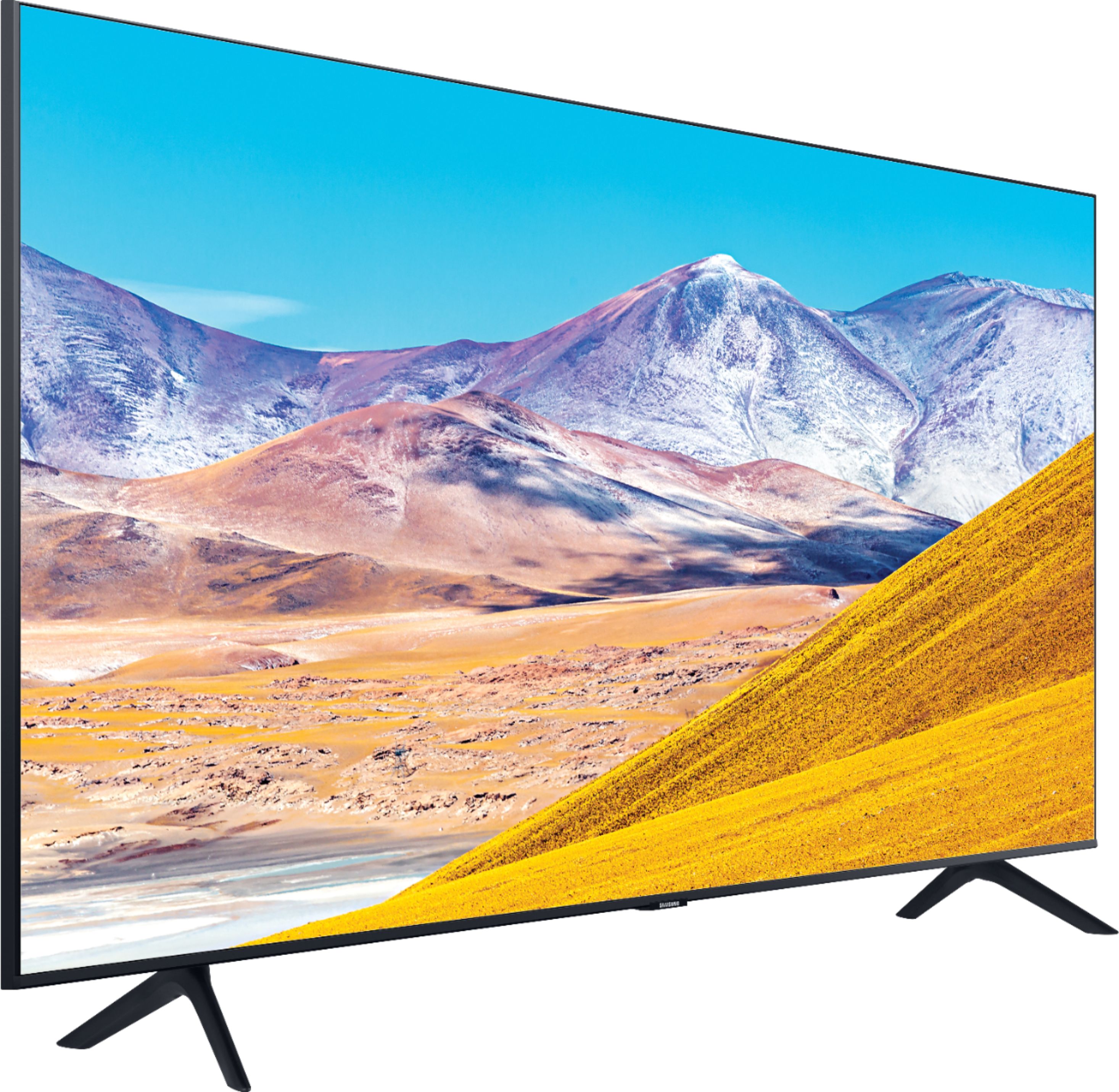
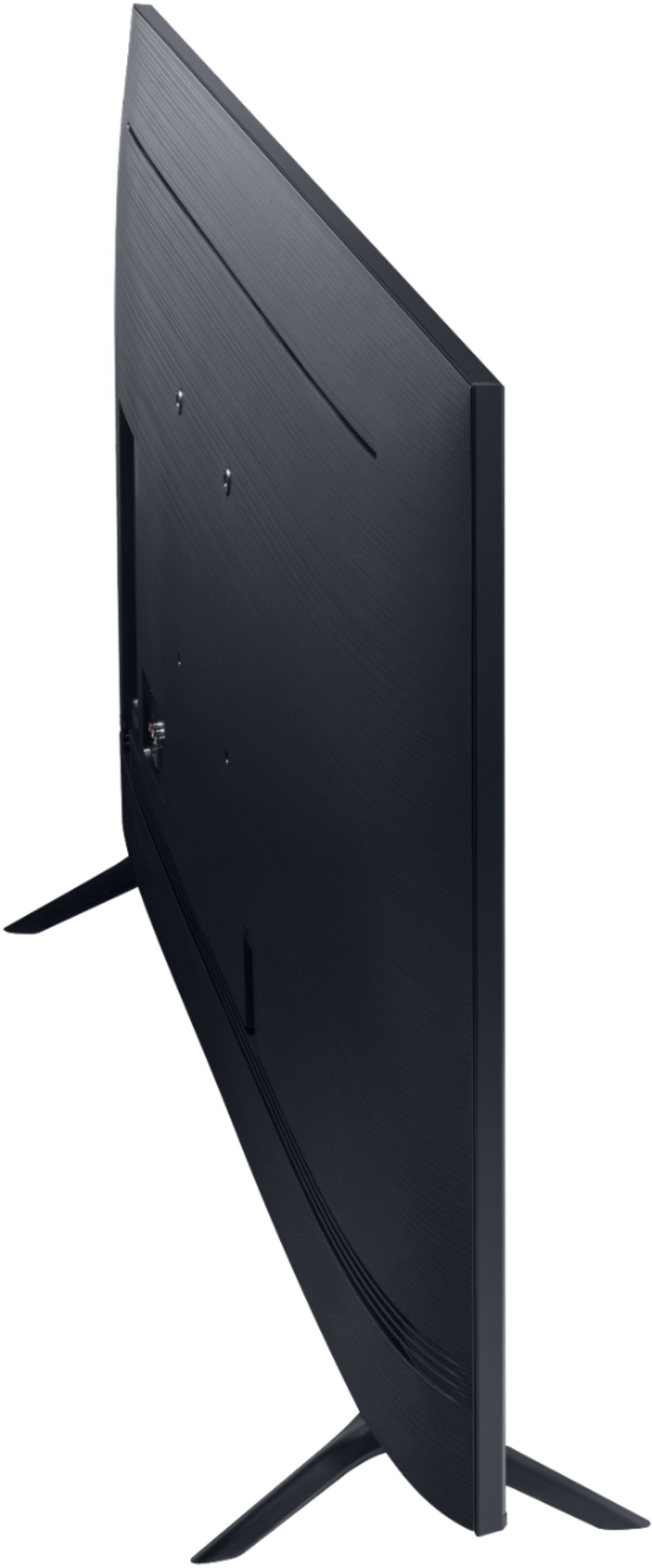
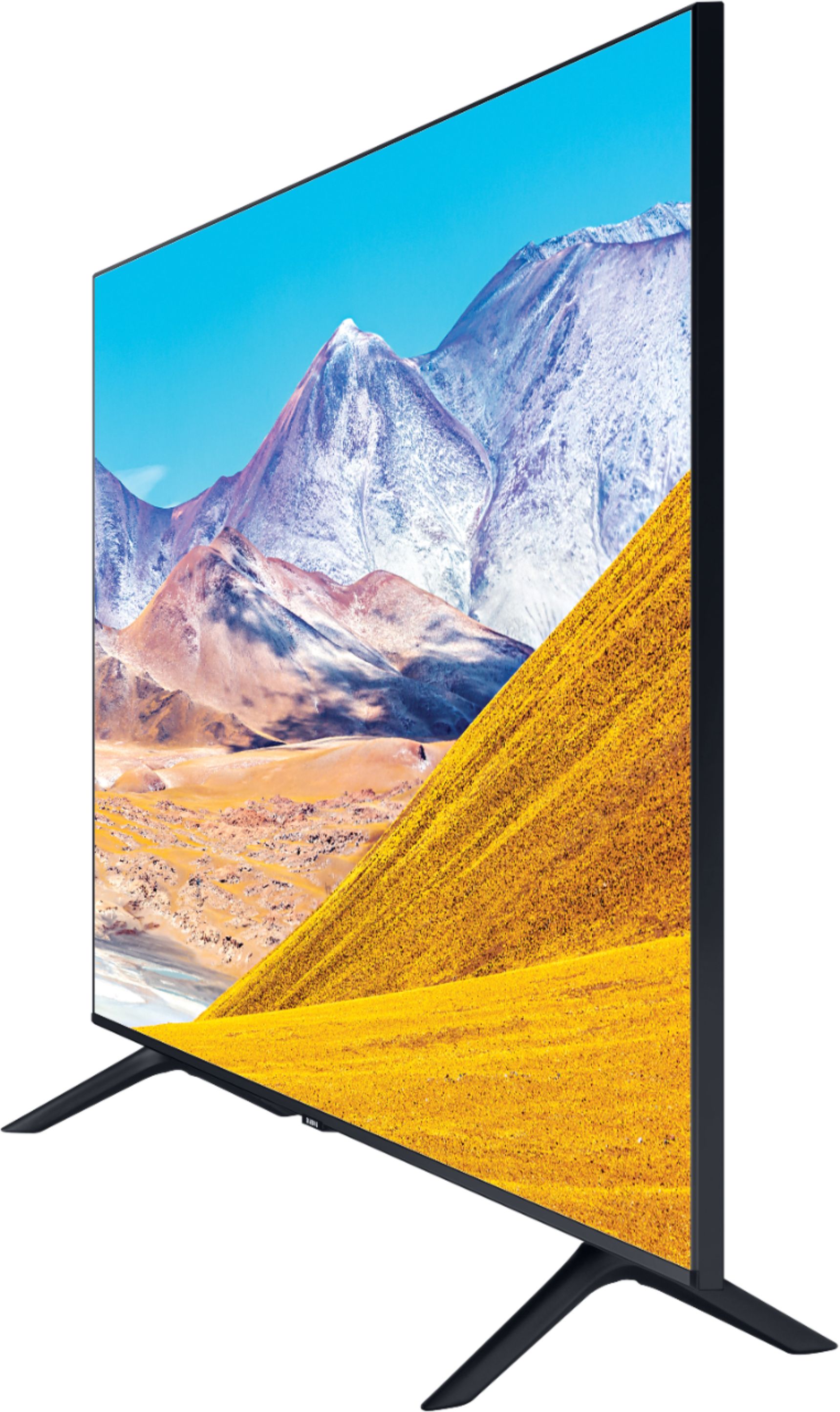
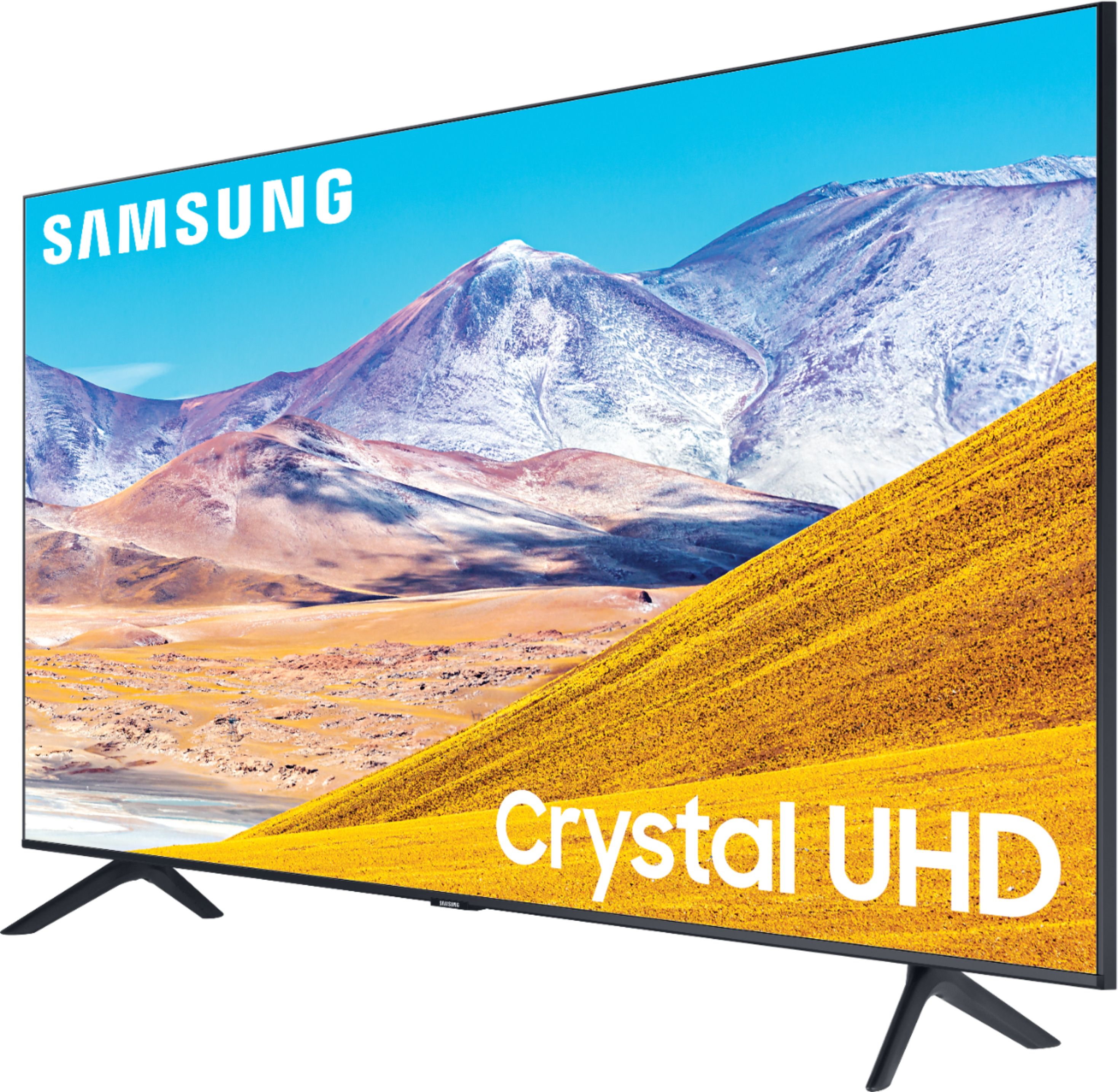
A:AnswerHi Karen! You can easily remove the legs when you are ready to mount your TU8000 - they will simply slide out of their according slots. You can mount the 43TU8000 with any wall mount with a VESA Standard of 200mm x 200mm. Check out compatible wall mounts at Best Buy: https://www.bestbuy.com/site/searchpage.jsp?_dyncharset=UTF-8&id=pcat17071&iht=y&keys=keys&ks=960&list=n&qp=tvmountsize_facet%3DTV%20Size%20Compatibility~40%20-%2054%22&sc=Global&st=wall%20mount&type=page&usc=All%20Categories ^Gina
A:AnswerToniA2243, please contact your local Best Buy regarding return policies. You can also always utilize a universal center stand to ensure this TV will fit on your existing stand. Check out this one at Best Buy: https://www.bestbuy.com/site/sanus-premium-swivel-tv-base-for-most-32-60-tvs-black/5463304.p?skuId=5463304 ^Gina
A:AnswerToniA2243, the leg width of the 43TU8000 is 33.1", so it will not fit on a 30" stand. You can always utilize a universal center stand to ensure this TV will fit on your existing stand. Check out this one at Best Buy: https://www.bestbuy.com/site/sanus-premium-swivel-tv-base-for-most-32-60-tvs-black/5463304.p?skuId=5463304 ^Gina
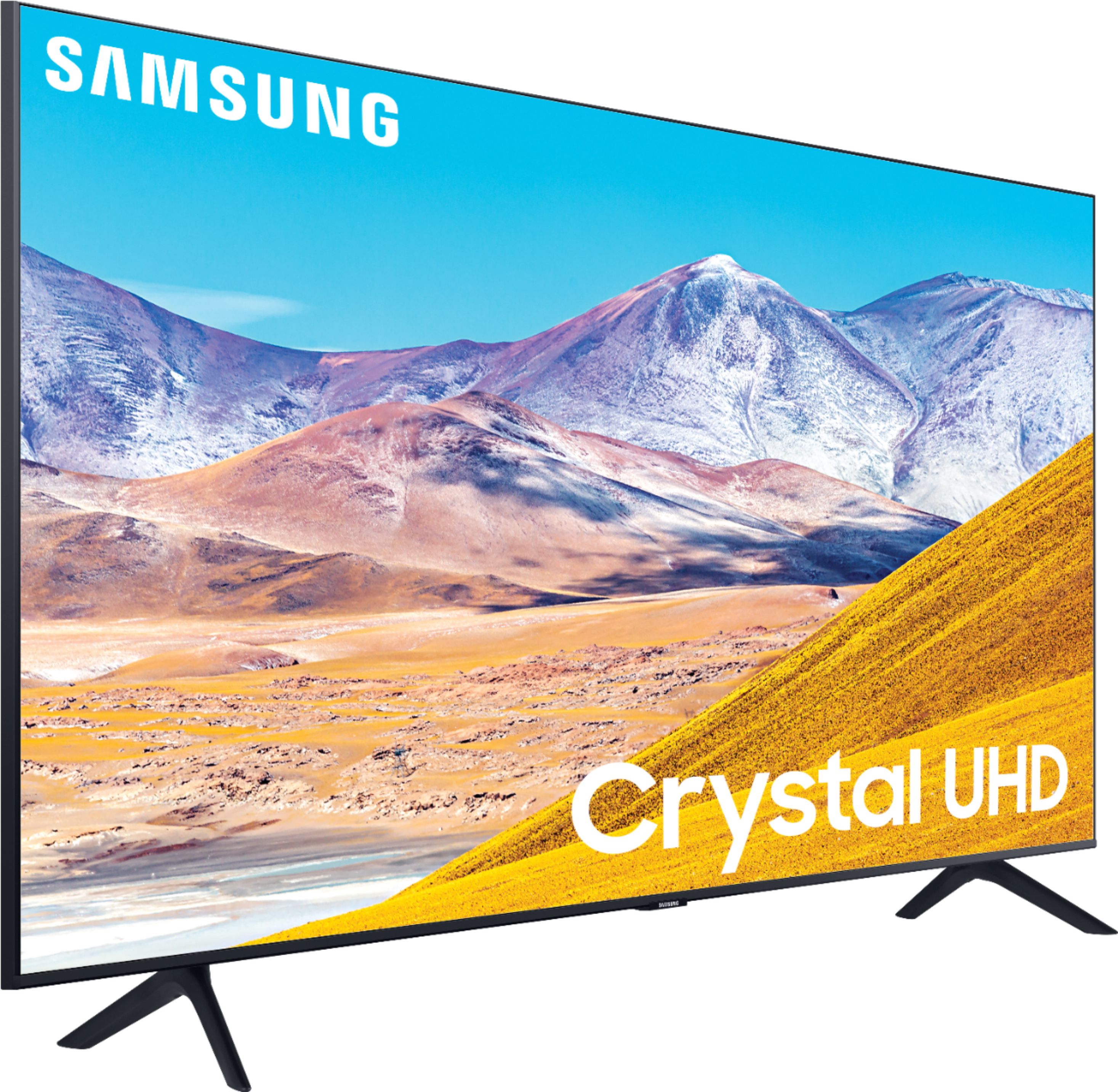
A:AnswerHey Philly, if you were looking into a bigger TV, the 43TU8000 is a great fit! Here are the full measurements so you can ensure this TV will fit into your stand or space: DIMENSIONS (INCHES W x H x D):
• TV WITHOUT STAND: 37.9 x 22 x 2.4
• TV WITH STAND: 37.9 x 24.7 x 7.6 ^Gina
A:AnswerRemote does not have a lighted panel. Your bluetooth head phones should pair with the tv. I paired an off.brand pair of ear buds and a samsung soundbar with no problem.
A:AnswerHi there! There is an auto-recognition mode on the TU8000 which will recognize your computer as a PC and will optimize your Picture Quality accordingly. You can connect your PC to your TV using an HDMI cable, or a DVI-to-HDMI cable if you are using an older PC: https://www.bestbuy.com/site/insignia-6-dvi-d-to-hdmi-cable-black/6187119.p?skuId=6187119 ^Gina
A:AnswerMarkInMd, you sure can! Refer to your AirPod's user manual for how to initially pair. Once paired to the TV, press HOME on the TU8000 remote. Then go to Settings > Sound > Sound Output > Bluetooth Speaker List. Choose the headphones you wish to use for sound output. ^Gina
A:AnswerWith the 43TU8000 you can scroll quickly by holding channel up or down then releasing to select channel or go one channel by one channel using the Smart remote without a guide . ^Jason
A:AnswerHi there! You sure can cast from other devices. If you are casting from an iOS device, you can utilize your TV's AirPlay feature. If you are casting from an Android device, you can utilize Smart View on your phone. If you are using a Windows device, you can cast with the Multiple Displays option on your computer. ^Gina
A:AnswerHi Mike! The TU8000 utilizes a matte finish to minimize unwanted glare; however, when stepping up to our Q60T, you will gain our Dual LED Technology, which allows the TV to more accurately balance color and brightness than conventional Edge Lighting arrangements. Samsung TVs with Dual LED also produce a wider viewing angle, making it better for everybody watching. Check out our Q60T here: https://www.bestbuy.com/site/samsung-43-class-qled-q60-series-4k-uhd-tv-smart-led-with-hdr/6401760.p?skuId=6401760 ^Gina
A:AnswerBookmaid, the leg width on the 43TU8000 is 33.1". You can utilize a center stand such as this one, to ensure your TV will fit on your stand: https://www.bestbuy.com/site/sanus-premium-swivel-tv-base-for-most-32-60-tvs-black/5463304.p?skuId=5463304 ^Gina
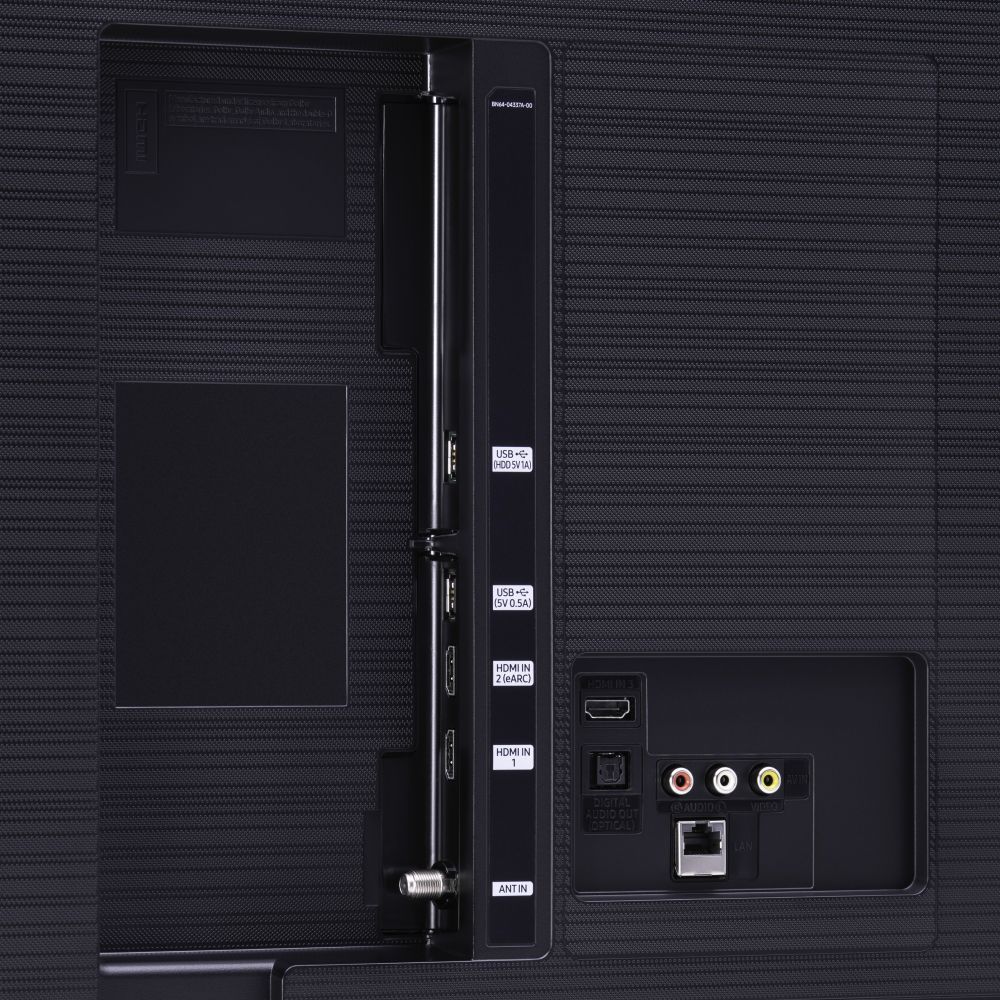
A:AnswerHi there, you would need to use a converter to utilize wired headphones, as there is no headphone jack. Check out this converter at Best Buy: https://www.bestbuy.com/site/insignia-optical-coaxial-digital-to-analog-converter-black/4226000.p?skuId=4226000 ^Gina
A:AnswerHi Kelly! You will need to purchase a wall mount with a VESA Standard of 200mm x 200mm. The wall mount will come with the equipment you need to properly mount your TV. Check out some compatible wall mounts here: https://www.bestbuy.com/site/searchpage.jsp?_dyncharset=UTF-8&id=pcat17071&iht=y&keys=keys&ks=960&list=n&qp=tvmountsize_facet%3DTV%20Size%20Compatibility~40%20-%2054%22&sc=Global&st=wall%20mounts&type=page&usc=All%20Categories ^Gina
A:AnswerHi, yes, headphones can be connected to this tv by Bluetooth only. I have connected Beats headphones and regular ear buds without any problems.
A:AnswerI’m in no way an expert but I would think that completely depends on the strength of your wifi. If your signal is strong enough you should be able to get Netflix, Amazon & such.