A:AnswerHi Shewbedo,
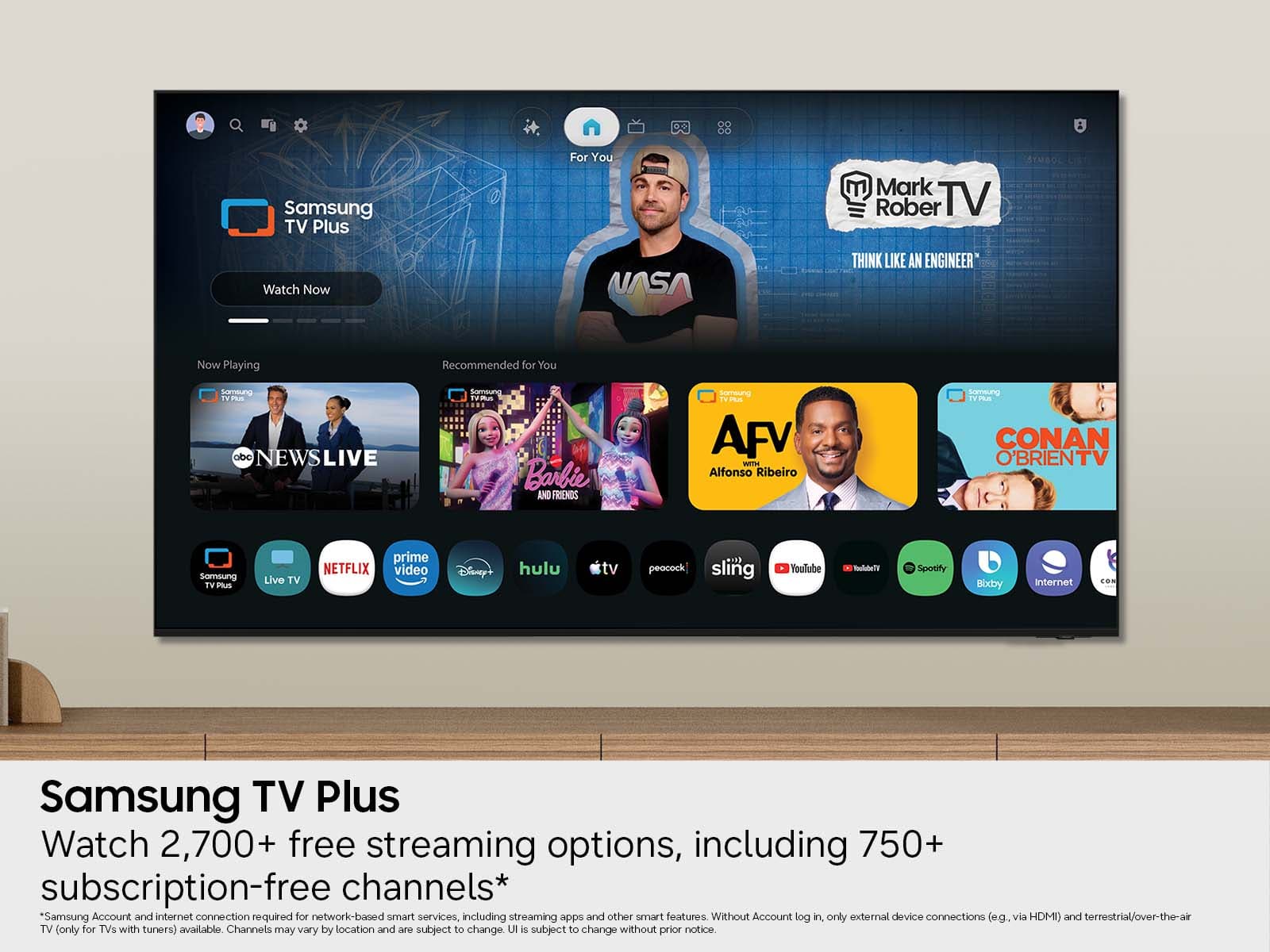
To access the built-in app store, go to Search or Apps at the top of your Smart Hub Screen and type in the app you are searching for, then click download.
~Samsung Advisor
A:AnswerHI Rico73,
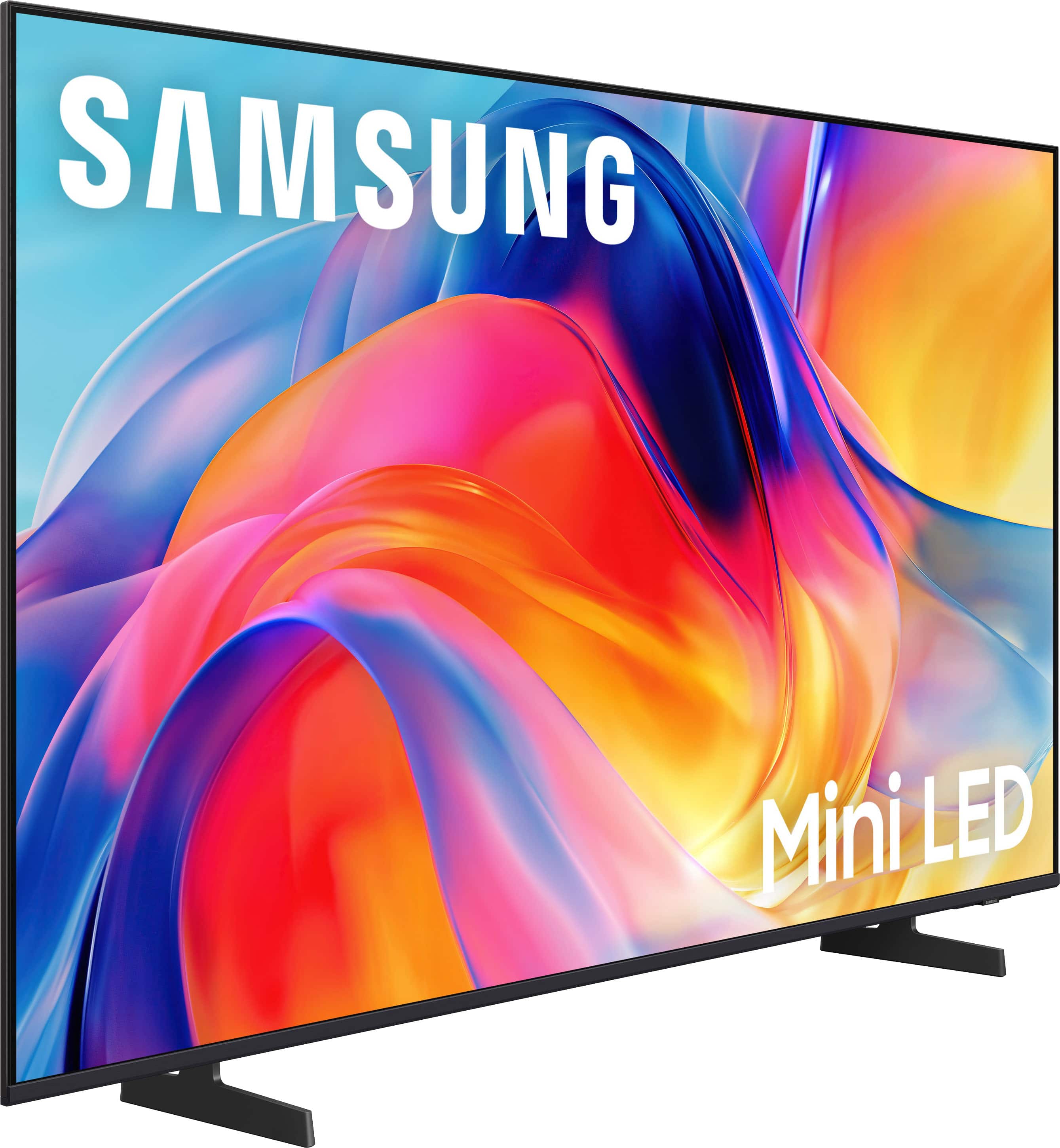
When cleaning your Samsung TV screen, please follow these guidelines to help keep it in optimal condition:
• Power off your TV and allow it to cool for 5-10 minutes before cleaning to reduce streaking.
• Use a soft, dry microfiber cloth to gently wipe the screen - avoid pressing too hard.
• Do not use any chemicals or cleaning agents such as wax, alcohol, thinners, air fresheners, or detergents.
• Never spray water or liquid directly onto the screen or TV surface.
~ Samsung Advisor