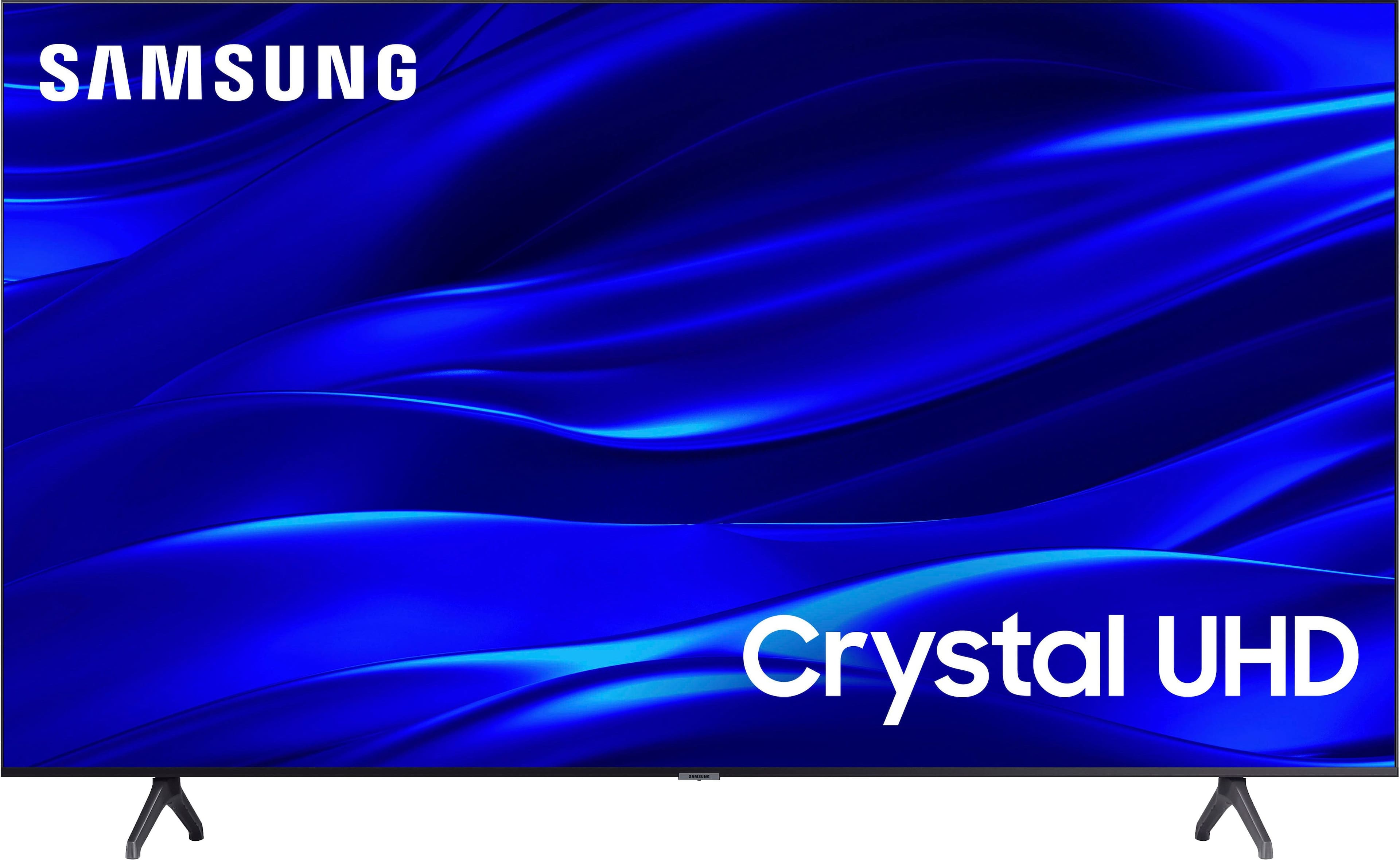
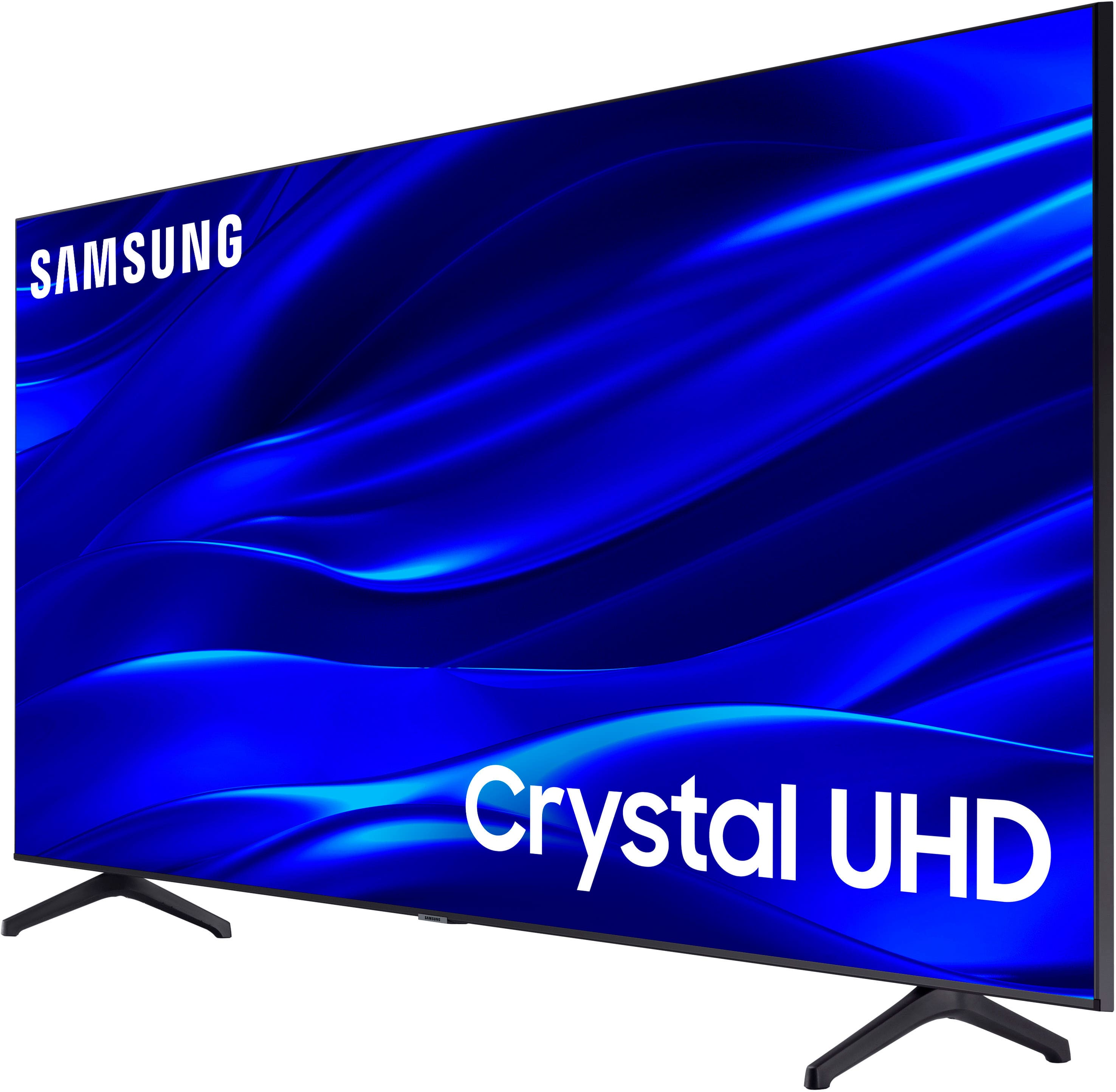
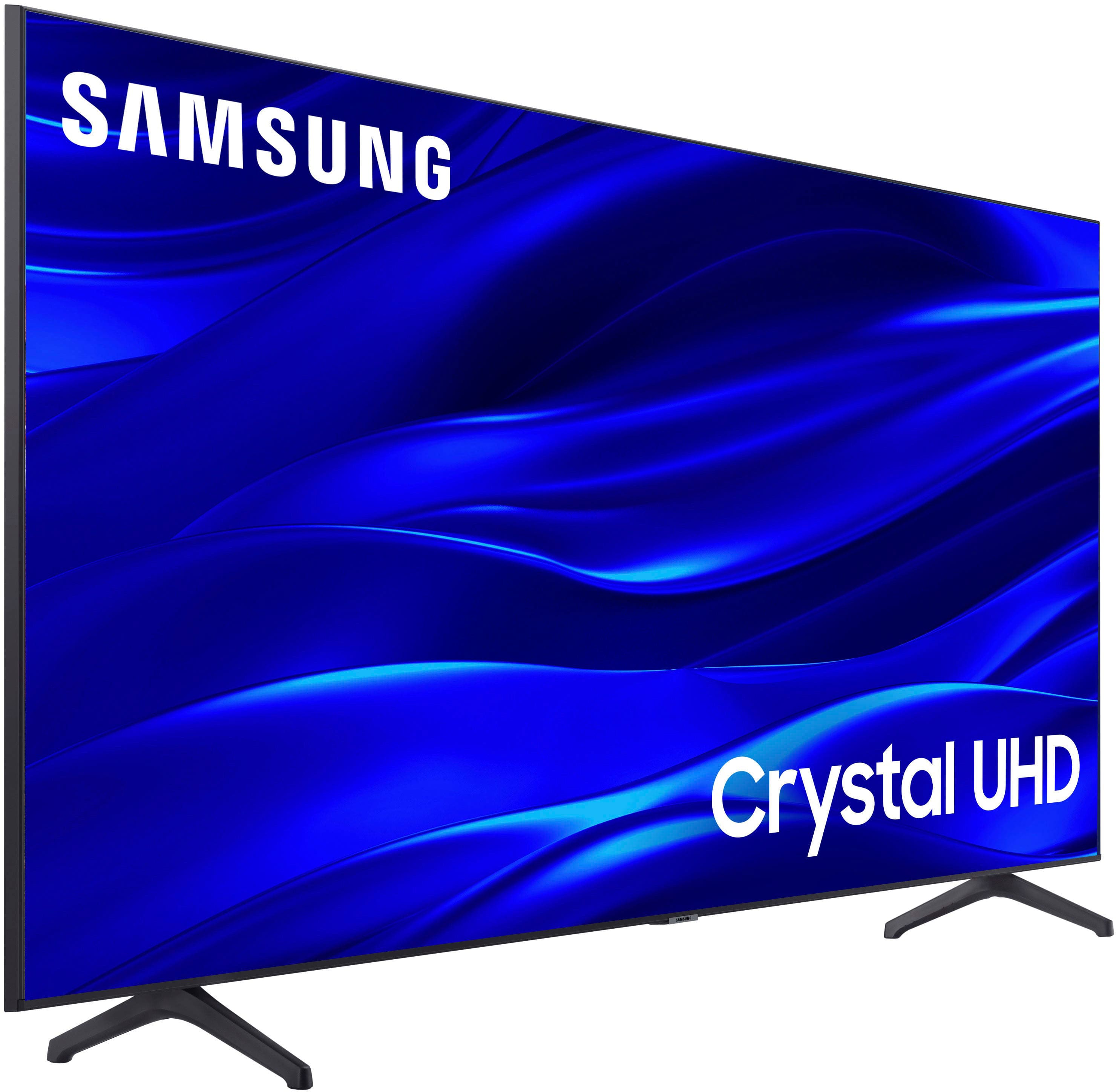
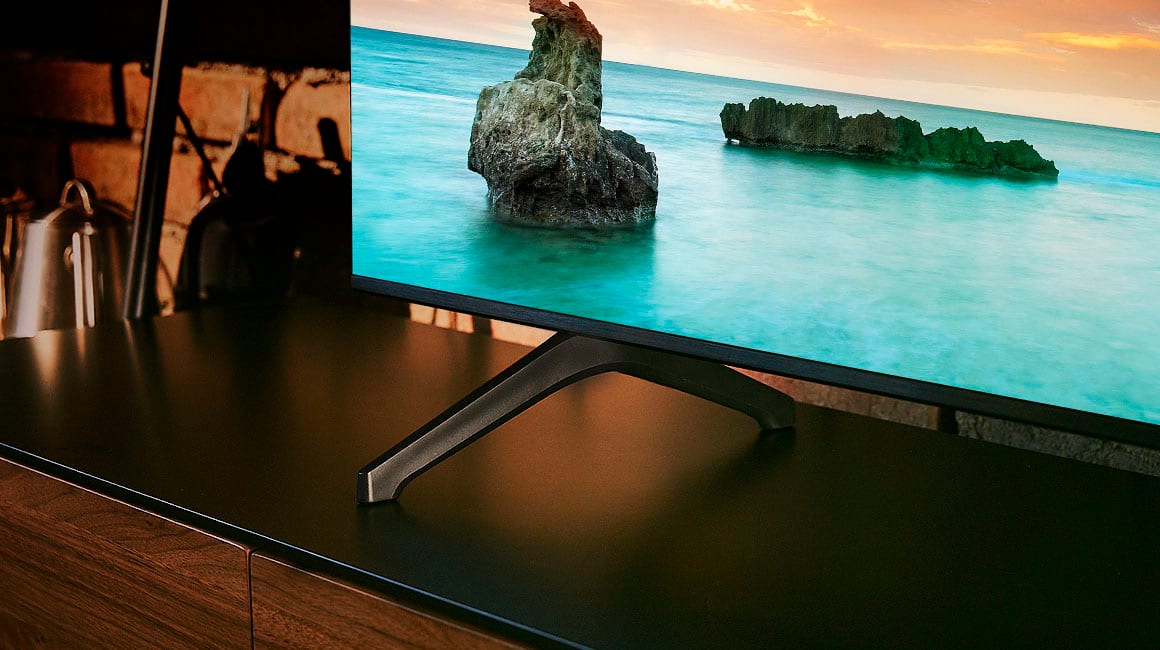
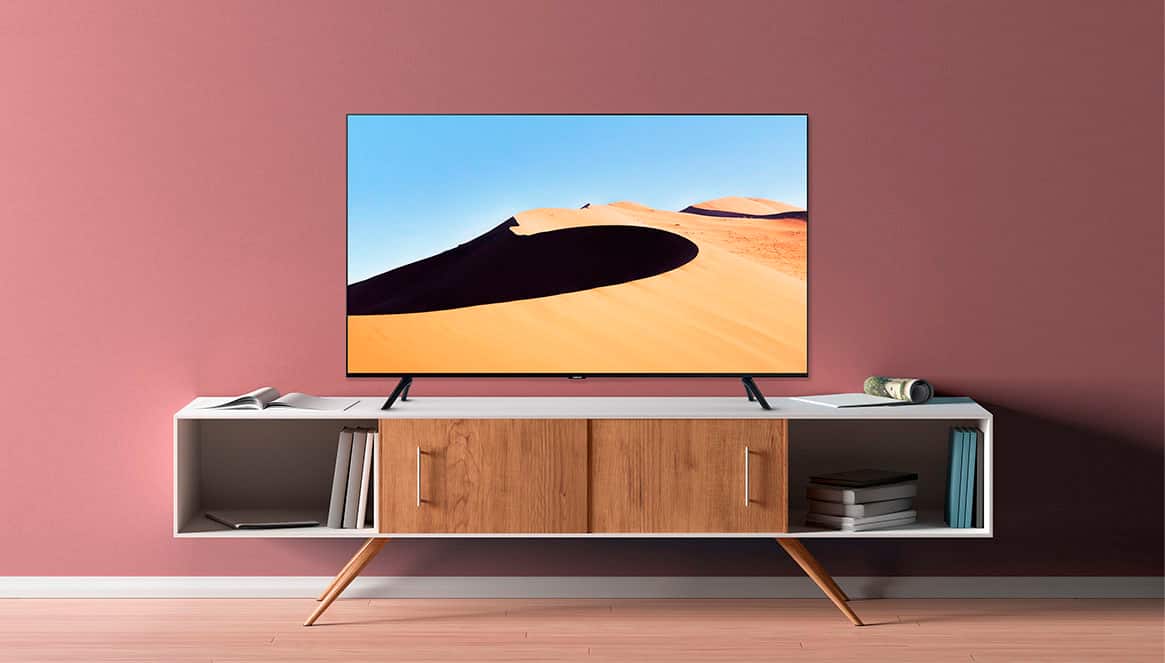
A:AnswerTV speaker only, sounds rather "muffled", on all three Sound Mode settings, but my TV is sitting about 1-2" off the top of a TV stand(Sofa Table design). It may possibly sound better in a suspended-mount situation.
A:AnswerHi Jared,
For the best audio and user experience, we recommend using a Digital Optical cable and avoiding using adapters where possible.
~Samsung Advisor
A:AnswerHi Ajef7885,
The Jellyfin app is not currently available, but Samsung offers hundreds of apps in our App Store that you can download. We are continuously adding more premium content and new services to our Smart TV platform.
~Samsung Advisor
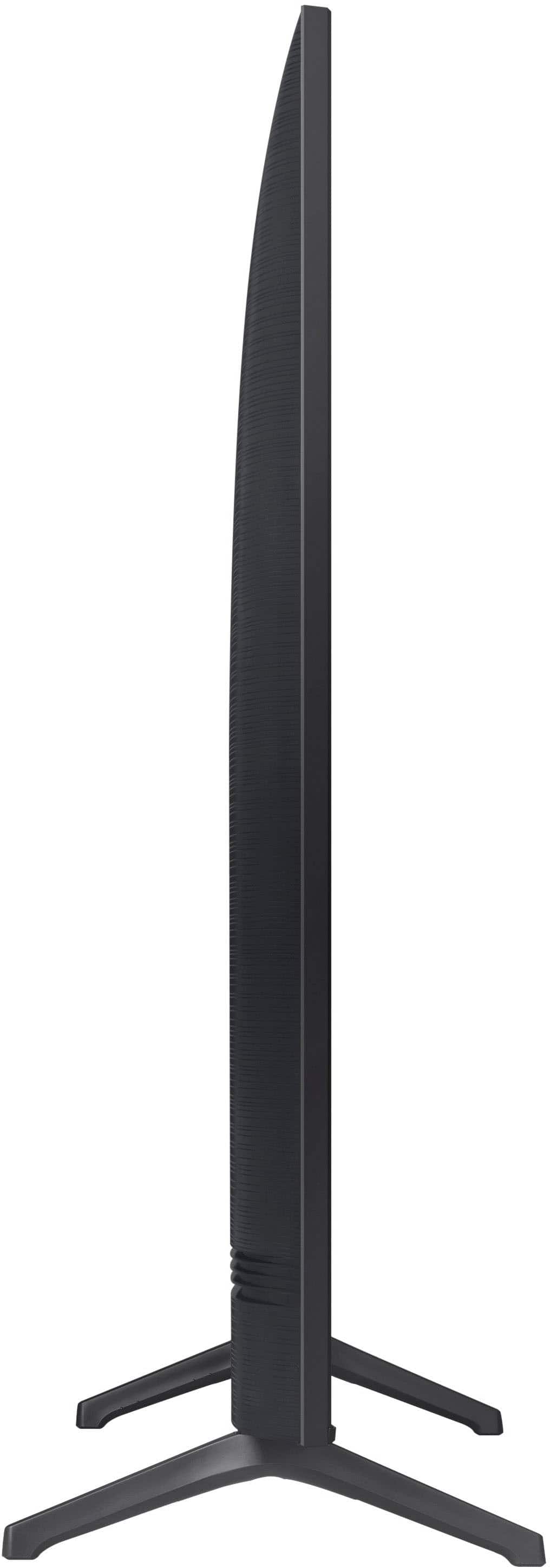
A:AnswerMy question was can the stand to the Flat screen TV be replaced/changed to one that is more supportable than the one that comes with it. If I wanted to hang it on the wall I wouldn't have asked the question regarding the Flat screen stand! Do you have a different stand than the one that is on Best Buy's website and can Best Buy install it?
A:AnswerHI Erpexec,
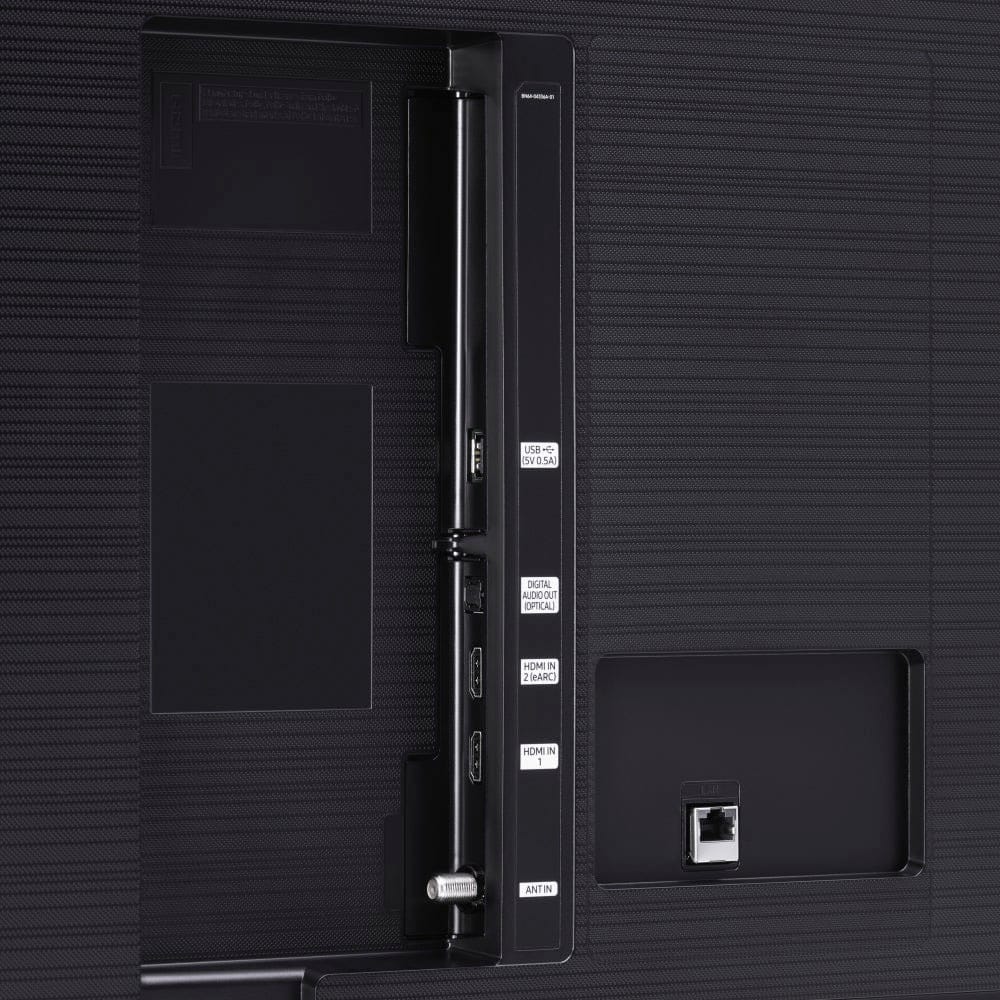
For the TU690T, I would connect the Samsung Soundbar to HDMI in port 2 for eARC and then connect your Blu-Ray Player into HDMI port 1.
The TU690T has 2 HDMI ports, one of which features HDMI ARC support; however, if you’re looking for a TV that supports HDMI eARC and gaming features such as 4K@120fps (FRL), please consider stepping up to the 55” Frame, which supports both features.
~Samsung Advisor