A:AnswerHi jesco,
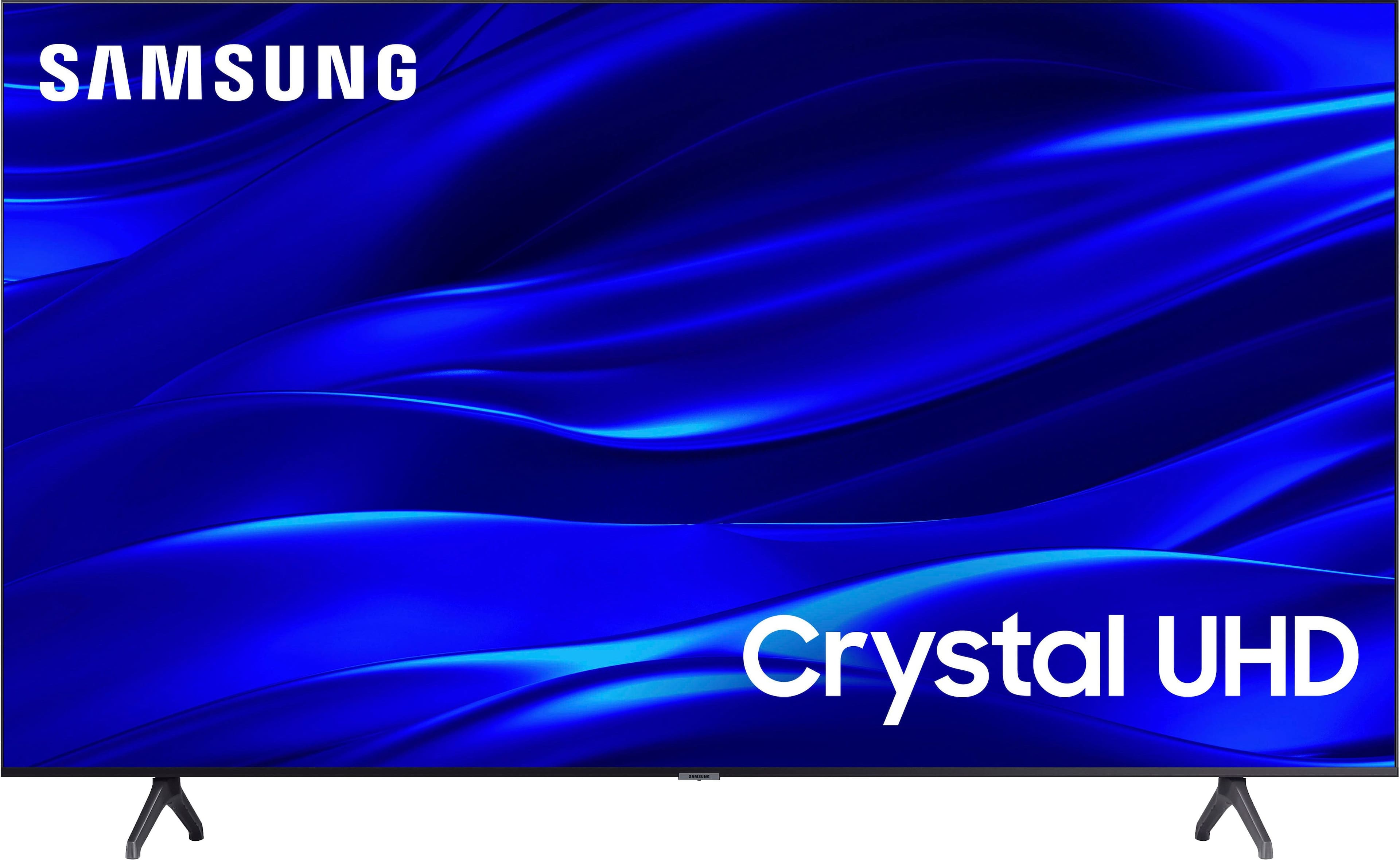
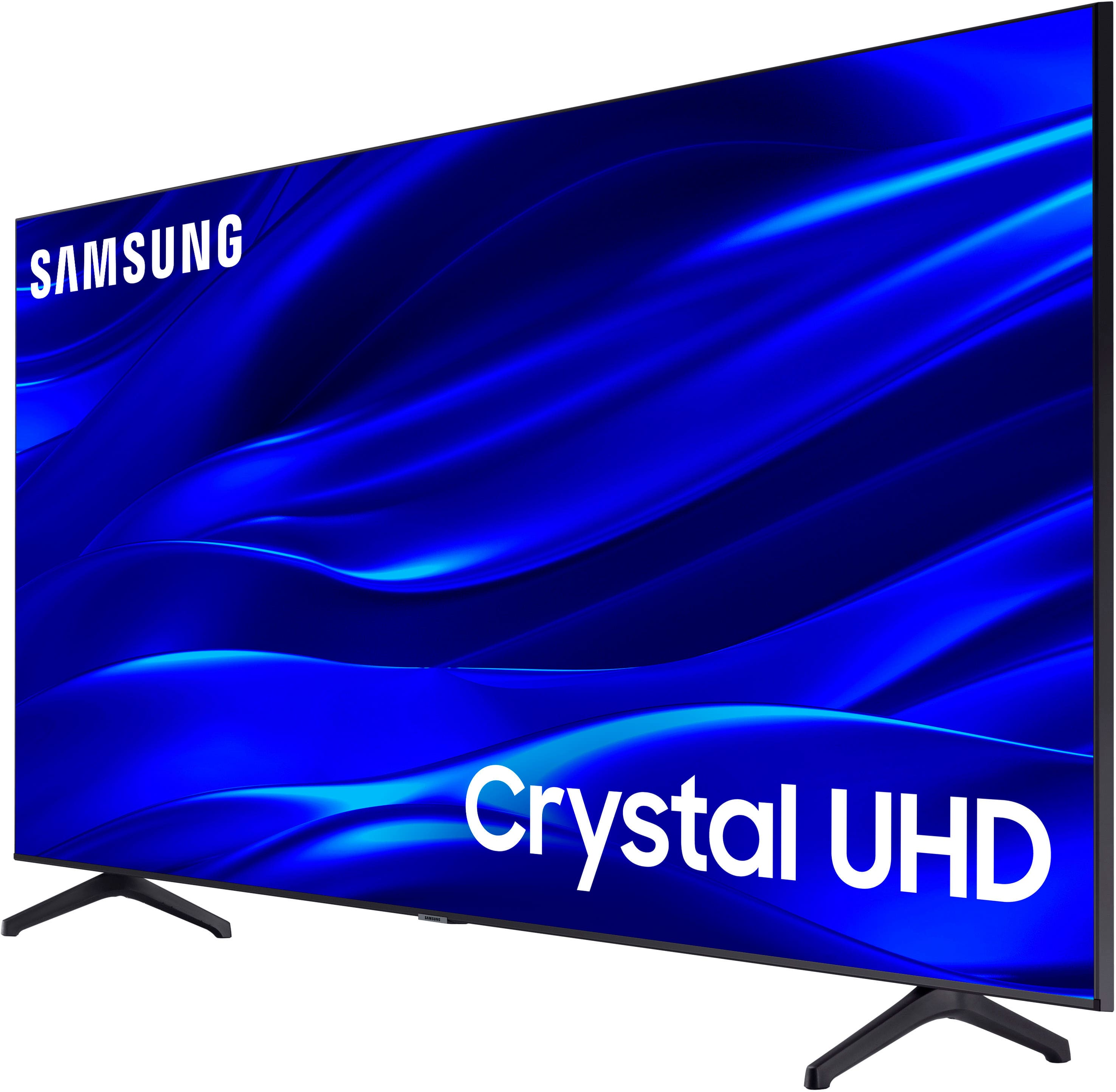
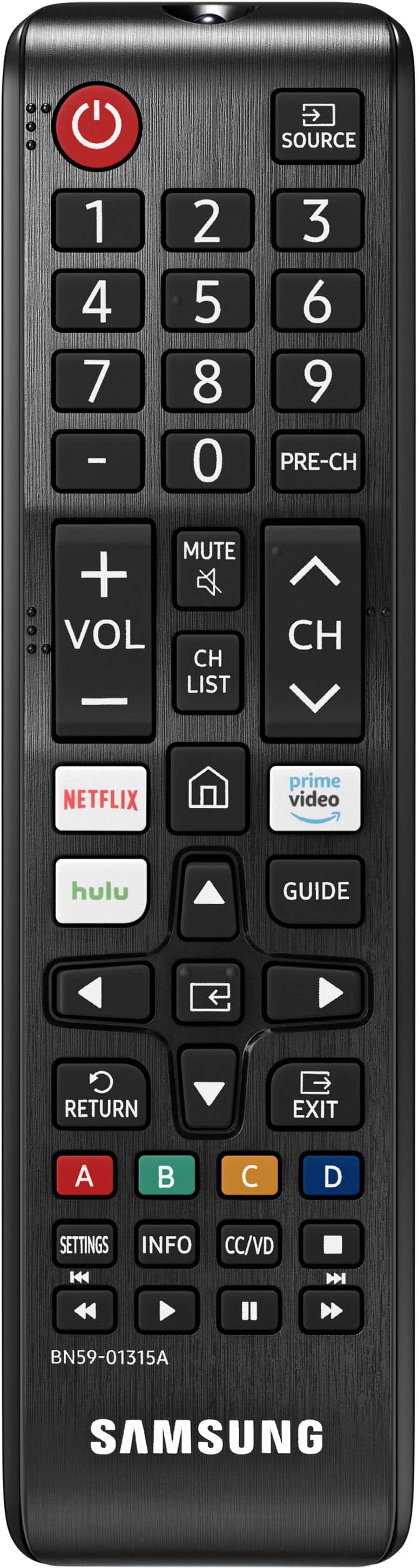
The TU690T TV comes with a remote and a power cord. We back this Samsung TV with a 1-year limited manufacturer's warranty, including authorized repair for manufacturer defect, if purchased brand-new directly from an authorized seller.
I hope this helps!
~Samsung Advisor
A:AnswerHi H,
For darker scenes, I recommend Dynamic Picture Mode, which makes pictures brighter and clearer in bright viewing environments. Go to Settings > Picture > Picture Mode > Dynamic.
Or you can manually adjust the Brightness by pressing the HOME button on your remote, then navigating to Settings > Picture > Expert Settings.
I hope this helps!
~Samsung Advisor
A:AnswerHi,
If you need to connect more than one Bluetooth audio device at a time, I recommend moving up to the Q60B, which offers Dual-Bluetooth Audio, allowing you to connect two Bluetooth Audio devices at one time.
~Samsung Advisor
A:AnswerHi Ziggy,
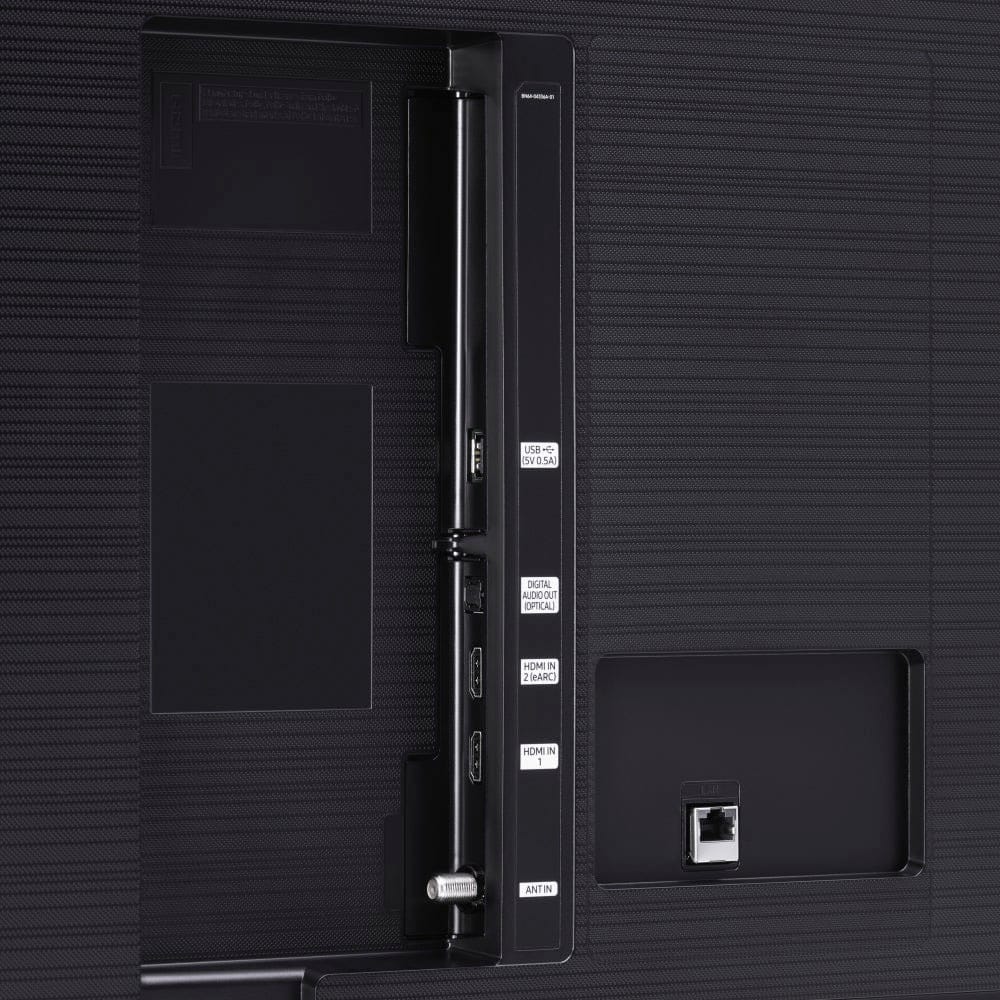
The cables you need depend on what you want to connect to your TV. If you're going to connect it to an external device, such as a cable box, make sure you have an HDMI cable.
~Samsung Advisor
A:AnswerParameters for answer. Standing 6' away perpendicular from the set, I can go out 45 degrees left or right and still have a good view. Obviously, the further you are away from the set, the angle of viewability will increase.
A:AnswerYes. Have a Spectrum and Samsung account and you can do that. Success is confirmed when you see the Spectrum App "tile" along with the normal ones...Hulu, Amazon, Netflix, etc.
A:AnswerHi guyinkalamazoo,
The Xbox App, which is available through the Samsung Gaming Hub, is not available on the TV. It is available on the QN900B, QN800B, QN95B, QN90B, and the Q60B series TVs.
~Samsung Advisor
A:AnswerHi Estaben,
The Blaze app is not currently available, but Samsung offers hundreds of apps in our App Store that you can download, and we are continuously adding more premium content and new services to our Smart TV platform.
~Samsung Advisor