A:AnswerHi Jacob,
To better answer your question, please give us a call at 1-800-SAMSUNG, 8 AM - 12 AM EST, seven days a week. Our LiveChat agents are also available by clicking on the ‘Support’ link on our website.
~ Samsung Advisor
A:AnswerHi Viv,
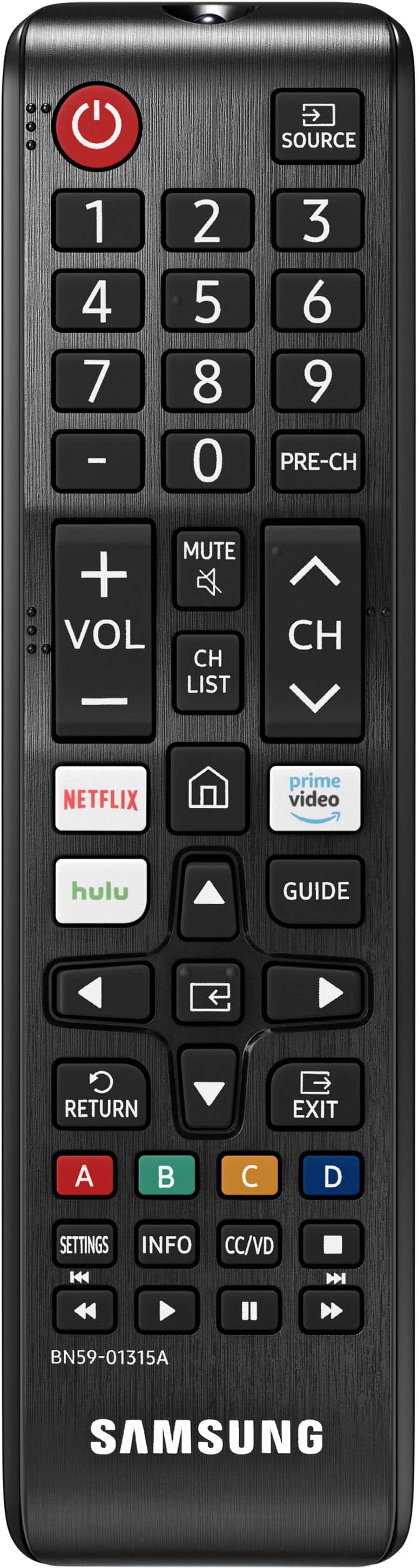
Samsung TVs do allow the pairing of Universal Remotes. To pair your remote, Turn on your smart TV and then hold down the appropriate button on your universal remote. Some remotes may pair right away, but others require you to enter a code.
When you’re ready, enter the code on the remote’s number pad. You should now be able to control your TV with the newly paired remote. If it isn’t working, try these steps again or refer to the manufacturer’s support.
~Samsung Advisor
A:AnswerHi Hooshzoni,
If you’re looking for a TV with FreeSync Premium Pro, as well as other Next Gen gaming enhancements such as Variable Refresh Rate (VRR), and 4K@120Hz, check out our Q80B TV at Best Buy: https://www.bestbuy.com/site/samsung-50-class-q80b-qled-4k-smart-tizen-tv/6503084.p?skuId=6503084#anchor=productVariations
~Samsung Advisor
A:AnswerHi Danny,
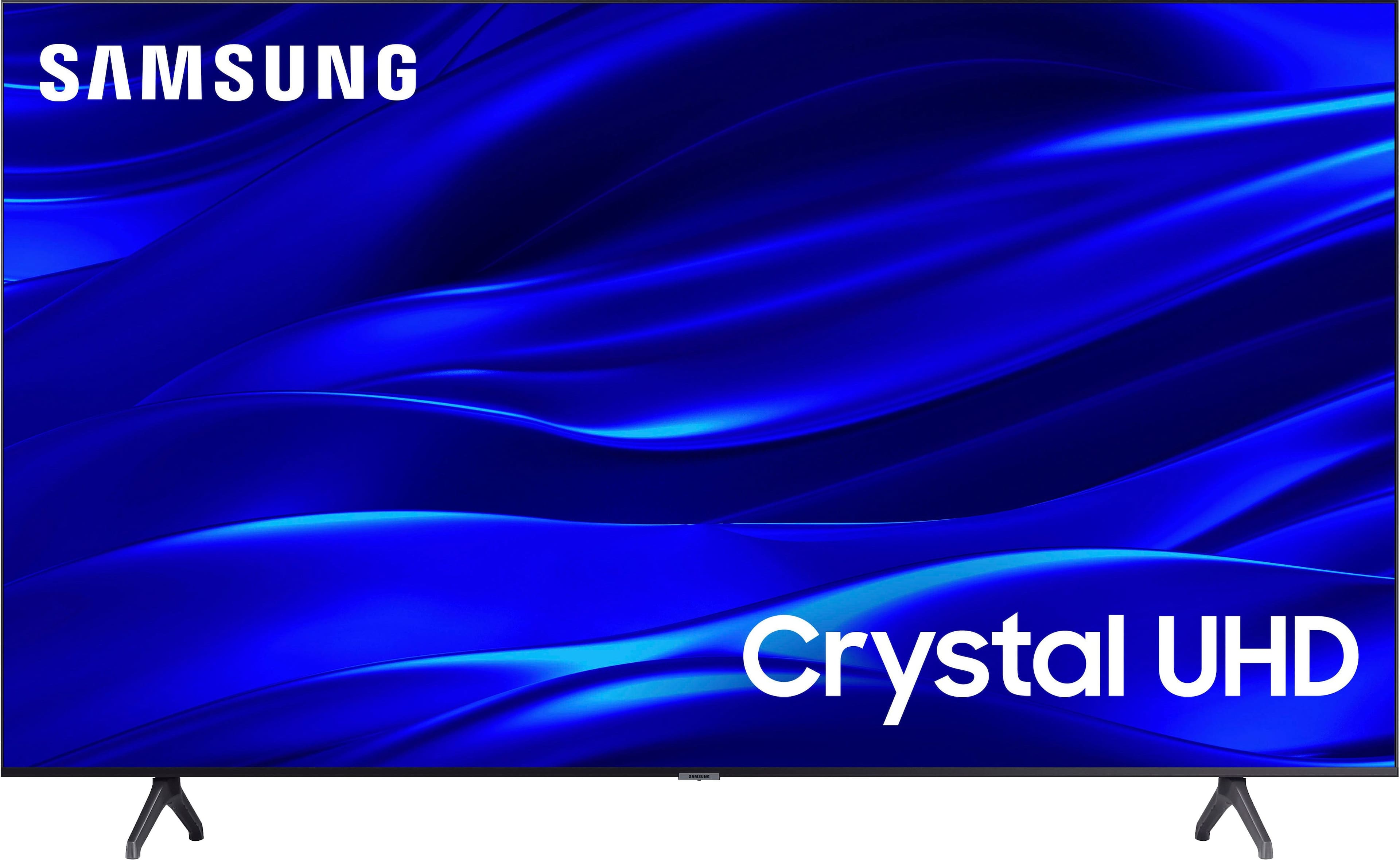
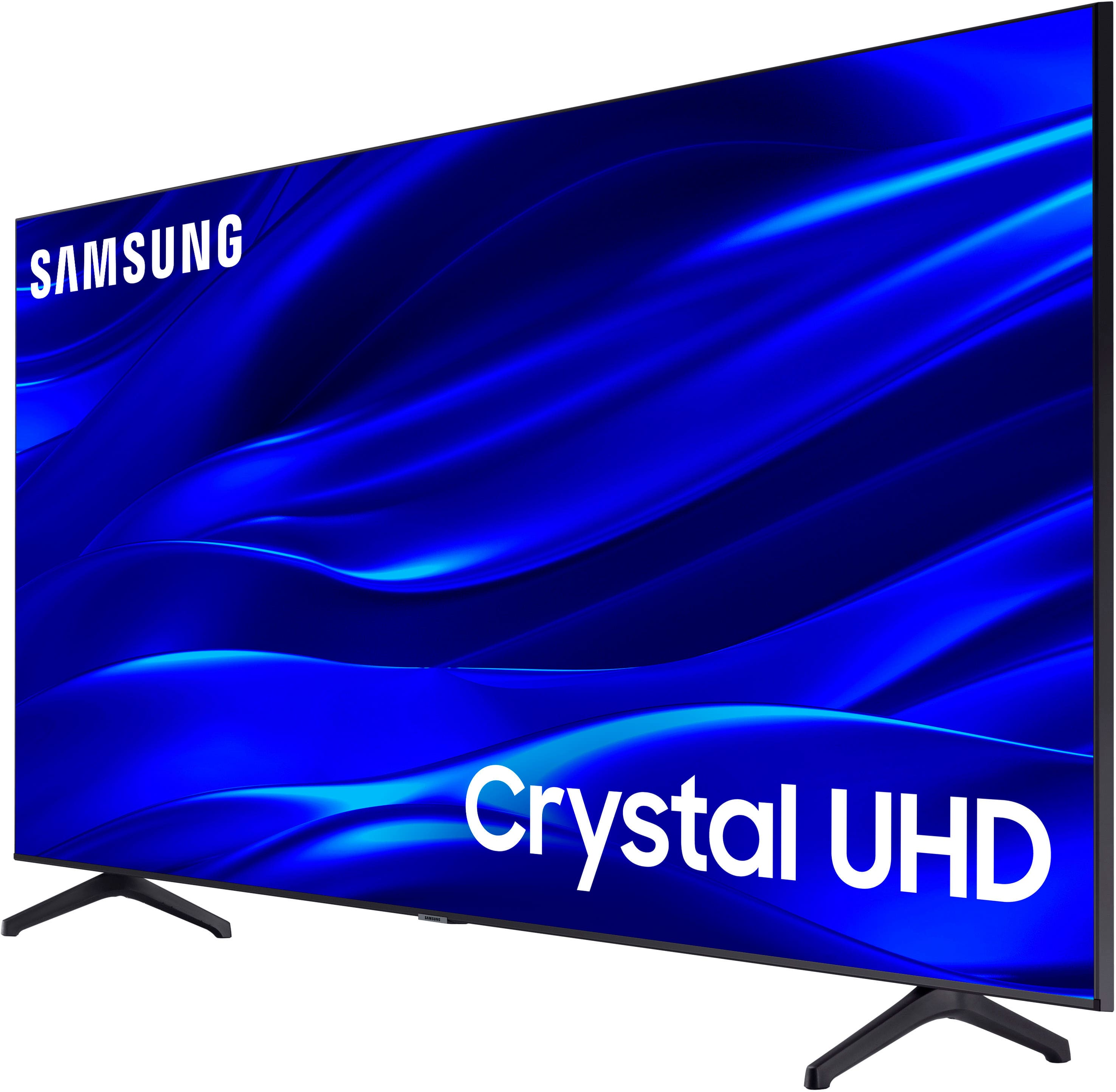
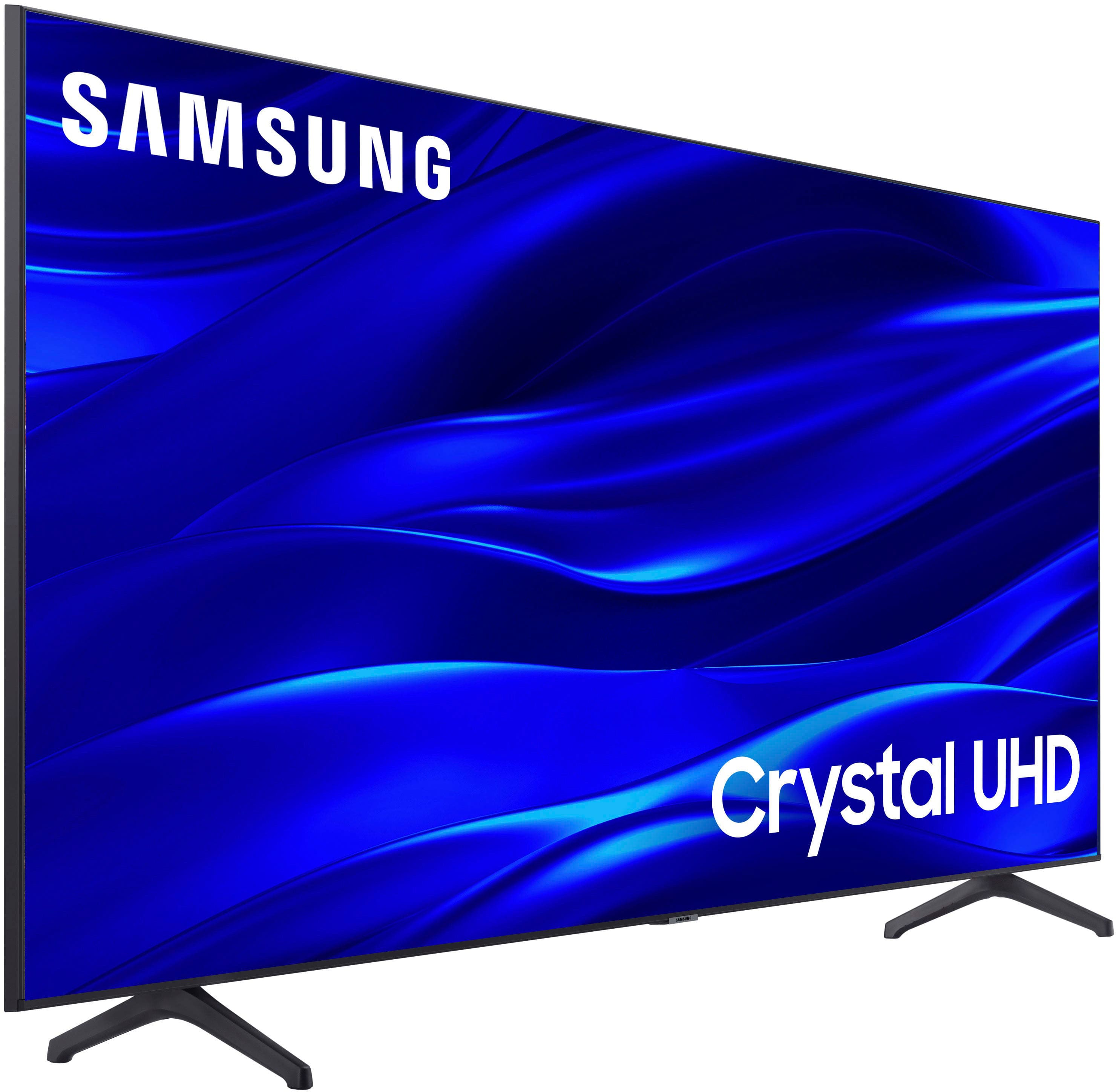
Yes, the TU690T has Samsung Plus, Hulu, Amazon, Prime Video, and Netflix. Not to mention hundreds of other apps available for download in the built-in app store.
~Samsung Advisor
A:AnswerHi Mackie,
The speaker on the TU690T is a 20 Watt Speaker and offers digital broadcasting and an analog tuner. On the TU690T webpage on Bestbuy.com, you can find more specifications, features, and more.
For more information, we recommend reaching out to your local Best Buy or contacting us at 1-800-SAMSUNG, 8 AM - 12 AM EST, seven days a week. Our LiveChat agents are also available by clicking on the ‘Support’ link on our website.
~ Samsung Advisor