A:AnswerHi CL,
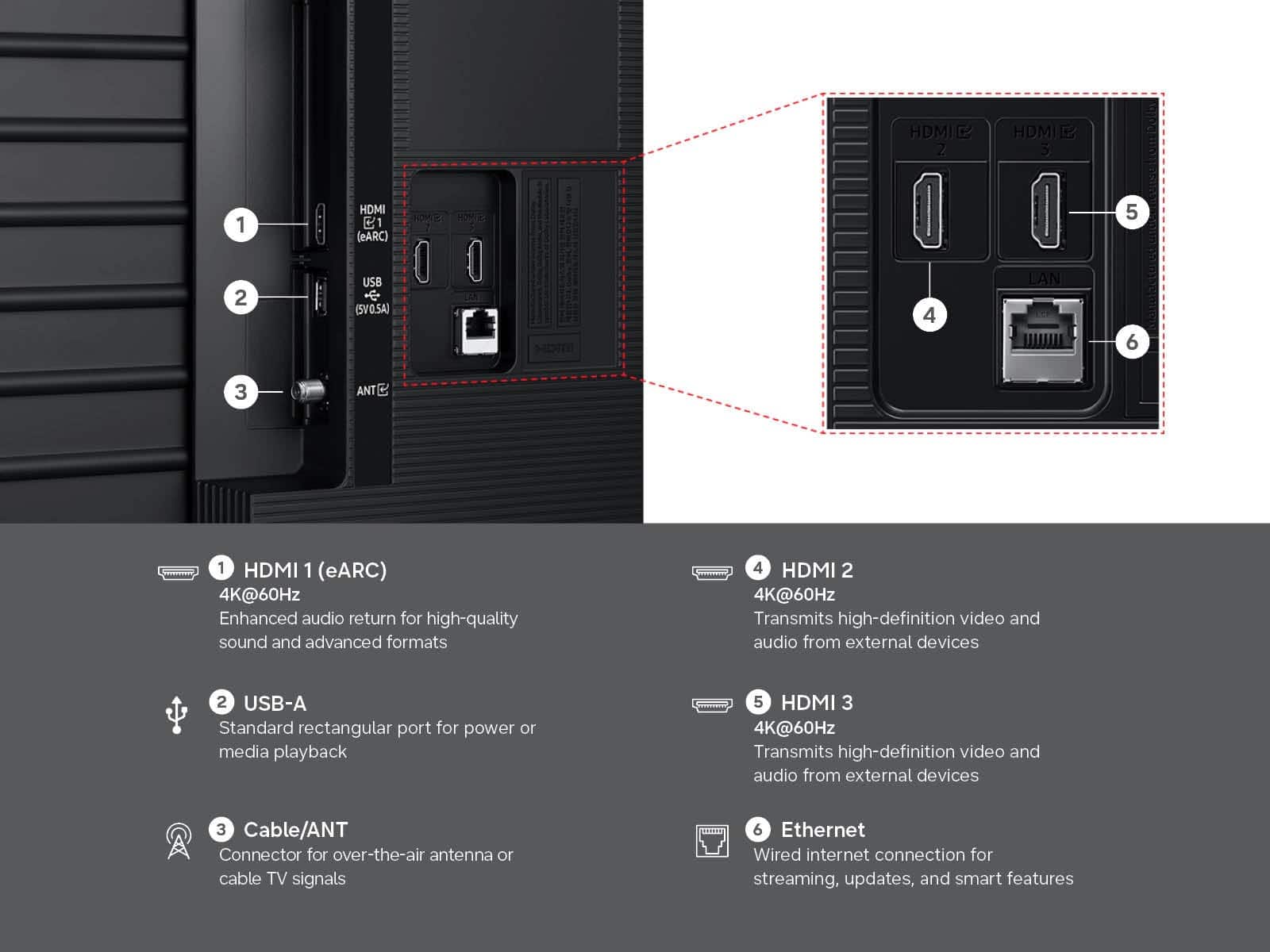
The U8000H offers HDMI connection and is Bluetooth-enabled. If you are looking for an optical port we recommend the QN70H Series and higher. Or if you need a a 3.5mm headphone connection this input is available on our S95H & S90H OLED TVs.
~Samsung Advisor
A:AnswerHi Kay,
The U8000H does not have built-in voice assistants, but it does work with Alexa-enabled devices. You can ask your Alexa device to turn off your TV, change channels, control the volume, and more.
~Samsung Advisor
A:AnswerHi,
You have a few options for delivering content to your TV. If you wish to use only local channels, you will need to purchase an external antenna, but you will not need a payment method to watch once it is connected.
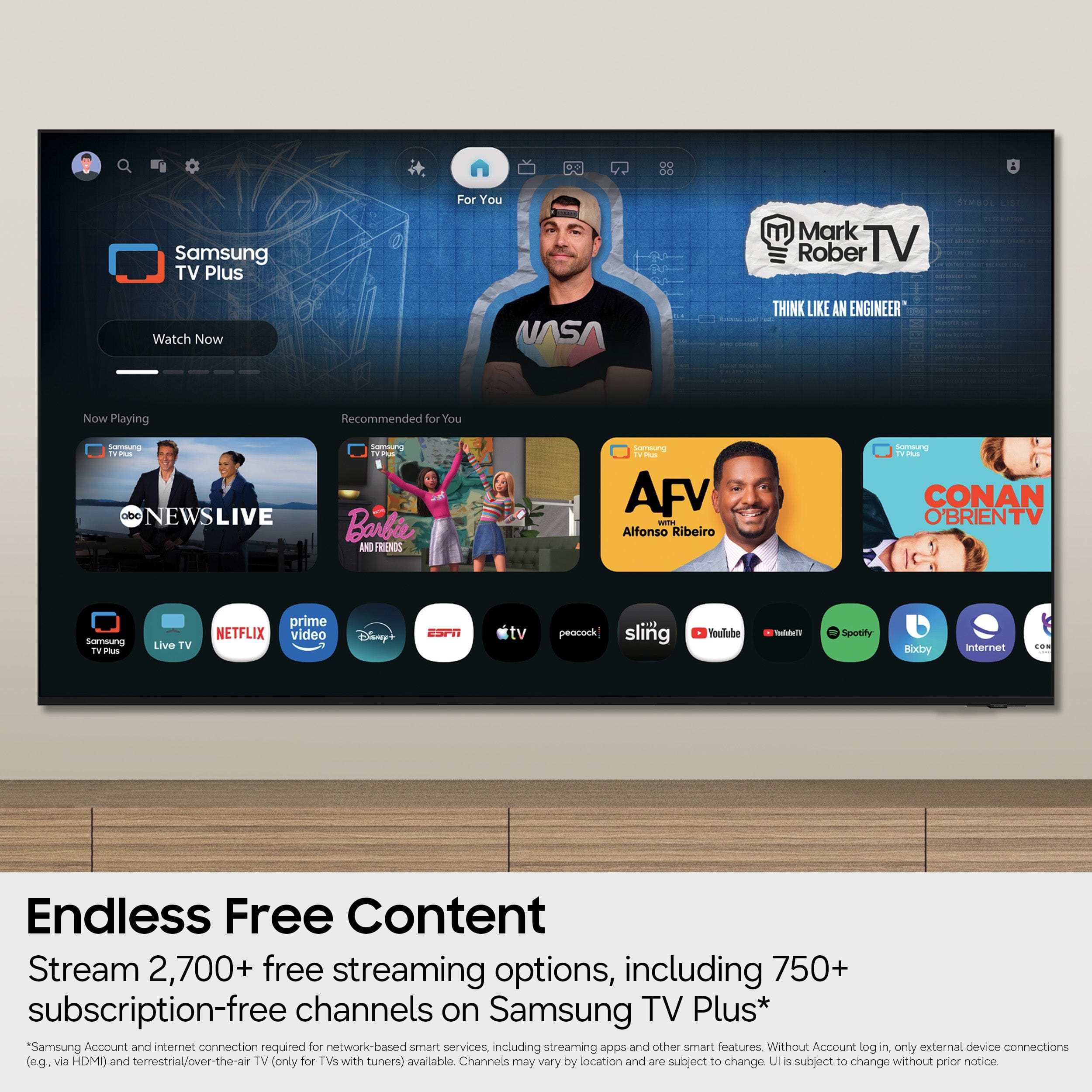
If you connect your TV to the internet, we offer Samsung TV Plus at no cost to you and without requiring a credit card. If you want to watch content through an app, such as Netflix or Hulu+, you will need an account that requires a credit card.
I hope that helps!
~Samsung Advisor
A:AnswerHi BigSwede,
Yes, the Acorn app is available for download on the U8000H TV's built- in app store. Local channels are available through an external antenna.
~Samsung Advisor