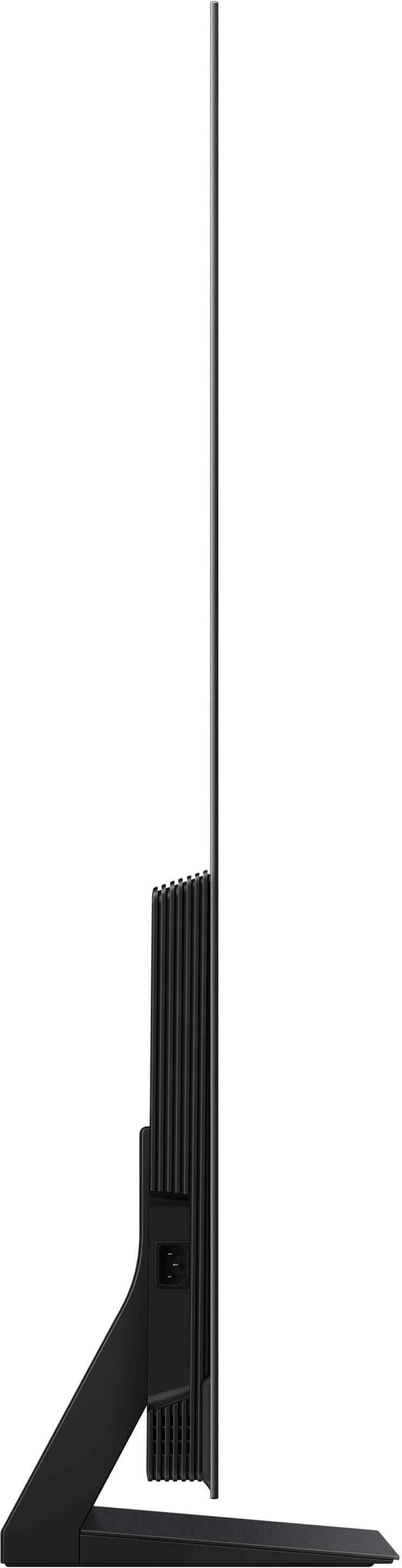
A:AnswerAJ - You can find this information on this model’s product page – just click Specifications and scroll down to Dimensions: https://www.bestbuy.com/product/samsung-48-class-s90f-series-oled-4k-uhd-samsungvision-ai-smart-tizen-tv-2025/J3ZYG2V6W2/sku/6613499
~ Samsung Specialist
A:AnswerWe had a larger LG TV on our wall which I was heavier than the Samsung we purchased. The Best Buy Tech was able to remove the Old TV from our Wall, adjust the wall mount for the new Samsung TV which was much lighter. He made sure the holes left by adjusting the previous TV were covered by the edges of the New TV. Best Buy is good at advising what should be done!!! Know this isn't real specific.
A:AnswerI use the remote that came with the Smart Remote that came with the TV when I want to use apps and internet and I use the remote for my Hotwire Television Remote because I like entering the exact television station I want to watch. If you are attaching games and computer keyboards you are going to attach more to your Samsung. I am old school. I prefer, my desktop for one thing, my ipad for another, and my cellphone for another.
A:AnswerA light popping or clicking sound may occasionally be heard due to the natural expansion and contraction of the TV’s outer casing as it warms up or cools down. Please know that this is not a defect and does not indicate a malfunction. It’s a normal part of the TV’s operation, and your TV remains completely safe to use.
~ Samsung Specialist
A:AnswerPlease give us the opportunity to better assist with this by reaching Samsung Support at: 1-800-SAMSUNG, 8AM - 12AM EST, 7 days a week, or Chat with us on Samsung.com: https://www.samsung.com/us/support/contact/
~ Samsung Specialist
A:AnswerAnastasia - The S90F TV is backed with a limited 1-year Manufacturer’s Warranty when purchased brand-new from an authorized dealer. You can enter the model number to review the full warranty details here: https://www.samsung.com/us/support/legal/LGL10000312/#standard-limited-warranty
~ Samsung Specialist
A:AnswerPlease give us the opportunity to better assist with this by reaching Samsung Support at: 1-800-SAMSUNG, 8AM - 12AM EST, 7 days a week, or Chat with us on Samsung.com: https://www.samsung.com/us/support/contact/
~ Samsung Specialist
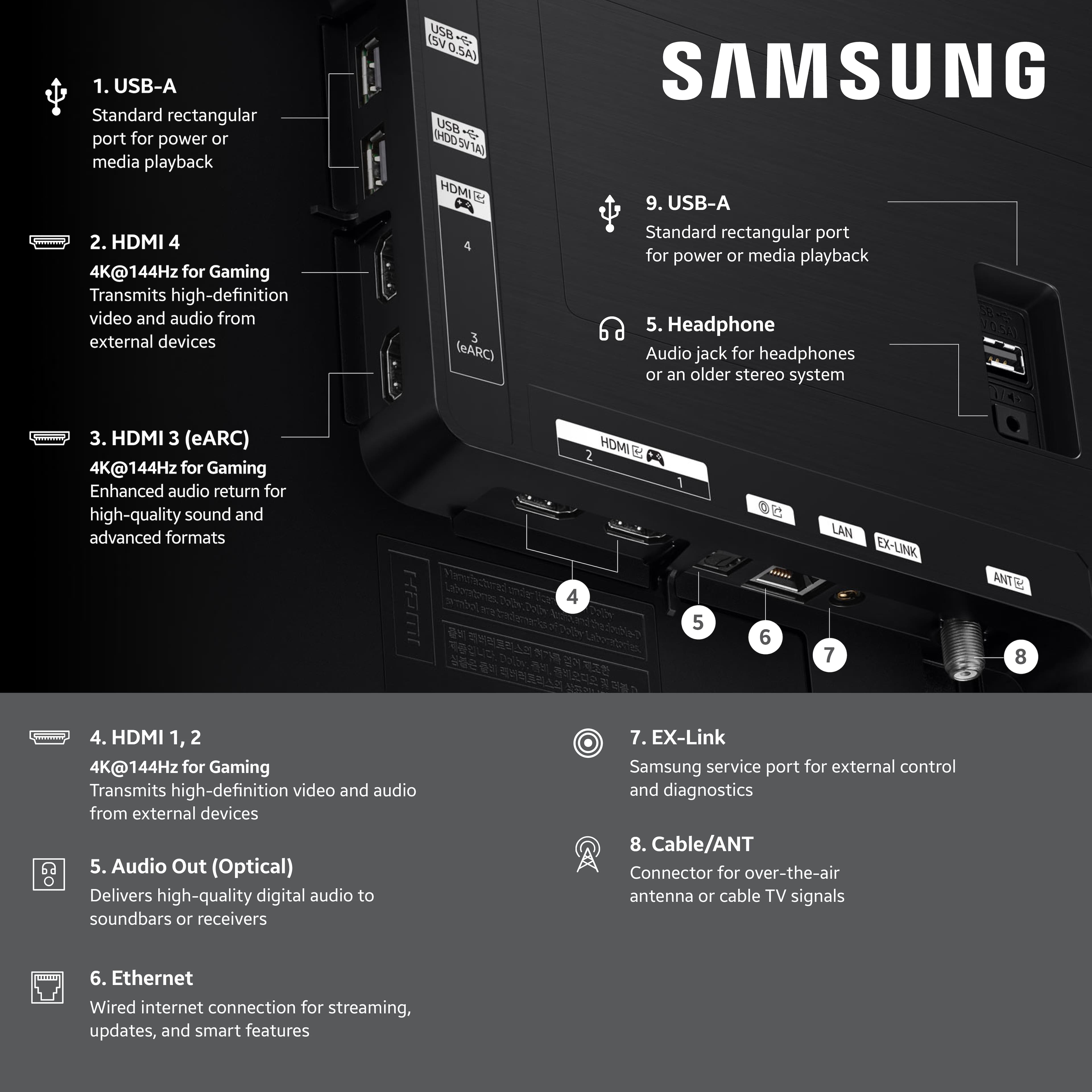
A:AnswerHi there - For best results, we recommend using a High Speed HDMI cable with Ethernet (HEAC) – this helps support 4K video and audio from most modern external devices.
~ Samsung Specialist
A:AnswerHi johnny - Please give us the opportunity to better assist with this by reaching Samsung Support at: 1-800-SAMSUNG, 8AM - 12AM EST, 7 days a week, or Chat with us on Samsung.com: https://www.samsung.com/us/support/contact/
~ Samsung Specialist
A:AnswerYes, but for the best picture quality there could be an additional DTV devices upgrade cost ie Gemeni ,etc some are expensive ask $$ questions.
A:AnswerHi bill - No, the S90F (all sizes) does not support/utilize a One Connect Box. This is included with The Frame Series (Wireless on our Pro Series), and a Slim One Connect Box comes with the S95F OLED. For our QN990F Neo QLED 8K Series, we offer the new Wireless One Connect Box.
~ Samsung Specialist