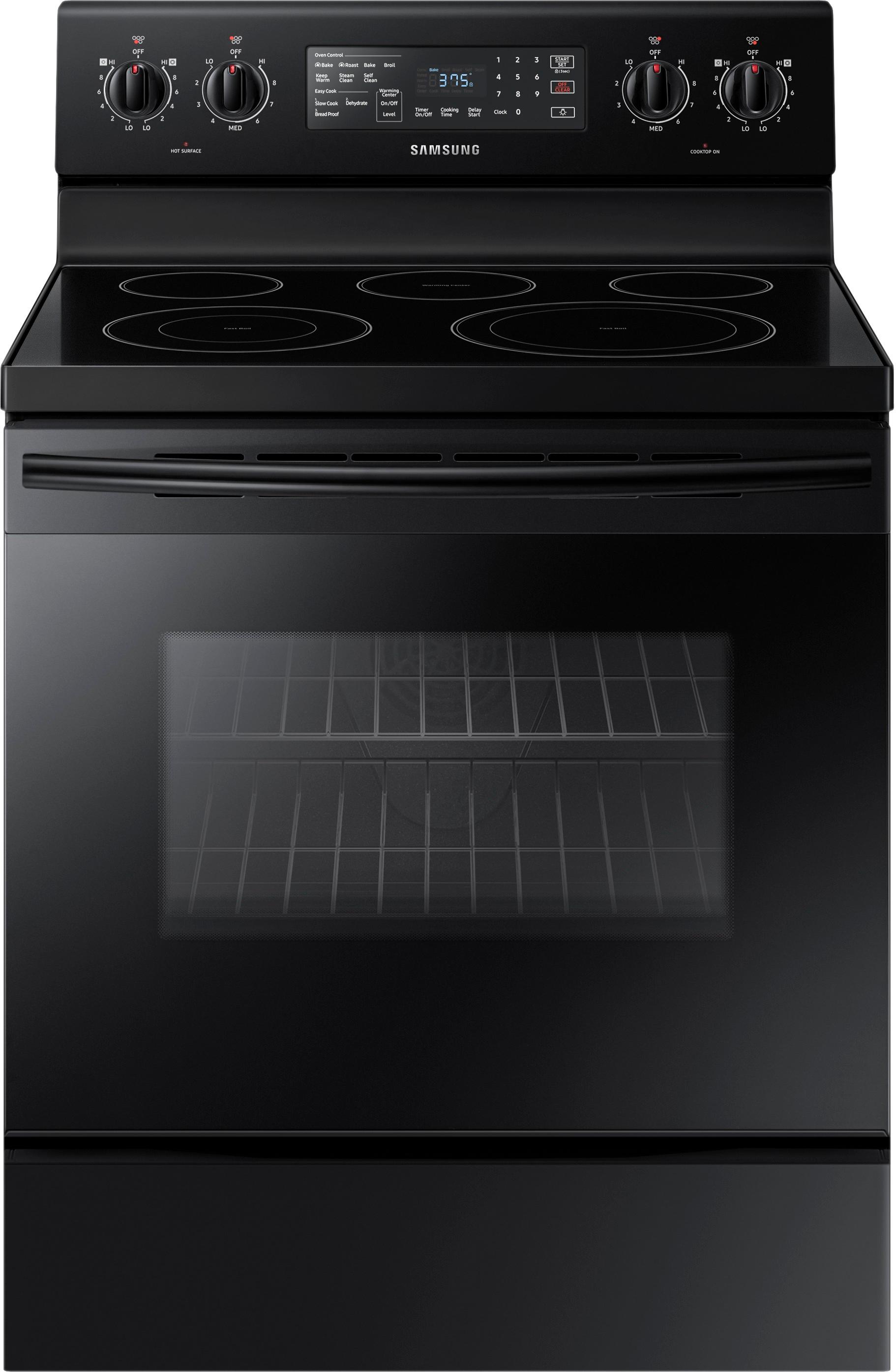
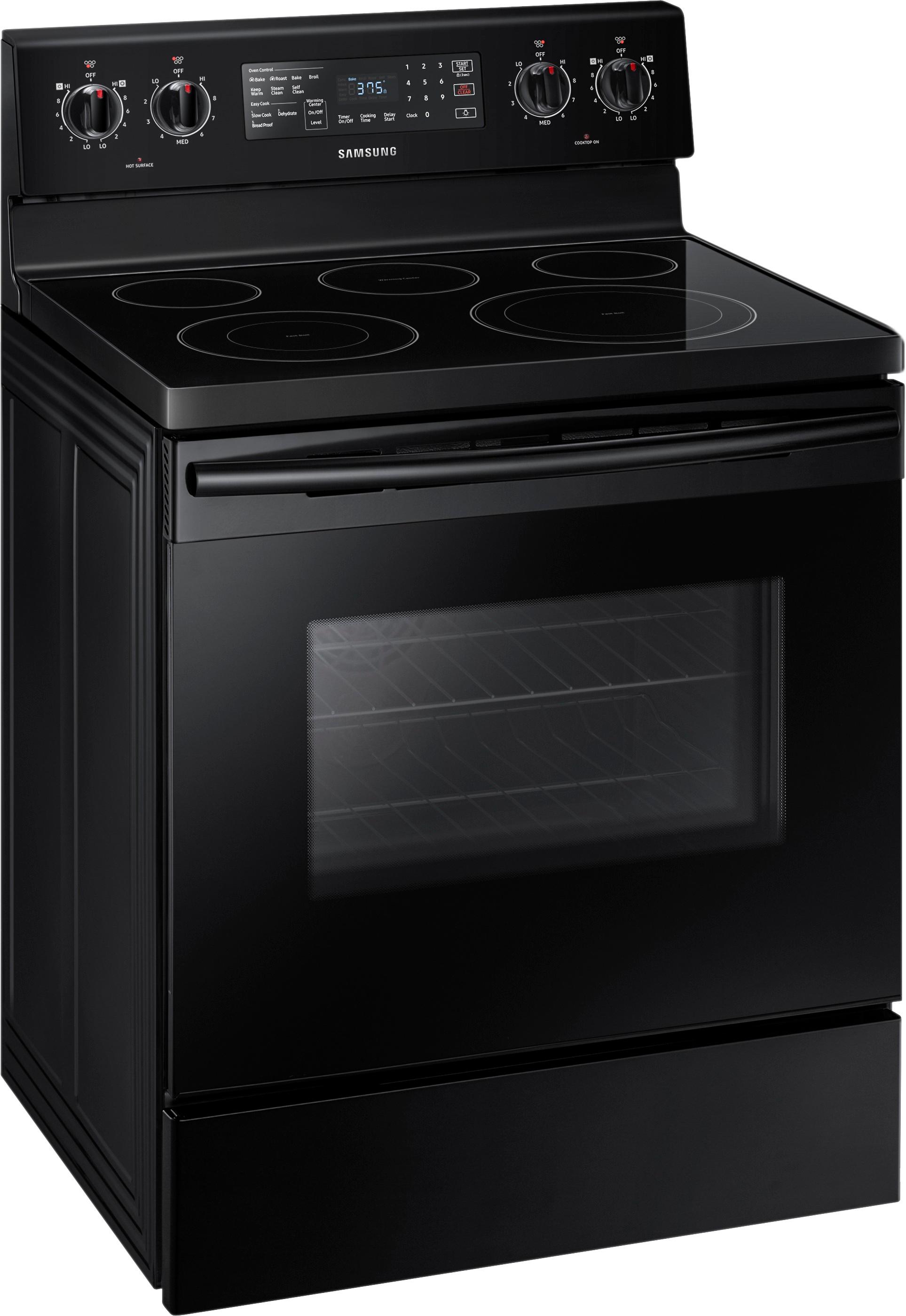
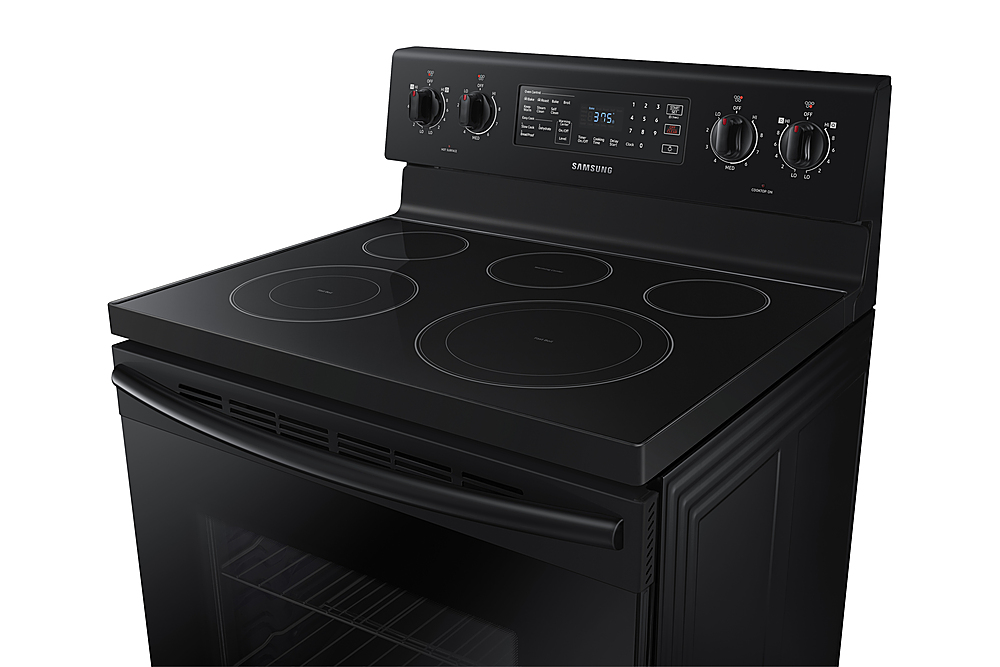
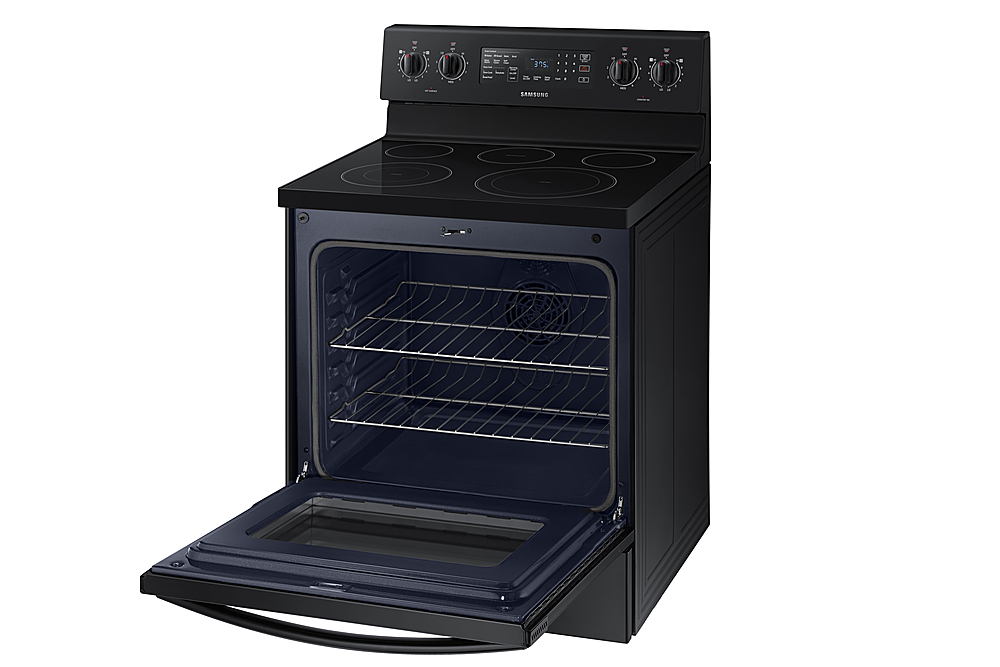
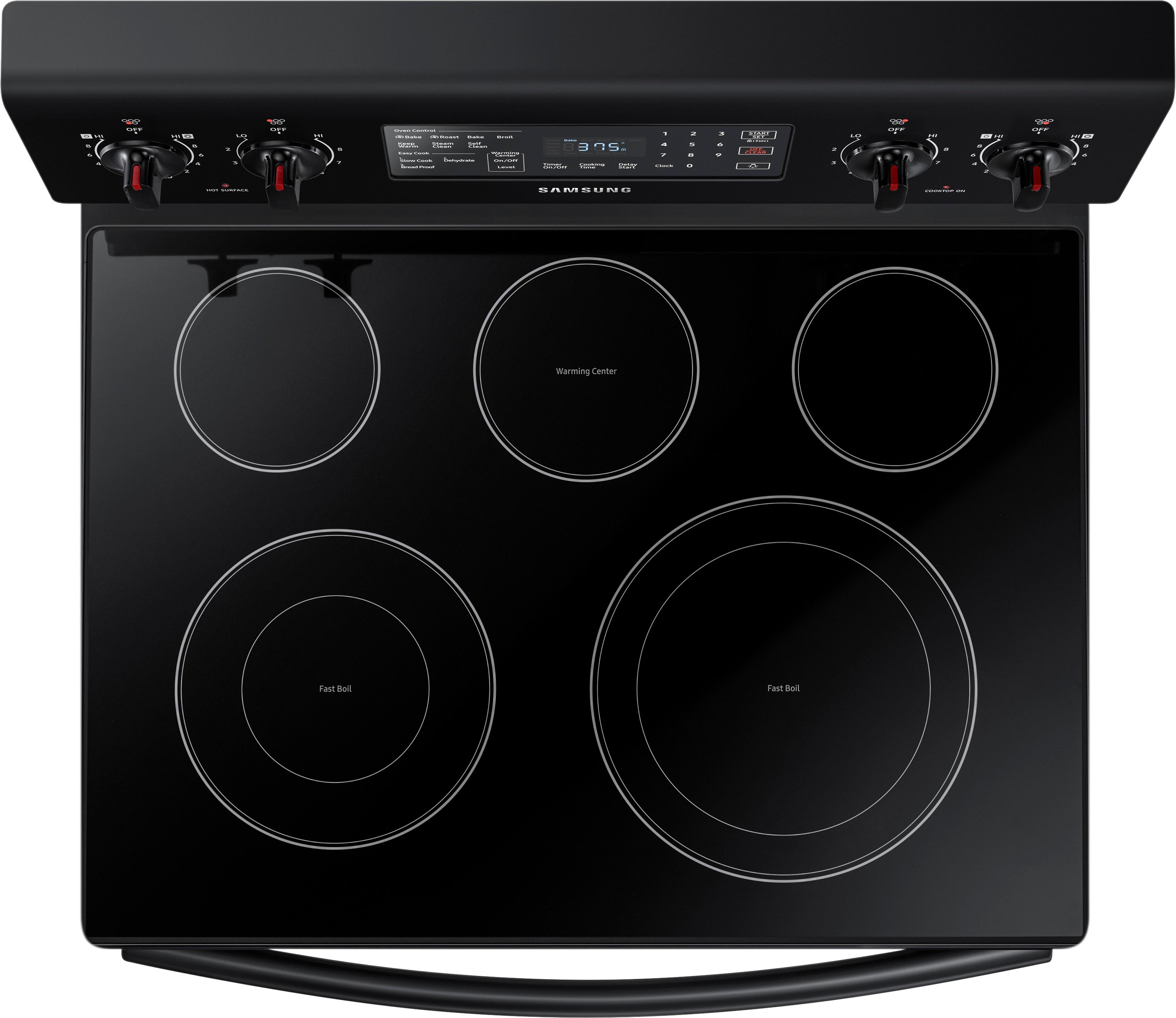
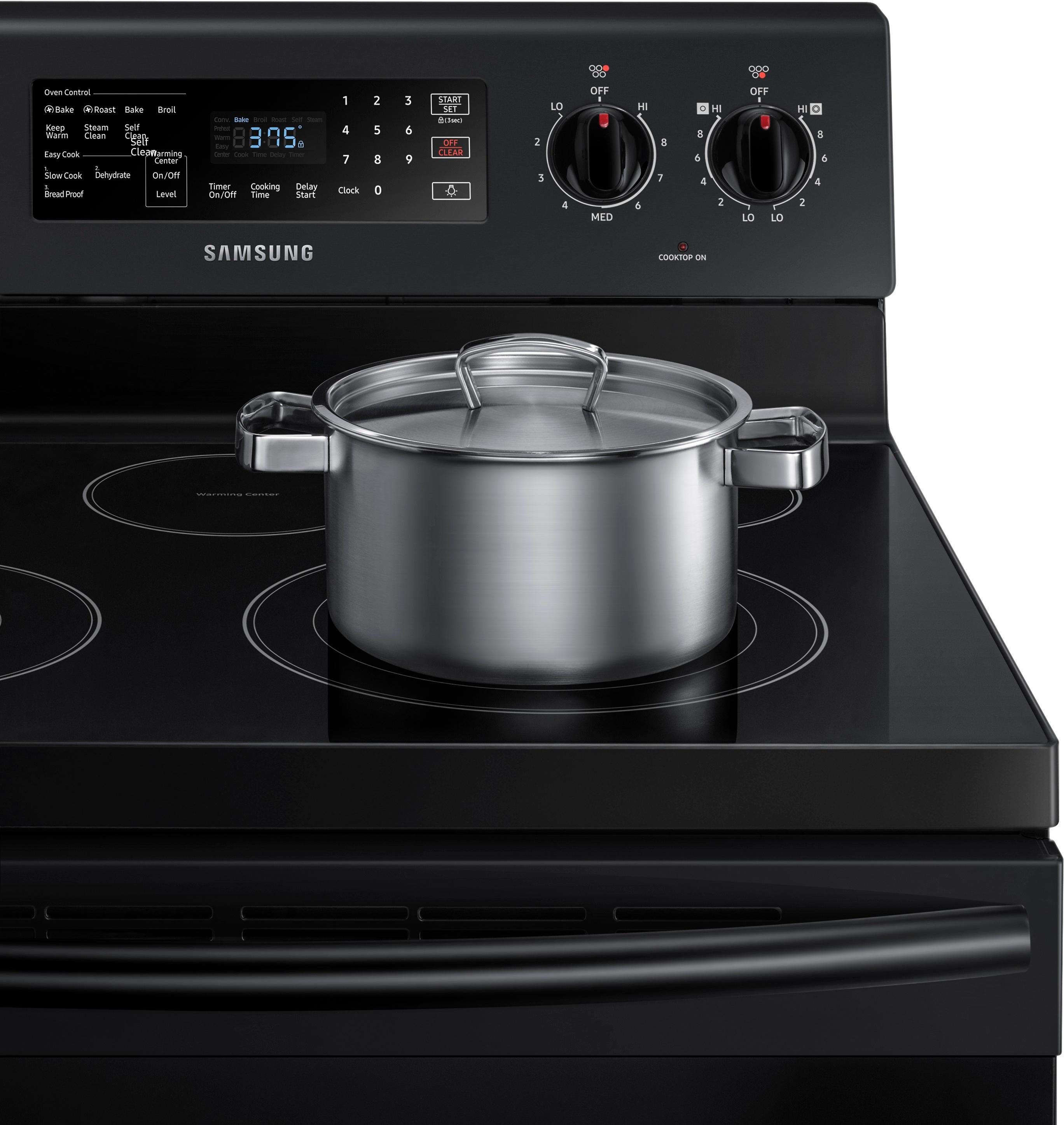
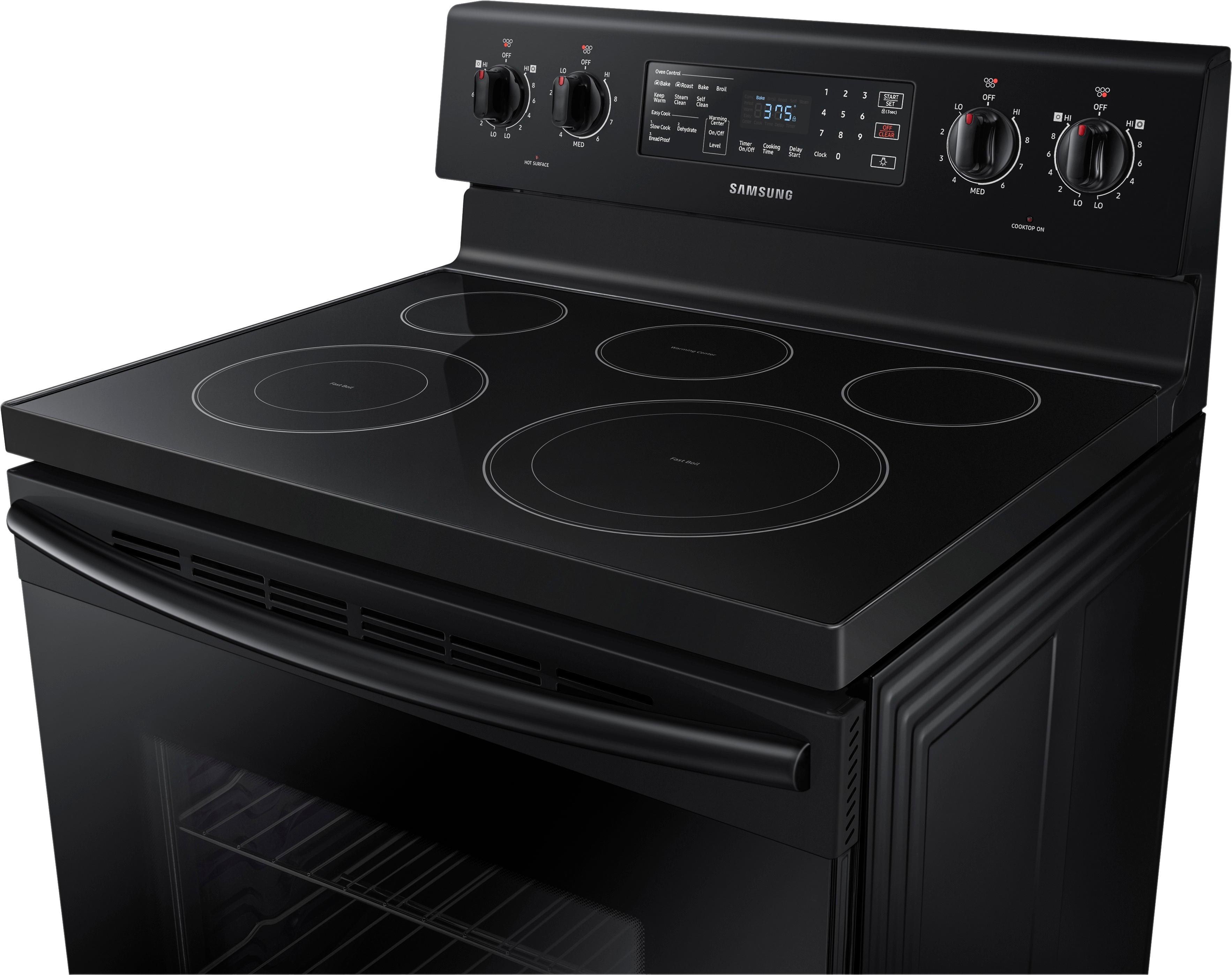
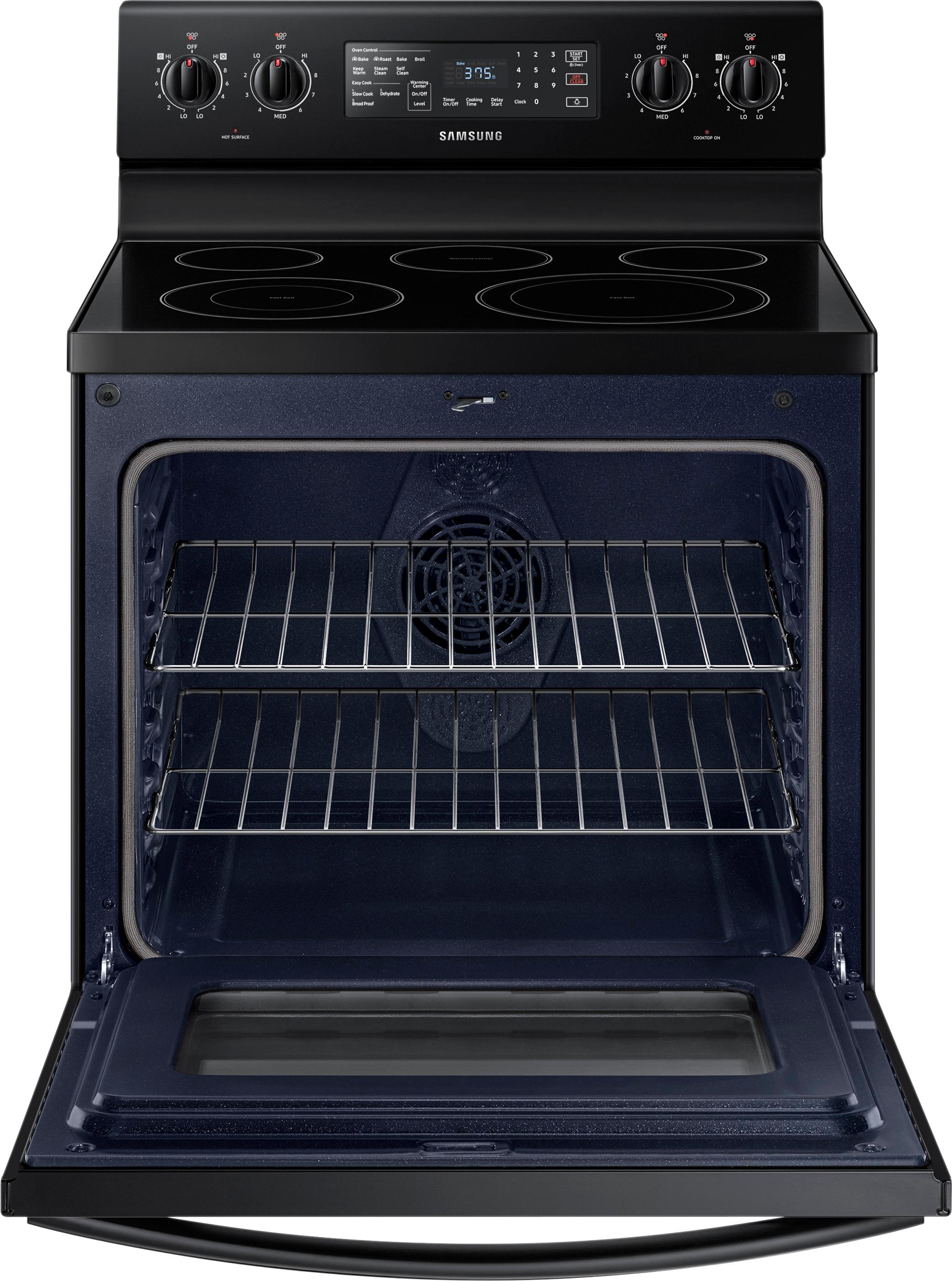
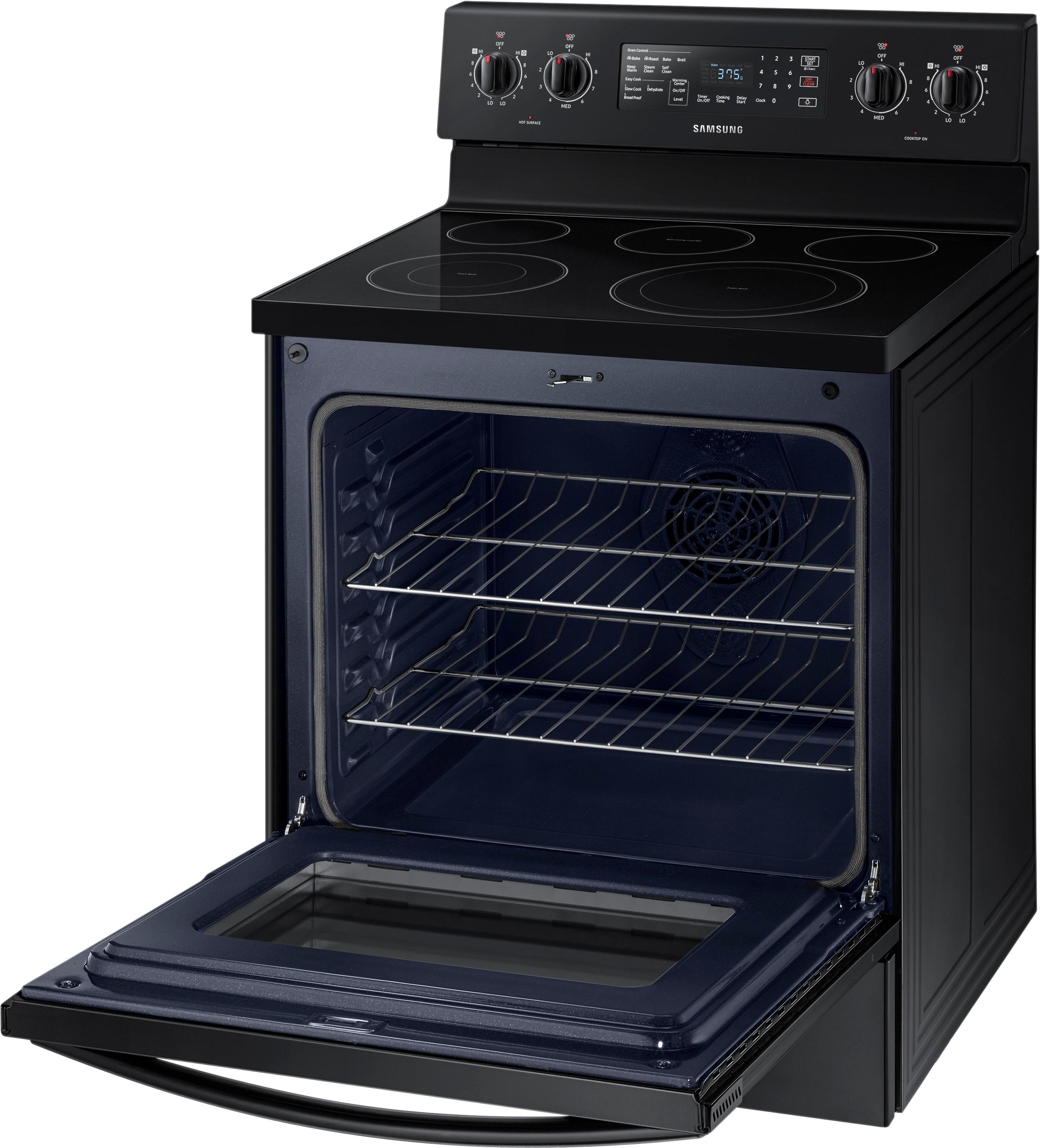
A:AnswerThe timer has no connection to the cooktop indicators. But when you turn on one of the cooktop burners (controlled by knobs), there is a small red light on the right hand side of the panel that lights up and indicates a burner is turned on. When the burner has been on long enough to reach a certain temperature (the manual says approximately 150 degrees), there is a second small red light on the left hand side of the panel that comes on to indicate the cooktop is hot. When you turn the burner off, the burner indicator light (on the RIGHT, and is labeled) will also turn off, but the hot cooktop light (on the LEFT, and is labeled) will stay on until the cooktop has cooled to a non-scalding temperature.
The timer is completely unrelated to those events. It is a separate feature and can be turned on, set, and turned off independently of anything else on the range, except perhaps if you are using a timed bake cycle (in which case, the timer is being used for that and so you cannot then use it for something else at the same time).
A:AnswerThe knobs are stainless steel as far as I can tell. If they are plastic then they did an awesome job with the material of it because it doesn’t feel or look that way at all. Hope this helps.
A:AnswerFrom what I could find online, this seems to be "normal" for Samsung ranges? We just got ours today, and it does the same thing. Did you get the first one replaced for this issue?
A:AnswerWhen new, the electric cord is pretty stiff and inflexible. My installer used a broom handle to reach in the back to “tuck” or fold the cord in so it would lay flat in the back, allowing him to push the oven in all the way to the wall.
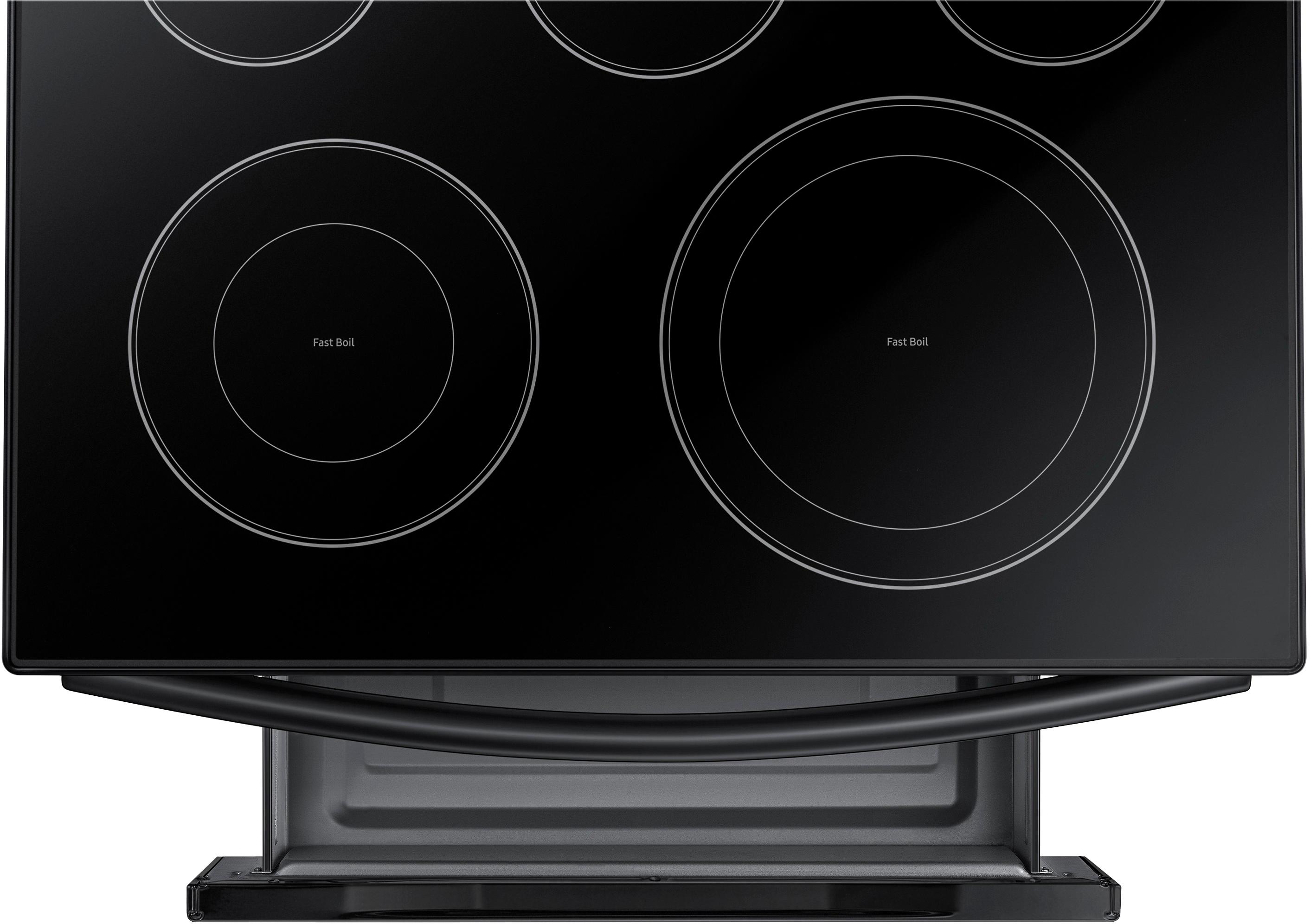
A:AnswerI have used my glass top for water bath canning - no problems, but it is not recommended to use a pressure cooker on it. It can break the glass
A:AnswerHi there,
I can help with that question regarding the Easy Cook Settings. On this Range they are Slow Cook, Dehydrate, and Bread Proof. Thank you for choosing Samsung. ^Brad