A:AnswerHi FER,
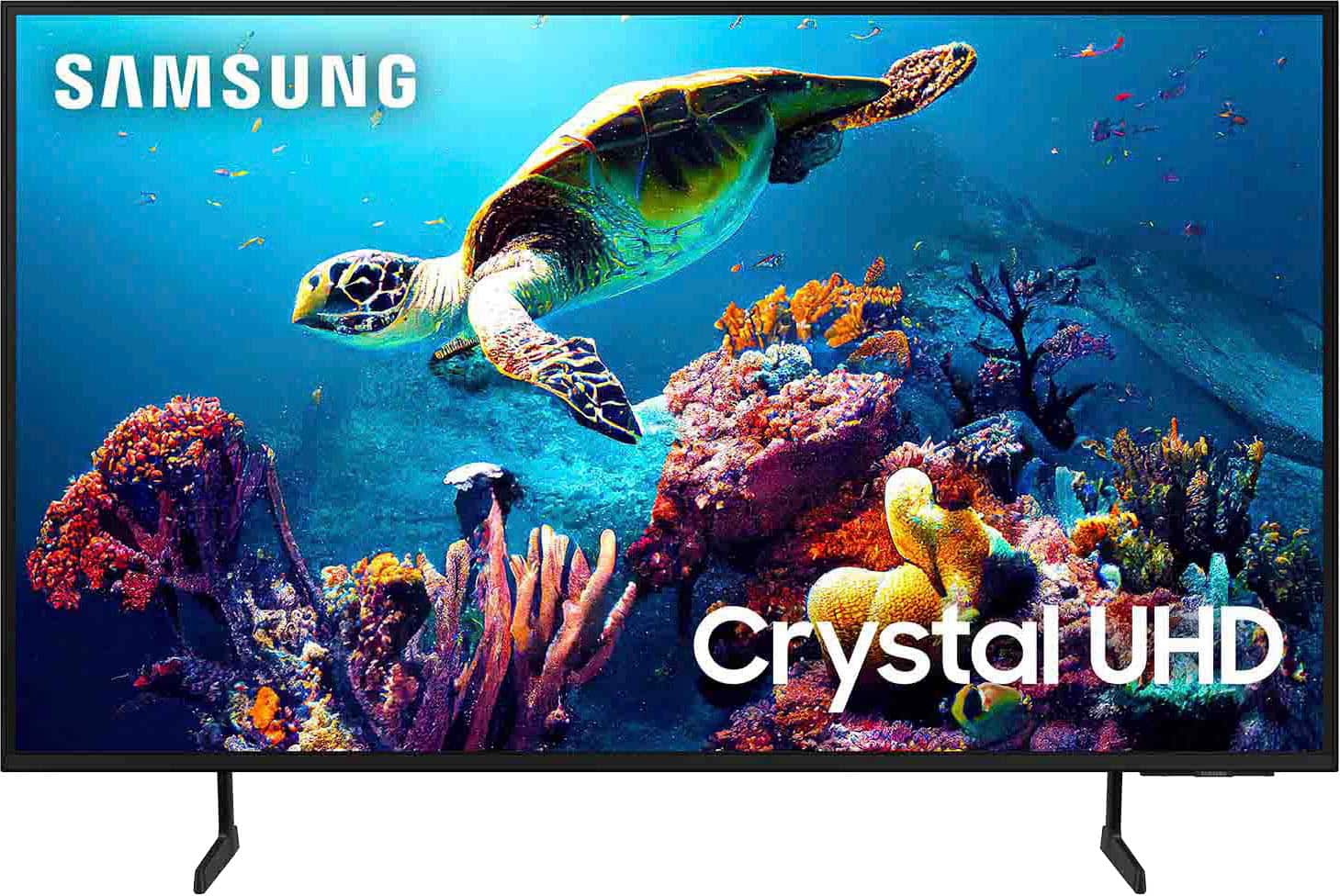
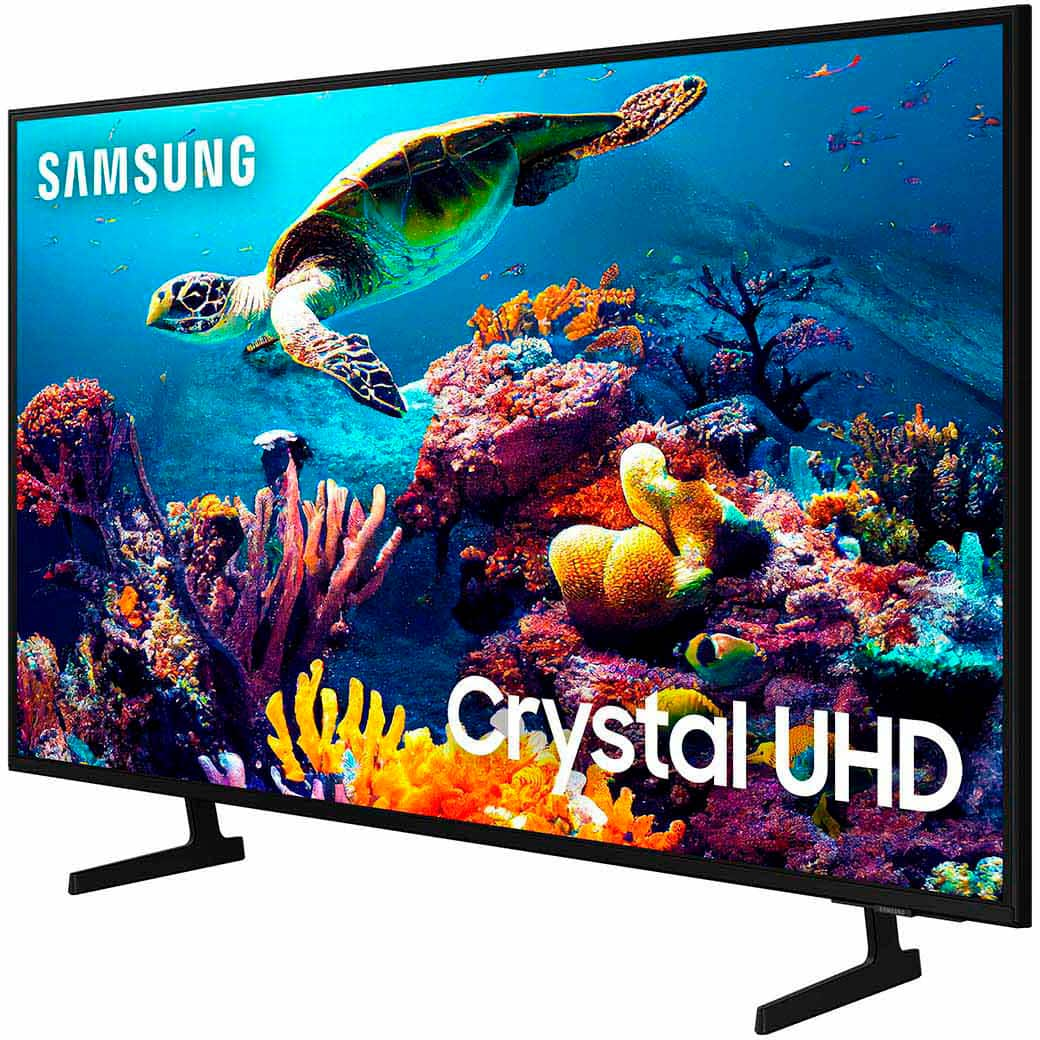
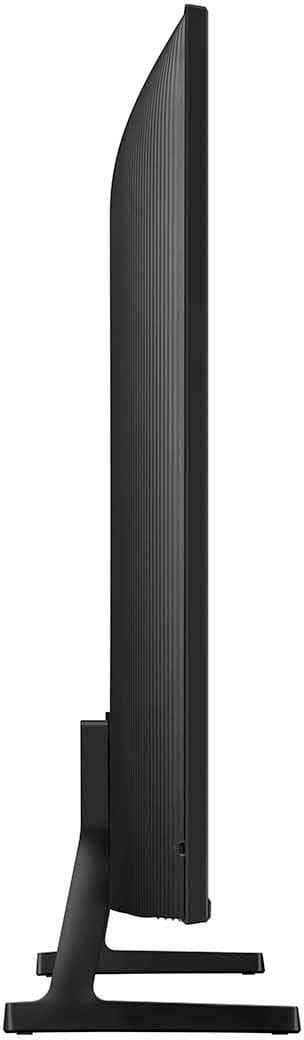
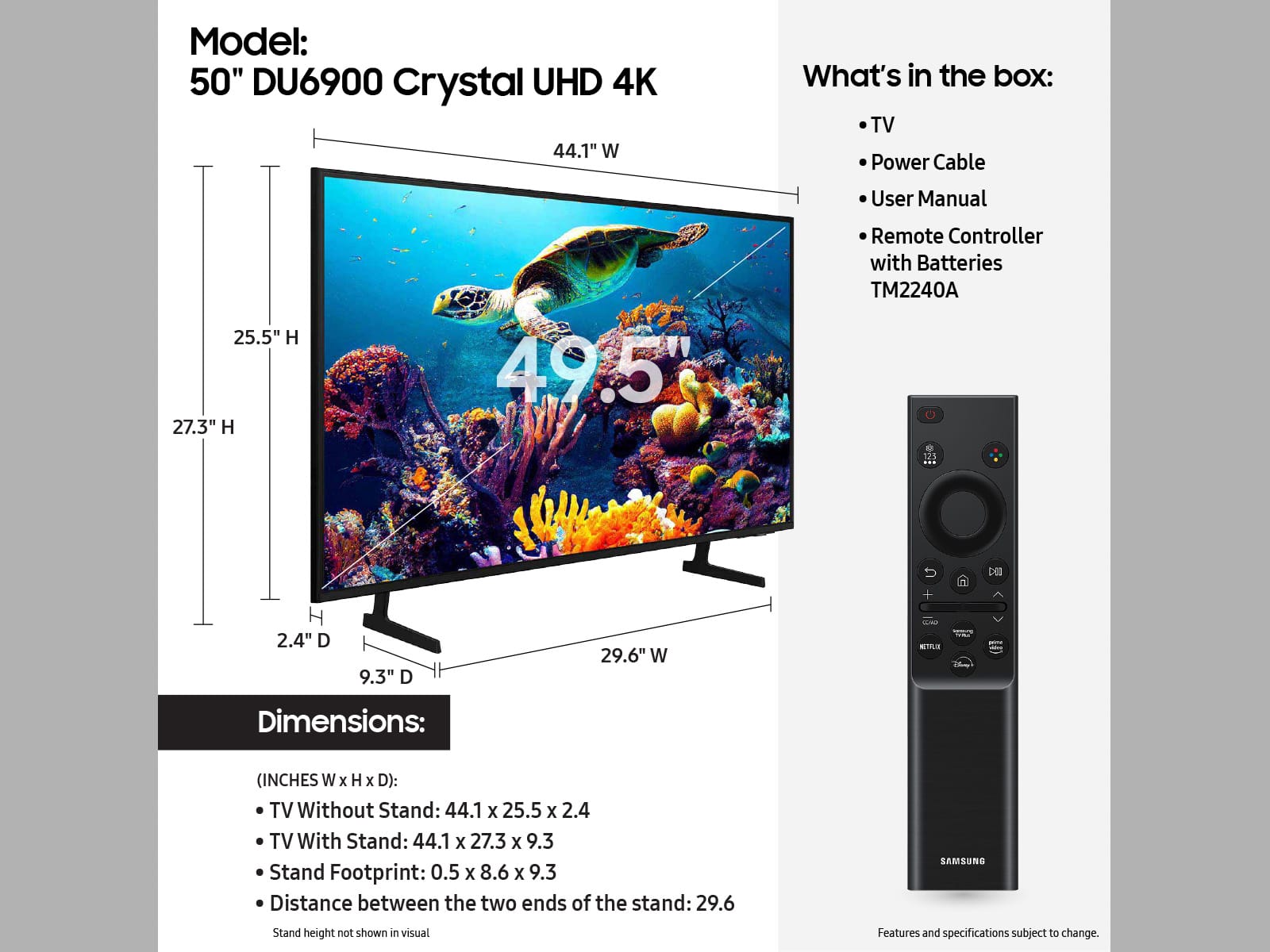
The DU69000F TV offers 3 HDMI ports and is Bluetooth and Wi-Fi capable, allowing a seamless connection across multiple devices at a time. If your external device requires an Optical port, we recommend utilizing an HDMI to Optical Converter. These can be found at your local electronics store. Please also keep in mind that an Optical port can be found on our DU8000F Series and above.
~Samsung Advisor
A:AnswerHi Bella,
Great question! Both the TU690T and DU7200 both feature Crystal Displays for brilliant colors and exceptionally crisp, vivid images. Their Crystal 4K Processor further brings impressive clarity to all your content while upscaling everything you watch to stunning 4K definition, no matter the source.
When stepping up to the DU7200, you'll gain dual Bluetooth audio and mobile camera support. Plus, you will gain Filmmaker Mode, which allows you to watch the source content (e.g., movie) just as the director intended, as well as Tap View, which allows you to cast content from your smartphone by simply tapping it to the side of the TV.
~Samsung Advisor
A:AnswerHi,
You can learn how to use the Samsung Smart Remote right from your TV! Just go to Home> (left directional button) Settings> Support> Remote Control Guide.
To adjust the brightness on your TV, go to Home > Settings > All Settings> Picture > Expert Settings and configure the TV settings to your taste with functions such as Brightness, Contrast, Sharpness, Color, Tint (G/R), and many more.
~Samsung Advisor