A:AnswerHi Robby,
No, the DU6900 TV does not offer Multi-View. The feature is included in our TVs, starting with the DU8000 TV and above.
~Samsung Advisor
A:AnswerHi Glaabs,
Samsung TV Plus is pre-installed on your DU6900 TV. If you need help or have questions about anything else, please give us a call at 1-800-SAMSUNG, 8 AM - 12 AM EST, seven days a week. Our LiveChat agents are also available by clicking on the ‘Support’ link on our website.
~ Samsung Advisor
~Samsung Advisor
A:AnswerHi AD,
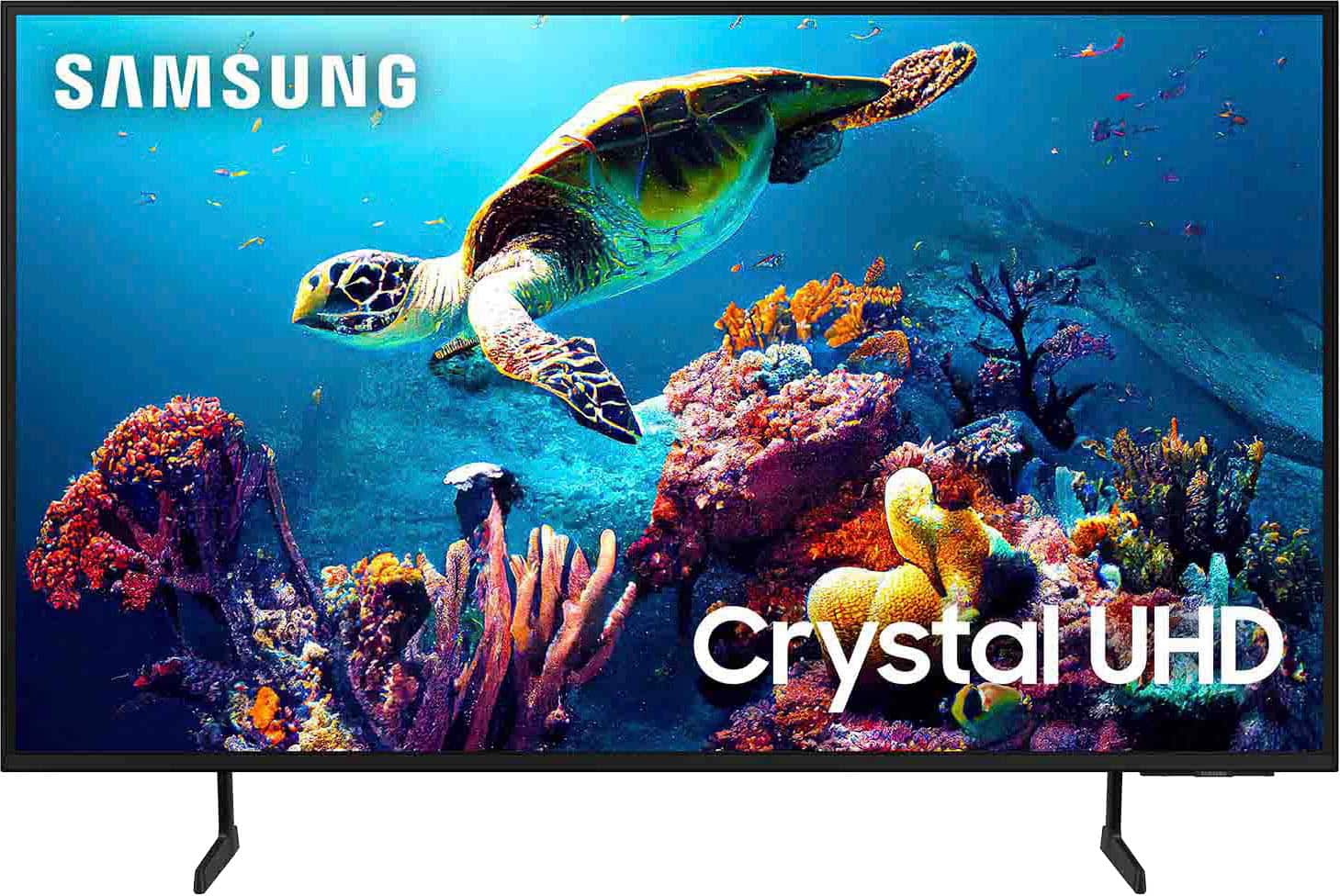
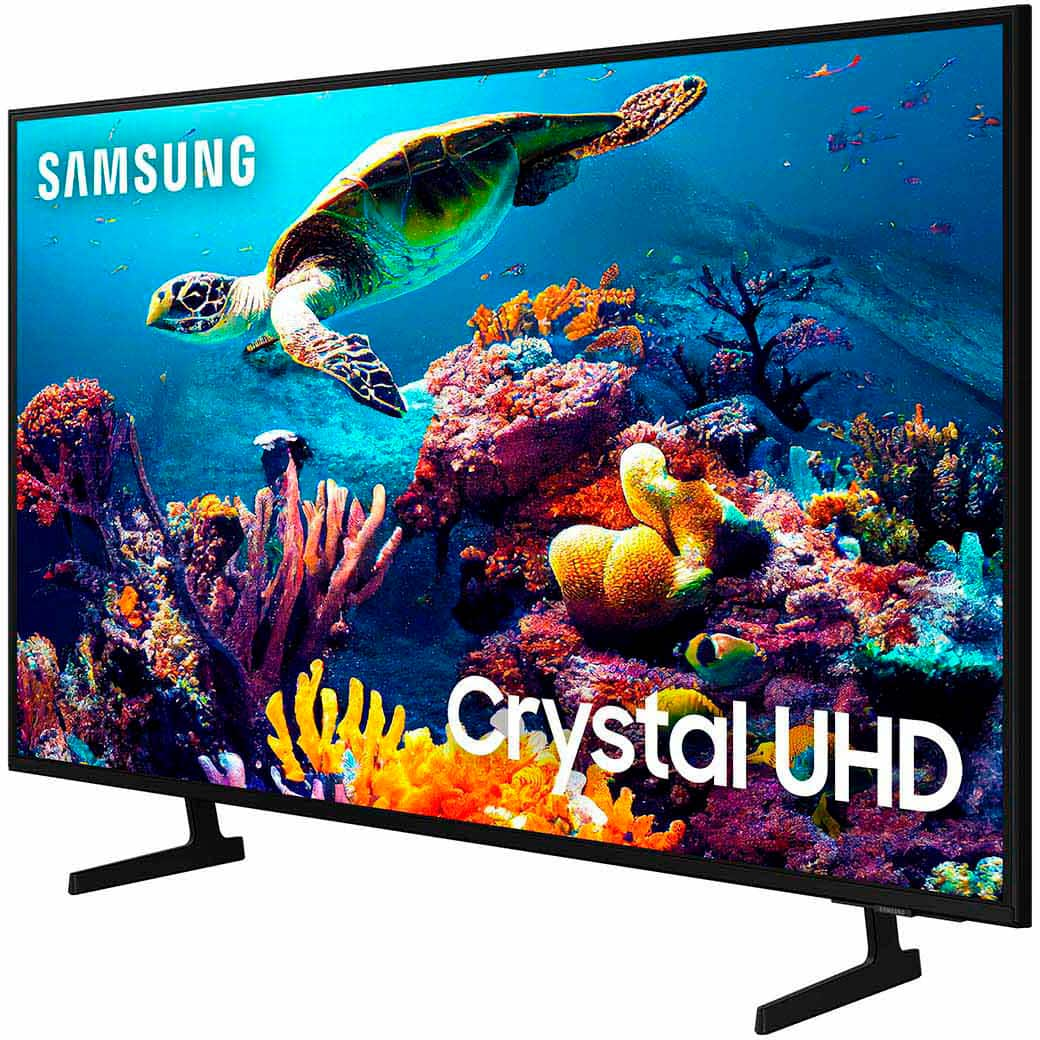
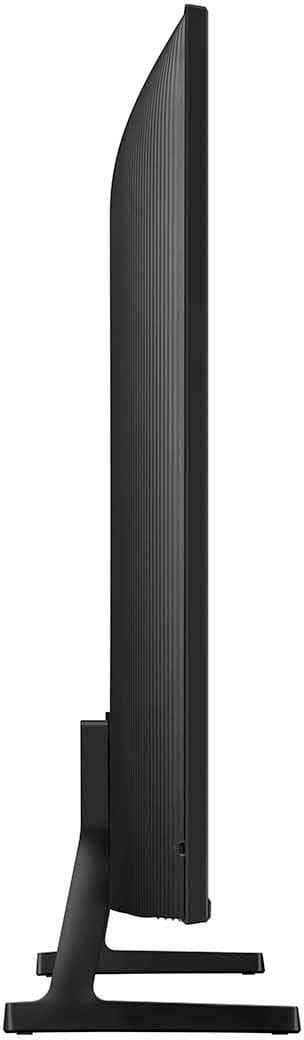
The DU6900 TV has 3 HDMI ports, 1 USB port, 1 ethernet port, 1 RF antenna input, and is both Wi-Fi and Bluetooth enabled.
~Samsung Advisor
A:AnswerHi there - So that we can better troubleshoot towards a solution, please reach us via Facebook, Chat (on Samsung’s website), or call us at 1-800-SAMSUNG / Available 8 AM – 12 AM EST, 7 days a week.
~ Samsung Pro
A:AnswerSirBill,
You can use features like the Auto Volume function or adjust sound settings to best fit your needs. You can also pair the DU6900 TV with a soundbar to further adjust volume settings and limitations.
~Samsung Pro
A:AnswerBond,
We have a few troubleshooting steps that may help if your TV is turning itself on.
1. Unplug the TV from the wall outlet or surge protector and leave it unplugged for 30 seconds.
2. Check the power cord to see if there is any visible damage.
3. Plug the TV power cord back into the wall outlet. If you were using a surge protector, bypass it for now and use a wall outlet.
4. Try to update the software. In some cases, a software update can correct the problem. There is a risk, however. If the TV turns off during the software update, it could damage the TV. Updates can take up to 30 minutes, depending on network speed, so if the TV is not turning off too frequently, try updating the software.
5. Disable the Power On with Mobile option. TVs that can connect to SmartThings can be turned on using compatible devices, sometimes automatically. However, if abnormal "power on" signals are sent through the wireless network, they will trigger this function and make the TV turn on. If you do not want this function, navigate to Settings > All Settings> General > Network > Expert Settings > Power On with Mobile, and turn the setting off.
If the TV continues to turn on by itself continuously, please contact our Samsung Customer Support at our site.
~Samsung Pro
A:AnswerHi Wayne,
The DU6900 has a built-in ATSC 1.0/ClearQAM tuner; when stepping up to the QN90D Neo QLED or S90D OLED, you’ll gain a built-in ATSC 3.0 tuner for receiving digital broadcasts.
~Samsung Advisor