A:Answermargaret - Please give us the opportunity to better assist with this by reaching Samsung Support at: 1-800-SAMSUNG, 8AM - 12AM EST, 7 days a week, or Chat with us on Samsung.com: https://www.samsung.com/us/support/contact/
~ Samsung Specialist
A:AnswerPlease give us the opportunity to better assist with this by reaching Samsung Support at: 1-800-SAMSUNG, 8AM - 12AM EST, 7 days a week, or Chat with us on Samsung.com: https://www.samsung.com/us/support/contact/
~ Samsung Specialist
A:AnswerPlease give us the opportunity to better assist with this by reaching Samsung Support at: 1-800-SAMSUNG, 8AM - 12AM EST, 7 days a week, or Chat with us on Samsung.com: https://www.samsung.com/us/support/contact/
~ Samsung Specialist
A:AnswerHi,
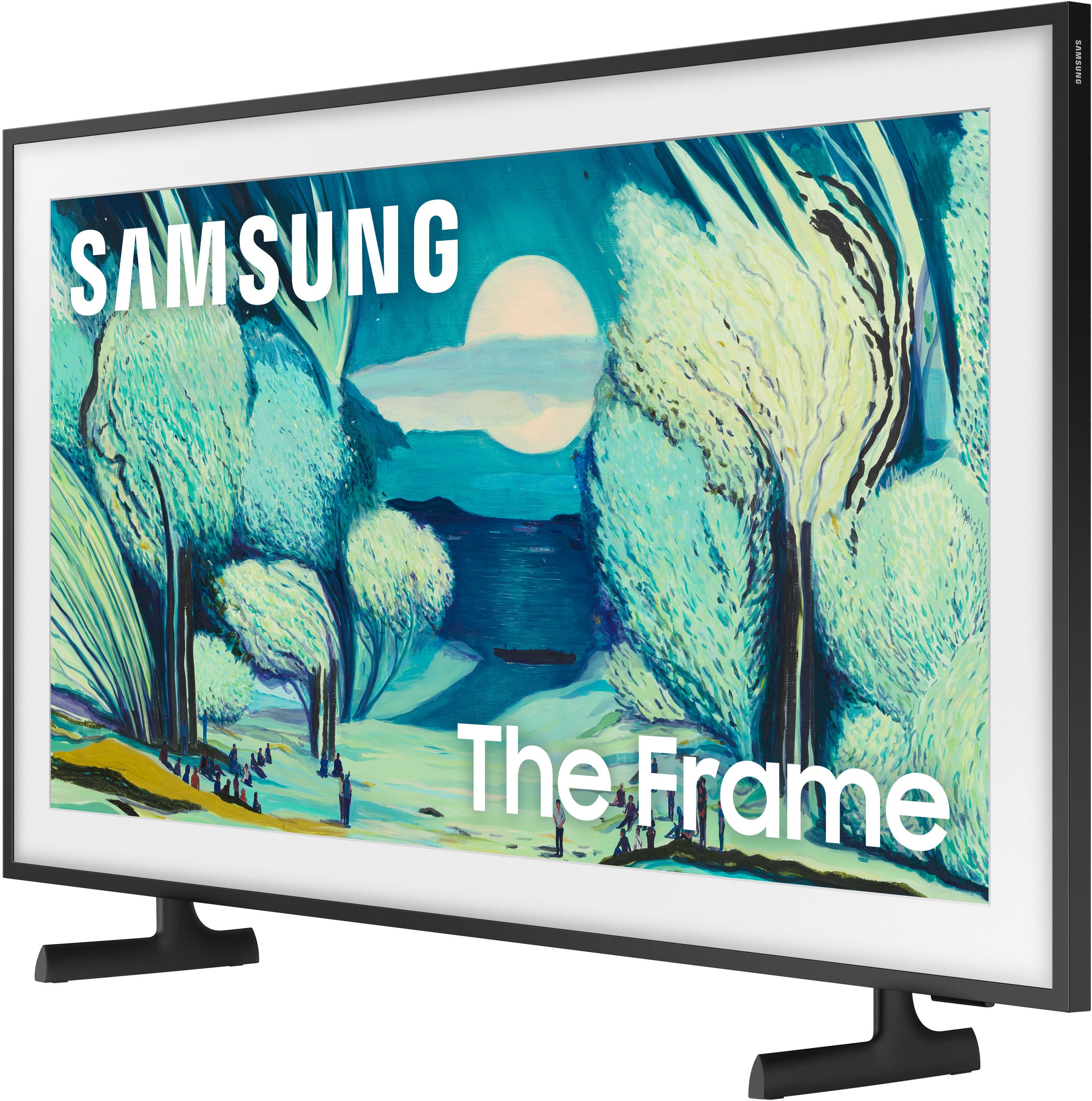
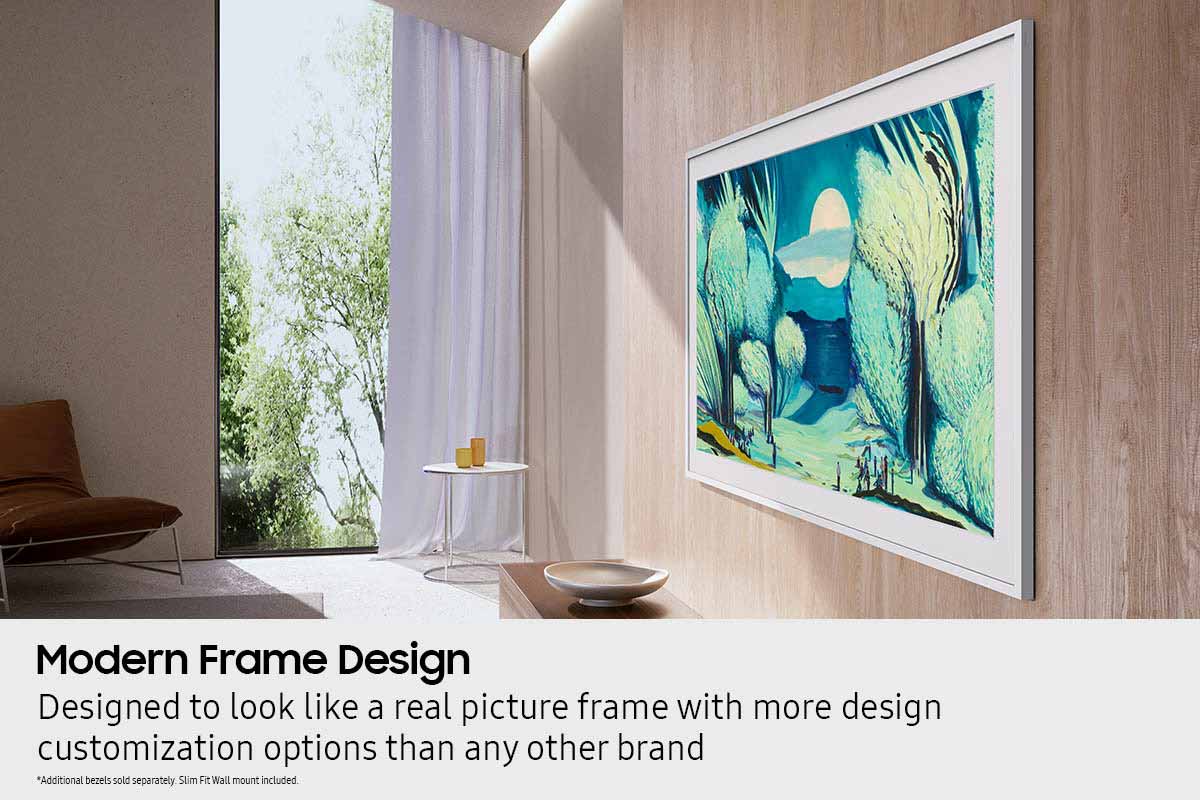
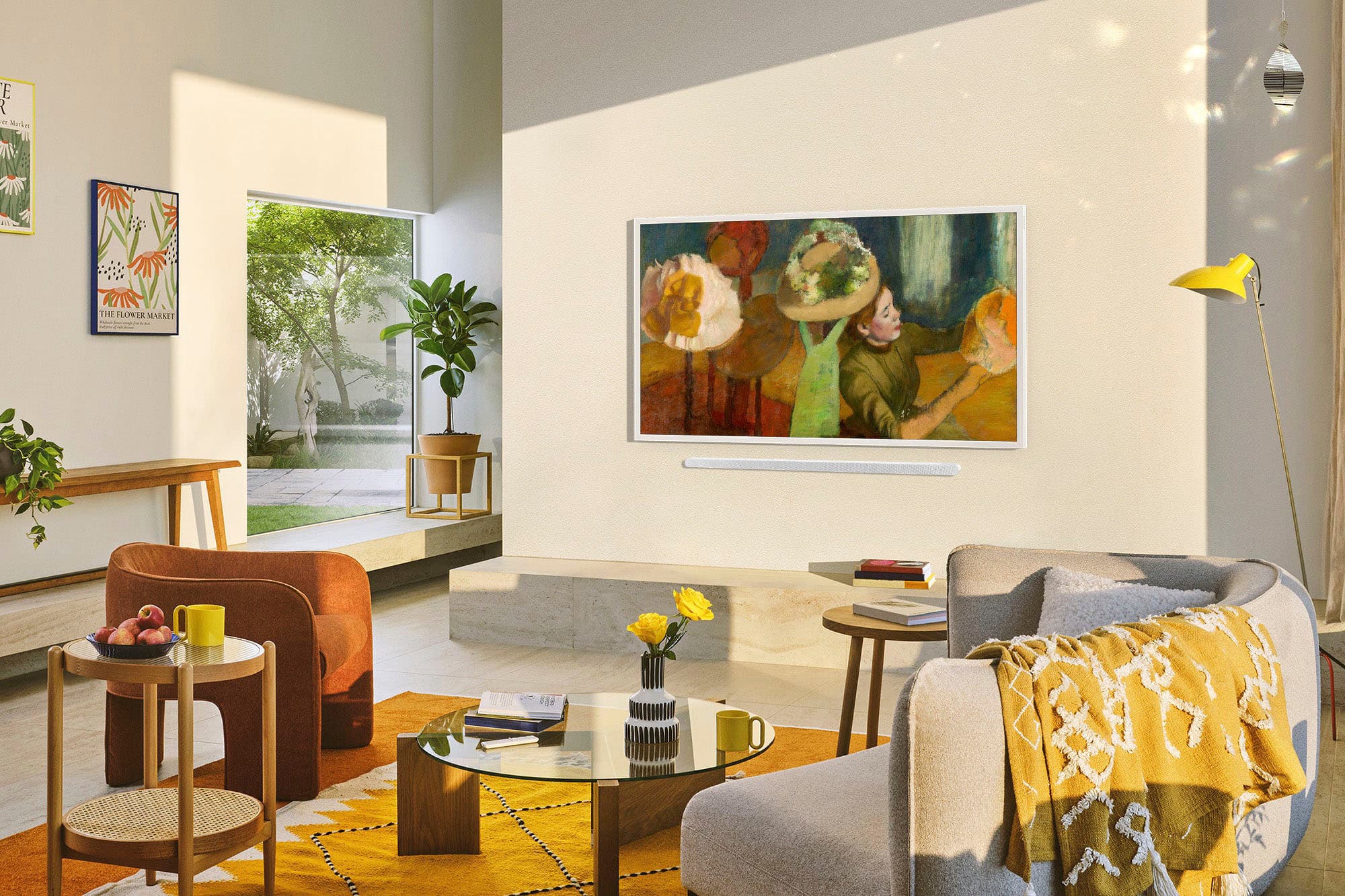
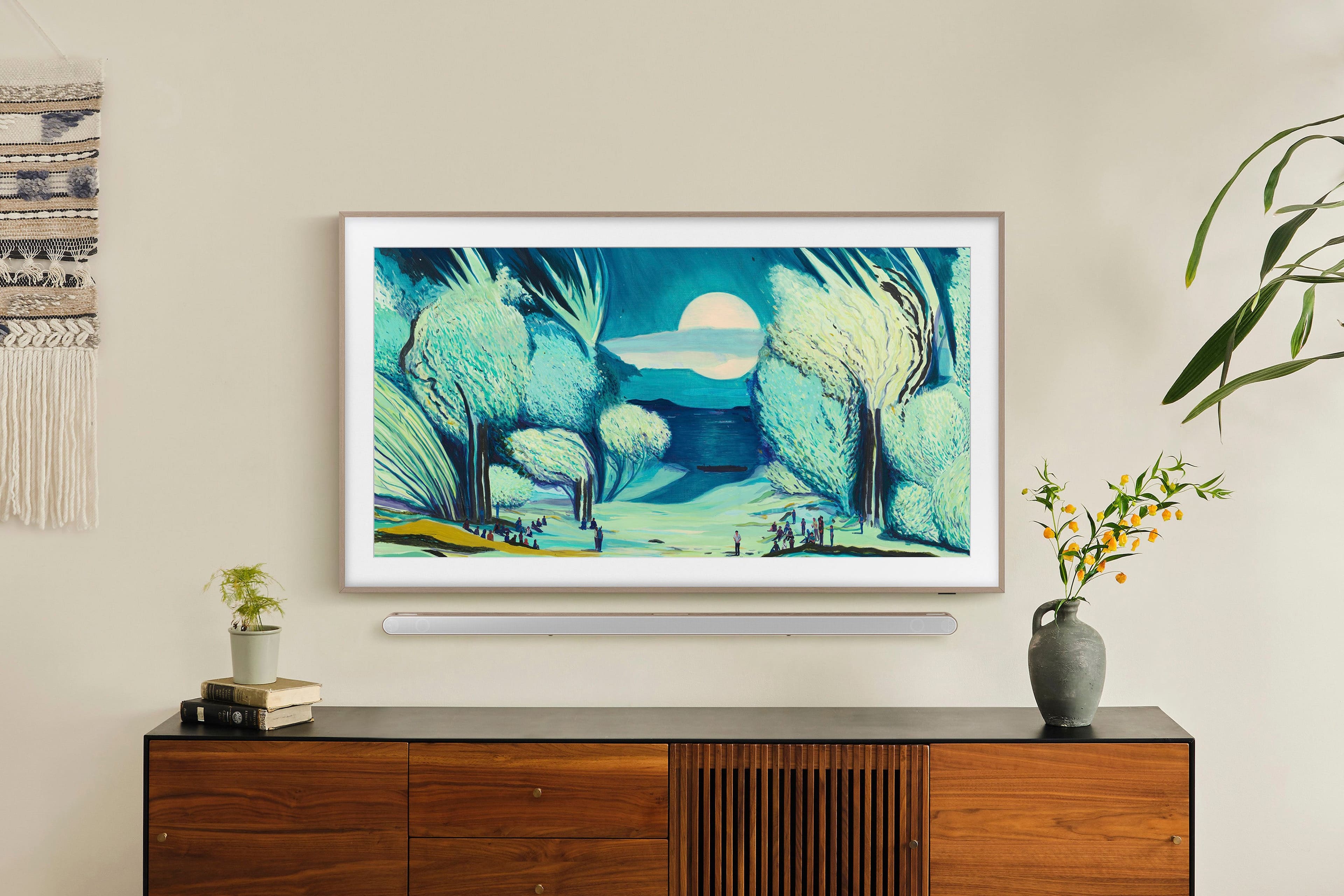
The Frame TV is designed to be displayed with its built-in black bezel, which is not removable. Customizable Bezels, sold separately, are designed to attach directly over the black bezel. These magnetic frames are available in Sand Gold (Metal), Modern Brown, Modern Teak, and Modern White.
~Samsung Advisor
A:AnswerHi Patty - Customizable Bezels for The Frame TV are sold separately. You can find & purchase it here: https://www.bestbuy.com/site/samsung-50-the-frame-customizable-bezel-modern-white/6454277.p?skuId=6454277
~ Samsung Specialist
A:AnswerHi Texan - You can subscribe to the Art Store monthly ($4.99) or yearly ($49.99). You can find more information on the Art Store here: https://www.samsung.com/us/televisions-home-theater/tvs/the-frame/digital-art-store/
~ Samsung Specialist
A:AnswerHi Texan - You can choose to upload and utilize personal photos or you can subscribe to the Art Store which offers a curated collection of masterpieces from the world’s most celebrated artists and museums.
~ Samsung Specialist
A:AnswerAyydee - If the room is too dark or too bright, or if the TV is installed at an unusual height or tilt, the motion sensor may not function properly. It may also have difficulty detecting motion if clothing or skin tones blend into the background.
Additionally, the sensor responds to all visual movement, including pets, lights, window activity, or shadows. You can fine-tune its behavior by adjusting the Motion Detector Sensitivity: Home > Left Directional Button > Art > Art Mode Options > Sleep Options > Motion Detector.
If you need more help, please contact Samsung Support at 1-800-SAMSUNG from 8AM - 12AM EST, seven days a week, or connect with a LiveChat agent anytime by selecting ‘Support’ on our website.
~ Samsung Specialist
A:AnswerHi Mav - Please allow us the opportunity to better assist by contacting Samsung Support at 1-800-SAMSUNG. We’re available daily from 8AM to 12AM EST, or you can chat with us at https://www.samsung.com/us/support/contact/
~ Samsung Specialist
A:AnswerHi Whampam - The Frame TV uses a special Matte Display Film along with Wide Viewing Angle tech to help reduce glare and reflections from surrounding light, so your shows and artwork stay easy to see.
~ Samsung Specialist
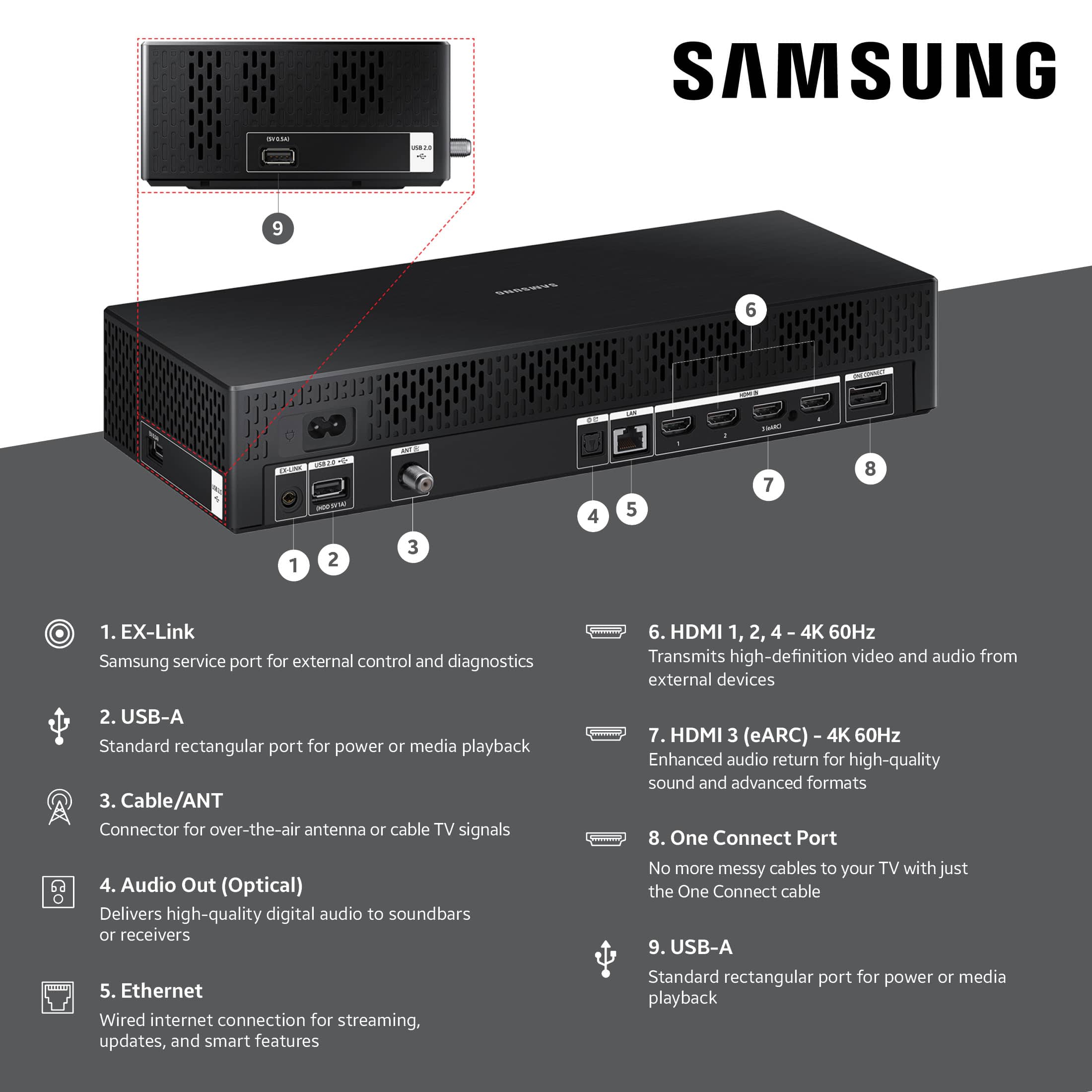
A:AnswerRegarding in-wall rated - Geek Squad guy that was going to deliver and install my TV told me the cord going from TV to One Connect Box was NOT in-wall rated. He suggested building an inset box in wall behind TV for One Connect Box, or run wire outside wall, over to box. Neither of these would work for me so I had to cancel my purchase.