A:AnswerHi,
The M70H TV can connect to external soundbars via HDMI or Bluetooth. If you need help choosing a Samsung soundbar, please do not hesitate to reach out to your local Best Buy or Samsung Customer Support.
Call us at 1-800-SAMSUNG (available 8AM - 12AM EST, 7 days a week) or connect with us via live chat at https://www.samsung.com/us/support/contact/
~ Samsung Advisor
A:AnswerHi,
Yes, the M70H TV features Multi-output Audio, which lets you play sound through both your TV speakers and Bluetooth headphones at the same time. You can also set the headphone volume higher than the TV’s if needed. To enable, go to: Settings > All Settings > General & Privacy > Accessibility > Multi-output Audio
~ Samsung Advisor
A:AnswerHi RK,
This TV does not support direct recording. To record over-the-air content, you'll need to use an OTA DVR. You can explore available options here: https://www.bestbuy.com/site/searchpage.jsp?id=pcat17071&st=over+the+air+dvr
~ Samsung Advisor
A:AnswerHi Kris,
The M70H is Bluetooth-enabled; however, we recommend reaching out to your specific hearing aid manufacturer to confirm compatibility.
~Samsung Advisor
A:AnswerHi lovemovies,
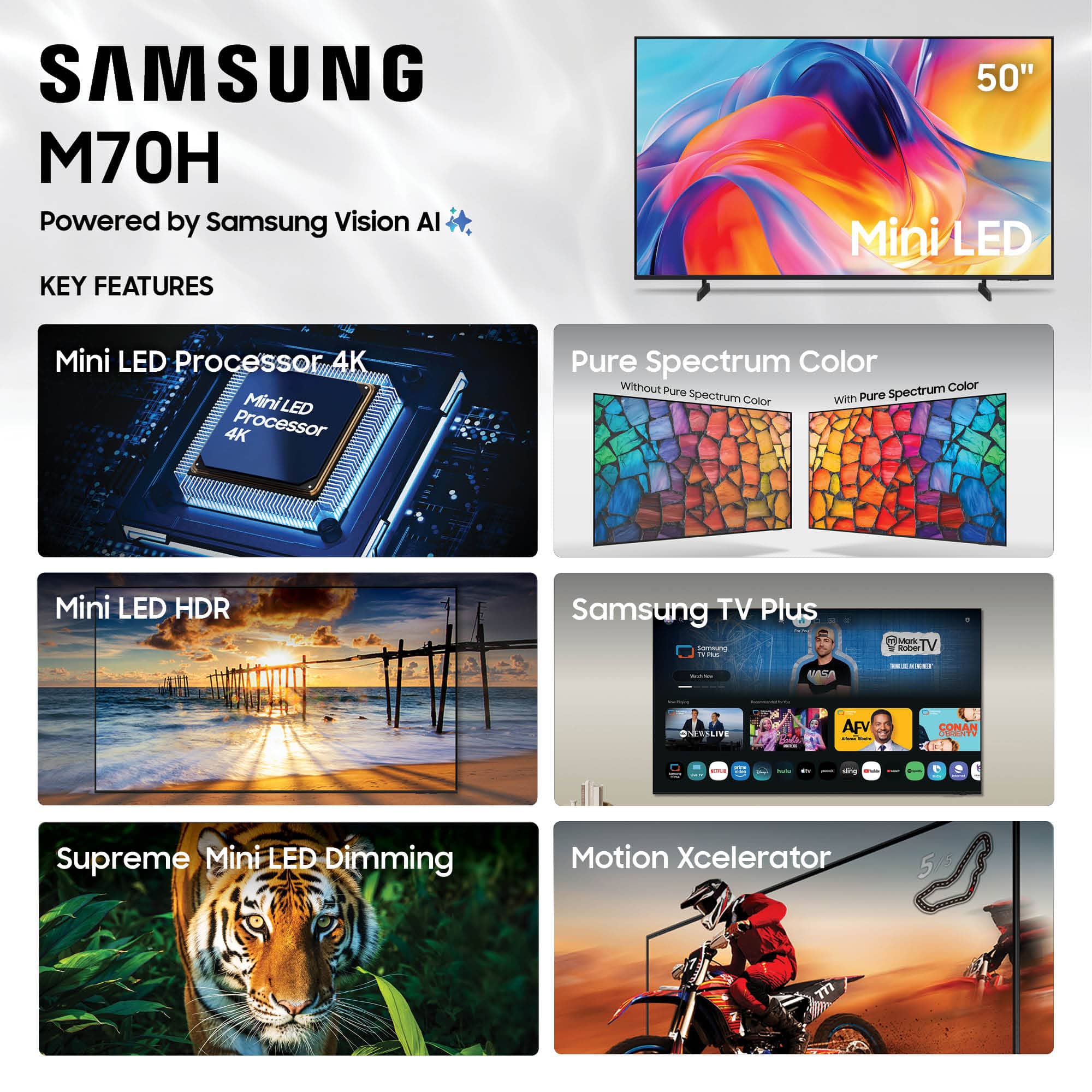
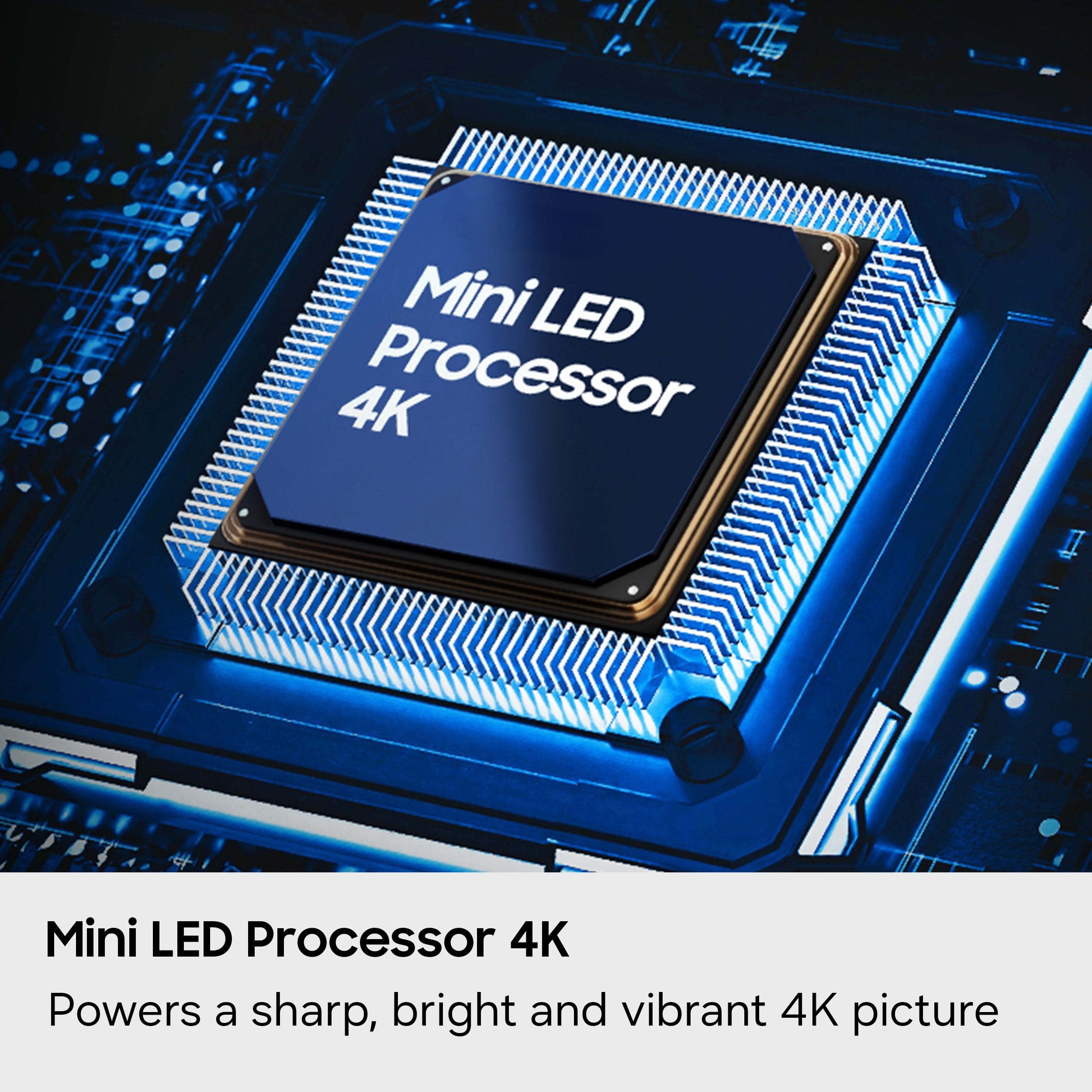
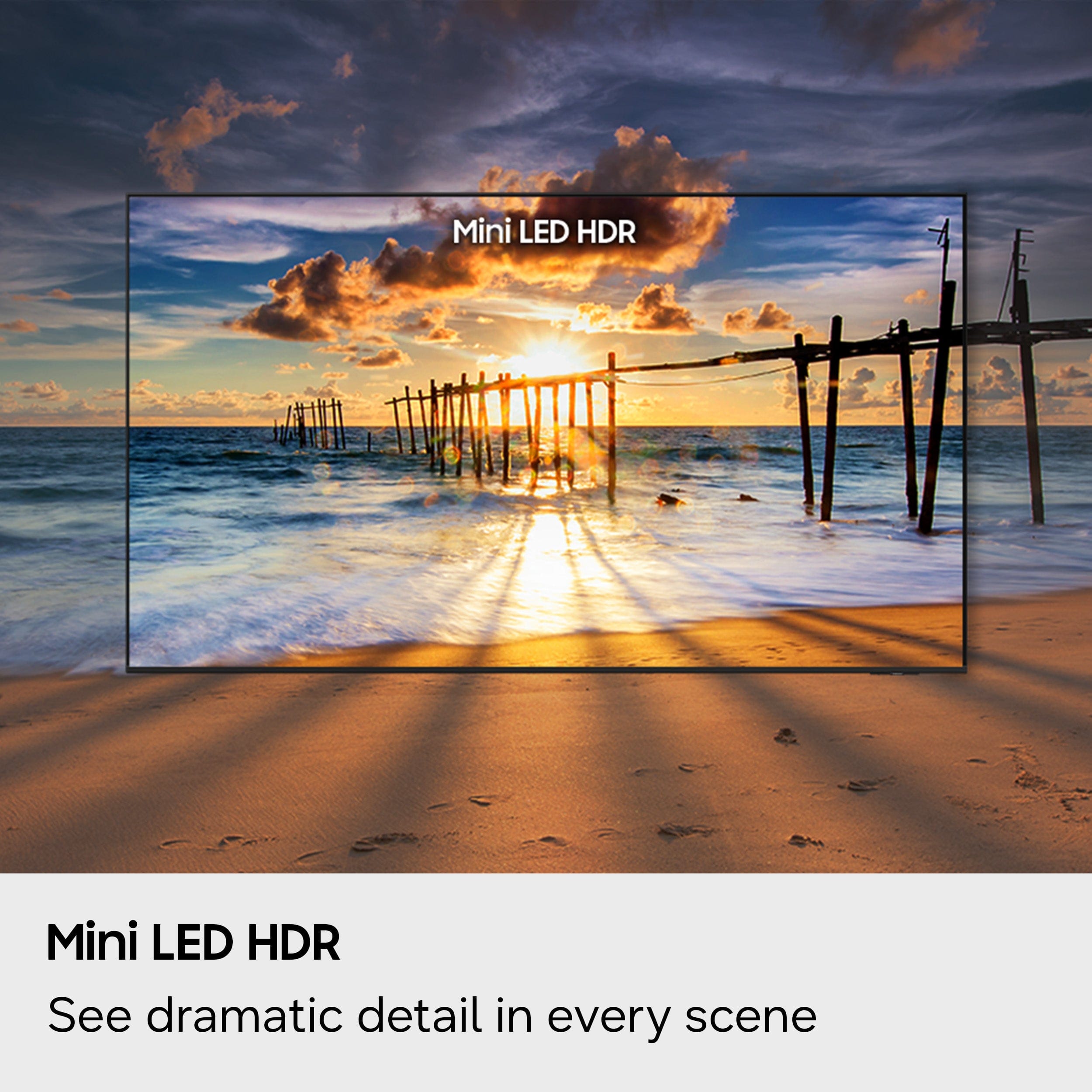
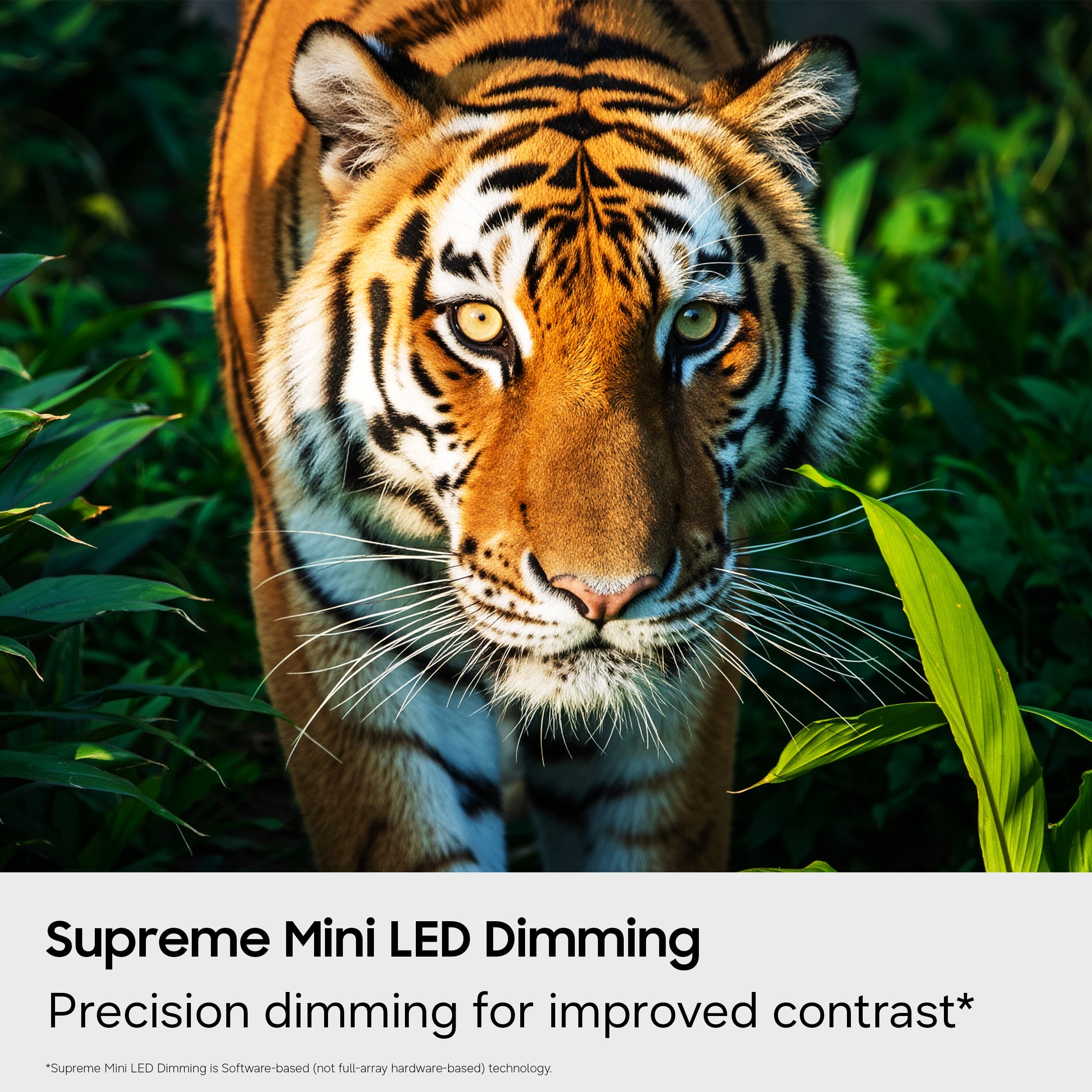
The M70H TV features the Mini LED Processor 4K, which powers your viewing experience by analyzing and enhancing every scene in real time. It delivers brighter highlights and deeper blacks than standard 4K TVs, creating lifelike detail, vibrant color, and improved overall clarity.
~Samsung Advisor
A:AnswerHi Winnie,
If you want glare-free options, we recommend the S85H, which features Ultra Viewing Angle and Anti-Reflection technology to provide you with wider viewing angles, enhanced color, and minimized glare to help you enjoy shows without distractions. You can also step up from there to the S90H which in addition to Ultra Viewing Angle, also adds our advanced Glare Free tech to minimize reflections so you can fully immerse yourself in every game, movie, and show-no matter the lighting
~Samsung Advisor
A:AnswerHi Ayjay,
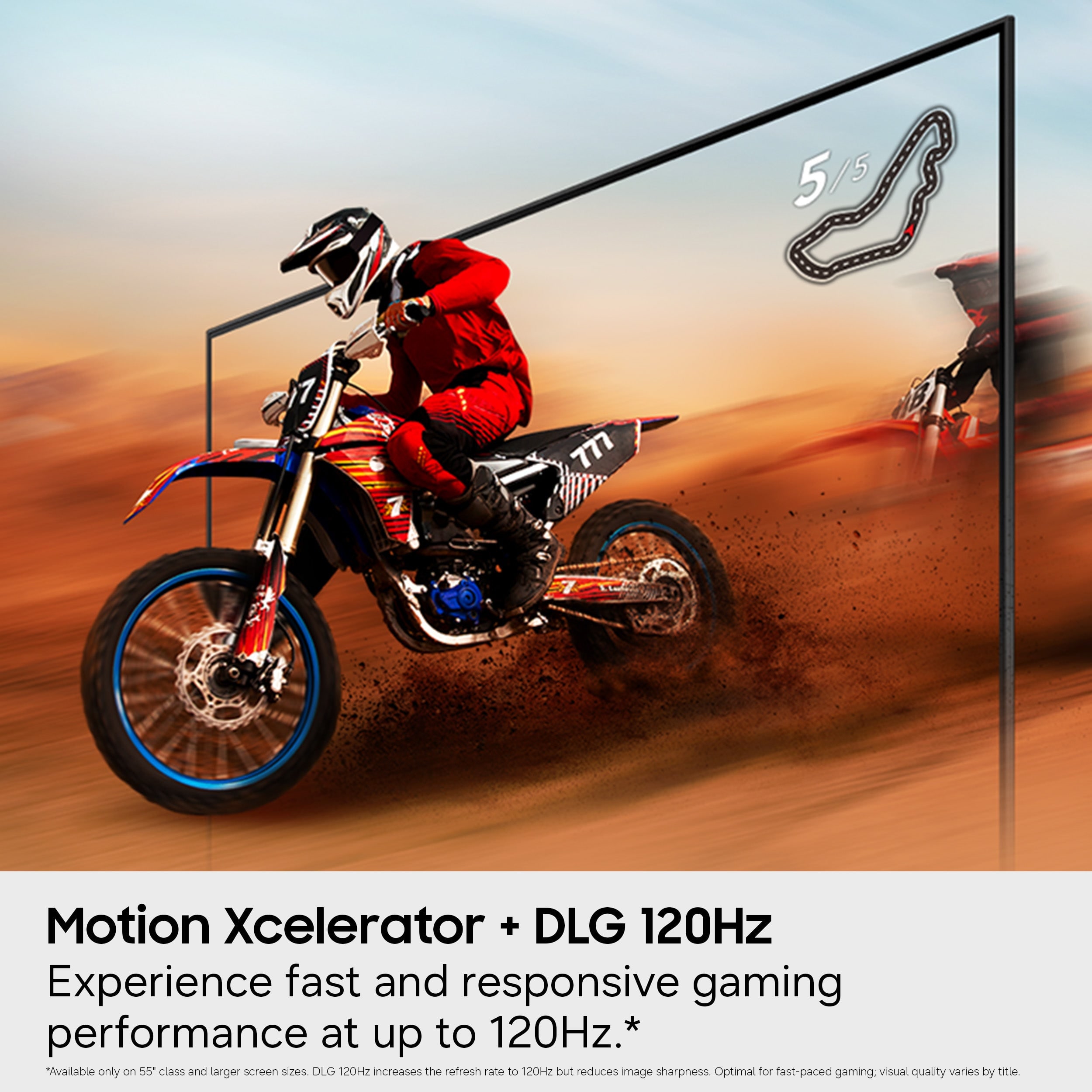
The M70H offers 60Hz and Motion Xcelerator providing smooth motion and improved clarity for high-intensity sports, movies, and games – with crisp and clear details at the same time. The picture on-screen moves smoothly as motion performance features make automatic adjustments, so you don’t miss a thing.
~Samsung Advisor
A:AnswerHi Jarvis2026,
The M70H TV includes Auto Power Off, Sleep Timer, and Off Timer – each designed to reduce power use or automate shutoff. Sleep Timer and Off Timer let you schedule when the TV shuts off.
Auto Power Off turns off the screen if the TV hasn’t been used for a while. To adjust these settings: Home > Settings > All Settings > General & Privacy > Power and Energy Saving.
~ Samsung Advisor
A:AnswerHi,
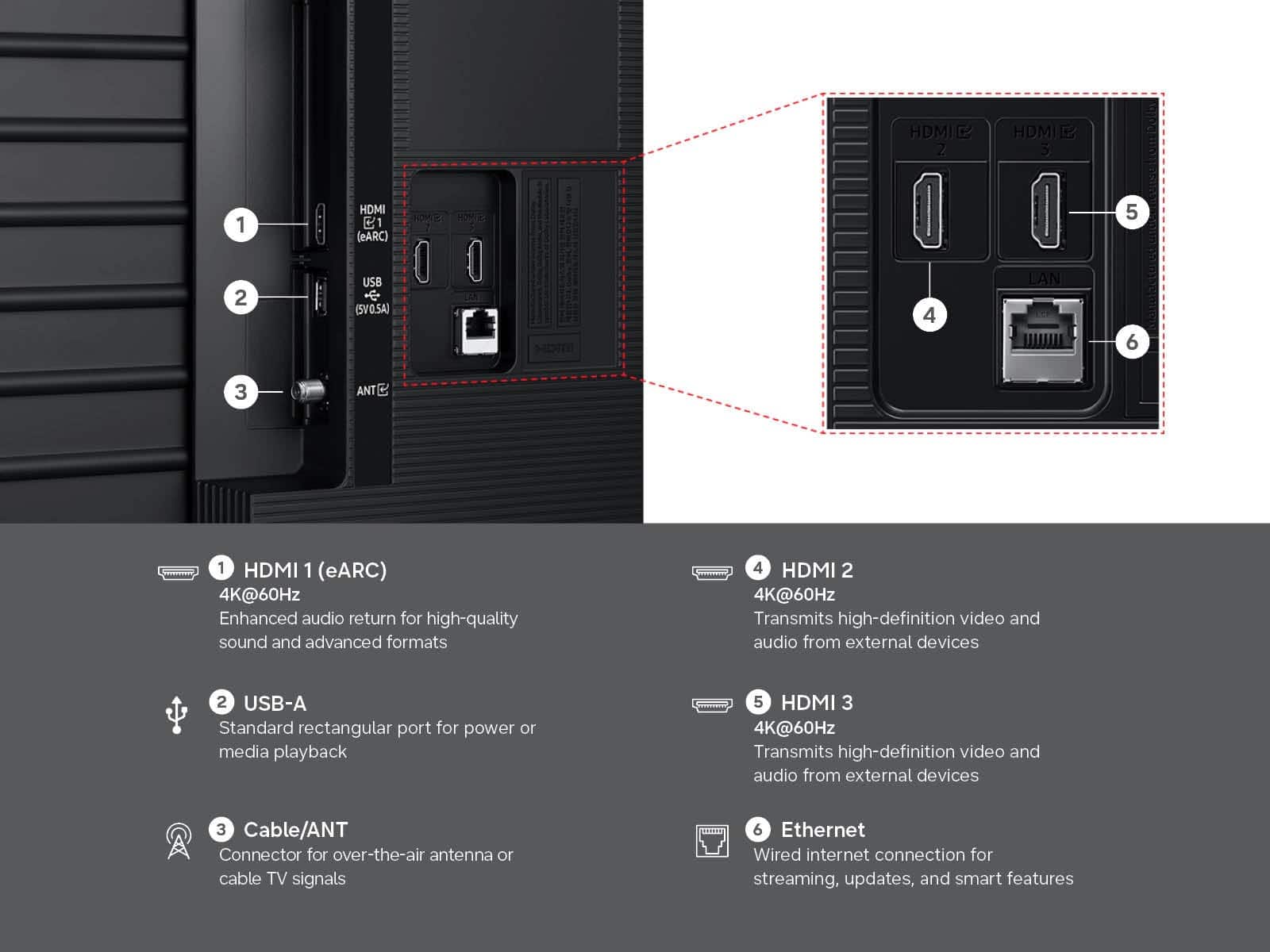
While the M70H TV does not include an Optical port, it does support audio over HDMI, Bluetooth, and Wi-Fi. If an Optical port is important to your setup, this input is available starting with our QN70H Series.
~Samsung Advisor