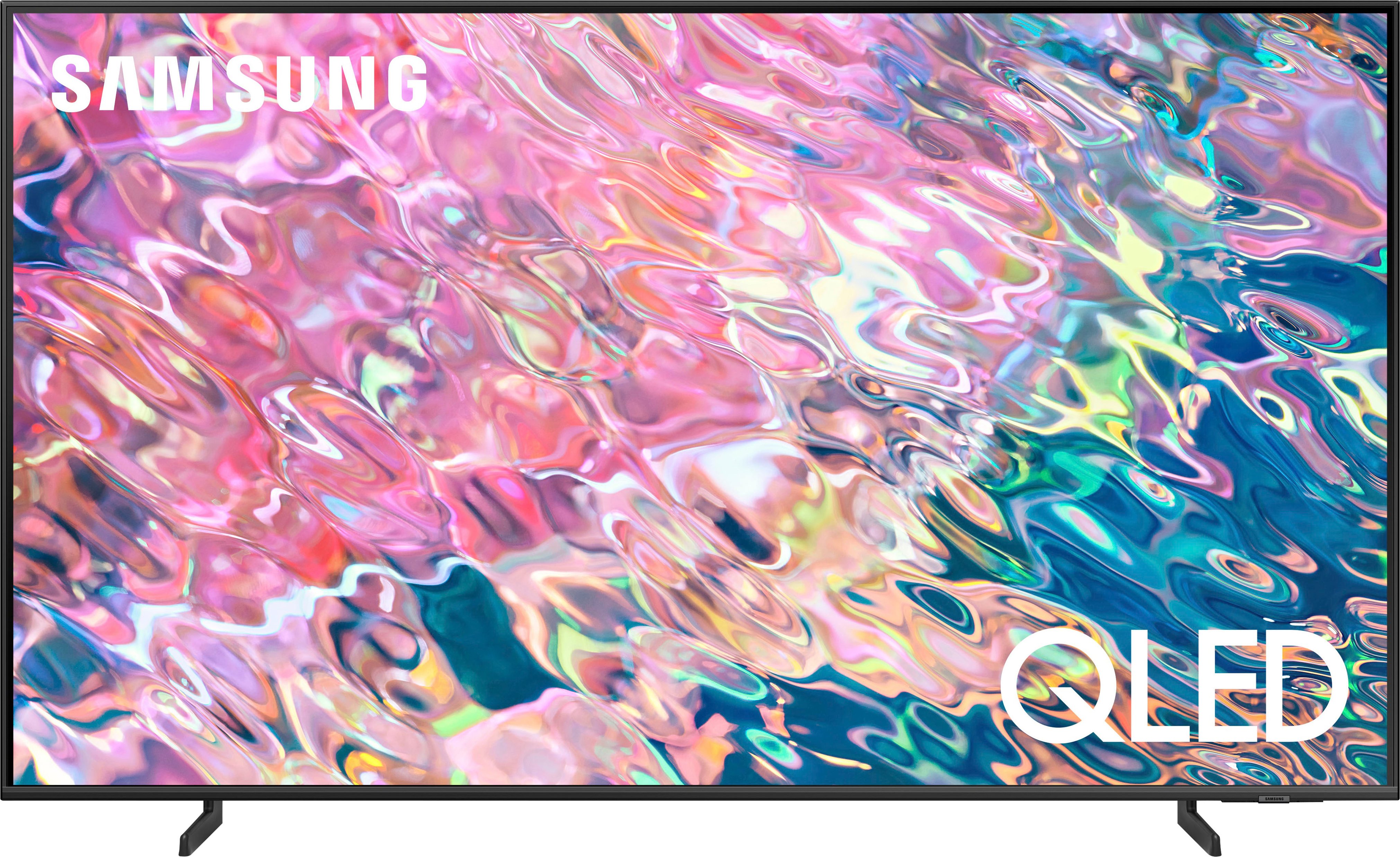
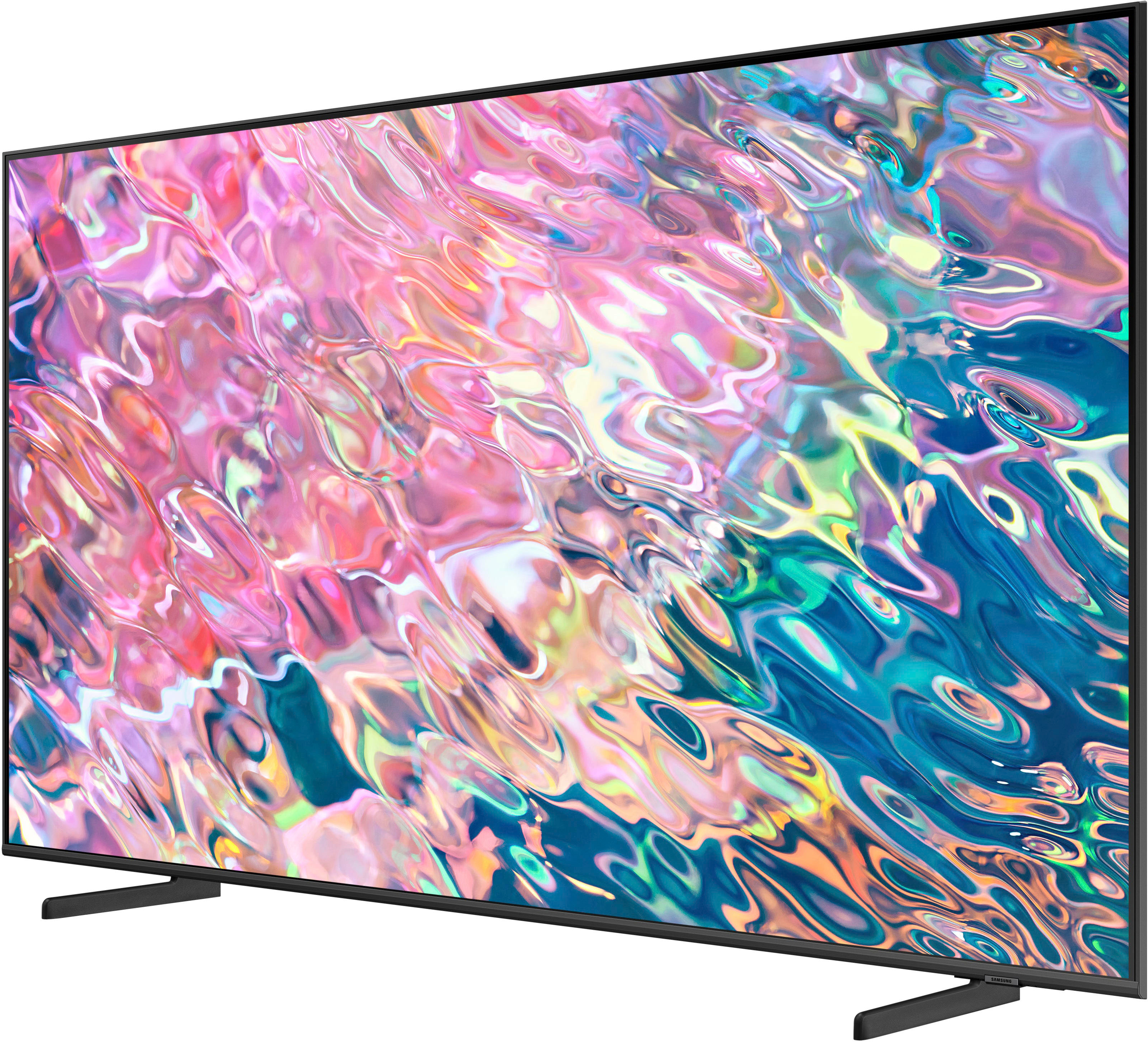
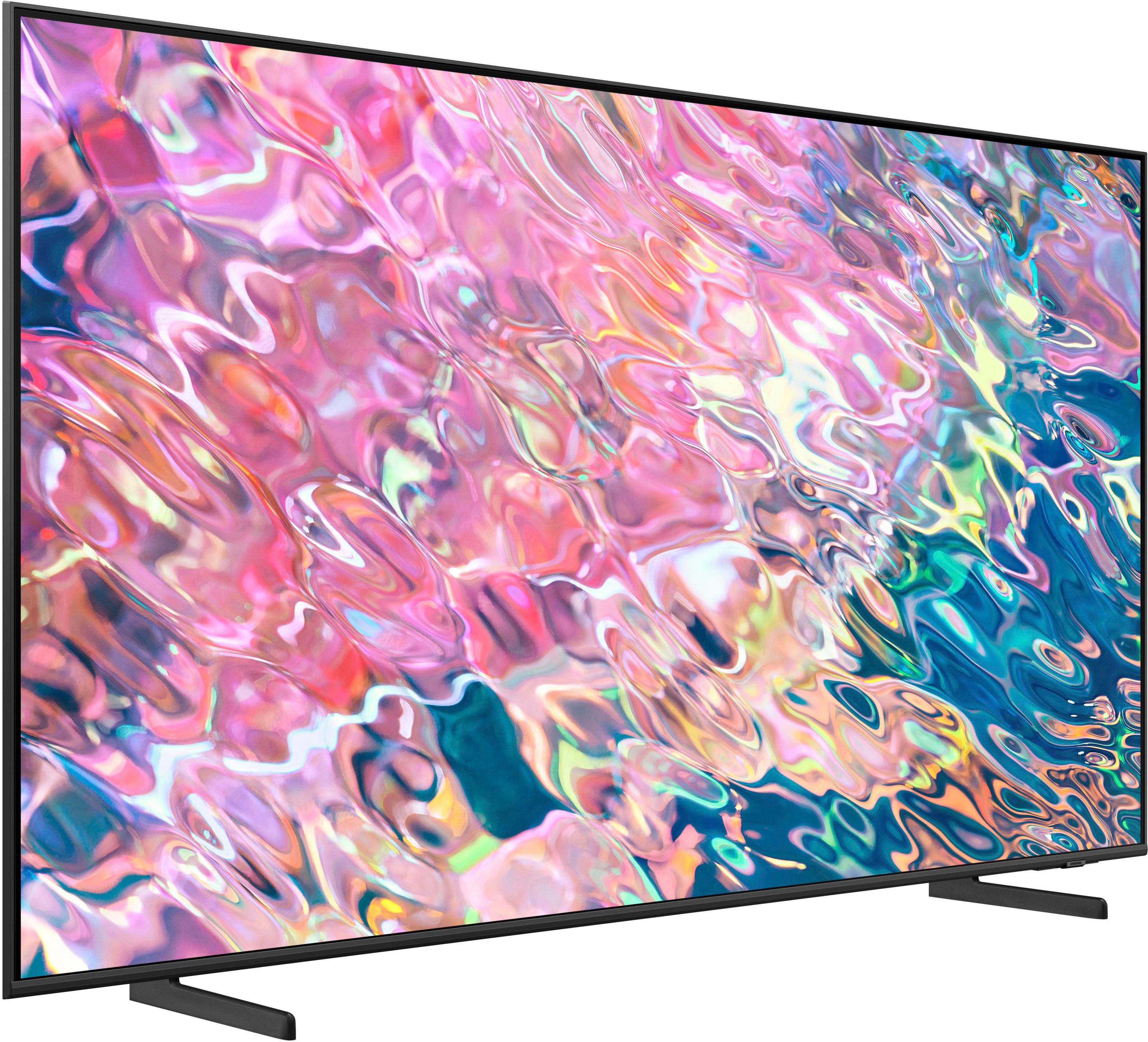
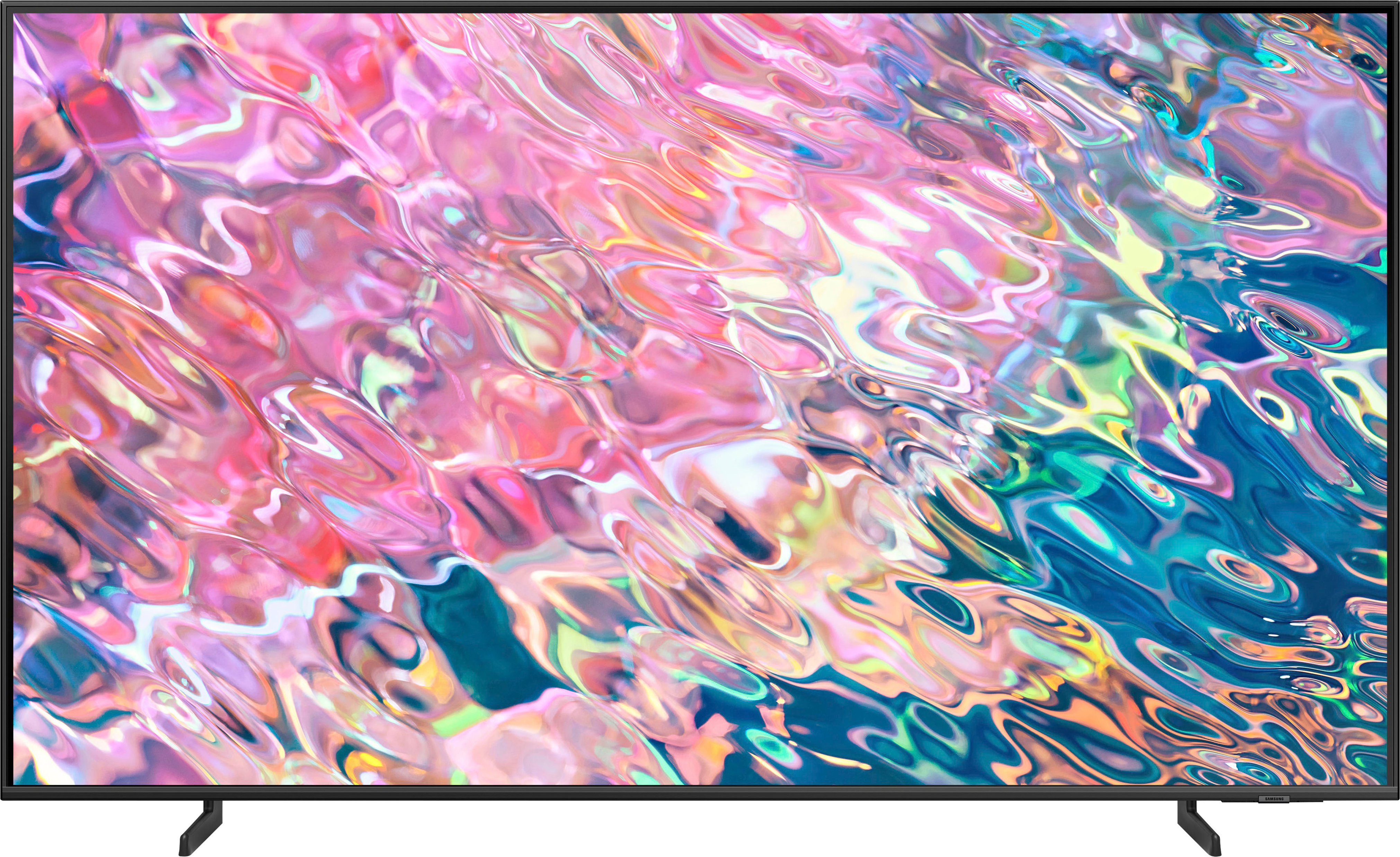
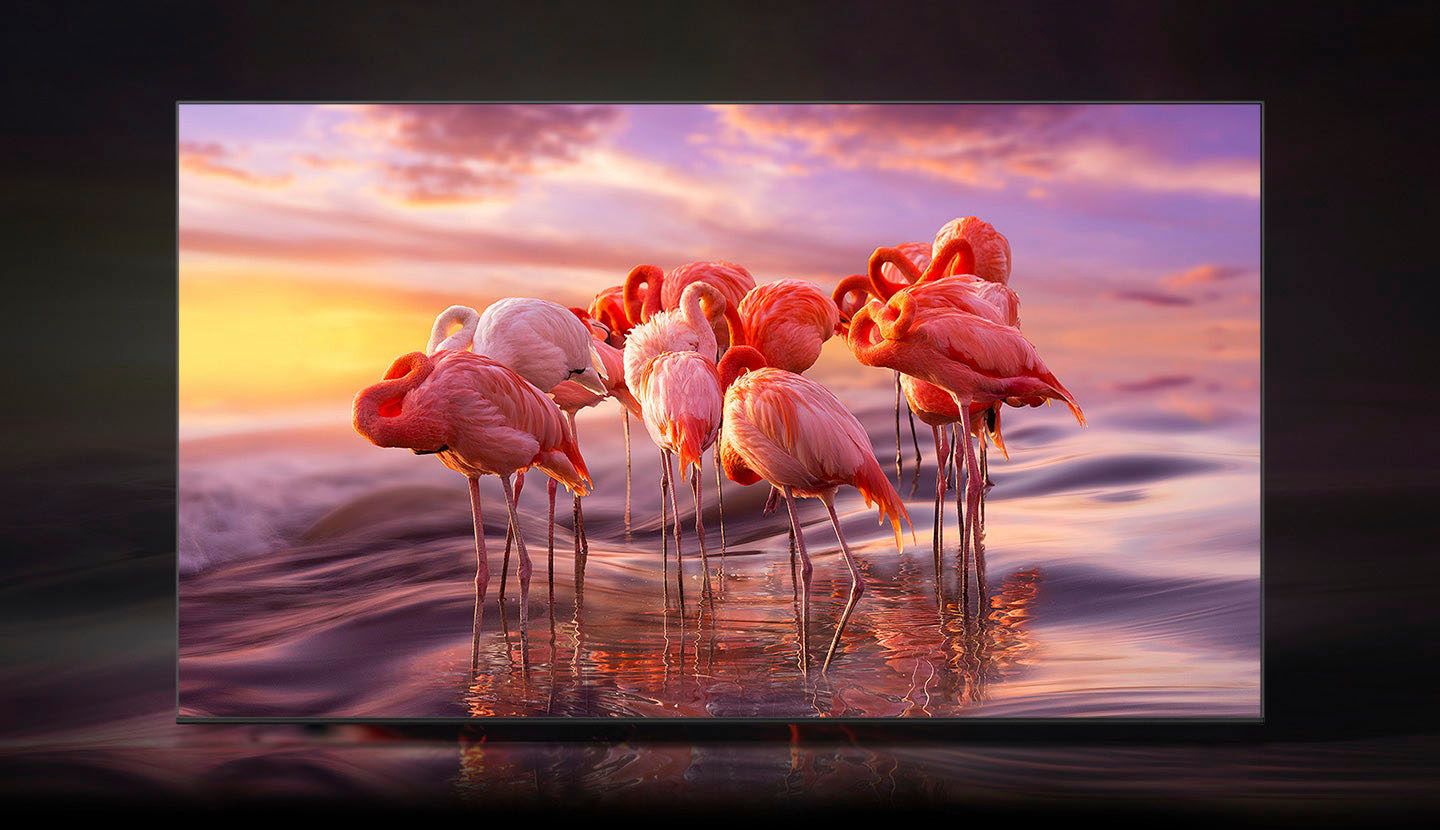
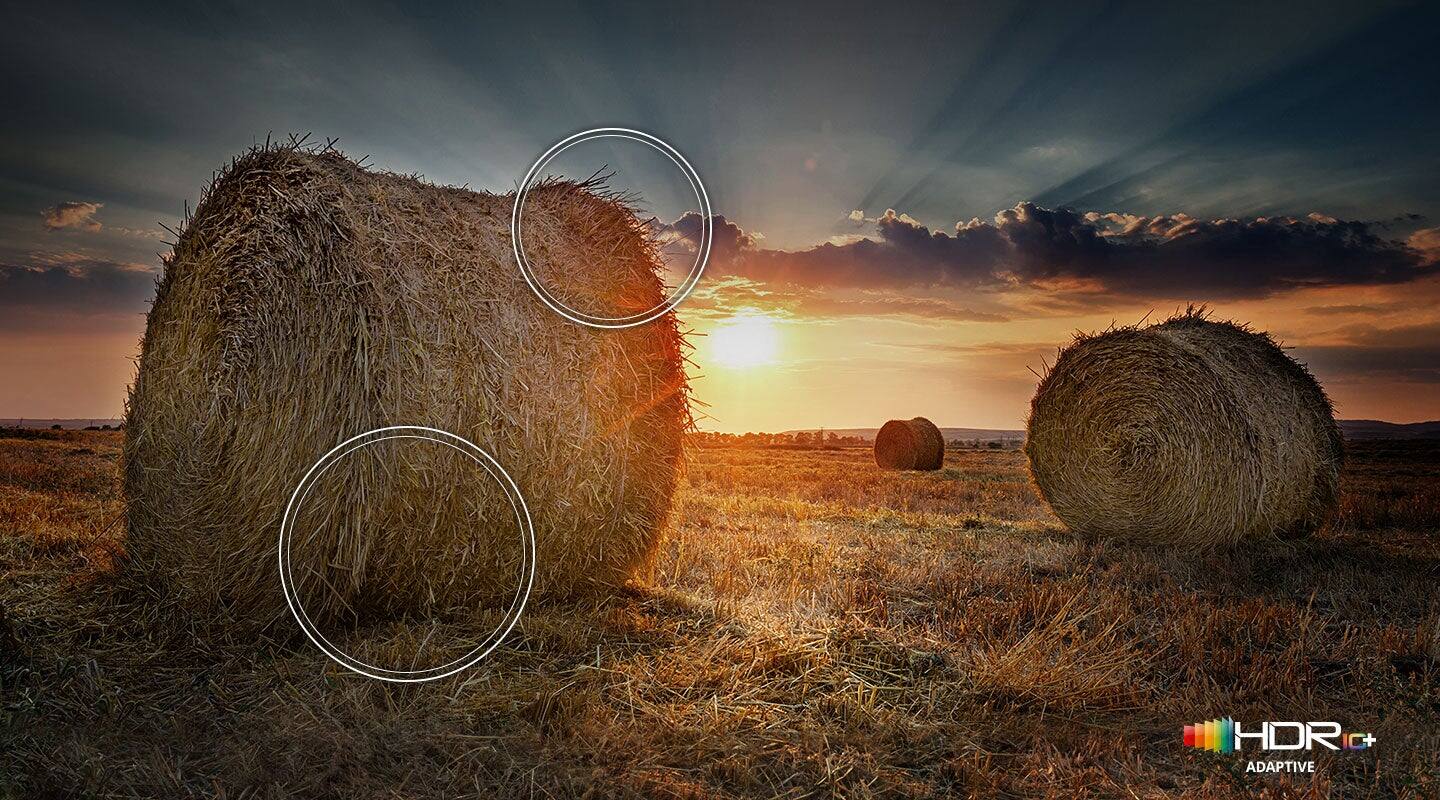
A:AnswerBenson - UHD is short for 'ultra high definition', which usually refers to all TVs with a 4K resolution. QLED TVs use Quantum Dot technology which provides you with 100% Color Volume with over one billion shades of pure accurate color, as well as detail at any level of luminance. Samsung’s OLED TV uses self-lit pixels which allow the TV to control the colors of individual pixels to create life-like colors. It also allows the TV to turn individual pixels on and off to create deep blacks for incredible contrast when viewing HDR content. For further assistance, please reach out to Samsung Support at: 1-800-SAMSUNG, 8AM - 12AM EST, 7 days a week, or Chat with us on Samsung.com: https://www.samsung.com/us/support/contact/ ^Gina
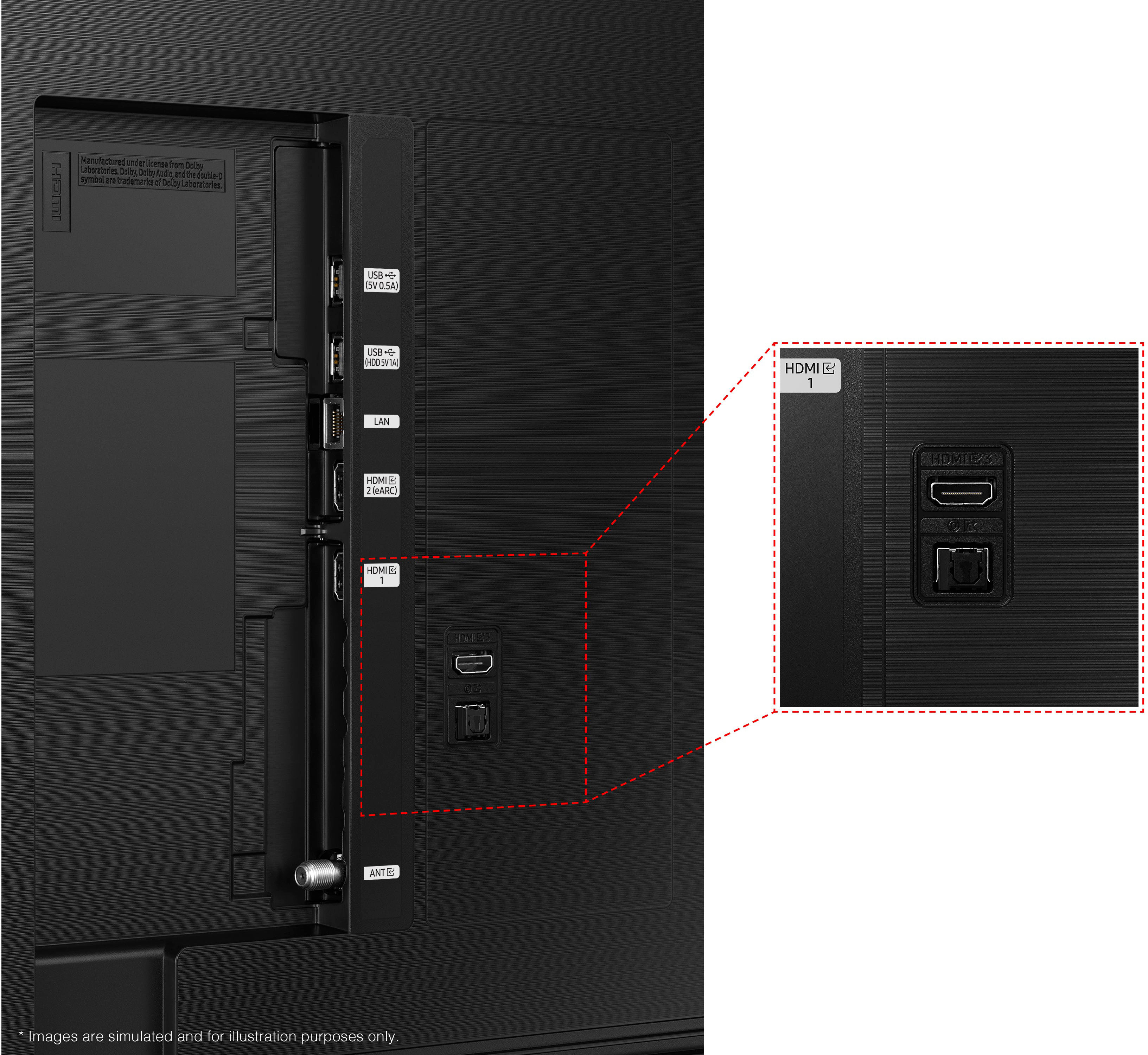
A:Answerrandicito - On the back of your Q60B is a recessed space with sideways oriented ports for 2 USB, LAN, 2 HDMI, and an ANT connection. Next to that are rear facing ports for 1 more HDMI and your Optical In. ^Gina
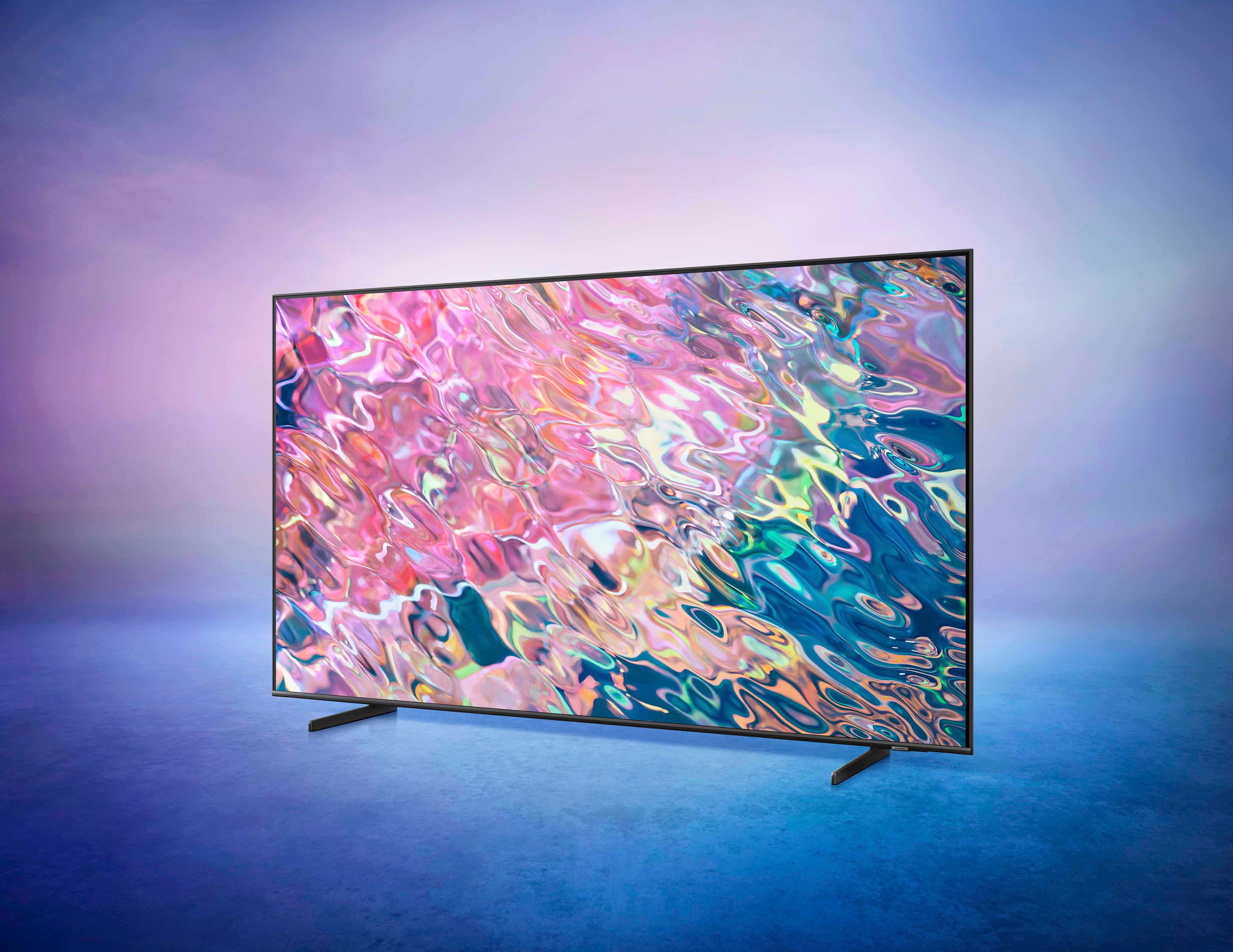
A:AnswerHi Grandma - When compared to the 2020 Q60T, the 2022 Q60B TV adds features like PC on TV, Object Tracking Sound Lite, Q-Symphony when paired with a compatible Samsung Q-Series Soundbar, Super Ultrawide GameView & Game Bar, Multi View, Dual Bluetooth Audio support, Smart Calibration, and our sleek and slim AirSlim Design at 1" thick with minimalist details to enhance your space. ^Gina
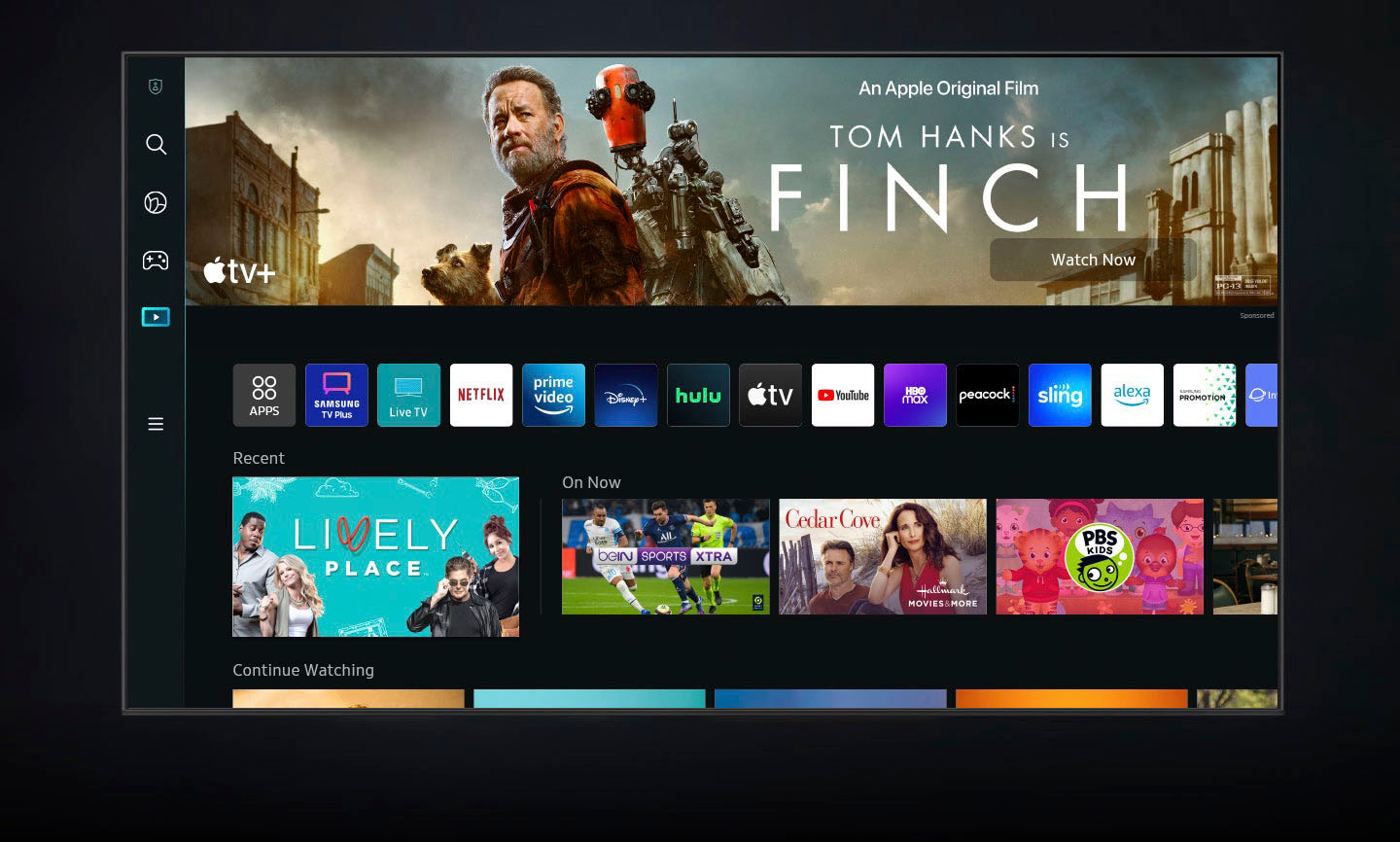
A:AnswerMany of the everyday apps (Netflix, Hulu, AppleTV are available preinstalled or you may download from their App Store.
I have a Roku sound bar attached to it but I find that I don’t use it as much , if at all.
A:Answerlewie - The Q60B has a built-in ATSC 1.0/ClearQAM tuner; when stepping up to the QN90B, you’ll gain a built-in ATSC 3.0/ClearQAM tuner for receiving digital broadcasts.
~ Samsung Specialist
A:AnswerPAT - Should you choose to utilize the voice button on your remote, you will need to set it up with one of the three voice assistants supported by your Q60B, as the voice functionality is directly related to Alexa, Bixby, and Google Assistant. ^Gina
A:AnswerBob - Please know your TV’s voice assistant capability will not be enabled until you’ve set it up in the menu. If Alexa has previously been set up, you can disable it by logging out of your Amazon account: Settings > All Settings > General & Privacy > Voice > Amazon Alexa Settings
~ Samsung Specialist
A:AnswerdmmCO64 - You can download the YouTube TV app directly from the Q60B TV's App Store. You do not need to sign up for the 4K package to stream the app. ^Gina
A:AnswerHi Kent - You can utilize a replacement Samsung remote such as this one at Best Buy: https://www.bestbuy.com/site/insignia-replacement-remote-for-samsung-tvs-black/6448217.p?skuId=6448217 ^Gina
A:AnswerHi Dennis,
The IR sensor is located directly below the Samsung logo on your TV. By holding a reflective object like a mirror under the TV, you can easily find the remote control sensor.
^Brie
A:AnswerI am dealing with the same issue and mine is the same age. Of course samsung answered everyone elses question except this. They're purposely makkng their electronics last about 2 years so you buy another. Same thing happen to both my mothers and my own samsung stove as well. Samsung went to junk! I am out 700 bucks just from this alone.